Learn how to check the status of the various Apple services to confirm whether there are any downtime, or to make sure all services are operating normally.
Is the App Store down? Is iCloud down? How to check the system status of Apple services
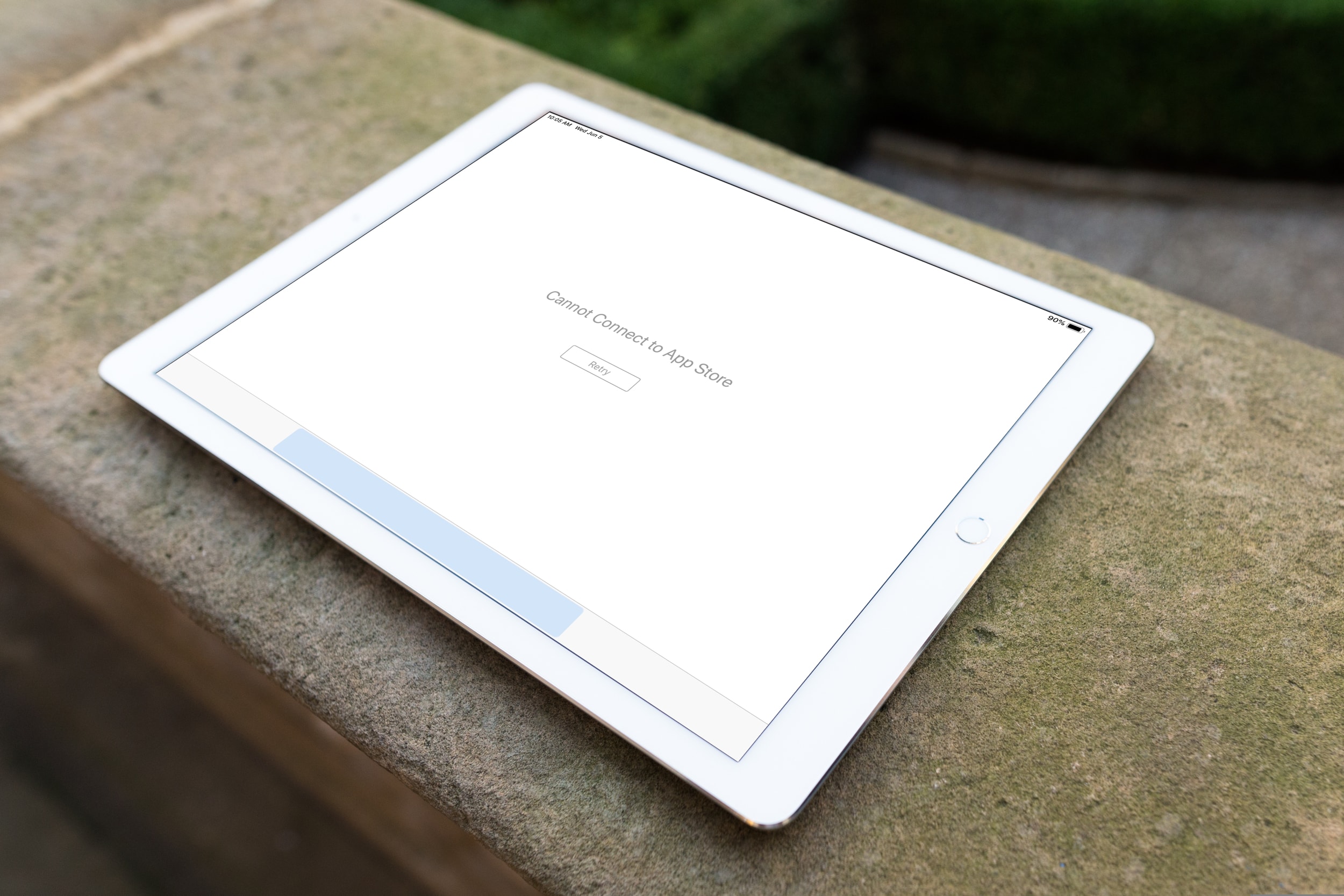
Learn how to check the status of the various Apple services to confirm whether there are any downtime, or to make sure all services are operating normally.
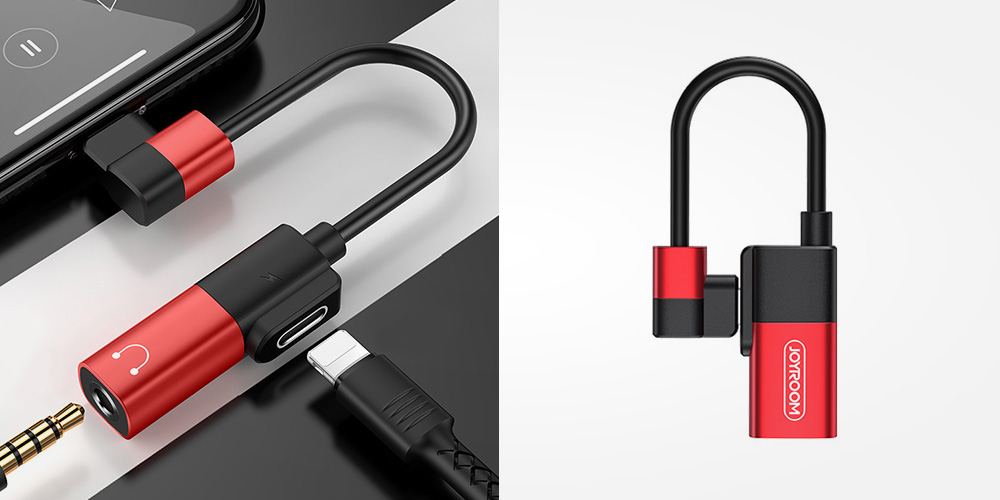
The new iPhones are undeniably awesome—thanks in part to an incredibly powerful camera and enhanced screens with better lighting and contrast. But one major flaw with these world-renowned smartphones is that it’s impossible to listen to music through wired headphones and charge at the same time.
As is par for the course, Apple announced a ton of new features that will be coming along with brand new versions of its various operating systems. And while the company takes time on stage during the WWDC keynote to go over many details, not everything can be covered with the time allowed. But that's why Apple executives are more than willing to shed some details after the keynote.
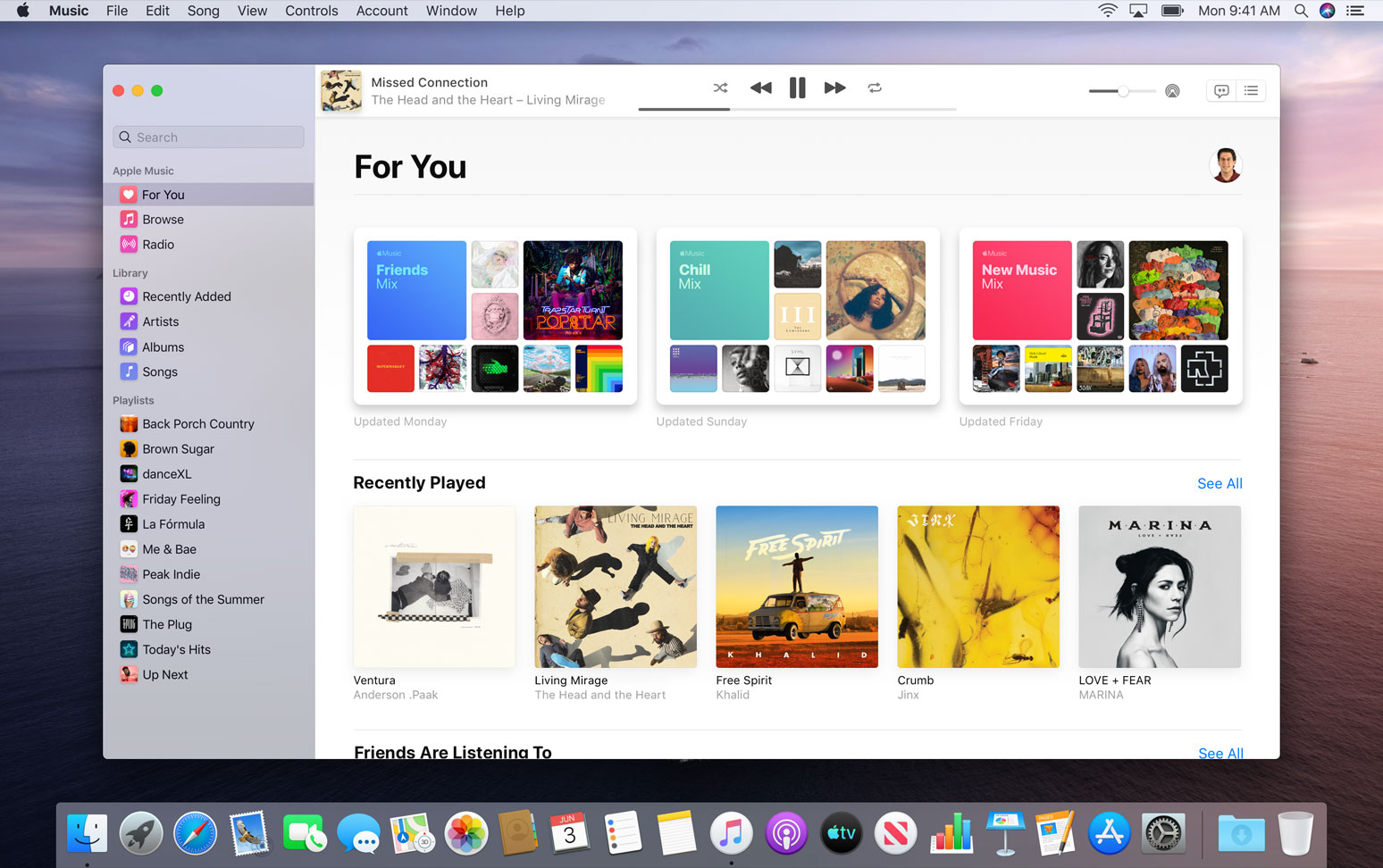
Apple is making some big changes to macOS in the coming update, named Catalina. Perhaps none are as big as the break up of iTunes, which effectively gets separated into three separate apps: Apple Music, Apple Podcasts, and Apple TV. In an effort to clarify what's actually changing, and what might not be, the company has a new dedicated page to tackle the issue.
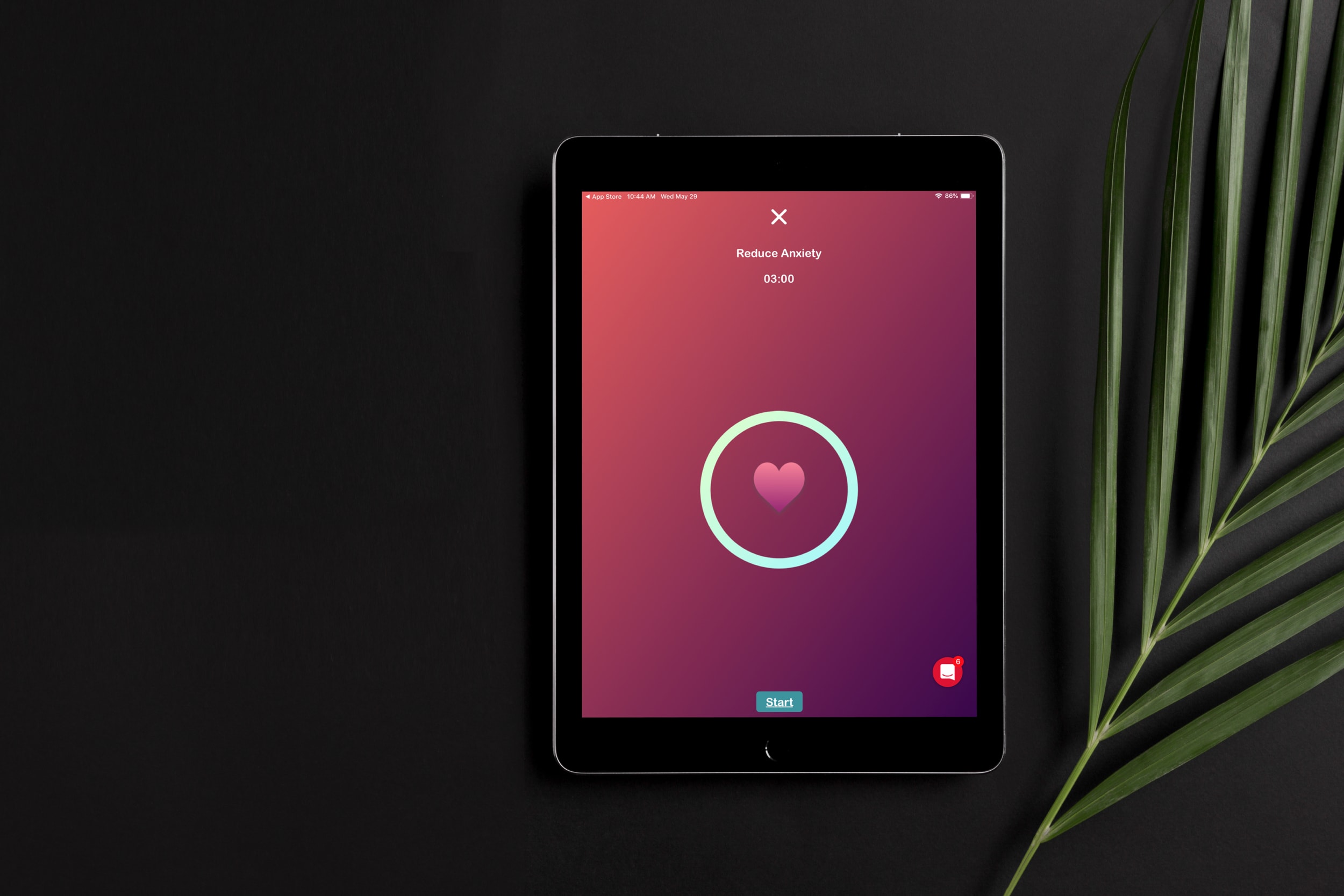
Whether you suffer from an anxiety disorder or just need help reducing stress and anxious feelings, your iOS device can be really helpful. Using apps that can make you feel relaxed and in control of your emotional and mental health is a terrific way to use your device.
Here are some of the best anxiety apps for iPhone and iPad.

Apple didn't miss a chance to help spice up its Apple Watch lineup, offering up new watch faces along with plenty of new features tied to watchOS 6 and its public launch later this year after the big WWDC unveil.
Apple on June 3, 2019 released developer betas of the new iOS 13 and iPadOS software. You're advised to avoid deploying the betas onto your daily drivers, but if you do happen to have a spare iOS device laying around somewhere - or you're the type who prefers to live on the bleeding edge of technology - follow the instructions in our step-by-step guide to learn how to download and install the iOS 13 beta on your iPhone and the beta of iPadOS 13 on your iPad.
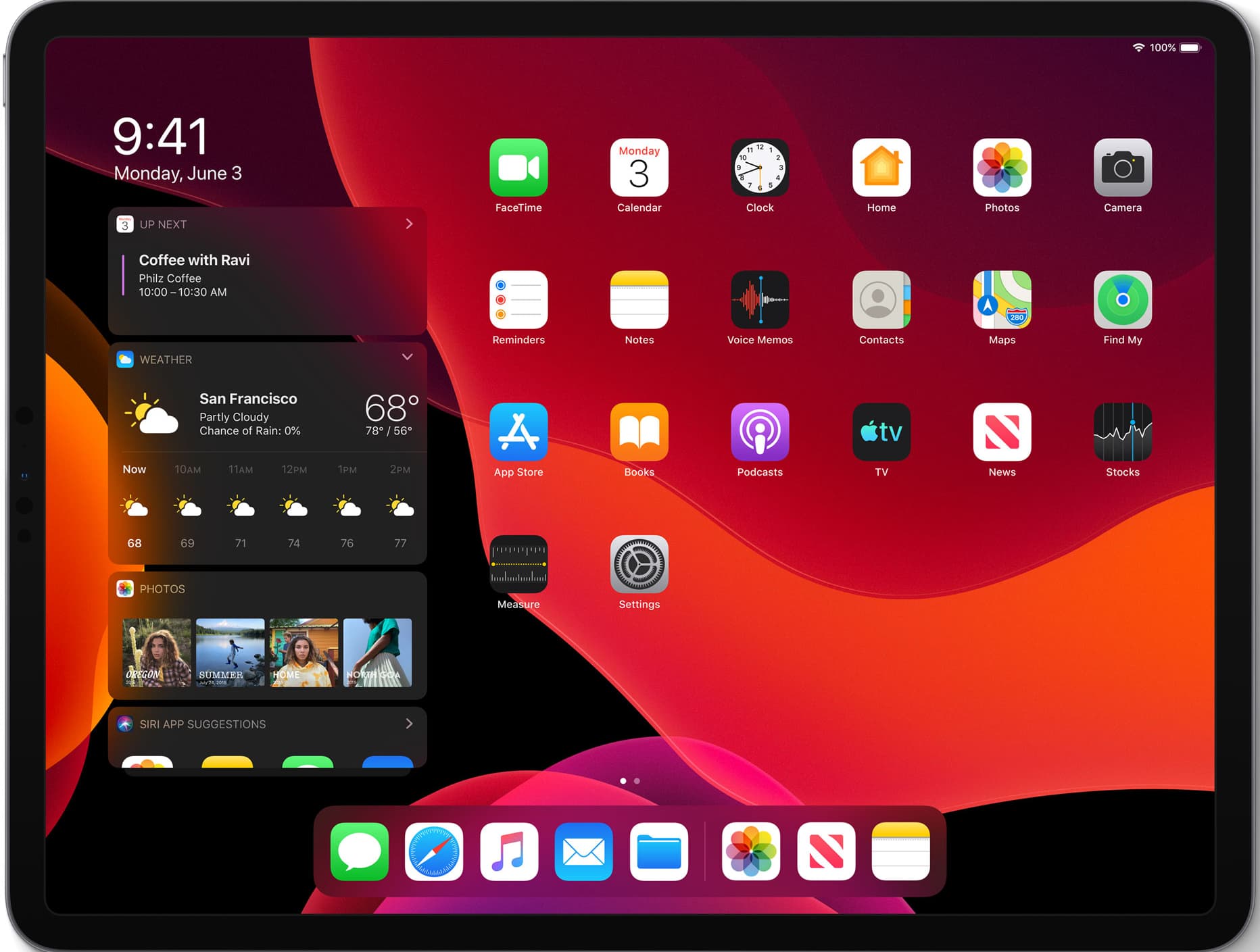
One of the major new announcements at this year's Worldwide Developers Conference was the unveiling of a brand new operating system: iPadOS. This is built upon the bedrock of iOS, but Apple sees plenty of room for the iPad to really differentiate itself in the years to come. To help with that, a new OS was launched.
Apple made some drastic changes to iTunes with the unveiling of macOS Catalina, effectively ditching the legacy software in favor of standalone Apple Music, Apple Podcasts, and Apple TV apps. But considering how many people still sync their device(s) with a cable, Apple had to make sure not to ditch this particular feature altogether. So instead, it's just been tweaked a bit.
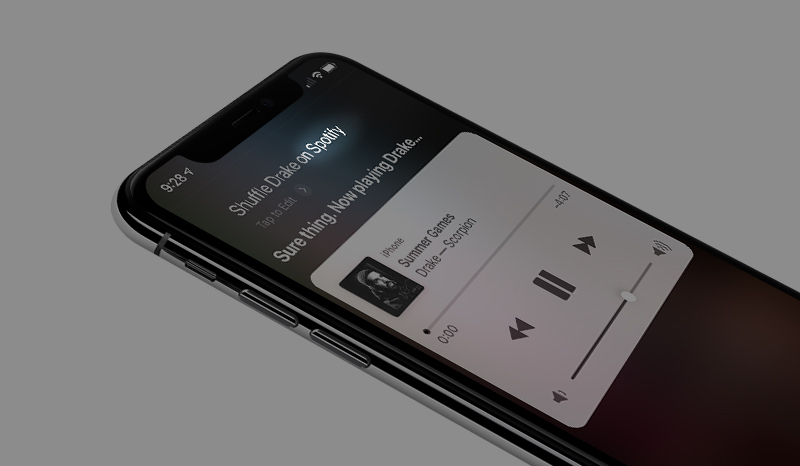
Using Siri to control music playback, or other media controls depending on the first-party app, is pretty helpful. However, if your app of choice is a third-party option like Spotify, then using Siri to handle playback controls isn't an option. But it looks like that can change in iOS 13.

Learn how to change the default Safari homepage to automatically open your favorite website when you click the Home button or open a new browser window or tab.

The camera on your smartphone is undeniably impressive, but even the latest and greatest smartphone camera is meaningless if you keep taking shaky and blurred shots.
This VILTA Handheld Smartphone Gimbal allows you to easily stabilize your phone while you take pictures or videos so you can get the perfect shot every time, and it’s currently available for just $116.10 with limited time coupon code: DAD10.