Year: 2014

Verizon’s Christmas quarter: 1.6M new subscribers, $5B quarterly profit

Verizon Wireless, the nation's top wireless carrier, on Tuesday reported its earnings for the 2013 holiday quarter. Despite notable gains from T-Mobile, whose attention-seeking CEO earned his company a lot of coverage while lambasting competitors, Verizon has managed to add 1.6 million new contract subscribers during the Christmas quarter of last year, pushing its total subscriber count to 102.8 million customers.

Quarterly net income of the wireless division was $5.07 billion on $21.1 billion in revenue, or $7.9 billion on $31 billion in revenue for Verizon Communications.

The figure compares favorably to a massive $1.93 billion loss in the fourth quarter of 2012, attributed to the damage caused by Hurricane Sandy and rising costs in employee pensions. More tidbits below the fold...
Poll: what screen size should the iPhone 6 be?

Two years ago, our iPhones were all 3.5-inch. It was a time when jumbo-sized handsets had started to steal Apple's thunder as a bunch of people responded enthusiastically to bigger smartphones from the Android camp, namely, Samsung.

Our non-scientific poll asked you back in May 2012 whether the then-unreleased iPhone 5 should rock a bigger screen. More than four out of each ten respondents voted for a four-inch display being the new gold standard for iPhones going forward.

But a lot has happened in the past eighteen months. Fast forward to today and all of a sudden what seemed preposterous in 2012 is commonly accepted in 2014.

The line between a smartphone and a phablet is now blurred to the point where a lot of Apple fans have taken notice of these oversized handsets and are now demanding that Apple responds to the trend accordingly.

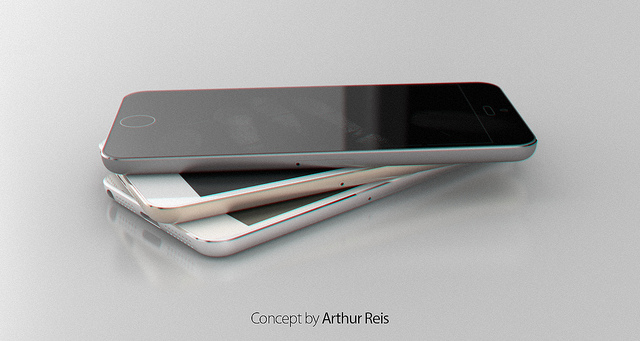
The rumor-mill is adamant that Tim Cook will further diversify Apple's mobile product portfolio in 2014 by commissioning a 12.9-inch iPad alongside larger-screened iPhones. Taking it all in, what screen size the next iPhone should be, do you think?

Create beautiful visual stories with Storehouse

Everyone loves to share pictures with each other. Instagram is proof that we will take pictures of anything and make people look at them. We show off our shoes, our dinner plates, our cats, and our “relaxed” feet. We love to take pictures.

Storehouse is a photography app that lets you show off your daily snapshots, but once you see what the pros are doing, you won’t want to embarrass yourself with a retrospective of a year of selfies…

Apple Stores now replacing damaged iPhone 5c screens

As promised in a report earlier this month, Apple has begun repairing iPhone 5c screens in-store this week. 5c owners with cracked or otherwise damaged displays can now take their handsets into their local Apple stores and have them repaired quickly for a flat fee.

Apple has been doing this since last year for the iPhone 5, but just recently updated the hardware and training necessary to work with the newer models. The move is the company's latest effort to cut down on device repair and—perhaps most of all—replacement costs...

Beats launches ‘Music’ streaming service for $10 a month, iPhone app now available

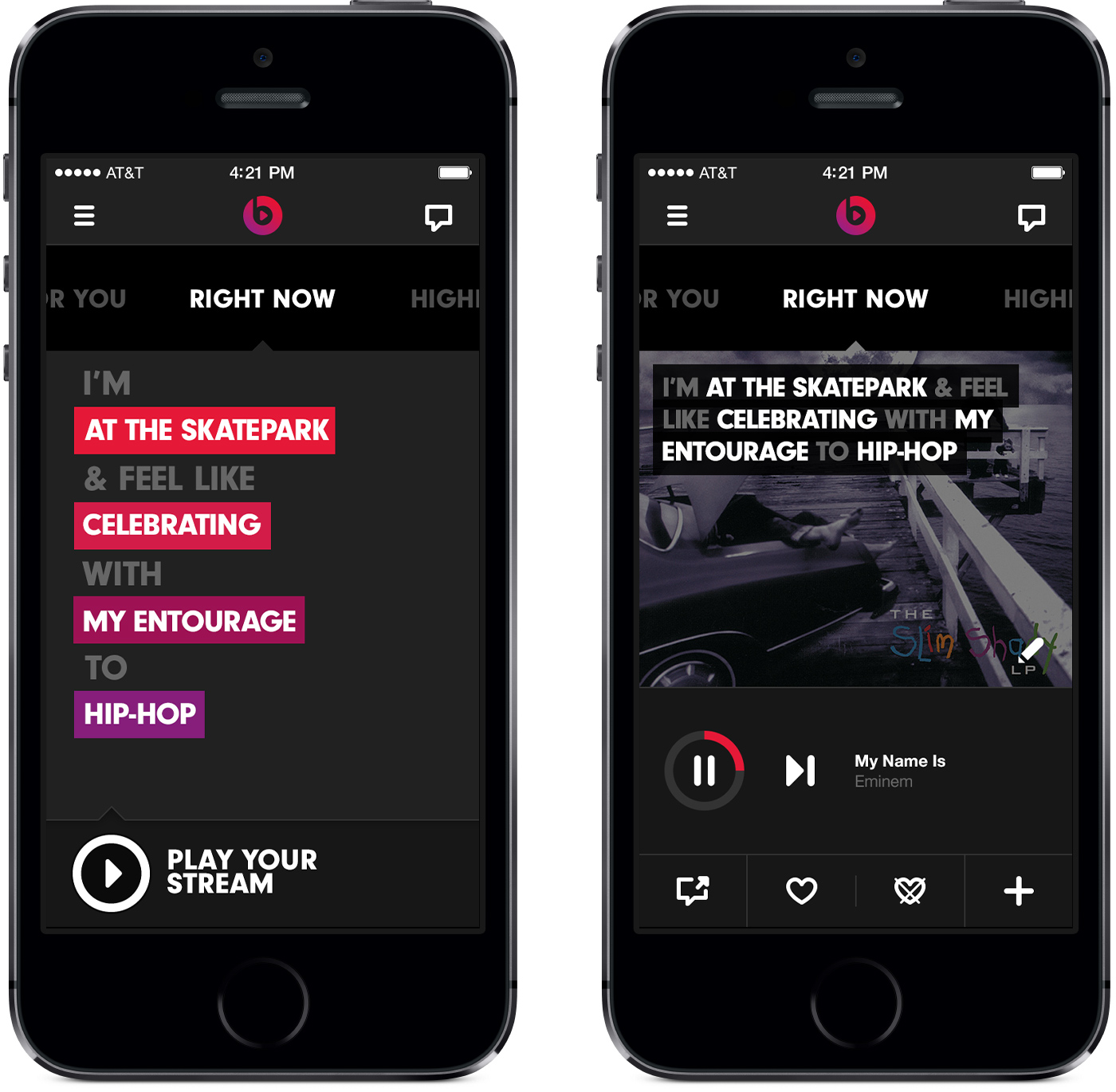
As promised, Beats launched its highly anticipated 'Music' service this morning, bringing the headphone-maker into the highly competitive world of streaming audio. And with a library of around 20 million songs available for on-demand play, it's certainly built to take on the competition.

But Beats is taking a different approach to its subscription service. Unlike your Rdios and your Spotifys, it doesn't offer a free ad-supported model and the company is putting a lot of focus on its custom radio stations and playlists that it says were curated by some of the best DJs in the world...

How to control Philips Hue lights from Control Center

I have a special fascination with home automation, and I'm usually up for trying anything new in this space. For that very reason, I was super excited to try out the Philips Hue lighting kit when it first launched, and I picked one up on day one. You can watch my Philips Hue unboxing and review here.

Philips has a decent, if not a bit cumbersome to use, app available that allows you to control the Hue lights. I was always a big fan of the hardware, but I thought the software left a lot to be desired.

One of the biggest gripes for me is just having to launch a separate app in the first place. Wouldn't it be awesome if you could turn your lights on and off directly from native iOS? Wouldn't it be even more awesome if you could control your lighting directly from iOS 7's Control Center?

And that's exactly what this recently released jailbreak tweak, entitled HueHueHue, does. It allows you to control your Philips Hue lights from native iOS, including Control Center, and a whole lot more. Take a look inside as I walkthrough this jailbreak tweak's features on video.

SlideForUsage: swipe down on the pages in the app switcher for usage info

The app switcher in iOS 7 allows you to swipe up on the pages listed there to kill the apps using a simple gesture. Swiping down on the app pages results in a simple rubber banding animation that has no effect on the application associated with the page.

Wouldn't it be cool if you could garner some extra functionality from swiping down on pages within the app switcher? That's the basic premise behind SlideForUsage; it allows you to view basic usage statistics for the apps listed in the app switcher. Have a look at our video walkthrough inside.

ColorFlow: colorize the stock Music app based on album artwork

ColorFlow is a recently released jailbreak tweak that colorizes the look of the stock Music app. The colors impact nearly every facet of the stock Music app, from the buttons, to the sliders; even the backgrounds aren't spared.

The colors are inspired and derived from the currently playing album artwork. ColorFlow is a gorgeous looking tweak that's a must try for iOS 7 jailbreakers. Have a look at our full video walkthrough after the jump.

Let’s Talk iOS 012: Having trouble sleeping, Sebastien?

Episode 012: We talk about the Starbucks app security folly, Google's acquisition of Nest, Apple's weekend launch of the iPhone on China Mobile, plus we discuss some of our favorite cloud storage solutions, and chit-chat about some of our more notable app downloads from the week.

Subscribe via iTunes

How to get the reflected iOS 6 dock back on iOS 7

For whatever reason — we're not judging — you simply don't like the blurred and translucent dock on iOS 7. We understand. A new jailbreak tweak by the name of ClassicDock is all you need, bringing the reflected iOS 6 dock right back to your Home screen on the newer version. It's that simple.

This is a fully plug-and-play extension that works its magic immediately after being installed in Cydia, with no options to configure in the Settings app. Read ahead for a few more details… 

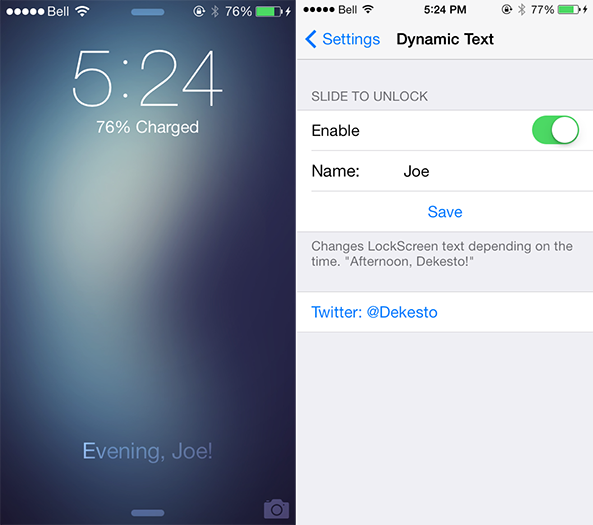
How to dynamically change the Slide to Unlock text

We've kicked off the week with an influx of new jailbreak tweaks for iOS 7 devices, ranging from Controllers for All and Animer7 to Fancy and Pluck 2. Those four packages are very interesting in themselves, but a smaller extension by the name of DynamicText deserves a quick look too. As you would expect, the tweak allows you to dynamically change text on iOS 7. Take a look ahead for a closer look… 

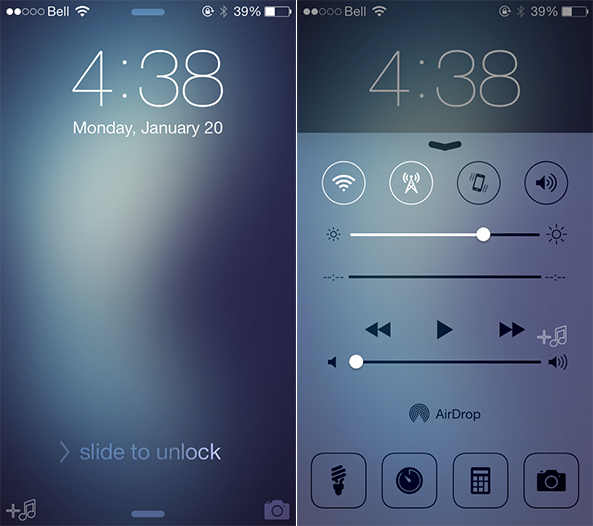
Pluck 2 lets you pick songs to play directly from the Lock screen

I'm a big fan of listening to music, predominately while I am making the early morning commute to college on weekdays. As a Canadian citizen, however, fumbling with my iPhone to change the song while driving is illegal because of the distraction it presents to the driver. It's a good law, in my opinion, but one that can be understandably frustrating at times. And while a new jailbreak tweak called Pluck 2 isn't a full-stop solution for that problem, it is a useful extension that allows me to keep my eyes focused on the road…