Year: 2014

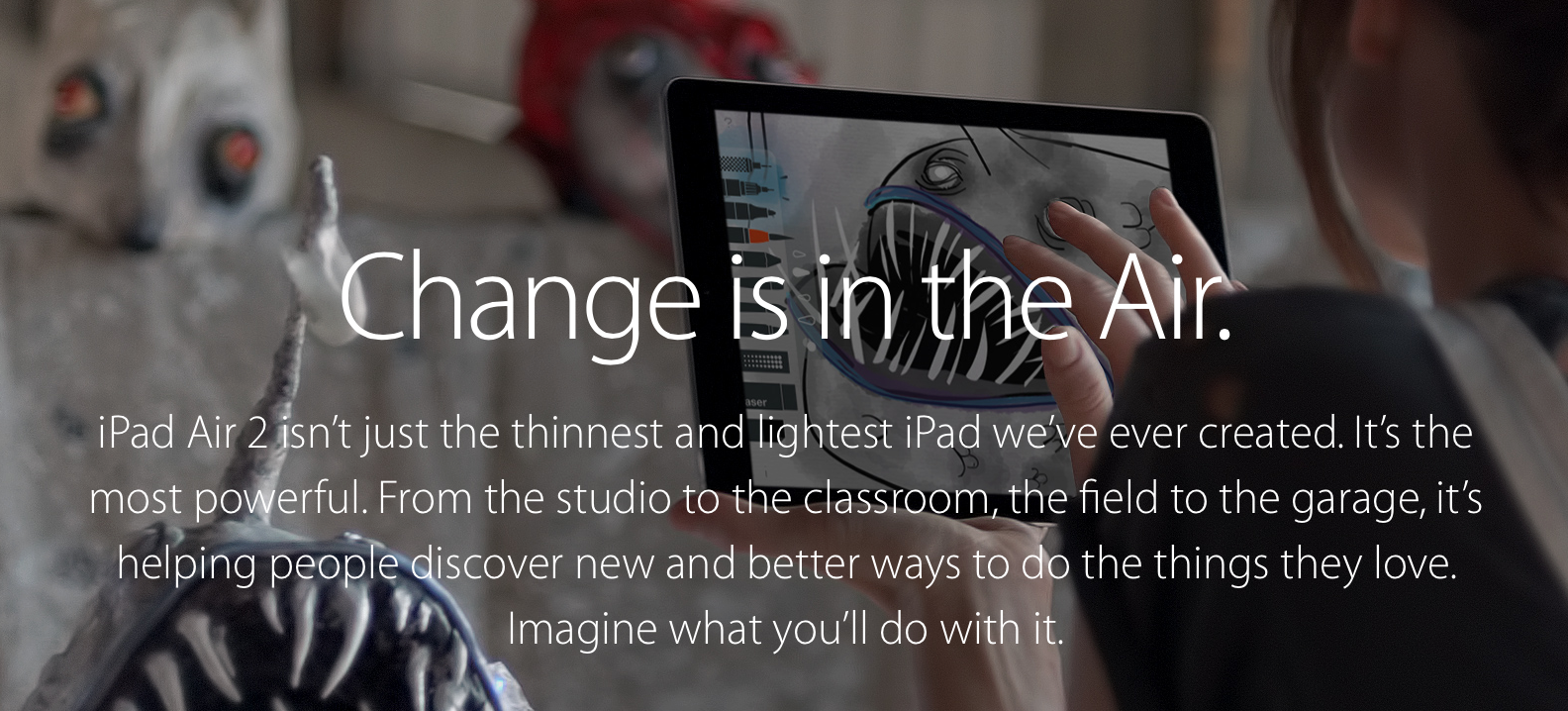
Apple introduces new ‘Change’ iPad Air 2 ads

Apple today introduced two new iPad Air 2 ads. The two clips began airing today during NFL broadcasts, and are both variations of a one minute video Apple posted on its website this weekend as part of its new 'Change' iPad campaign.

The new commercials differ from the previous 'Your Verse' spots, which each told stories of how various people used their iPads. Instead, the 'Change' ads each demonstrate how a variety of people use their tablets in unconventional ways.
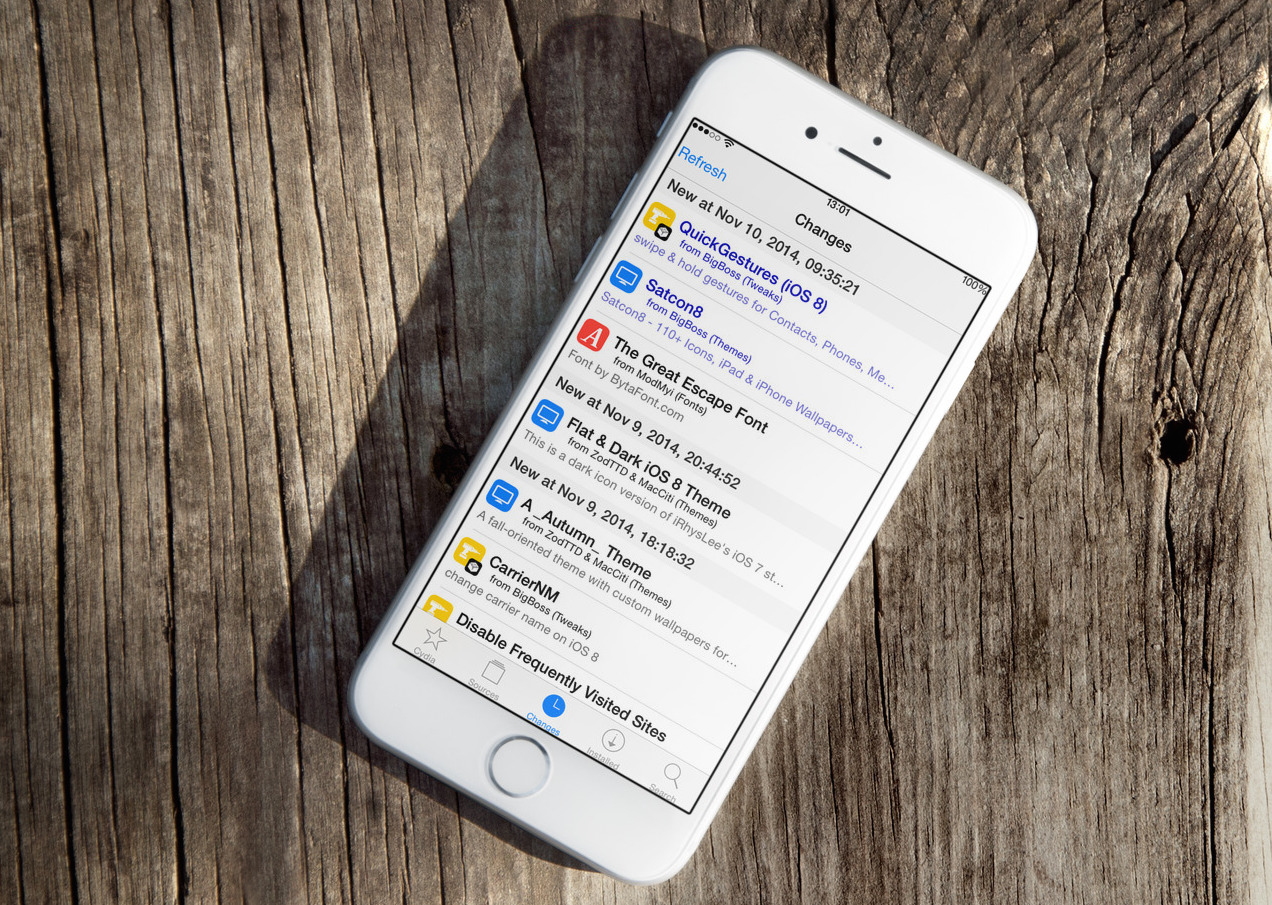
38 new and updated jailbreak tweaks worth a look at

These last seven days marked another solid week of worthy jailbreak tweaks releases and updates, and as you know, Cydia isn't necessarily a great place to discover what's new or what's been updated... which is why we've come up with this weekly wrapup of new and updated jailbreak tweaks.

Each tweak comes with a short description of what it actually does, as well as the price and a link to our post on iDB if we covered the tweak in question. Of course this is not a one hundred percent comprehensive list, so some tweaks might be missing, which is where you come in: if you see a tweak that was updated or released that is not on this list, simply add it up in the comments section.

Best Buy slashes prices by up to $100 on iPad Air 2 and iPad mini 3

If you weren't able to get a great deal on iPad Air 2 or iPad mini 3 during the Black Friday madness, this is your chance to get another shot at it. Best Buy is heavily discounting iPad Air 2 and iPad mini 3 models by $50 to $100.

All iPad Air 2 models are discounted by $50. 16GB iPad mini 3 models are $50 off, 64GB are $75 off, while all 128GB models are $100. It's arguably one of the best deals you can get on these devices.

Get over to BestBuy.com to get in on the action.

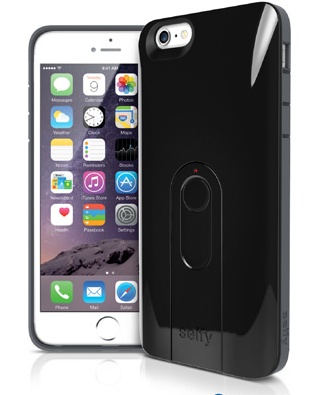
Selfy case kinda turns your iPhone into a GoPro

Where do I even begin talking about selfies? Everyone loves a good selfie. They are wildly popular across the world, even causing South Korea to ban "unregulated" selfie stick sales. Instagram, Twitter, Facebook, SnapChat, and other forms of popular social media channels are completely filled with selfies. What caused our self obsession will never be explained, but the selfie is here to stay.

The selfie stick was one of the first hardware selfie assistants. I saw them around touristy places when I traveled, but didn't think much of them about a year ago. Now, they are increasingly popular and being utilized in everyday places. Several iterations of selfie-inspired accessories cropped up and iLuv is capitalizing on the fad. Launching "selfy," iLuv guarantees you will always have a quick way to snap a selfie and includes a laundry list of add-ons to assist.

This week on iDB: that’s some keyboards

Like every Sunday, we get to take a look at some of the most popular posts that were published on iDB during the week that just ended. Whether it is a news item, a new jailbreak tweak, a tutorial, or an app review, we sum it all up in one convenient place for you.

As always, if you like what you're reading, please feel free to spread the love by sharing our posts on your favorite social network.

We're usually hanging out a lot on Twitter and Facebook, more rarely on Google+.

Don't forget to listen to the latest episode of our new podcast, Let's Talk iOS:

Subscribe on iTunes

And of course, make sure to catch up with the new episode of Let's Talk Jailbreak:

Want to support iDB? Download our Yosemite Interactive User Guide in the iBooks Store.

‘CarPlay iOS’ lets you experiment with CarPlay right on your iPhone

Eager to see how the CarPlay interface looks on your iOS device? If so, you can use a new jailbreak tweak to preview the look of the CarPlay interface right on your iPhone or iPad.

CarPlay iOS is a new jailbreak tweak, available free on the BigBoss repo, that makes the CarPlay head unit interface accessible without the need of an external display.

Apps of the week: Tomb Raider II, Game of Thrones, Dragon Quest III, and more

This sure was a big week for games. We got our hands on some classic ports and were able to check out new titles that scratched our puzzle-loving itch. We got to play around with cool new keyboards, and even downloaded some premium games at a freebie price.

This weekend, if you are still looking for that perfect title to occupy your time while you stand in long lines for holiday shopping, we’ve got a list of apps and games to keep you busy.

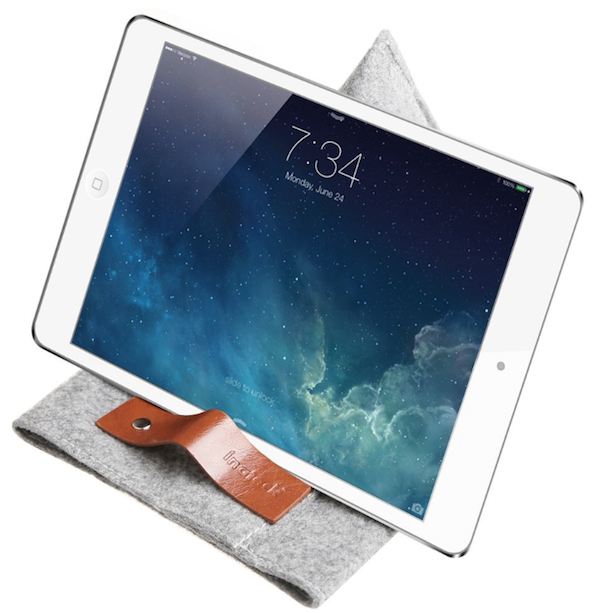
Cover your iPad with a professionally stylish felt sleeve

Living a conflicted life, I am an iPhone nudist but also a hardware reviewer for iDB. As you can imagine, the struggle comes when reviewing accessories that cause the user to obfuscate the design and detail of an Apple iOS device with unnecessary appendages. I do not like bulky cases, even if their primary function is protection. I do not even like screen protectors because it stands between my finger and the glass.

When Inatek approached me about a sleeve, I jumped at the option. Sleeves are one of my favorite accessory genres because they allow the device to be used naked, while still providing protection for travel and day-to-day carry. The Inatek TPB-IM sleeve fits the bill.

AdvancedSettings8: access the ridiculously in-depth settings hidden on your iOS 8 device

AdvancedSettings8 is a jailbreak tweak that unlocks Apple's hidden settings for iOS 8. These settings are hidden for a good reason, as they reveal things that the average user would have no clue how to use. I consider myself to be a fairly advanced user, and it was enough to confuse me a bit, so there's that.

But there is some value to be had from AdvancedSettings8. After you peruse the multitude of sections and the vast array of adjustable values, you'll surely stumble upon at least one or two settings from which you can personally derive value.

Apple adds 9 new Flyover locations to Maps

Apple this week added a handful of new locations to the 3D Flyover feature in its iOS and OS X Maps applications. The new locations include areas in France, landmarks in Arizona, and other popular spots in the US, New Zealand and Sweden.

First introduced in Apple Maps when it launched alongside iOS 6 in 2012, the Flyover feature allows users to take close-up, 3-dimensional looks at buildings, landmarks and other areas. With today's additions, there are over 100 Flyover locations.

How to jailbreak iOS 8.1.1 or iOS 8.1.2 on Mac OS X using a virtual machine

As has been the norm as of late, OS X releases of the latest jailbreak tools have lagged behind their Windows counterparts. The TaiG jailbreak, which released to much surprise early this morning is no exception.

But what if you're an OS X only user who doesn't have access to a Windows machine? Are you left out in the cold waiting until TaiG decides to release an OS X version of its tool? Not necessarily.

Inside, I'll show you how easy it is to run a Windows virtual machine on OS X absolutely free of charge. Doing so will allow you to jailbreak iOS 8.1.2 even if you only have a Mac. Best of all, it's absolutely free to do so. Check out our video tutorial after the break for the full how-to.

Update: this post was originally created for iOS 8.1.1, but you can follow the same steps to jailbreak iOS 8.1.2 using the latest version of TaiG.

IGN names ‘Kingdom Rush Frontiers’ its free Game of the Month

Good news gamers, IGN has named Ironhide Game Studio's ‘Kingdom Rush Frontiers’ its Free Game of the Month for December. The game is rated 4.5 out of 5 stars in the App Store, from over 5,000 reviews, and it typically retails for $2.99.

For those unfamiliar with the title, Kingdom Rush Frontiers is the second installment in Ironhide's highly regarded tower defense series. In it, players are tasked with defending their buildings in exotic lands from dragons and other enemies.