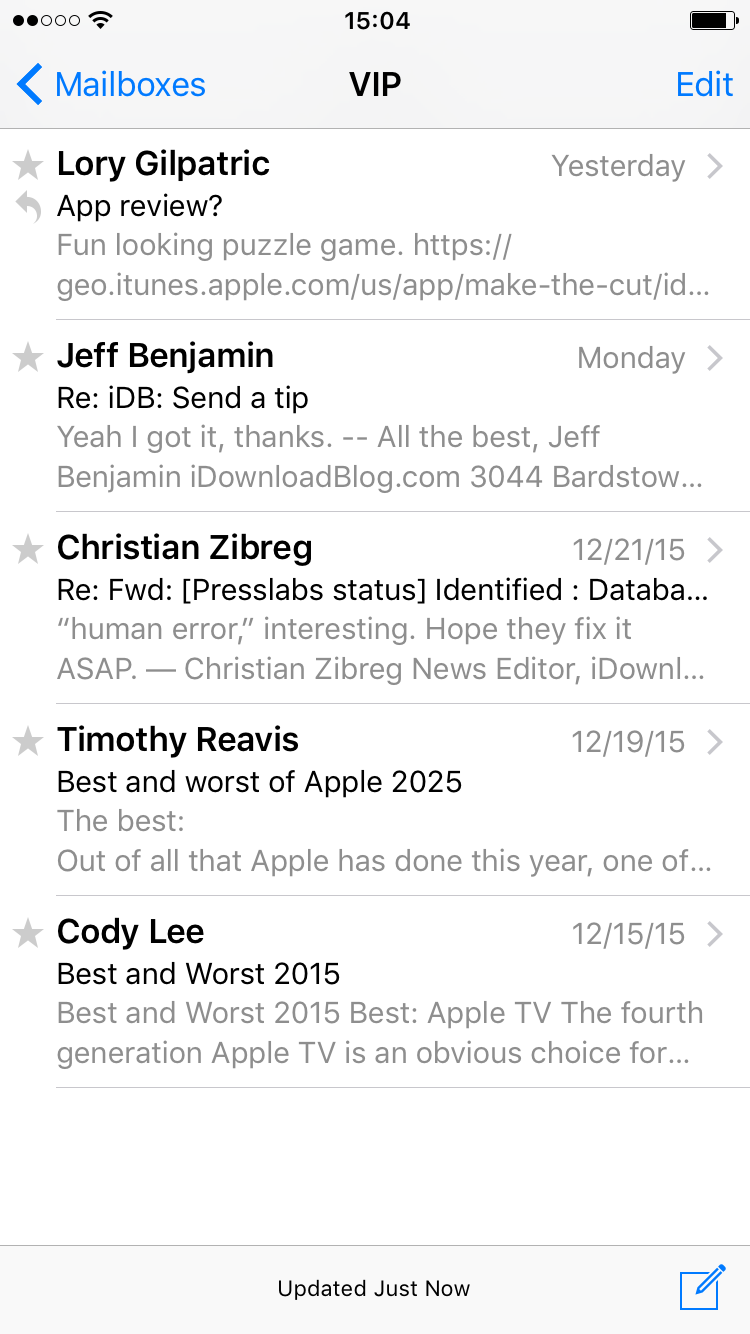
When Apple inveiled iOS 6 way back, one of the new Mail features was the addition of a “VIP” inbox. I’m sure you’ve seen it. Some of you may have already started using the VIP feature. For those of you who have an Aunt Linda in your ear, asking what this VIP “doo-hickey” is all about, send them our way and let us guide them through the steps to setting up VIP contacts.
By setting up VIP contacts in your Mail app inbox, you will have a separate folder for your important email correspondences with certain people. If you get dozens (even hundreds) of emails every day, it may be difficult to weed through the garbage to find the important ones. The VIP contacts feature automatically sends all emails from your selected contacts to a separate folder so their correspondences are much easier to find.
In this post, we will show you to use setup a VIP email inbox on your iPhone or iPad.