Month: April 2013

Backup and restore app data, clear caches and more with Icon Tool

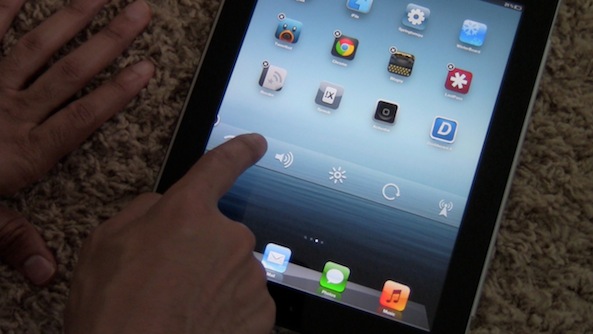
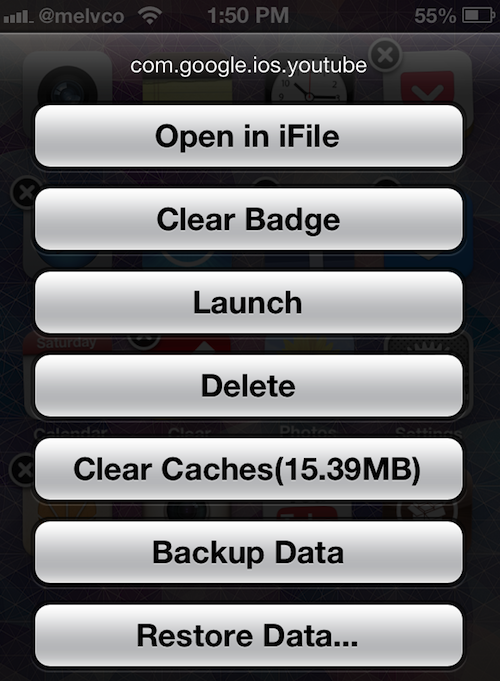
What do you get when you take a jailbreak tweak that can clear an app's notification badges, and cross it with one that can clear its cache, backup and restore its data, and more? Easy, Icon Tool.

Icon Tool is a new tweak by developer ioshack that offers up all of the above-mentioned options in one easy to access menu. Simply put your device into wiggle mode, and triple tap on an app icon...

Turn ordinary photos into extraordinary iPhoneography with textures

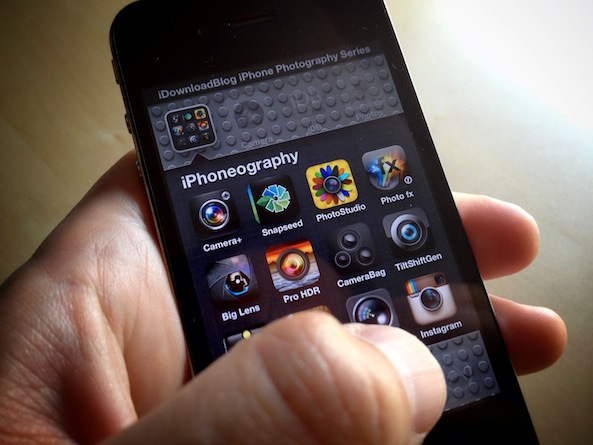
Welcome back to another installment of Lessons in iPhone Photography here at iDownloadBlog. After seeing the amazing images you have been sharing on Instagram, it is clear you are all enjoying your newly discovered creativity. In today's lesson I hope to share a new idea to fuel your own creative adventures. Today's lesson is a bit subjective, but I hope you learn a new idea and use it to make some of your own magic.

A fun way to add interest and mystery to your iPhone imagery is the use of textures. What are textures, you ask? In short, the idea is to take an image of the texture you might find in a burlap sack, brick wall, etc. Apply it over your original image so that only the texture can be seen and not the color. That's pretty much the idea behind it, but it might be better just to look at an example...

Apple was right, widgets just ain’t cool

Without a doubt, one of the biggest differences between iOS and Android is its fundamental handling of information. Google decided to allow widgets onto a phone's Home screen so that, theoretically, users would have the information they need right at their fingertips. Apple, on the other hand, has doggedly stuck to its guns over the years, with iOS remaining a collection of app icons rather than live widgets.

Over the years there have been plenty of arguments amongst those in the tech community as to which was the best way to go. Android users will repeatedly point to widgets as one of the main reasons they prefer their phones over the iPhone or even one of the Windows Phone handsets. Sitting halfway between iOS and Android, Windows Phone features live tiles that offer up information from the phone's Home screen a la widgets, but that's just not enough for some. It's widgets or nothing, man, and that's the way it is.

But iOS users can have their cake and eat it. They can have widgets on their home screens just like Android users, whilst still having that iPhone they so love. But the real question is: should they? Even if they should, I'd argue that fewer people actually would than we might think...
Take better low-light panoramic pictures with LLBPano

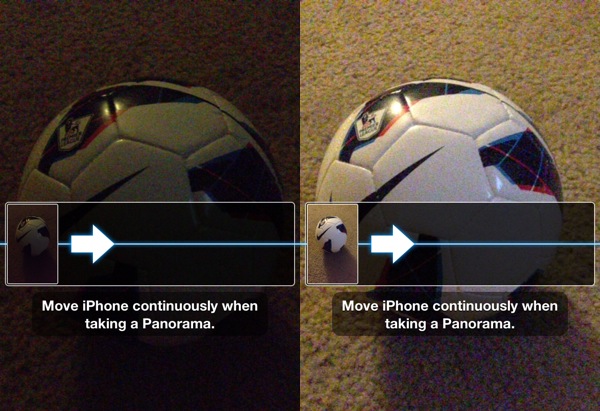
I'm a big fan of the Panorama capture feature that was added in iOS 6. I'd like to be able to use it while holding my iPhone in landscape mode, but other than that I think Apple did a great job with it.

It doesn't always work very well in low-light conditions though. And that's where the jailbreak tweak LLBPano comes in. It enables Low-light mode on the iPhone 5 when taking panoramic photos...

How to quickly navigate through the iOS Calendar app

Last week we showed you how to delete individual digits from the iOS Calculator app by swiping. It wasn't a major revelation, by any means, but a lot of folks seem to have found it useful.

In the same fashion, we have another trick to show you today. And if you've ever thought to yourself that it takes too long to navigate through the iOS Calendar app, you'll want to see this...

Upcoming Auxo update adds new toggles, bug fixes, and more

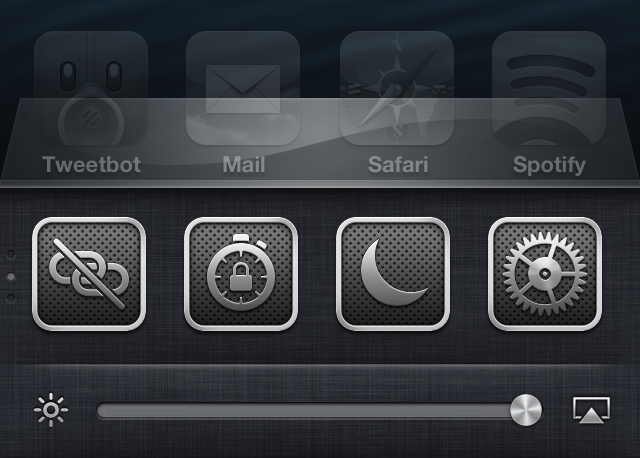
A nice little surprise landed in my inbox today: a preview copy of Auxo 1.4. It's a release that brings new toggles, options, and bug fixes to one of my favorite jailbreak tweaks. To begin, let me just tell you that Auxo 1.4 isn't a groundbreaking new release, but you will be happy to find a refined experience when compared to earlier iterations of the tweak.

Take a look inside as I go hands on with Auxo 1.4, covering some of the biggest new features that you can expect to see when the update is officially released on Cydia.

New iOS 7 concept shows off quick reply, widgets and other features

Word has it that iOS 7 is going be receiving a system-wide makeover, courtesy of the human interface team's new leader Jony Ive. The changes are reportedly so big that developers with 'carry' privileges have a filter on their devices to conceal them.

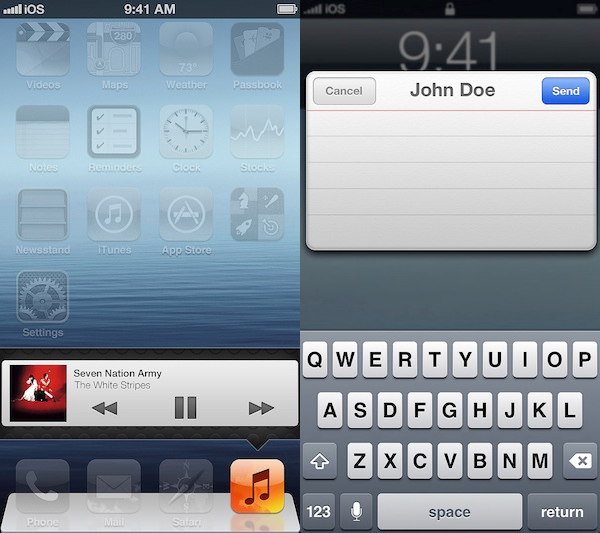
Of course, we won't know what iOS 7 really looks like until Apple unveils it this summer. But that's not going to stop designers from creating concepts that illustrate what they think it could look like. And we've got another great one for you today...

T-Mobile’s iPhone carrier update is out with support for LTE and Visual Voicemail [updated]

Following up its iPhone 5 pre-order earlier today, T-Mobile has begun rolling out a carrier update to unlocked iPhone customers on its network. The carrier is preparing to officially launch the popular handset next Friday.

We'd heard last week that the OTA (or over the air) update was going to include Visual Voicemail support and LTE support for compatible devices. But it looks like there's more to it then that. Keep reading for the full details...

The online Apple Store, now with iOS touch-friendly navigation

Apple's online store has over time implemented a bunch of tweaks aimed at improving navigation and browsing product pages on Apple's mobile devices like the iPhone and iPad.

For instance, I've always liked the ability to swipe through teaser images on landing pages for specific products.

Here's an example: fire up Safari on your iPhone or iPad, visit www.apple.com/iphone and swipe through those big, beautiful product shots at the top. But the company isn't stopping there.

Having recently hired dozens of engineers, visual designers and web developers, Apple has now introduced a fresh set of tweaks to the online Apple Store, including the touch-friendly navigation bar which appears right below the main product sections (iPod, iPad etc.)...

Apple nearing deal with record labels, iRadio on track for summer release

From what we've been hearing, Apple's been having major problems with its so-called iRadio project. The music service was expected to launch earlier this year, but a recent report claimed things were delayed due to a dispute with record labels over royalty terms.

It appears, however, that there's finally light at the end of the tunnel. According to a new scoop from CNET, Apple is very close to signing a deal with both Warner Music and Universal Music Group, and it's planning to rollout the Pandora-like service this summer...

How to change your iPhone’s panorama button

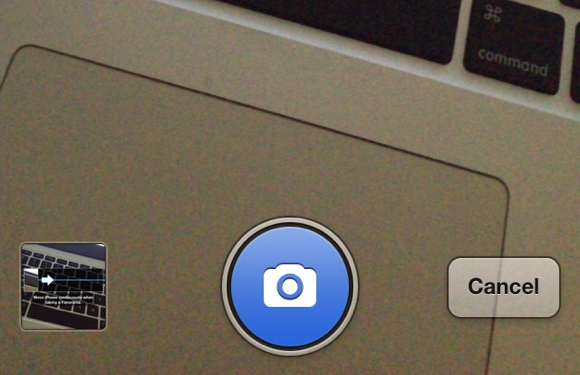
Better Pano Button is a jailbreak tweak for those that hate the original grayscale panorama button found within the iPhone's Camera app. The tweak will allow you to replace the button with a blue button while in panorama mode.

The developer states that having a blue button is for minimalists, which actually doesn't really make much sense to me. If anything, it's less minimal than the standard gray button. He also states that it is better, which is, of course, totally debatable. Check inside for a few more tidbits of information.

‘Beacon’ shows animated Apple logo after each respring

Do you really enjoy the animated Apple logo that appears on your phone the first time it is restored? Would you like to see that animated logo every time you reboot or respring your iPhone? If so, then check out Beacon.

Beacon is a new jailbreak tweak that forces the animated Apple logo to appear each time your respring or reboot your device. That animation is accompanied by a transition animation when switching to your Lock screen. With all of this said, you'd have to really, and I mean really, love that animation in order to be willing to cough up $0.99 for the privilege.