Windows

macOS 10.12.5 fixes issues with USB headphones & Windows 10, lays the groundwork for future macOS releases

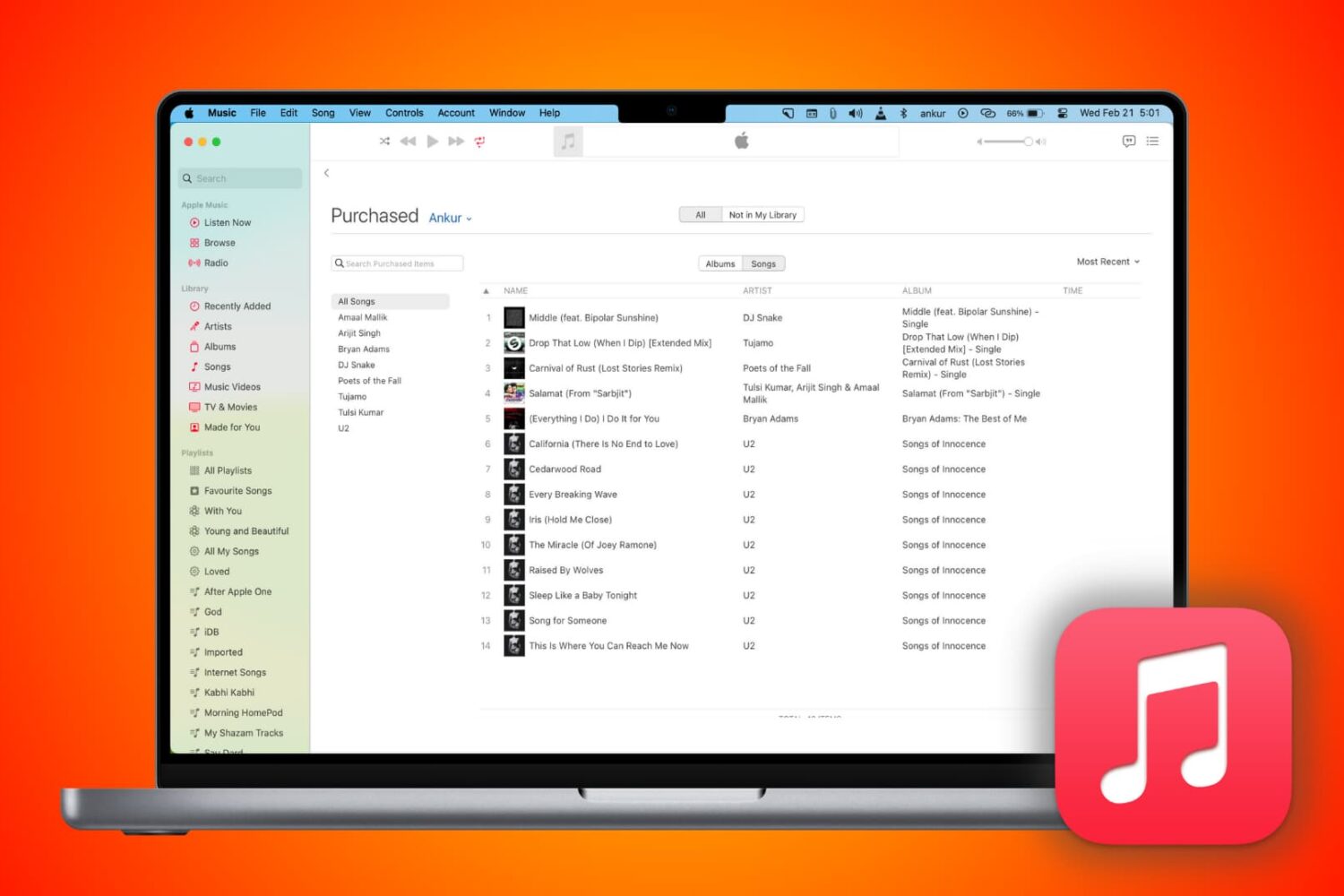
Apple today released the mostly maintenance macOS Sierra 10.12.5 software update alongside updates to iOS, watchOS and tvOS. According to release notes accompanying the download, 10.12.5 fixes issues with USB headphones and Windows 10 installations while laying the groundwork for future macOS releases.

Plus, this version of macOS “enhances compatibility of Mac App Store with future software updates.” Apple is expected to preview the next major version of macOS at its annual developers conference next month.

macOS Sierra 10.12.5 can be installed via the Mac App Store's Updates tab.

Read Apple's support doc for detailed information about the update's security content.

Safari 10.1.1, which comes included in the 10.12.5 update, patches for more than half a dozen WebKit-related vulnerabilities while fixing yet another instance of address bar spoofing that could fool users into believing they're visiting a genuine rather than a maliciously crafted webpage designed for phishing attacks.

It's available for OS X Yosemite 10.10.5, OS X El Capitan 10.11.6 and macOS Sierra 10.12.5.

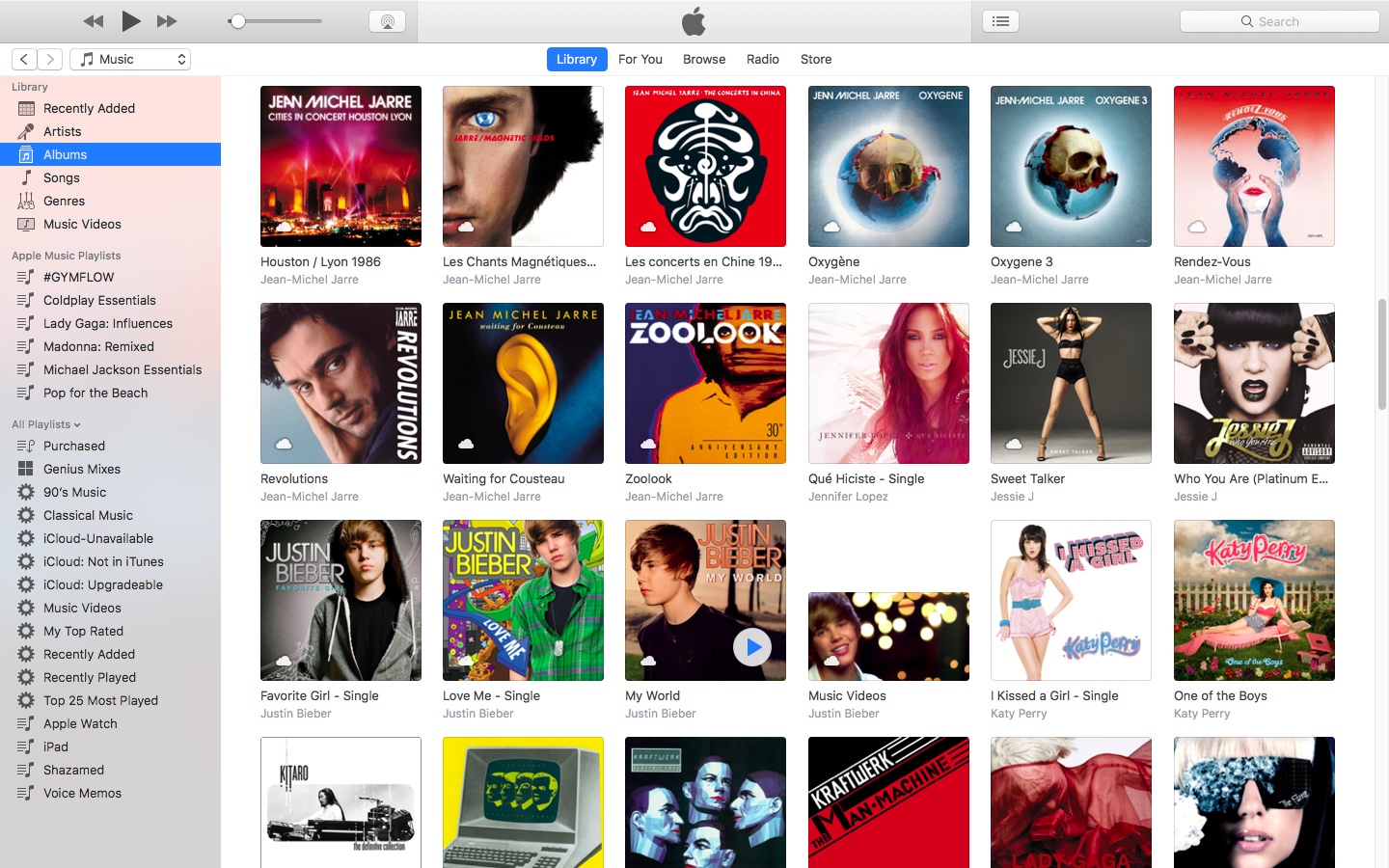
A minor update to iTunes for Mac and Windows was also pushed today.

iTunes 12.6.1 comes with unspecified app and performance improvements along with a fix for a WebKit exploit on Windows 7 and later which could result in arbitrary code execution after processing maliciously crafted web content.

iTunes 12.6.1 with minor app and performance improvements now available

Alongside public releases of the iOS 10.3.2, watchOS 3.2.2, tvOS 10.2.1 and macOS Sierra 10.12.5 software updates for iPhone, iPad, iPod touch, Mac, Apple Watch and Apple TV, Apple earlier this morning also posted a minor update to iTunes for Mac and Windows PCs.

iTunes 12.6.1 contains only minor app and performance improvements, according to Apple's release notes.

A security document reveals that the app fixes a WebKit exploit on Windows 7 and later which may allow arbitrary code execution after processing maliciously crafted web content.

“Multiple memory corruption issues were addressed with improved memory handling,” Apple states. The vulnerability was discovered by the user “lokihardt” of Google Project Zero.

Microsoft unveils touchscreen Surface Laptop, its $999 MacBook rival

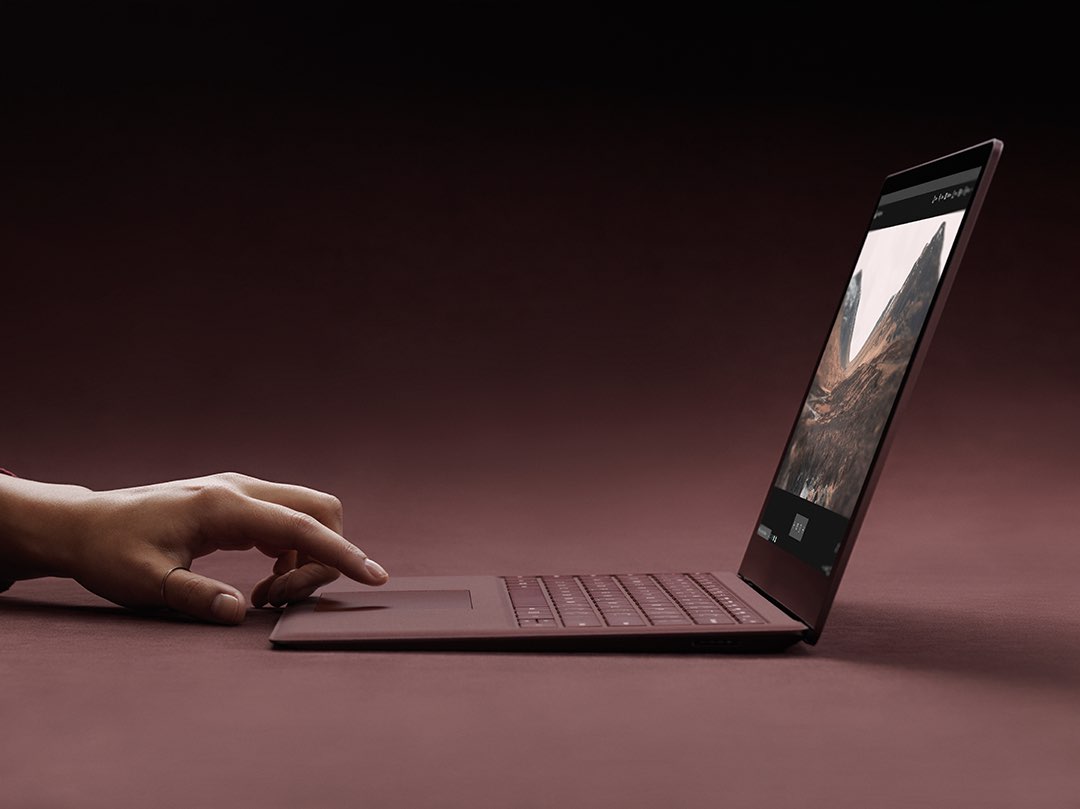
At its educational event held this morning in New York City, Microsoft unveiled Surface Laptop, its $999 MacBook rival available for preorder beginning today ahead of its planned release this summer.

The device runs the new Windows 10 S operating system, the company's answer to Google’s Chrome OS, and features a clamshell body weighing at 2.76 pounds and measuring 14.47mm at its thickest point and tapering down to 9.9mm at its thinnest point at the front.

Taking on MacBooks

Surface Laptop runs either Intel’s seventh-generation i5 or i7 processor and sports vapor chambers integrated into the anodized aluminum finish on the rear to help keep it cool.

It's got a 13.5-inch PixelSense LCD touchscreen with a 3:2 aspect ratio featuring 3.4 million pixels (withCorning’s Gorilla Glass 3 for protection) and supporting the Surface Pen stylus. “This is the thinnest LDC touch model every created and put into a laptop,” says Microsoft's Panos Panay, who took to the stage to unveil the new products today.

Say hello to Surface Laptop

Watch a reveal trailer for Surface Laptop below.

https://www.youtube.com/watch?v=74kPEJWpCD4

The laptop is outfitted with a 14.5-hour battery.

That’s “up to four more hours of battery power than a 13-inch MacBook Pro” and “more battery life than any MacBook Air on the market today,” says the Windows maker in another comparison between its new notebook and Apple's MacBook line. The Windows maker claims you can watch as many as fourteen episodes of your favorite TV show in one sitting, without ever plugging in.

The device's keyboard has a 1.5mm travel, with the backlit keys made from the same material used for premium Surface Pro covers, called Alcantara fabric. The speakers are integrated underneath the keyboard, but there are no speaker grills or holes.

In terms of connections, Surface Laptop comes outfitted with a regular USB port, mini DisplayPort and the conventional Surface power connector, but no USB-C.

Windows 10 S or Windows 10 Pro?

Because it runs Windows 10 S, Surface Laptop can only run apps offered on Windows Store.

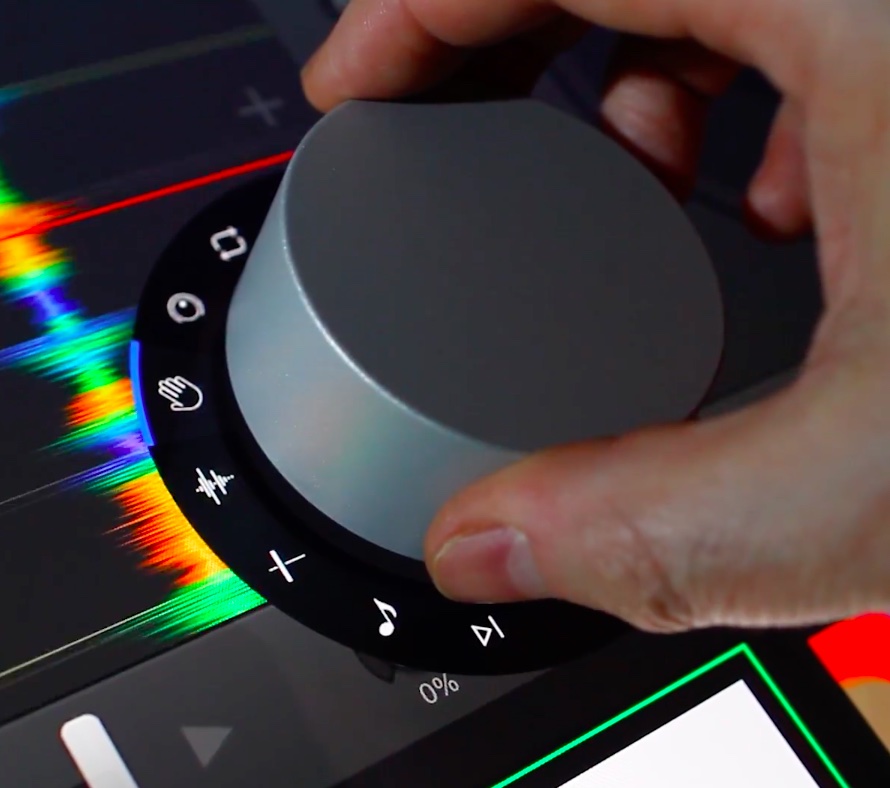
Google Chrome is not found on Windows Store and Spotify’s app with support for Surface Dial will be coming to the store early this summer. If you want to run apps not found on Windows Store, you can optionally upgrade to Windows 10 Pro for a one-time $49 fee.

Because Windows 10 Pro is the full version of Microsoft’s operating system, upgrading may result in reduced battery life and performance, cautions the Windows maker.

If you need to use an app that isn’t in the Windows Store, in just a few clicks can go to the Windows Store and switch to Windows 10 Pro. But you shouldn’t. This device, this OS, they’re made for each other, and together they offer so much. It’s everything you love about Windows, Office, and Surface, made pure and elegant in an unbelievably thin and light package.

Microsoft now has three families of Surface devices in its lineup: the Surface Pro 4 notebook/laptop hybrid, the all-in-one Surface Studio and the new Surface Laptop.

https://www.youtube.com/watch?v=8HCVUCqZoHI

Availability and pricing

Surface Laptop is available for pre-order via Microsoft Store starting today.

The entry-level $999 model uses Intel’s seventh-generation Core i5 processor with Intel HD Graphics 620, four gigabytes of RAM and 128 gigabytes of flash storage. The $1,299 model uses 256 gigabytes of flash storage and eight gigabytes of RAM.

The more powerful $1,599 model comes outfitted with Intel’s seventh-generation Core i7 processor with Intel Iris Plus Graphics 640, eight gigabytes of RAM and 256 gigabytes of flash storage. The flagship $2,199 model upgrades your storage and RAM to 512 and sixteen gigabytes, respectively.

Surface Laptop comes in four colors: Platinum, Burgundy, Cobalt Blue and Graphite Gold.

The notebook will start shipping this summer on June 15. For a limited time, Surface Laptop comes with an offer for one-year subscription to Office 365 Personal and one terabyte of free storage on OneDrive, giving you full access to Microsoft Word, Excel, PowerPoint and OneNote.

Algoriddim’s djay Pro is now on Windows 10 with Surface Studio & Dial integration

djay Pro, Algoriddim's award-winning iPhone, iPad and Mac app aimed at pro and wannabe DJs, is now available on PCs as a native Windows 10 application.

The app features built-in support for iTunes, Windows Media Player and Spotify music, plus Surface Studio and Surface Dial integration. Built specifically for Windows 10, djay Pro provides a complete toolkit for DJs of all skill levels.

Some of the more powerful features include pristine sound quality, high-definition waveforms, four decks and audio effects, as well as native support for external audio interfaces and over 60 MIDI controllers from Pioneer DJ, Reloop, Numark and others.

Revised version of iTunes 12.6 removes non-functional “Show on Profile Page” toggle

iTunes 12.6 was released alongside a slew of Apple product refreshes three days ago, bringing the ability to watch iTunes movies rented in the app on your other devices, and vice versa. Interestingly, the app shipped with a new Show on Profile Page toggle that a Reddit user discovered on the Playlist Edit page. Late yesterday, Apple issued a revised build of iTunes which, as first spotted by MacRumors, removes that option.

Chrome 57 hits Mac, Windows and Linux

Google yesterday released Chrome 57 for Mac, Windows and Linux. The release contains a number of fixes and improvements, as well as a bunch of improvements mostly focused on Android and Chrome OS devices. The browser brings a major feature for web developers: a new grid layout system allowing​ programmers to easily create web designs for a variety of screen sizes. On the iOS side, Google is currently testing a Safari-like Reading List feature for saving webpages for later.

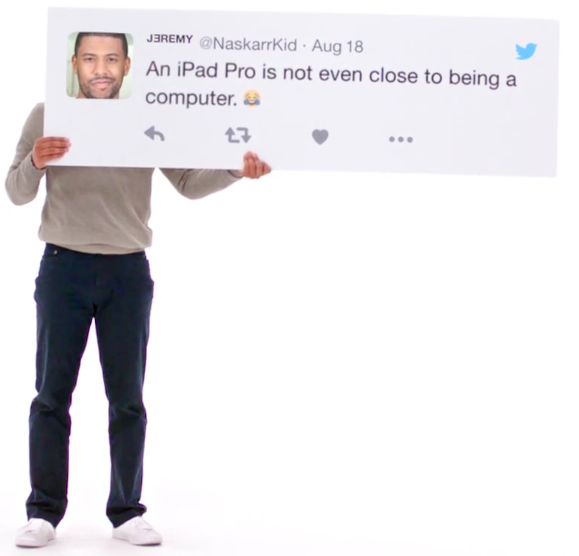
New Apple ads continue positioning iPad Pro as being better than a computer

Apple today published four new ads on its YouTube channel that continue to position its iPad Pro tablet as being better than a computer. The four new commercials, running sixteen seconds each, use the tagline “Real Problems... Answered” and appear to be based on typical PC user tweets.

The videos promote the tablet as a device that's free of wires, immune to viruses, faster than most laptops and able to run Microsoft Office apps and connect to fast LTE cellular networks.

Give the new ads a quick watch, then meet us in comments.

macOS 10.12.4 properly displays icons for Windows executable files in Finder

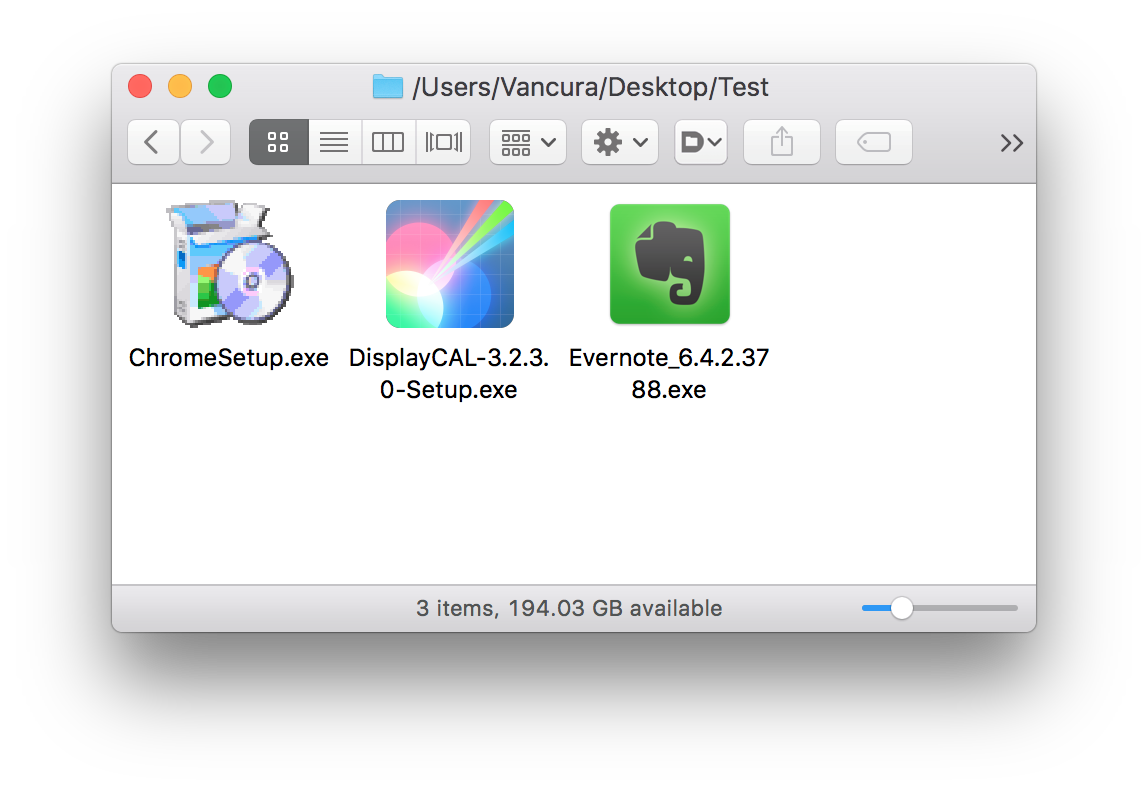
Yesterday's beta release of what would become the fourth major software update to macOS Sierra doesn't just bring iOS's Night Shift mode to your Mac. Aside from that feature and things like an updated PDF API, expanded Dictation support or the ability for Siri to look up cricket scores and rosters, macOS Sierra 10.12.4 includes better handling of Windows executable files in the Finder.

As discovered by Microsoft's Mac product designer Vaclav Vancura, rather than use a generic icon to represent Windows executables like before, macOS Sierra 10.12.4 now actually parses .EXE files for native Windows resources such as icons.

iTunes 12.5.4 is out with support for TV app, Touch Bar-enabled scrubber & more

In addition to releasing macOS 10.12.2 Sierra today, a second major update to the Mac operating system following the initial Sierra release in October, Apple also released iTunes 12.5.4 today. The new version of iTunes includes minor app and performance improvements, as well as official support for Apple's new “TV” app and the ability to jump to different parts of your media during playback using a Touch Bar-compatible scrubber.

The different kinds of memory states on your Mac and what they mean

I was recently asked about the difference between active, inactive, and wired memory on computers. Many memory measure tools use these terms to describe your memory usage and doesn't really go into much depth about what they mean.

In this piece, I hope to shed some light on this confusion and explain the differences between these memory states the best I can.