Learn how to place extra large landscape and portrait app widgets on your iPhone, iPad, or Mac Home Screen and desktop to see even more information without going into the app.
How to use extra-large widgets on iPhone, iPad, Mac

Learn how to place extra large landscape and portrait app widgets on your iPhone, iPad, or Mac Home Screen and desktop to see even more information without going into the app.

iOS 26 lets you add widgets from your iPhone apps to your car’s screen when using CarPlay. This handy feature ensures you can quickly glance at important information while driving, thus eliminating the need to open a CarPlay-supported app on your car’s infotainment system or take your eyes off the road to reach for your iPhone.

iOS 26 and iPadOS 26 let you place the Lock Screen widgets at the bottom of your iPhone or iPad display for easy one-handed use or to make the clock bigger.

One of my all-time favorite Lock Screen jailbreak tweaks, Analog by iOS developer Ginsu, has been updated to version 2.0 this week with official support for iOS 16. But more than simply supporting new firmware, Ginsu made this update particularly special in several ways.

watchOS 26 should support third-party widgets in the Control Center, allowing the Apple Watch to go beyond Apple's built-in toggles and tiles for the first time ever.

If you’re interested in a new jailbreak tweak that can enhance the aesthetic of your Lock Screen’s now playing experience, then you might want to take a quick look at a new and free jailbreak tweak called MediaColor by iOS developer NathanLR.

iOS 18.4 lets you access specific Apple Intelligence and Siri features through your iPhone's Control Center, thanks to new widgets such as Talk to Siri.

A widget interface for CarPlay 2 has leaked, but some people are wondering why the existing version of CarPlay doesn't get to run them.

If you utilize widgets on your Home Screen at all, then you probably value seeing information at a glance. But what if you also value seeing your wallpaper? Unfortunately, the size of iOS’ Home Screen widgets can sort of… get in the way.

Slack brings its first iPhone widgets for the Home and Lock screen, so now there's no escaping from work even when you think you've unwinded.

If you think that the native Home Screen on iOS 16 comes off as a little bit too cluttered, then we think you’ll appreciate a newly released and free jailbreak tweak called StealthHome by iOS developer b4db1r3.
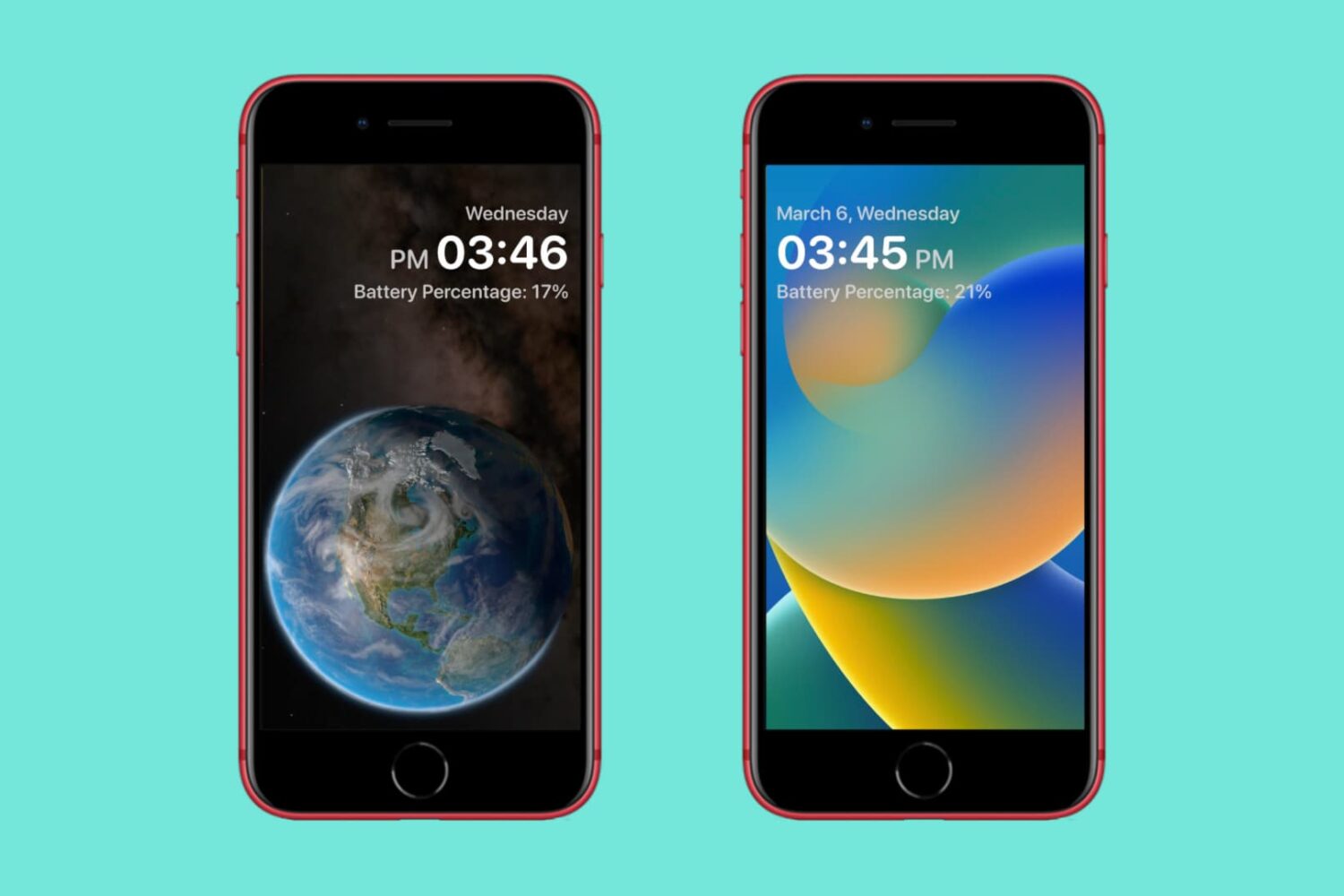
It wasn’t too long ago that we showed you a jailbreak tweak called Lunar by iOS developer haxi0 that provided an elegantly redesigned Lock Screen experience for jailbroken iOS 16 devices.