Learn how to change the folder where Google Chrome and Firefox download and save files from the internet.
How to change the file downloads folder for Chrome and Firefox on Mac
Learn how to change the folder where Google Chrome and Firefox download and save files from the internet.
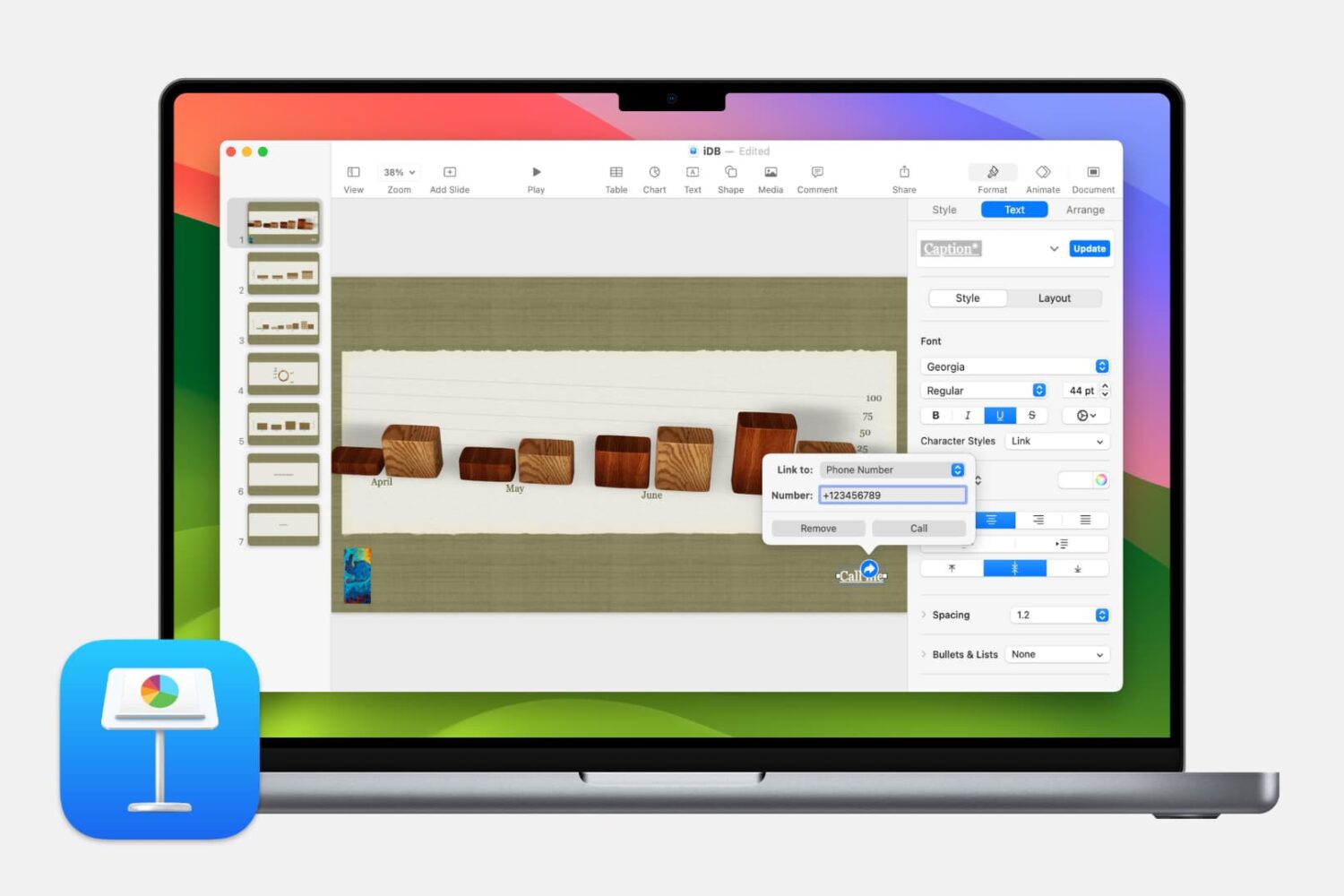
In this step-by-step tutorial, we show you how to add a link to a website, an email address, a phone number, and another slide to your Keynote presentation on Mac, iPhone, and iPad.
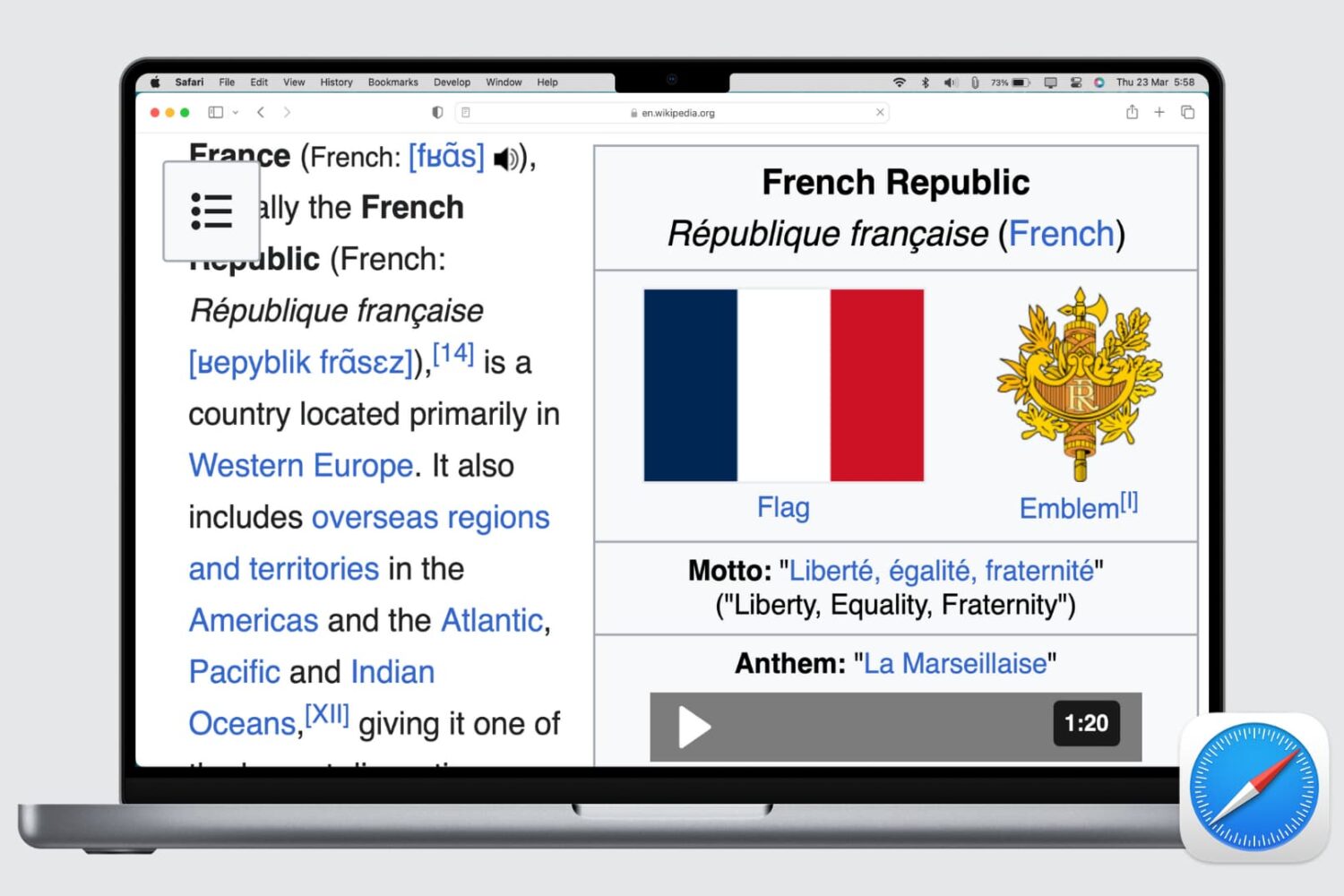
Learn how to set up automatic page zoom in Safari on your iPhone, iPad, and Mac to make reading small text easier and more comfortable.
Learn how to make the text bigger in Safari for every website to see things more clearly when browsing the web on your iPhone, iPad, and Mac.
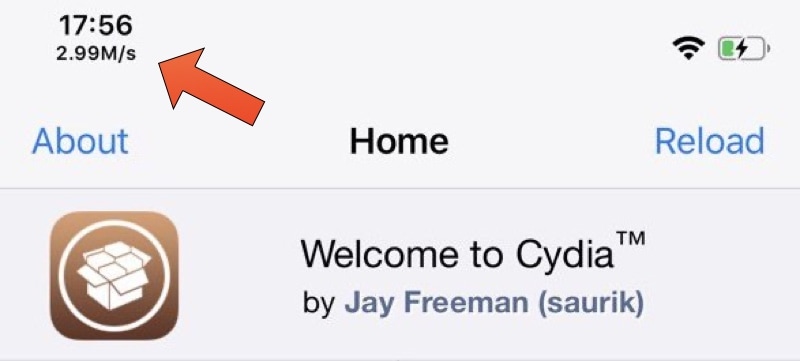
Whenever you browse the internet on your iPhone and wonder why things aren’t quite loading as quickly as they should be, you might be inclined to download an internet speed-testing app to determine whether it’s a problem with the app or with your internet connection. But if you’re jailbroken, this additional step may not be entirely necessary.
Say hello to Runaway, a newly released and free jailbreak tweak by iOS developer ned that incorporates a convenient network speed indicator just beneath the Status Bar’s time display on any notched iPhone, such as the iPhone X and newer.
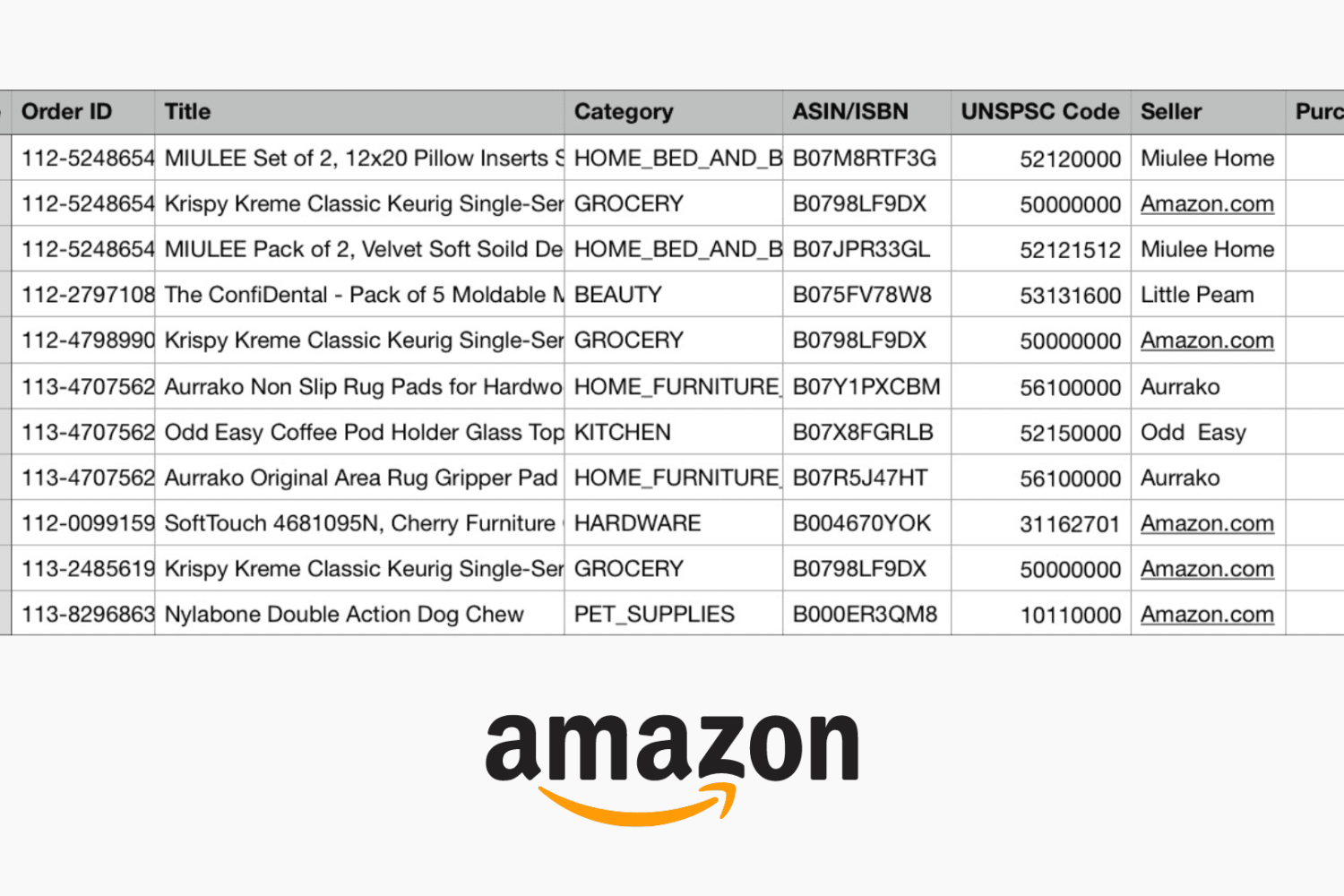
If you buy products on Amazon, you’re among many. And there may be a time when you need to not only see all of your purchases for a time period but hold onto a record of them. You might need to show expenses for business supplies or just want to keep track of your Amazon spending.
Whatever your reason may be, Amazon makes it pretty easy to export your purchases to a spreadsheet that you can save or share, and here’s how.

Find out how to always allow downloads in Safari on Mac from sites you trust, so you don’t have to deal with pop-ups asking for your permission every time you want to save something from these websites.
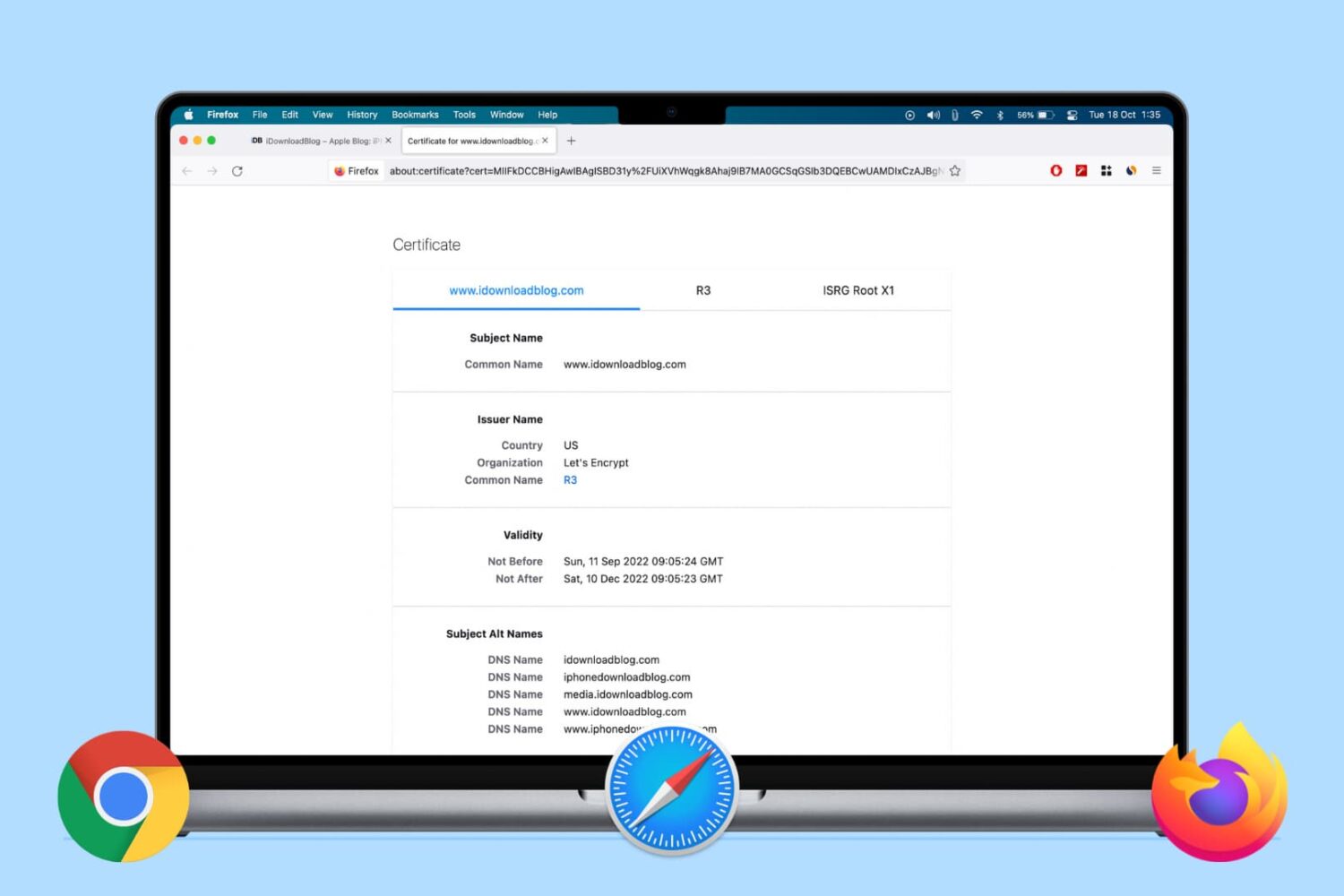
Learn how to view the digital certificate for websites in Safari, Google Chrome, and Firefox on your Mac or Windows PC to verify the ownership and ensure you’re transmitting data to a secure site.

Learn how to add web pages to Safari Reading List on iPhone, iPad, or Mac and read them later, even when you don’t have an internet connection.
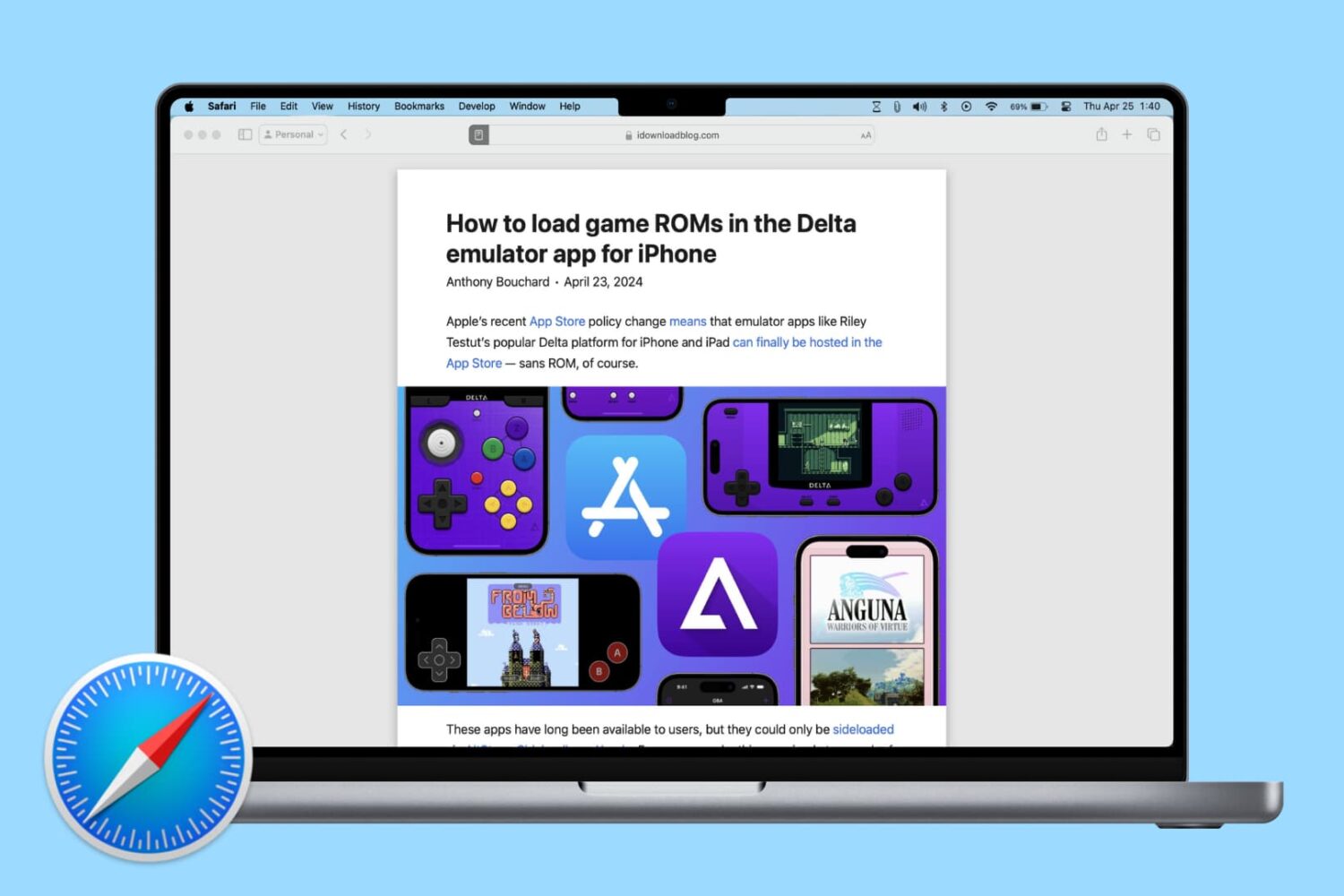
Learn how to change Safari settings on your Mac to make it just the way you like for a personalized and productive browsing experience.

Learn how to preserve all your open Safari tabs as bookmarks on your Mac so you can save them all for later or reopen them with a couple of clicks.
Learn how to save open tabs in Safari on Mac in several ways, which will enable you to revisit them later and pick up right where you left off without skipping a beat.