According to numerous reports on Twitter and Reddit, iOS 12 beta 2 and other developer OS updates that Apple issued yesterday are causing intermittent availability issues with Siri.
Siri on Apple’s latest OS betas is acting up
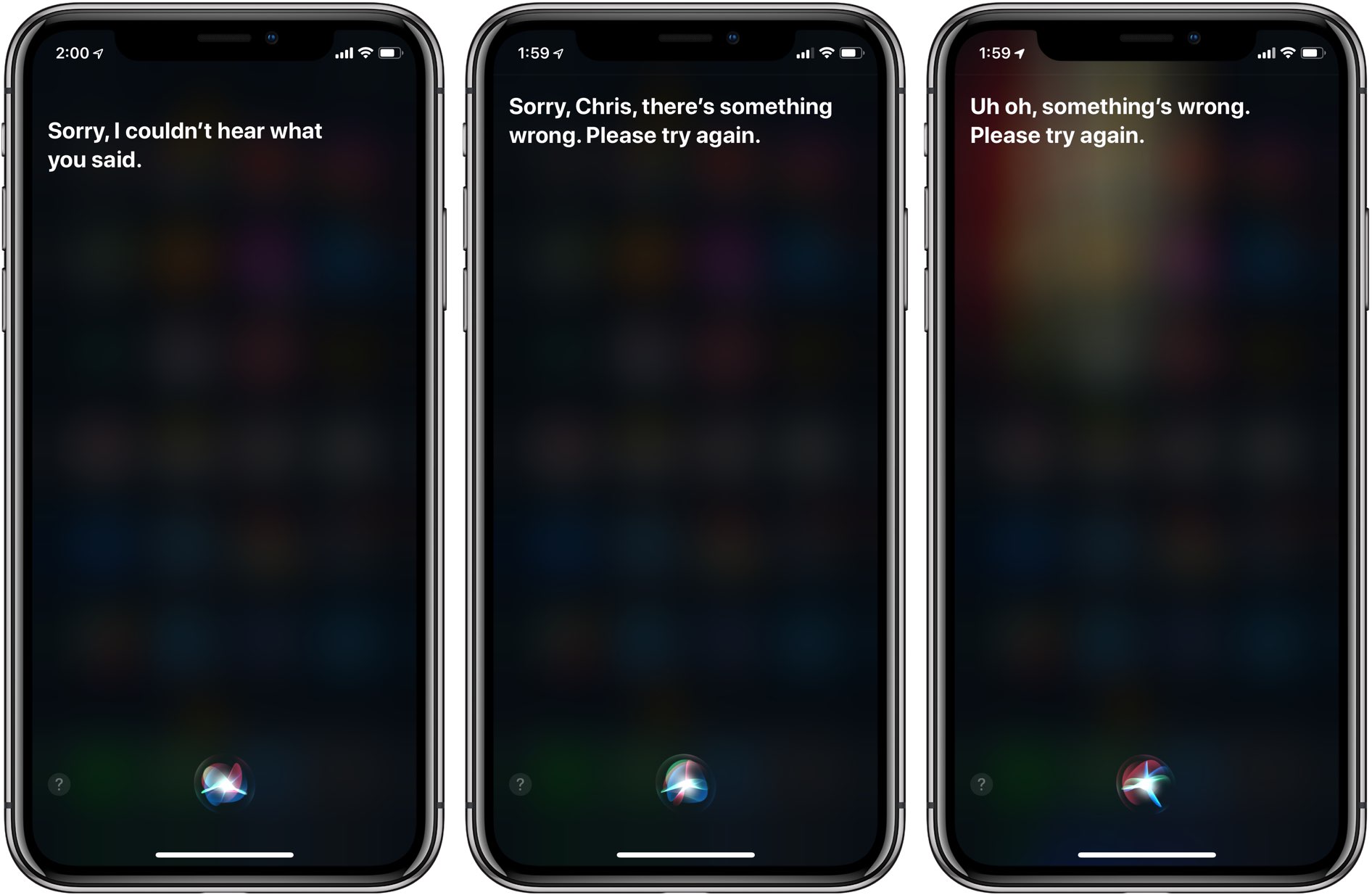
According to numerous reports on Twitter and Reddit, iOS 12 beta 2 and other developer OS updates that Apple issued yesterday are causing intermittent availability issues with Siri.
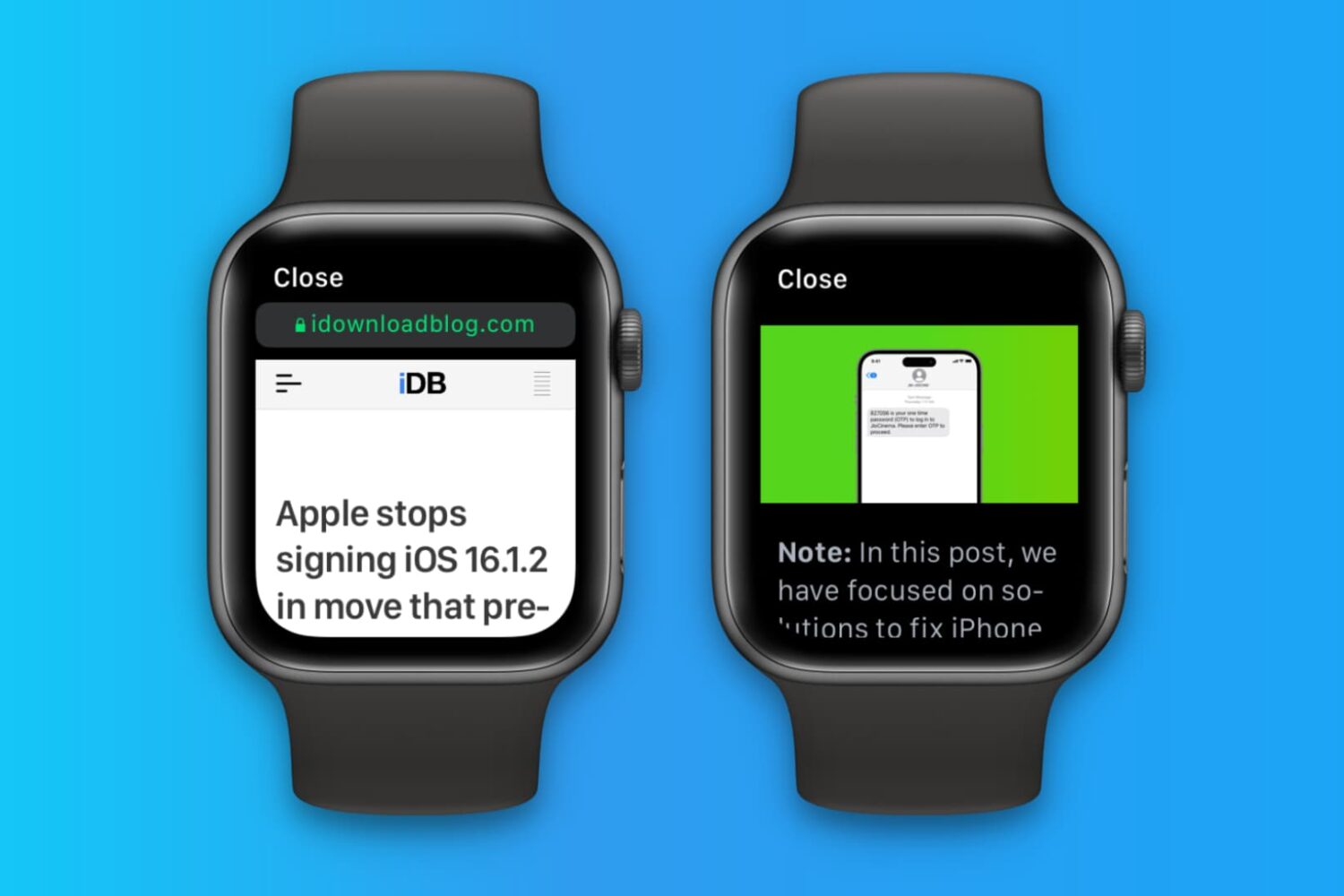
Apple Watch doesn't have its own Safari browser, but limited WebKit engine integration in watchOS lets you open website links embedded in messages and email. Over time, website data may accumulate, and you should clear it to keep things snappy on your Apple Watch.
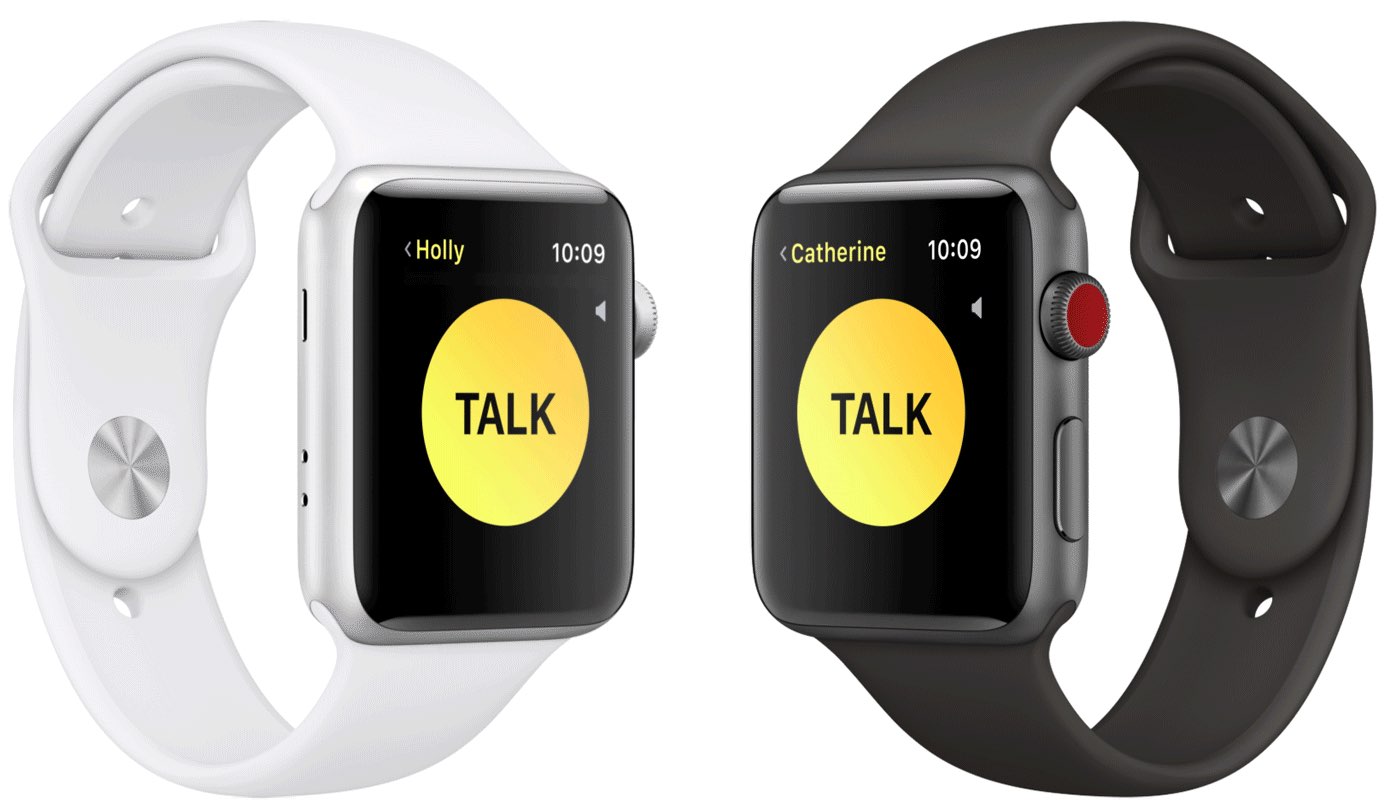
Today's release of a second developer beta of Apple's watchOS 5 operating system came with a fully functional Walkie-Talkie feature that was originally labeled as “coming soon” in beta 1.

Apple has released new beta software for developers. In addition to iOS 12 beta 2, the company has launched tvOS 12 beta 2, macOS Mojave beta 2, and watchOS 5 beta 2.

Your Apple Watch can remind you to start the correct workout or end the session if you forget. The wearable utilizes the built-in accelerometer and heart rate sensors to identify motion and increased heart rate, both tell-tale signs that you might be working out.
For many workout types, Apple Watch senses when you’re moving and can optionally alert you to start the Workout app. Aside from giving you credit for the exercise you’ve already done, it'll also remind you to end your workout should you get distracted when cooling down.
Follow along for the steps to turn off workout reminders on your Apple Watch.

Learn everything there is to know about using the Siri watch face on your Apple Watch to automatically get timely and helpful information on your wrist.
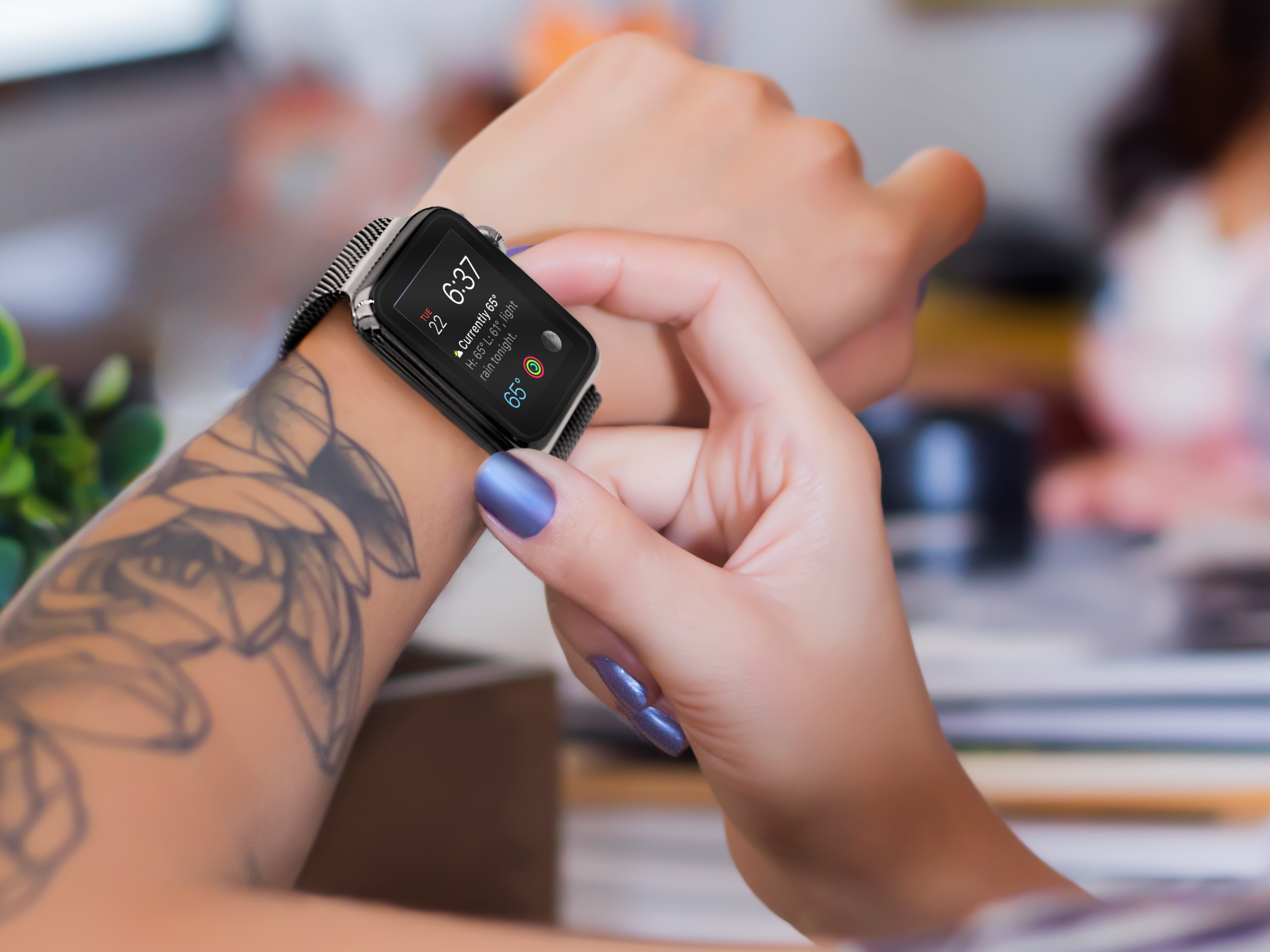
Apple Watch could soon feature solid state buttons that don't move up and down. Instead, it will sense the touch of a finger. Despite this change, the button configuration found on the wearable device will remain the same, according to Fast Company.
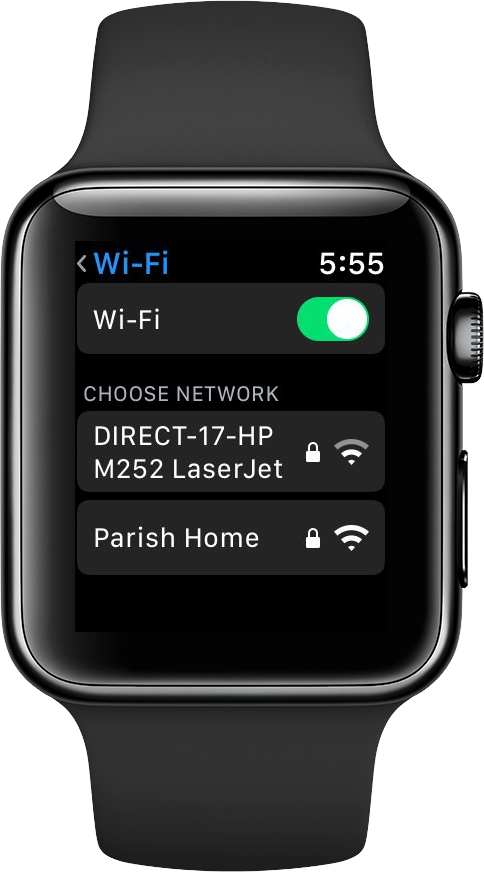
Aside from the big new features, watchOS 5 brings a handy option in the Settings menu that permits customers to manually connect their Apple Watch to nearby Wi-Fi networks.
The first beta of watchOS 5 is plagued by installation issues that could brick Apple Watch devices so Apple's decided to pull the software from its Dev Center portal for developers.
Heads up for folks with an original (Series 0) Apple Watch. The watchOS 5 update, which Apple announced earlier today during its WWDC keynote, will not support the older hardware. Everyone else is safe though: watchOS 5 supports Series 1, 2 and 3 models.
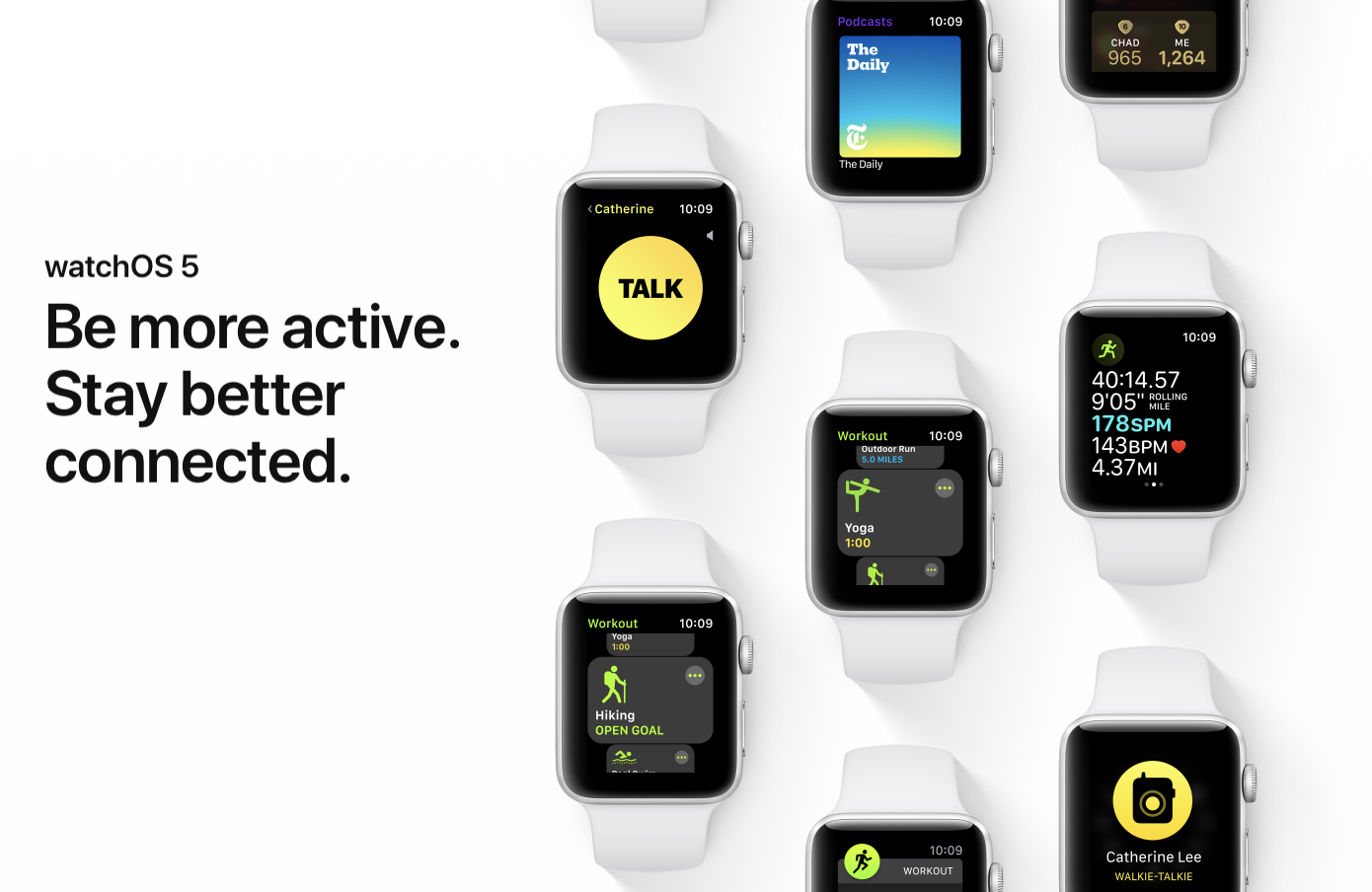
Version 5 of Apple's wearable platform is a sizable update. It includes a new Competitions feature, which allows you to challenge your friends to 7-day fitness competitions, a new Walk-Talkies communications app, support for the Podcasts app, and much more.
The original Apple Watch was first unveiled on September 9, 2014, and it wasn't available to buy until April 2015. A device losing update support after just 3 years is uncharacteristic of Apple, and wow do we feel bad for owners of those $10K+ Edition Watches.
Apple on Wednesday seeded the first betas of iOS 11.4.1, macOS 1013.6, watchOS 4.3.2 and tvOS 11.4.1.Registered developers can download the new betas through Apple's developer center, or they can install them using each platform's respective OTA mechanism.
