Video

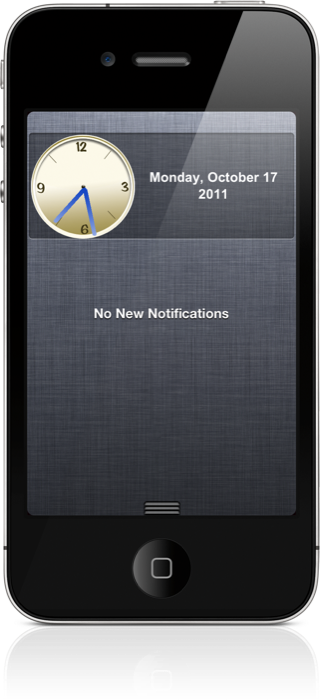
ClockCenter: An Analog Clock For Notification Center

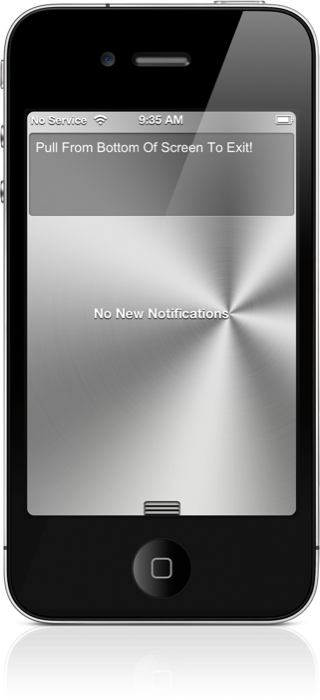
When you ride in a luxury car, one of the first things you'll notice is an analog clock. It's a sign of grace, style, and precision.

Since the iPhone is arguably the "luxury car" of smart phones, it's only right that an analog clock graces iOS 5's new Notification Center.

Sure enough, not long after iOS 5 was released to the public, ClockCenter shows up on Cydia...
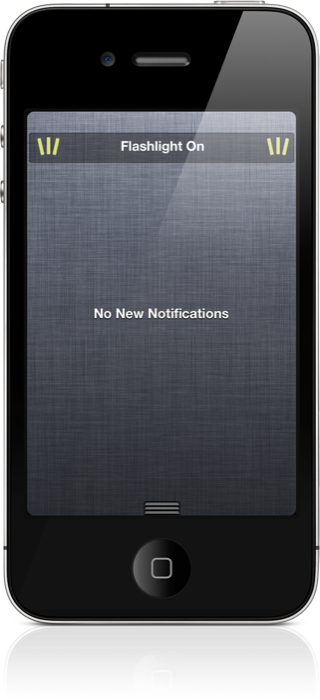
WeeFlashlight: Toggle Your LED Flash Right From Notification Center

If you're a long-time jailbreaker, then you're already well aware that a ton of flashlight apps and tweaks litter the Cydia store.

Folks, it's time to add yet another to the list; but this one is unique, because it relies on iOS 5's Notification Center.

With WeeFlashlight, a quick slide on the status bar is all it takes to put a handy torch at your fingertips. Check inside for the full scoop...

How to Enable WinterBoard Notification Center Themes

So you downloaded that pretty Aluminum Notification Center theme mentioned in our iOS 5 WinterBoard video walkthrough, and it didn't work; now what?

Fortunately there's a workaround for the Notification Center theme issue, as many people made me aware of after our video went live late last night.

Inside, I'll show you how to enable Notification Center themes on your iOS 5 device, using a handy workaround...

How iCloud Syncing Integrates With iWork [Video]

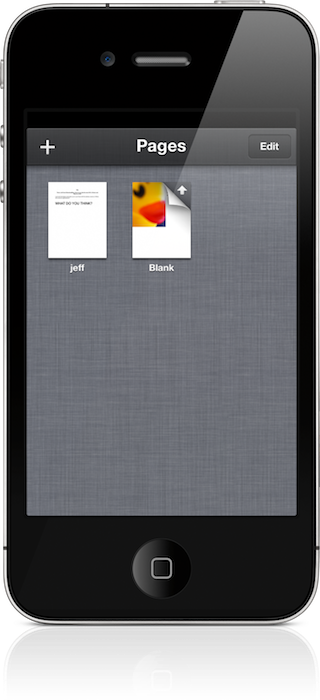
Caught up in all of the hoopla about the iPhone 4S and iOS 5 was the release of an updated iWork suite for iOS.

The new iWork features iCloud syncing compatibility, a feature that has been in beta for months, but was finally released to the public last week.

Inside, we showcase iWork's new cloud syncing functionality, which allows you to sync documents on your iPod touch, iPad, iPhone, and even your Mac in limited fashion...

Animated History of How the iPhone Came to Be

The iPhone is easily the most recognized smartphone in the world. As most of you know, the iPhone 4S is well on its way to becoming the fastest selling consumer device in history. Not bad for only being in the business for 4 years.

With that in mind, MacRumors points to an interesting video by the folks over at CNET UK. The clip takes a look at Apple's popular handset, and all of the people and technology that have been involved in making it what it is today...

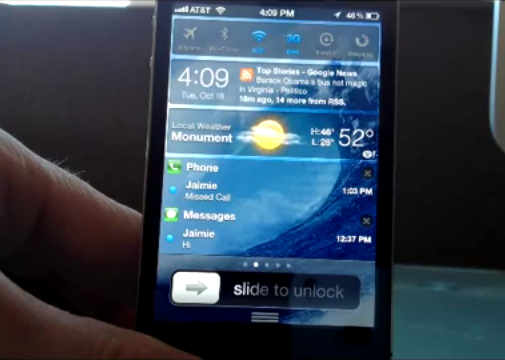
‘BatteryCenter’ And ‘PowerCenter Pro’ Juice Up Notification Center

Normally, I don't like to combine coverage of multiple jailbreak tweaks in a single post, but this go 'round, it was definitely appropriate.

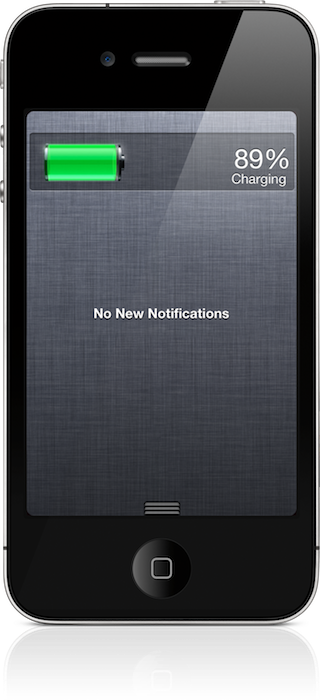
BatteryCenter is a free iOS 5 Notification Center widget, which brings battery stats directly to iOS 5's convenient pull down menu. PowerCenter Pro is the upgraded version of BatteryCenter, and it features additional options not found in its free version.

Both widgets are created by the same developer, and can be downloaded from Cydia. How do they stack up? Check inside for the video lowdown of each tweak...

IntelliScreenX Looks Like the Must-Have Jailbreak App for iOS 5

If you've been jailbreaking for a while, you'll likely recognize the name Intelliborn. The group is responsible for popular jailbreak utilities like MyWi and My3G. Now the talented developers have a new jailbreak tweak in the oven for iOS 5 — and it's awesome.

The utility is called IntelliScreenX, and it sits in the new Notification Center found in the latest iOS update. No, it's not simply a widget. This could take the place of 10 widgets (and so much more). And we just happen to have a video of it in action...

‘FavoriteContacts’ Adds Your Favorites to Notification Center

The Notification Center jailbreak widgets are really starting to pick up steam as of late, and that means that there's a ton of new and innovative tweaks for us to cover.

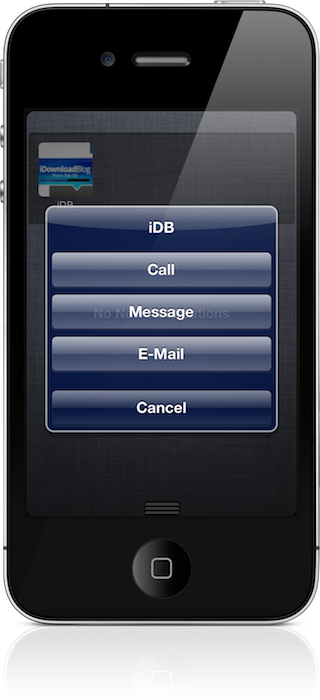
The latest tweak, is called FavoriteContacts, and as one might imagine, it pulls in all of your favorites from your Phone app. Doing so, allows you to initiate a call, text, or email right from the convenience of iOS 5's Notification Center.

We've gone hands-on with FavoriteContacts, and we're happy to report that it rocks. Check inside for the video walkthrough, and for a chance to win one of five (5) free copies...

Springtomize 2 Teaser Trailer, More Details on Release

Anyone that's been following our videos, knows that Springtomize was one of the most popular. Springtomize is the tweak that allows you to customize virtually every aspect of your iOS device, and that's literally no exaggeration.

With the release of iOS 5, developer Filippo Bigarella has gone back to the drawing board and basically rebuilt Springtomize from scratch.

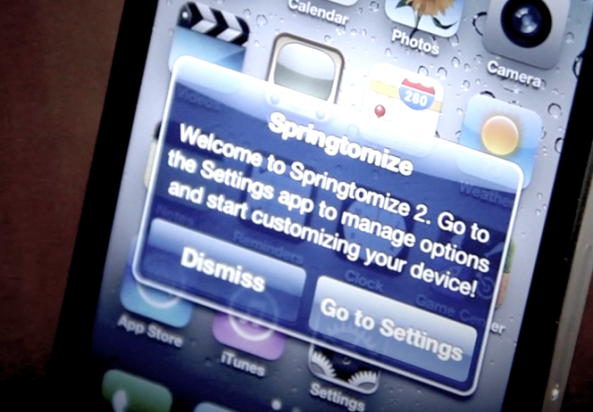
It's coming, and when it does, we'll have a full video walkthrough in tow. In the meantime, check out this teaser trailer for Springtomize 2...

A Duet with Siri

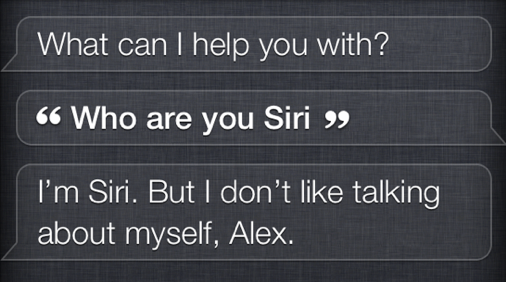
Singer Jonathan Mann decided to record a duet with Siri, Apple's newest AI interface in the iPhone 4S.

Siri is known for her attitude, and this duet demonstrates just how much of a heartbreaker Siri can be...

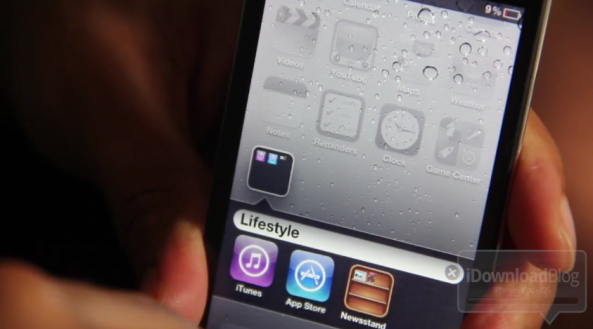
Kick Newsstand to the Curb With ‘NoNewsIsGoodNews’

If one of the first thoughts to your mind when Newsstand was revealed at WWDC was: "I'm never going to use that", then this tweak is for you.

NoNewsIsGoodNews is a jailbreak tweak from Ryan Petrich that completely removes the Newsstand folder from iOS 5 installations.

Inside, I go hands on with NoNewsIsGoodNews, and I also showcase the much talked about Newsstand folder glitch...

The iPhone 4S Gets Sent to Space

Many people have bought an iPhone 4S already, but none of us have sent our iPhone to space. Thats exactly what a YouTube user by the name of "FinalCutKing" did. He purchased two iPhone 4s's on launch day, and put them in a helium balloon. He then sent them up, and waited patiently for them to fall safely back to Earth. While the iPhones were up there, they took some amazing footage of the Earth's atmosphere.