[tube]04ByslM_A0A[/tube]
Don't have time to go through the 2 hour video of the new iPad announcement? We've got you covered. Here is today's event in 90 seconds...
[tube]04ByslM_A0A[/tube]
Don't have time to go through the 2 hour video of the new iPad announcement? We've got you covered. Here is today's event in 90 seconds...
[tube]DJxZ0HVQXo8[/tube]
Well, the fireworks are over, but the fun stuff is just beginning. Like always, Apple has posted the very first TV spot for their new product on their website, and it promotes the iPad's most compelling new feature.
Indeed, the Retina display plays front man in Apple's new TV spot, as it should; it looks stunning. I think they did a really good job of showing off how incredible the display looks.
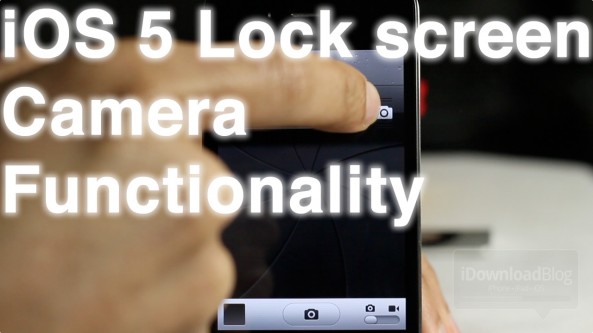
Arguably the biggest change to iOS 5.1 when compared with its predecessors is the Lock screen camera functionality.
Instead of double pressing the Home button to reveal the camera icon on your Lock screen, the camera icon is a permanent fixture.
Revealing the actual camera also works quite differently than in times past. Check out our video walkthrough of the new iOS 5.1 Lock screen camera functions inside...
[tube]4Rp-TTtpU0I[/tube]
This was developed exclusively for the new iPad Retina display. Looks good, don't you think?
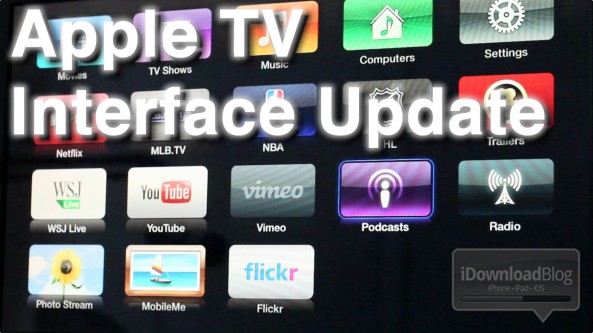
The Apple TV received an update to its interface, shortly after today's iPad media event.
The interface, while nice at first glance, does little more than spiffy up the Apple TV's Home screen. Underneath the friendly bubble based interface, you'll find the same text-based menus of old.
It's basically just a shiny coat of new paint on top of the Apple TV's plain jane UI. It's certainly not a sole reason to purchase an Apple TV, or negate your jailbreak just to enjoy the new UI...

Following Apple's announcement of an upgraded Apple TV today, Netflix has just announced it will be offering 1080p streaming to the new device. Apple announced the new Apple TV at its media event in California, along with the new iPad.
The new Apple TV is priced at $99 and features 1080p playback and a sleek new interface. Netflix, being one of the main reasons many buy an Apple TV, will be the perfect app for taking advantage of the Apple TV's 1080p abilities...
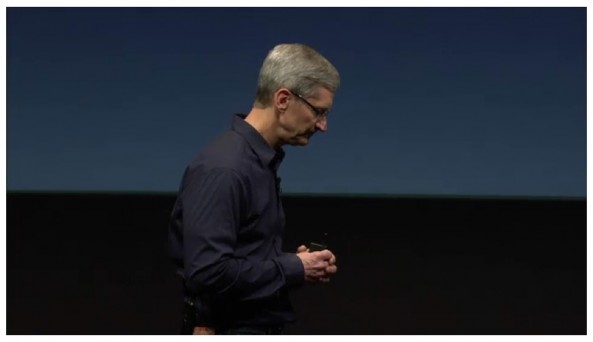
Apple has posted their new iPad media event from today, March 7th, in its entirety.
Hit up this link to watch the full uninterrupted keynote for yourself.
Let us know how you think Tim Cook did with his first product launch since being named Apple CEO.

Apple just posted a video presentation of the iPad 3 on its website. It's not available on YouTube or for download yet, but I assume it's just a matter of time.
Go over Apple's website to see how beautiful the Retina display looks on the iPad 3...

When Walter Isaacson released his biography on Steve Jobs last fall, we were able to get a few tidbits on Steve Jobs' vision for the next Apple TV set. It was said that Apple's late co-founder had "finally cracked" the code to create the television everyone has been waiting for.
Isaacson recently sat down with a Portuguese TV network to talk about his latest biography. As noted by The Next Web, Issacson revealed he left out several details Steve Jobs gave about the company's next Apple TV...
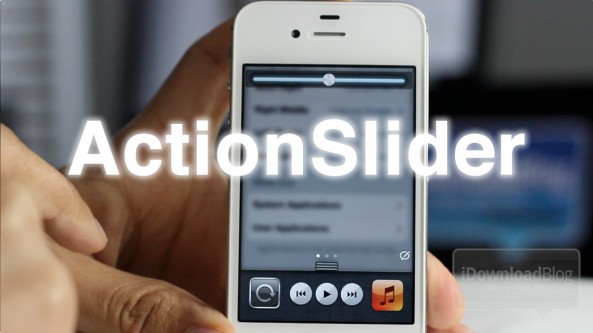
ActionSlider is the premium version of WeeCloseApps, and it includes many more actions to execute directly from Notification Center.
With WeeCloseApps all you could do was close and kill running and backgrounded apps, but with ActionSlider you can do things like invoke Siri, take a screenshot, open the App Switcher, and many more...
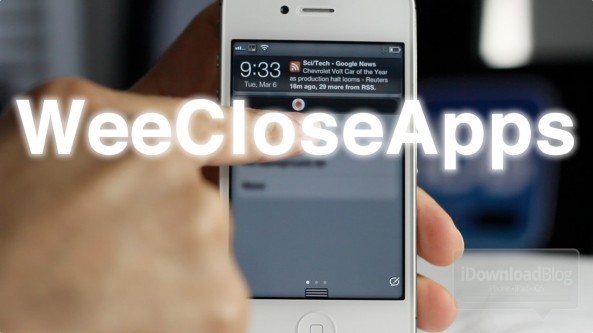
WeeCloseApps is a jailbreak widget that resides in Notification Center. Its purpose is built solely around closing and killing both running apps and backgrounded apps.
This tweak is basically the free version of another tweak called 'ActionSlider', which we will be covering for your shortly.
Once installed, a slider bar resides in Notification Center, and a slide to the left or to the right yields different actions depending on how you configure the tweak in the Settings app.
Have a look at our video demonstration of WeeCloseApps straight ahead...
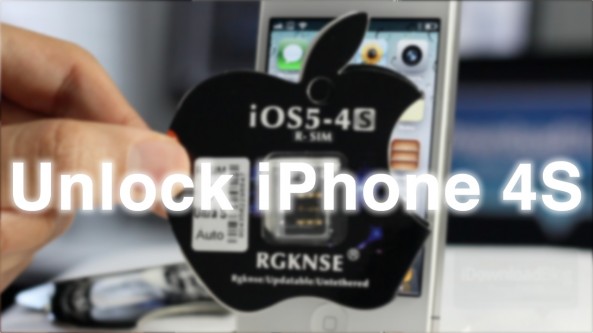
I'll admit that I've never used a Gevey SIM interposer, or anything like it in the past, but I figured I'd give it a shot with the iPhone 4S.
The iPhone 4S has its own special SIM interposer called the R-SIM II Ultra S, which was recently released.
I'm happy to report that this is by far the easiest method for "unlocking" your iPhone 4S, and using it with T-Mobile or virtually any other GSM carrier. And guess what, no jailbreak is required.
Check out our review of the iPhone 4S R-SIM tool inside...