Video

Mercedes-Benz posts CarPlay video tour showcasing real-world Siri integration

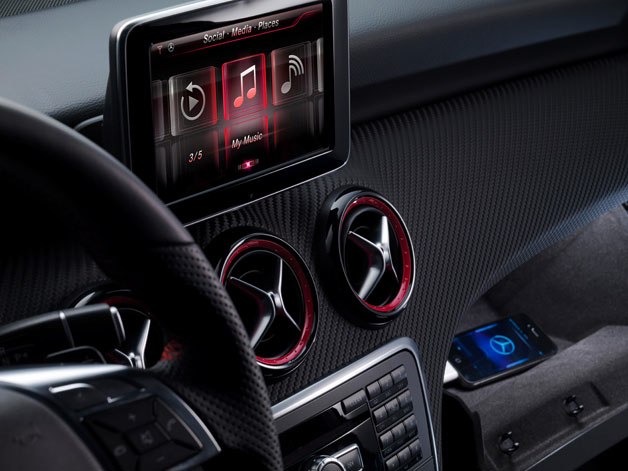
After Volvo yesterday posted a nice hands-on video highlighting Apple's newly launched in-car system dubbed CarPlay (previously known as iOS in the Car), Mercedes-Benz (one of the three CarPlay launch partners) has posted a video tour of its own which gives us a hands-on demo of CarPlay in its new C-Class and showcases real-world Siri integration.

The clip depicts a driver using Siri to get visual directions with a little help from Apple Maps and using a dedicated hardware button to interact with Apple's smart voice assistant. As previously stated, CarPlay does not allow for third-party mapping apps such as Google Maps...
Vertex: hands-on walkthrough

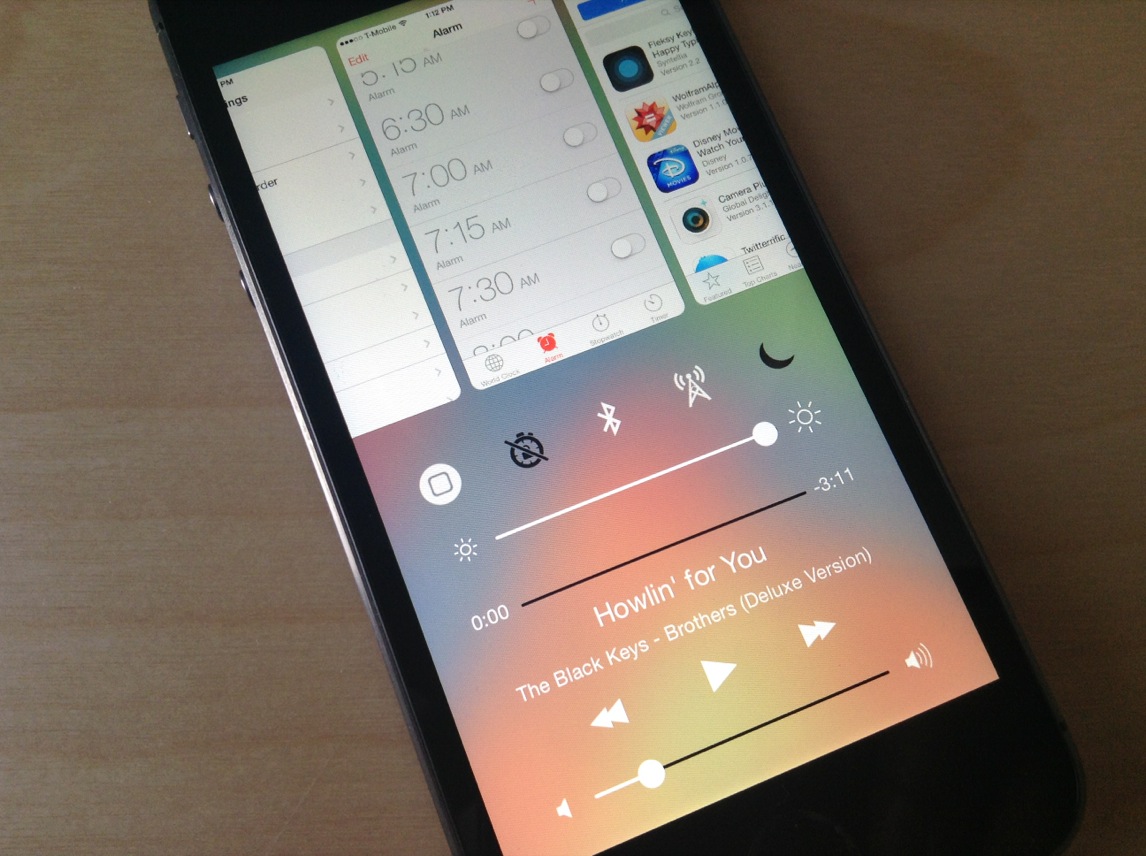
It seems like we've started to hit the point in the jailbreak cycle where developers are starting to pull out the big guns. For instance, we had IntelliScreenX 7 released last night, Sentry teased a work-in-progress Auxo 2, and today, we're bringing you the first hands-on review of the highly anticipated Vertex—a new jailbreak release that brings Bill Labus' popular Mission Control concept to reality.

I've spent some considerable hands-on time with Vertex—putting it through its paces on my daily driver, bugging Timon Olsthoorn, its humble 16 year-old project manager from the Netherlands—and I have to say, I really like this tweak.

Timon, of course, is just one half of the team that responsible for taking Labus' concept and making it into something tangible. Memphis Tennessee native Ian Burns puts his stamp on the Vertex project by serving as the tweak's lead engineer. As you'll see from our hands-on video walkthrough that follows, Ian is pretty good at what he does.

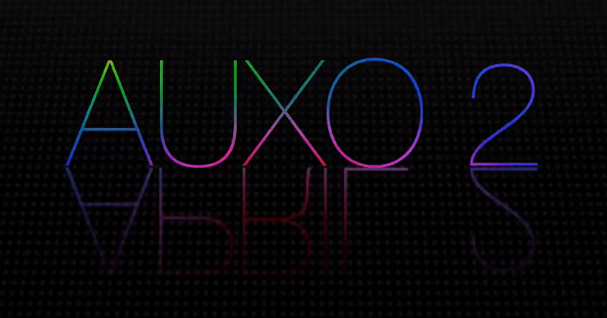
Auxo 2 teased in videos

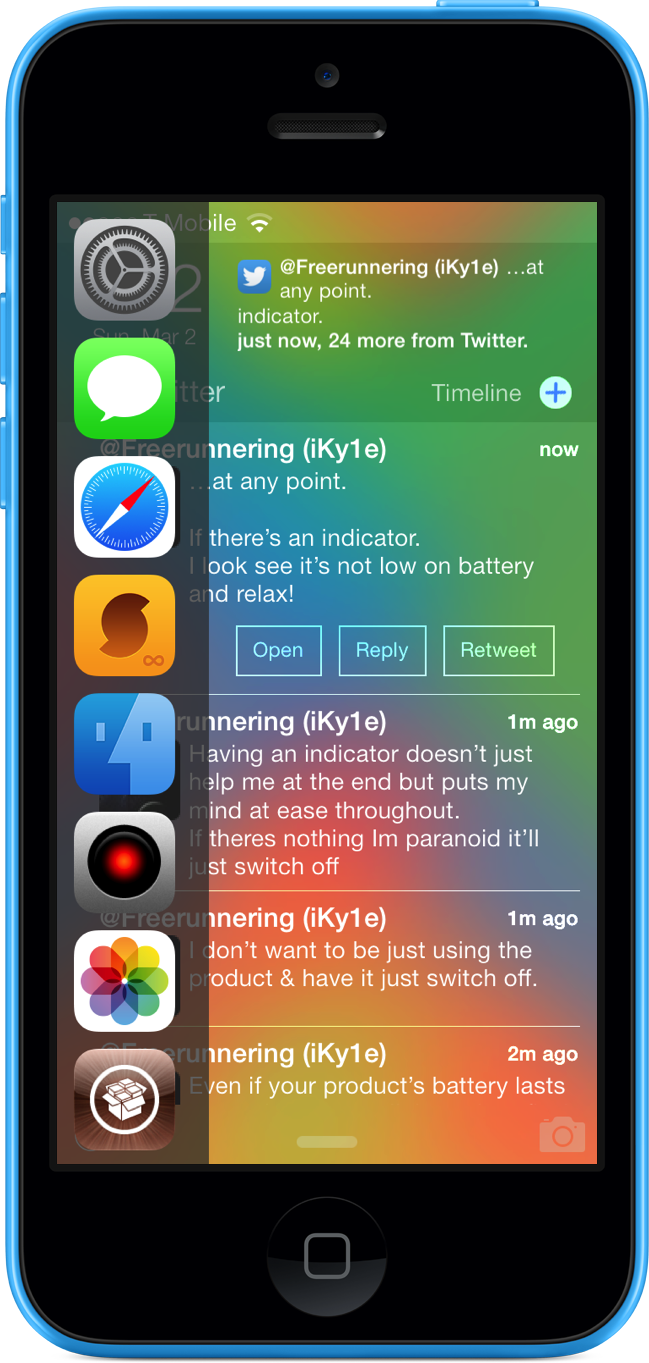
In October 2012, we posted a few images from a concept by an up-and-coming designer called “Rethinking the App Switcher for the iPhone 5." As the name suggested, the concept offered a different take on the then-bottom-loading app switcher.

That designer's name was Sentry, who is now one of the most well-known figures in the jailbreak community, and that concept went on to become Auxo, perhaps one of the most popular tweaks of all time. And yes, folks, a sequel is on the way...

IntelliScreenX 7 hands-on walkthrough

Intelliborn's IntelliScreenX has been around for a few years now, and it continues its reign as one of the most popular jailbreak releases of all time. Even if you have beef with the way IntelliBorn goes about updating its Cydia releases, slowly trickling out nuggets of information, there's simply no denying that it creates jailbreak apps more ambitious than only the most talented of jailbreak developers.

Even more so than iOS 6, iOS 7 was a radical departure from the status quo, and because of that, jailbreak developers have had to go back to the drawing board so to speak. Intelliborn hasn't been exempt from this problem.

After months or retooling and remixing, and after what has essentially been a build from scratch, IntelliScreenX 7 is finally amongst the living. In fact, we have a beta copy of the highly anticipated release in our hands right now, and we'd love to show it to you.

This latest version of IntelliScreenX is not only a rethinking of the app, it brings a fresh new feature to the table as well. Check inside for our full hands-on video walkthrough of IntelliScreenX 7...

How to enable the Fleksy Keyboard in stock applications

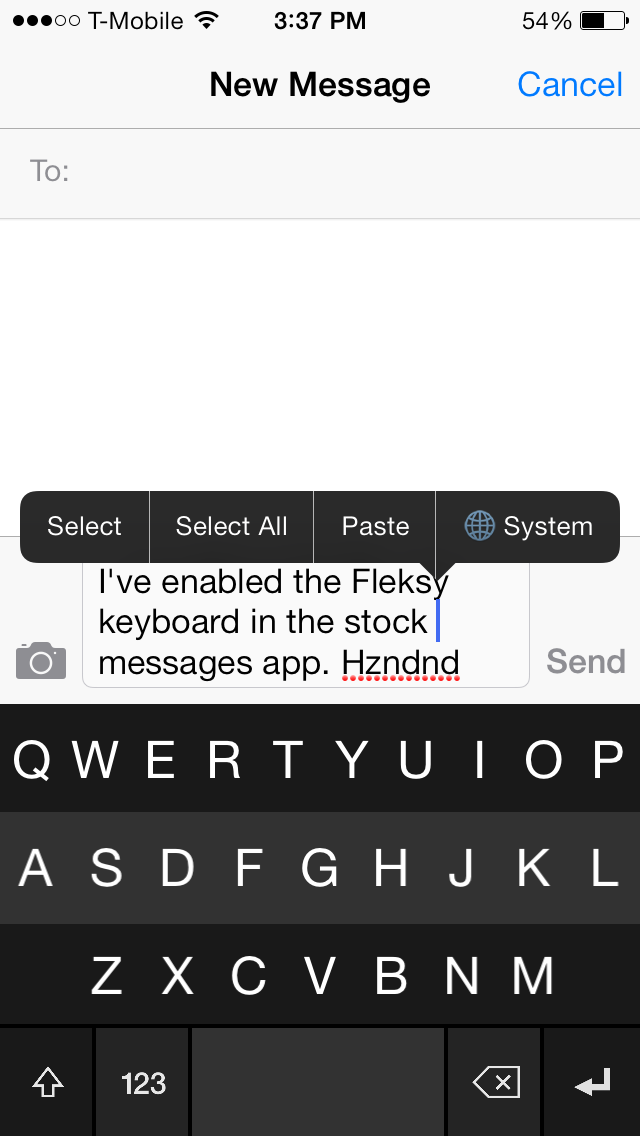
The Fleksy Keyboard is a third-party keyboard with an SDK that iOS developers can tap into if given access by Fleksy. The benefits of using the Fleksy Keyboard over the stock iOS keyboard is readily apparent after just a brief hands-on experience. You can actually go out to the App Store right now to download the standalone Fleksy Keyboard app to try it out. Other apps, like Launch Center Pro, have recently incorporated Fleksy in-app, providing for an arguably better typing experience.

But what about using the Fleksy Keyboard with built-in apps like Messages, Reminders; even Safari? What then? Up until now, this has been impossible. But the recent creation of a brand new jailbreak tweak called Fleksy Enabler, allows you to use the popular keyboard with some first-party and unsupported third-party apps.

TouchBar: disable status bar items with a touch

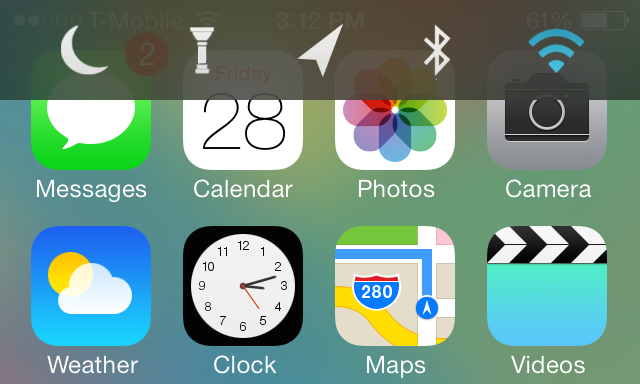
When I first took TouchBar for a spin, I have to admit I was a bit confused. I understood the fact that the tweak allowed you to invoke a quick toggles bar near the status bar; that much was clear. What I didn't understand was a setting found in the preferences for the tweak that allows you to "enable items."

Well, apparently, this enable items toggle lets you touch the actual icons present in the primary status bar. For example, if you touch the little signal bars in the upper left-hand corner of your iPhone's screen, you can engage AirPlane mode. If you touch the Airplane icon, you can turn off Airplane mode. This works for most of the items that you'll find in the status bar.

This is one of the few tweaks that I've run across that lets you interact with actual items in the status bar. Remember, these items are insanely small, so it's a little odd and a bit intriguing all at once. Have a look at our video walkthrough after the jump to see what I mean.

SixBar: enable the black and white status bar from iOS 6

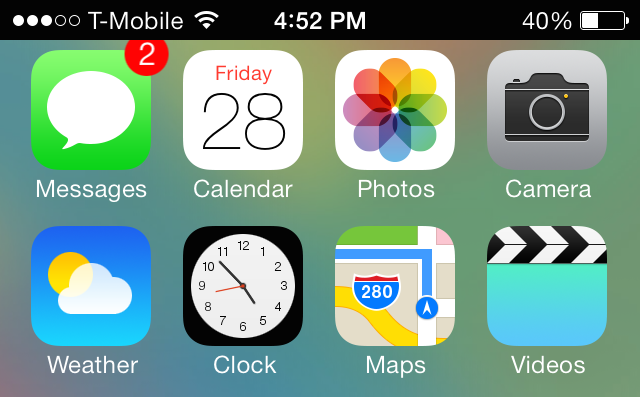
SixBar is a recently released tweak for those of you who are tiring of the status bar present in iOS 7. It forces the status bar into the old-school black and white mode that was last seen in iOS 6.

SixBar is not a theme, so it doesn't require WinterBoard or any other theming utility. Once you install SixBar, you'll need to go to the Settings app to find the tweak's preferences. Inside the preferences you'll notice a lone toggle—a kill-switch—used to enable or disable the tweak. When you enable the toggle and respring, you'll see the familiar black and white status bar inspired by iOS 6...

StatusBright: swipe across the status bar to change brightness

StatusBright is a just-released jailbreak tweak available on Cydia's ModMyi repo. It's a simple tweak that lets you change your iPhone's brightness settings using a swipe on the status bar.

You might remember a similar jailbreak tweak entitled SwipeBright. It, too, allowed you to swipe on the iPhone's status bar in order to adjust the brightness settings of the device. Sadly, SwipeBright has yet to be updated to support iOS 7, so the developer of StatusBright felt that a new tweak was justified.

Although adjusting the brightness on the iPhone is much easier with iOS 7's Control Center, it's still one less gesture that you need to perform by putting the controls directly on the status bar. Check inside for more details about how StatusBright works.

PowerBanners: change low power alerts to unobtrusive banners

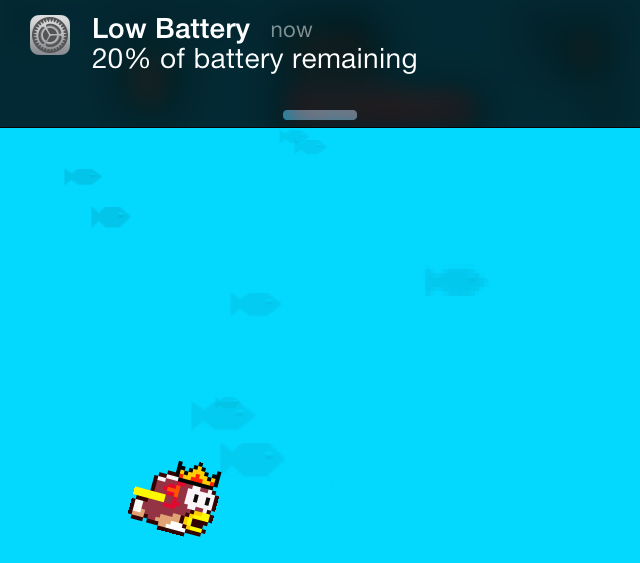
Don't you just hate it when you're in the middle of a game or a movie only to be interrupted by the low power notification at 20% and at 10%? Wouldn't it better if the notification was a bit less intrusive? That's the premise behind PowerBanners, a new jailbreak tweak available for free on Cydia's BigBoss repo.

For those of you who have been around for a while, there's another jailbreak tweak called LowPowerBanner that brings similar functionality to iOS. Sadly, as is the case with many tweaks for iOS 6 and below, it was never updated for iOS 7. PowerBanners was created from the ground up with iOS 7 in mind, and it works on arm64 devices like the iPhone 5s as well.

We've taken some time to test out PowerBanners and we can report that it works as advertised. Want to know just how well it works? Check inside to watch our hands-on walkthrough.

Polus: a customized QuickLaunch experience for Control Center

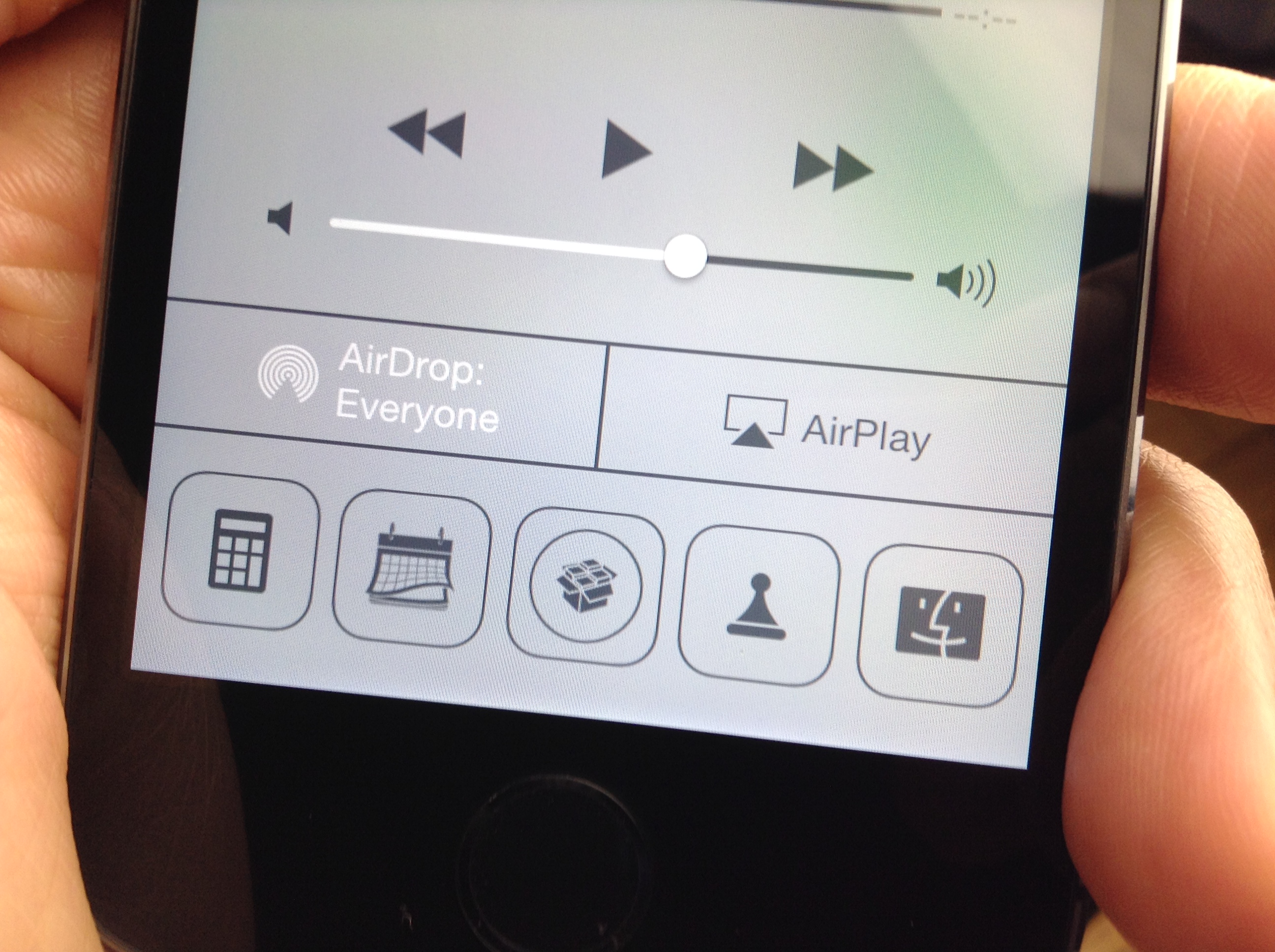
A3tweaks—the development team behind great jailbreak releases such as Auxo—is back with a brand new upcoming tweak, and we want to show it to you. The tweak, which is called Polus, is an extension that adds significant improvements to the QuickLaunch section of Control Center.

With Polus, you can customize Control Center's apps shortcuts, and assign them with Activator gestures...but that's not all. We've taken the upcoming tweak for a detailed spin on video. Check past the break for more information.

NoGrabber: how to hide Notification Center and Control Center grabbers

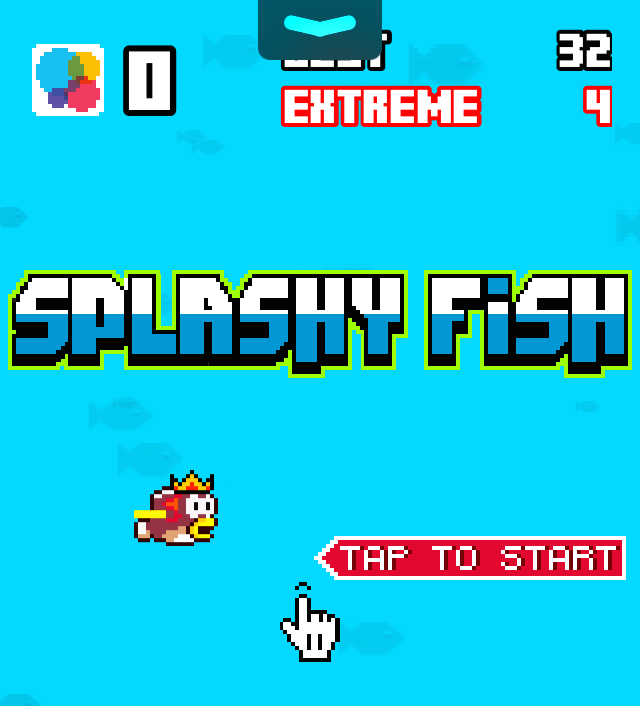
Grabbers, like the one in the photo above, appear while trying to invoke Notification Center or Control Center in a full screen app. The grabbers essentially force you to perform two invoking gestures in order to launch Control Center or Notification Center. The grabber feature is there to prevent accidentally launching the aforementioned overlays while using a full screen application or game.

Some people, apparently, find the grabber feature annoying, and they want to launch Notification Center or Control Center like they normally do, even while using a full screen app. If you're one of those people, then NoGrabber is something you should consider using. It forces the overlays to behave like normal, eliminating the grabber while in full screen applications. Take a gander at our video walkthrough to see how it works in action.

How to quickly swipe between message threads in iOS 7

MessageSwiper7 is a recent Cydia release that brings the ability to swipe between Messages app conversations in iOS 7. We posted about the original MessageSwiper almost a year ago, and as you'll see, that version differs quite a bit from the latest version.

Since iOS 7's Messages app already features built-in actions for swipe gestures on both the right and left side of the app, more thought had to be put into the tweak to get things right in iOS 7. We've taken MessageSwiper7 for a brief spin on video to show you how it works. Have a look at our full walkthrough inside.