Video

Recent ‘ProWidgets’ update adds a simple Grey theme

A few weeks ago, we reviewed ProWidgets—a tweak that I believe is amongst the best of jailbreak releases. The tweak by itself is very well done, but my sentiments were also based on ProWidgets' potential with regard to expandability.

The version of ProWidgets that I reviewed didn't include the simple grey theme that's now available with the latest ProWidgets update. Although it's not technically a third-party theme, this is one of the first big changes that we've seen to ProWidgets since our initial review. Have a look inside as we showcase the tweak's simple grey theme on video.
How to add a respring widget to ProWidgets

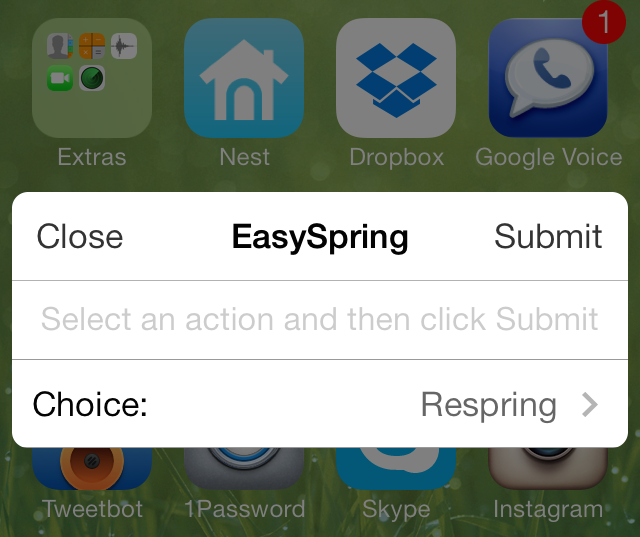
EasySpring for ProWidgets is one of the first, if not the first, add-ons for the ProWidgets jailbreak tweak. As you might have heard, I'm a pretty big fan of ProWidgets, not only due to its great design and functionality, but also due to the potential it has for third-party developers.

Although this initial add-on isn't very exciting, it does show off how easy it is for developers to create good looking widgets. Have a glance past the break as we showcase to you EasySpring—the add-on that allows you to have your own custom respring widget.

How to disable “Cover Flow” in the iOS 7 Music app

The traditional Cover Flow feature that's been a staple of the Music app for many years was finally retired in iOS 7. It was replaced with a cool new album art view that appears when placing your device into landscape orientation.

While the new-fangled Cover Flow view (I'll just call it Cover Flow for lack of an official name) is pleasing to the eyes, some may find it to be an annoyance at best and a hinderance at worst. Needless to say, its usability is questionable, and it arguably places style over substance and convenience.

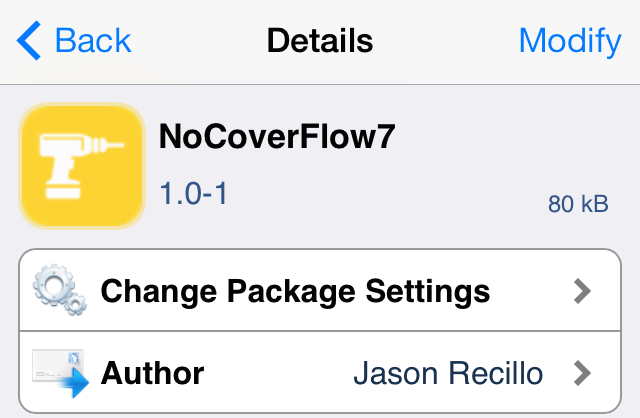
With that being said, there is a way outright prevent the Cover Flow view from being displayed when placing your device in landscape mode. The solution to the problem is a new jailbreak tweak entitled NoCoverFlow7.

PowerDown Pro: add more options to the iPhone’s power down interface

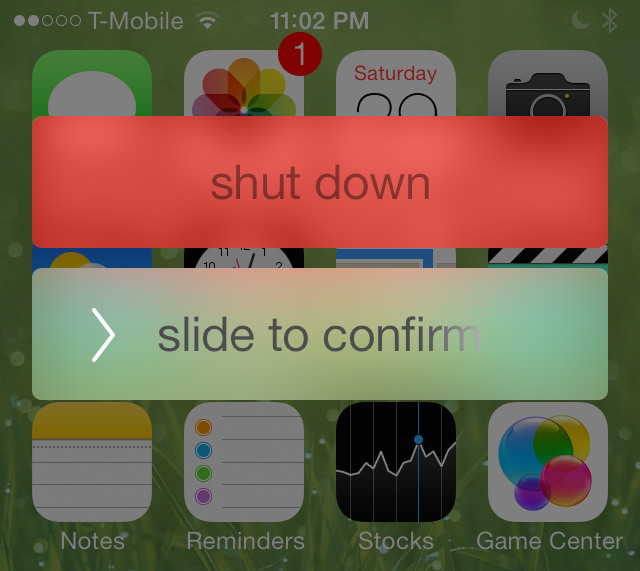
PowerDown Pro is a jailbreak tweak that adds extra options to the power down screen that appears on your iPhone after holding the sleep button. Normally, this menu contains a single option—slide to power off—but with PowerDown Pro, three additional options are put into play.

Each of the available options—reboot, respring, safe mode, and shut down—can be accessed using swipe gestures on the red rectangle box found on the power down screen. Have a look at our video walkthrough after the jump to see how it works in action.

Auxo 2 jailbreak tweak coming to Cydia April 2nd

Good news jailbreakers. The dev group A3 tweaks announced earlier today that Auxo 2, the highly anticipated sequel to their original jailbreak tweak, is nearing completion and should be ready for release sometime this week.

We first saw evidence of Auxo 2 at the beginning of the month, when the group's UI designer Sentry posted a pair of 6-second video clips teasing some of the tweak's features. And today, a much longer trailer has been posted...

WSJ: Amazon working on free video streaming service

Much of the tech world seems to be infatuated with Office for iPad today, but I think what's going on over at Amazon is more interesting. Not only is the company expected to unveil a new TV device next week, and working on Internet radio, but a new report claims it's also building a Hulu-like service.

The Wall Street Journal is reporting this afternoon that Amazon is planning a free, ad-supported streaming service that will offer video content to all customers—not just Prime members. The outlet says the service could be used to stream original Amazon shows as well as other licensed programming...

Popular PC game ‘Faster Than Light’ landing on iPad next week

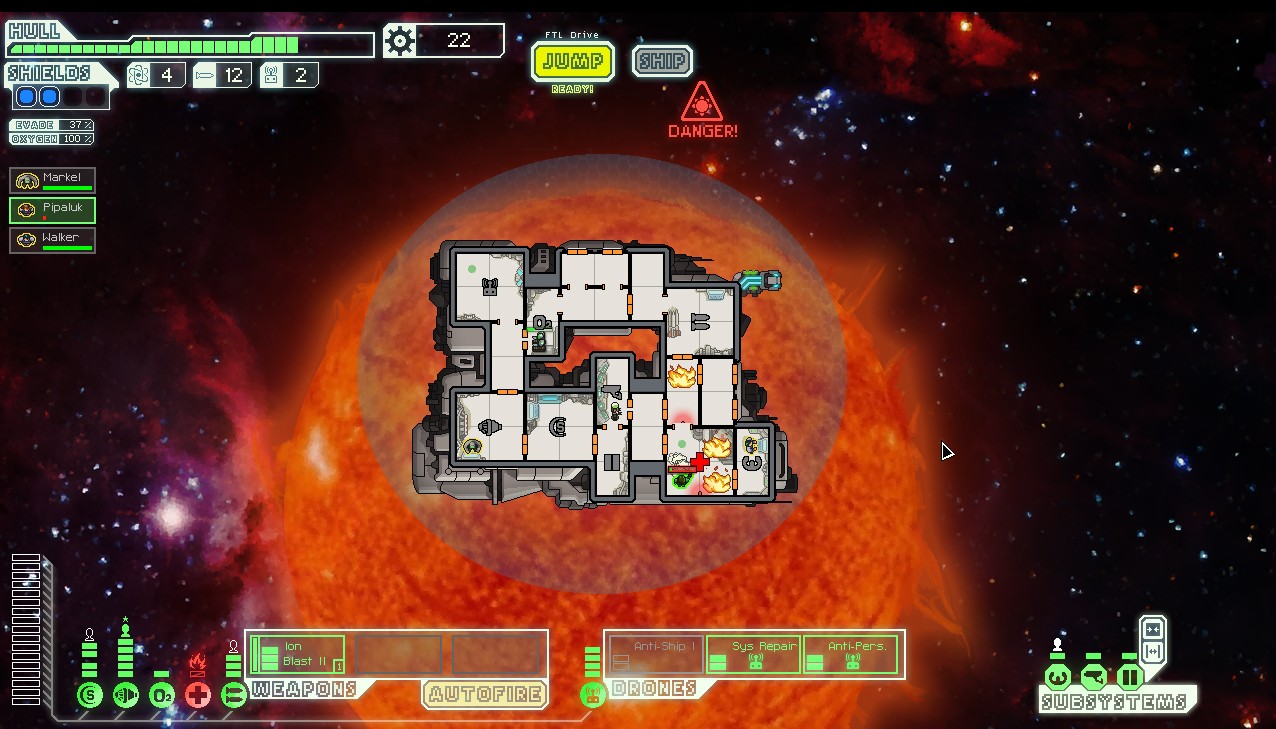
Good news for gamers this afternoon, as it's been announced that the popular PC/Mac title Faster Than Light will be making its way to the iPad next week. The developers announced the release date via the official FTL Twitter account, and said it will be accompanied by a free desktop content expansion pack.

For those who are unfamiliar with FTL, it's a top-down, real-time strategy game that has players managing a crew and its faster-than-light spacecraft as it flies through multiple galaxy systems. In it, you'll face off against rebel and other hostile forces, recruit new crew members and ensure your ship's safety...

How to add a rain effect to the iPhone’s Lock screen

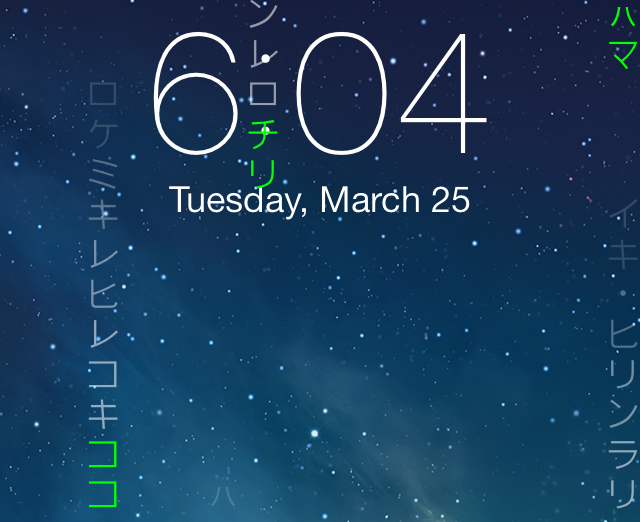
Rain Lock is a jailbreak tweak that lets you add custom "rain" effects to the iPhone's Lock screen. The rain is really just text, which can be custom text or one of the two built-in text effects.

As you may have already figured out, Rain Lock isn't the type of tweak that adds enhanced functionality to your iPhone, neither does it help you work smarter—it's a tweak that's unapologetically centered on visual flair. And that's okay, because that's what Rain Lock does well, and it gets it right for the most part. Mosey on inside for a look into how Rain Lock works via our hands-on video walkthrough...

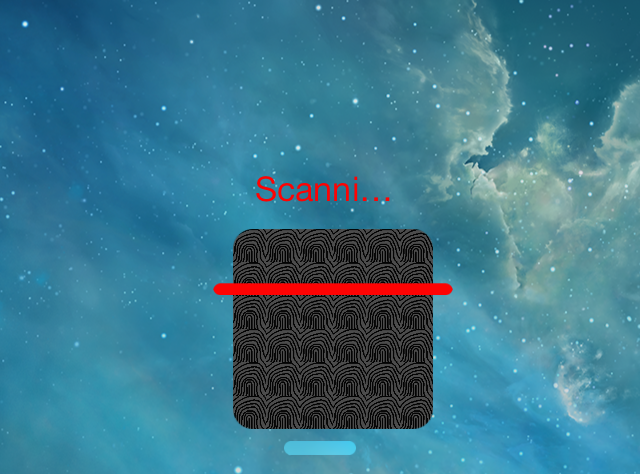
How to add a fake fingerprint sensor to iOS 7

No, that wasn't a typo. There's a new jailbreak tweak available on Cydia that allows you to fake the functionality of a fingerprint scanner on your iOS 7 device. Geared towards folks without a Touch ID enabled device like the iPhone 5s, this tweak does its best to fake the security benefits of a fingerprint scanner.

If only it were possible to actually fake the security of the Touch ID sensor. Spoiler: it's not. And as such, this tweak, ironically entitled Bio, falls squarely into the mix with other "joke" jailbreak tweaks used for comedic effect. Have a look at our video walkthrough after the jump to see Bio in action.

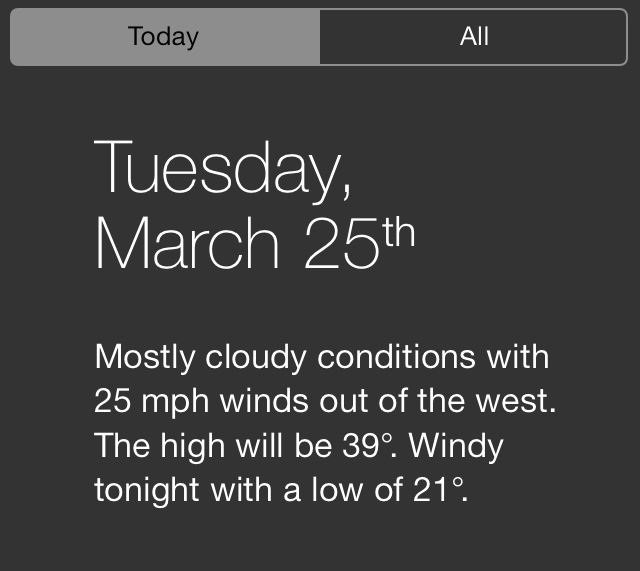
Customize Notification Center with BetterNC7

BetterNC7 is a jailbreak tweak geared towards the Notification Center in iOS 7. It's one of those tweaks that contains a ton of different toggles to disable or enable certain features.

I've never been a huge fan of tweaks like this, just because they seem to add features just for the sake of saying they have a lot of features. That said, there are some nice settings to be found within BetterNC7's preferences, so it's worth checking out. Have a look inside to see some of the details on video.

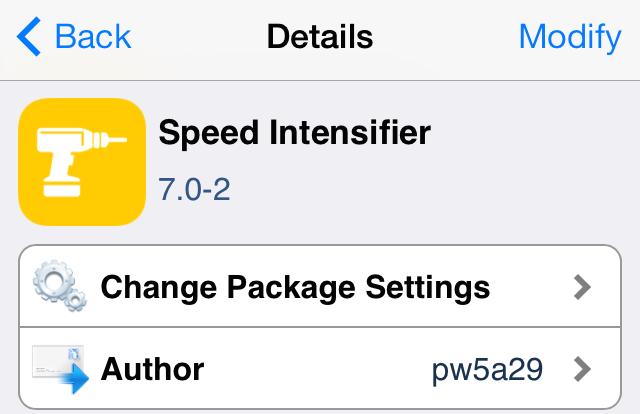
Here’s another way to speed up animations in iOS 7

Speed Intensifier is a tweak that's been around for some time, but was just recently updated to play nice with iOS 7 and arm64 devices like the iPhone 5s. The effect, especially when you take into consideration the drastic animation changes present within iOS 7, is nothing short of startling.

If you're looking to speed up, at least in perception, the speed of your device, then look no further. Speed Intensifier allows you to significantly increase the speed of animations found within iOS 7, and it does so while allowing you to keep iOS 7's trademarked style. Check out our full video walkthrough inside, which showcases Speed Intensifier in action.

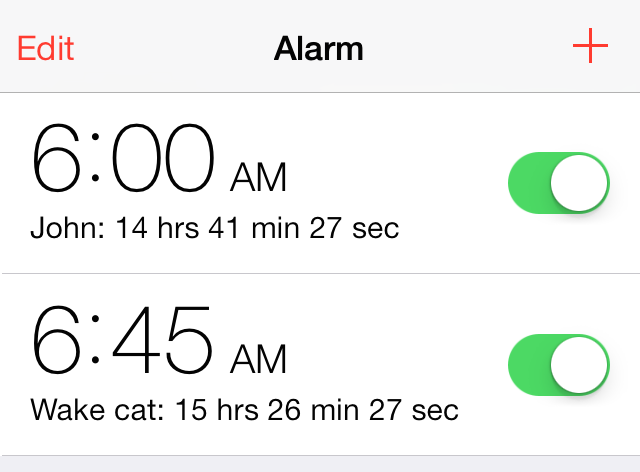
TimeForAlarm 2: display the time remaining before an alarm clock sounds

Have you ever tried to calculate in your mind how many hours you have to sleep before you need to wake up? I think we all do that from time to time, and more than not, it ends up with us being anxious about the fact that we don't have much time to sleep. But that aside, there's a new jailbreak tweak available on Cydia that performs this countdown function for your automatically, and it's called TimeForAlarm 2.

TimeForAlarm 2 is a free jailbreak tweak that places a handy countdown timer right beside the alarm clock in your stock Clock app. It's a great way to instantly figure out how much time you have remaining before your alarm clock sounds. Want to see how it works in action? Take a gander at our video walkthrough after the break.