Video

TagExplorer: edit metdadata tags for media directly on your iPhone

If you've ever had the desire to edit the metadata tags for the media content on your iPhone, then TagExplorer is a brand new $2.99 jailbreak app that you'll want to, ahem...explore. It brings metadata editing capability to the iPhone, and allows users to edit the tags for music, podcasts, videos, and more. It even lets users locally edit tags for music downloaded from iTunes match.

How to jailbreak iOS 8.2 beta 2 with TaiG for Windows

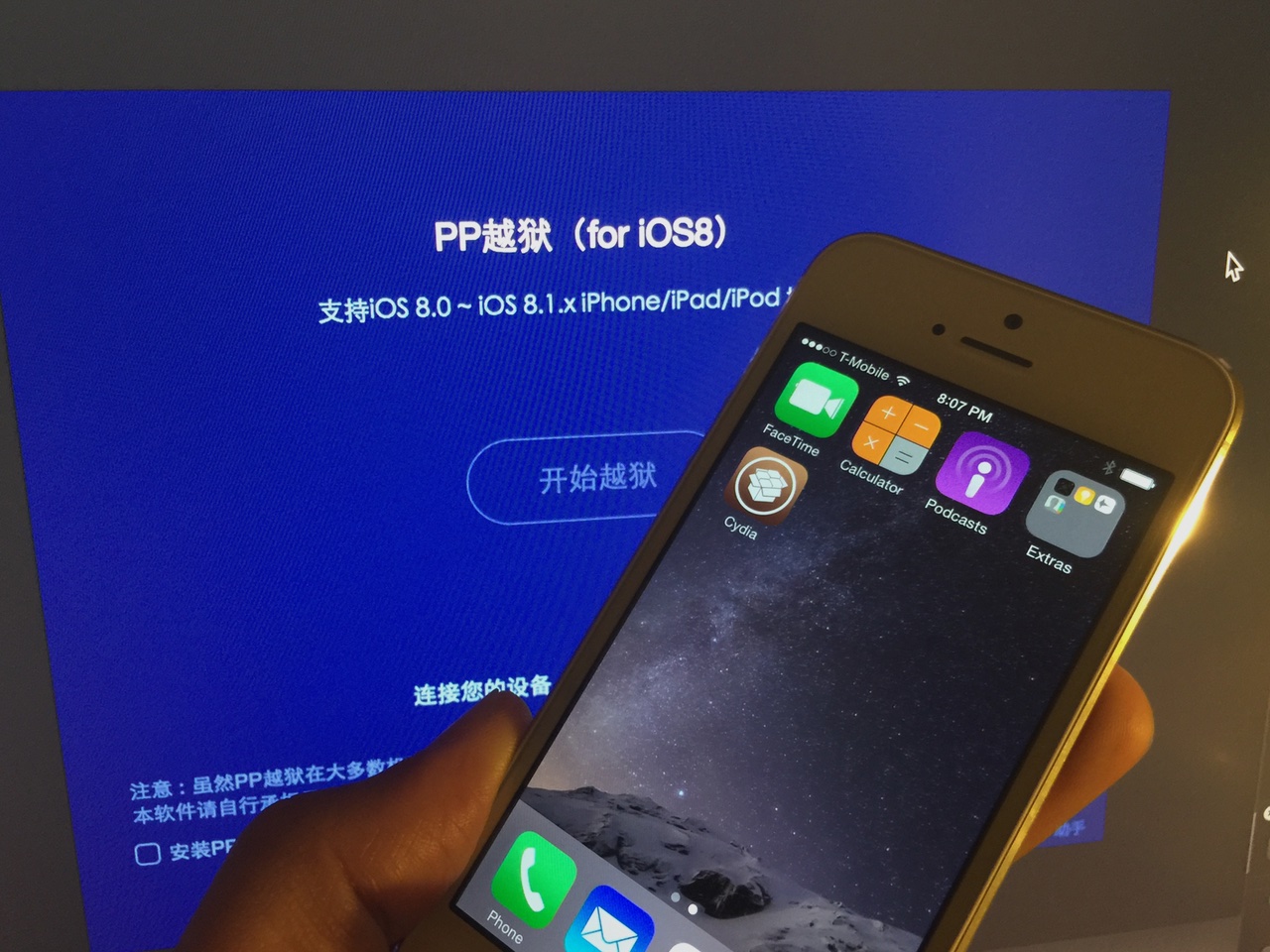
A few days ago, we posted our Mac jailbreak tutorial for iOS 8.2 beta 1 and 2. That tutorial used the PP Jailbreak tool for the Mac. For Windows users, things are slightly different. Windows users get to use the TaiG tool. At the end of the day, both tools are geared towards the same goal—allowing you to easily jailbreak iOS 8.2 beta 1 and 2.

Workflow is an amazing app, and this WordPress image uploading workflow shows why

Although I've long admired the iPad-centric work ethic of individuals like MacStories' Federico Viticci, I could never fully commit to working from my iPad due to the perceived amount of steps needed to get things done. Yes, it's possible, but I've always thought it was easier to work from my MacBook Pro.

With that said, I certainly admire anyone who can successfully pull it off, as Viticci has obviously done. There's even a slight bit of jealousy there because he's figured out well in advance how not to be ball-and-chained to a traditional desktop.

With iOS 8, a lot of that has changed. iOS is now more open than ever and users can do some powerful things with said openness. Case and point: Workflow—the automation app that opens up the door to automation newbs like myself. Yes, much automation could be done prior to Workflow—apps like Pythonista and Editorial proved as much—but Workflow is venturing into brand new territory. Not only is it arguably the most powerful automation tool available for iOS, it makes implementing automation accessible to mere mortals.

In this post, I'd like to show off one of the workflows that I'm extremely proud of. To be honest, this post is sort of a stealth-brag, but that's okay. When you see this workflow in action, you'll understand why.

How to jailbreak iOS 8.2 beta 2 on Mac

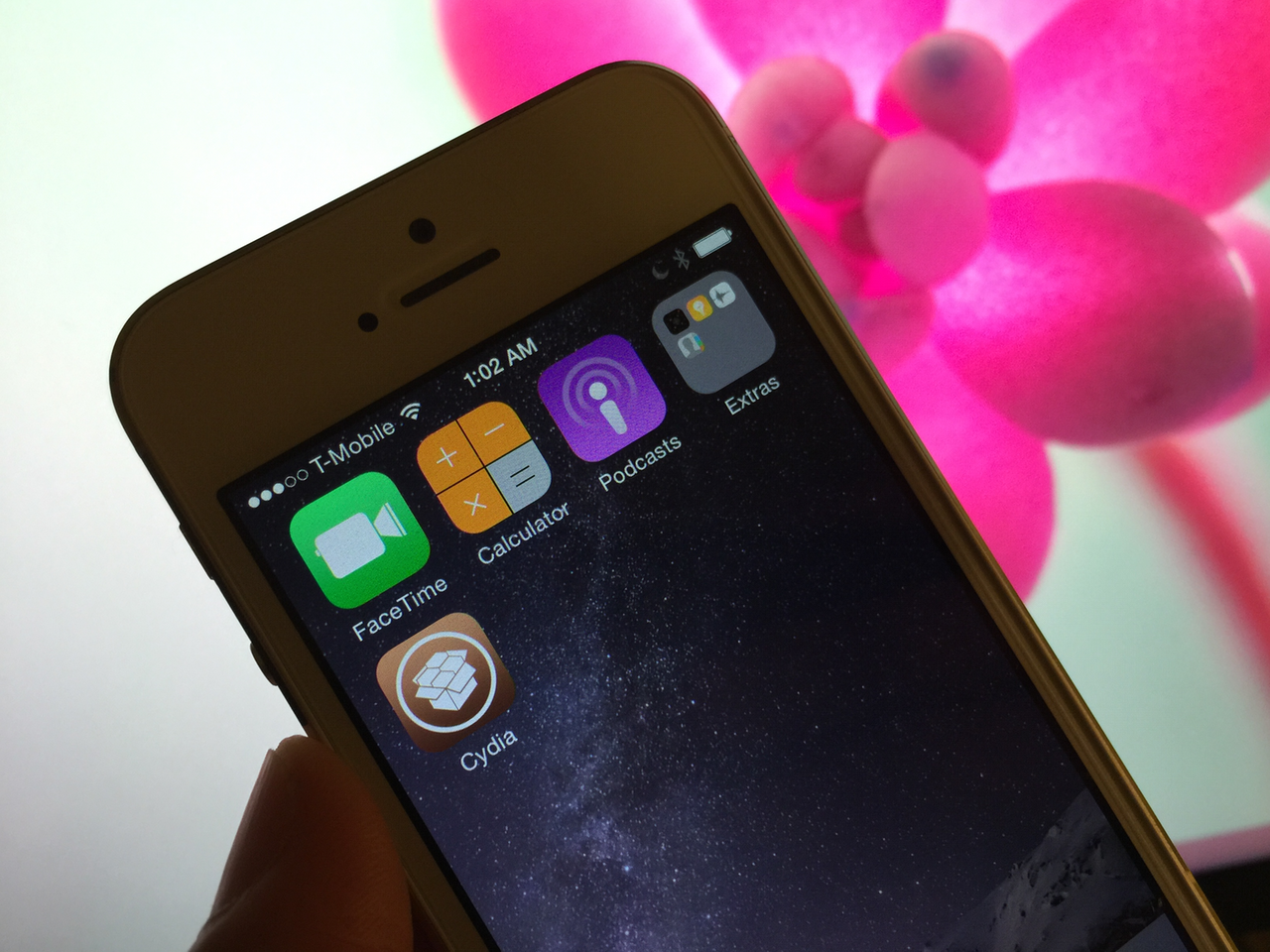
Although Apple has closed the signing window for iOS 8.1.2, there's still an inkling of hope for those of you who are developers and wish to jailbreak your devices. How so? iOS 8.2 beta 2 is still being signed by Apple, and this firmware is still jailbreakable.

What does this mean? It means that even if you're currently on iOS 8.1.3 or any other firmware, you can downgrade or upgrade to iOS 8.2 beta 2 and then jailbreak your device using the PP Jailbreak tool for Mac.

Auxo Legacy Edition teased again, coming next month

With the recent release of the Auxo-inspired jailbreak tweak, Stratos, perhaps we can chalk this one up to impeccable timing? Indeed, Auxo Legacy Edition, a much anticipated revival of the original Auxo for modern firmware and devices, was teased by the official A3tweaks account this morning, and it looks good.

Skrollerz: tap the status bar to scroll to the bottom of a page

On this week's episode of Let's Talk Jailbreak, I brought up one of the tweak concepts that I worked on recently. That concept, entitled Scrottom, envisions a jailbreak tweak that allows you to tap the status bar to scroll to the bottom of a page, similarly to how a tap on the status bar currently takes you to the top of a page.

I also reviewed a long-existing jailbreak tweak called TapToScroll. That tweak brought similar functionality to the table, but it required configuration, and it didn't perfectly implement my idea. In other words, it was satisfactory, but not totally ideal.

Today, a new jailbreak tweak entitled Skrollerz brings the closest representation of my concept thus far. In fact, I think it's pretty much executed it to a tee, and I'm extremely happy with it. If you're looking for a way to quickly scroll to the top or the bottom of a page, then you should definitely take a look at this free jailbreak tweak.

ReStats: automatically reset cellular statistics after a set time interval

If you have a limited data plan with your wireless carrier, then you're no doubt at least vaguely aware of how much data you burn through each month. While iOS has some built in statistics that can help you measure your wireless data usage, it's easy to forget to reset the usage statistics to correspond with your billing cycle. That's where a brand new jailbreak tweak called ReStats comes into play...

Axial brings new quick launch features to Control Center

Axial is a brand new jailbreak tweak for iOS 8 that brings new app launching features to Control Center. Wherever you're able to open Control Center, including while on the Lock screen, you'll be able to launch apps via Axial.

One of the tweak's hallmark features is its temporary auto-unlock for quicker access to your favorite apps while on the Lock screen. Auto-unlock makes it so that your device automatically inserts your passcode. This allows you to use pre-approved apps without manually entering a passcode or verifying with Touch ID.

Stratos: a highly anticipated Auxo-inspired App Switcher

Before I even begin talking about CortexDevTeam's Stratos, let's address the elephant in the room. Let's address the fact that the tweak looks and functions very much like Auxo legacy edition.

Indeed, Stratos takes many cues from Auxo of old, but that's one of the tweak's most appealing assets. There are some, even after two successful iterations, who never quite came around to Auxo 2 and its sequel. For those people, Stratos is a jailbreak tweak that's been highly anticipated for quite some time.

But that's not to say that Stratos is a mere carbon copy of Auxo and nothing more. The tweak brings a few of its own innovations to the table as well.

How to disable the camera on your Mac

Every Mac that Apple ships, sans the Mac mini, comes with an iSight camera embedded in the bezel at the top of the display. If my memory serves me correctly, Apple's computers were one of the first to really popularize the standardization of built-in cameras.

I'm probably not alone when I say that I rarely, if ever, use my MacBook Pro's iSight camera. In fact, it's become more of a worry to me when thinking about the potential hacking and privacy concerns. I'm far from a tin foil hat wearer, but I have to be honest and admit that the thought has crossed my mind before... you know, the one where hackers view my iSight camera unbeknown to me.

With all of that said, wouldn't it be nice if you could disable your Mac camera with a simple software tweak? Inside, I'll show you how to do just that.