Video

How to watch YouTube in VR mode on iPhone

Google Cardboard may be the simplest, most affordable way to experience virtual reality content on a smartphone, but up until recently Google's mobile YouTube app only supported Cardboard on Android.

Beginning with YouTube for iOS version 11.18, iPhone owners can watch YouTube in virtual reality mode on their device.

Here's how you can experience YouTube in VR mode on your iPhone.

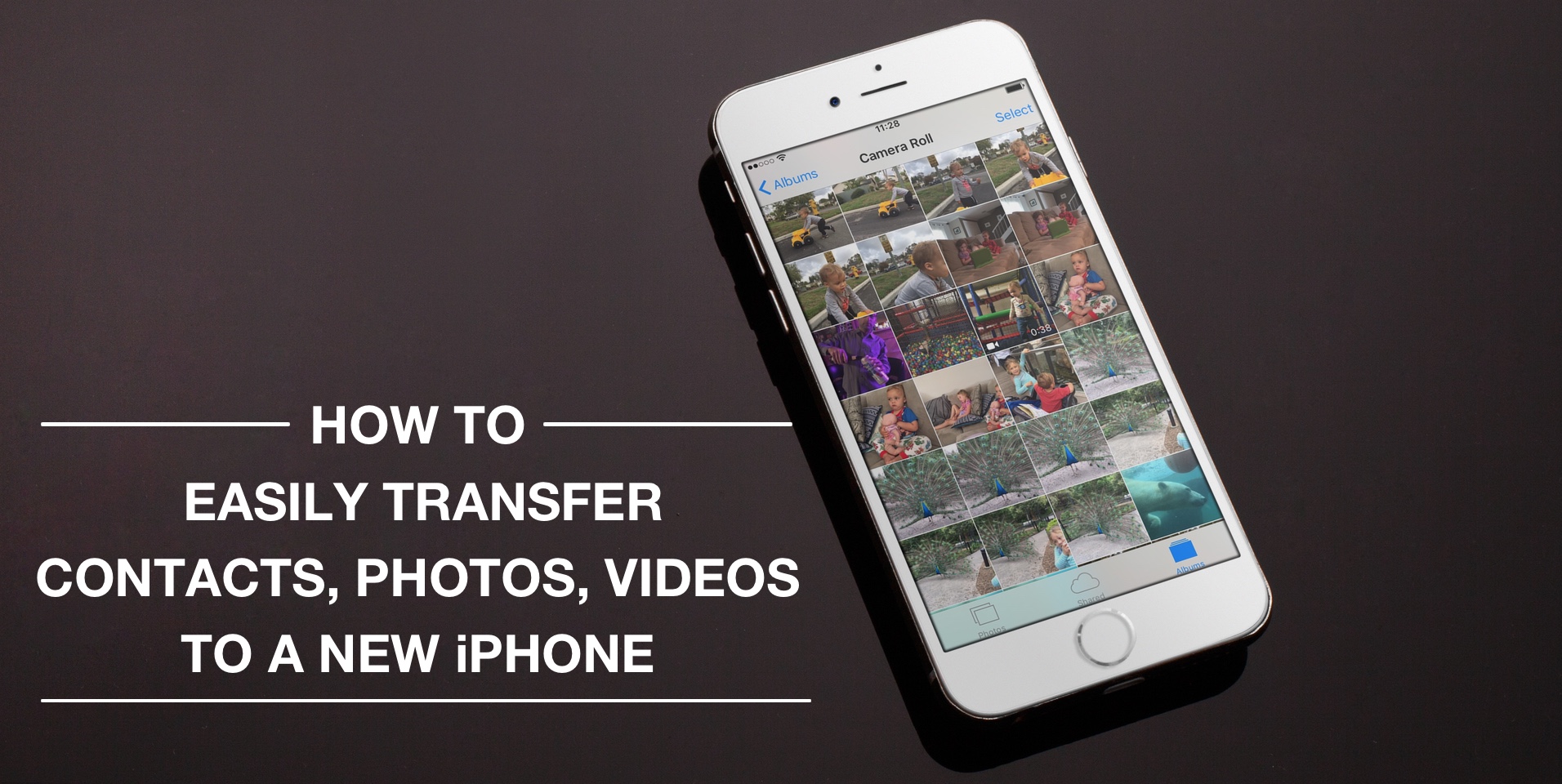
How to easily transfer contacts, photos, and videos from an iPhone to another

Depending on your set up, transferring contacts, photos and videos from your old iPhone to your new one can be pretty simple. You might use iCloud to store all this data, in which case, your contacts and photos/videos will automatically come back once you sign in your new device. Or maybe you back it all up in iTunes, which allows you to sync all that data from your computer to your new iPhone. Maybe you don't do any of that, and if you're looking for a relatively quick and easy way to transfer all this data from one iPhone to another, then read on.

Periscope for iPhone now lets you search videos and broadcast live from DJI drones

Periscope, a Twitter-owned app that lets anyone start a live video broadcast from their iPhone, today received a pretty substantial update on the App Store. Bumped to version 1.4, Periscope for iPhone now lets you search videos and broadcast live to the service from a compatible DJI drone.

In addition, the team shared a preview of their full beyond 24 hours approach that will be available in the coming weeks.

Taylor Swift dances to “The Darkness” like no one’s watching in latest Apple Music ad

We've already seen pop singer Taylor Swift wipe out on the treadmill and drop a mic like a pro in a pair of amusing television commercials for Apple's $9.99 per month subscription music service. This morning, she tweeted out another short video created to promote Apple Music. “Dance like no one's watching,” reads the tweet. In the new video, Swift dances around her living room to The Darkness' song “I Believe In A Thing Called Love”.

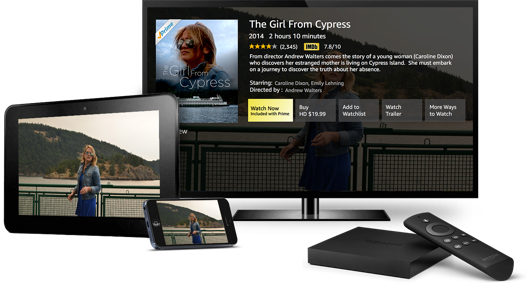
Amazon launches new Video Direct service aimed at content makers

Amazon this morning announced a brand new self-service aimed at content producers and storytellers: Video Direct. With it, content makers can upload their videos to the Amazon cloud and decide if they wish to optionally make them available to buy or rent.

Content owners can choose to receive royalties depending on how popular their content is on Amazon based on hours streamed, which will limit their work to Prime members or Instant Video subscribers, or opt to monetize their content with advertising, in which case their videos will be available to all Amazon customers.

How to turn off Netflix’s autoplay feature

Not everyone is a fan of bing watching. I, for one, rarely watch a dozen episodes of Friends in a row. If you're anything like me, Netflix's autoplay feature is probably something of an annoyance to you.

It's especially worrisome if Netflix uses cellular data: forgetting to stop the playback after you've just finished watching an episode won't stop Netflix from playing the next one automatically, resulting in unwanted data charges.

iDownloadBlog's tutorial series is here to help you with that: in this quick how-to, we'll show you how to turn off the video autoplay feature across all your Netflix devices—they're calling it Post-Play—with just a few clicks.

How to use Snapchat’s new one-handed zoom

We don't hang out on Snapchat on a regular basis, but I myself use the app from time to time to check out new features. Earlier today, my boss Sébastien shared an amazing collection of handy Snapchat tips and trick, created by fifteen-year-old Victoria Samson.

Some of the tricks she demonstrates are quite brilliant, but her video how-tos don't cover Snapchat's latest feature addition—the ability to zoom while recording a video in one-handed mode using a simple gesture. That's precisely what this quick tutorial will discuss: using Snapchat's handy one-handed zoom mode during video capture.

Tip: stop YouTube’s annoying video autoplay ‘Up Next’ feature within iOS app

My colleague Anthony recently vented his frustration with YouTube's default handling of the 'Up Next' feature on the web. Autoplay in YouTube is one of the banes of my existence, too, but as Anthony states in his write-up, YouTube for iOS lacks a switch to disable auto-play videos.

Not anymore, though: the latest version of Google's native YouTube client for the iPhone, iPod touch and iPad includes an easily overlooked switch that lets you stop an endless stream of recommended videos from being spoon-fed down your throat with a single tap.

If you watch a lot of YouTube through your iPhone's cellular connection, you're wholeheartedly recommended to disable 'Up Next' on the iOS app, here's how.

A handy collection of Snapchat hacks (from a pro user)

Snapchat has helped me realize I'm getting really old, really fast. While I understand the appeal of the platform, I just can't get into it, yet it fascinates me to see how popular it is to younger users, some of them spending hours and hours in there each day.

This video popped up in my YouTube feed over the weekend, and not only did I find the content very interesting, but what struck me even more was how Victoria Samson delivered the message. To me, she perfectly illustrates the Snapchat generation.

LiveRinging brings video ringtones to your jailbroken iPhone

For deeper customization of the incoming call screen from iOS that goes deeper than just blurring your wallpaper background or showing the contact picture of the person who is calling you, you may want to check out a new jailbreak tweak called LiveRinging.

This tweak replaces the background of the incoming call screen with a video of your choice and gives iOS a feature Android users know and love known as video ringtones.

In this review, we'll show you how LiveRinging works and demonstrate its capabilities.

What to do if music, videos, and other content disappear after an iTunes update

It's not that uncommon for the music, videos, and other content in your iTunes folder to disappear after updating iTunes. It doesn't seem to happen to everyone, but as many internet stories will tell you, it does occur to a number of users on some occasions.

In this tutorial, we'll show you how to get your iTunes music, videos, and more back when you notice it has gone missing after installing an iTunes app update.