Tutorial

Learn how to master your Apple devices with our comprehensive tutorials. From iPhone and iPad to Mac, Apple Watch, AirPods, and more, our expert guides will help you unlock the full potential of your Apple products. Discover new features, tips, and tricks each day to enhance your user experience.

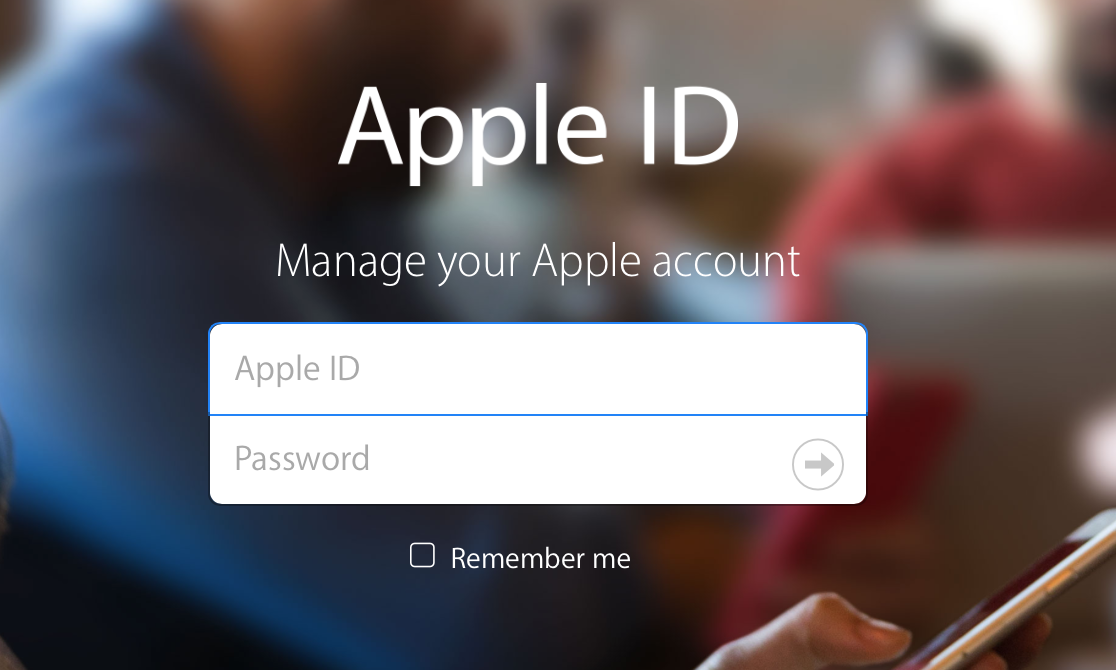
How to change your Apple ID

Many of us still have the same email address associated with our Apple ID that we made years and years ago when we got our first device. We use it to sign into each and every one of our devices when we buy one new from the store or restore an existing one to factory settings.

On the other hand, times change. Sometimes you may get new email addresses, and sometimes you want to use something new to log in with rather than your high school email address. Perhaps you've made one that is a little more professional looking and seek to use it instead.

Apple provides a way to change your Apple ID email address so you can use something different to sign into everything you use. In this tutorial, we'll show you how that's done.


How to remove Adobe Flash from your Mac

The succession of vulnerabilities found in Adobe's Flash Player shows no signs of dying down: not a month goes by without Adobe releasing another yet emergency update for Flash to patch a bunch of newly discovered vulnerabilities (measuring in the dozens).

Some of them can be pretty nasty as they introduce new attack vectors for spyware, ransomware, trojans and other malicious applications that you don't want anywhere near your computer.

A few years ago, Flash Player was impossible to avoid because a bulk of web video was encoded in Adobe's proprietary Flash format, but not anymore: YouTube, Vimeo, Facebook and many other popular web services now use HTML5-based video players that work in any modern browser.

While Apple does block older, vulnerable versions of Flash in the Safari browser on macOS, you should do yourself a favor and remove Flash Player from your Mac using step-by-step instructions provided in this tutorial.

How to configure Automatic Downloads on your Mac

TV app on Mac

macOS users can take advantage of Automatic Downloads, which allows your Mac to automatically download apps, movies, music, and other media that were downloaded on other Apple devices you own.

Unfortunately, some users may not want this. Some apps and media take up a lot of storage space, and there's no reason to sop up all of your individual devices' storage space to keep home to one specific app.

In this tutorial, we'll show you how you can configure automatic downloads on your Mac so you have better control over the content that is downloaded to your machine.

Finding what version and build number of macOS you have on your Mac

There come times when you need to know not only what version of macOS that you're running, but also where you may want to know the actual build number.

This information usually comes mostly in handy when you're running betas, but sometimes when filing bug reports with Apple, they might ask you to provide them with what version of macOS you are running on your Mac and the build number it shows.

In this tutorial, we'll show you not only how to find out what version of macOS you're running, but also where to find the build number of the version of macOS you have installed.

Use text replacement in iOS to input email addresses faster

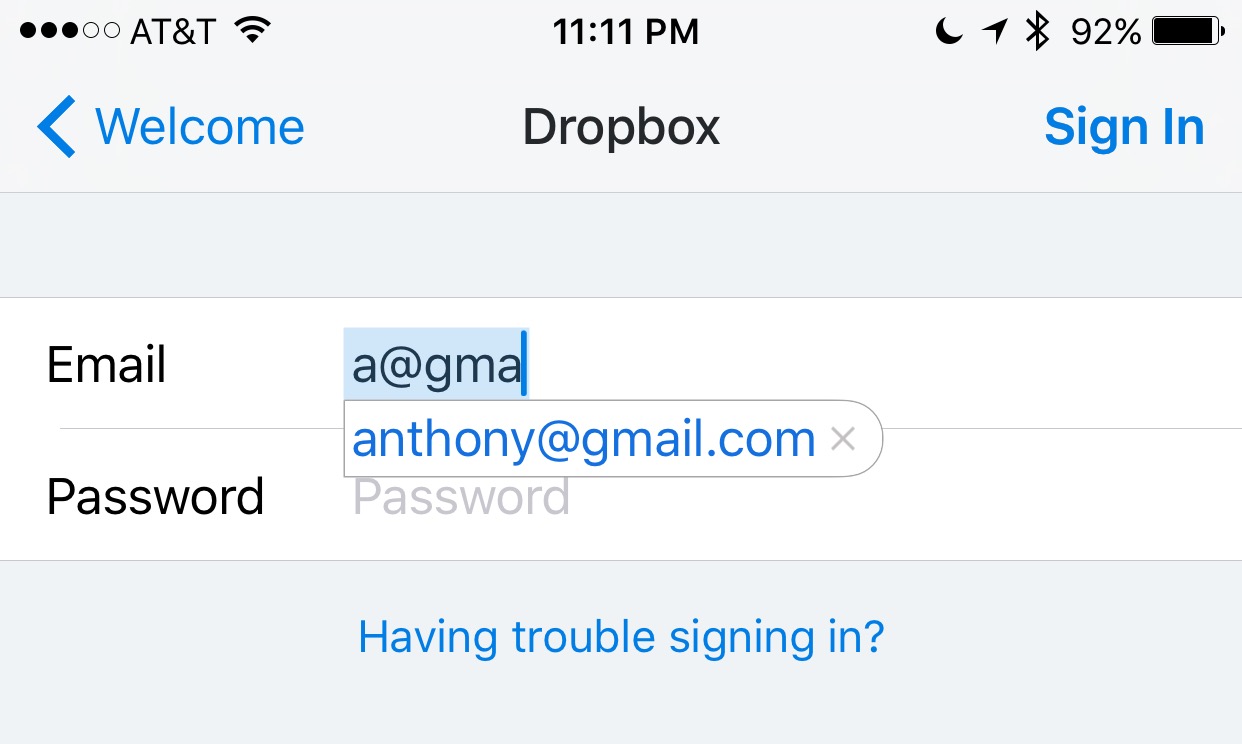
Email addresses can be long and annoying to type, especially when you're one of those goofballs out there with the weird emails like iph0n3_fan_09325@emailaddress.com, or something else with a bunch of wonky characters you don't care to remember or spend the time typing.

This is why when I came across this tip on how to make email address entry simple and fast from a friendly iDB reader, I wanted to share it with the rest of you.