Refresh the App Store Updates page on your iPhone or iPad to force it to show all the new app updates that are not already showing.
How to refresh the App Store Updates tab on iPhone or iPad

Learn how to master your Apple devices with our comprehensive tutorials. From iPhone and iPad to Mac, Apple Watch, AirPods, and more, our expert guides will help you unlock the full potential of your Apple products. Discover new features, tips, and tricks each day to enhance your user experience.
Refresh the App Store Updates page on your iPhone or iPad to force it to show all the new app updates that are not already showing.
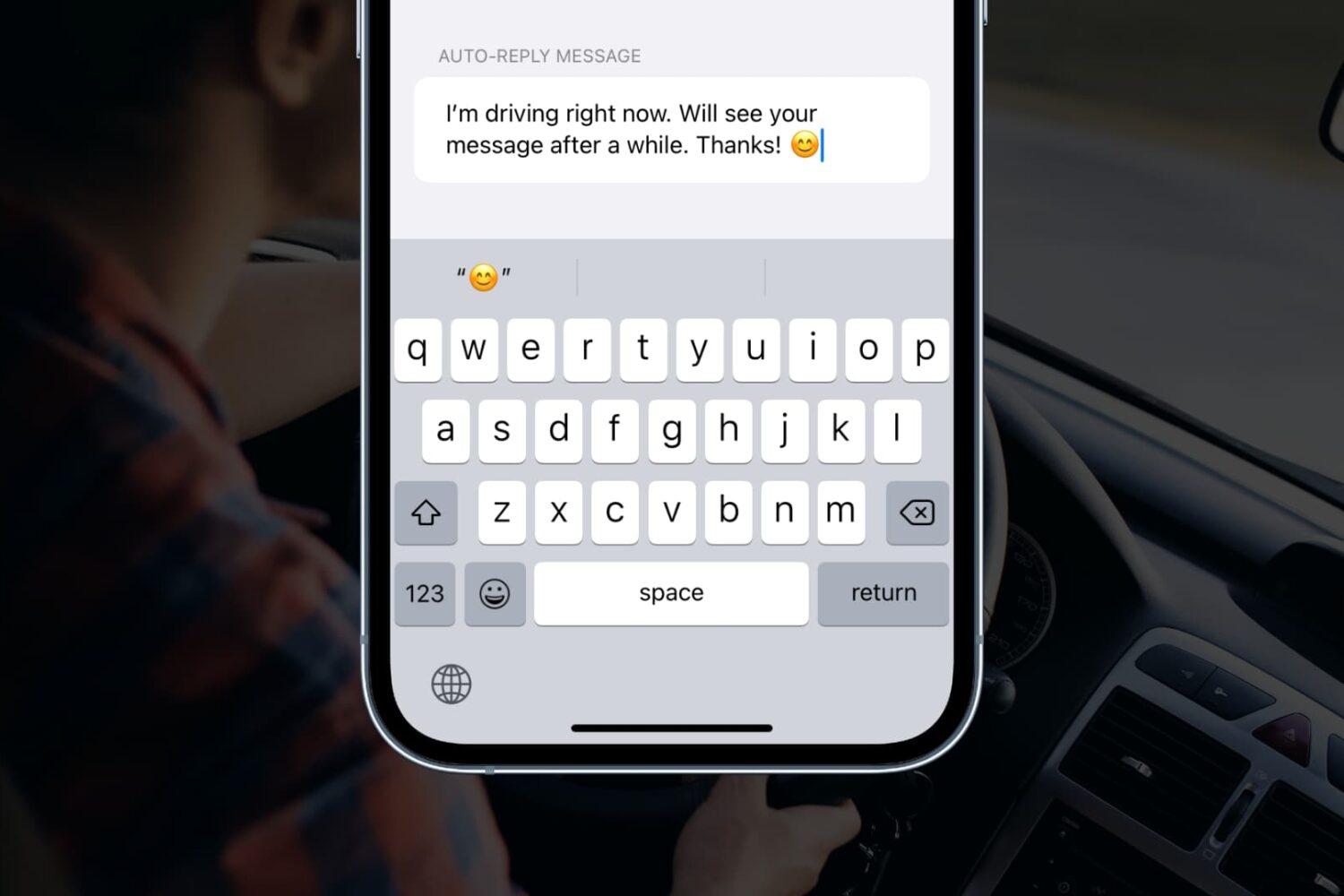
Learn how to customize the automatic replies that can be sent when the Driving Focus mode is enabled on your iPhone.
Learn how to set your Apple TV interface to Light Mode or Dark Mode, or to automatically switch between the two based on the time of day.
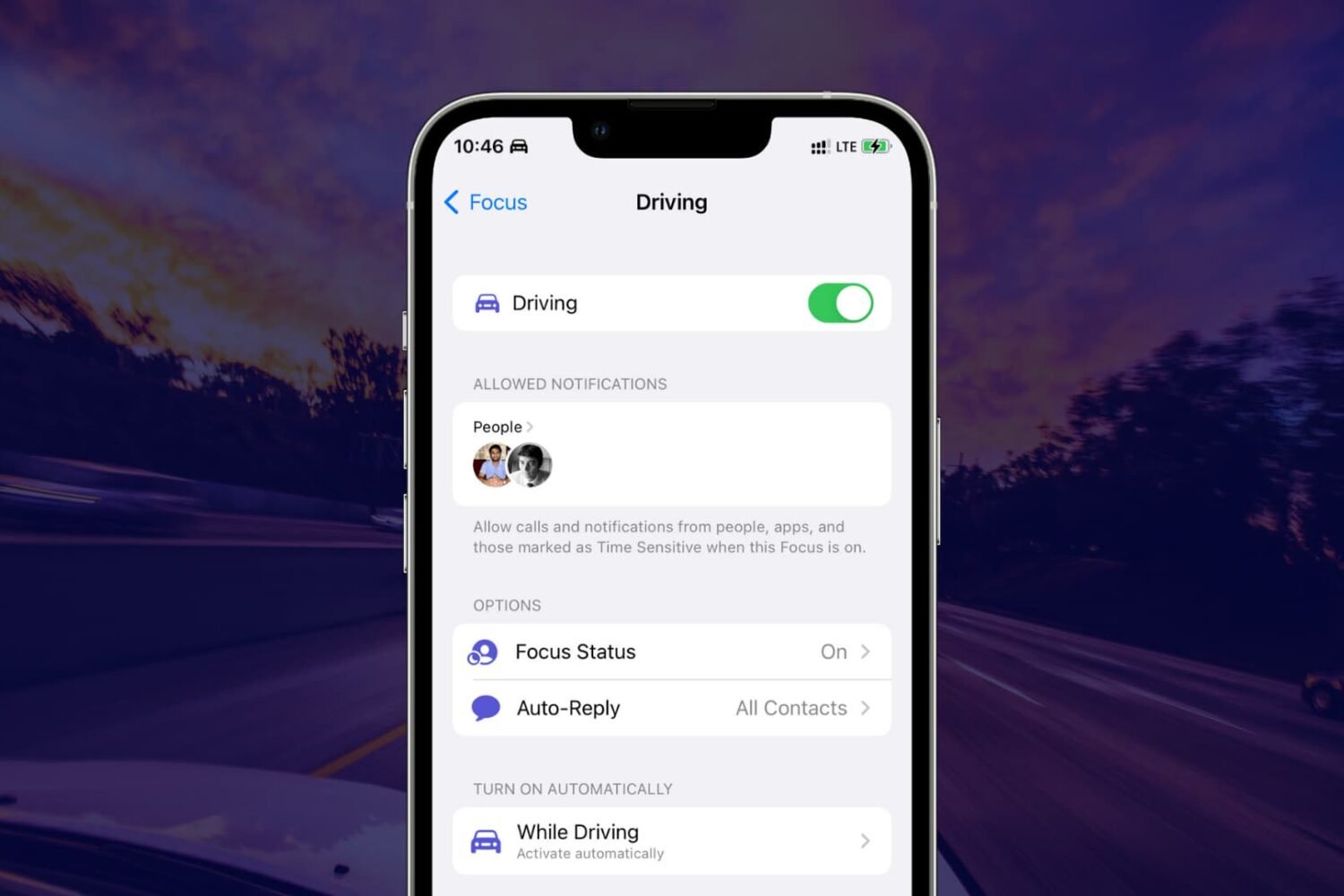
Learn what Driving Focus or Do Not Disturb While Driving is, why you should use it, and how to enable it on your iPhone.

As a fitness enthusiast, one of the most attractive features of Apple Watch certainly has to be its ability to capture and analyze your post-workout heart recovery. I’m probably in good company when I say this tidbit caught my eye at WWDC 2017.
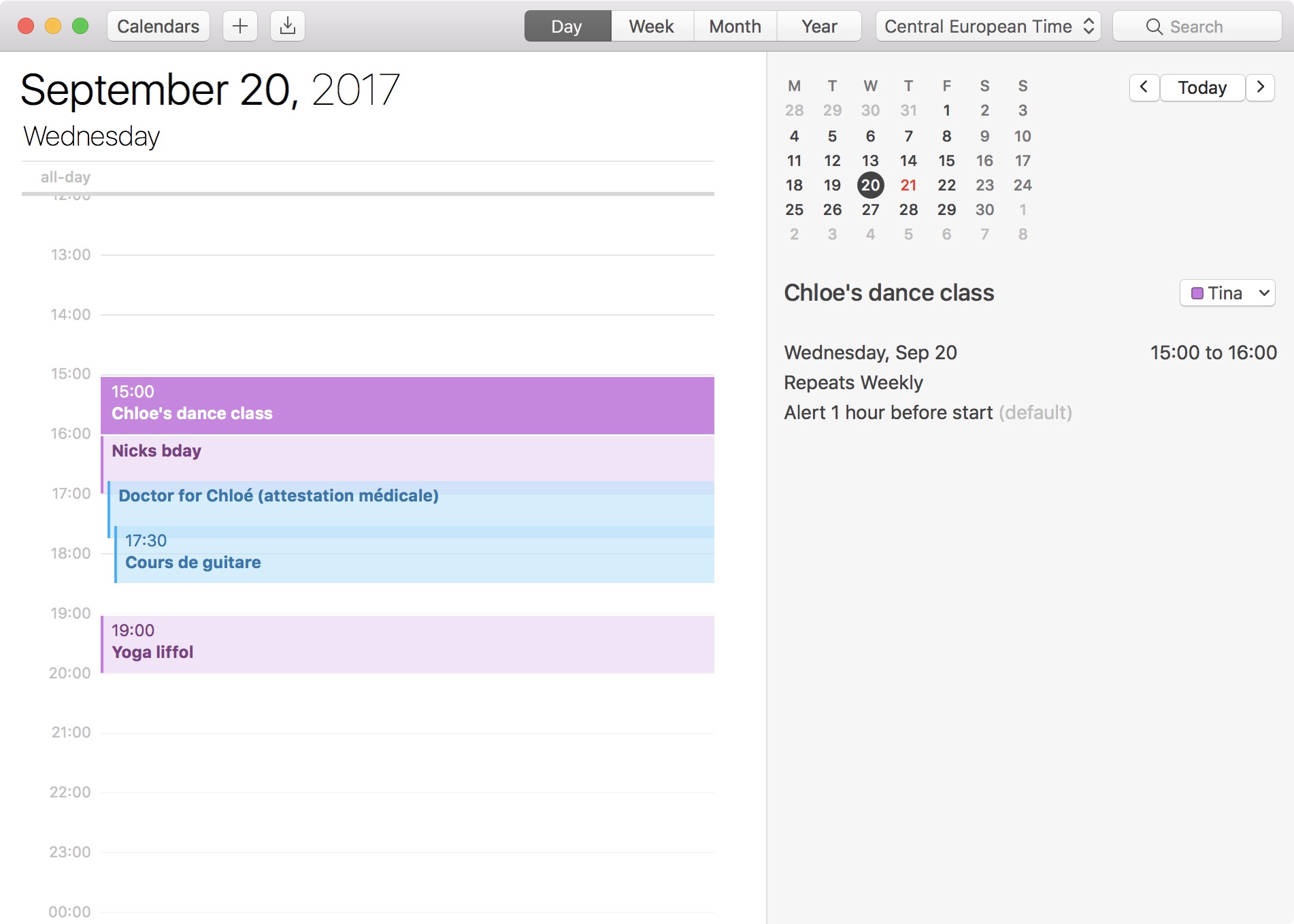
The 24-hour clock is the most commonly used time notation in the world. That is if you're not living in the US or any of the few countries that sill operate on a 12-hour clock system. Also called military time in the US, 24-hour time format arguably makes more sense than anything else as it divides the day into -- you guessed it -- 24 hours.
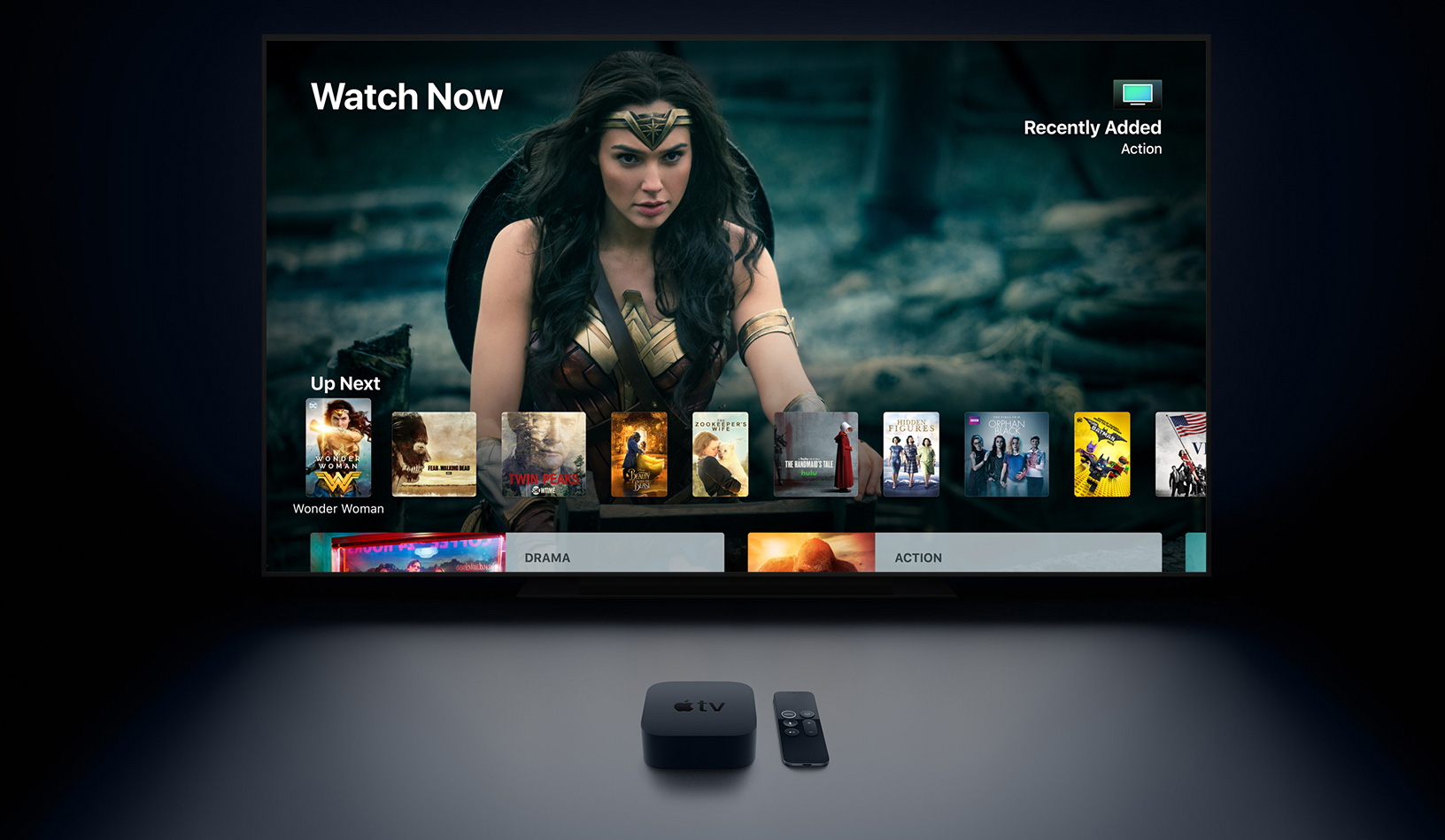
Learn how to synchronize your Home Screen layout and installed apps on the Apple TV across multiple boxes for a unified media experience.

Apple Watch has a cool feature that lets it show a corresponding watchOS app on your wrist when you initiate audio playback on your iPhone. It’s called Auto-Launch Media Apps Live Activities (formerly called Auto-Launch Audio Apps), and we’ll show you how to turn it on or off.
Have you purchased ringtones in the past, but they aren’t showing up on your iPhone or iPad? In this tutorial, we’ll help you re-download your purchased ringtones without paying for them again.

Learn how to turn on bold text on your Apple TV to switch to a much heavier font that makes it easier to read things throughout the user interface.
If you've been experiencing the curious case of disappearing apps on your iPhone or iPad, let me reassure you right now by telling you this is not a software bug, but rather human error.
In this post, we will see possible reasons why apps might be missing from your Home screen, and of course, I will also show you how to recover apps that have disappeared from your iPhone or iPad.

Learn how to use the built-in document scanner feature of your iPhone or iPad Notes app to scan and save receipts, invoices, business cards, photographs, documents, etc.