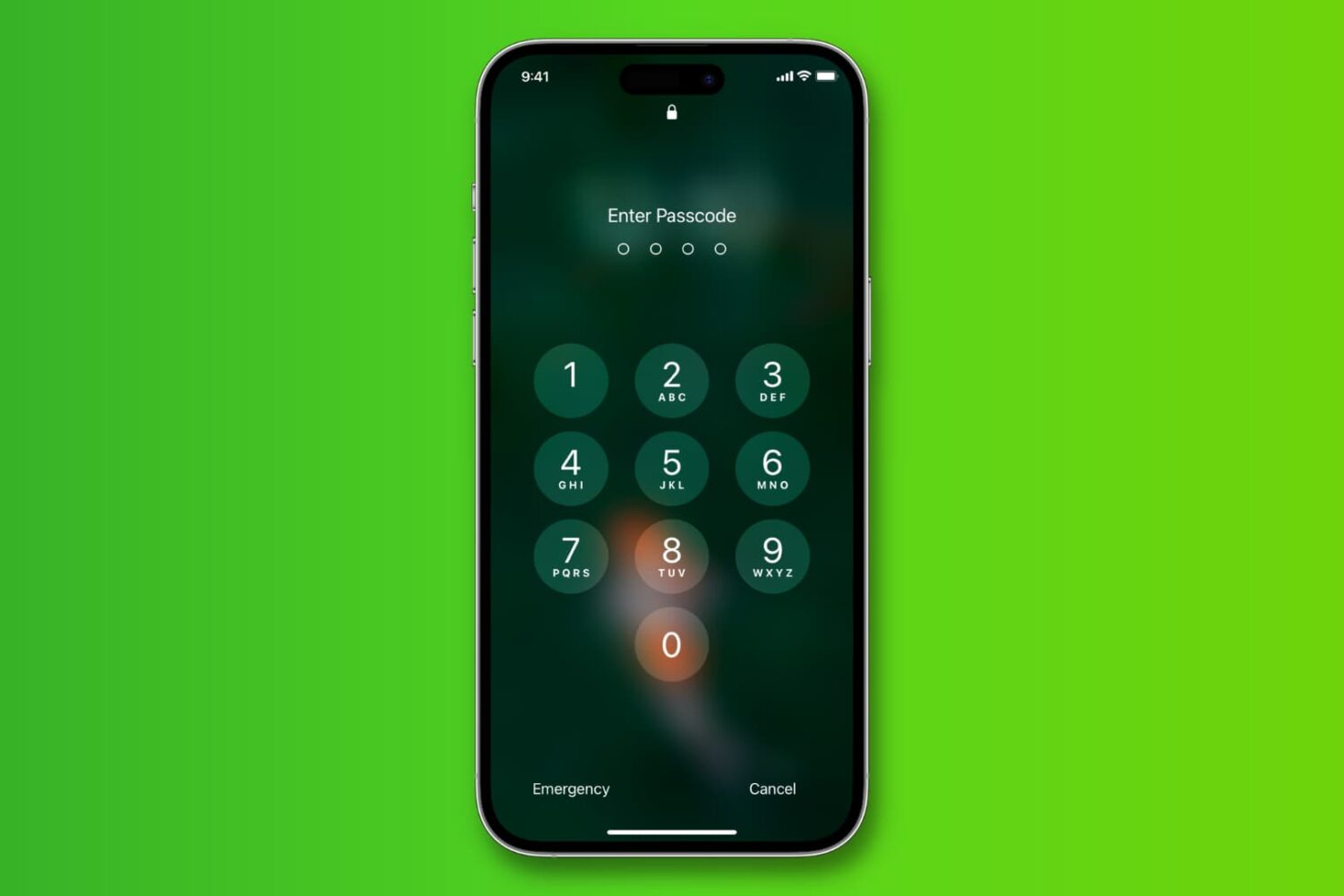
Learn how to change the length of your iPhone passcode from 6 digits back to 4 so it's easier to memorize and faster to type when unlocking.
How to change your iPhone or iPad passcode back to 4 digits
Learn how to master your Apple devices with our comprehensive tutorials. From iPhone and iPad to Mac, Apple Watch, AirPods, and more, our expert guides will help you unlock the full potential of your Apple products. Discover new features, tips, and tricks each day to enhance your user experience.
Learn how to change the length of your iPhone passcode from 6 digits back to 4 so it's easier to memorize and faster to type when unlocking.

A big problem potential jailbreakers face is that of updating too far to be supported by eventual tools. Either through impatience, or by accident, I hear often that a user's device is now on too high a firmware to enjoy the latest release.

Once its cycle count has reached 500 complete charge cycles, your iPhone's battery is considered consumed as its ability to provide power reduces. As a result, you may need to charge the phone more and more frequently and it might exhibit unexpected shutdowns.

Playing a song, an album, or a playlist on repeat in the Apple Music app is a bit confusing. First, the repeat option is not obviously located within the app, and second, what happens when you tap on it is even less obvious.
If you are confused about playing music on repeat in the Music app of your iPhone or iPad, then read on as you're about to learn how to use the repeat button.

Learn how you can set your Apple TV to match content and switch video display modes to match the native frame rate and dynamic range.
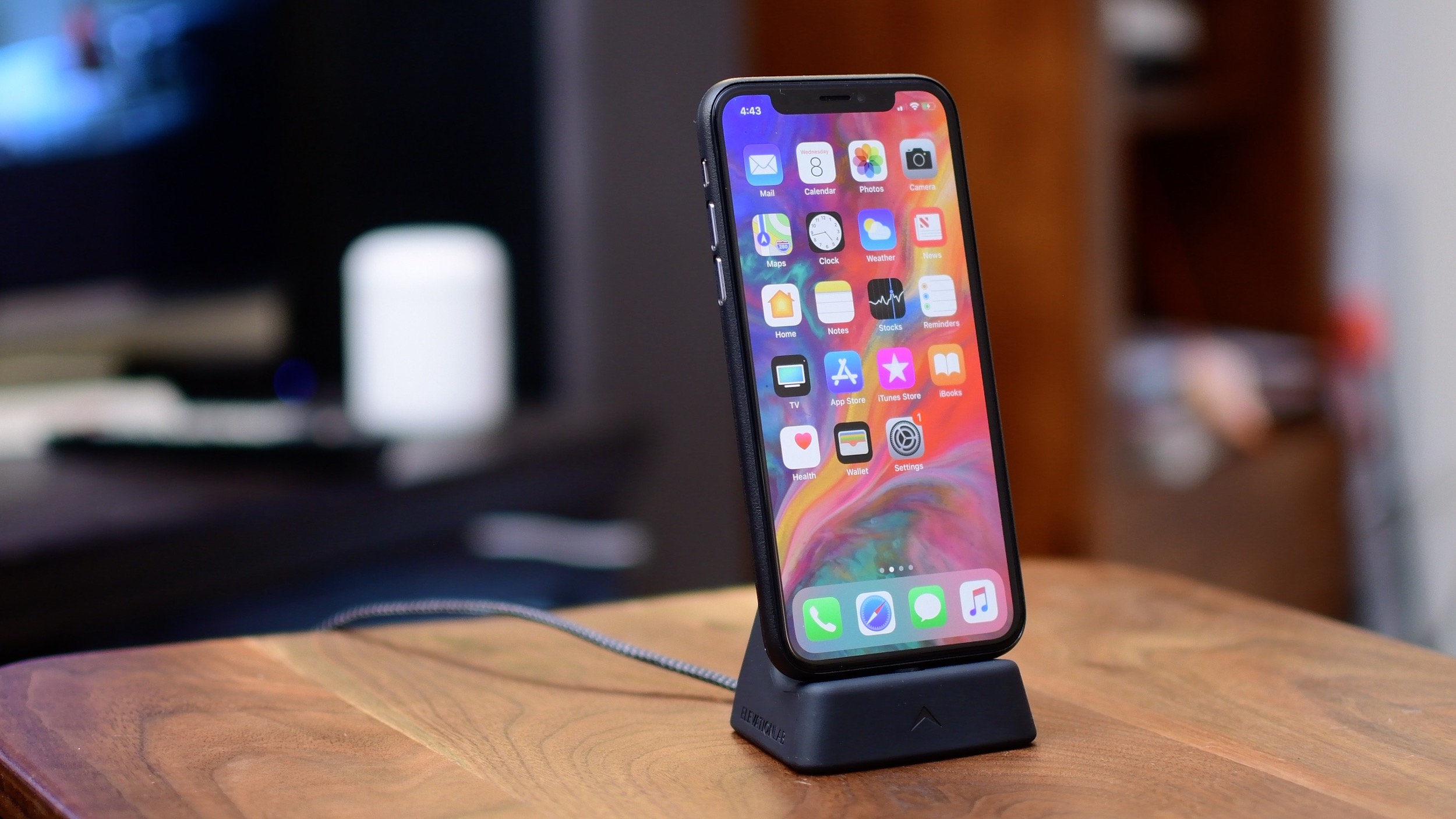
iPhone X has introduced a fair share of all-new gestural interactions for the commonly used iOS features that used to require Home button presses or taps. In addition, the handset provides some previously unavailable shortcuts, like instant jumping to your last-used app.
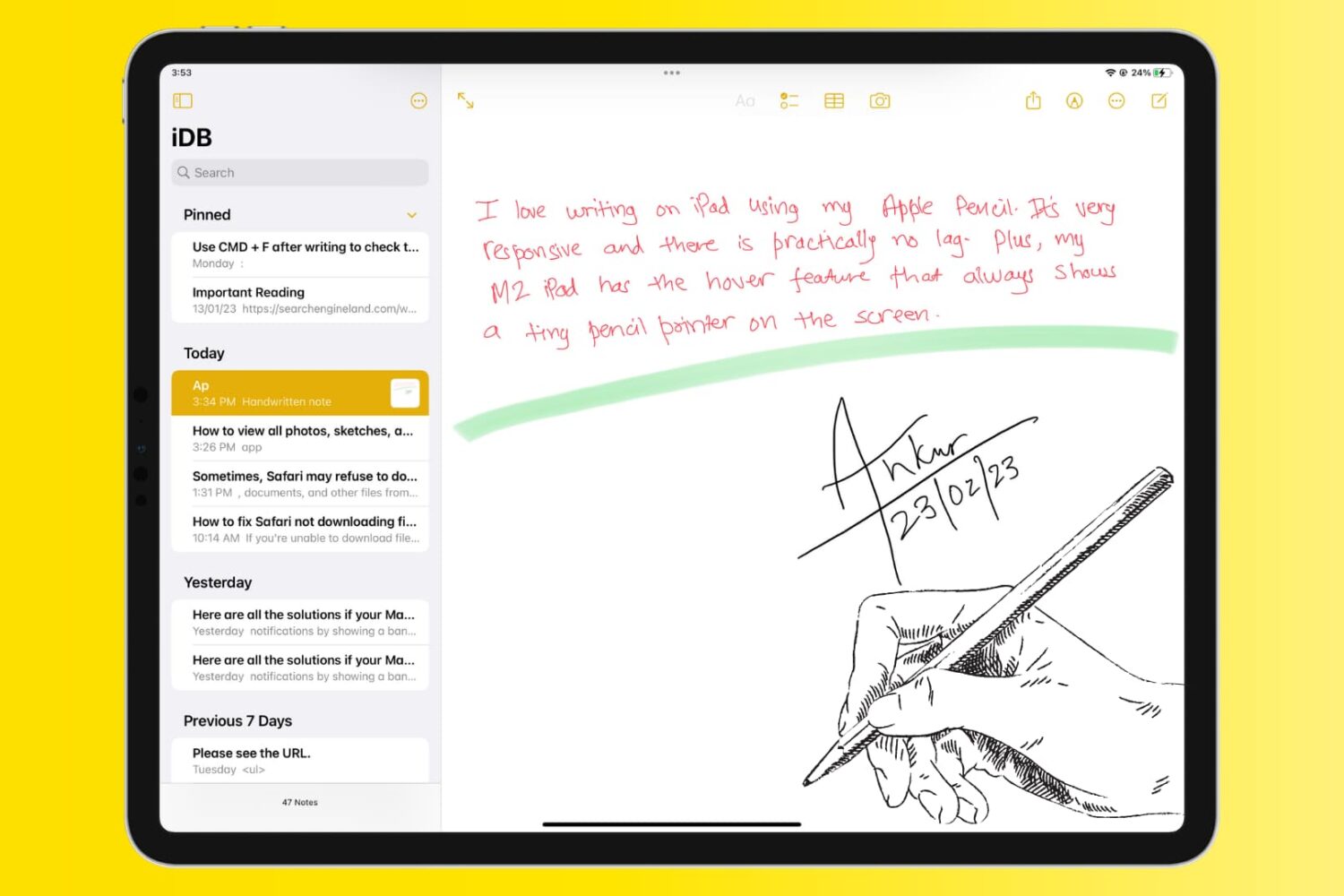
The Notes app allows users to take quick notes, make checklists, create sketches, and even store photos and documents. However, finding and organizing all of these stored items can be a bit challenging.
In this article, we will explore how to view all photos, sketches, and documents stored in your Notes app, making it easier to find and access your important information.
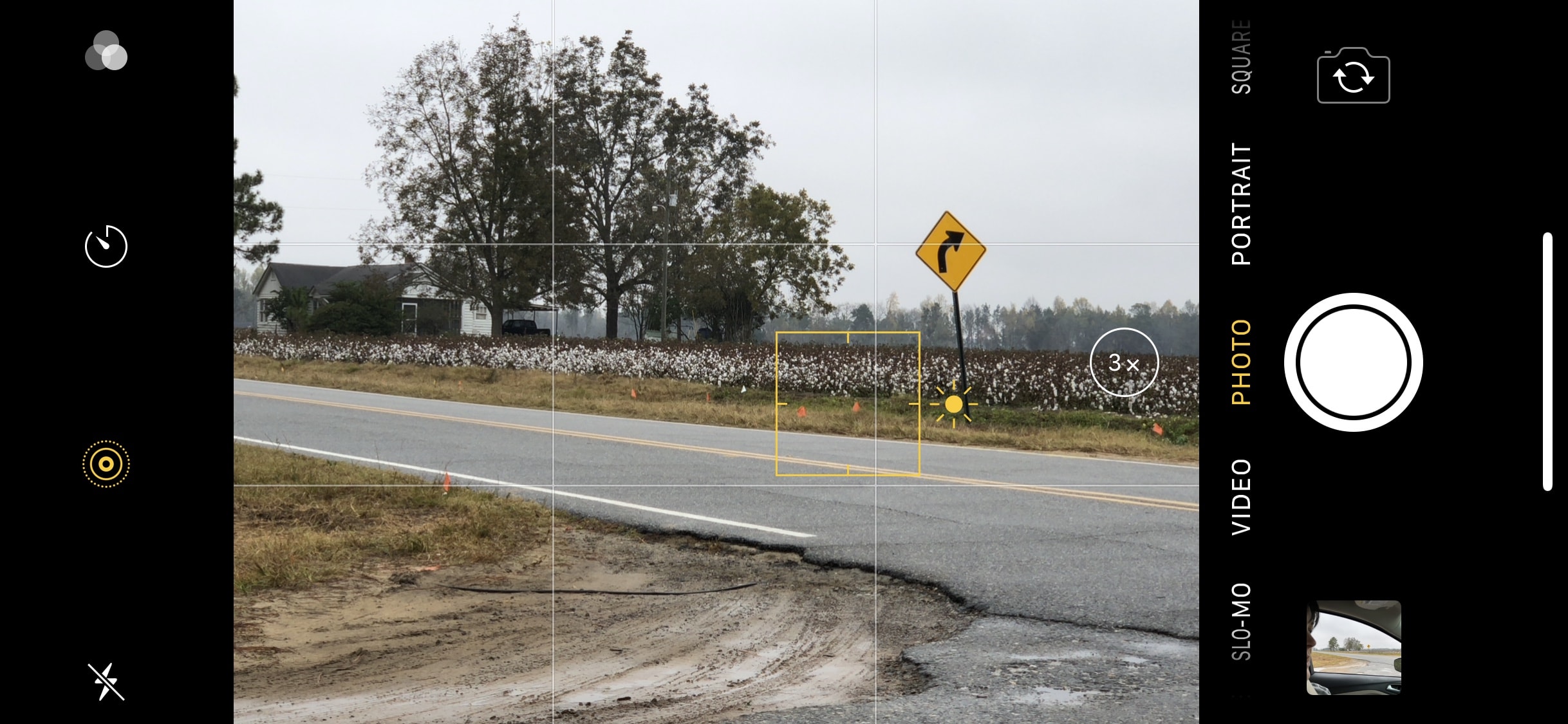
In a past iPhone photography tutorial, iDB detailed what is known in photography as the Rule of Thirds. This rule, while not an always-binding hard and fast rule, states the photographer should place the focal point of the image at the intersections or along the lines of a grid that divide the field of view into thirds.

Learn how to shoot ultra-slow-motion 240 frames-per-second full-HD 1080p or crisp 4K 120 fps videos on your iPhone to capture slo-mo clips with excellent detail.

With its 5.8" screen, reaching the top of the iPhone X is kind of a stretch, especially if you're trying to grab that top right corner to pull down Control Center. Unless you have Shaq-sized hands, chances are your fingers can reach that high up.

Turn on the flashlight and alert light on your Apple Watch so you can see things in the dark without hurting your night vision or safely take an evening run on the road.
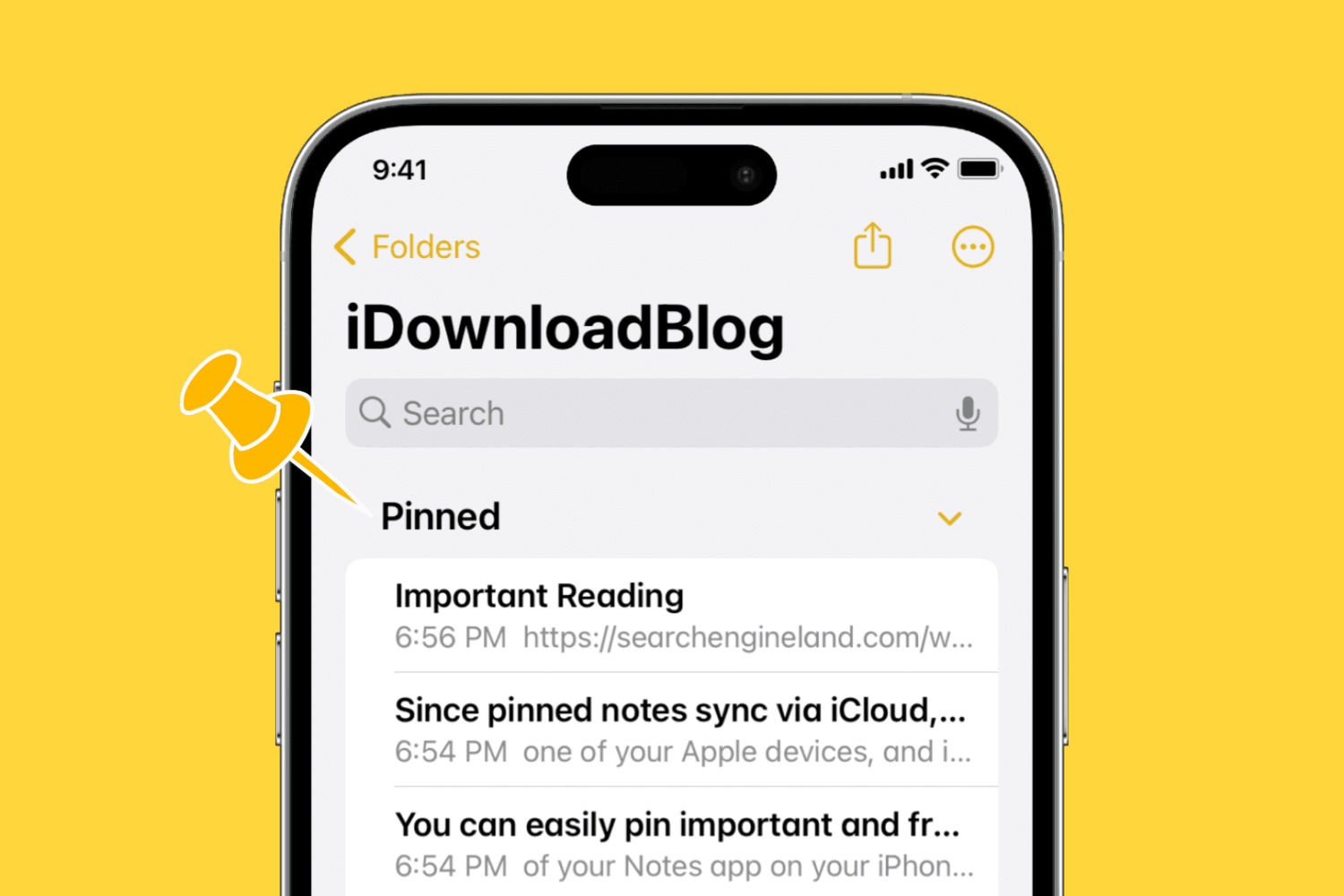
You can easily pin important and frequently used notes to the top of the Notes app on your iPhone, iPad, and Mac. In this brief tutorial, we'll share how to do that.