Find out how to disable Face ID or Touch ID on your iPhone or iPad in case someone tries to force you to unlock your device against your will.
How to disable Face ID or Touch ID discreetly on iPhone or iPad

Learn how to master your Apple devices with our comprehensive tutorials. From iPhone and iPad to Mac, Apple Watch, AirPods, and more, our expert guides will help you unlock the full potential of your Apple products. Discover new features, tips, and tricks each day to enhance your user experience.
Find out how to disable Face ID or Touch ID on your iPhone or iPad in case someone tries to force you to unlock your device against your will.
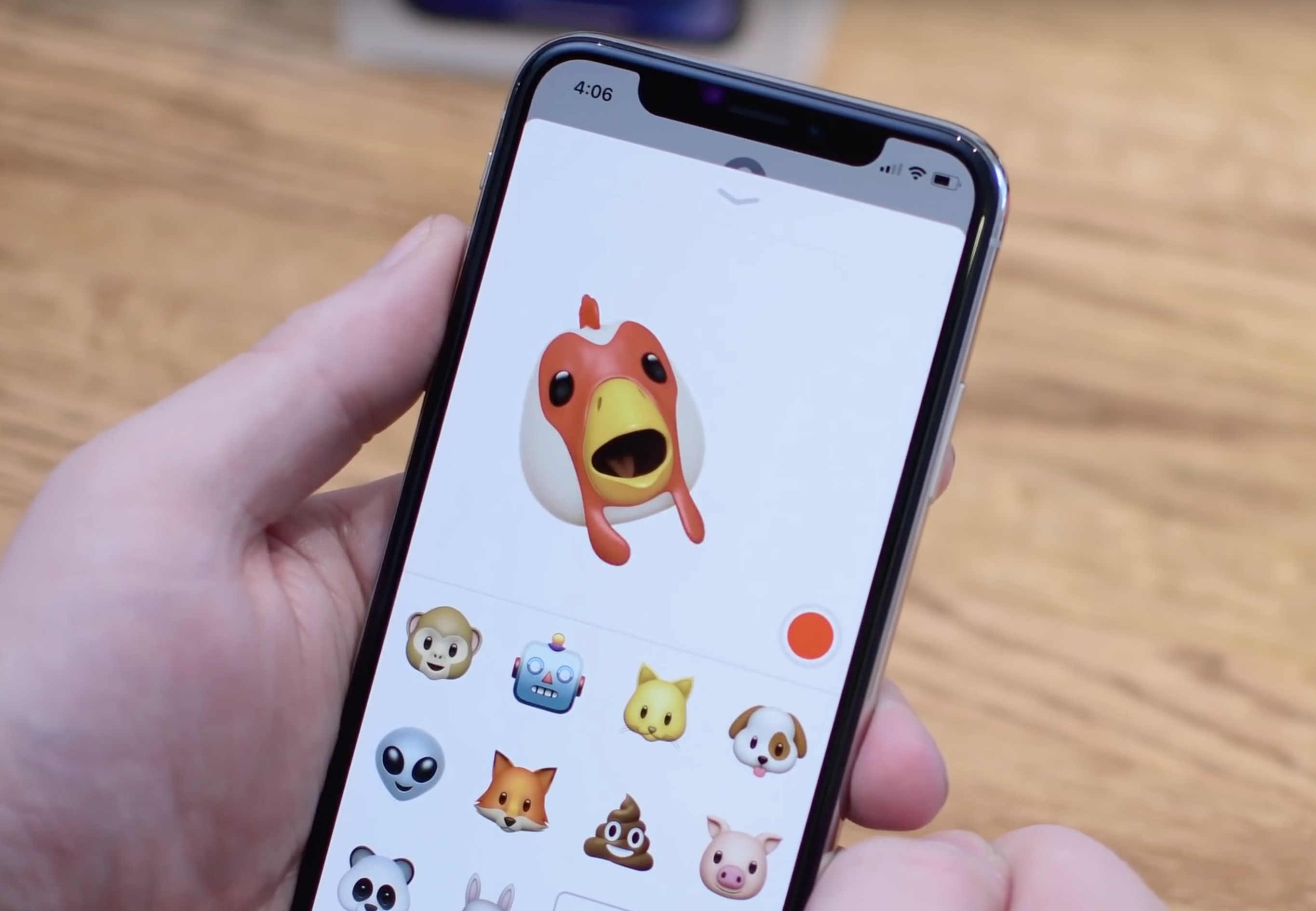
In this tutorial, we will show you how to convert a Memoji or Animoji to a GIF using free iOS shortcuts and apps on your iPhone or iPad.

Learn how to turn off the Tap to Wake feature to stop your iPhone or iPad screen from waking when touched.
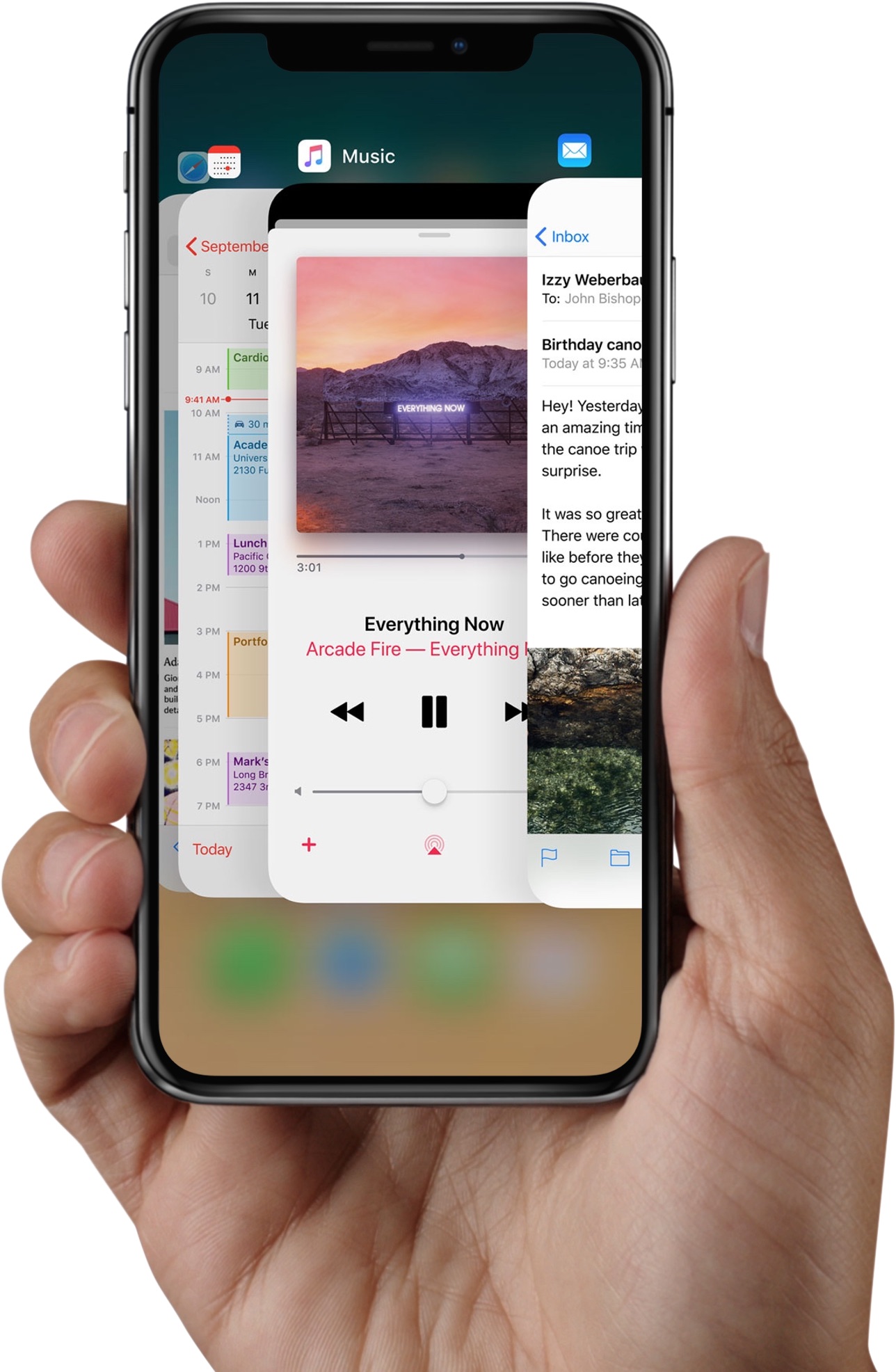
Apple instructs iPhone X owners to swipe up from the bottom edge of the display and pause in order to bring up the iOS app switcher. But there are faster, undocumented methods of opening the iPhone X app switcher which don't require performing this clunky gestural action.

Among other things, Face ID lets you authenticate any purchases made in iTunes Store, App Store or iBooks Store, which permits you to buy apps and media with a simple glance.
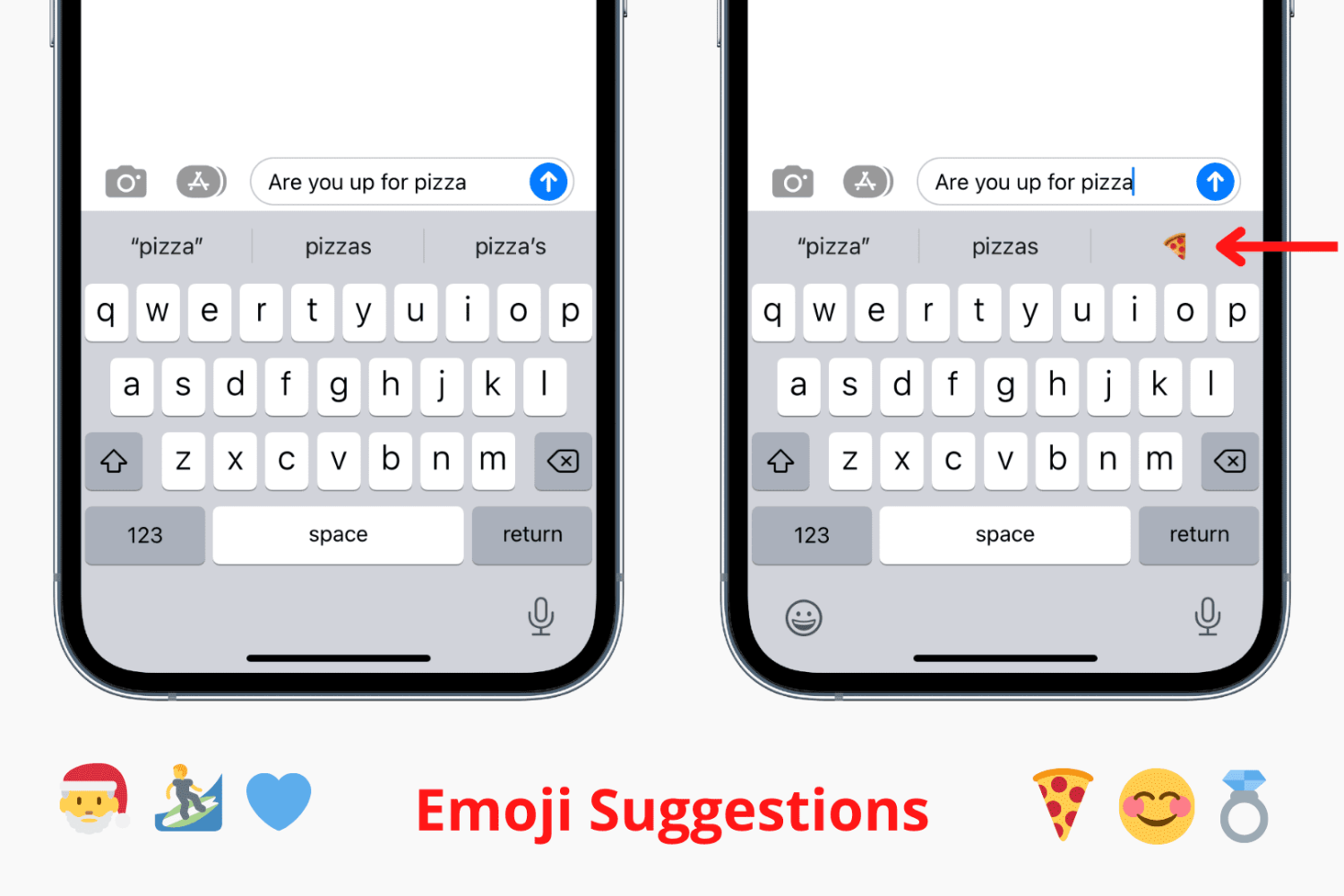
Try these troubleshooting tips to fix predictive emoji suggestions not appearing at the top of the iPhone's onscreen keyboard when typing corresponding words.
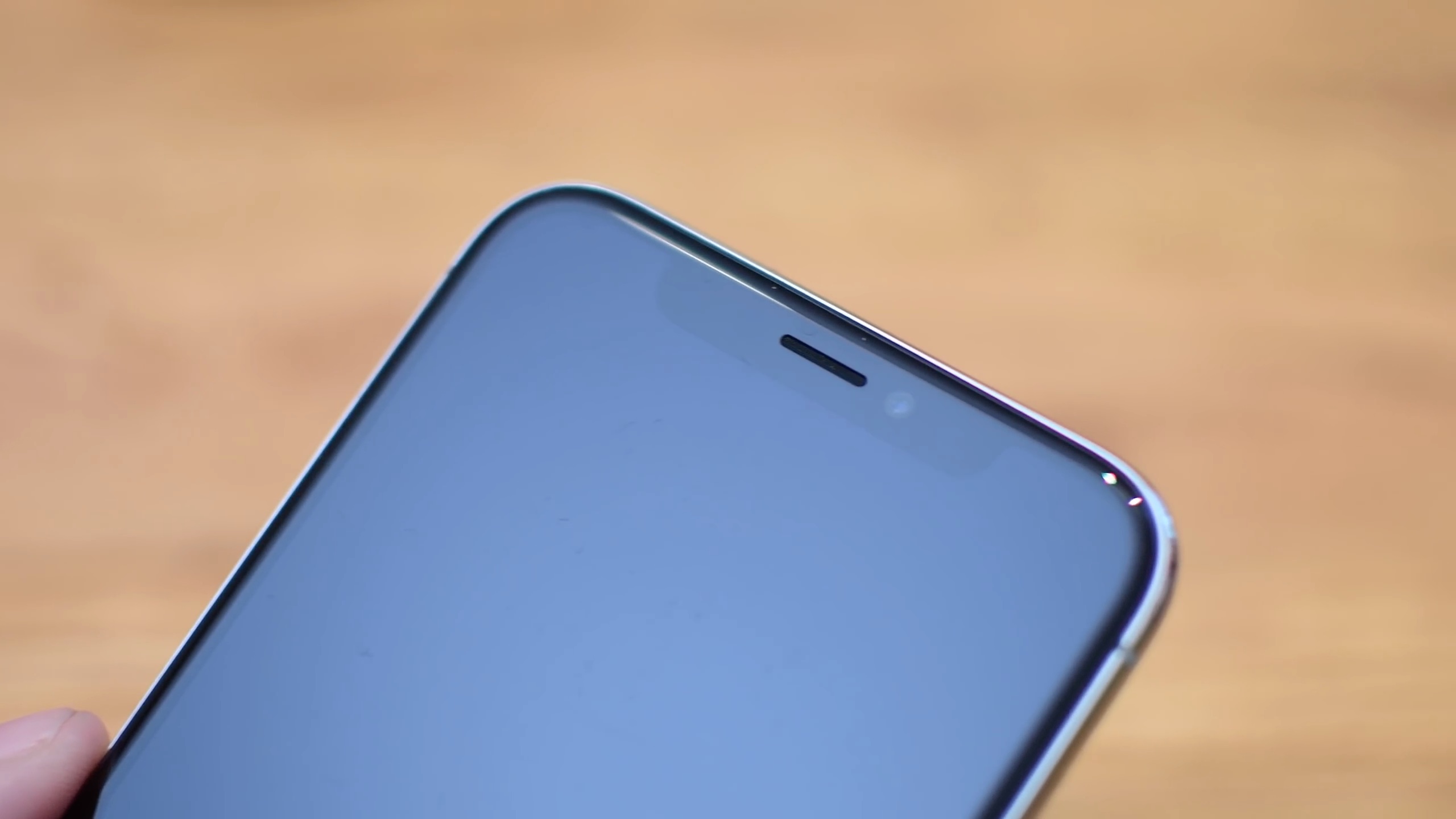
iPhone X offers a whole new way of interacting with your phone.
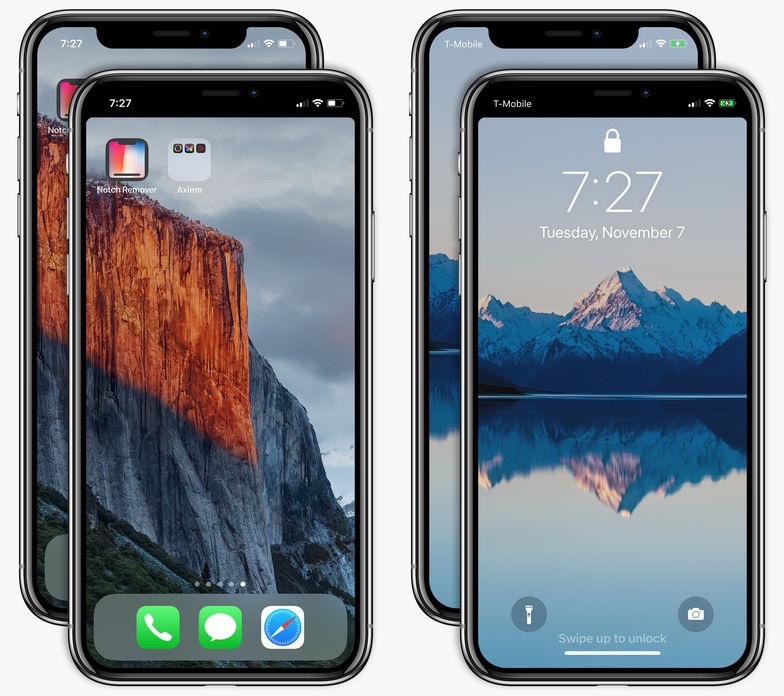
Can't stand that notch at the very top of the iPhone X display? I don't mind it at all. In fact, I find the notch to be a rather cute design element. Understandably, some folks may deem it visually distracting. If you'd like to conceal the notch, there's now an app for that, too!
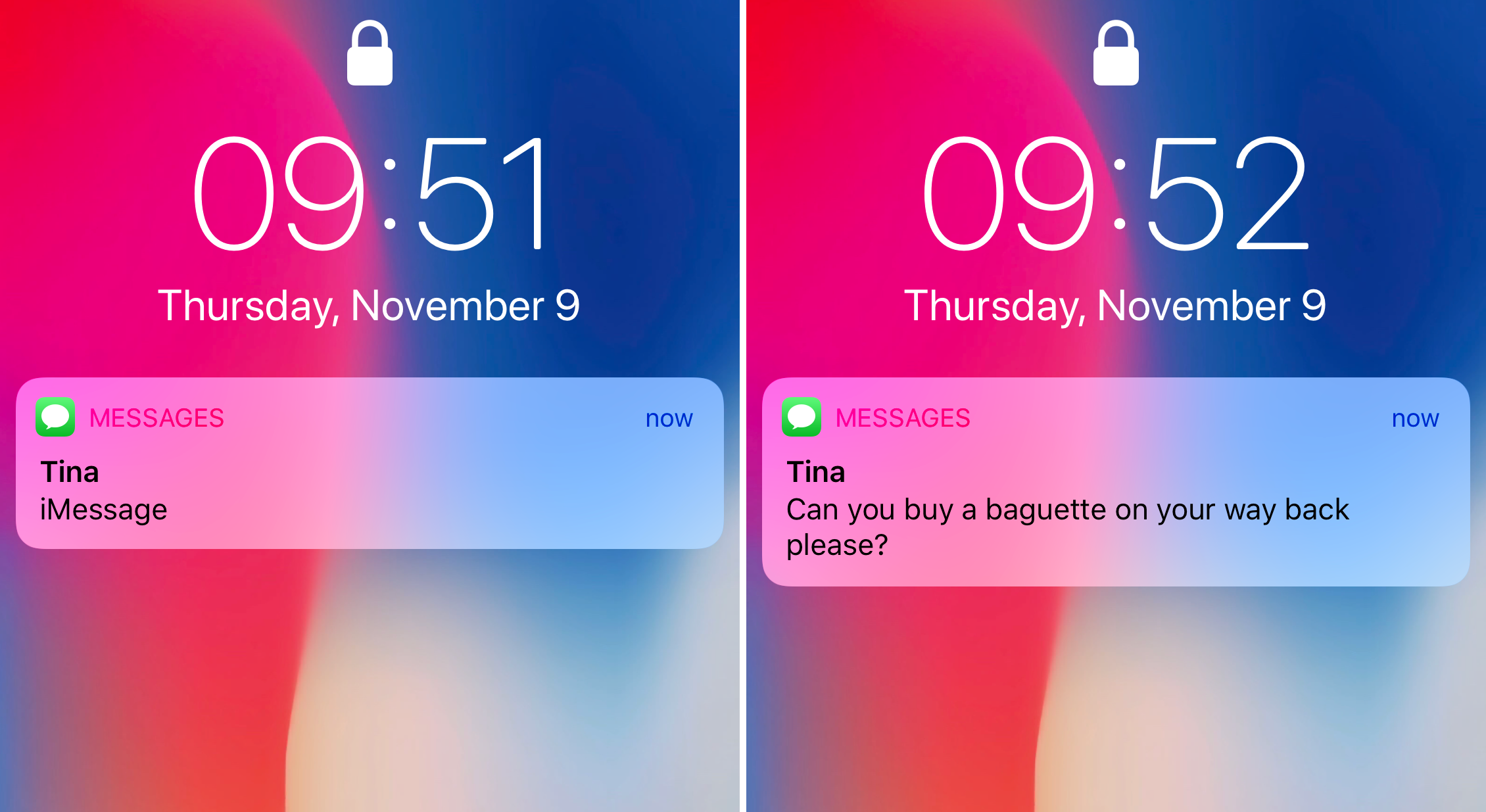
Learn how to always show previews of notifications for messages, calls and more on the Lock Screen of your iPhone without having to authenticate with Face ID.
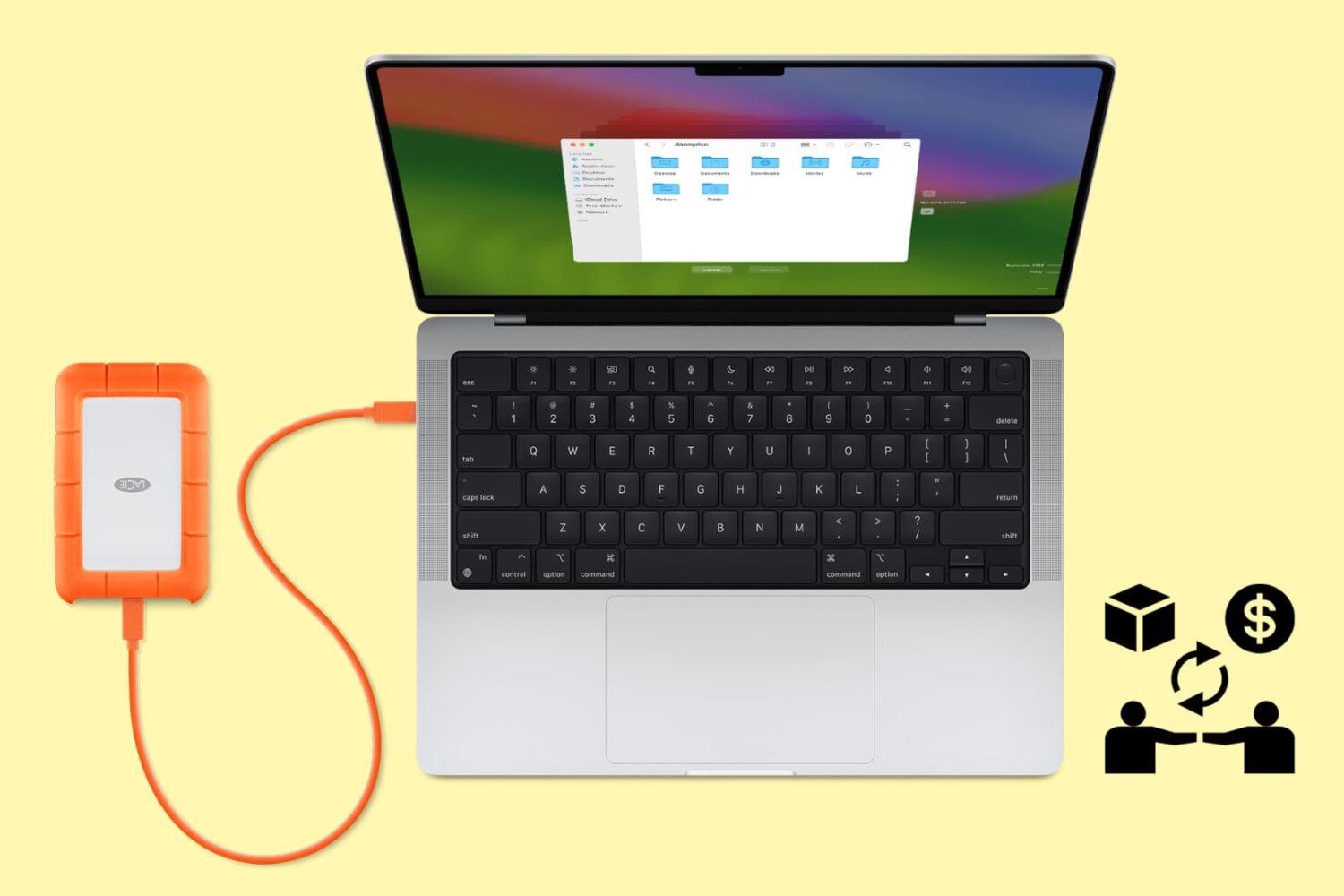
Follow these tips before handing over your Mac notebook or desktop to a new owner or sending it to Apple for trade-in to ensure your personal data is erased and Activation Lock is removed.
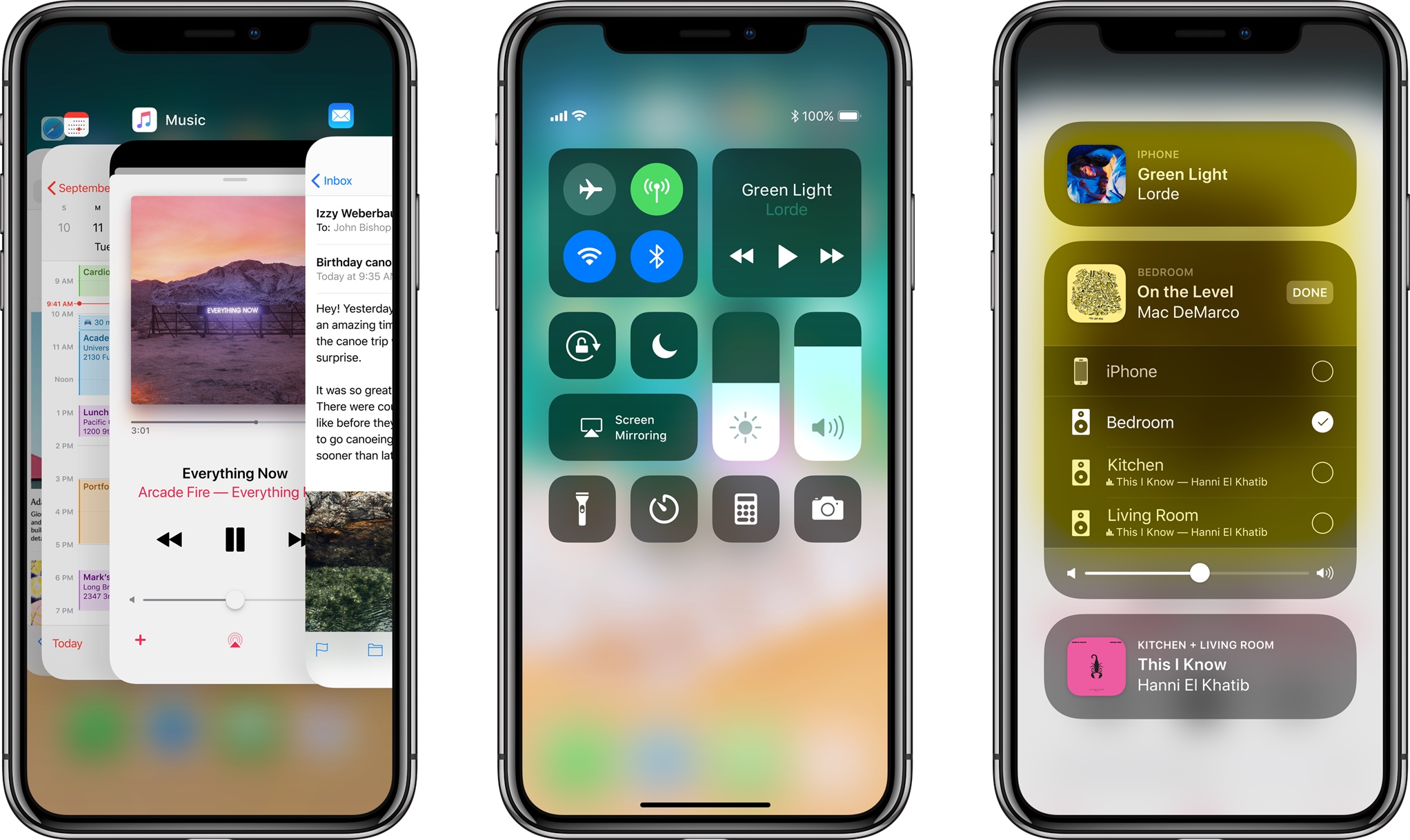
Because it lacks a Home button, Apple's iPhone X requires users to perform an upward swipe from the bottom edge of the display to get to their Home screen.
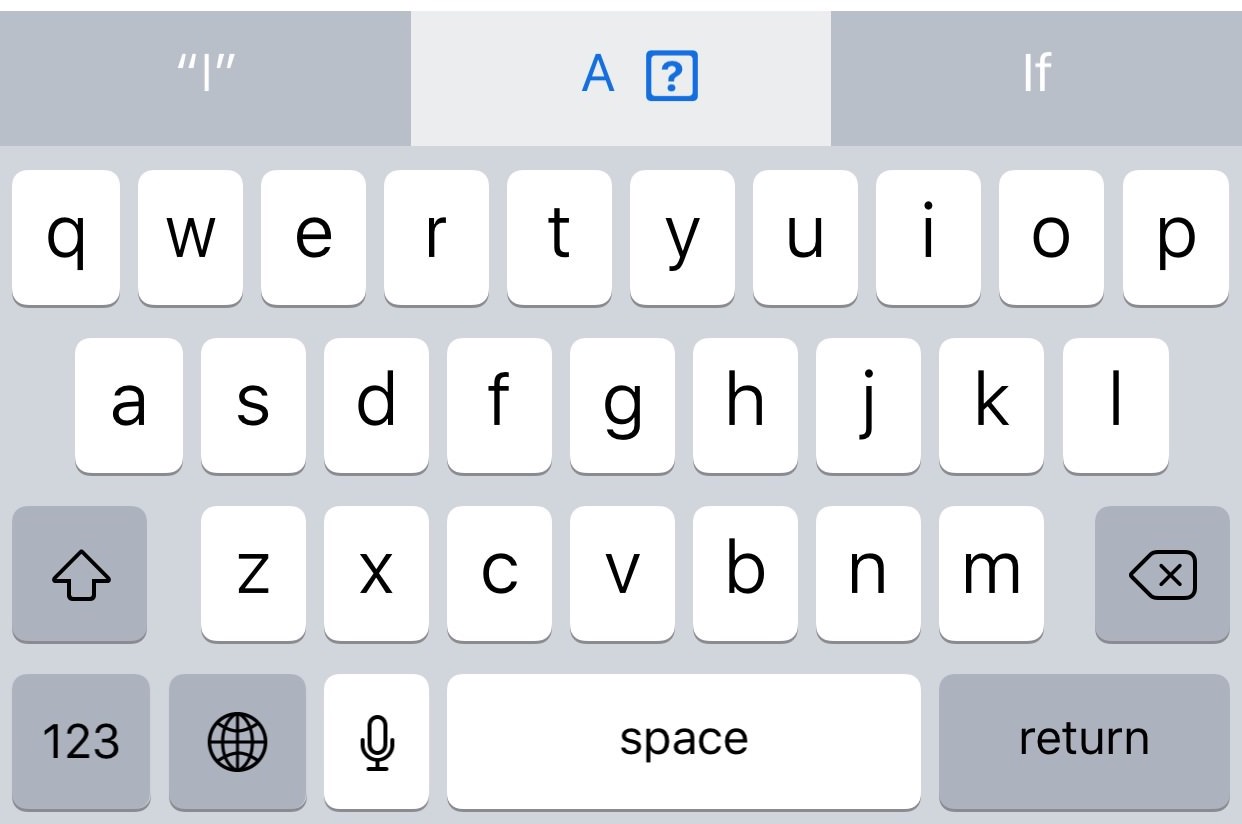
A new Apple support document published two days ago recommends a temporary workaround solution for a weird auto-correct bug in iOS 11.1 where typing the letter "i" can replace it with the uppercase letter “A” and a question mark symbol.