Learn how to change the length of your iPhone passcode from 6 digits to 4 so it’s easier to memorize and faster to type when unlocking.
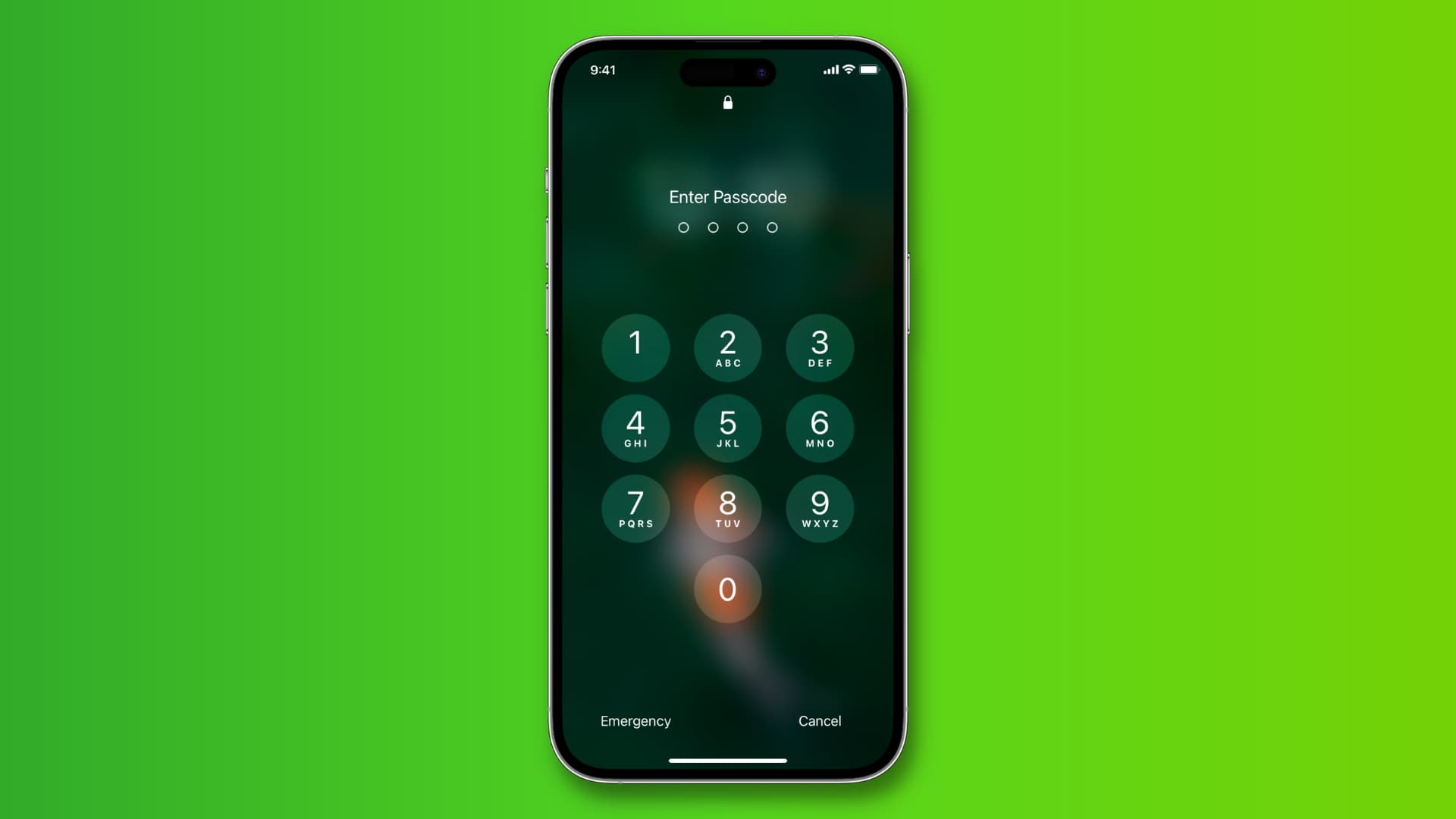
iOS defaults to six-digit passcodes that are harder to break.
You can also set a longer passcode or even an alphanumeric passcode to strengthen your security.
However, some people prefer shorter 4-digit passcodes because they’re easier to memorize and quicker to type.
Use a four-digit device passcode on iOS
1) Open the Settings app on your iPhone or iPad.
2) Tap Face ID & Passcode or Touch ID & Passcode and enter your current passcode to get in.
3) Tap Change Passcode and type in your current passcode again. If you use the Stolen Device Protection feature, you’ll need to turn it off and wait one hour before you can change the passcode.

4) You’ll see a screen asking for the new passcode. Tap Passcode Options above the keypad, and choose the 4-Digit Numeric Code option instead.

5) Enter a new 4-digit numeric passcode. iOS warns you if the passcode is weak and too easy to guess, like 1234 or 0011. You can tap “Use Anyway” to proceed, or enter a stronger 4-digit passcode. You’ll need to type the passcode one more time to verify and start using it. It takes a few seconds for the passcode to save, so don’t navigate away until the passcode is successfully changed. a

For the next 72 hours, you can use your old passcode to reset your new one in case you forget it.
For security reasons, you may be prompted to enter your Apple account password on this and other devices after changing the passcode.
When it comes to passcodes, longer is better…
Because dedicated devices like GrayKey can easily break simpler 4-digit passcodes in a matter of hours, Apple switched to 6-digit passcodes by default with iOS 9 in 2015.
However, even 6-digit passcodes no longer offer adequate protection, so your best option remains custom alphanumeric codes or extended custom numeric codes, which are significantly more complex and almost impossible to break into with today’s tech in a reasonable time.
For those reasons, we don’t recommend using 4-digit or even 6-digit passcodes. For added security, don’t turn off the passcode on any device you own.
That said, a simpler 4-digit passcode might be a better option for some people. For instance, folks with motor issues may find it easier to punch in 4 digits instead of 6 to unlock. Similarly, if you restart your device frequently, a shorter passcode is both easier to remember and quicker to type when unlocking.
Also, check out: 18 tips to secure your iPhone