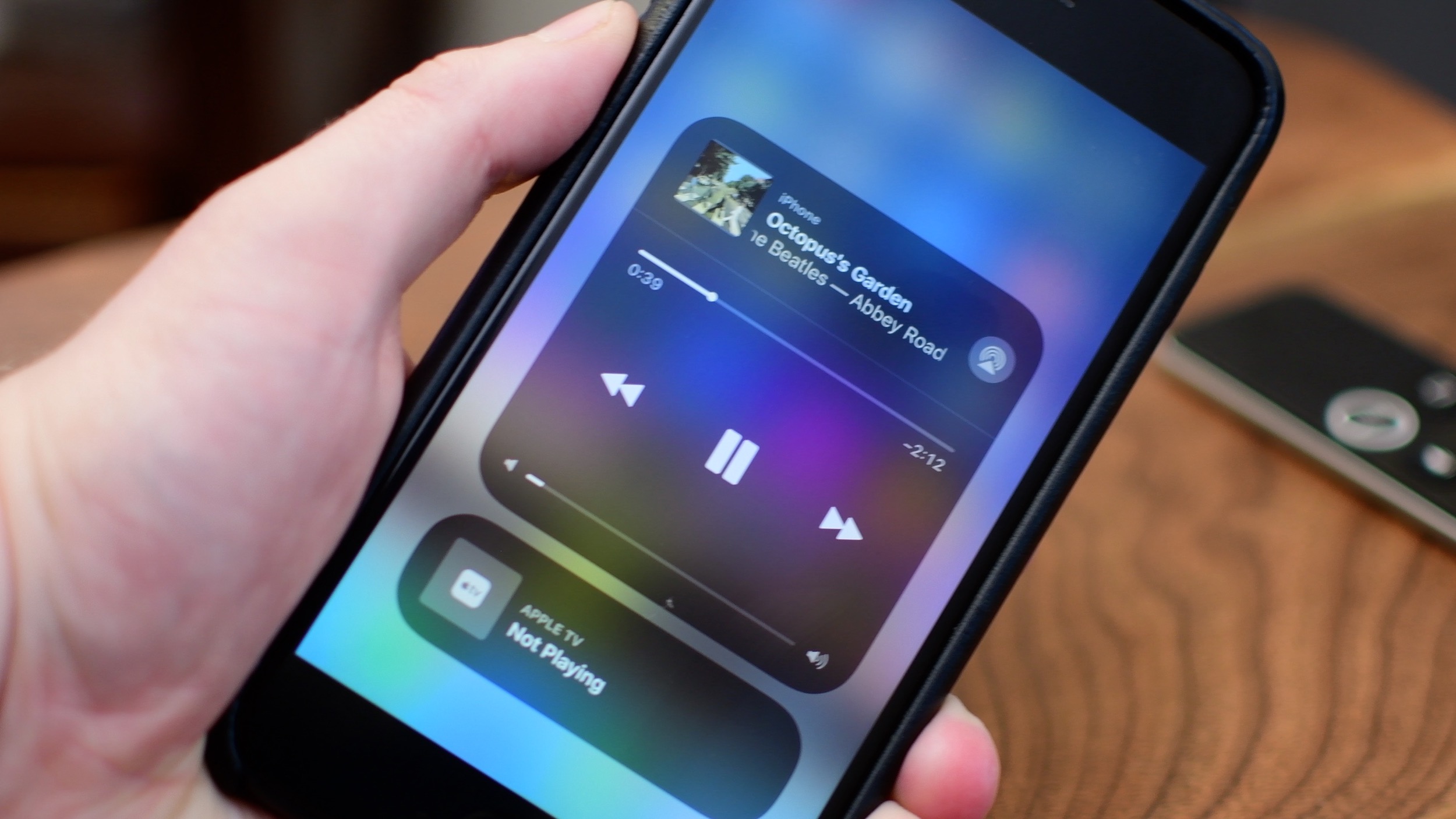
iOS 11 brought a customizable Control Center and also moved AirPlay options around.
Tip: the fastest way to toggle AirPlay as an output on iPhone & iPad
Learn how to master your Apple devices with our comprehensive tutorials. From iPhone and iPad to Mac, Apple Watch, AirPods, and more, our expert guides will help you unlock the full potential of your Apple products. Discover new features, tips, and tricks each day to enhance your user experience.
iOS 11 brought a customizable Control Center and also moved AirPlay options around.
Learn how to save an email as a PDF document on your iPhone, iPad, or Mac without having to use third-party apps or dedicated printing extensions.

Instagram has been testing a new feature to notify users when someone takes a screenshot of their stories. Similar to what Snapchat has been doing for a while, this new privacy feature aims at increasing the privacy of users will likely roll out to all users eventually.
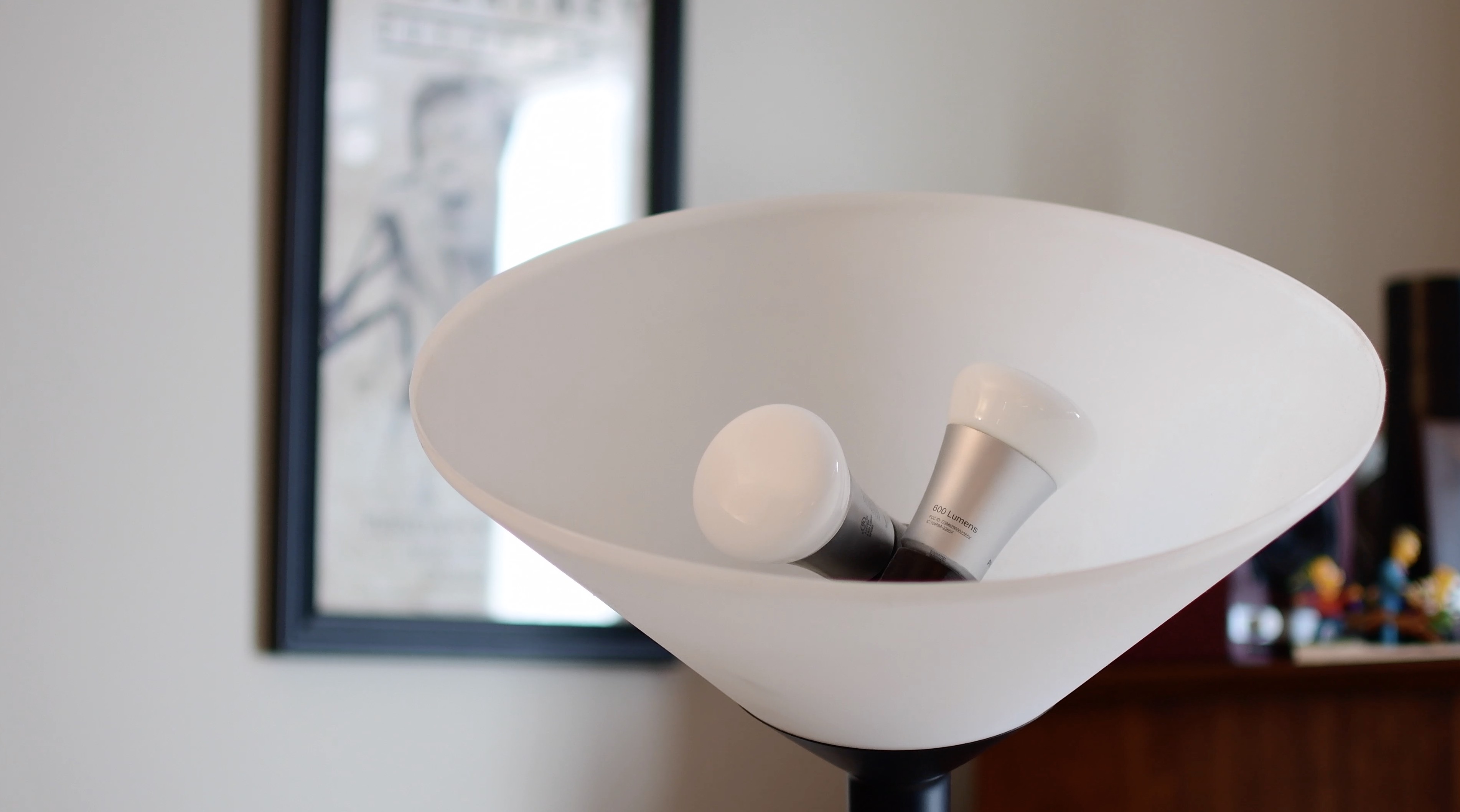
In the second entry to our HomeKit automation series, we take a look at the different grouping methods for accessories. This is especially helpful in lights or fixtures that utilize multiple bulbs.

As we reported recently, nitoTV has released his eponymous tool for various tvOS firmwares. It's a package manager, much like Cydia is for iOS, but it needs a jailbreak to work. For tvOS 10.2.2, that jailbreak is greeng0blin, and in this guide we'll show you how to use it.
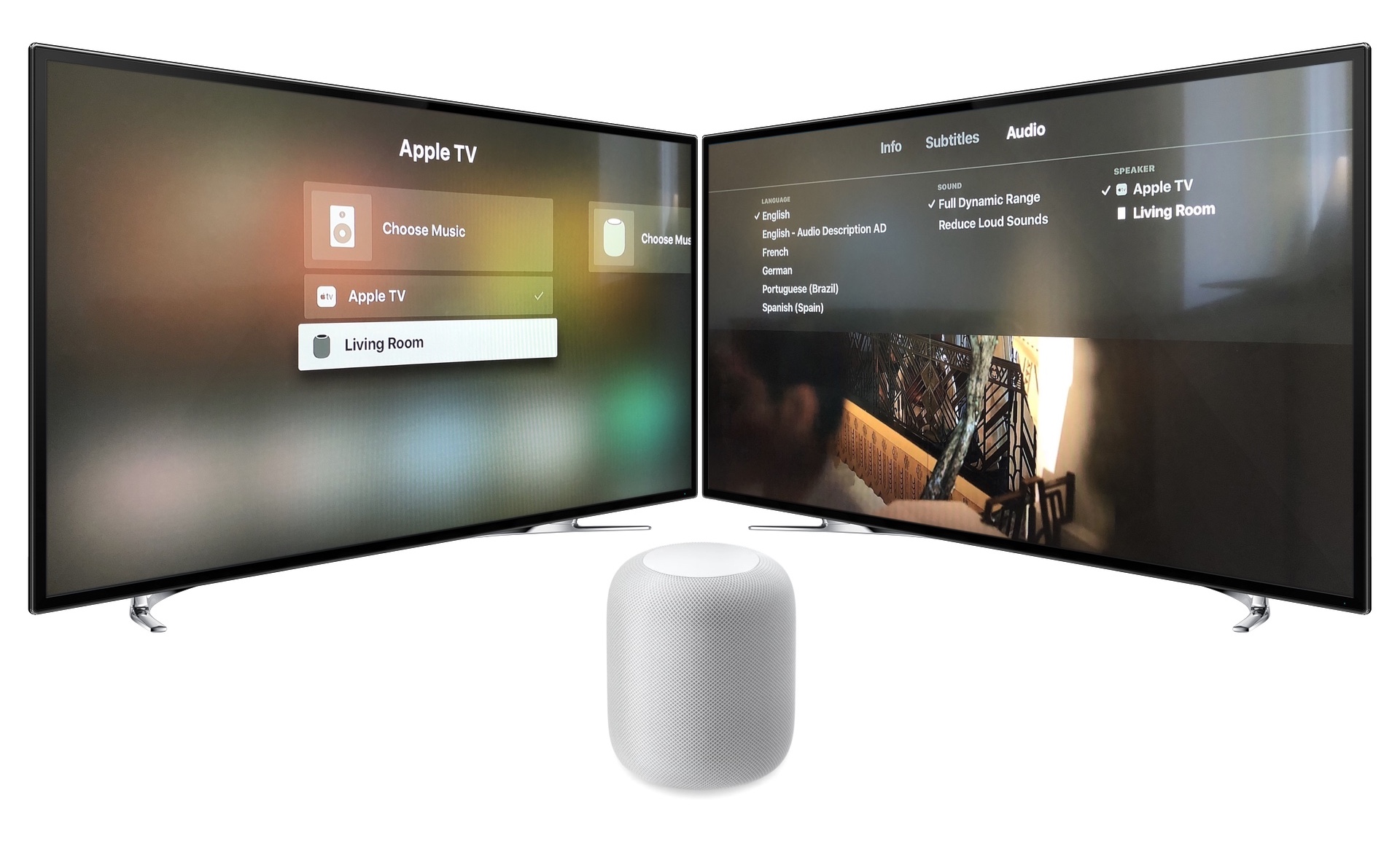
Learn how to use your HomePod with Apple TV. We'll look at the setup, the playback settings and controls, and the limitations of HomePod as your main Apple TV speaker.

In this tutorial, we'll guide you through the steps to download and install the latest software version on your HomePod using your iPhone, iPad, or Mac, so you can enjoy all the newest features on your smart speaker.

This tutorial shows you how to find the serial number and the current software version of your HomePod 1st & 2nd generation or HomePod mini.
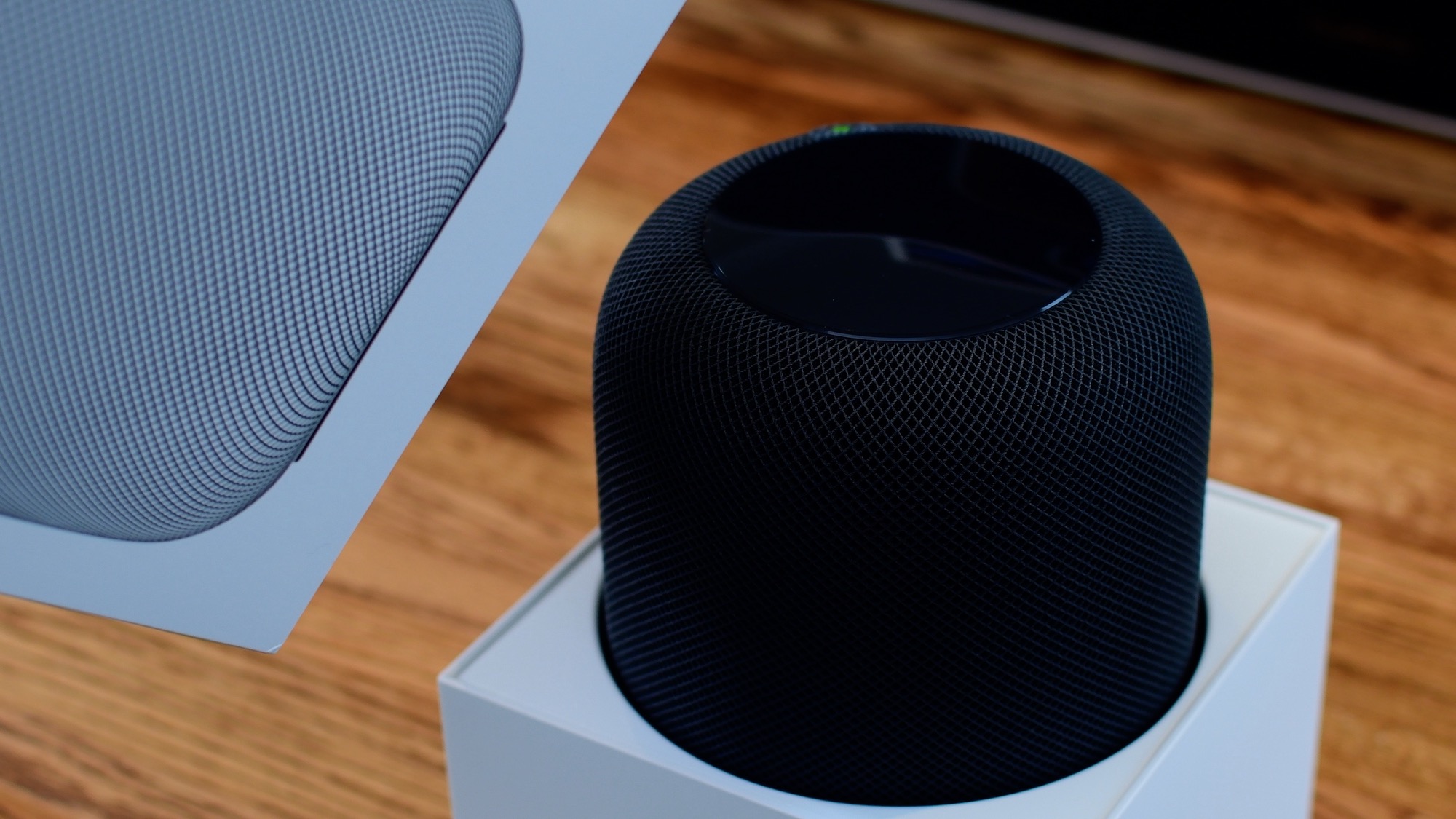
From connecting your HomePod to your Wi-Fi network to setting up Siri, this guide will walk you through the simple steps to get your HomePod up and running in no time, thanks to Apple's Automatic Setup feature.
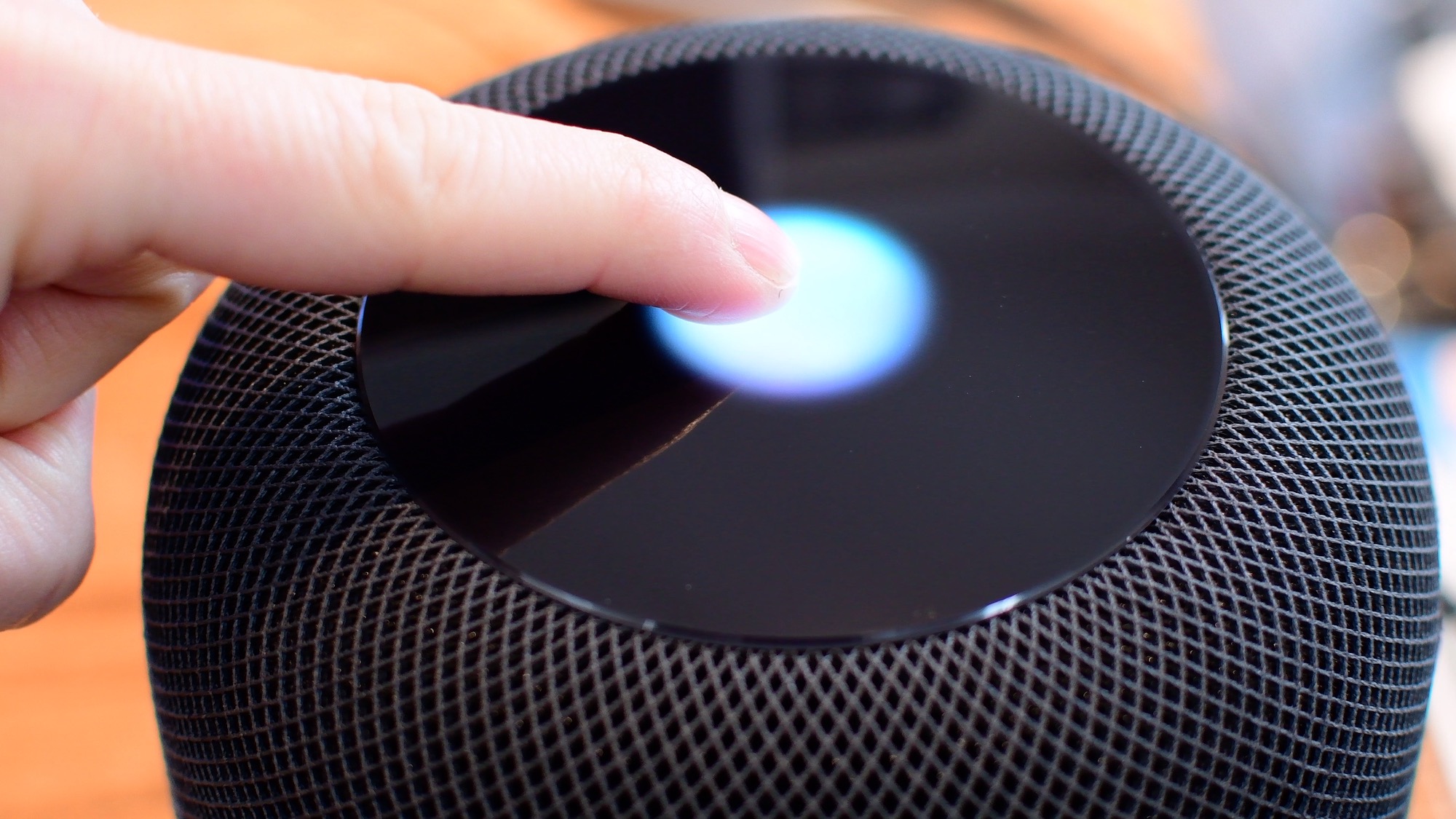
Siri is clearly going to be the best way to control your HomePod or HomePod mini. Everything that you do with touch, you can also do with Siri. However, there are times when it is easier/more convenient to use the touch interface instead. Take a look at this video or scroll down for our written tutorial.

In case you didn't get the memo, macOS High Sierra is the last release of Apple's desktop operating system that supports 32-bit apps out of the box without any compromise.