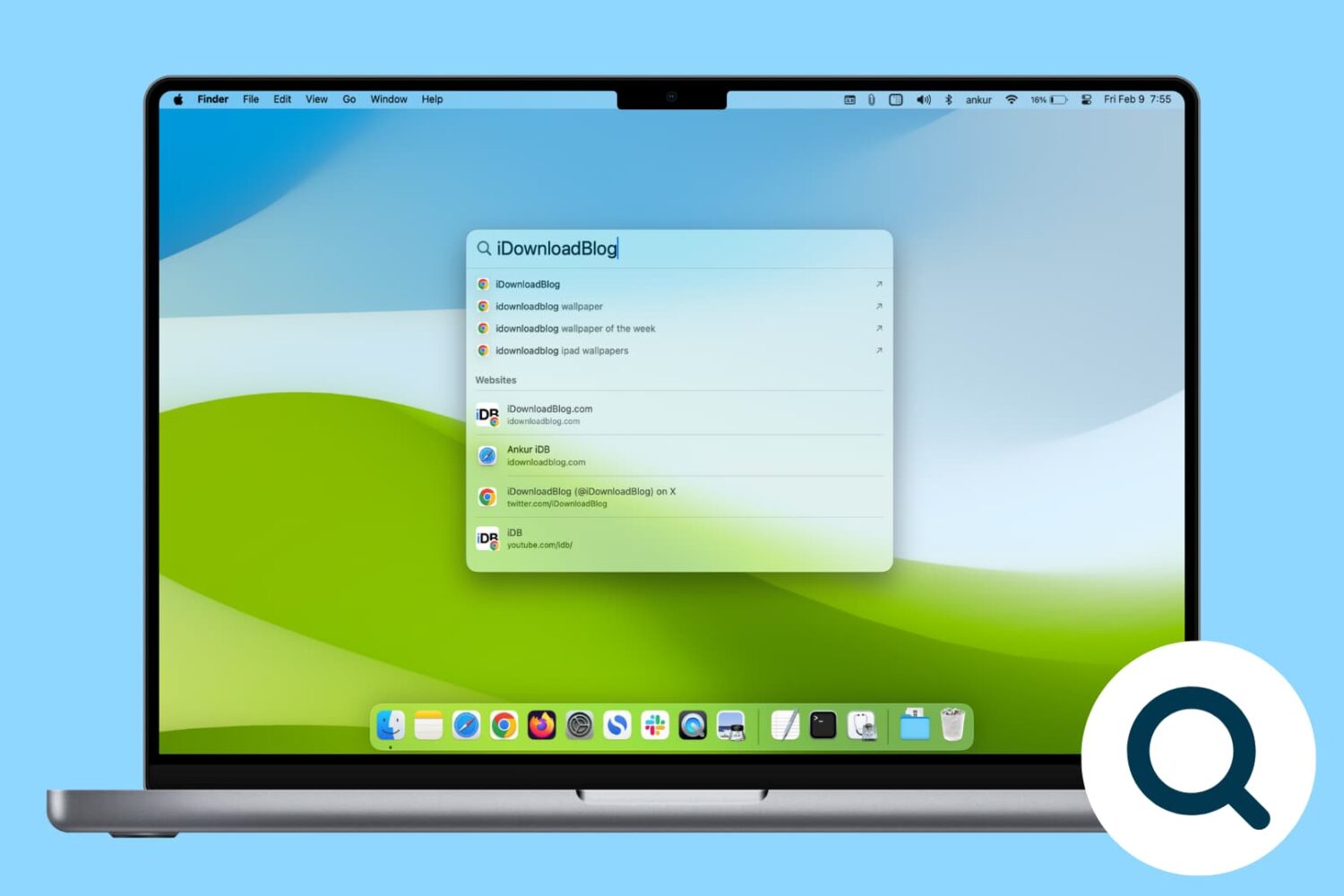
Rebuild the Spotlight index on your Mac if Spotlight isn’t working properly or if searching doesn’t show the expected results.
How and why to rebuild Spotlight Search index on Mac
Learn how to master your Apple devices with our comprehensive tutorials. From iPhone and iPad to Mac, Apple Watch, AirPods, and more, our expert guides will help you unlock the full potential of your Apple products. Discover new features, tips, and tricks each day to enhance your user experience.
Rebuild the Spotlight index on your Mac if Spotlight isn’t working properly or if searching doesn’t show the expected results.

One of the ways of keeping your smartphone addiction under control entails checking out how much time you're actually spending in apps on your iPhone, iPad, or iPod touch. iOS includes a feature that allows you to see the time spent on apps, but it's buried counterintuitively in an unlikely place where most people won't bother looking.
Here's how to use it.
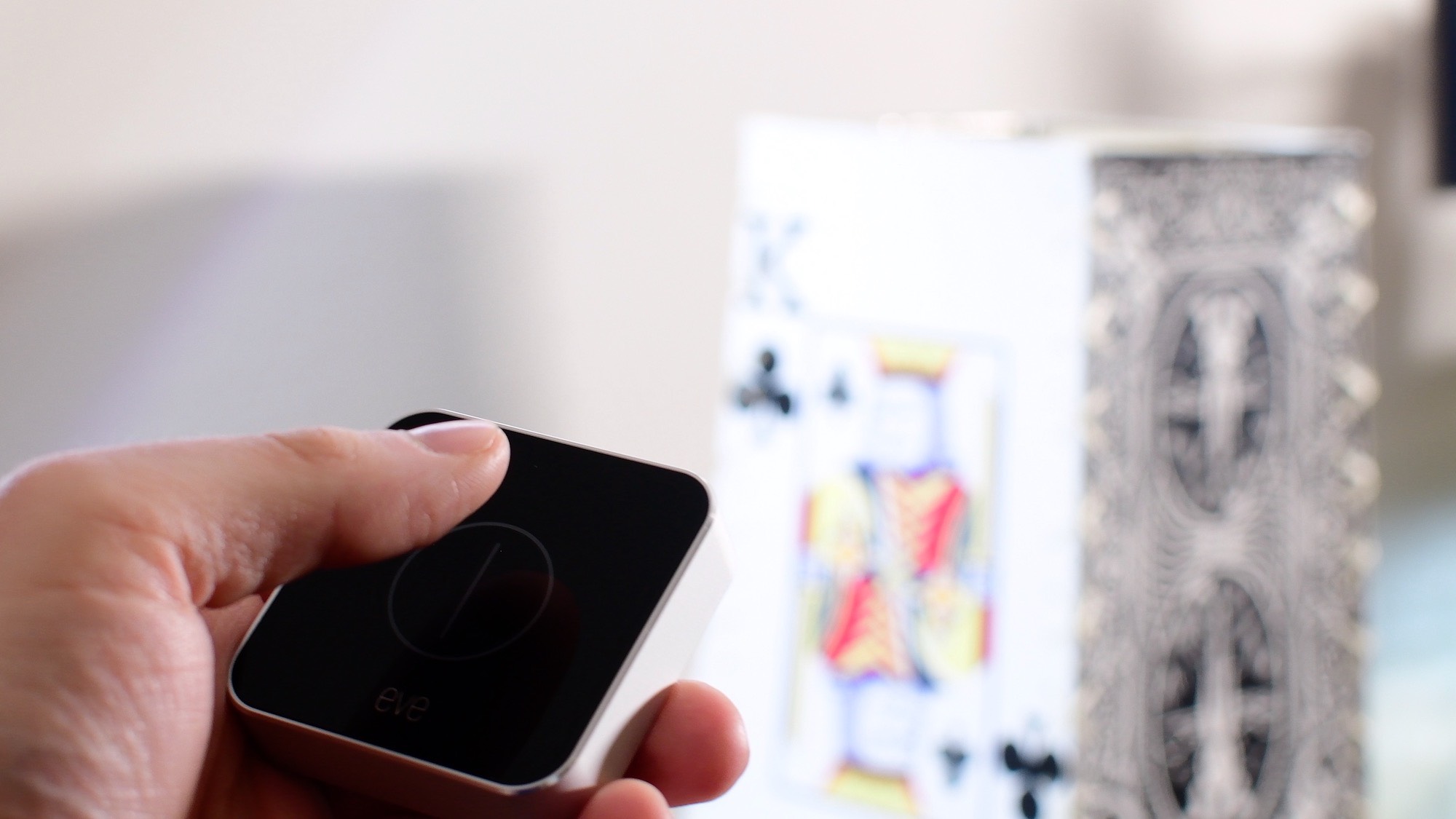
In this first entry into our new HomeKit Automation series, we walk you through fixing one of HomeKit's biggest shortcomings: creating a true toggle button to enable and disable a scene.

Find out how to remove the Finish Setting Up Your iPhone or iPad alert that’s added to the top of the Settings app if you skip a step during device setup.
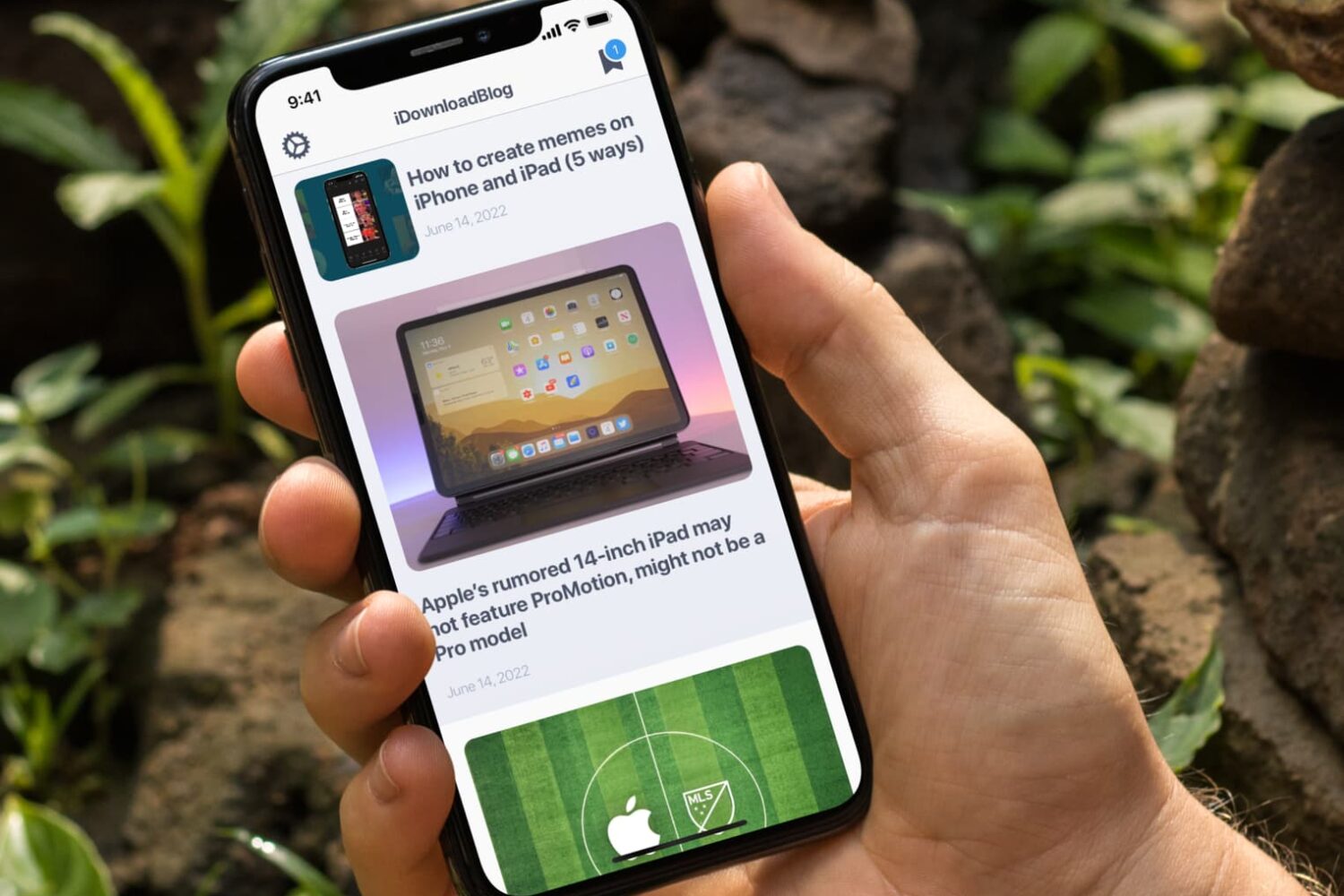
In this tutorial, we’ll let you in on a little iPhone trick to skip past the screenshot-editing screen and jump directly from your screenshot to the iOS Share Sheet.

In this post, we will show you how to disable the Netflix Autoplay Next Episode feature for each profile you have set up under your account. This will put you back in control as you'll be able to decide what to watch next on your own terms.
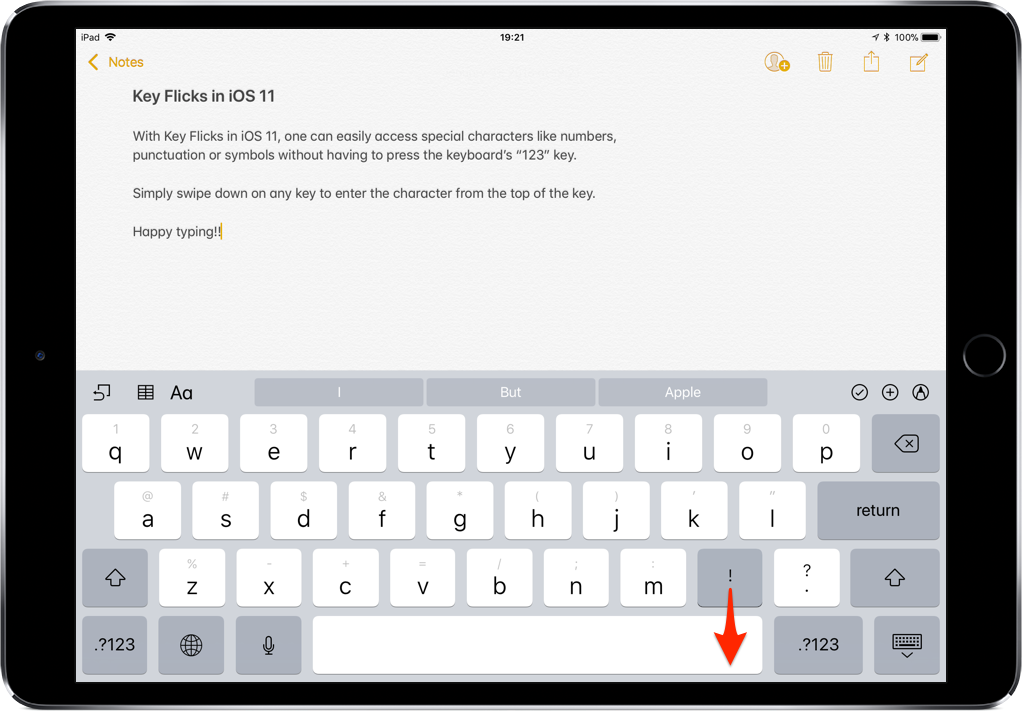
iOS provides a flickable keyboard that makes it easier to type faster on your iPad.

In this post, we will show you how to export Facebook contacts, including their names and phone numbers to your computer so you can keep a backup of that data locally.

Learn how to minimize your Netflix data usage without sacrificing video quality, ensuring smoother streaming and lower bills.
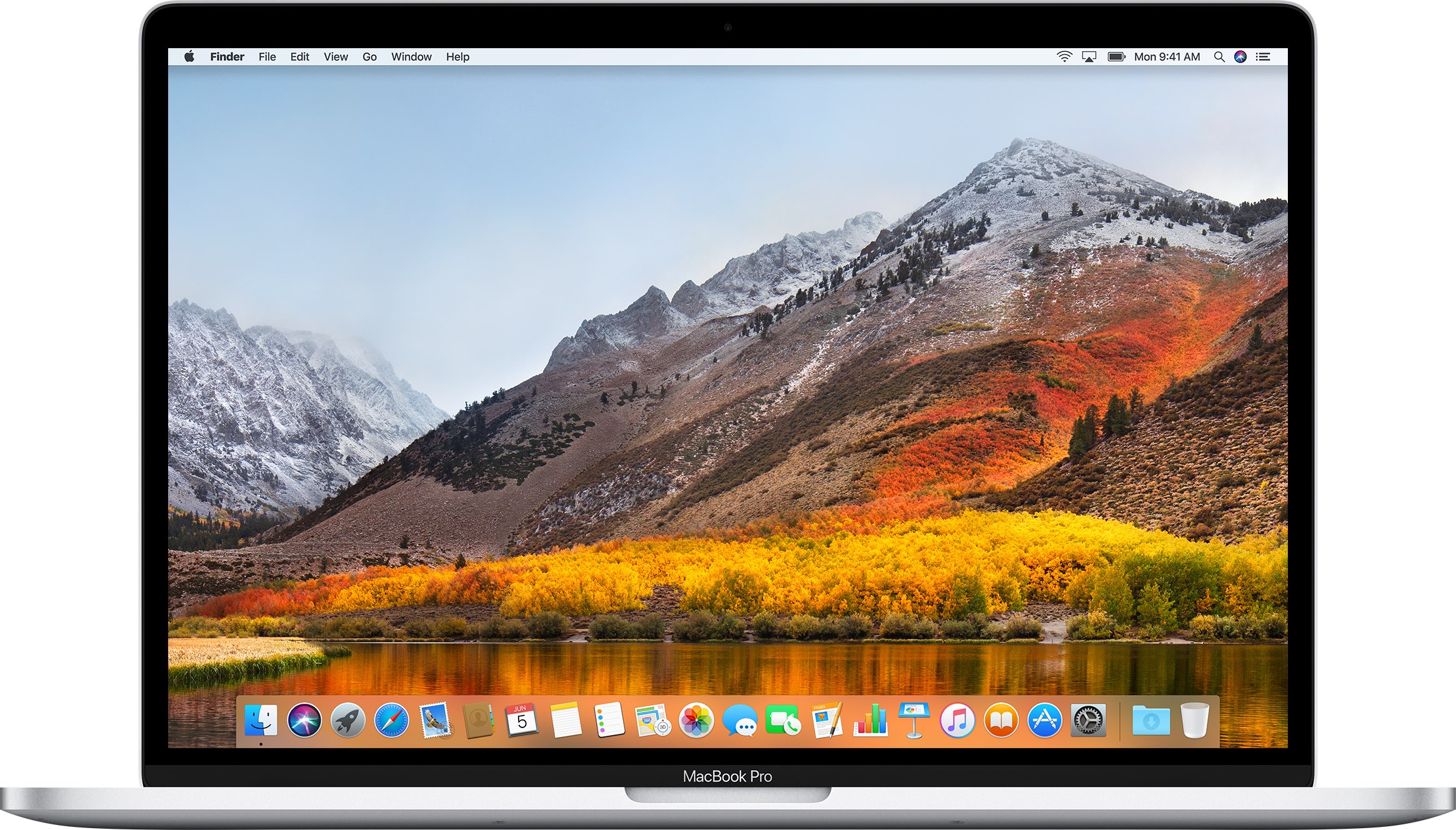
If you don't plan on installing macOS High Sierra for whatever reason, your Mac will still inform you of the software update every now and then via persisting system notifications.
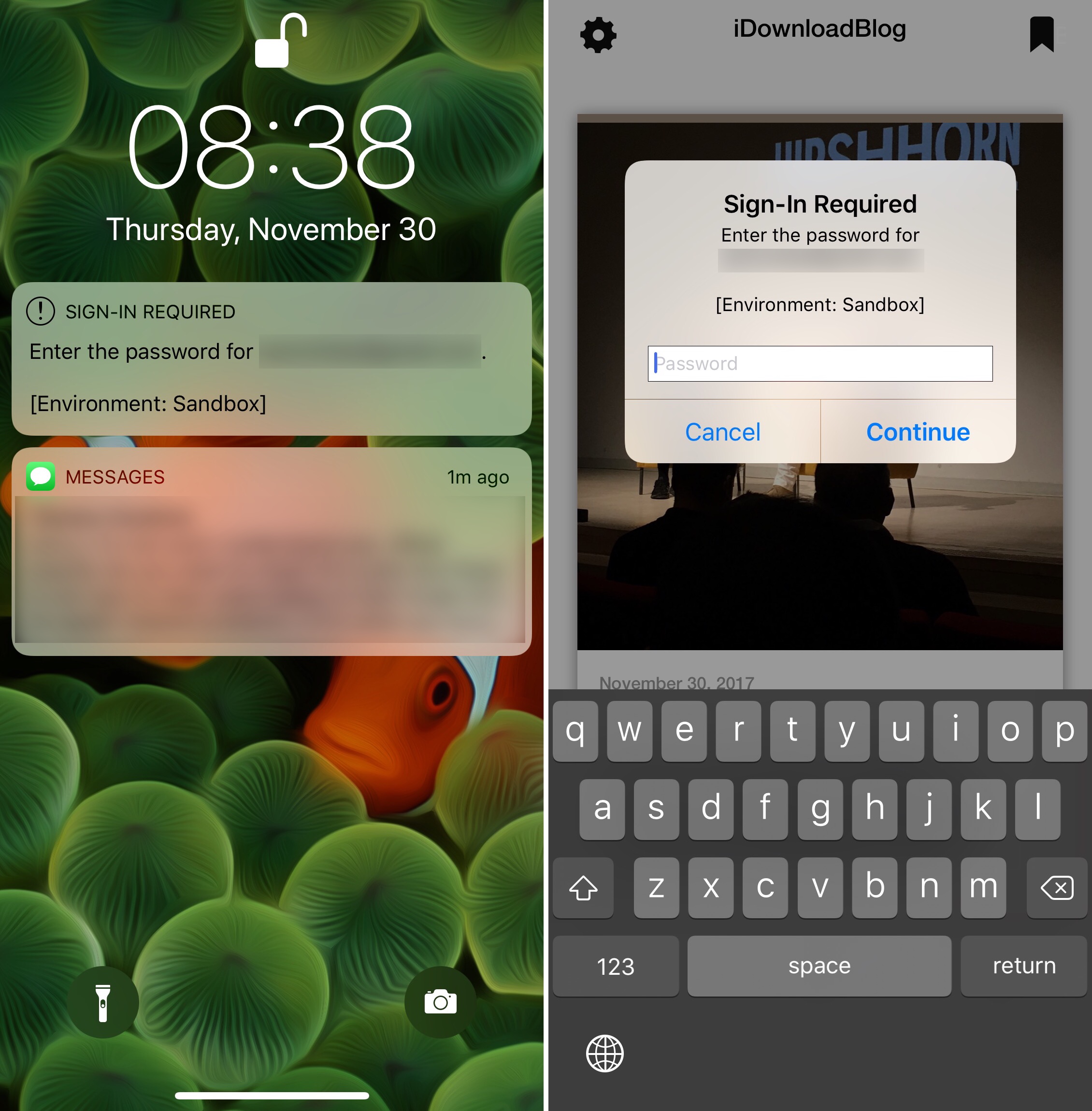
This post will have limited appeal to the vast majority of iDB readers because it addresses a very specific issue, but I figured I had to put it out there to help those who encounter it.

Want to view Instagram stories anonymously? In this post, we’ll show you how to view an Instagram story without the user knowing it.