In this life-saving tutorial, we’ll share how to turn on the fall detection feature on your Apple Watch to notify emergency contacts and services if you ever suffer a hard fall.
How to enable and use Apple Watch fall detection

Learn how to master your Apple devices with our comprehensive tutorials. From iPhone and iPad to Mac, Apple Watch, AirPods, and more, our expert guides will help you unlock the full potential of your Apple products. Discover new features, tips, and tricks each day to enhance your user experience.
In this life-saving tutorial, we’ll share how to turn on the fall detection feature on your Apple Watch to notify emergency contacts and services if you ever suffer a hard fall.

As with customizing your Quick Access Toolbar or Ribbon buttons when you use Microsoft Word on Mac, you can also adjust the tabs. By default, you should see tabs like Home, Insert, Layout, and View across the top. But, you can change these to fit your needs.
Here’s how to change the tabs you see in Microsoft Word on your Mac.
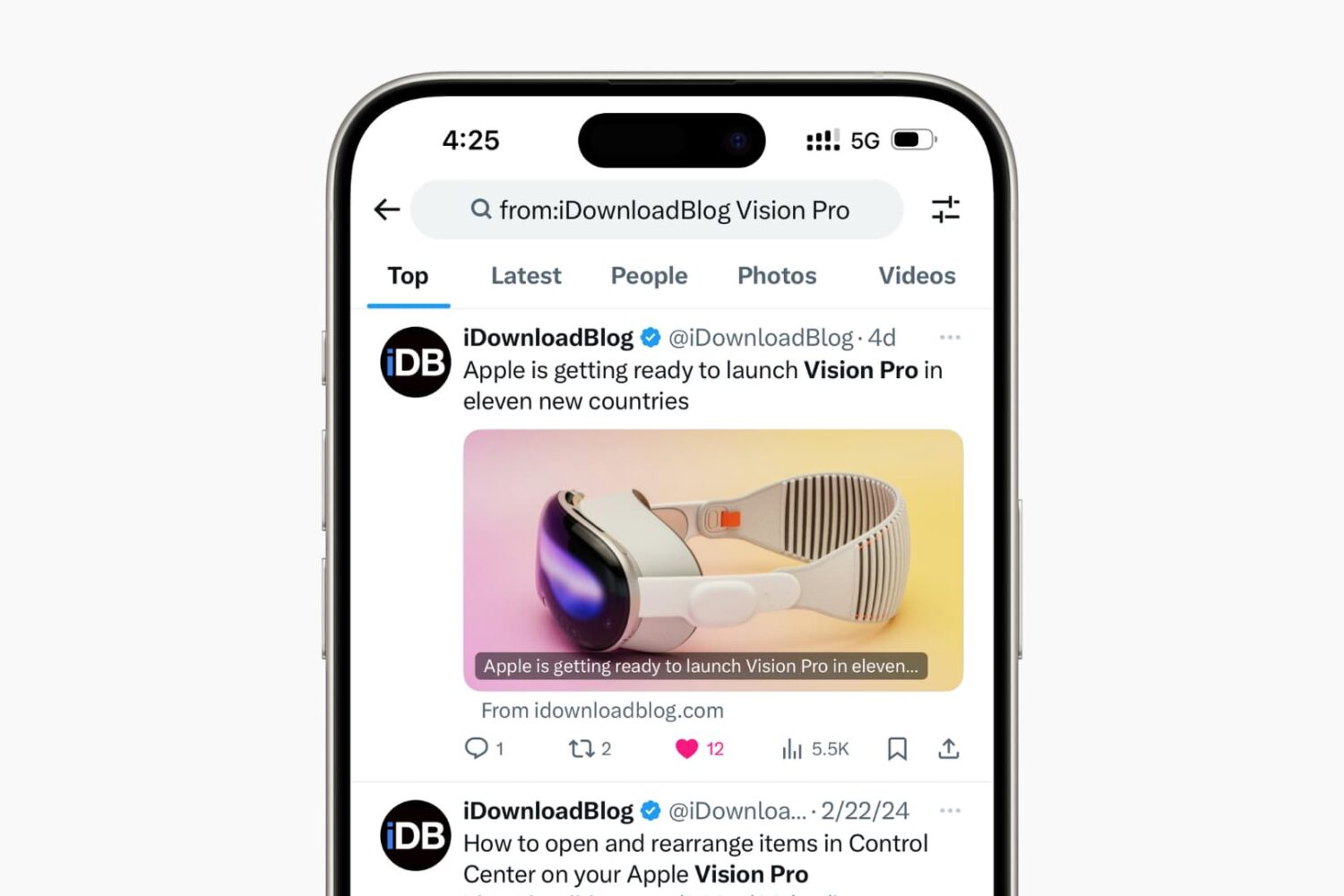
Learn how to supercharge your Twitter (X) search using these handy tips to narrow the scope and find relevant tweets quickly.
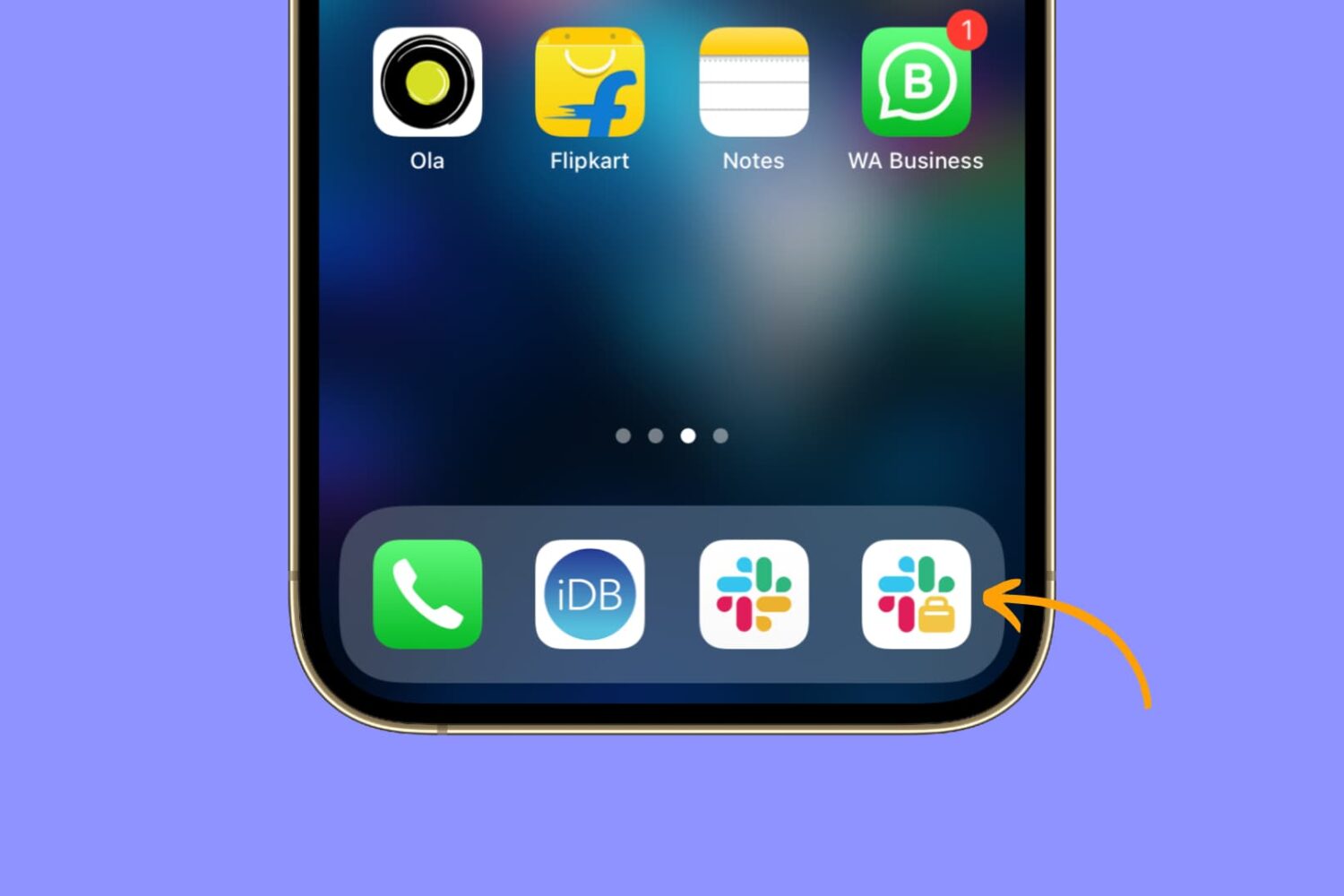
Learn how to easily install and use two separate Slack apps on your iPhone or iPad to streamline your communication and boost productivity.

Learn about a few easy ways to insert a tab character on your iPhone or iPad for indentation purposes to help guide the flow of text in your documents.
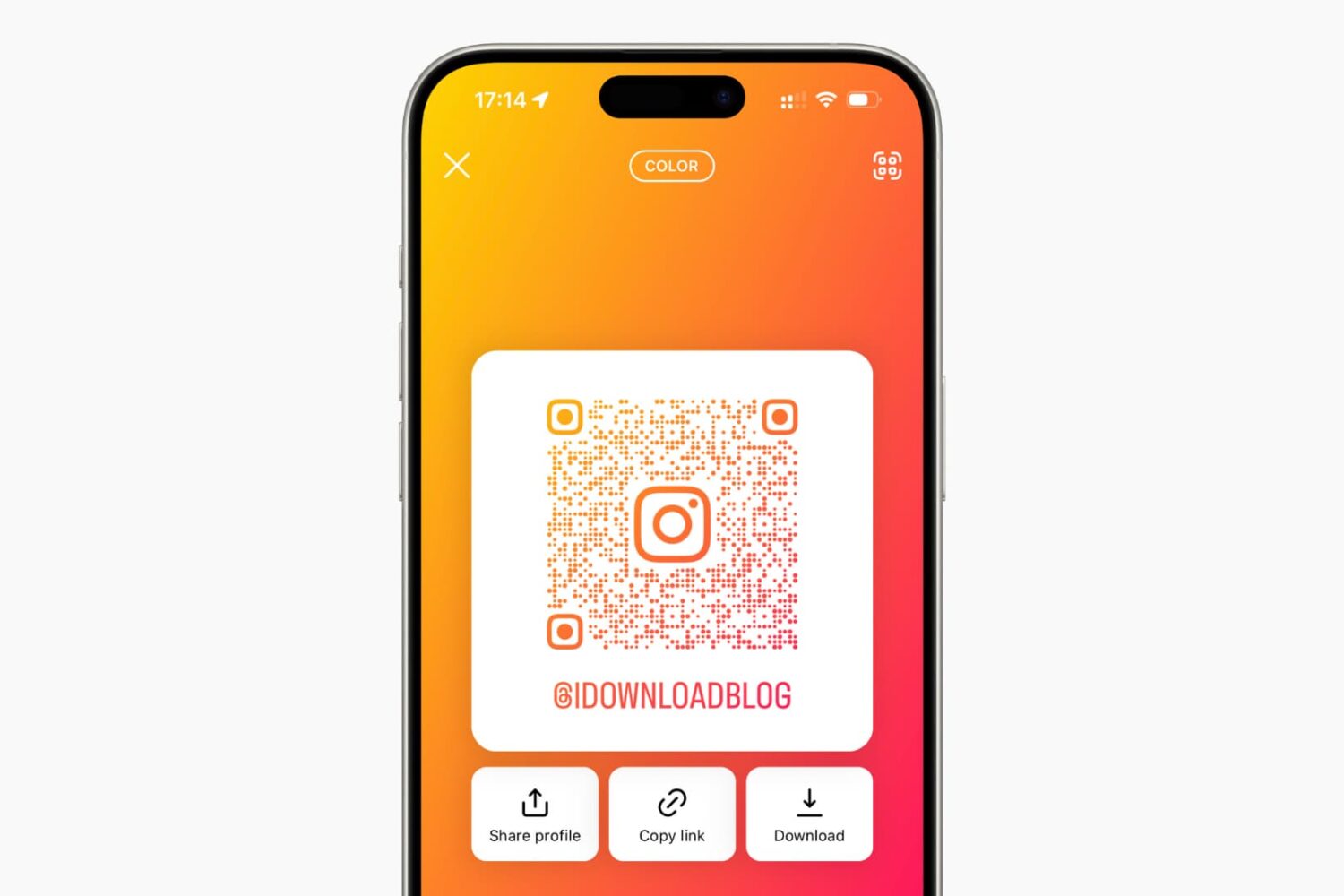
Learn how to share your Instagram profile with other people by creating a QR code that they can scan using their smartphones.

Are you still on the fence about buying an Apple Watch and wondering what you can do with it? In this guide, I will share the important things my close friends and I use our Apple Watches for.

Tired of Siri talking back every time you ask for something on your Apple Watch? While it’s very thoughtful of Siri to acknowledge your request, you may not want to hear it. For example, just because you ask Siri to set a timer for 10 minutes doesn’t mean you want to hear a confirmation that the countdown has begun.
You may not be able to disable Siri’s feedback, but you can tweak the settings to quiet Siri down a bit. Here’s how to customize Siri voice feedback on your Apple Watch to lower the volume or completely turn off spoken responses.
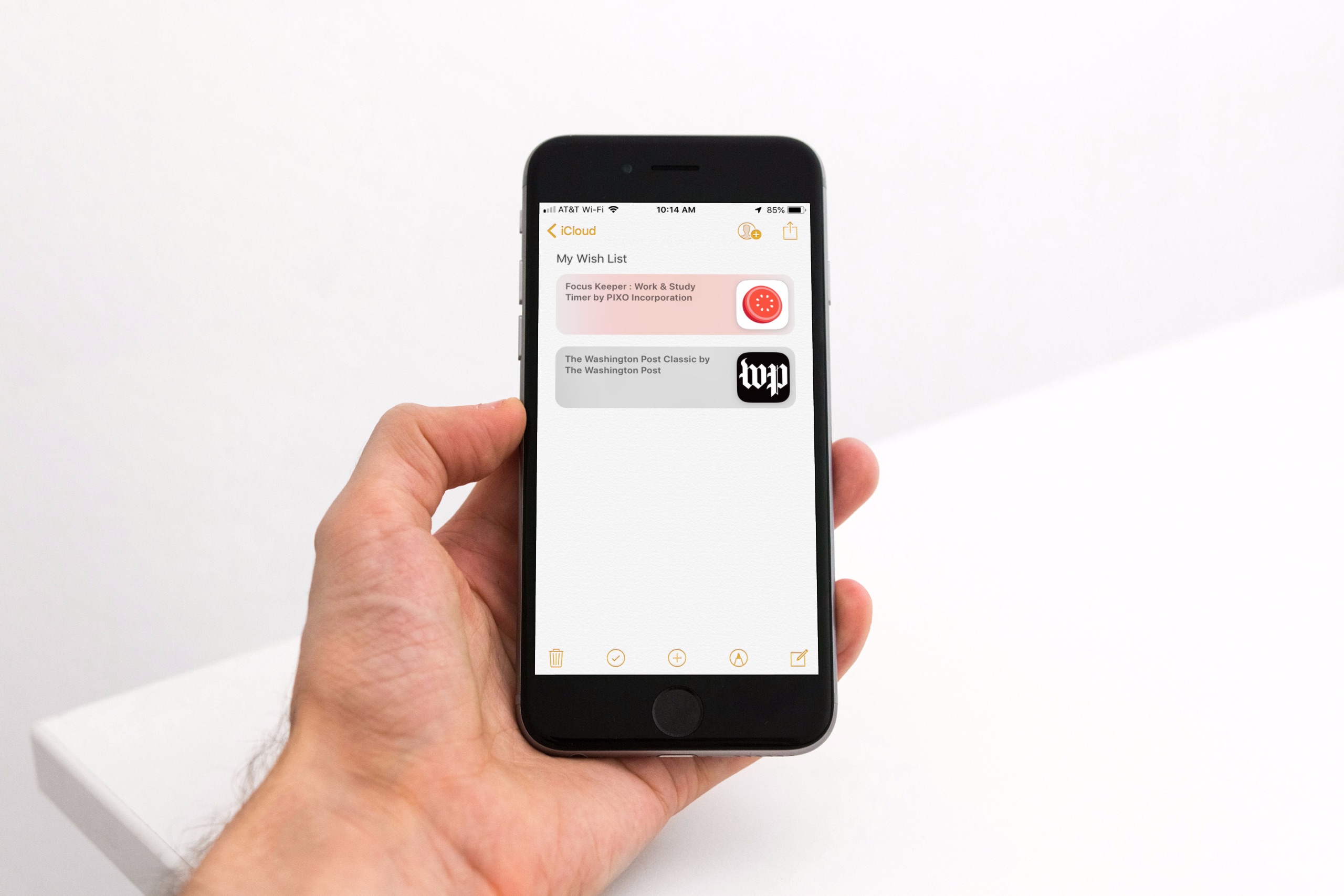
Maybe you’ve noticed, or perhaps you haven’t, but with the release of iOS 11 came the disappearance of the App Store Wish List feature. It didn’t make its way back in iOS 12, so if you’re still hoping for that wish list to keep track of apps you want, you do have other options.
Here’s how to create an App Store wish list with Notes as well as a third-party app called Lookmark.
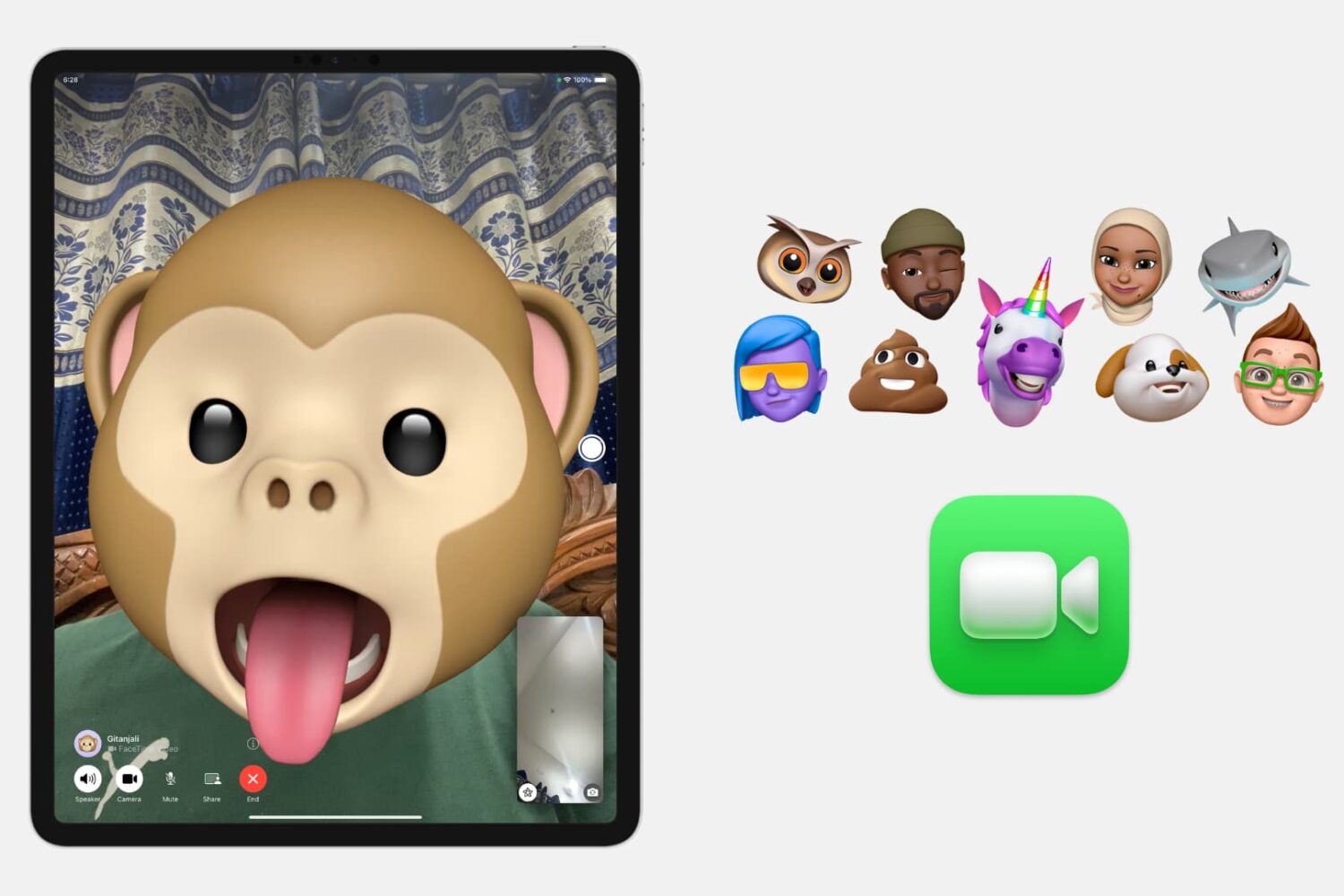
In this tutorial, we will show you how to put a Memoji or Animoji over your face during a FaceTime video call to change your appearance. You can use it to make the call fun or conceal your face.

iPhone Depth Control lets you adjust the depth of field after you shoot, which makes it easy to apply a variably blurred background. Here’s how it works.