Find out how to securely send an account login username and password from your iPhone, iPad, or Mac to another Apple device using AirDrop.
How to AirDrop login passwords between iPhone, iPad, Mac

Learn how to master your Apple devices with our comprehensive tutorials. From iPhone and iPad to Mac, Apple Watch, AirPods, and more, our expert guides will help you unlock the full potential of your Apple products. Discover new features, tips, and tricks each day to enhance your user experience.
Find out how to securely send an account login username and password from your iPhone, iPad, or Mac to another Apple device using AirDrop.

If you sometimes upload videos to your Instagram stories, you have probably run into the 15-second limitation. That means that no matter what the length of the video you're posting to your story, Instagram will automatically crop it to a maximum duration of 15 seconds.
This is great for shorter videos, but what happens if you want to post a video that is longer than this 15-second limit?

One of the first things I looked for when I started using a MacBook Pro for work was how to navigate web pages faster. Being able to move to the top, to the bottom, or both in small increments and without lifting my fingers from the keyboard was essential.
If you’re like me and want to navigate sites you visit quicker, this list is for you. Here are several keyboard shortcuts to move up, down, and sideways on web pages on Mac.
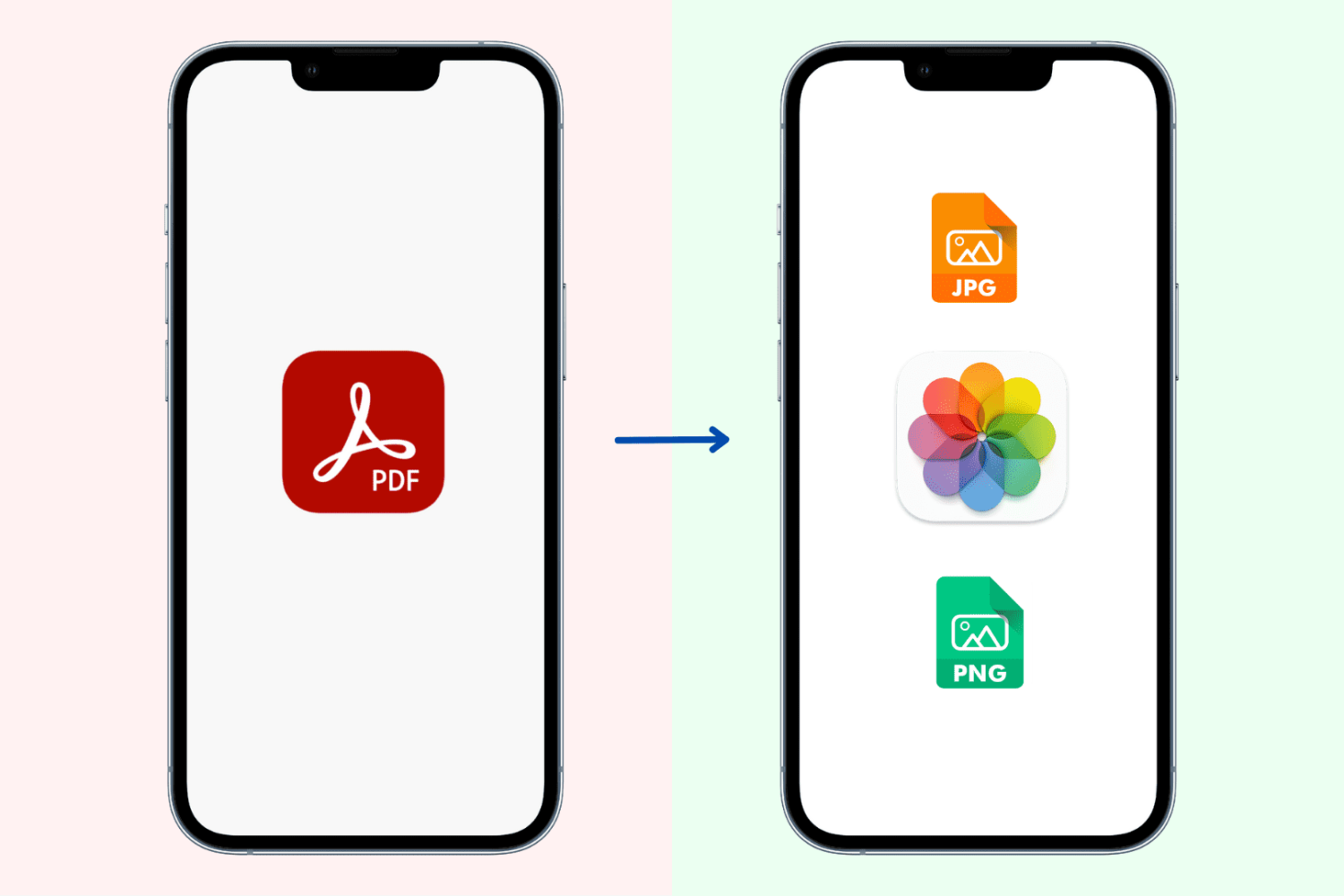
Learn how to convert PDF documents to images and saved them to the built-in Photos app in the JPG and PNG file formats on your iPhone or iPad.
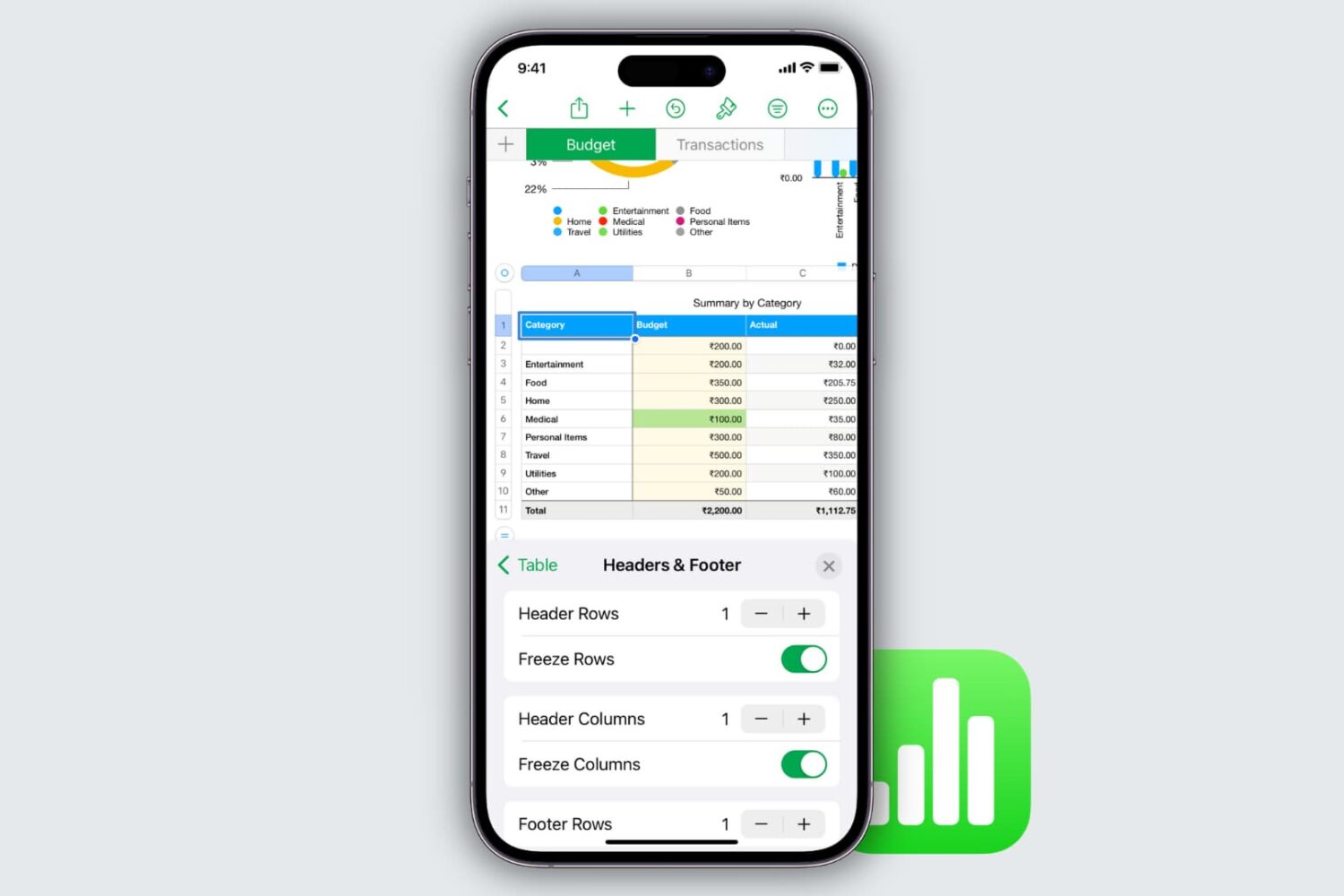
Learn how to freeze columns and rows in the Apple Numbers app on your Mac, iPad, and iPhone to keep important data in view as you scroll.

Learn how to save all images from a web page on your iPhone or iPad without manually downloading them one at a time.

Learn how to remove an iPhone, iPad, Mac, Apple Watch, HomePod, Apple TV, or even a Windows PC from your Apple Account so that this list is free from devices you no longer use, have sold, or have given away.
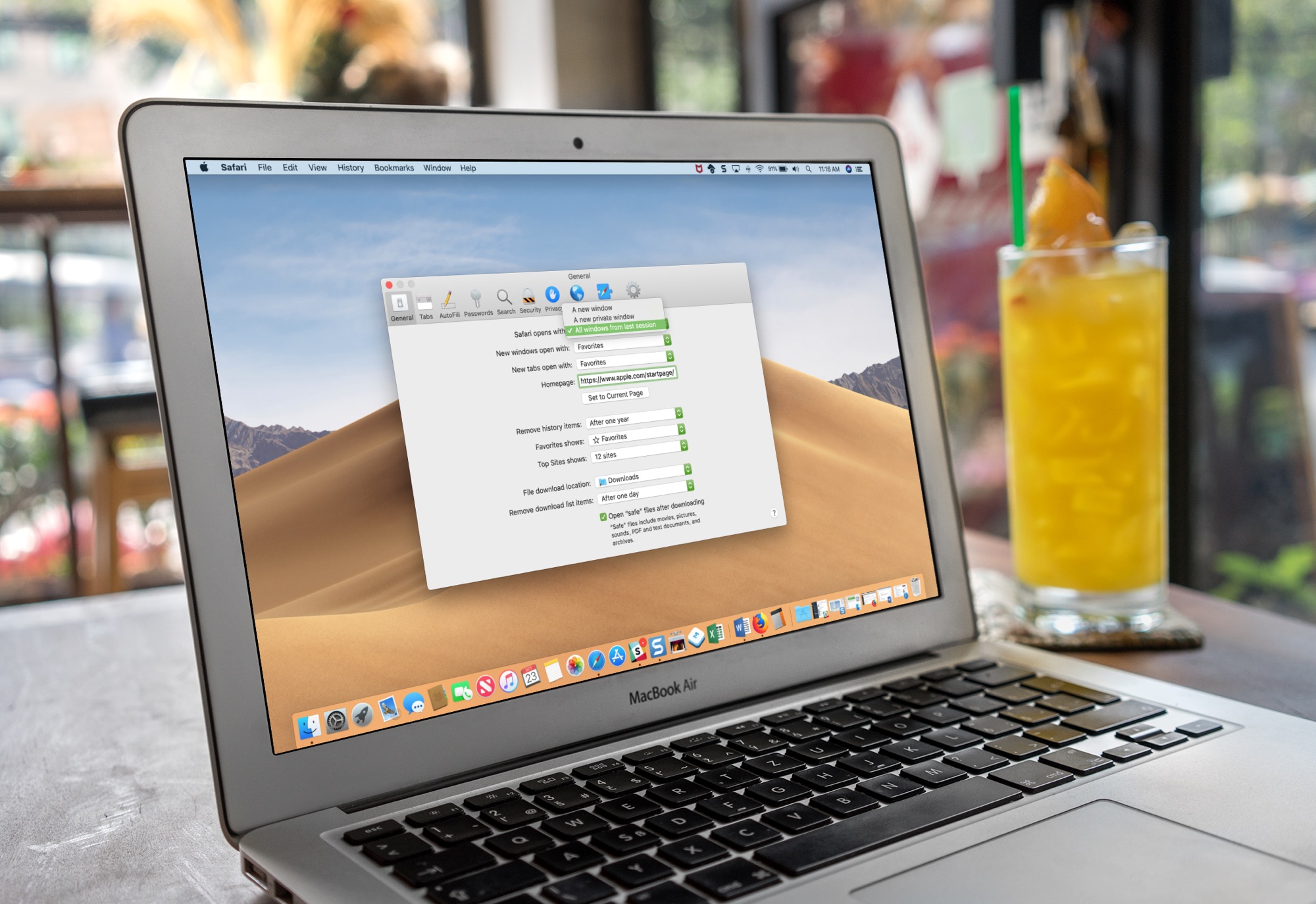
Learn how to set Safari on your Mac to automatically reopen all windows from the last session so you can continue browsing where you left off without skipping a beat.
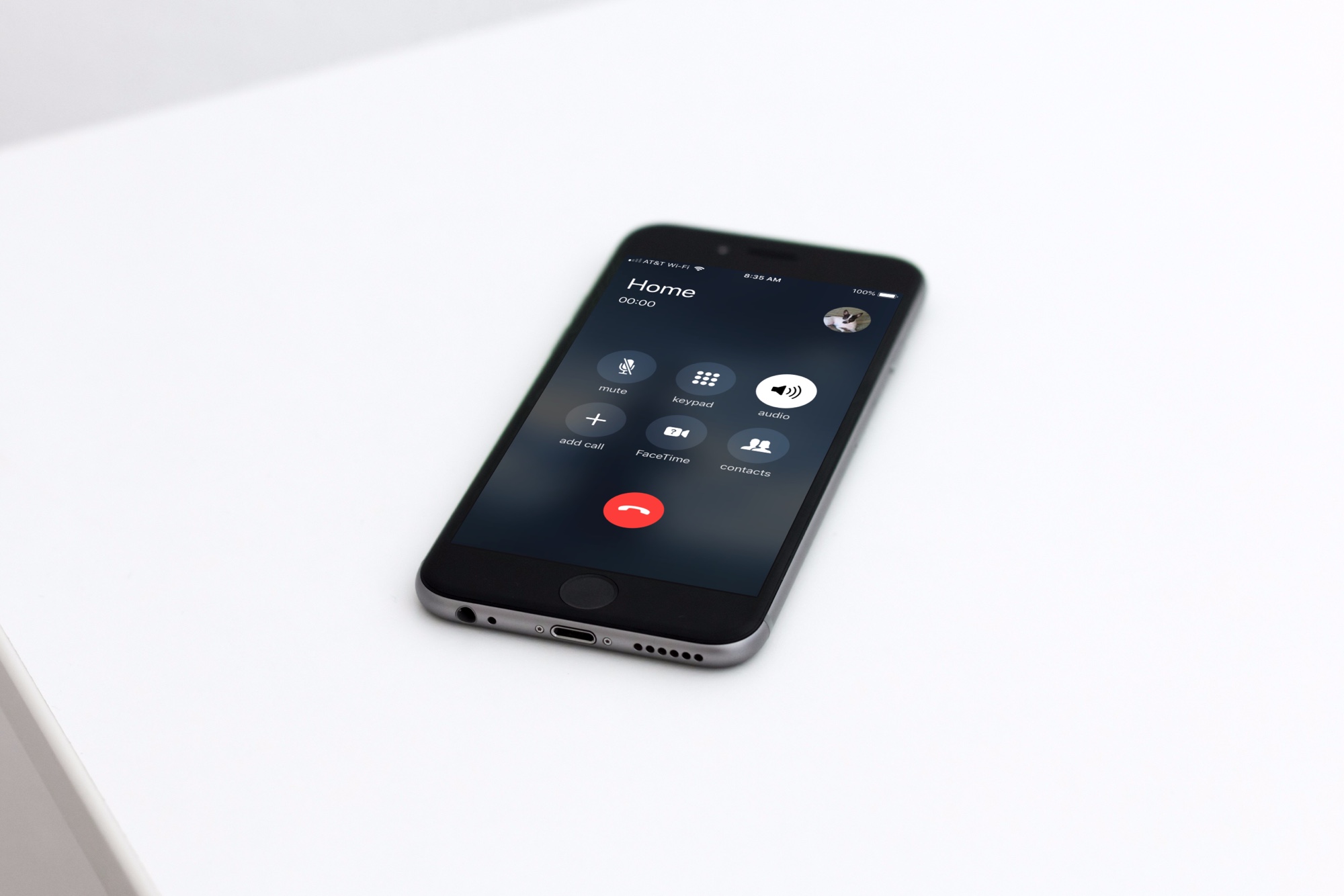
Enable hands-free convenience by setting your iPhone to automatically route all calls you pick up to the speakerphone.

Learn how to view real-time word count in the Apple Pages app on iPhone, iPad, and Mac for the whole document or just an arbitrary block of text.
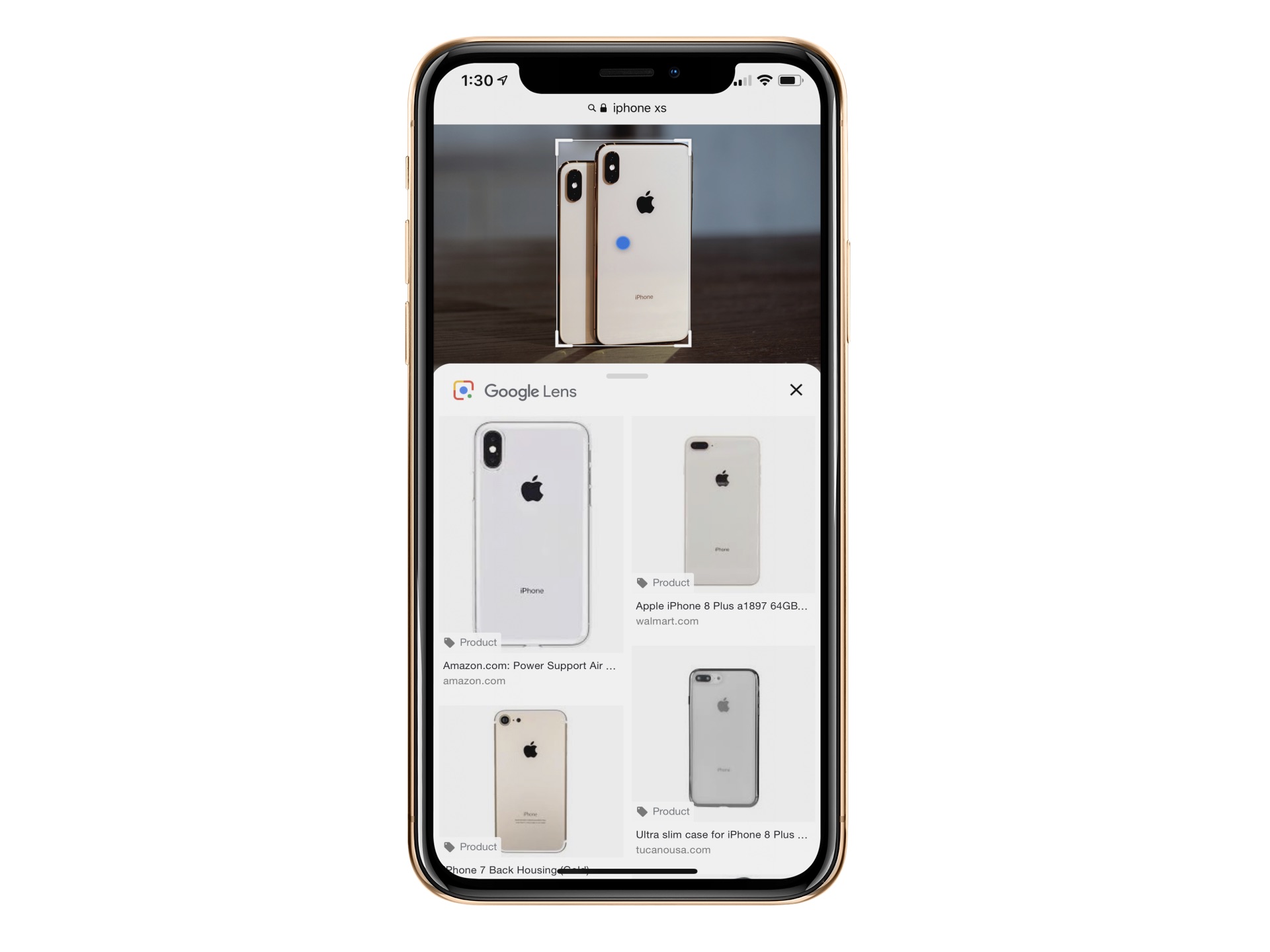
Google Lens is already available in Google Photos and Google Assistant. The object recognition technology is now baked into Google Images for mobile. In doing so, you can now identify an object in an image such as a chair or table and learn more about it, including buying options, when applicable.
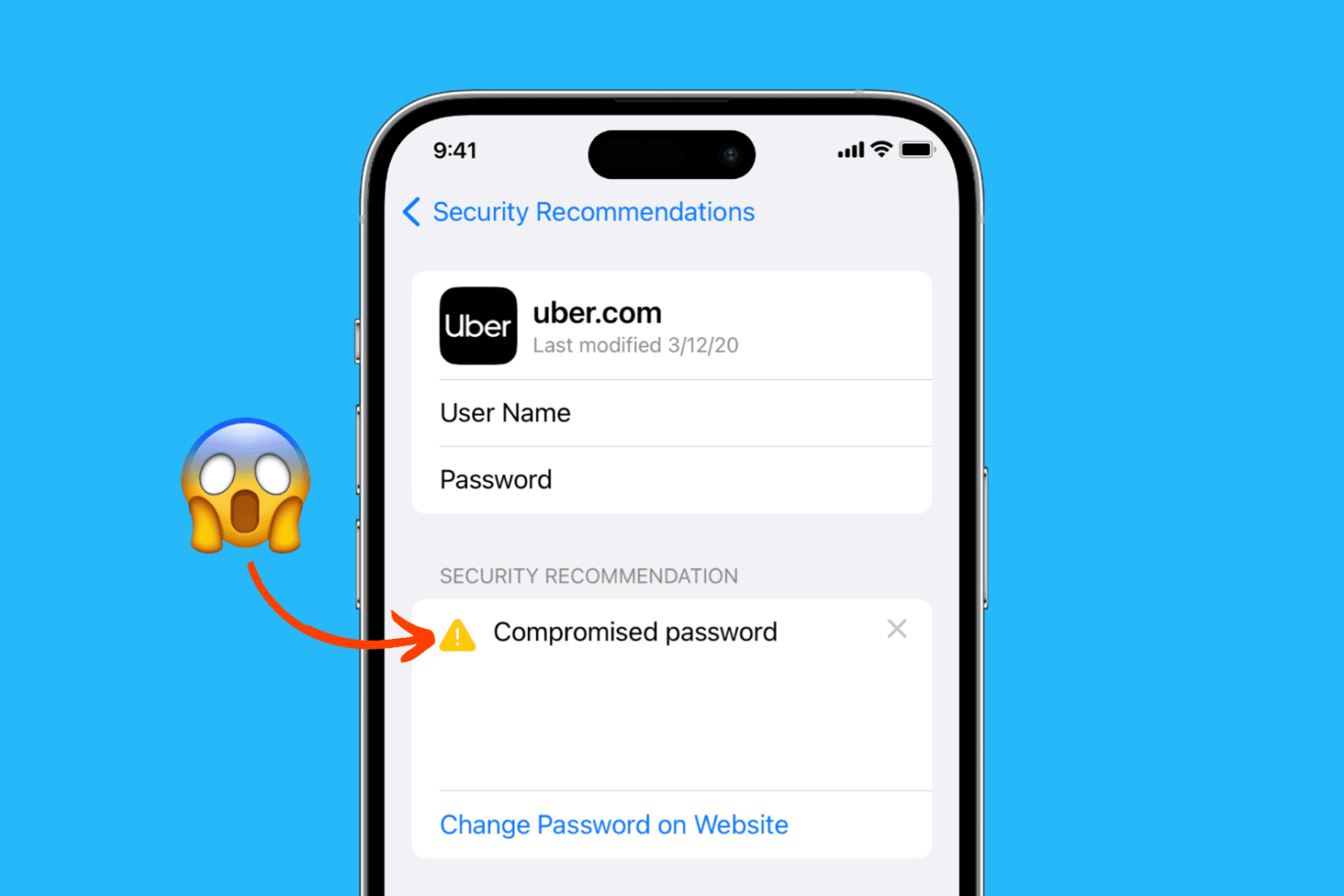
Learn how to easily identify your account passwords that are compromised, unsafe, weak, or reused, and change them to increase your security on iPhone, iPad, and Mac.