Learn how to switch your Mac keyboard layout from QWERTY to AZERTY or even Dvorak so you can type faster and more comfortably in a layout that you’re familiar with.
How to change the keyboard layout on your Mac

Learn how to master your Apple devices with our comprehensive tutorials. From iPhone and iPad to Mac, Apple Watch, AirPods, and more, our expert guides will help you unlock the full potential of your Apple products. Discover new features, tips, and tricks each day to enhance your user experience.
Learn how to switch your Mac keyboard layout from QWERTY to AZERTY or even Dvorak so you can type faster and more comfortably in a layout that you’re familiar with.
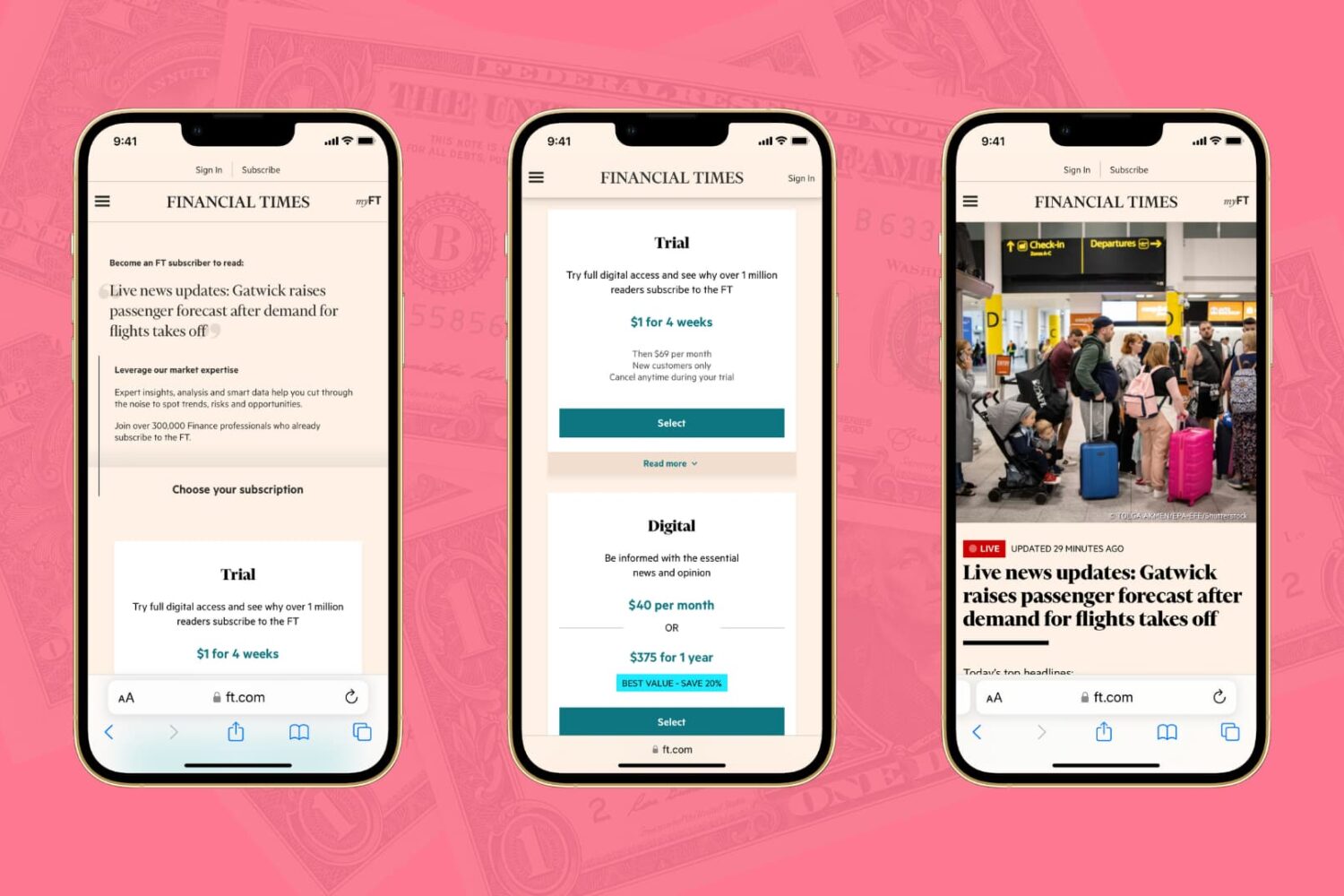
The Wall Street Journal, the New York Times, the Financial Times, Bloomberg, the Boston Globe, and similar big media publications may give you a few free articles monthly before you hit their paywall. Though nothing in this post is illegal, iDB encourages paying for news and publications that matter to you. That said, digital media subscriptions are not everyone's cup of tea due to their usually high price, lack of payment methods, and several other reasons.
Here are three working methods for iPhone and iPad users to freely read articles that are behind a paywall or subscription.
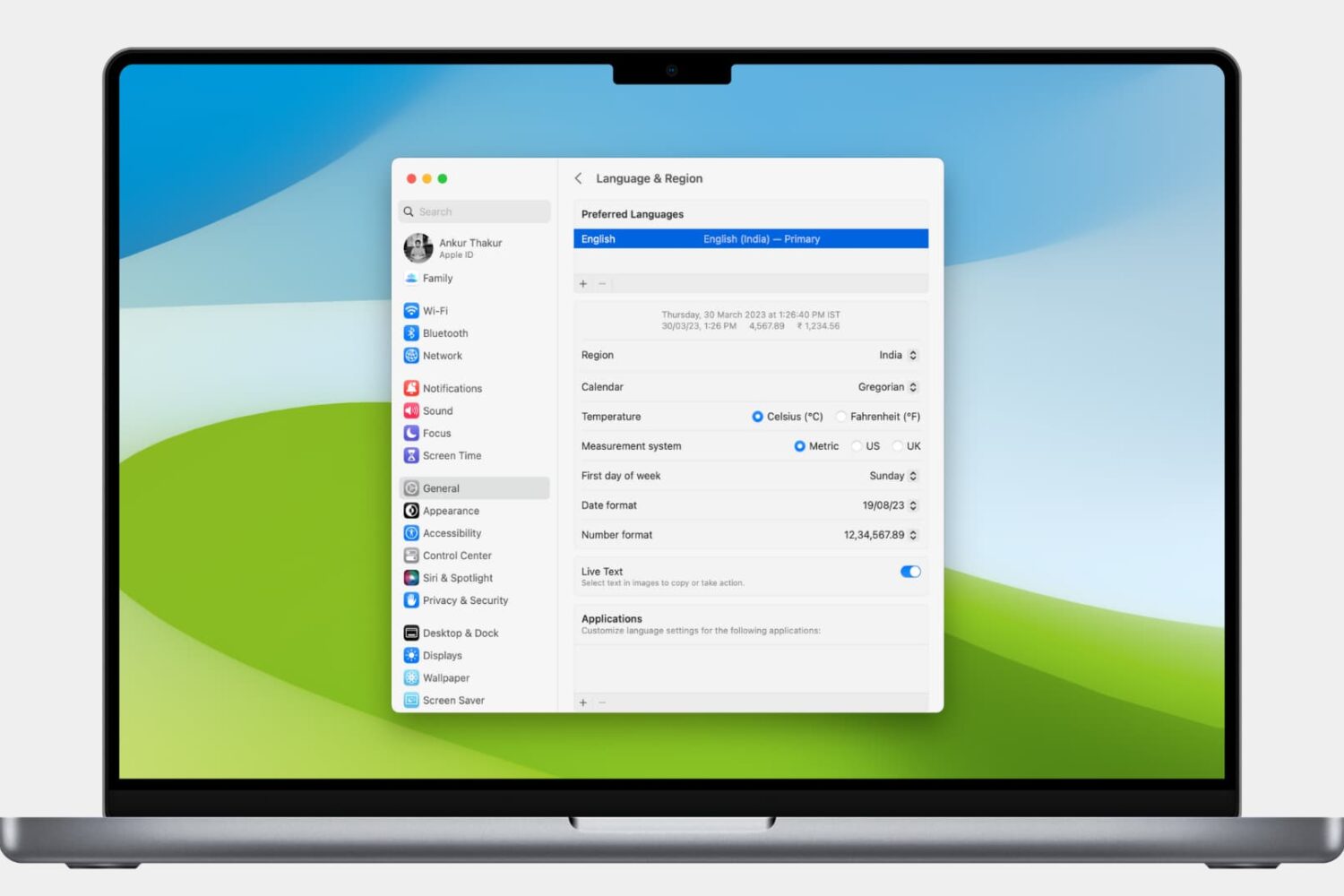
Learn how to customize the date and time formats on your Mac, and change the currency type or measurement units for a localized macOS experience.

Learn how to search through your Safari tabs on iPhone and iPad to quickly find the sites and pages you have opened without much manual scrolling.

Learn how to stop your iPhone or iPad from listening for the “Hey Siri” or “Siri” wake phrase to disable hands-free voice activation, either temporarily or permanently.
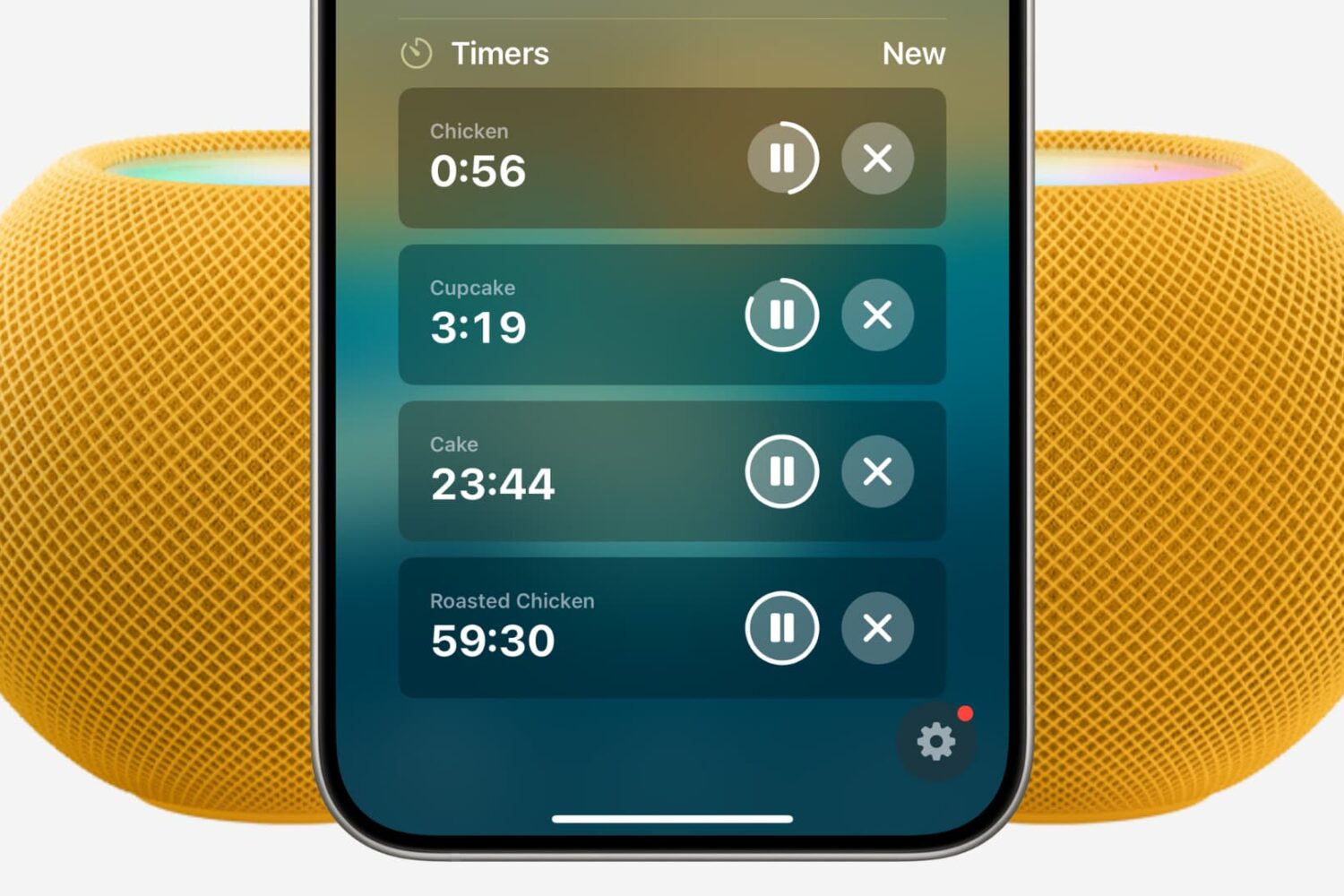
Find out how to set multiple timers on your HomePod using Siri or the Home app on your iPhone, iPad, and Mac.
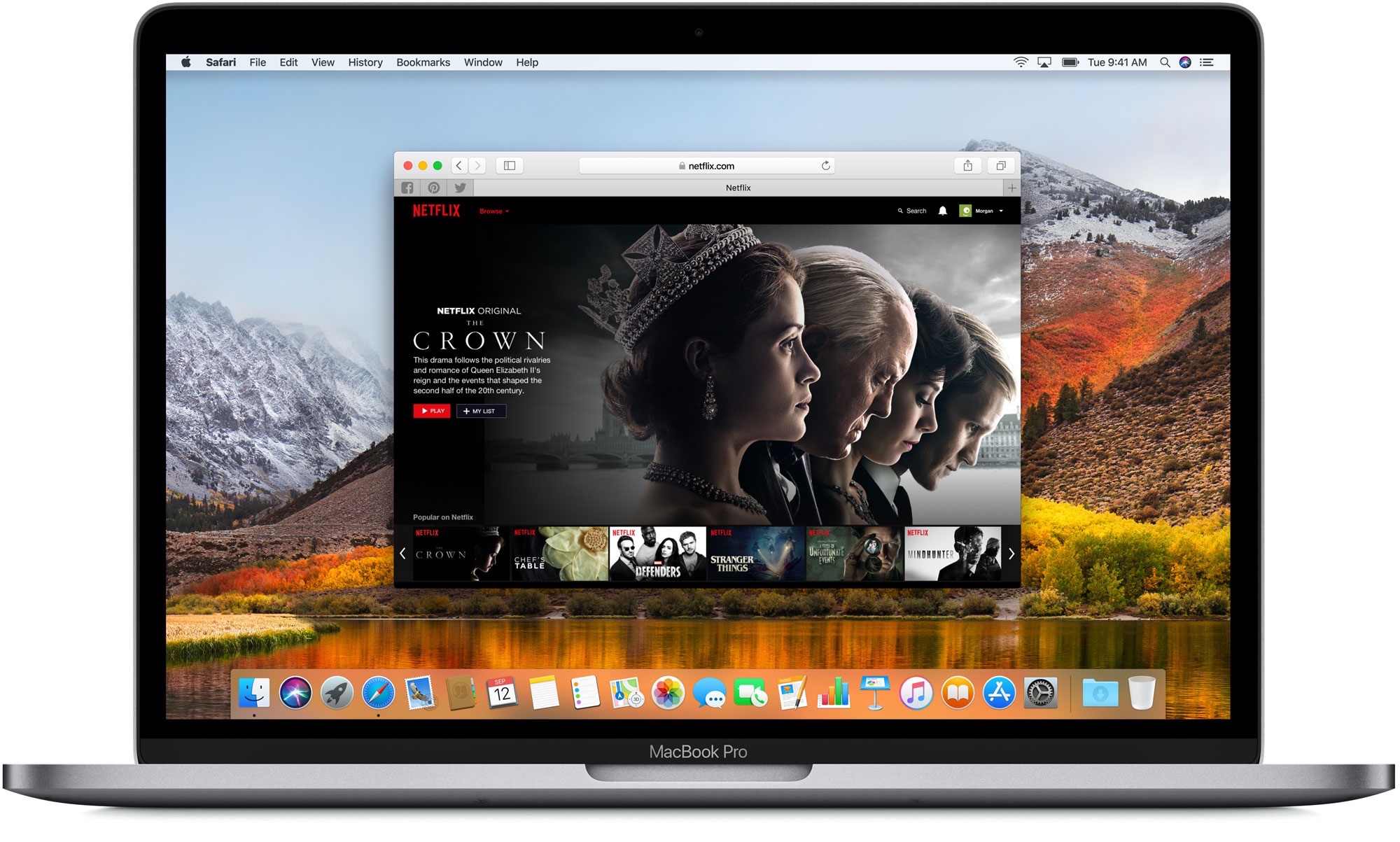
Find out how to clear the DNS cache on your iPhone, iPad, Mac, Google Chrome, Firefox, and Opera to speed up your web browsing experience and troubleshoot related issues.
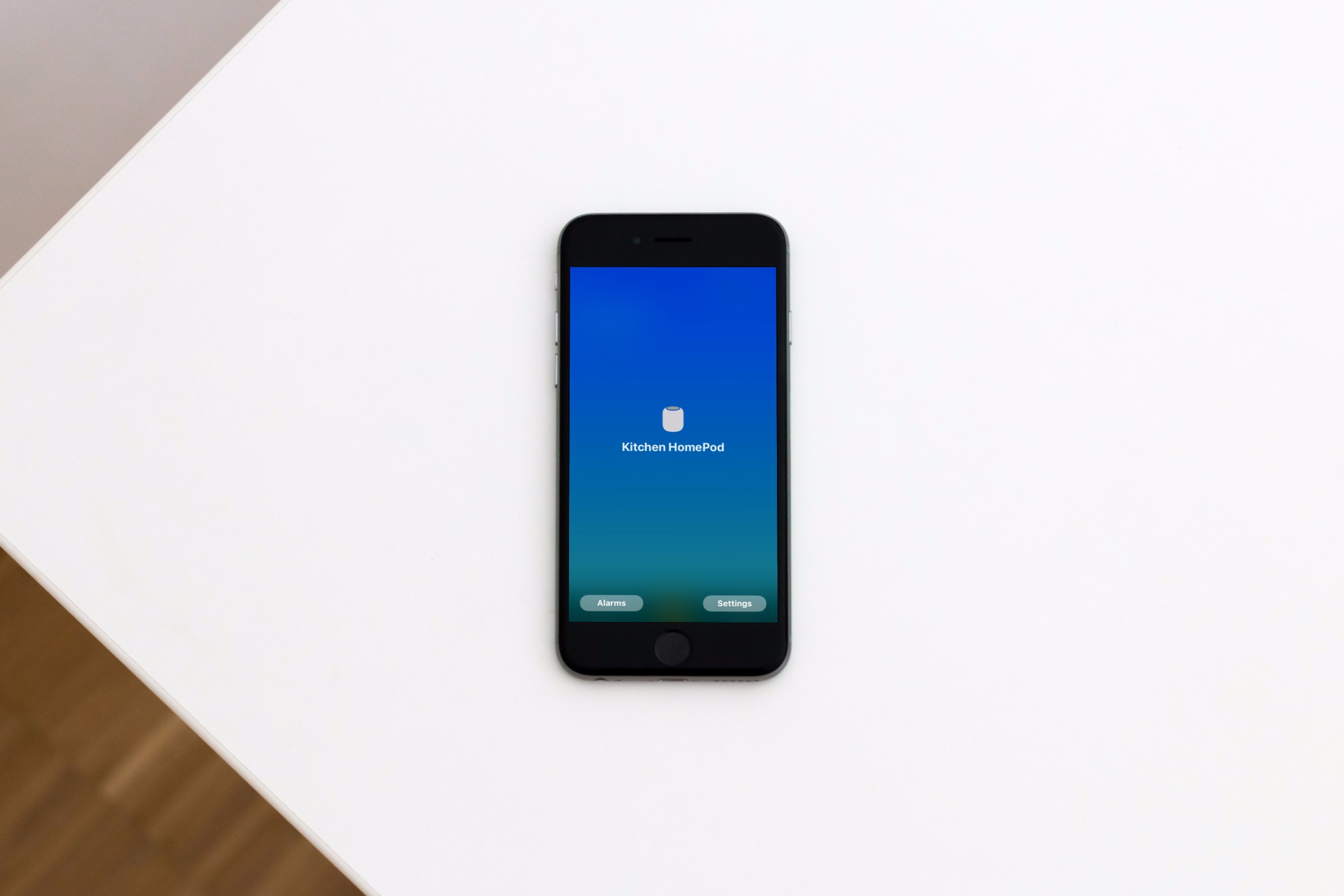
Learn how to view the Wi-Wi network your Apple HomePod or HomePod mini speaker is using for easier troubleshooting of internet connectivity issues.
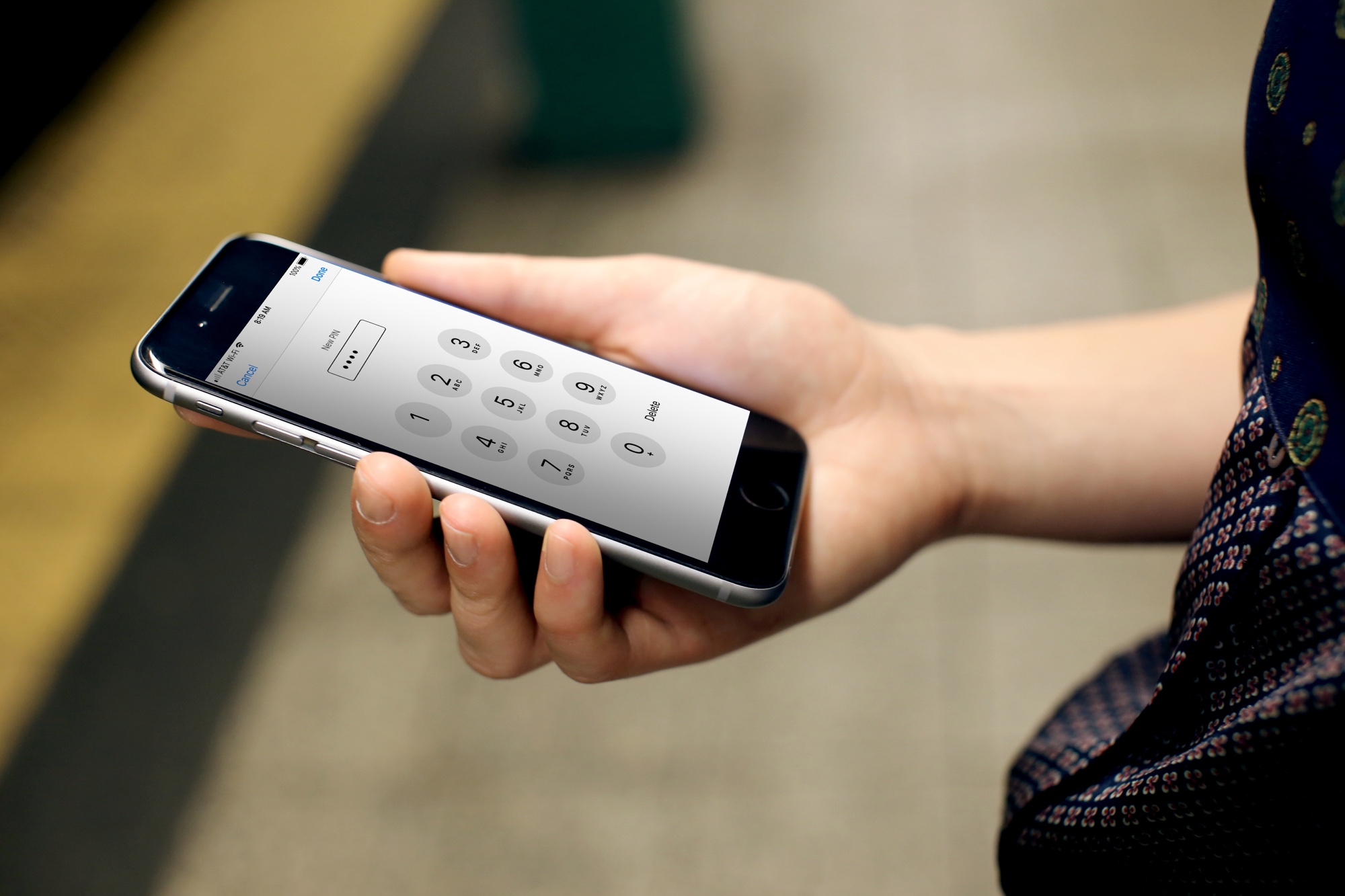
Learn how to quickly change your current SIM or eSIM PIN on iPhone for added security and privacy.
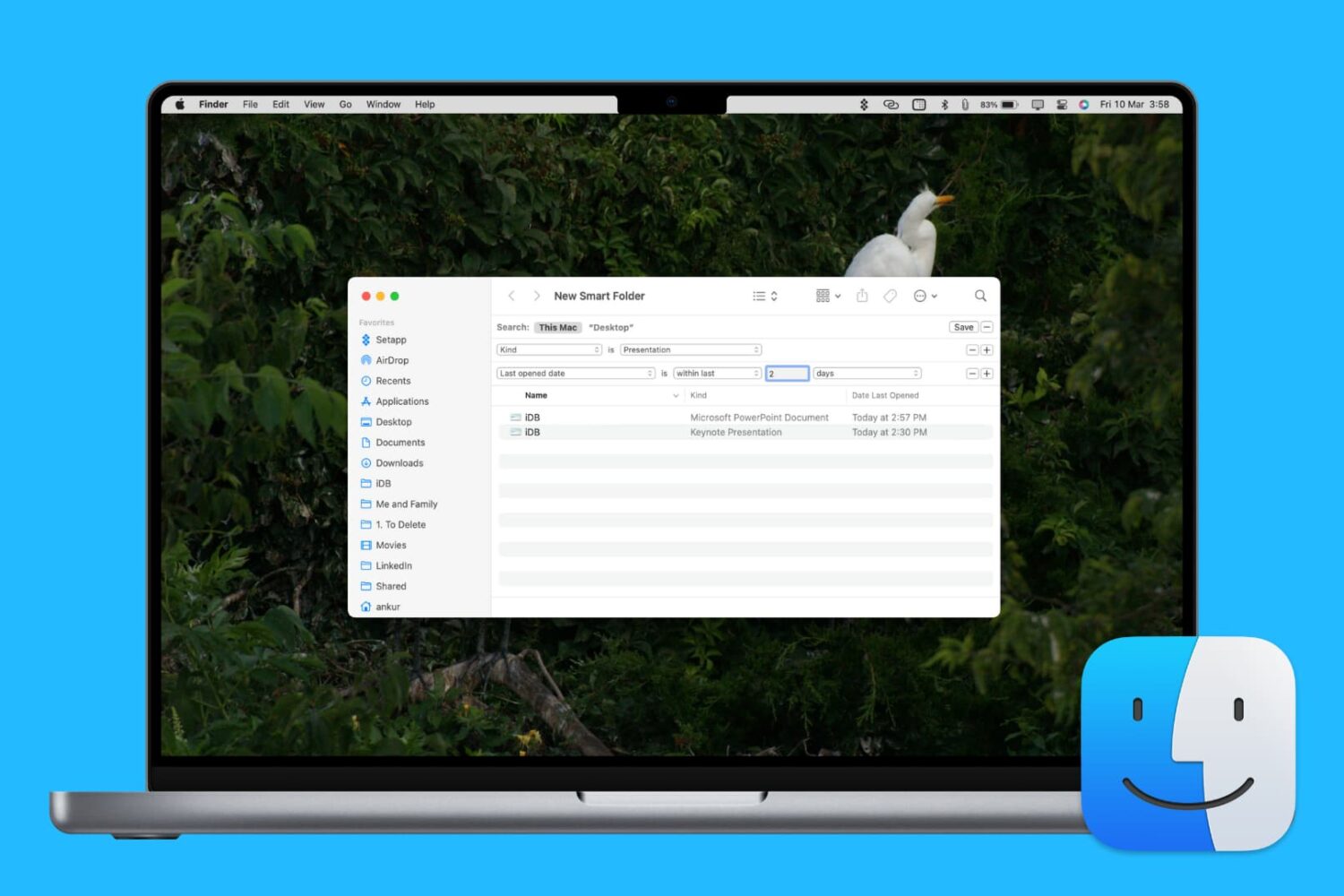
Learn how to enhance your Mac’s organization and boost productivity by creating and using Smart Folders in Finder.

Learn how to type accented letters on Mac keyboards to accurately spell out international names and write foreign words in your documents, emails, messages, and more.