Learn how to use the widow and orphan control to stop paragraphs from breaking in the wrong spot in Apple Pages and Microsoft Word apps on Mac.
How to control widow and orphan lines in Pages and Word on Mac

Learn how to master your Apple devices with our comprehensive tutorials. From iPhone and iPad to Mac, Apple Watch, AirPods, and more, our expert guides will help you unlock the full potential of your Apple products. Discover new features, tips, and tricks each day to enhance your user experience.
Learn how to use the widow and orphan control to stop paragraphs from breaking in the wrong spot in Apple Pages and Microsoft Word apps on Mac.

Need help navigating an airport or shopping mall? Learn how to use the Apple Maps indoor maps feature to quickly find what you need in these locations.

Learn how to get real-time song lyrics in Apple Music and Shazam on iPhone or iPad to sing along like you’re at a karaoke.

Apple News+, an all-you-can-eat digital magazine and newspaper subscription service that the iPhone maker launched last month, is about to start charging customers who have signed up for a free 30-day trial its regular monthly fee of ten bucks.

Just like using folders on your Mac can keep your files organized, you can use folders in the Notes app to keep everything nice and neat. Rather than just having lists of notes, you can create folders and subfolders to keep related notes together. This makes finding the notes you need much easier.
Here’s how to organize your Apple Notes with folders on Mac.

Learn how to hide the email address using the “Bcc” feature in the Apple Mail app to copy someone on an email you’re sending, but don’t want your recipient to see it.

Learn how to highlight text in the Apple Mail app on Mac to emphasize what you’re writing and make certain words and sentences of your email stand out from the rest.

In this quick step-by-step tutorial, we show you how to add an email account to the Apple Mail app on your iPhone, iPad, or Mac.

Transform your static Keynote slides into dynamic presentations with these tips to animate objects on a slide and captivate your audience.
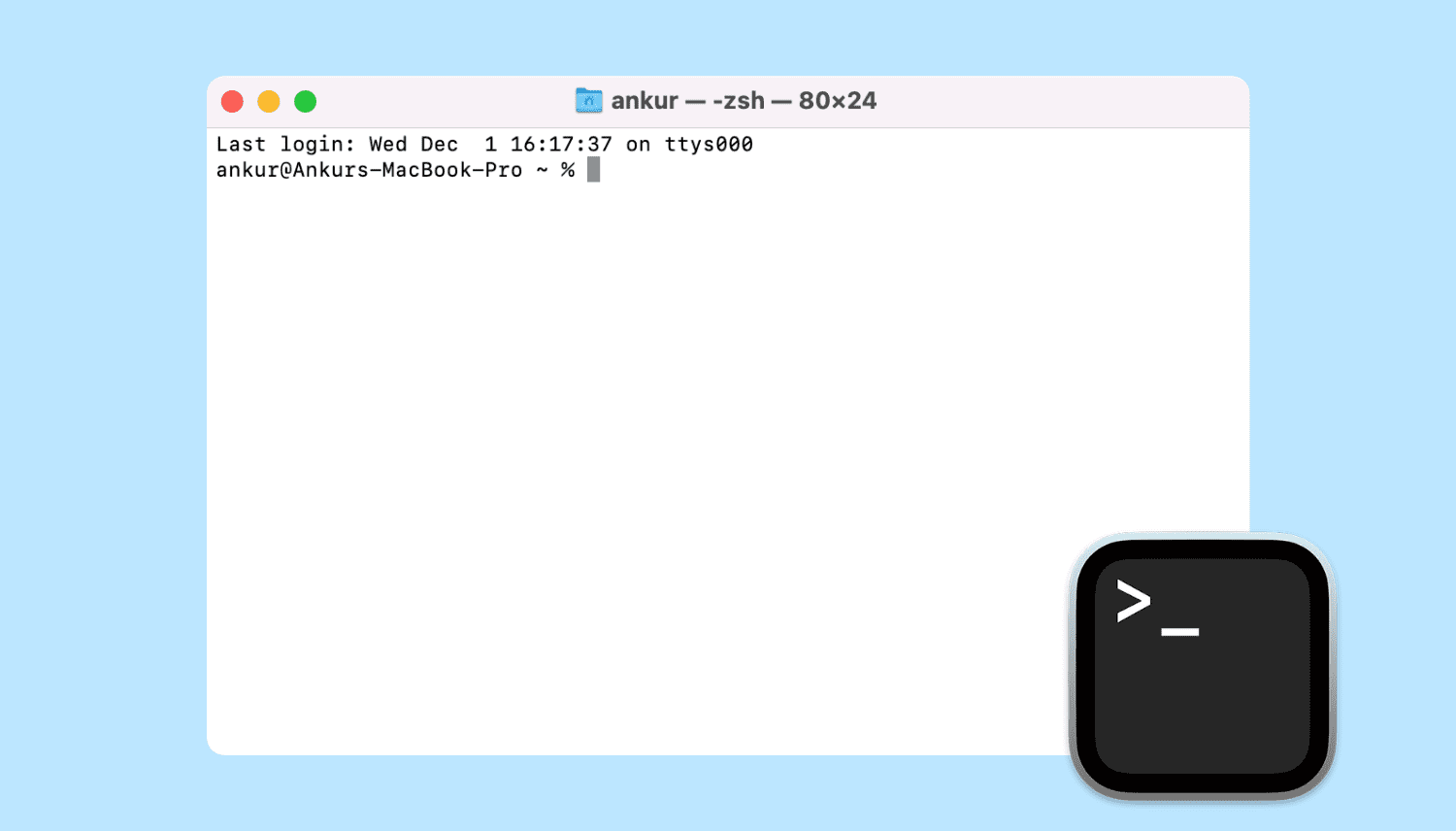
Learn all the ways to launch the Terminal app on macOS if you'd like to interact with your Mac using a command-line interface.

Boost your productivity and streamline your email management by customizing the Left and Right swipe actions in the official Gmail app for iPhone.

Learn how to add, replace, and edit images in your Keynote slides on Mac to make them standout and create engaging presentations.