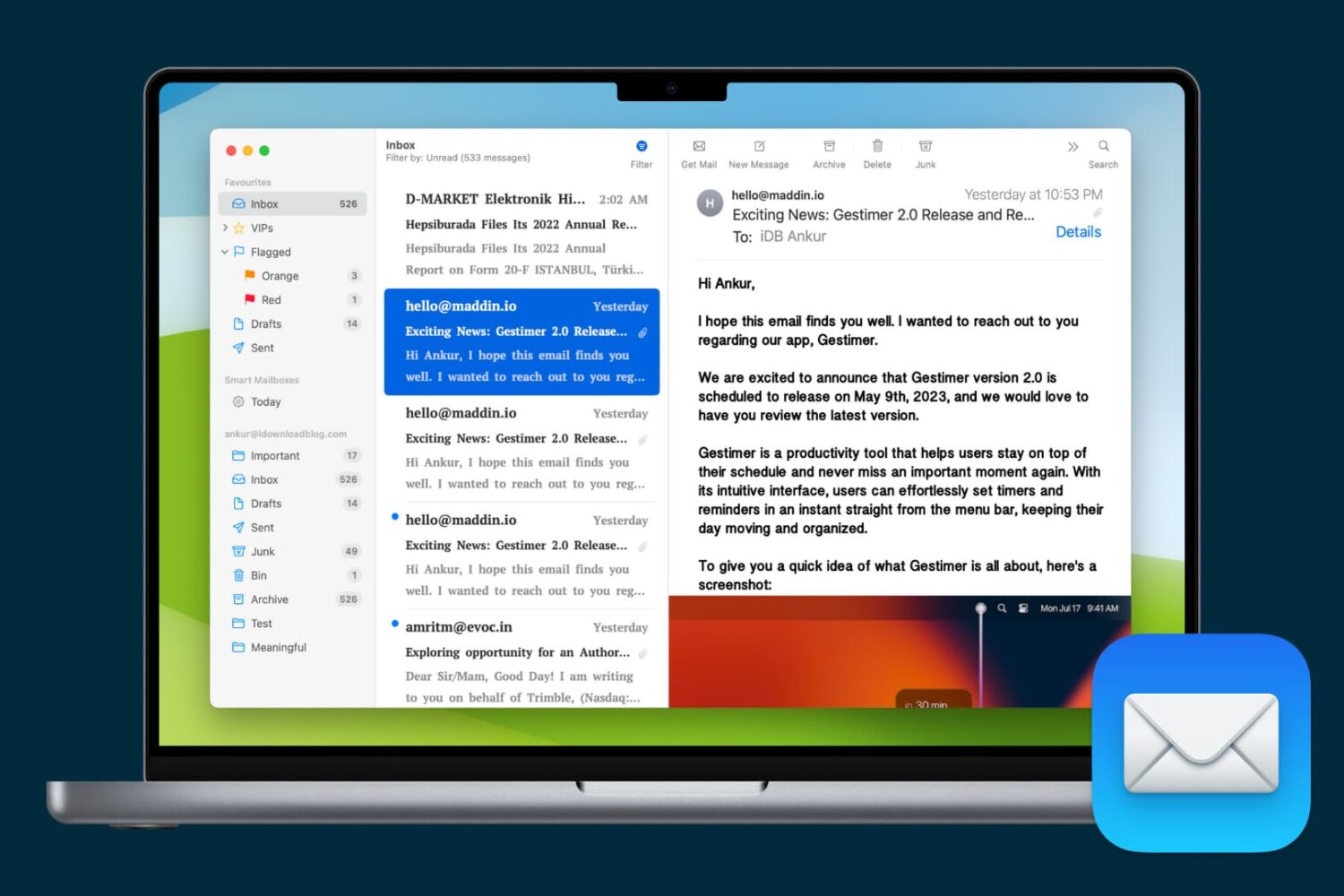
Learn how to personalize Apple Mail on the Mac by customizing fonts and colors of your emails, inboxes, message lists and other places in the app.
How to customize fonts and colors in the Mail app on Mac
Learn how to master your Apple devices with our comprehensive tutorials. From iPhone and iPad to Mac, Apple Watch, AirPods, and more, our expert guides will help you unlock the full potential of your Apple products. Discover new features, tips, and tricks each day to enhance your user experience.
Learn how to personalize Apple Mail on the Mac by customizing fonts and colors of your emails, inboxes, message lists and other places in the app.
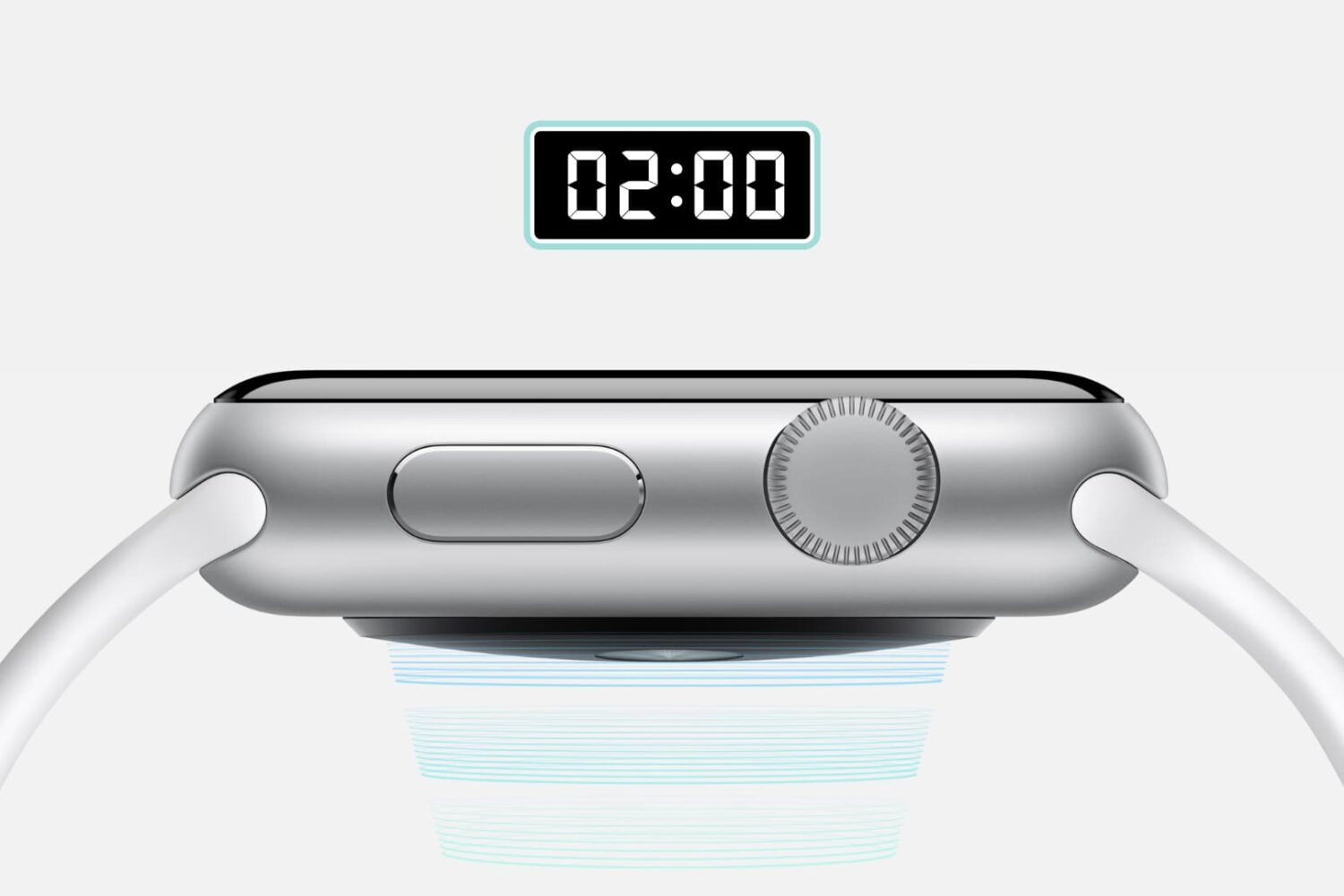
Find out how to use the Taptic Time feature on your Apple Watch to know the time without even looking at your watch.
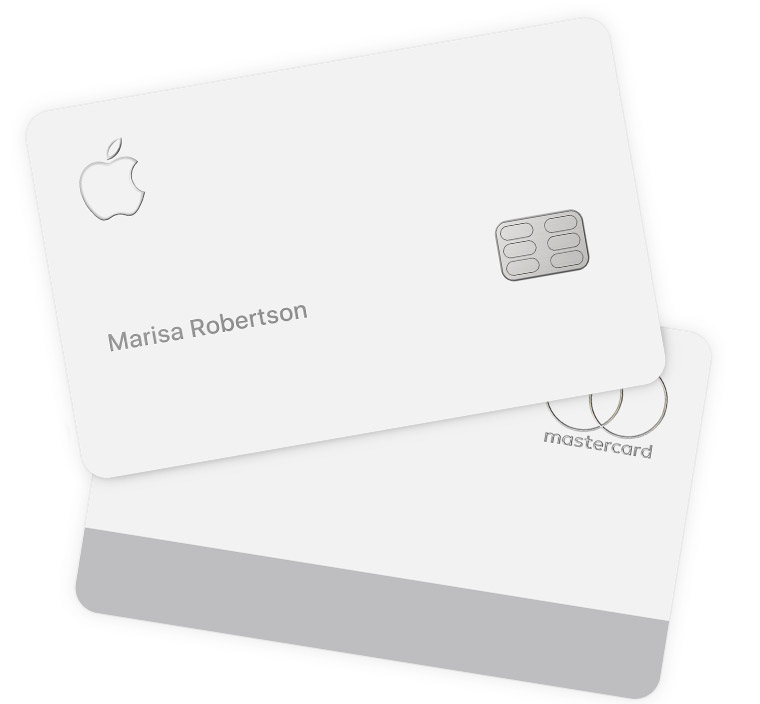
Aside from using your Apple Card with Apple Pay, you can also use the Apple Card number to buy stuff where Apple Pay is not yet accepted. In order to protect your privacy, the physical card has no number printed on it, which gives you a whole new level of security. But don't worry, you can view your Apple Card number in the Wallet app and we will show you how.

Learn how to download a copy of your Apple Card statement in PDF format on your iPhone, iPad, or any web browser.

Take advantage of your Mac’s built-in search feature to find things faster and easier than ever with these Spotlight search tips.

Learn how to share iCloud files and folders with one or more people, change their access permissions, and stop sharing when done from your iPhone, iPad, Mac, and web browser.
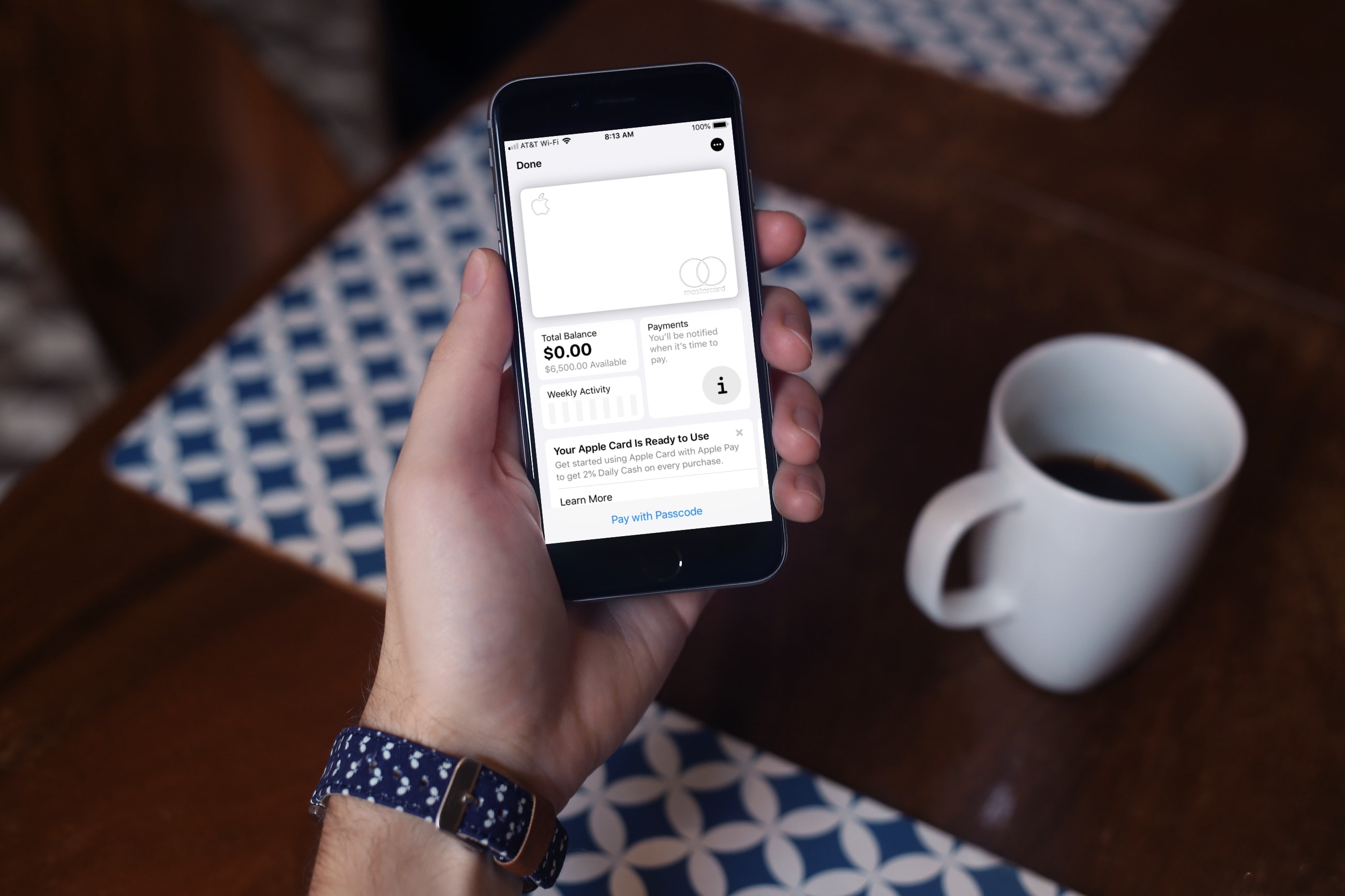
Earlier this year, Apple announced the launch of their first credit card. Appropriately named, the Apple Card works like a regular credit card, offers Daily Cash, and sits nicely in your Wallet app for Apple Pay in addition to offering a physical card.
Pro tip: You can sign up to be notified when the card is available, and select users will receive an email invitation to apply early. To do so, visit the Apple Card page on Apple's website, click the Notify Me link in the upper right, and enter your email address. A few of us at iDB have confirmed that entering your email address to get notified is a good way to receive an invite early. After entering your email address, you should receive an invite within a few days.
So whether you fall into this group or are one who’ll wait a bit longer, here’s how to apply for the Apple Card when you’re ready.
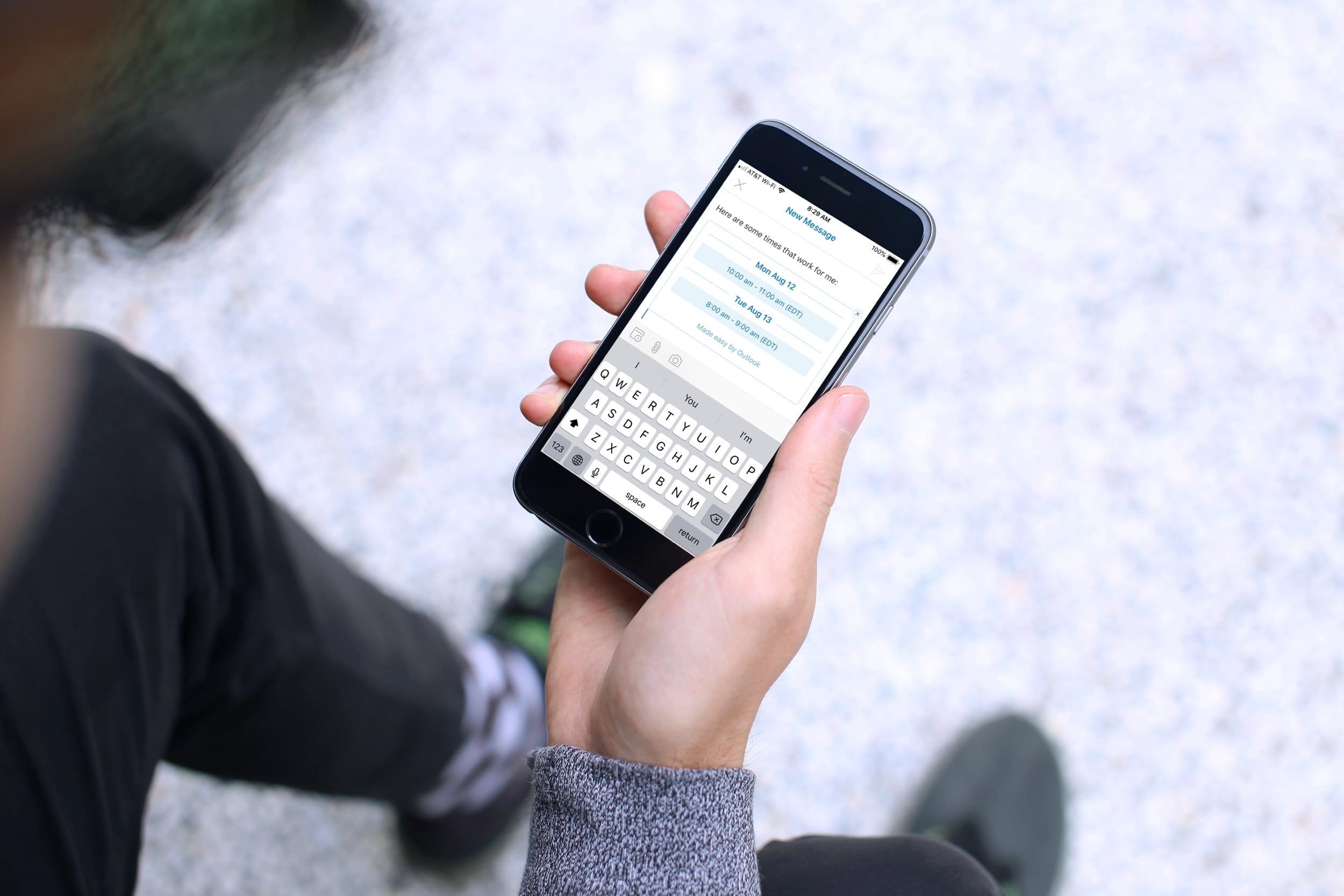
Learn how to use the built-in calendar feature in the Outlook app on your iPhone or iPad to quickly check your schedule and share your availability over email.

Follow iDownloadBlog's step-by-step tutorial to learn how to easily stop receiving Apple Card notifications every week and month summarizing your spending and transactions, as well as opt out of Daily Cash notifications from Apple Cash (automatically issued each morning).
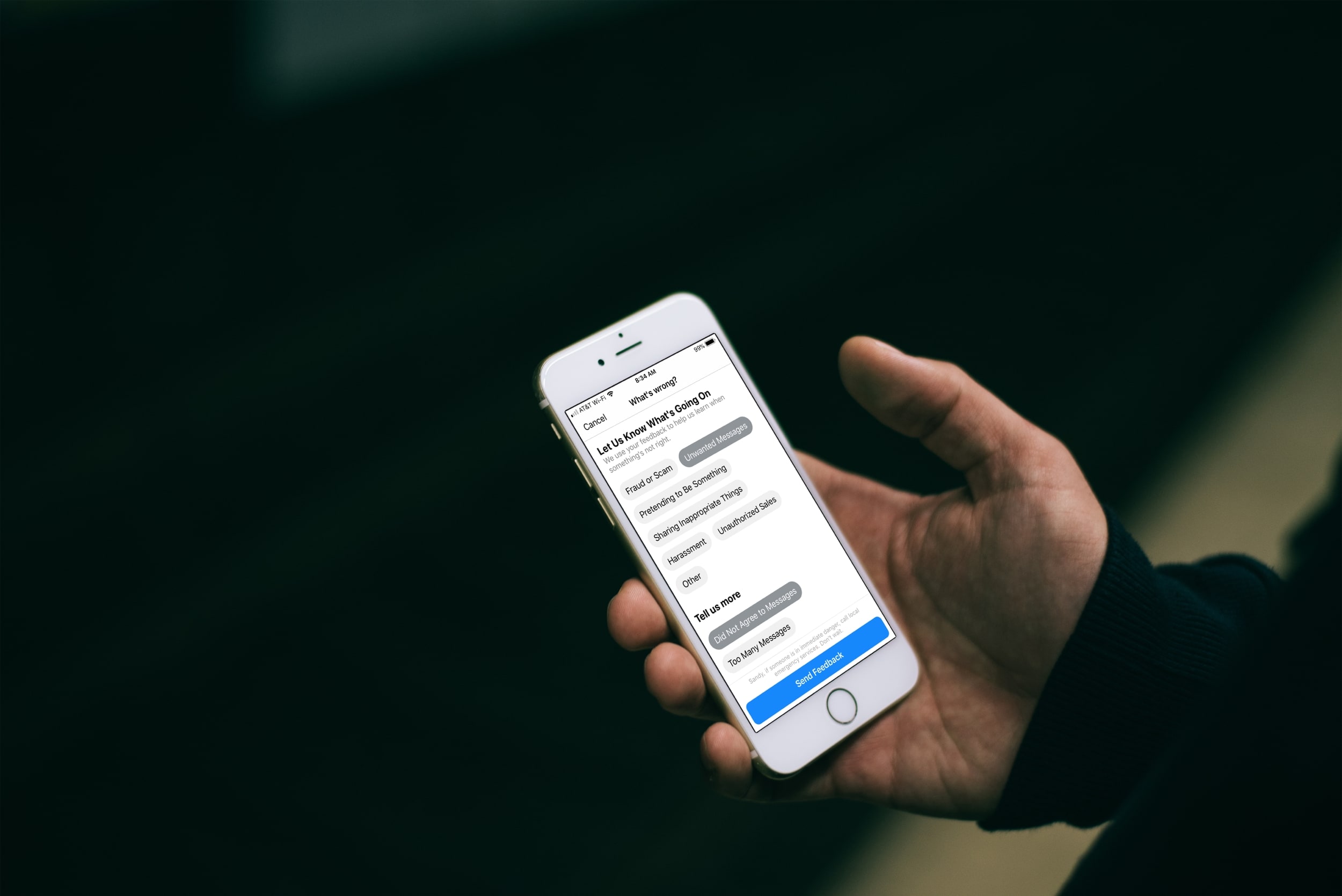
Have you received an unwanted, unsolicited message or maybe a harassing one on Facebook Messenger? Luckily you have a way to report these types of conversations in the Messenger app or on the web, and it only takes a minute.
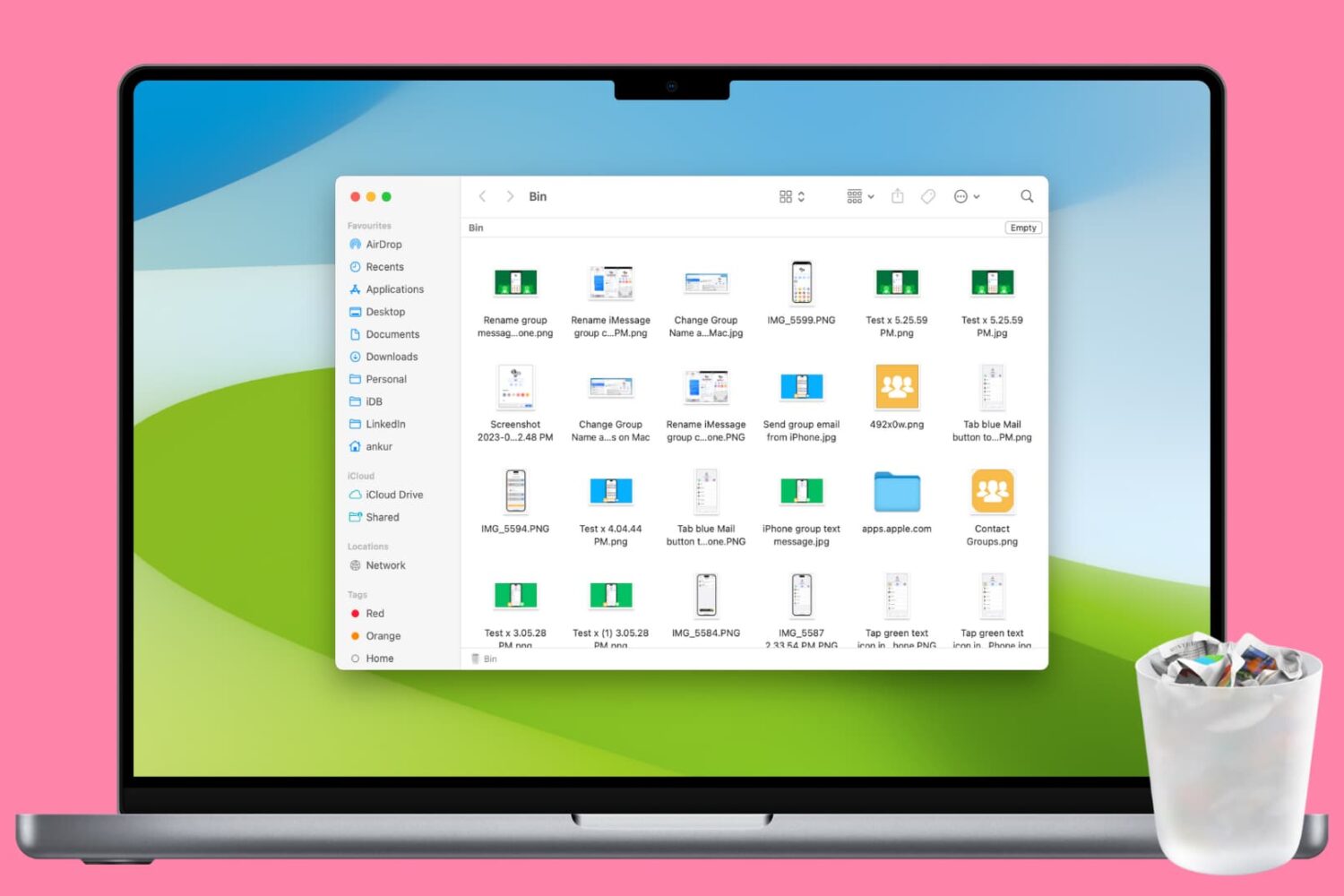
Clean up your Mac and regain valuable storage space by mastering these 10 ways to delete all or selected items from the Trash folder.
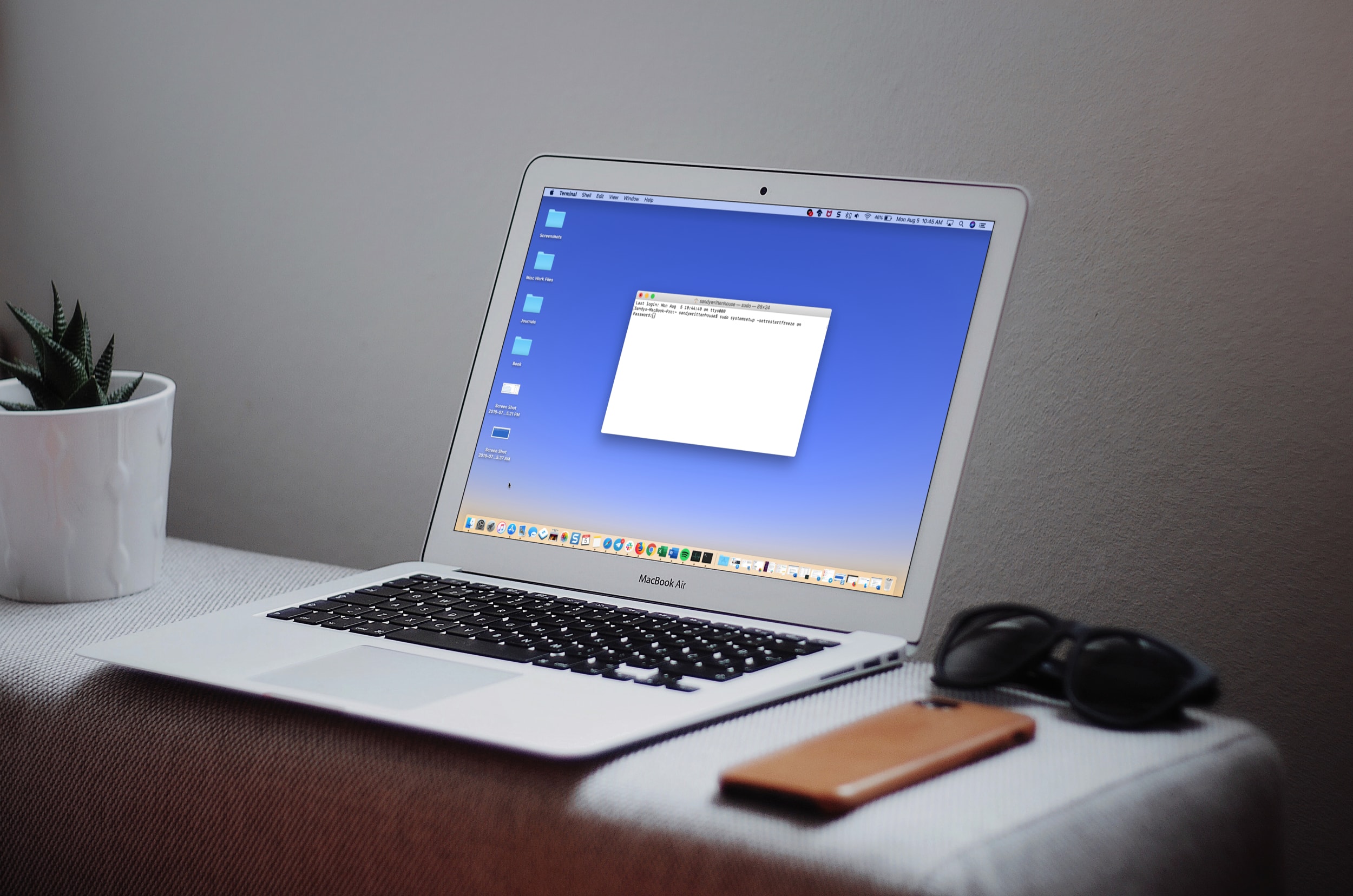
Learn how to make your Mac restart automatically itself after a system crash or power outage to minimize downtime and disruptions to your workflow.