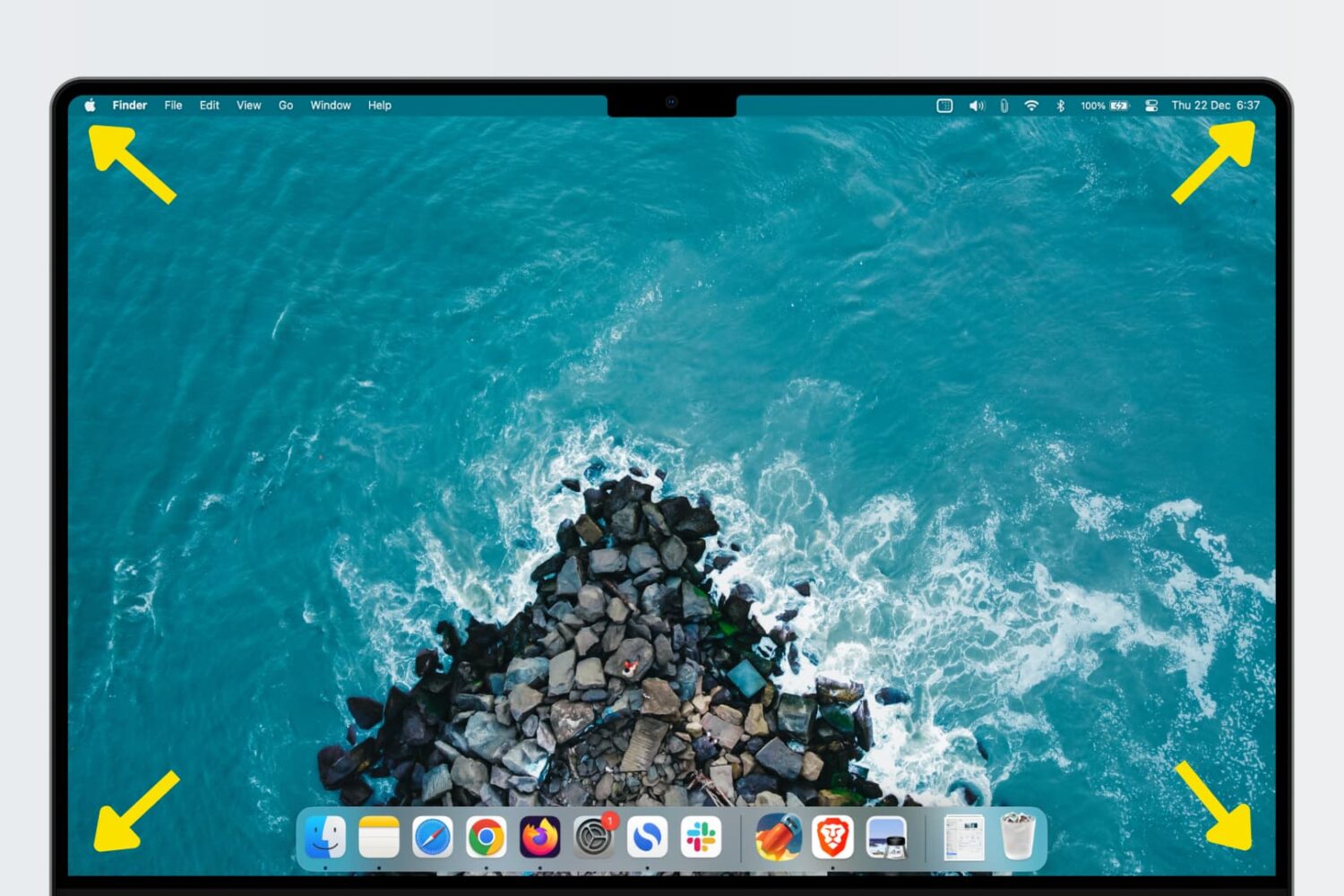
Learn how to use Hot Corners, a feature that allows you to trigger specific actions quickly by moving the mouse/trackpad cursor to any of the four corners of your Mac’s display.
How and why to use Hot Corners on Mac
Learn how to master your Apple devices with our comprehensive tutorials. From iPhone and iPad to Mac, Apple Watch, AirPods, and more, our expert guides will help you unlock the full potential of your Apple products. Discover new features, tips, and tricks each day to enhance your user experience.
Learn how to use Hot Corners, a feature that allows you to trigger specific actions quickly by moving the mouse/trackpad cursor to any of the four corners of your Mac’s display.
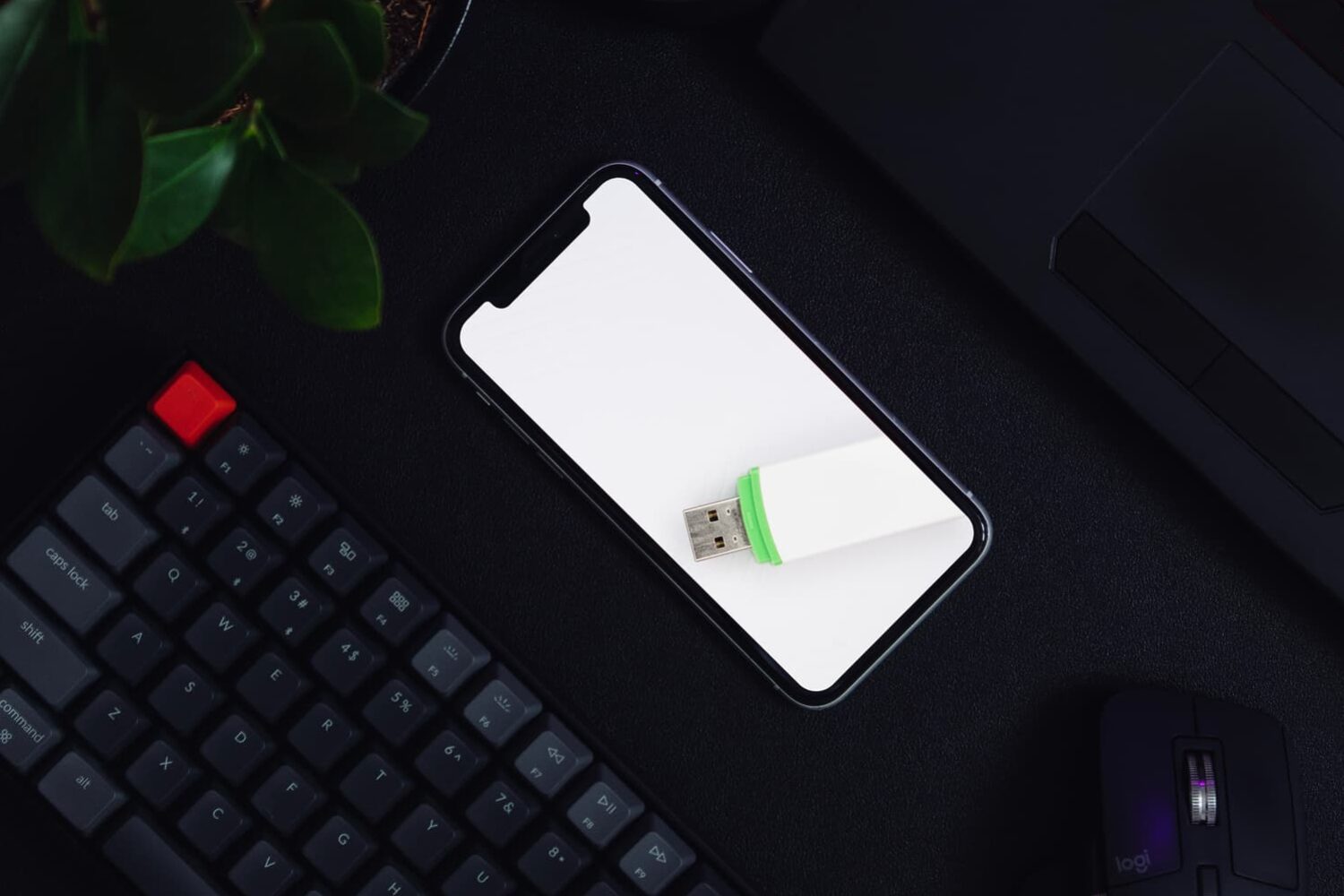
Learn how to turn your iPhone or iPad into a wired or wireless thumb drive to store and transfer files between your Mac or Windows PC.
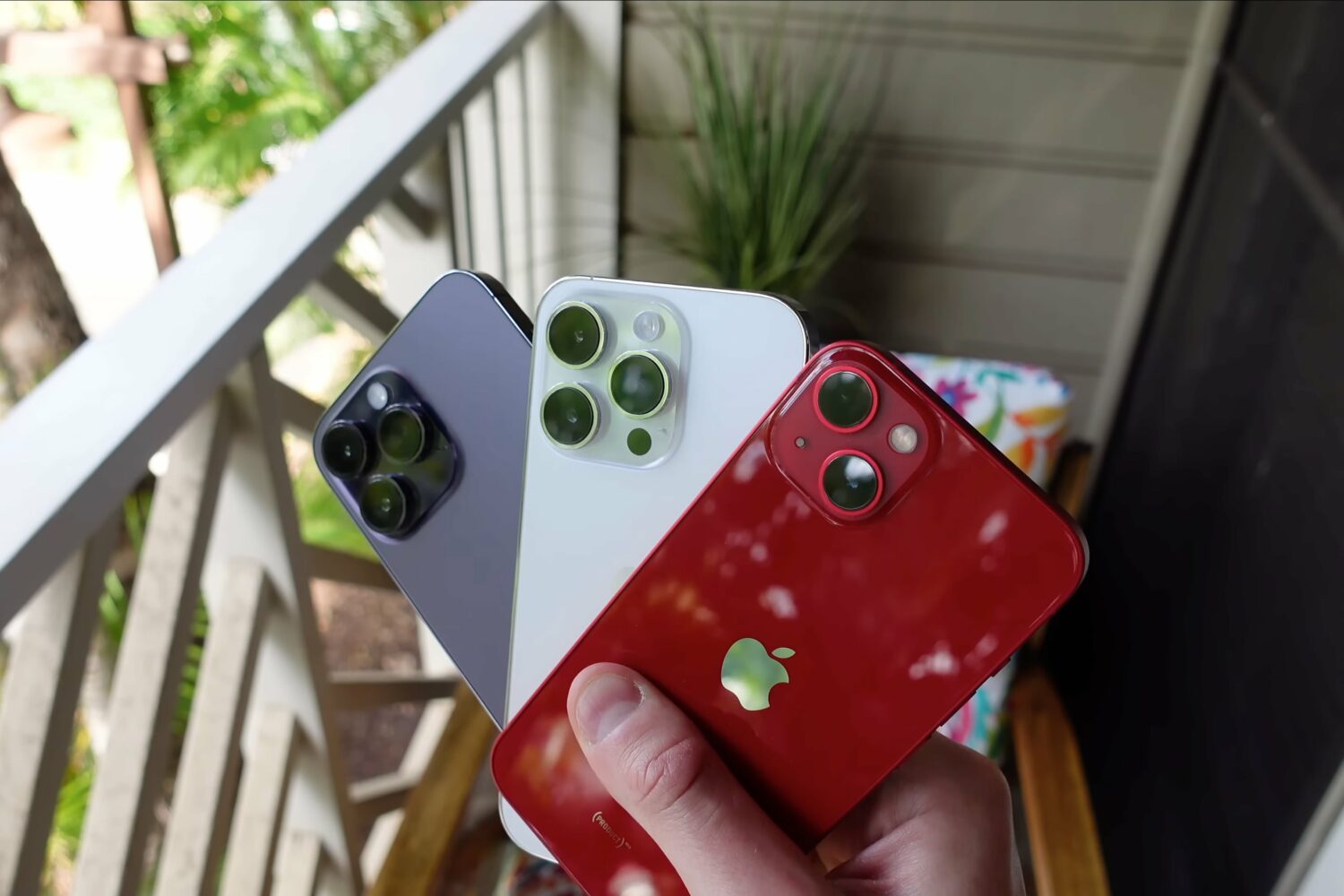
Got a new iPhone? If so, then be sure to follow these 10 setup tips, tricks and settings for optimal performance and the best experience!
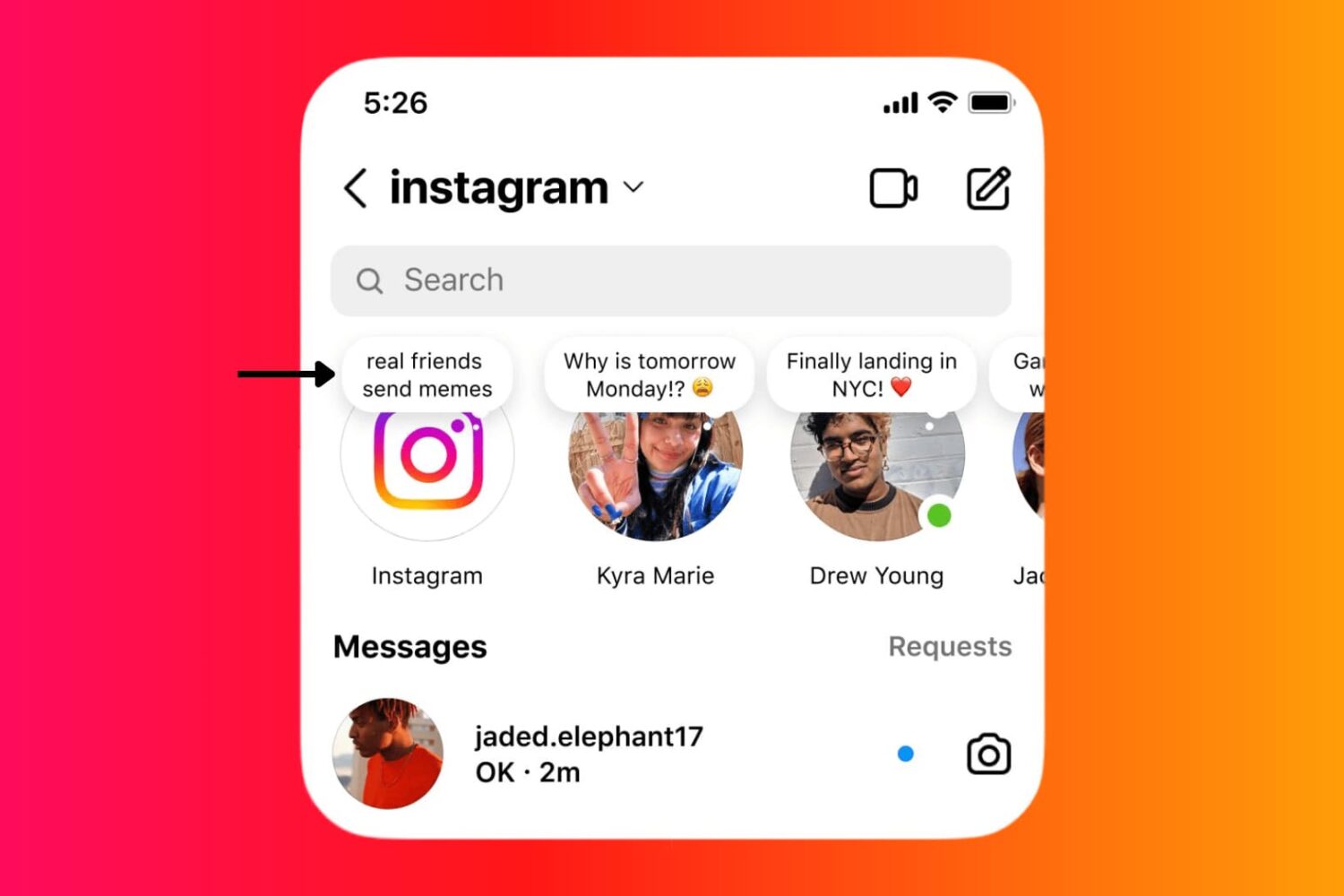
Learn how to use the Instagram Notes feature on your iPhone or Android phone to share 60-character text/emojis, song, and 2-second video that show up at the top of your friend's Instagram inbox.

Learn how to cut down unwanted calls by setting your Telegram app to receive calls only from people who are in your contacts list, or choosing to get calls from absolutely no one.
Learn how to delete individual digits in the iPhone and iPad Calculator app without clearing the entire entry.
Here are 17 potential solutions to fix an iPhone that is not receiving text messages.
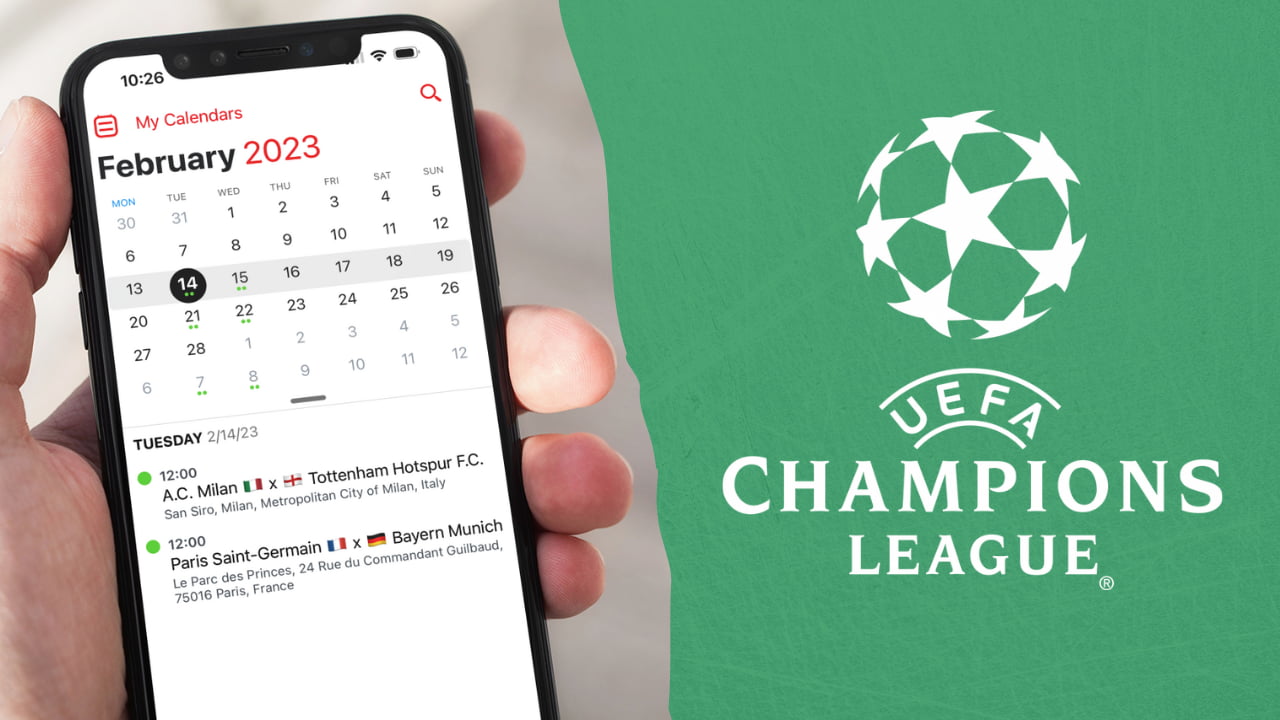
With the World Cup now over, all eyes turn onto another great soccer competition: the Champions League. The first leg of the round of 16 will officially kick off on February 14th, 2023, with AC Milan playing Tottenham, and PSG competing against Bayern Munich.
With dozens of games taking place over the course of several months, it won't be that easy to keep track of schedules, and scores. One of the best ways to keep an eye on the fixtures is to subscribe to the 2023 Champions League calendar. In this post, we will show you how to add the Champions League schedule to your calendar app.
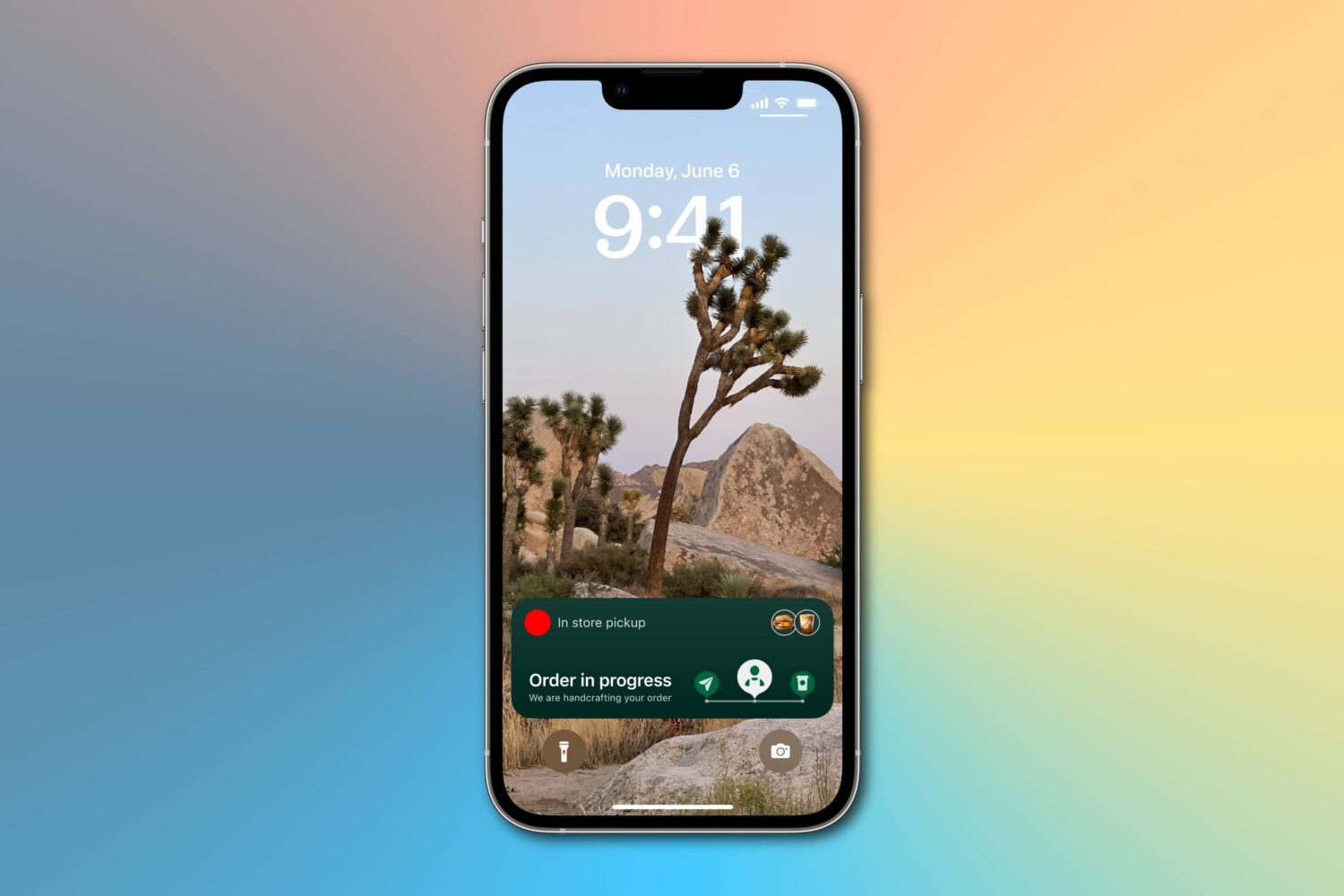
Learn how to enable more frequent Live Activity updates to receive even more timely updates from your favorite food, cab, sports, and other apps on the Lock Screen and Dynamic Island of your iPhone or iPad.
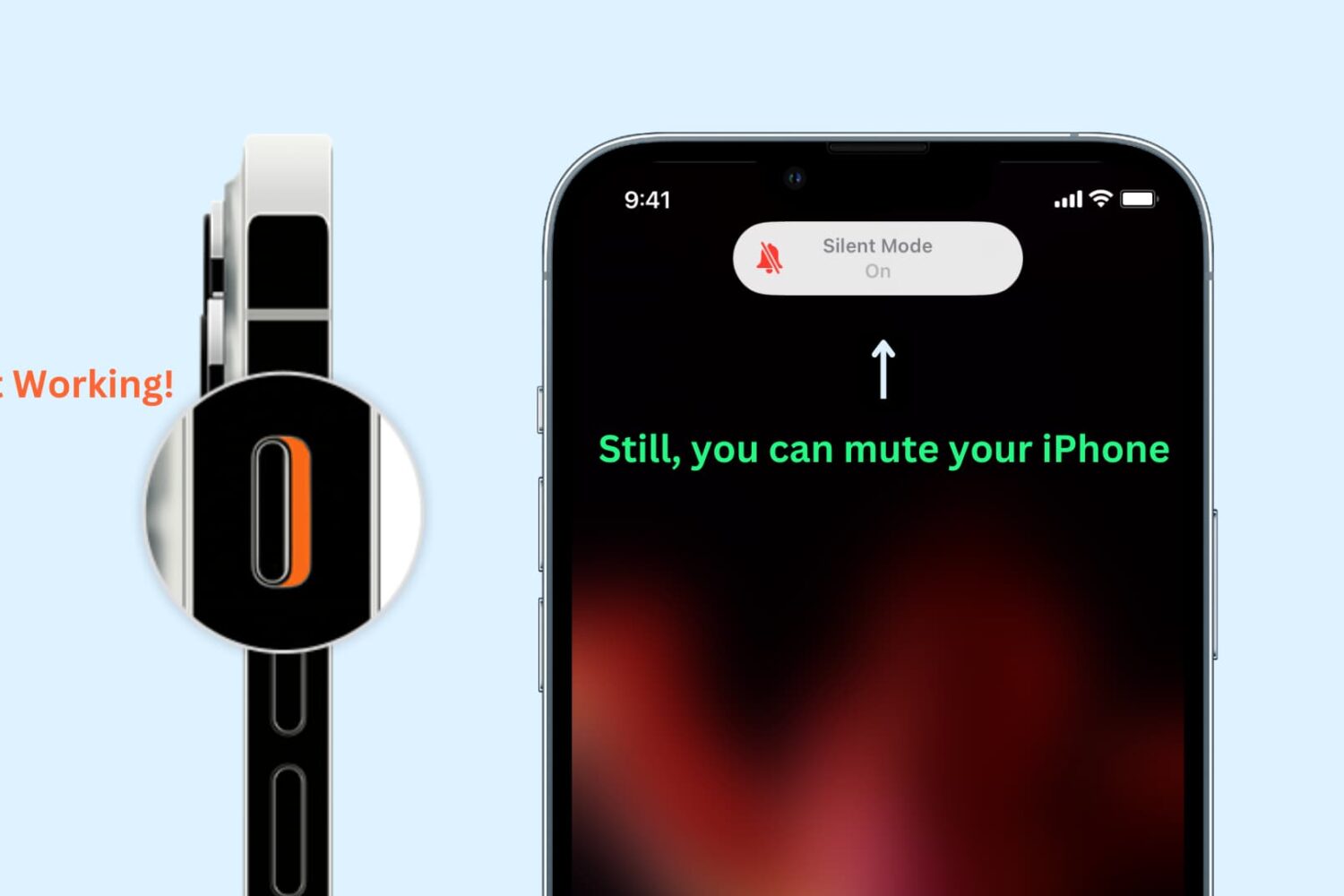
Learn how to enable silent mode or vibrate-only mode on your iPhone, even if the physical Ring/Silent switch or the Action button on the side of your device is broken or unresponsive.
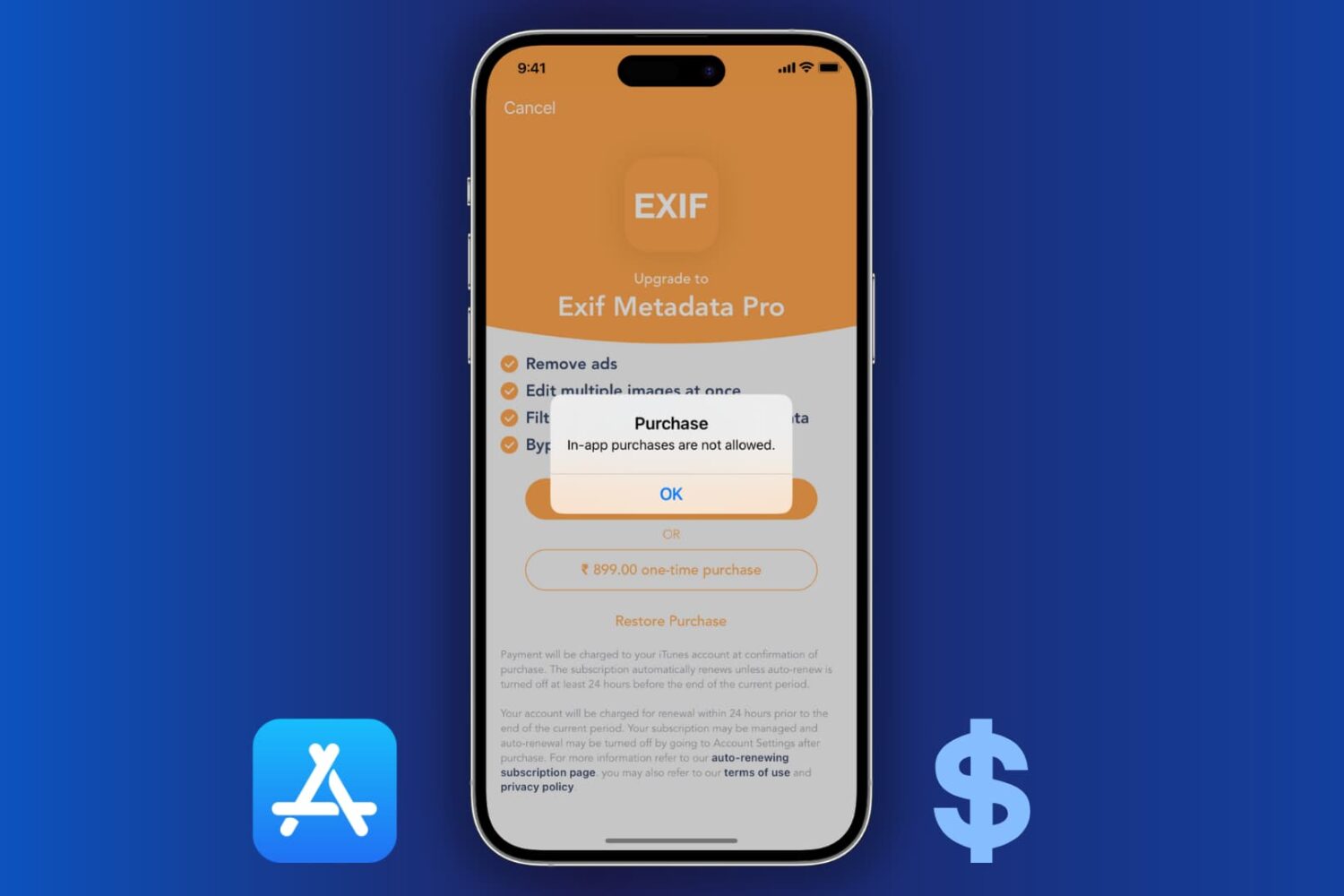
Learn how to block the ability to purchase content in apps on your or your kid’s iPhone, iPad, or Apple TV to avoid unwanted spending and bill shock.