Learn how to highlight text in the Mail app on Mac to emphasize what you’re writing and make certain words and sentences in your email stand out from the rest.
How to highlight text in Mail app on Mac to emphasize your words

Stay up-to-date on the latest Mac news, and tutorials. Get expert tips and tricks to optimize your Mac’s performance and learn about the latest Apple products and software updates. Discover the best Mac apps and accessories to enhance your user experience.
Learn how to highlight text in the Mail app on Mac to emphasize what you’re writing and make certain words and sentences in your email stand out from the rest.

In this quick step-by-step tutorial, we show you how to add an email account to the Apple Mail app on your iPhone, iPad, or Mac.

Transform your static Keynote slides into dynamic presentations with these tips for animating objects on a slide and captivating your audience.
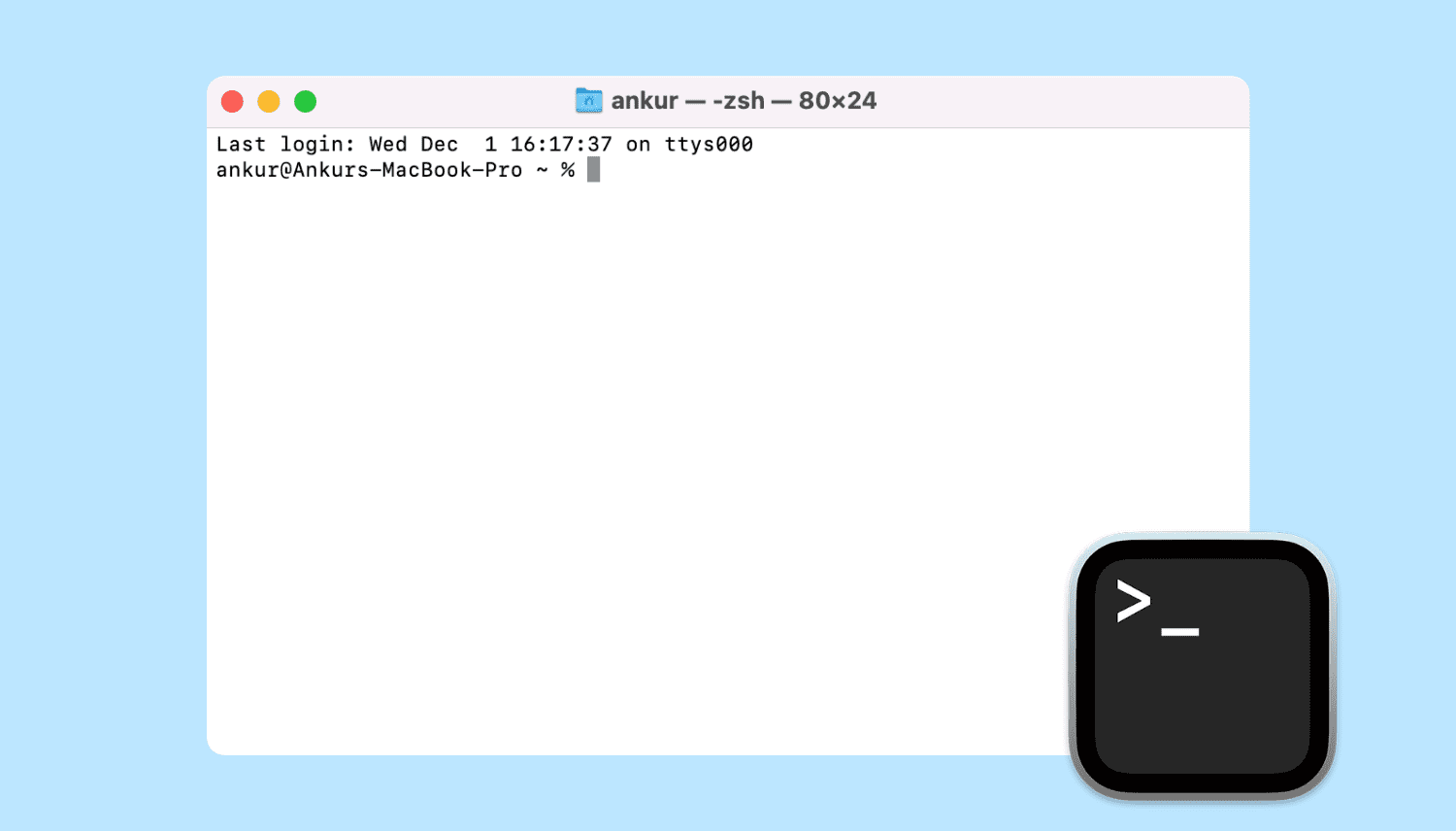
Learn all the ways to launch the macOS Terminal app if you’d like to interact with your Mac using a command-line interface.

Learn how to add, replace, and edit images in your Keynote slides on Mac to make them stand out and create engaging presentations.
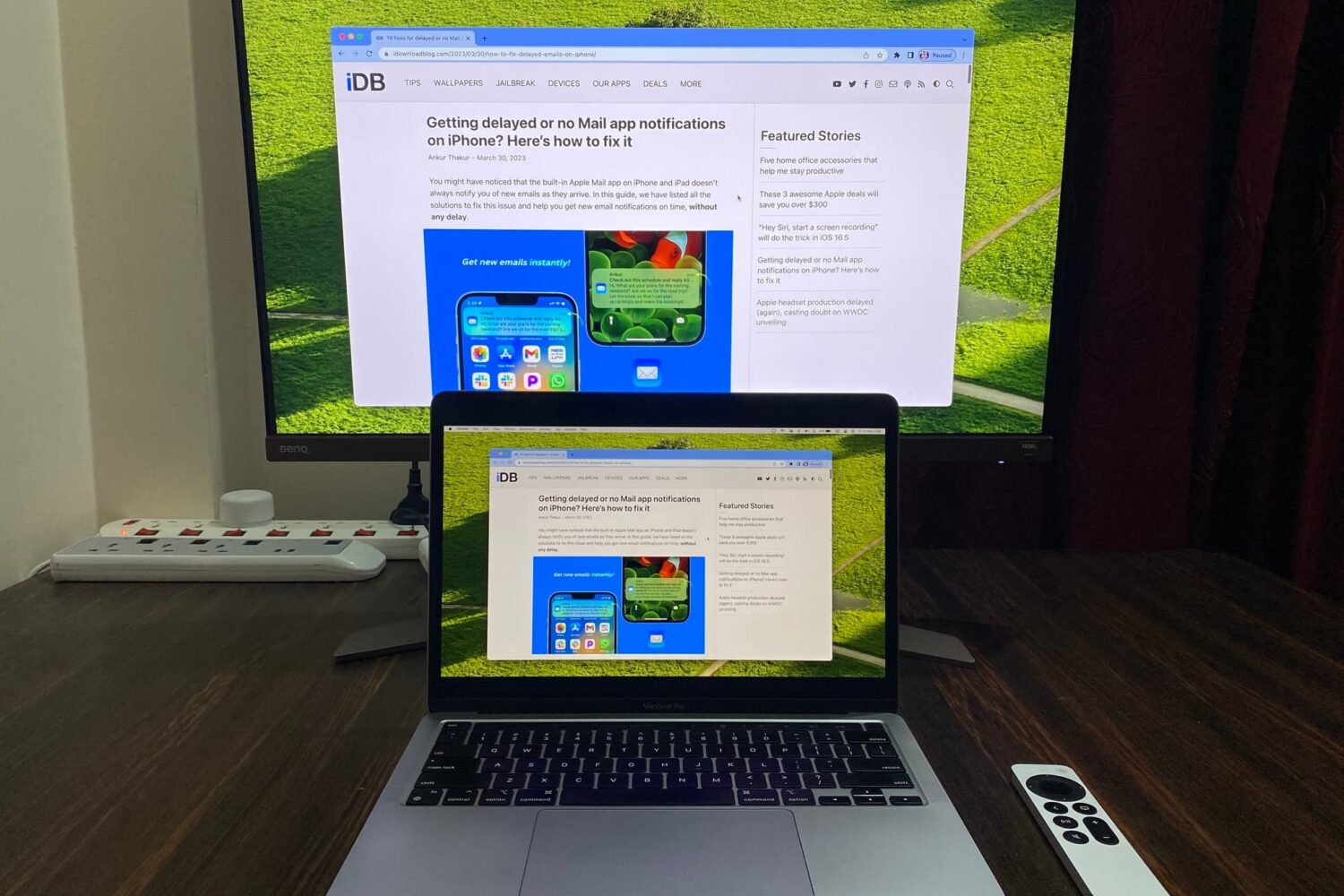
Learn how to mirror your Mac’s screen to your Apple TV to see the same things on the big screen or use the television as a separate, secondary display.

The table of contents (TOC) feature of the Apple Pages app automatically creates a table of contents in the sidebar for you to navigate your document easier. Plus, you can pop that TOC right into your document if you like.
This tutorial walks you through how to use the table of contents view in Pages.
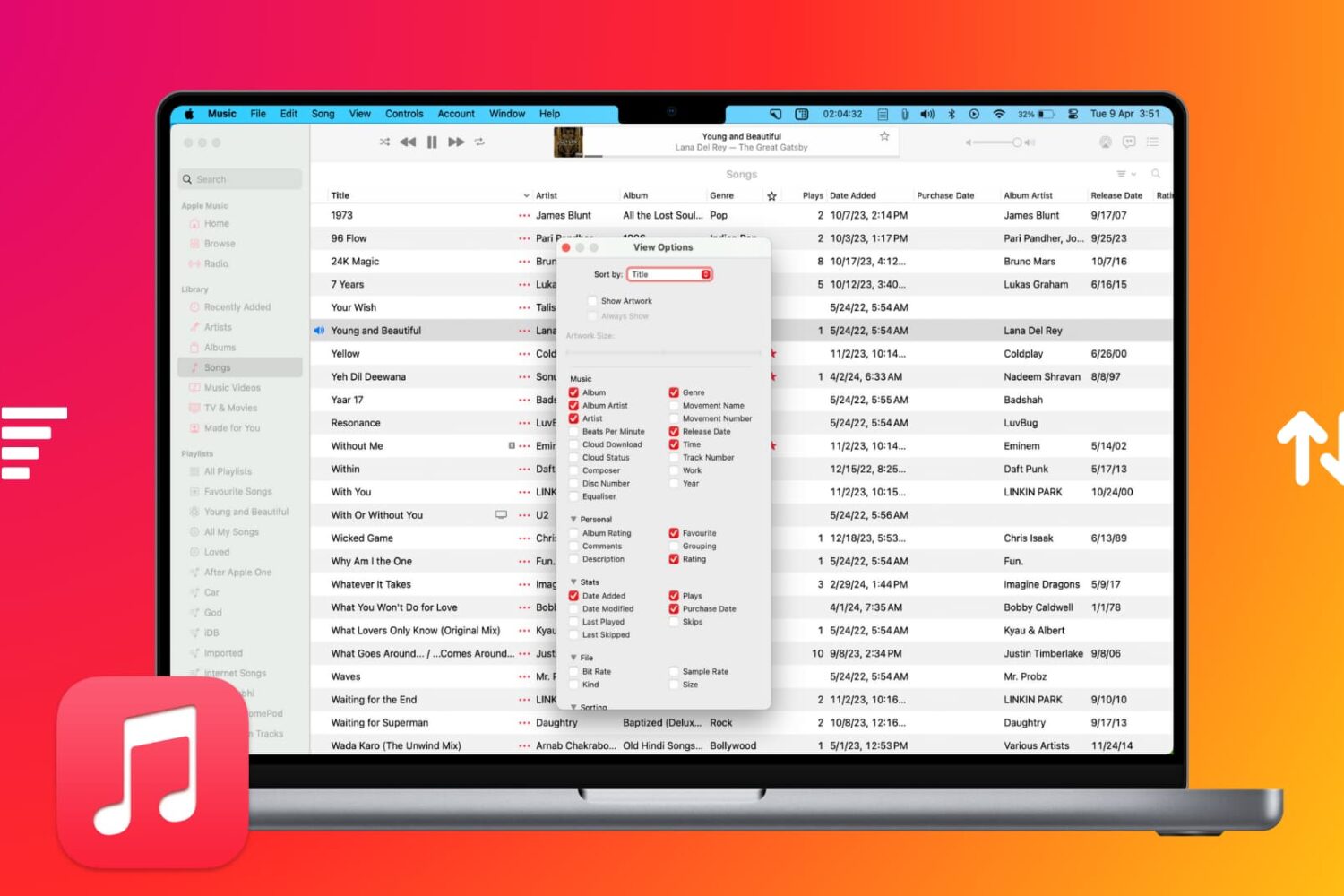
Learn how to sort your music collection to your liking, ensuring easy access to your favorite songs, albums, playlists, and more.

Learn how to get information about a song in your library or the Apple Music catalog, including metadata like title, artist, album, composer, genre, and more.

Learn how to extract ZIP files on Mac to see what’s inside and also compress files and folders to save storage space and share them faster.
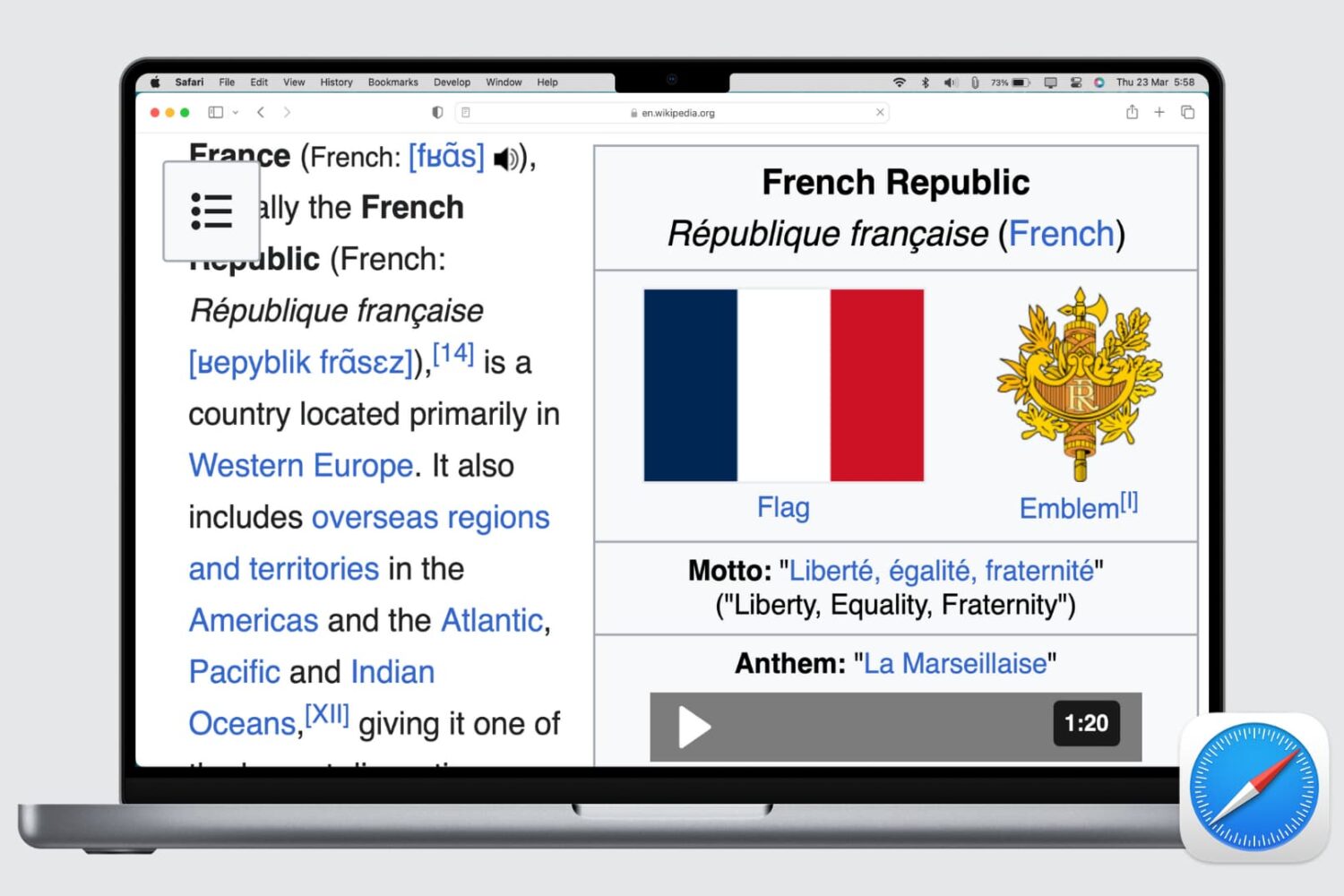
Whether the text of a webpage you’re visiting is too small to read or too big to handle, here’s how to use the Safari zoom feature on Mac to adjust it accordingly.
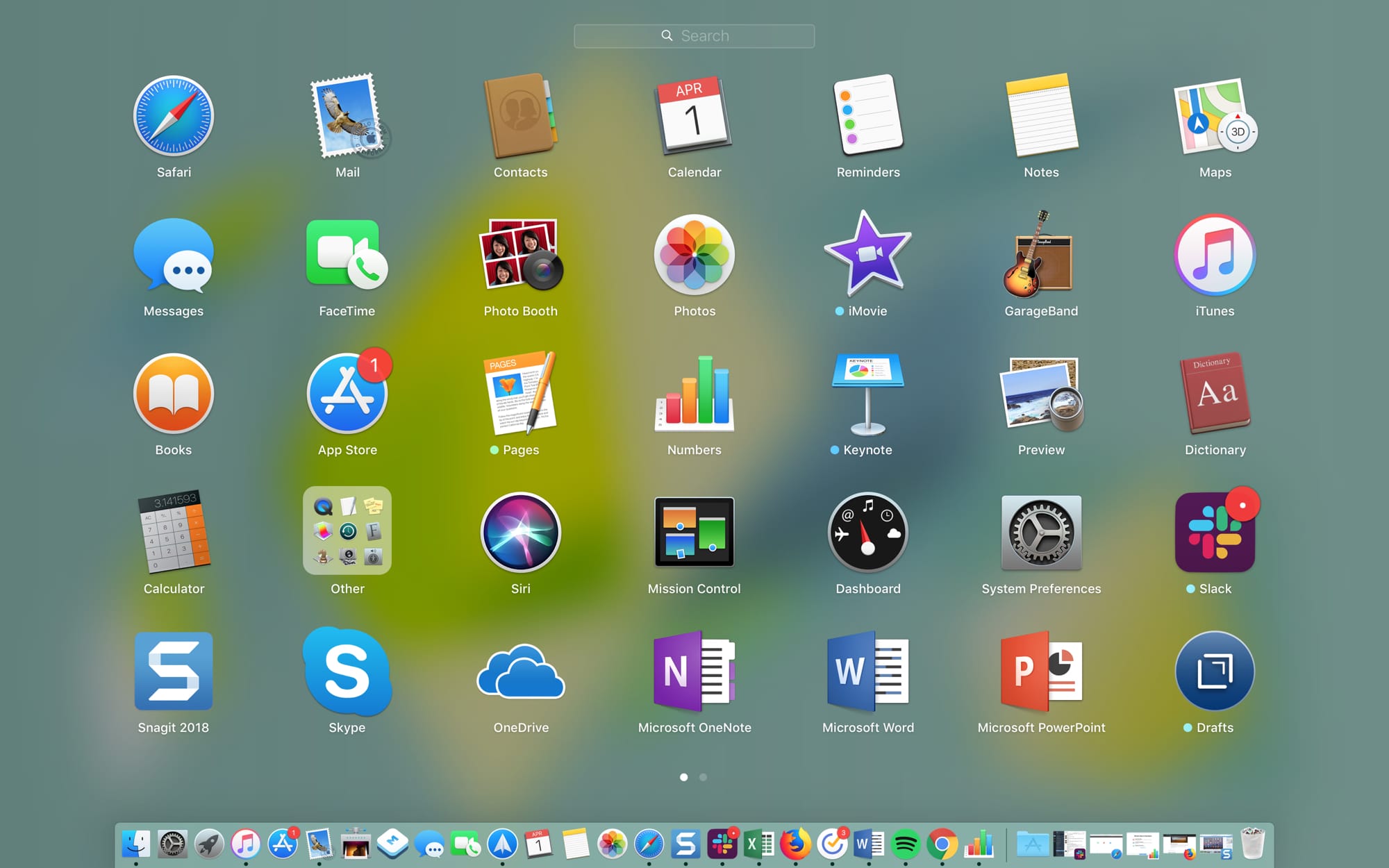
The Launchpad on your Mac might remind you of the Home Screen on your iPhone or iPad. There’s a nice and neat grid of your apps. When you download an app from the App Store, it pops right into the Launchpad, and you can take action on your apps from there.
The thing is, you have to access the Launchpad, so it’s not right on your screen when you use your Mac like the Home Screen is on your mobile device. This might keep you from using it as much as you could. But the Launchpad can be a handy tool.
We’ve put together some tips for making the most of the Launchpad on Mac in case you decide to make more use of it.