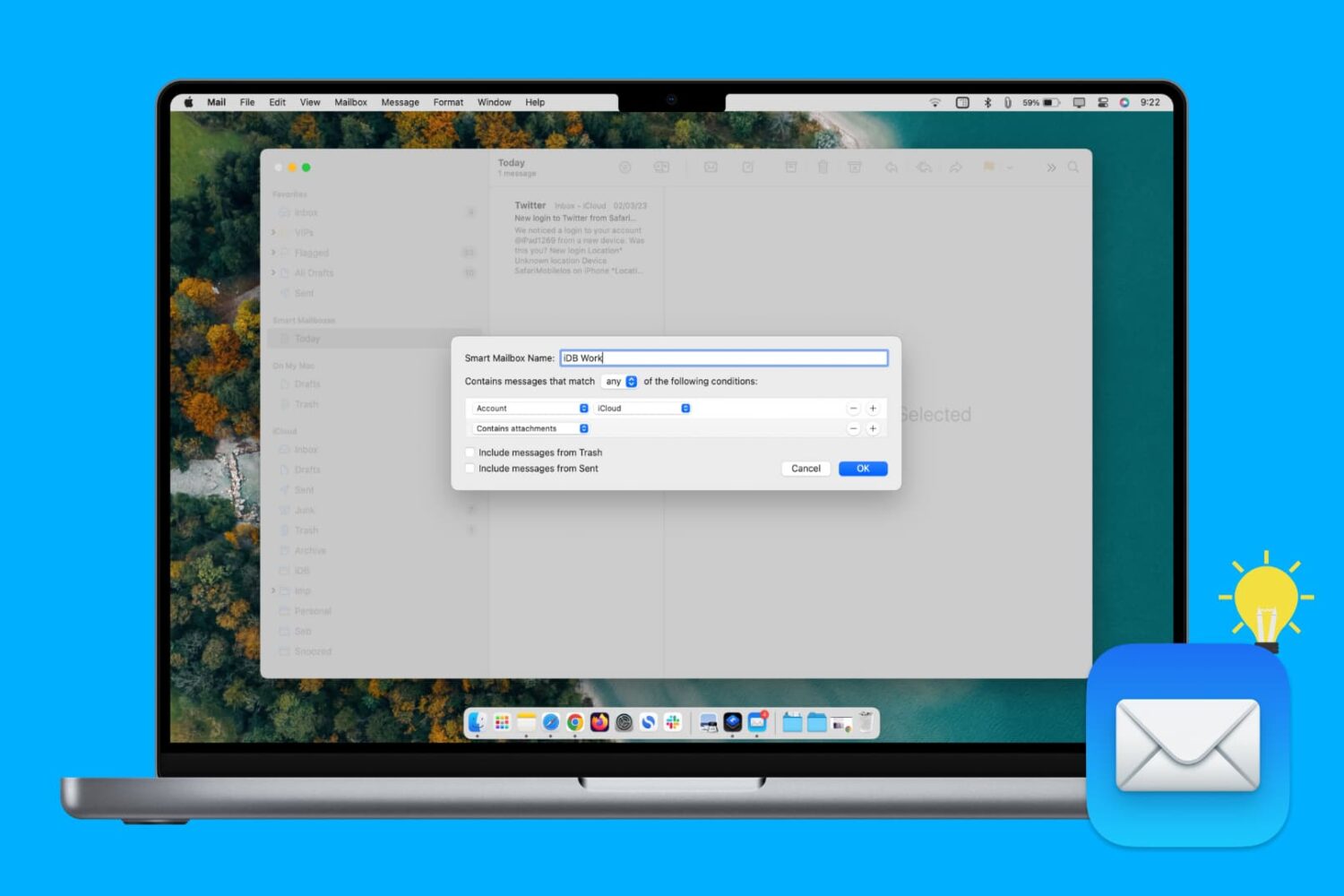
Learn how to create, edit, and delete Smart Mailbox and Smart Mailbox folders in the Apple Mail app on Mac to collect and better organize your emails.
How to use Smart Mailboxes in Apple Mail app on Mac
Stay up-to-date on the latest Mac news, and tutorials. Get expert tips and tricks to optimize your Mac’s performance and learn about the latest Apple products and software updates. Discover the best Mac apps and accessories to enhance your user experience.
Learn how to create, edit, and delete Smart Mailbox and Smart Mailbox folders in the Apple Mail app on Mac to collect and better organize your emails.
Learn how to prevent accidental trackpad touches by having your MacBook automatically disable the touch surface whenever a mouse or external trackpad is connected.
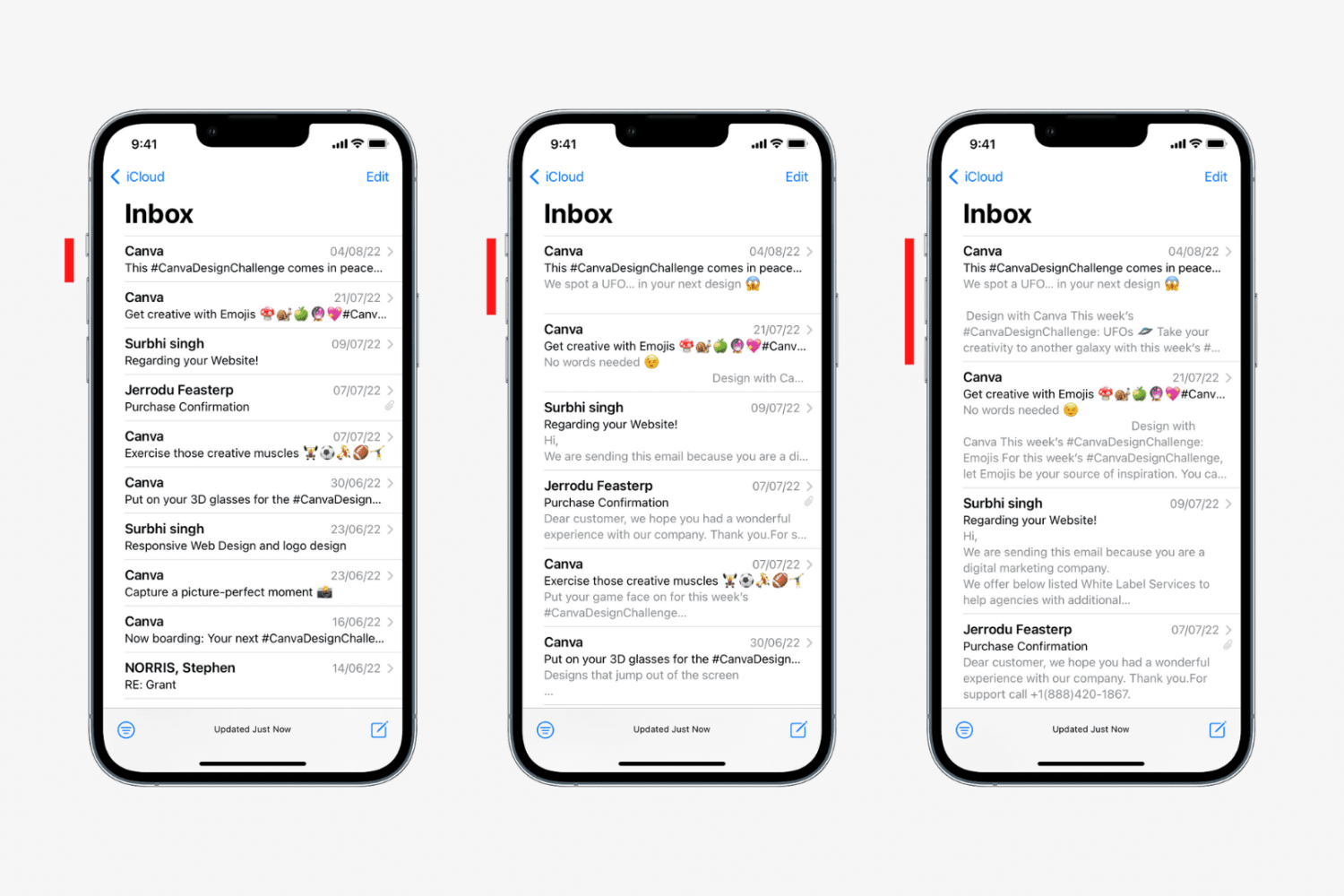
Learn how to change the number of lines for email previews in your Mail inbox on iPhone, iPad, and Mac to display more or less information.
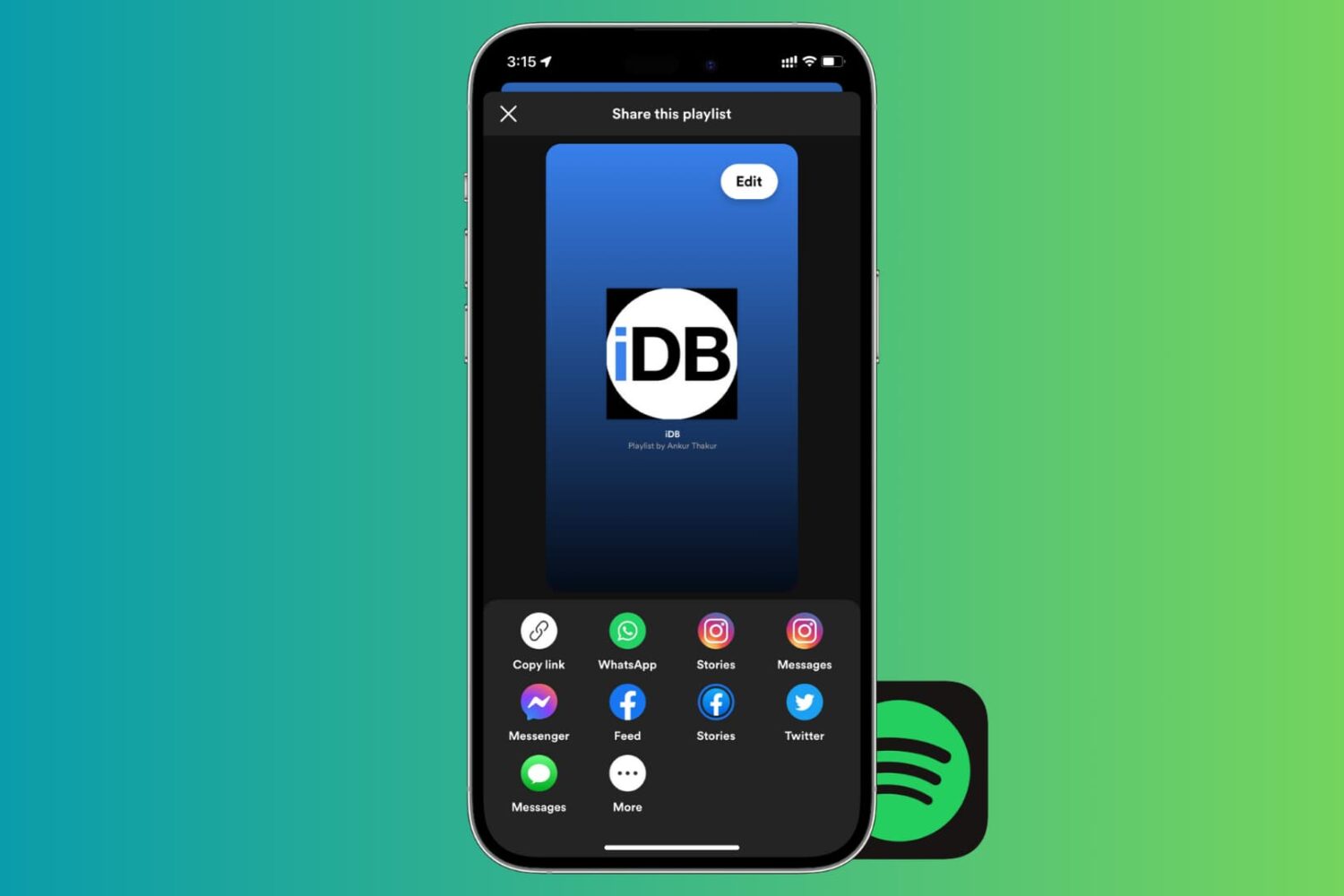
If there’s one thing that’s better than enjoying the music you love, it’s sharing it with others. And if you use Spotify, sharing your playlists is easy. You can quickly share them in a variety of ways from your devices. So, if you’re ready to brighten someone’s day with some cool new tunes, here’s how to share Spotify playlists on iPhone, iPad, and Mac.
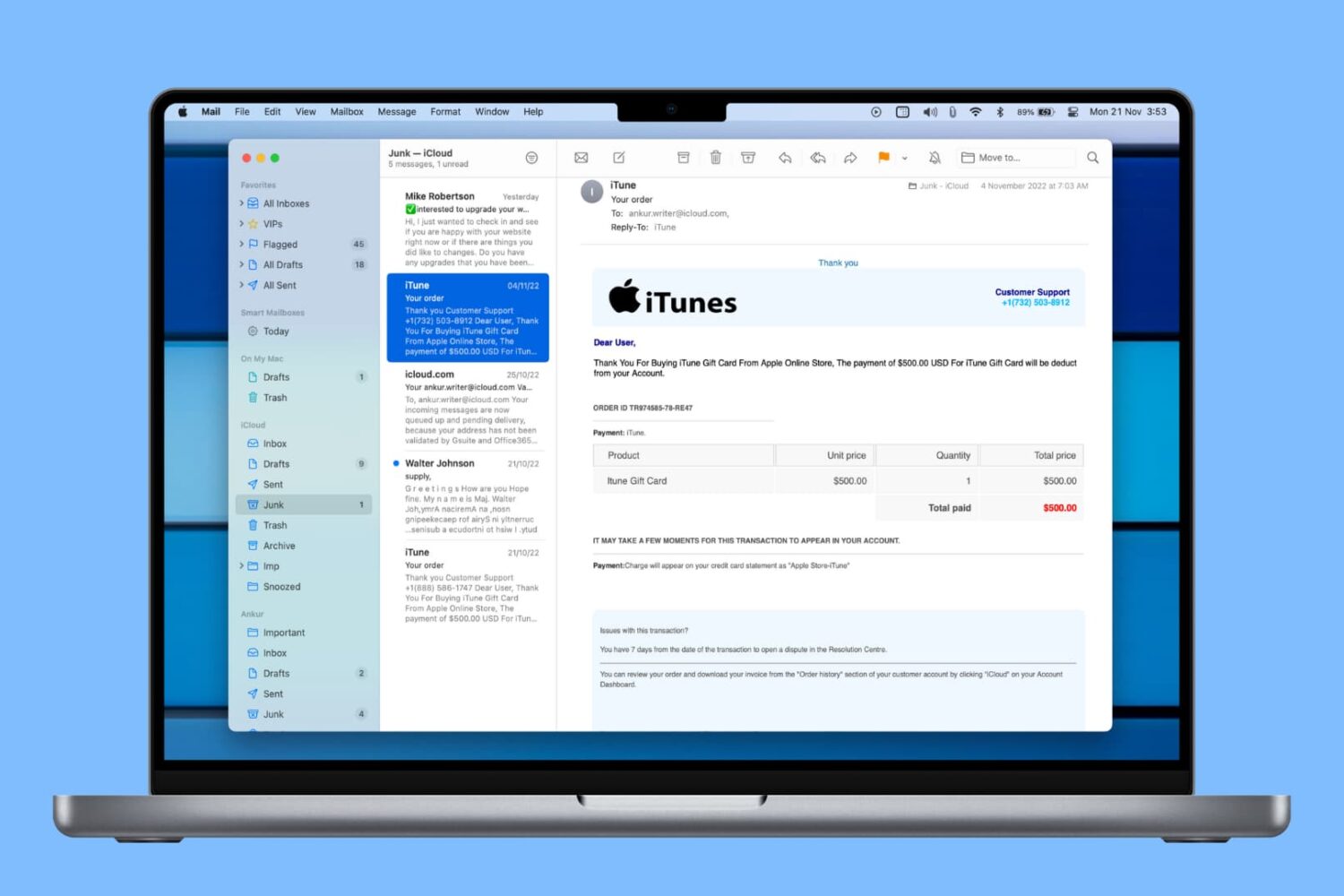
Learn how to automatically delete junk messages and empty the Trash in the Mail app on Mac to save time and keep your mailboxes free of unwanted emails.
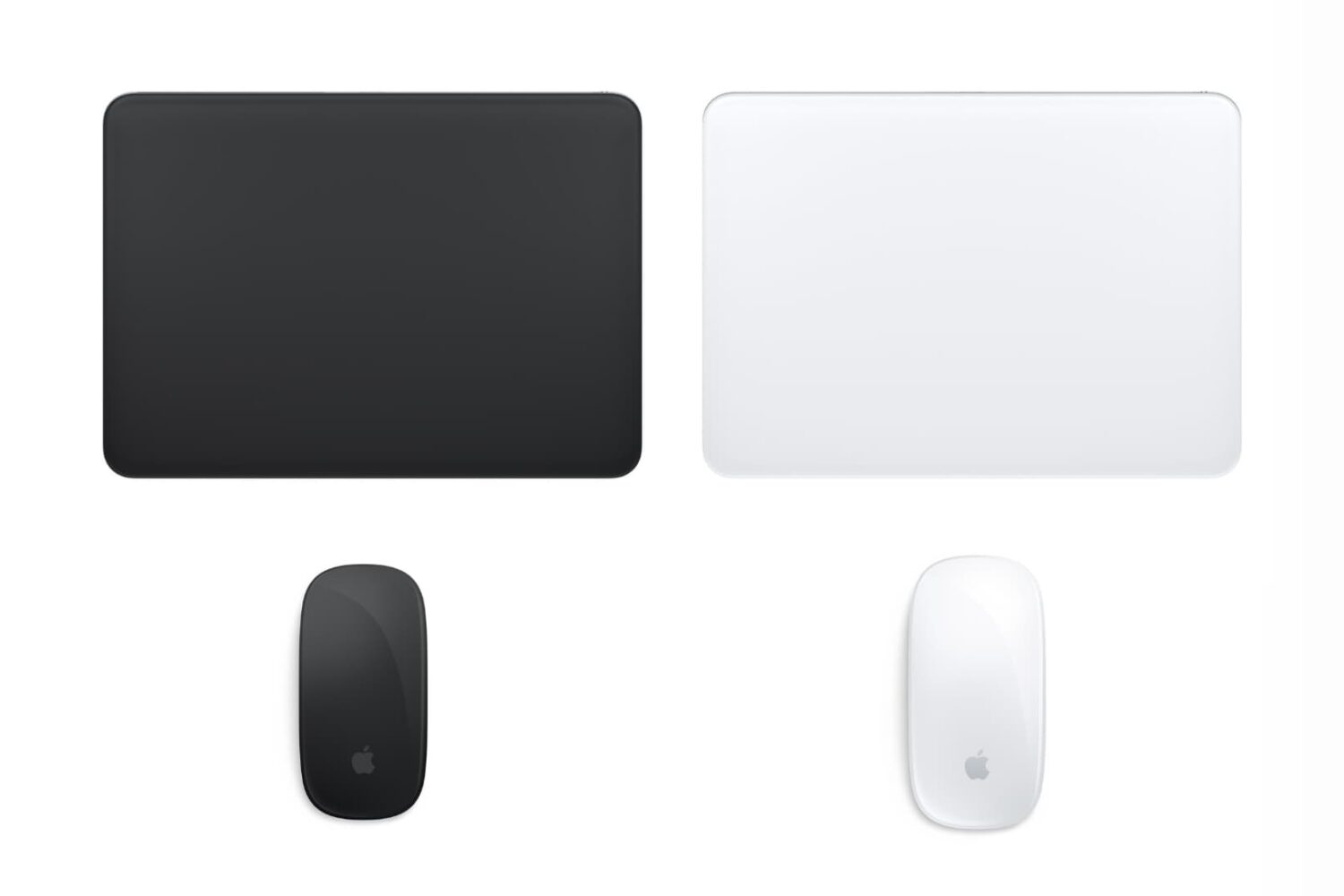
Do you feel like your mouse is moving too slow, your trackpad is moving too fast, or something in between? This tutorial shows you how to increase or decrease the mouse and trackpad pointer speed on Mac for the perfect experience.
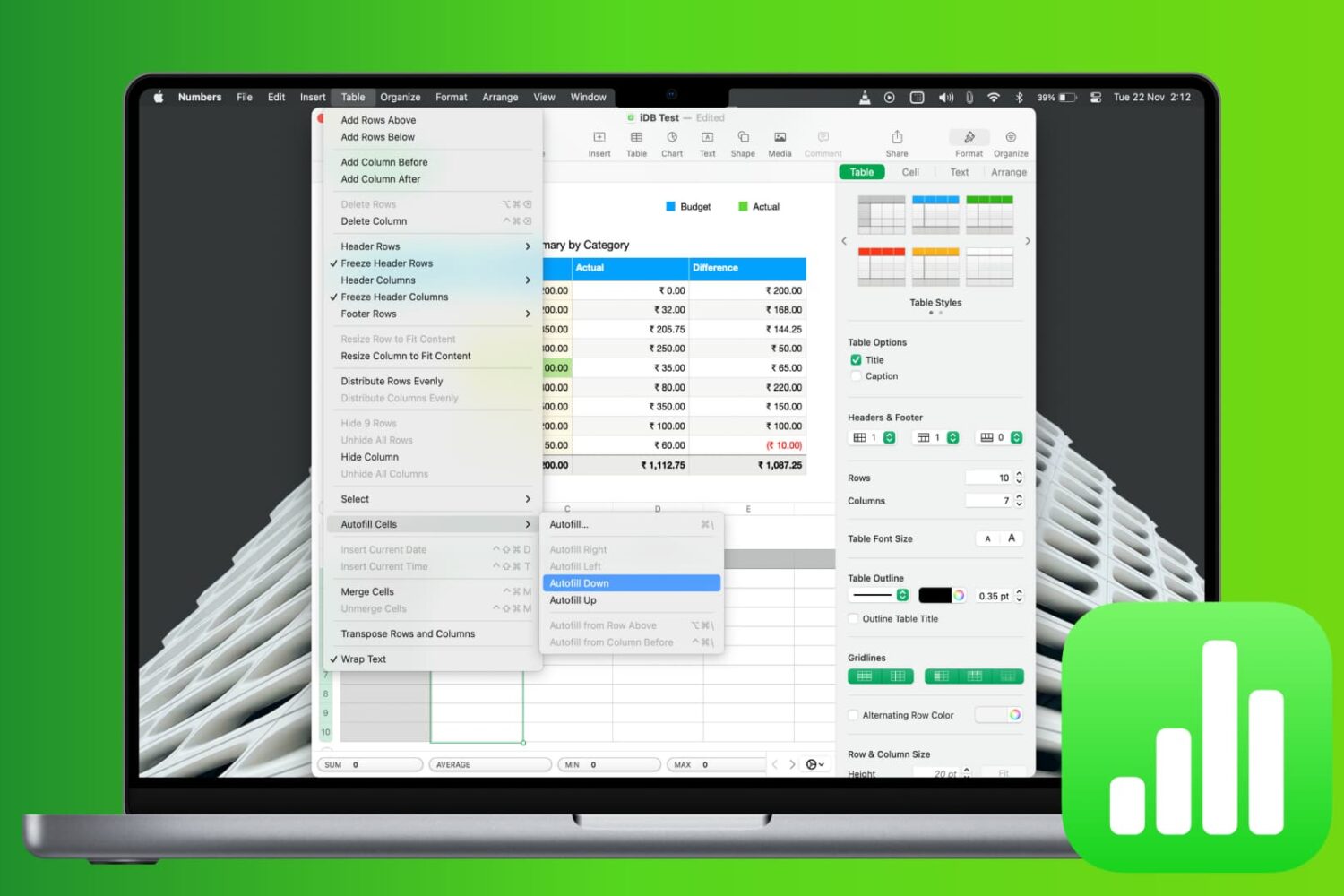
Learn how to save time and reduce errors by using the Autofill feature in the Apple Numbers app on Mac to fill cells with and without dragging.
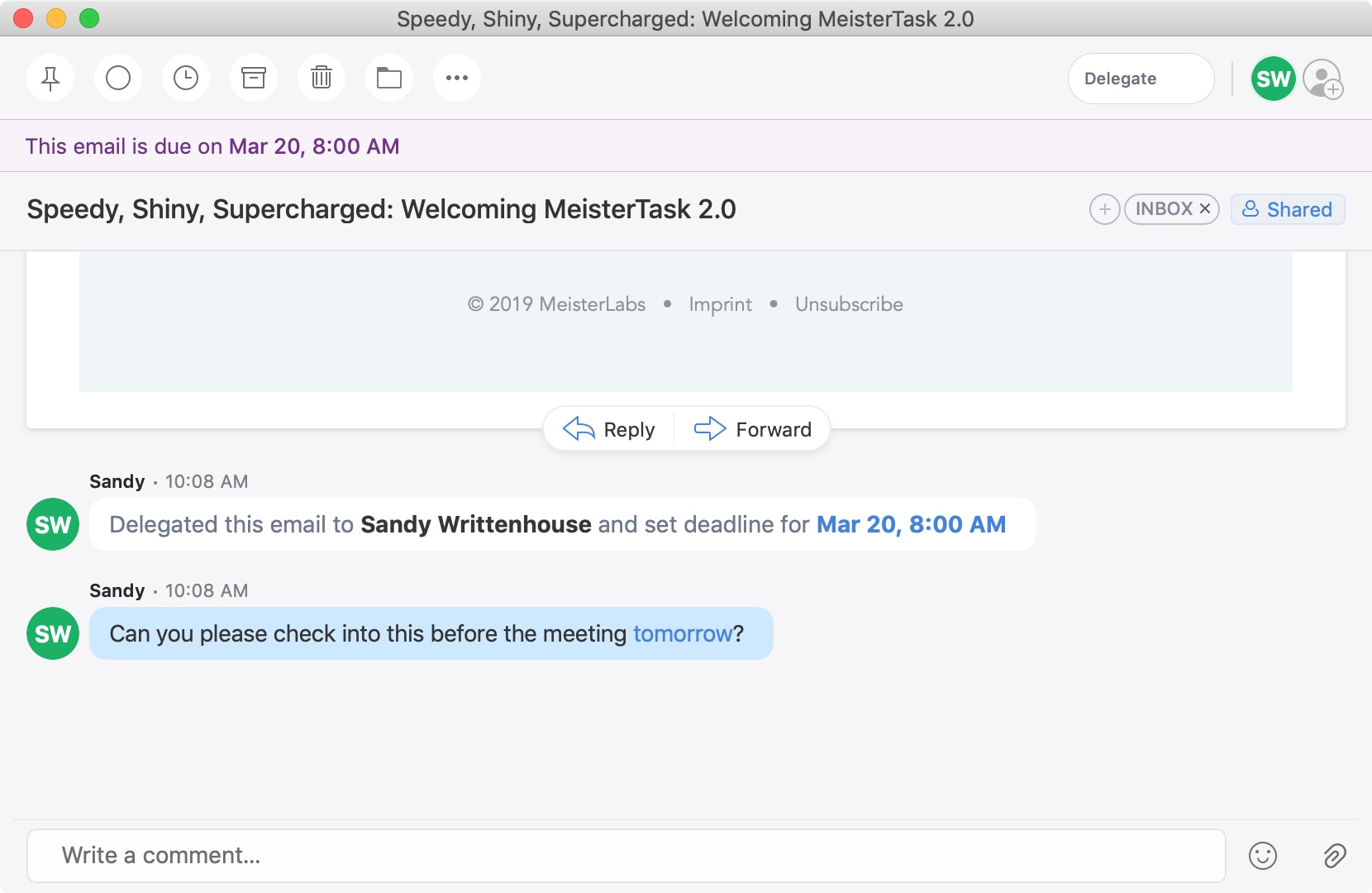
A recent update to the Spark email application brought a cool new feature. You can now delegate emails to your team or employees on iPhone, iPad, and Mac. Along with assigning emails to others, you can set due dates and times and keep track of what’s pending and completed.
This is a great new feature if you use Spark for business but is also handy for personal situations. You might want to delegate an email to a family member or friend like reminders for bills due, appointments made, or travel plans.
If you’re interested in this convenient feature, we’ll show you how to delegate emails in Spark to assign tasks to others.
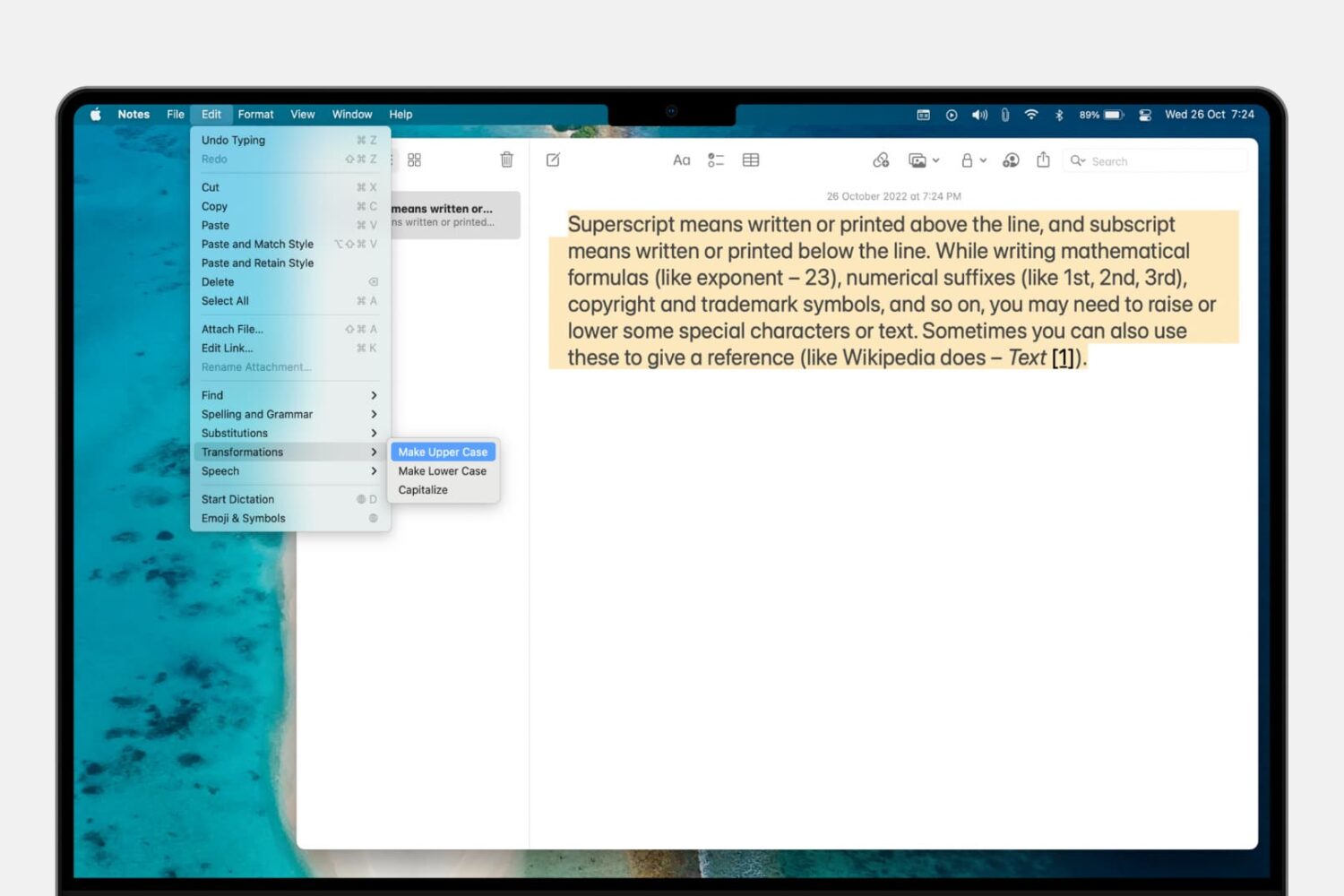
Learn how to convert a piece of text on your Mac from uppercase to lowercase letters instead of manually retyping all caps as small letters and vice versa.

Find out how to manage your Apple Music subscription on your mobile device, computer, or the web if you need to change or cancel your Apple Music plan.
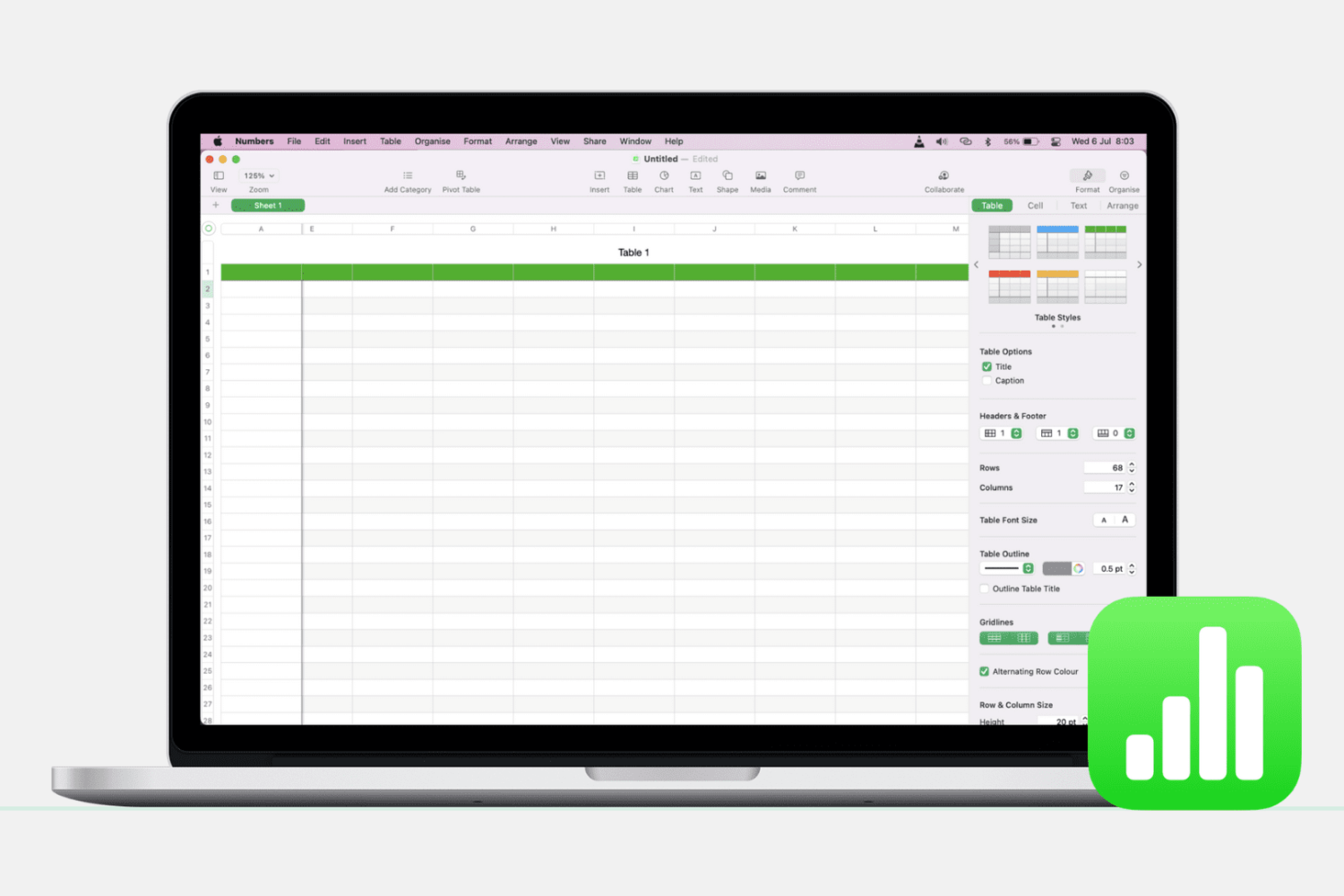
Learn how to add, delete, hide, and move columns and rows in the Apple Numbers app on Mac to better organize your spreadsheets.

Learn how to highlight text and include comments in a Pages document on your Mac, iPad, and iPhone to make your text stand out.