Whether it’s the results of a command, the command itself, or everything between the prompt marks, you can select what you need and print it easily from Terminal on your Mac.
How to select text and print Terminal window on Mac

Stay up-to-date on the latest Mac news, and tutorials. Get expert tips and tricks to optimize your Mac’s performance and learn about the latest Apple products and software updates. Discover the best Mac apps and accessories to enhance your user experience.
Whether it’s the results of a command, the command itself, or everything between the prompt marks, you can select what you need and print it easily from Terminal on your Mac.
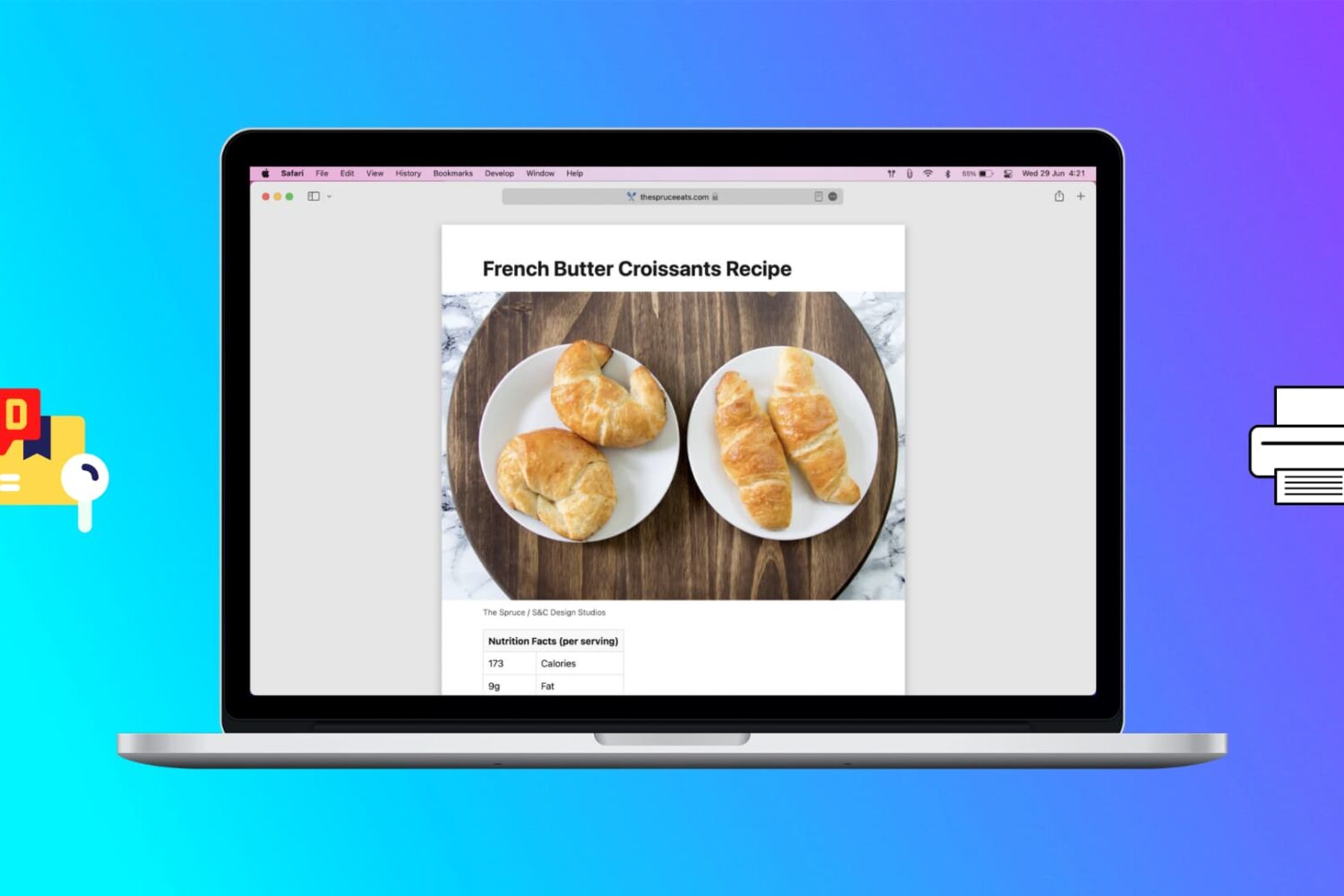
Learn how to print web pages without ads in Safari, Firefox, and Chrome on Mac to have fewer, clutter-free pages.
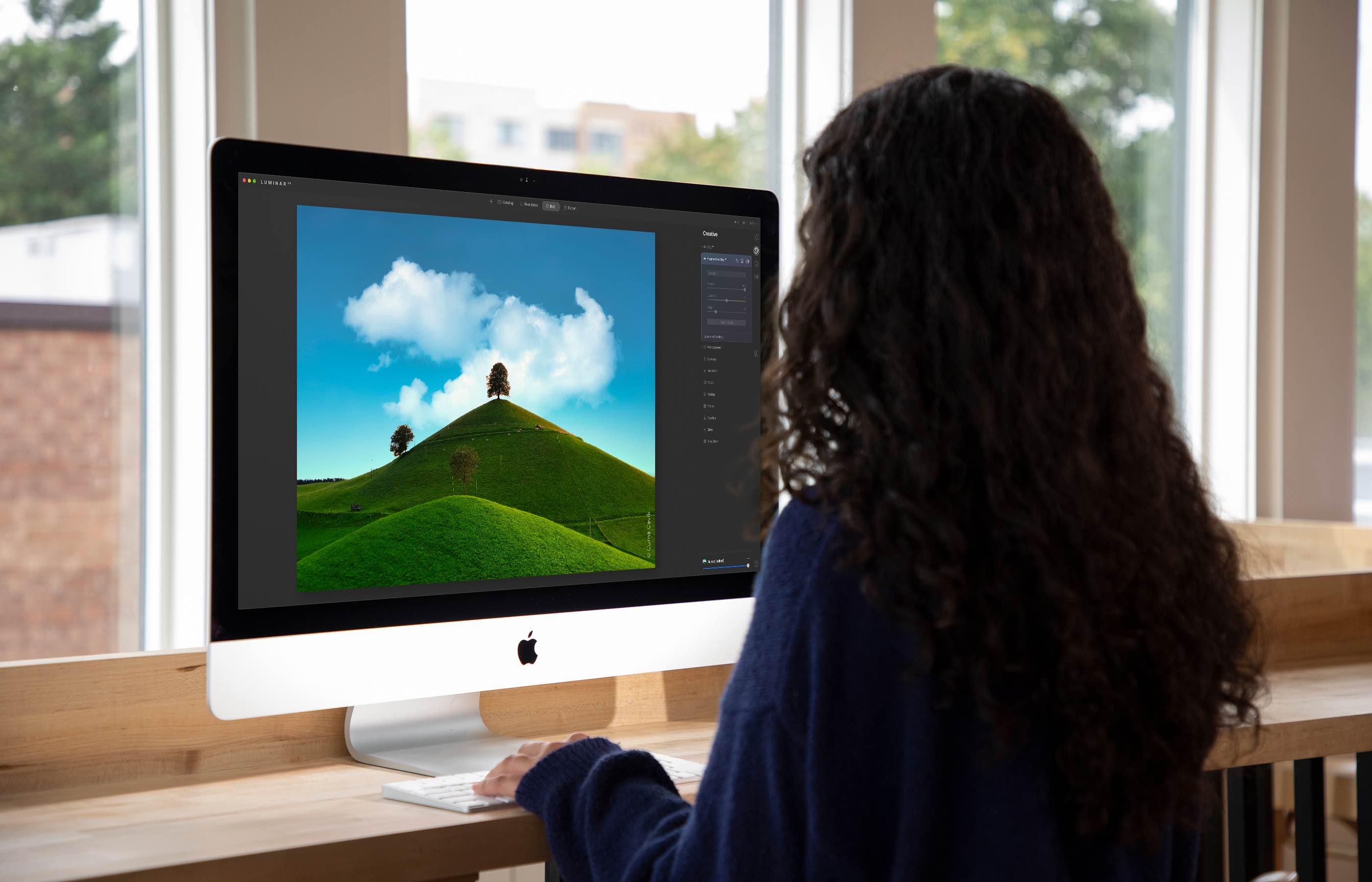
The Luminar AI image editor lets you edit landscapes, cityscapes, nature portraits and architecture photos with ridiculous ease—no need to deal with complex layers and palettes or adjust countless knobs. In this tutorial, we'll demonstrate how easy and fun achieving eye-catching landscape looks can be by with Luminar's rich assortment of AI-powered tools.
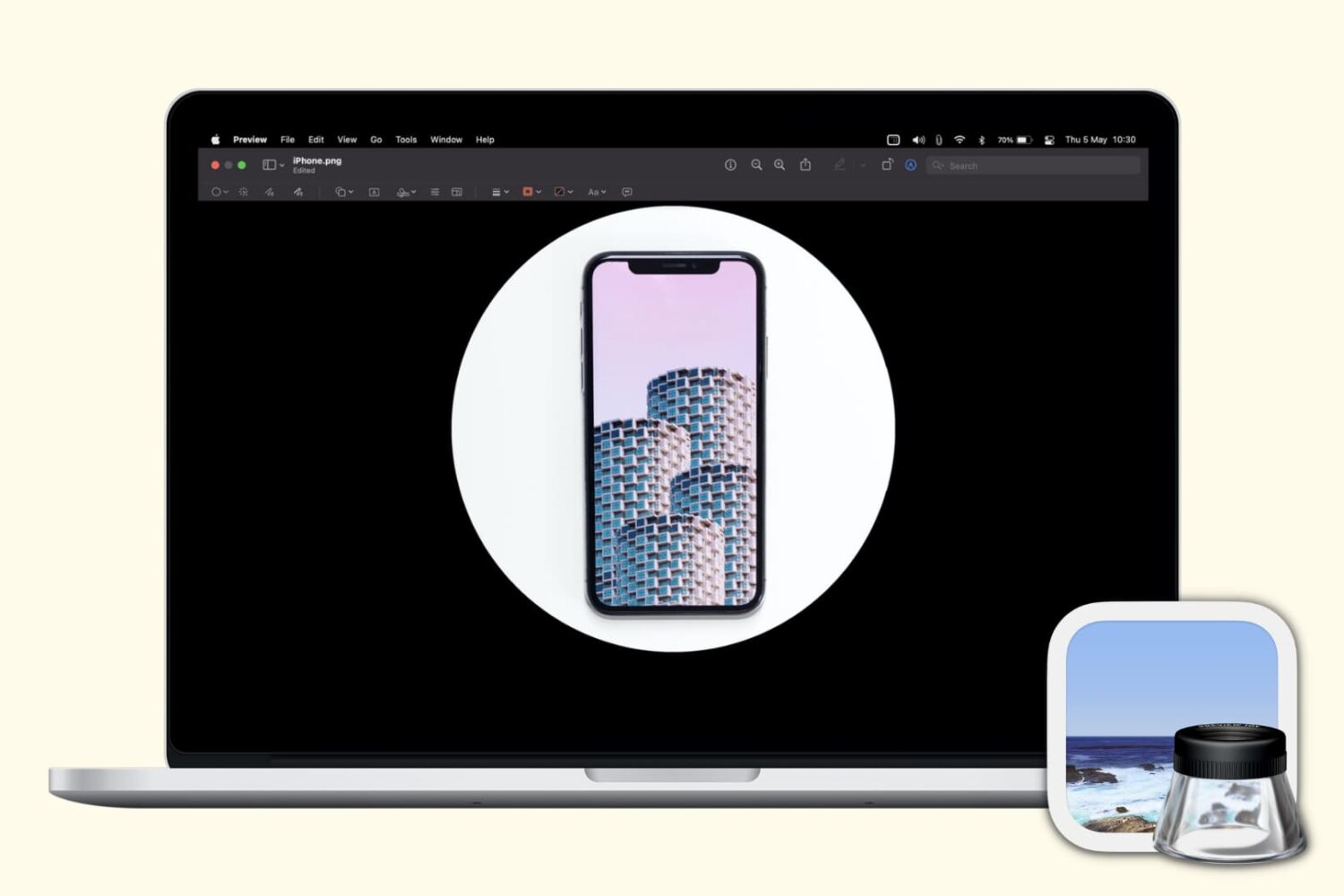
Check out these free techniques to crop photos on your Mac without downloading third-party image editors or using app extensions.
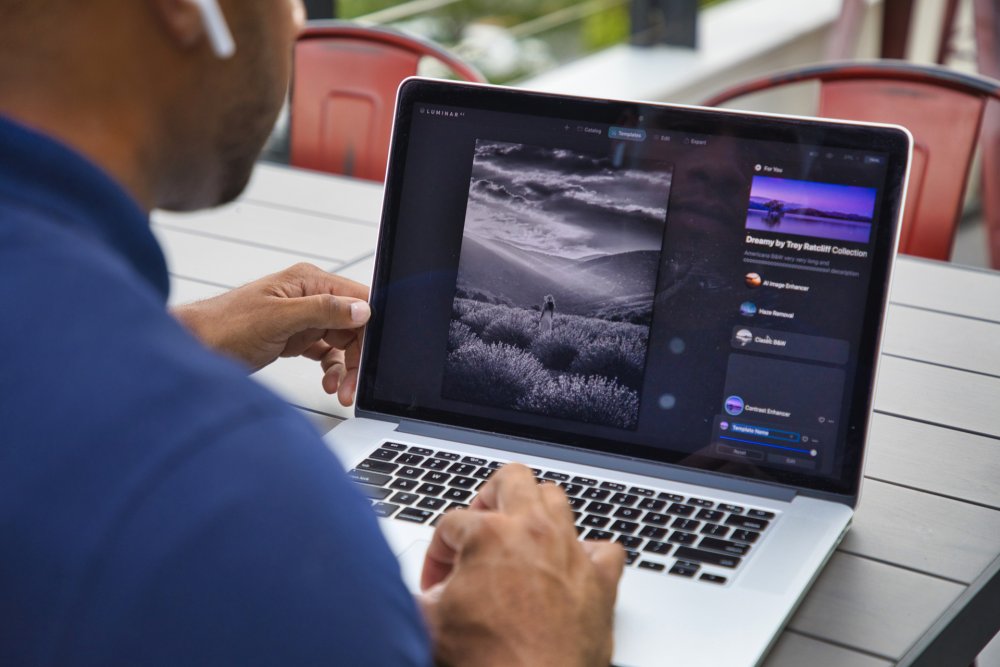
Achieve amazing results as if you had an entire graphics department working for you is easy with templates in the Luminar AI image editor. By leveraging artificial intelligence to understand the strengths and weaknesses of every image, templates make it easy to automatically correct common capture problems and apply enhancements across multiple images at once. In this tutorial, we'll show you how to use templates in Luminar AI.
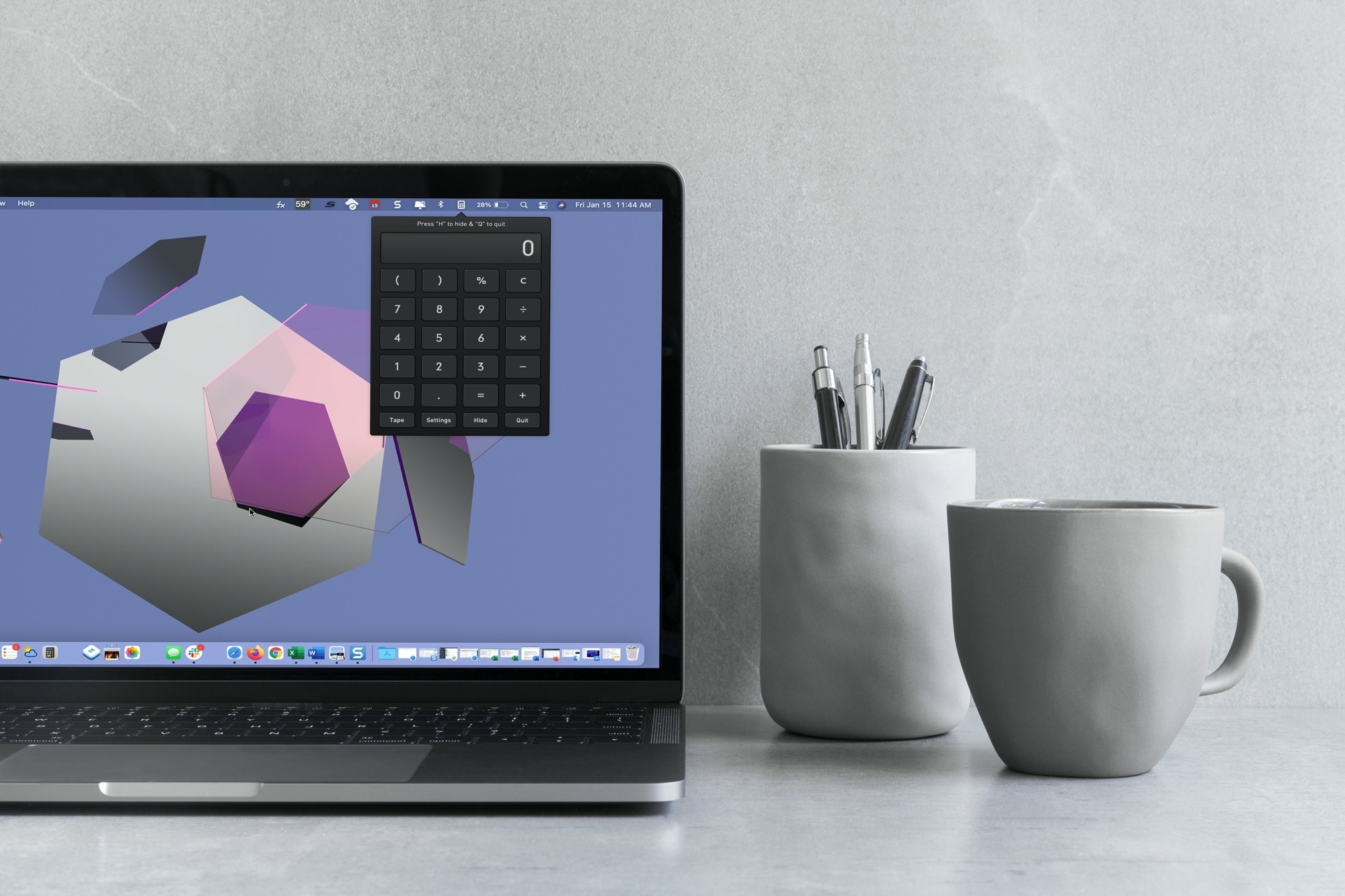
With macOS Big Sur and later, you can no longer enjoy quick access to interactive widgets in the Notification Center. Sure, you can still see widgets for things like the weather and a world clock, but you can’t perform calculations in a few clicks like before.
You can use Spotlight Search for simple equations in a hurry, but if you need a little more, you have to open the Calculator app. Since a calculator is one of those utilities you don’t want to have to hunt for, we’ll show you some alternatives to replace your missing widget.
Here you’ll find calculator apps for your menu bar along with shortcuts to open your existing Mac Calculator app from the Dock and using your keyboard. Review the options and see which one is the best fit for your needs.

Learn how to manage file and folder permissions on Mac and allow read only, write only, editing access, as well as no access at all.

In this tutorial, we’ll show you how to organize your new fonts and styles by creating a Font Book library on Mac. You can also set the library as the default location for new fonts.

Leverage the power of built-in Automator to quickly open your favorite apps using custom keyboard shortcuts on Mac.
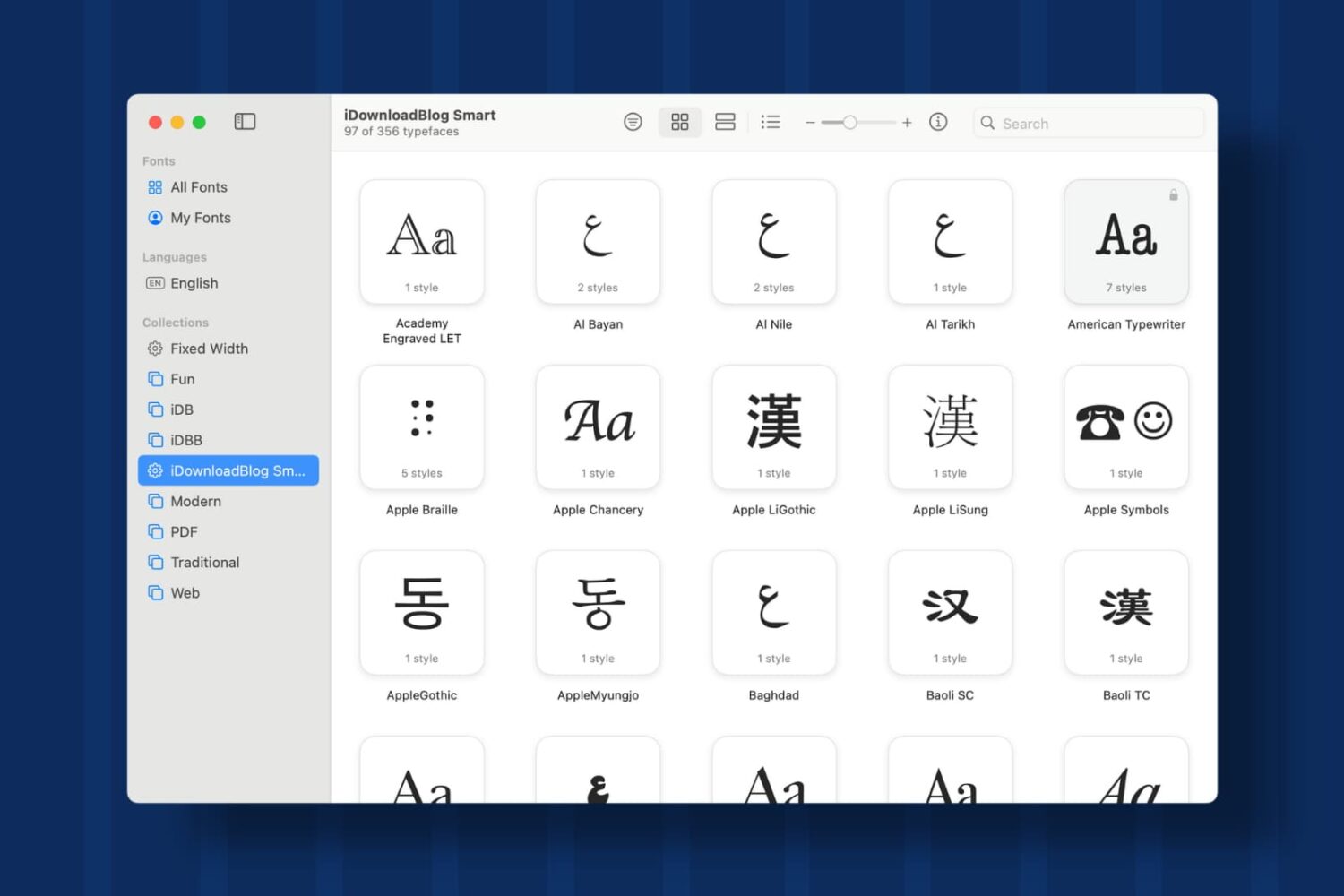
Learn how to create Collections and Smart Collections in Font Book on Mac, which are ideal when you quickly need a specific group of fonts.

In this tutorial, we’ll walk you through the steps to reset Bluetooth on your Mac to fix common wireless connection issues with your Bluetooth accessories.

Learn how to create and manage Shared Albums in the Photos app on your iPhone, iPad, or Mac to easily share pictures and videos with your family members and friends.