iPhone

Stay up-to-date on the latest iPhone news and learn new tips and tricks with our comprehensive tutorials. From software updates to new features, we’ve got you covered.

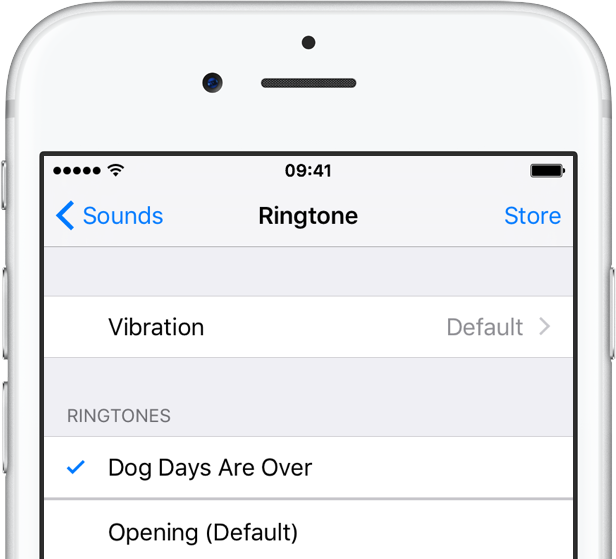
How to create ringtones for your iPhone using iTunes

How many times have you been sitting around with friends when their phone rings and you hear the opening theme to Knight Rider, or the subtle hum of the Starship Enterprise and thought to yourself, “Dang, I wish I had that ringtone.” Well, now you can and it won’t cost you a dime.

You can convert any song or audio clip in your iTunes library into a ringtone with a few simple steps. We’ve got a step-by-step tutorial to show you how to create awesome ringtones that will make you the envy of the party…
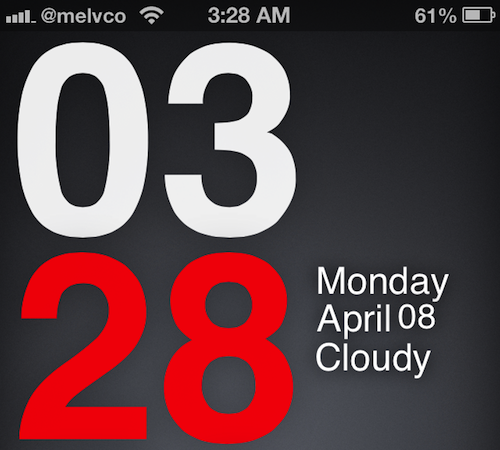

App Store app works with jailbreak theme to create custom Lock screens

Trying to find a decent Lock screen theme in Cydia is like trying to find a needle in a haystack. There are thousands of them in there, and there are way more bad ones than there are good. So you're forced to spend hours browsing.

But what if I told you there was an app in the App Store that, when coupled with a jailbreak theme, allowed you to either create your own custom Lock screen themes, or download hundreds of free themes, with a few quick taps?

Well, such an app exists. And if you haven't seen it yet, this post is going to make your day...

How to quickly navigate through the iOS Calendar app

Last week we showed you how to delete individual digits from the iOS Calculator app by swiping. It wasn't a major revelation, by any means, but a lot of folks seem to have found it useful.

In the same fashion, we have another trick to show you today. And if you've ever thought to yourself that it takes too long to navigate through the iOS Calendar app, you'll want to see this...

How to re-enable background audio playback for Safari videos in iOS 6

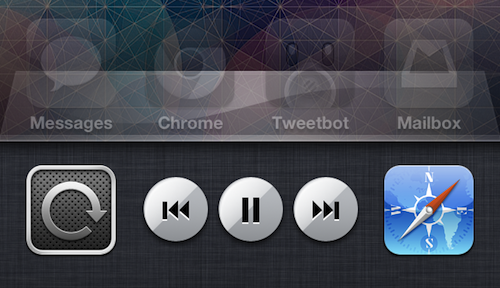
Remember the good old days, in iOS 5, when you could listen to a video's audio in the background on your device while multitasking? All you had to do was double tap the Home button, swipe to the left to reveal the iPod controls, and press Play.

But for some reason, Apple disabled this feature in iOS 6, leaving us without a native way to do things like listen to YouTube videos in Safari while texting or browsing Twitter. But the good news is, we've come across a fairly easy way to get it back...

How to jailbreak iOS 6 using evasi0n [Mac tutorial]

As we just told you, the evad3rs have released their jailbreak tool called evasi0n, and it allows you to easily jailbreak iOS 6. As we always do, we’ve created an easy to use written and video walkthrough to show you how to jailbreak iOS 6 on your iPhones, iPads, and iPod touches.

The good news is that evasi0n works with all flavors of iOS 6. That includes iOS 6.0, iOS 6.0.1, iOS 6.0.2, and of course, iOS 6.1. The evad3rs have worked hard to create easy to use tools, which allow you to jailbreak iOS 6 using Mac OS X, Windows, and even Linux.

We have personally confirmed that this tutorial works on every iOS 6 compatible device outside of the Apple TV 2 and Apple TV 3. This includes the iPhone 5, iPhone 4S, iPhone 4, iPhone 3GS, iPad 2, iPad 3, iPad 4, iPad mini, iPod touch 4G, and iPod touch 5G. This first tutorial will show you how to jailbreak any of those devices using evasi0n on Mac OS X, and we will shortly follow up with Windows and Linux tutorials.

How to jailbreak iOS 6 using evasi0n [Windows tutorial]

We’ve already shown Mac users how to jailbreak iOS 6 using evasi0n, and now it’s your turn Windows users! Inside, you’ll find a step-by-step tutorial that shows how to jailbreak your iOS device on your operating system of choice.

In this example, I’m using Windows 8, but this should work on virtually any version of Windows, including Windows 7, Windows Vista, and even Windows XP. Take a look inside for our guide...

How to watch the Super Bowl on your iPhone

Over 100 million people are expected to gather in front of their TV sets tomorrow to watch the Super Bowl. But for those of you that for one reason or another can’t get in front of a television, there’s other ways to catch the Big Game.

If you're going to have access to a computer, you can watch it there. The game will be streamed live via CBS Sports. No computer? No problem, iDB has you covered. We've compiled a list of ways to follow the action on your iPhone...

6 tweaks that don’t require a jailbreak

Yes, the iOS 6.1 untethered jailbreak is almost here, and from the looks of things it will support nearly every recent iOS device. But until that time, why not take a look at some of the cool "non-jailbreak" that have been recognized over the last few weeks and months.

As its name alludes to, a non-jailbreak tweak is a method for tweaking your iPhone even though the device is not jailbroken. These so-called tweaks usually, but not always, rely on simple glitches present within stock iOS firmware. Take a look inside for a brief overview of some of our favorites...

How to change button skins in Robert Broglia’s Emulators on iOS

In the comments section of our article on Snes9x EX+'s release, one of our readers asked if there was a way to swap out the overlays for the on-screen buttons. I thought the question was interesting enough to answer in a full tutorial.

While there isn't a built-in option for skinning Snes9x EX+, nor are there any themes for the app currently available on Cydia, with a jailbroken iPhone, iPad, or iPod touch, it's not too difficult to manually edit raster graphics used in any app. All you need to do is navigate to Snex9x EX+'s app directory and edit the overlay bitmap...

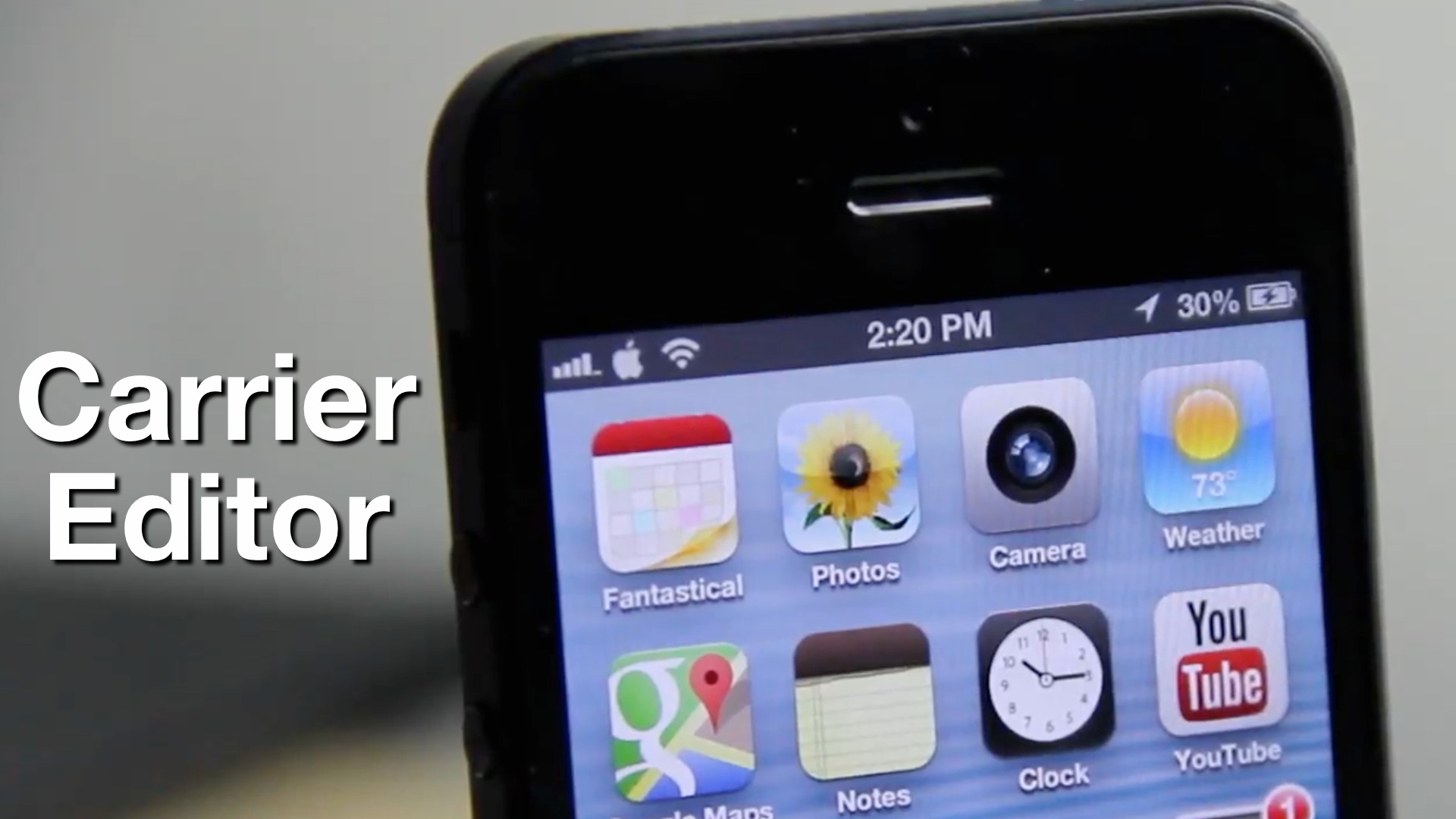
How to create a custom carrier logo without jailbreaking using Windows

A few days ago we showed you how to add a custom carrier logo to a non-jailbroken cellular iOS device. The app to enable the hack — CarrierEditor — is a Mac only app, so only Mac users were able to take advantage of the feature.

Now it's your turn, Microsoft faithful, as developer Dany Lisiansky steps up to the plate to provide a custom carrier logo solution for Windows users

If you read our original post on CarrierEditor, then you'll be happy to note that the process for adding a custom carrier logo using a Windows machine is virtually the same as it is on the Mac. Take a look inside as we break down the entire process in our full video walkthrough...

How to get directions in Google Maps via Siri, no jailbreak required

After months of rumors and speculation, Google finally launched its standalone Maps app for iOS last week. And it's been pretty popular thus far. It's currently the top free app in the App Store, and it's also listed first in Apple's featured 'Maps' section.

The app does have some caveats though. Perhaps most notably, unlike the built-in Maps app, you can't get directions in Google Maps via Siri. Luckily, a workaround popped up over the weekend that takes care of that. And it doesn't require a jailbreak...