iPhone

Stay up-to-date on the latest iPhone news and learn new tips and tricks with our comprehensive tutorials. From software updates to new features, we’ve got you covered.

How to jailbreak iOS 6.1 beta 2 with RedSn0w 0.9.15b3

If you're a developer, then you might be interested in jailbreaking the latest beta version of iOS — iOS 6.1 beta 2. The beta was just released today, and like we always do, we've created a video tutorial that shows how to successfully jailbreak it if you happen to be a developer.

Take a look inside as we walk you through the iOS 6.1 beta 2 jailbreak process step-by-step.

How to jailbreak iOS 6 and iOS 6.0.1 with Sn0wBreeze 2.9.7

If you're a Windows user, and you've been dying for an update to Sn0wBreeze, then your wait is over. As we posted earlier, Sn0wBreeze was updated to 2.9.7, and with it comes tethered support for pre-A5 devices running iOS 6 and iOS 6.0.1

For those of you who've been holding off until a Sn0wBreeze update, we've created a handy tutorial for you to follow, which shows you how to jailbreak iOS 6 and iOS 6.1 using Sn0wBreeze on Windows. Take a look inside for the full details...

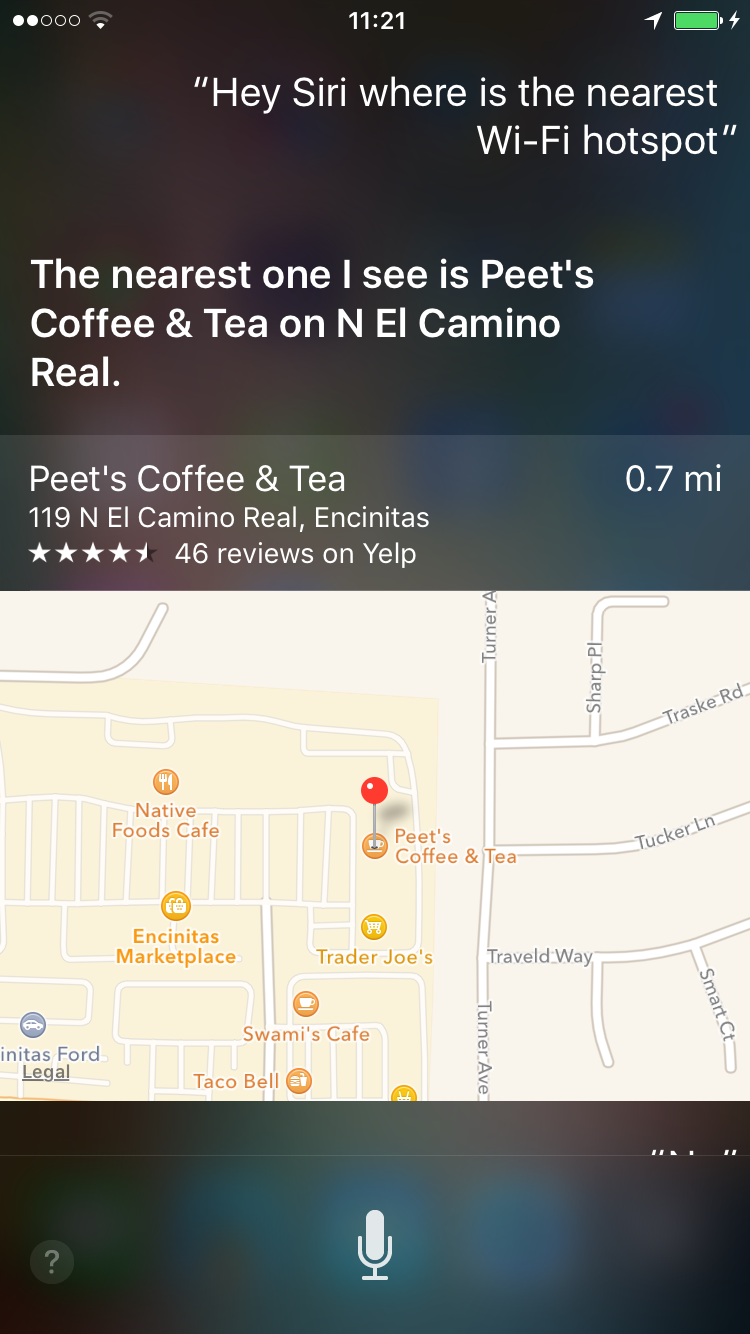
Hey Siri, where’s the nearest Wi-Fi hotspot?

Have you ever found yourself looking for a public Wi-Fi hotspot? Maybe you were nearing your monthly wireless data cap, or were on a laptop or some other non-cellular device.

How'd you go about finding it? Sure there are websites you can look at, and apps that you can download. But if you're looking for an easier way to do this, you can just ask Siri...

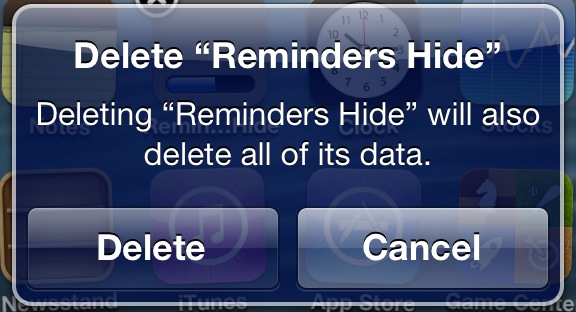
How to hide multiple app icons, no jailbreak required

A while ago we told you about StifleStand — an app for Windows or Mac that allows you to hide Newsstand without the need for a jailbreak.

Now there's another option for hiding Newsstand, along with a host of other default iOS apps. Again, like StifleStand, no jailbreak is needed for this method either.

In the following video walkthrough, we'll provide you with a demonstration of Rag3Hack, a new website dedicated to hiding stock iOS apps on any device, regardless of whether or not the device is jailbroken.

How to jailbreak iOS 6 with RedSn0w 0.9.15b1

As we reported a couple of days ago, RedSn0w 0.9.15b1 is now available to jailbreak A4 devices and below running iOS 6. This latest version is a pretty massive update with a lengthy change log, but the most important aspect about the update is the ability to jailbreak iOS 6 and install Cydia.

Previous iOS 6 jailbreaks required users to install Cydia manually, but the latest public version of RedSn0w works just as you might expect it would. Take a look inside for our full tutorial.

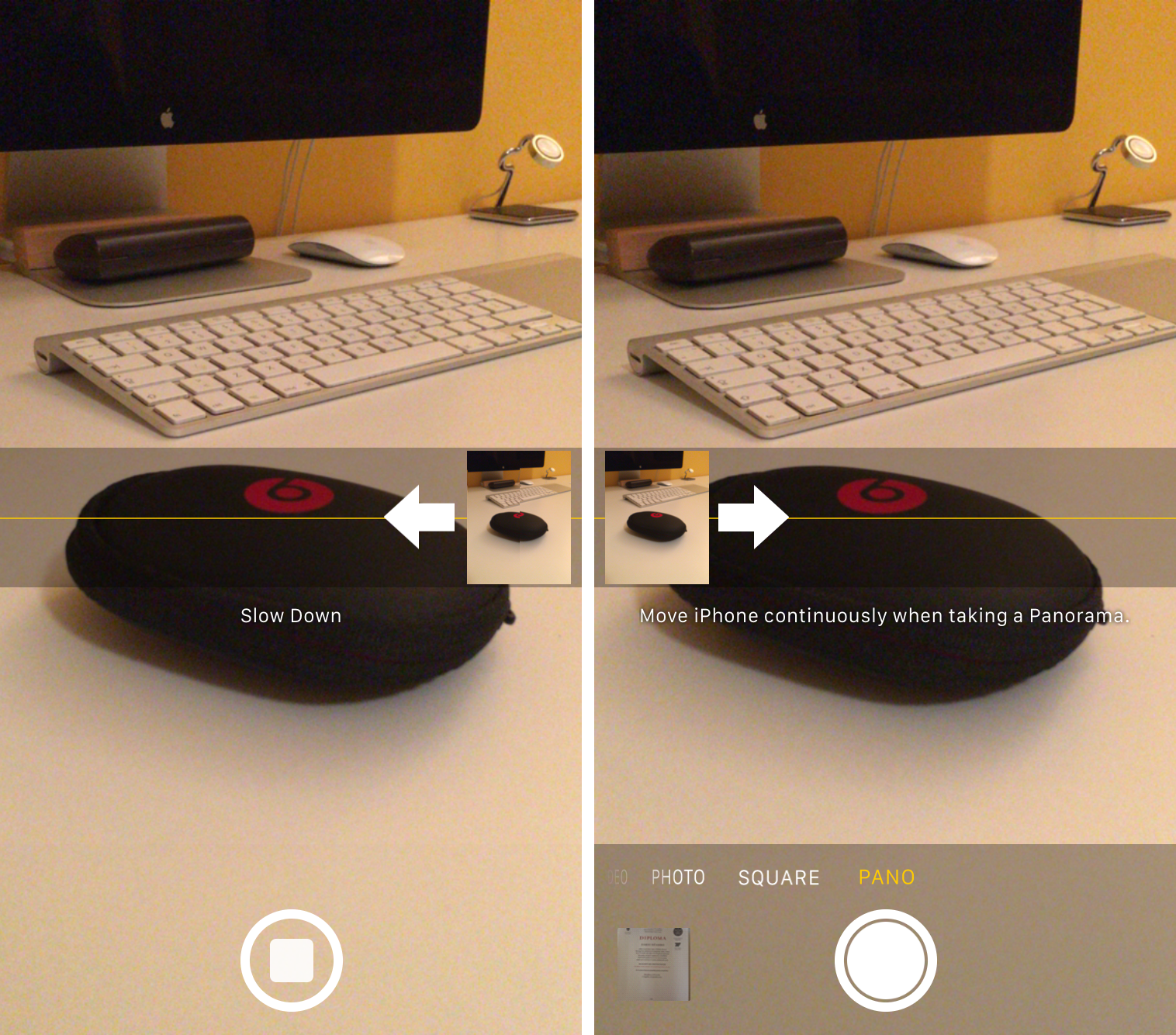
How to change the direction of Panorama mode

One of the headlining new additions in iOS 6 (headlining, as in featured in its own TV ad) is the Panorama camera mode. Once activated, the feature allows you to easily take extra-wide panoramic photos.

By default, Panorama mode has you pan your iPhone from left to right as it captures the image. But did you know there's an easy way to change it so you can pan from right to left?

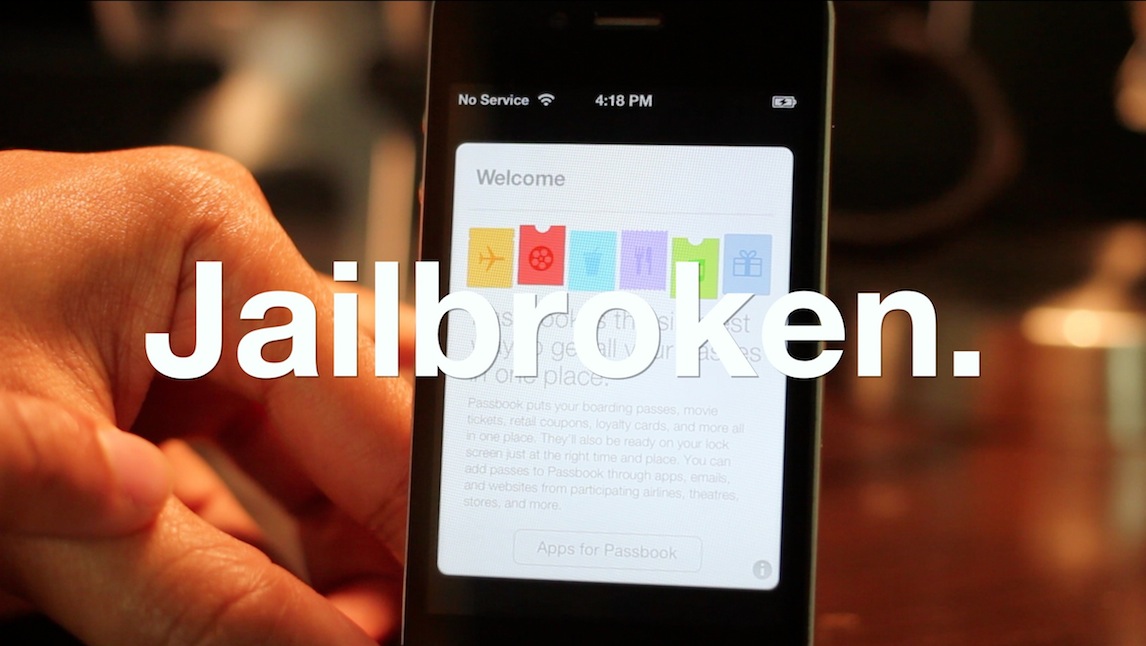
How to enable Passbook in iOS 6

One of the more intriguing iOS 6 features that Apple announced at WWDC was the new Passbook application. The app is essentially Apple's first go at a digital wallet.

But unfortunately, Passbook is broken in the developer beta — it's just a splash screen. So there's no way to play with it. That is, unless you follow these few easy steps...

How to restore SAM unlock activation tickets with RedSn0w

The latest version of RedSn0w now includes a new option nestled under the extras menu for restoring SAM unlock activation tickets. The iPhone Dev Team relates in the release notes that "you can now include your SAM tickets as part of your initial ramdisk jailbreak of iPhone 4 or earlier, or alternatively you can upload your SAM tickets to any device after its been jailbroken."

Previously, we posted a manual method to go about restoring your activation tickets, but this newer method is preferable due to its simplicity.

Since the SAM ticket upload feature works universally with A5 and A4 devices, we suggest sticking with this method when it comes to restoring your unlock activation tickets. We've also posted a full video walkthrough; be sure to take a look inside...

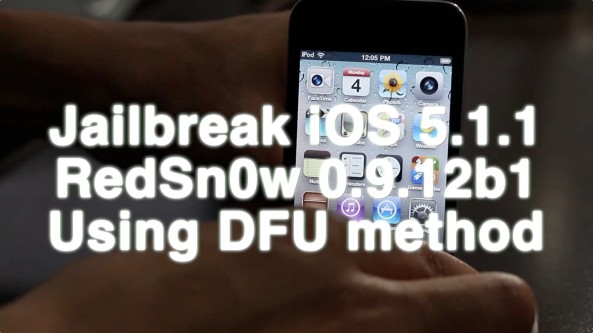
How to jailbreak iOS 5.1.1 using RedSn0w 0.9.12b1 with DFU mode, A4 Devices and below only

As promised, here is the follow up tutorial for performing an untethered jailbreak on iOS 5.1.1 using the traditional DFU method. This tutorial is for the latest version of RedSn0w 0.9.12b1, and only works with A4 devices and below (A5 devices are not compatible with this method). If you want to use your A5 device — iPad 2, the new iPad, or the iPhone 4S — then see our previous Non-DFU mode tutorial for RedSn0w.

In most cases you should use the Non-DFU method for jailbreaking your devices, even if it's an A4 device. The exception comes if you have a lot of media stored on your A4 device or below. If you have a lot of media on your device, the iPhone Dev Team advises that this traditional method for jailbreaking may be a best practice due to iCloud syncing issues.

Take a look inside for the full walkthrough...

How to jailbreak iOS 5.1.1 using RedSn0w 0.9.12b1, no DFU method

With the release of RedSn0w 0.9.12.b1, you now have the ability to perform an untethered jailbreak on almost every iOS 5.1.1 compatible device. RedSn0w 0.9.12b1 even works with A5 devices like the iPad 2, the new iPad, and the iPhone 4S.

The only requirement for A5 devices is that you use the non-DFU method when using RedSn0w. RedSn0w also includes support for the older DFU-based limera1n method as well, but that is for A4 devices and below only. In this particular tutorial, we will showcase how to jailbreak your device using the universal non-DFU method that works with all devices.

This is the simpler of the two methods included with RedSn0w, and is recommended unless your device happens to contain a lot of media, as noted by the iPhone Dev Team.

Check inside for the full how-to...

How to jailbreak iOS 5.1.1 with RedSn0w

iOS 5.1.1 was just released, and with it come a few bug fixes. If you're worried about maintaining your untethered jailbreak, then it's important not to update.

If, on the other hand, you have a device that's currently jailbreakable on iOS 5.1, you can use the latest version of RedSn0w to perform a tethered jailbreak iOS 5.1.1 with a few easy steps.

Check inside for the full video tutorial...

How to restore your SAM unlock activation ticket to unlock your iPhone

Since it appears that Apple has fixed the issue with their activation servers, latecomers to the SAM iPhone unlock party are left in the lurch. Fortunately, not all users have lost the potential to unlock their iPhones.

Those who were proactive enough to unlock their iPhone using SAM, and backed up their activation tickets can still easily restore those tickets and unlock their iPhones if they have to restore their device for whatever reason.

If you're currently unlocked on an unofficial SIM by means of the SAM unlock, backup your activation ticket now before you lose it. We can't stress this enough.

Keep in mind that you will still need a jailbroken iPhone to accomplish this, and you will need your backed up Lockdown folder that you saved-off after successfully unlocking your device the first go-round...

If you meet the criteria, step right inside and take a look at our easy to follow guide for restoring your iPhone unlock...