iPhone

Stay up-to-date on the latest iPhone news and learn new tips and tricks with our comprehensive tutorials. From software updates to new features, we’ve got you covered.

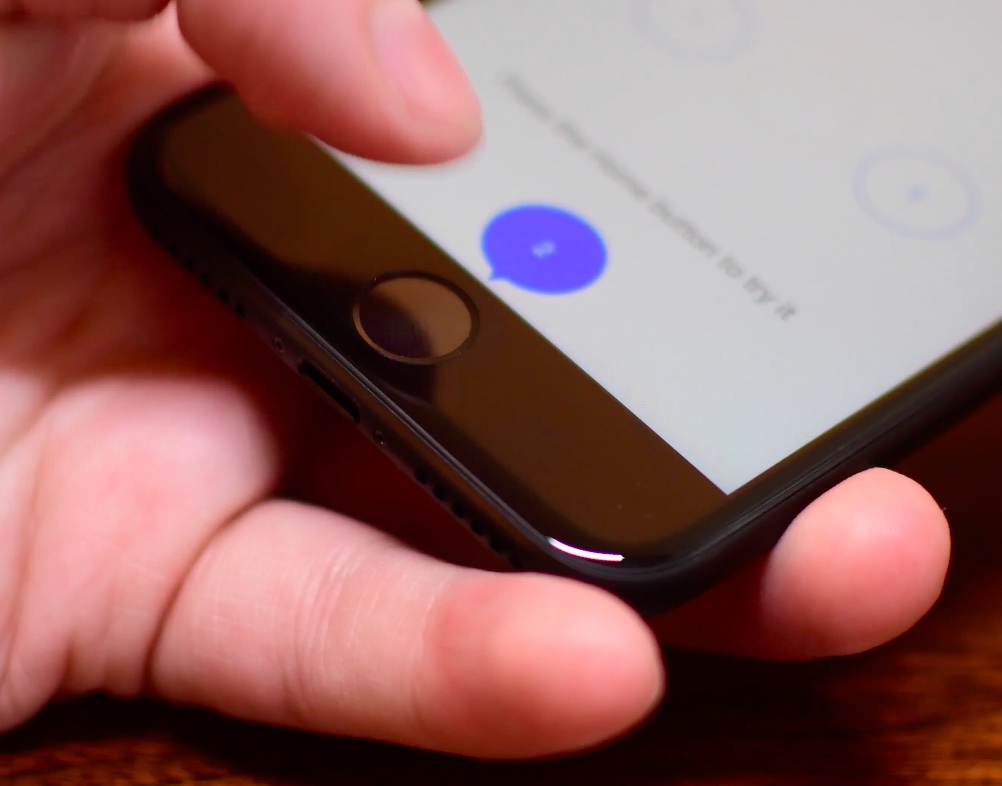
How to adjust iPhone Home button “clicks”

The iPhone 7 came with a shiny new Home button to take advantage of built-in pressure sensors and an enhanced Taptic Engine to detect and simulate clicks. Because the button no longer uses any moving parts, you’re less likely to break it. A new “Meet the new Home button” section in the iOS installer allows you to “make your iPhone experience even more personal by choosing the click that’s right for you”.

Of course, you can select between three degrees of haptic feedback that simulate clicks at any time using the stock Settings app, here's how.

Tip: use Messages low quality image mode to conserve precious cellular data

Apple's Messages app provides an optional iOS-only mode which cuts down your cellular data consumption to a bare minimum when sending image attachments. I don't know about you, but I worry about sharing high-resolution images when cellular data is on. In my experience, most normals are oblivious to the fact that sending a single shot-on-iPhone photograph through iMessage burns through one to five megabytes of data, sometimes even more.

In low quality mode, Messages uses only 100KB per image attachment. Another way to think about it: you can send 30 to 50 images for the same amount of data required to share a full-resolution attachment in Messages. In this brief tutorial, we'll teach you how to tell Messages to send lower quality images in order to optimize your cellular data consumption and prevent unwanted overage fees.

How to save drafts of Instagram posts to work on later

With Instagram drafts, you can save any half-finished photo edits and work on them later, which is handy for those times you get too busy to post right away. And if you run an Instagram account for your business, letting your social media manager save a post as a draft makes it easy for you to review it in advance of publishing.

How to use voicemail transcription on iPhone

One of the more useful features for iPhones that comes packed inside of Apple’s new iOS 10 release is voicemail transcription, which transcribes your voicemails into text so you can read them rather than listen to them.

The feature is available to users in the United States and it’s very much still in its beta stages despite the fact that iOS 10 is now a public firmware, but if you want to know how to use it, or to see if you can use it yet, then you’ll be happy to know it’s quite easy to follow.

How to play YouTube and other web videos inline in Safari on iPhone

With iOS 10, Safari didn't receive a major facelift like some other Apple apps did. That's not saying Safari didn't have a few tricks up its sleeve that make browsing the web a more pleasing experience for everyone. One of the little things about iOS 10 that I'm sure many folks appreciated was the ability for Safari to play videos inline on the iPhone and iPod touch, too.

This feature has been present on iPads for years.

Thankfully, you can watch most web videos inline on your iPhone and iPod touch, even while multitasking in Safari. Telling Safari to play a video inside the webpage isn't as obvious as it could have been, so here's a little tutorial to get you up to speed.

How to disable iPhone 7 force feedback for system controls and interactions

The iPhone 7 packs in a bigger, more sophisticated Taptic Engine that one in the iPhone 6s. Taptic Engine, of course, is Apple's fancy marketing moniker for force feedback. The iPhone 7's enhanced Taptic Engine is capable of reproducing a range of subtle vibrations.

In fact, it's so good that Apple has decided to provide a new API to developers to add custom vibratory feedback to their apps. If you dislike this feature, you can turn off iPhone 7 haptics for things like system controls and other interactions.

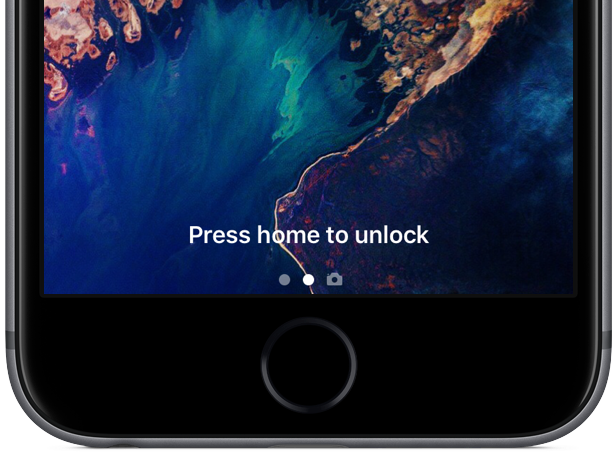
How to disable ‘Press Home to Unlock’ on iPhone

iOS 10 introduced a new way of unlocking Touch ID-capable devices, requiring you to press the Home button to unlock the device and get to the Home screen. This, coupled with the new Raise to Wake feature can make for a nicer experience, but like every new interaction, it can be confusing, annoying, or just hard to break the habit.

Users who don't like this 'Press Home to Unlock' feature will be happy to learn that there is a way to turn this off and take things back to the way they were before iOS 10.

How to disable Direct Message read receipts on Twitter

Twitter has made some new changes to the Direct Message system that lets its users communicate with one another privately. Among those changes is the addition of sending and receiving read receipts.

In this tutorial, we'll show you how you can disable those read receipts so you're not letting everyone know when you see their Direct Messages.

How to create your own Geofilters for Snapchat

Snapchat's Geofilters, special overlays that communicate the “where and when” of a Snap, can be quite useful—you can apply one to a Snap before sending it to a friend, or add it to your Story.

Today, Snapchat released a brand new web tool that lets you make custom On-Demand Geofilters using your own graphics or pre-made templates costing as little as $5 for a party in a small geographic area, no image editing software required.

You can customize your own Geofilters with the color palate and the text of your choosing. Once published, guests see your Geofilter when they post Snaps during your event. In this brief step-by-step tutorial, we're going to guide you through the process of creating your own Geofilter using Snapchat's new browser-based web tool.

How to opt out of WhatsApp-Facebook account data sharing

As you may have heard, WhatsApp is starting to share some of users' account data with Facebook (things like your registered phone number and the last time you used the service) to improve targeted advertising and friend suggestions on Facebook and better fight spam on WhatsApp. Thankfully, you can easily opt out, right when the prompt goes up, or within 30 days of accepting the new terms, here's how.