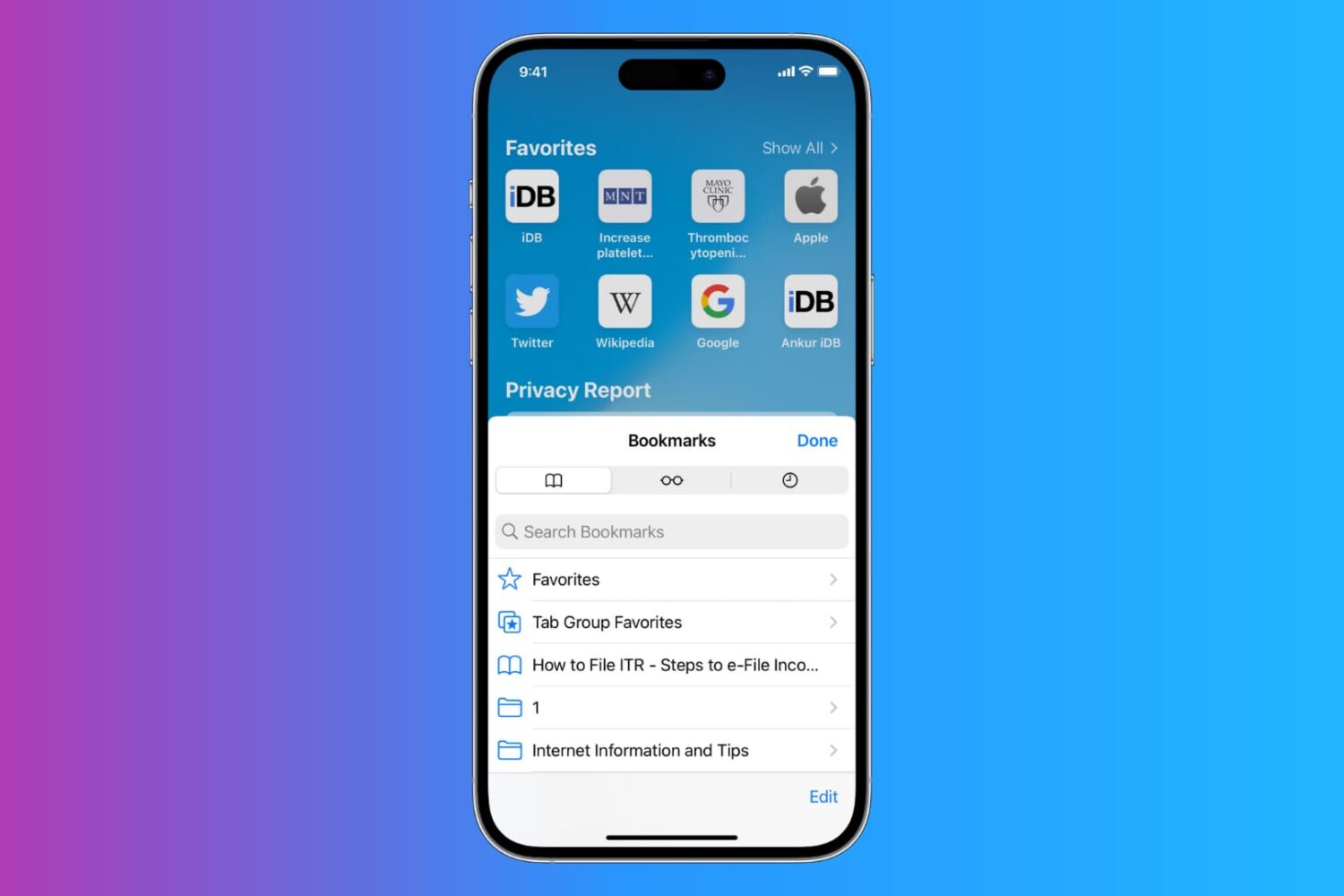
Learn how to export Safari bookmarks from your iPhone or iPad to save as a backup or import into Google Chrome, Firefox, or Safari on a Mac or Windows PC.
How to export Safari bookmarks from your iPhone or iPad to a Mac or PC
Stay up-to-date on the latest iPhone news and learn new tips and tricks with our comprehensive tutorials. From software updates to new features, we’ve got you covered.
Learn how to export Safari bookmarks from your iPhone or iPad to save as a backup or import into Google Chrome, Firefox, or Safari on a Mac or Windows PC.

Your iPhone’s GPS capabilities can be really useful, whether you’re using them to navigate to a special event, play Pokémon GO, or even to just grant your favorite apps your current location so they can do what they were made to do.
Of course, like all things, GPS can sometimes be flaky and it doesn’t always want to work right, causing headaches for you. Fortunately, there is something you can do about it. There are a number of troubleshooting steps you can take that might help your GPS work properly.
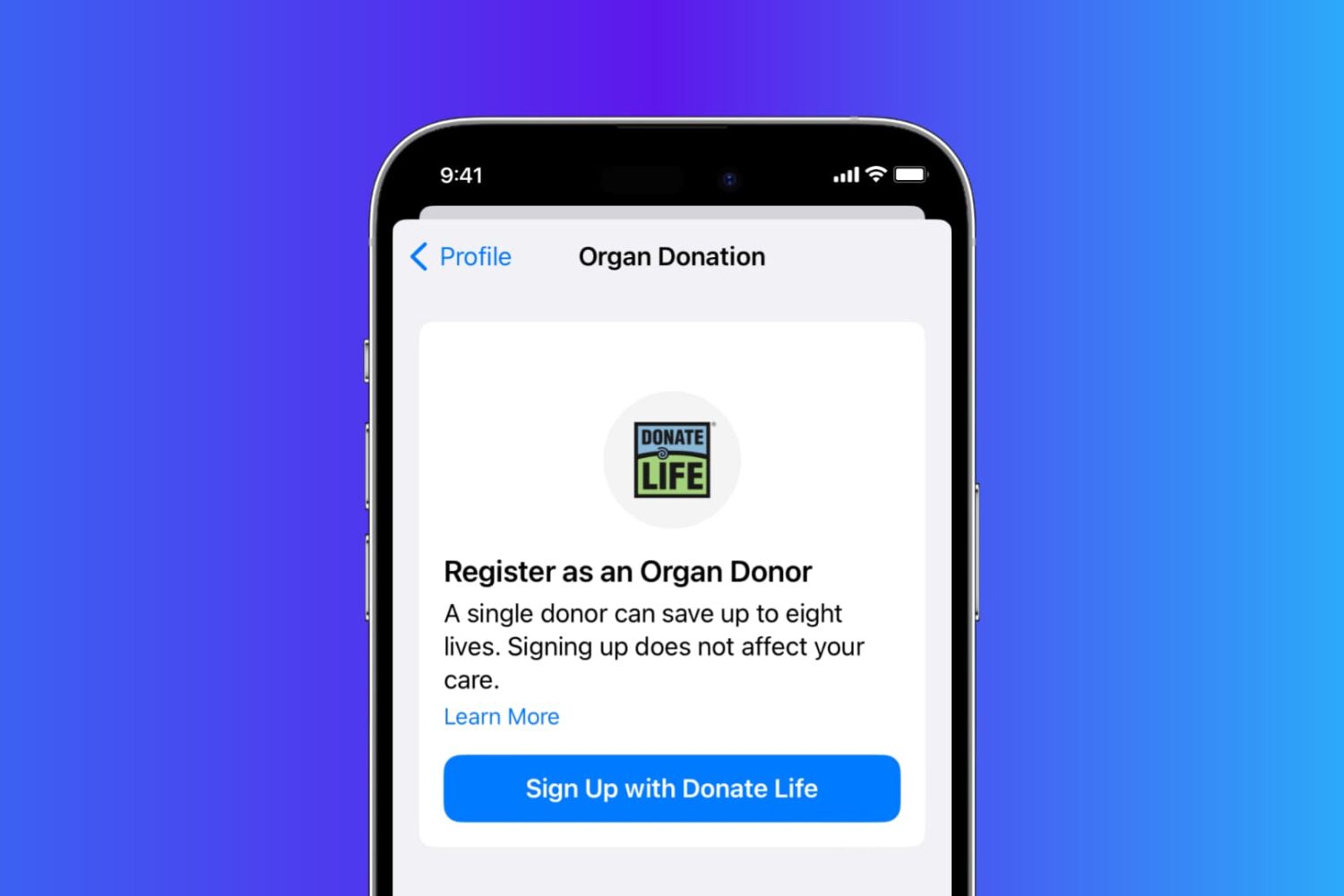
Learn how you can sign up as an organ donor with the Donate Life program straight from your iPhone using the Apple Health app.
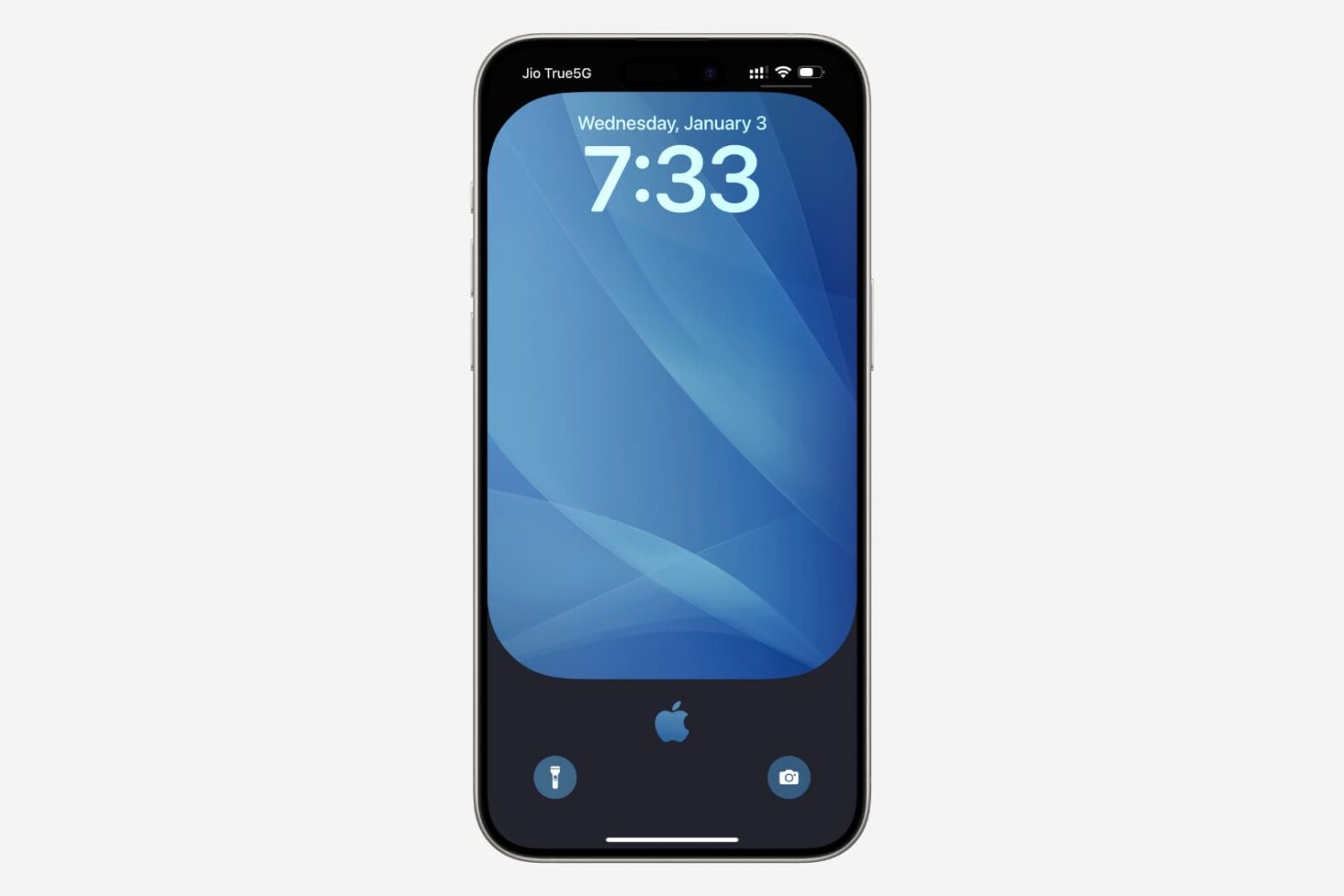
It’s easy to lose track of the notifications you’re receiving on your iPhone and end up having dozens of them filling up your Notification Center. Thankfully, you can dismiss all your Notification Center notifications in one fell swoop with a single gesture, making it much quicker than swiping left on each alert and dismissing them individually.
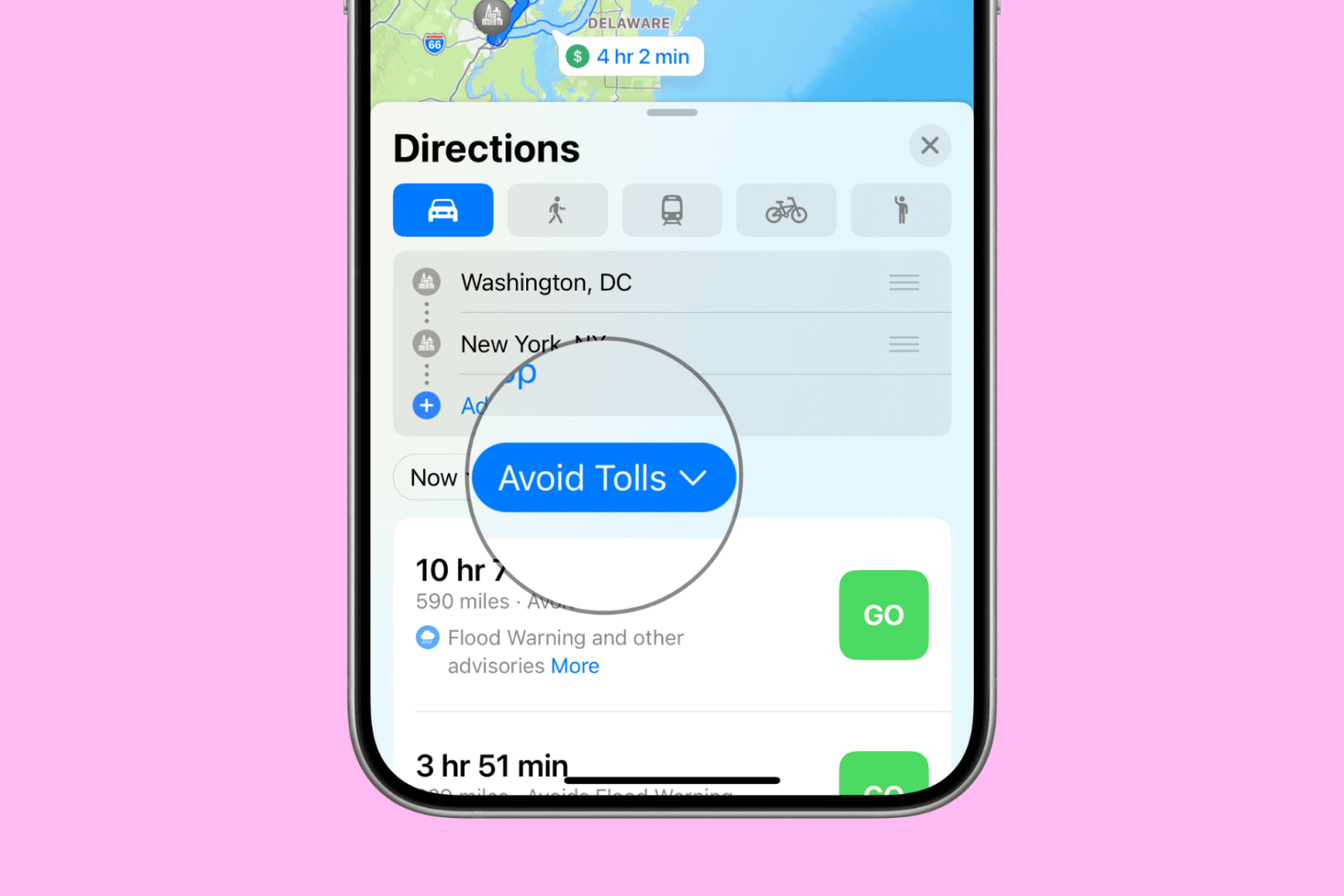
Want to avoid toll roads in Apple Maps on your iPhone, iPad, or Mac? In this tutorial, we’ll share two different methods to do that.
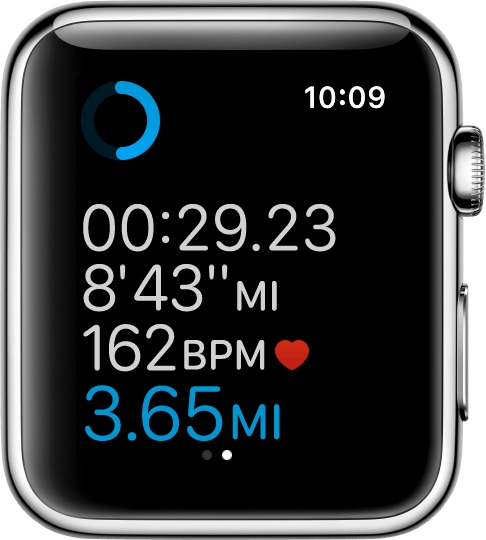
If you'll be using your Apple Watch's fitness features, you'll want to become acquainted with the Workout app, which helps you to keep track of your progress.
Starting with watchOS 3, you can customize your workout metrics, and in this tutorial, we'll talk about all the ways you can do that.

Filter out the contents of your email inbox in the Apple Mail app on your iPhone, iPad, and Mac to quickly find what you’re looking for. This will ensure you no longer have to scroll endlessly through your inbox, which can be a real pain when you receive a ton of emails.