Learn how to set up two-step verification on WhatsApp and WhatsApp Business to add an extra layer of security to your account.
How to use two-step verification on WhatsApp on iPhone
Stay up-to-date on the latest iPhone news and learn new tips and tricks with our comprehensive tutorials. From software updates to new features, we’ve got you covered.
Learn how to set up two-step verification on WhatsApp and WhatsApp Business to add an extra layer of security to your account.

On Sunday evening, millions of people will gather around their TV sets to watch Super Bowl 51. The Atlanta Falcons are taking on the New England Patriots for the title of NFL Champion, and Kickoff is set for 6:30 (ET).
For those of you who aren't going to be around a television for the big game, never fear, iDB has you covered! We've rounded up the best ways to follow along with the action on your iPhone, iPad, Apple TV and other devices.

In the absence of reliable figures from Apple, it is not much more than conjecture to say that AirDrop is likely a feature often neglected by the average iOS user. The gut feeling persists though, simply based on day to day observations, and it is a tenable position to take until proven wrong by Cupertino or another reputable source. The file transfer protocol is indeed handy for the transfer of heavier media files (e.g. videos, photo albums), but often only becomes relevant to us when we for example have upgraded to a new device.
Next to sheer transmission speed however, there are other notable areas where AirDrop has the clear edge when it comes to sharing all kinds of material from your iPhone. The AirDrop icon has now fully permeated the sharing tab in iOS 10’s user interface and that is for a good reason: it is without fail going to be more nimble than iMessage, Mail or other contenders, often actually skipping steps that would throttle the process elsewhere. Such being the case, here are some unique scenarios where AirDrop excels on your iPhone and why you should try to embrace the feature more regularly.
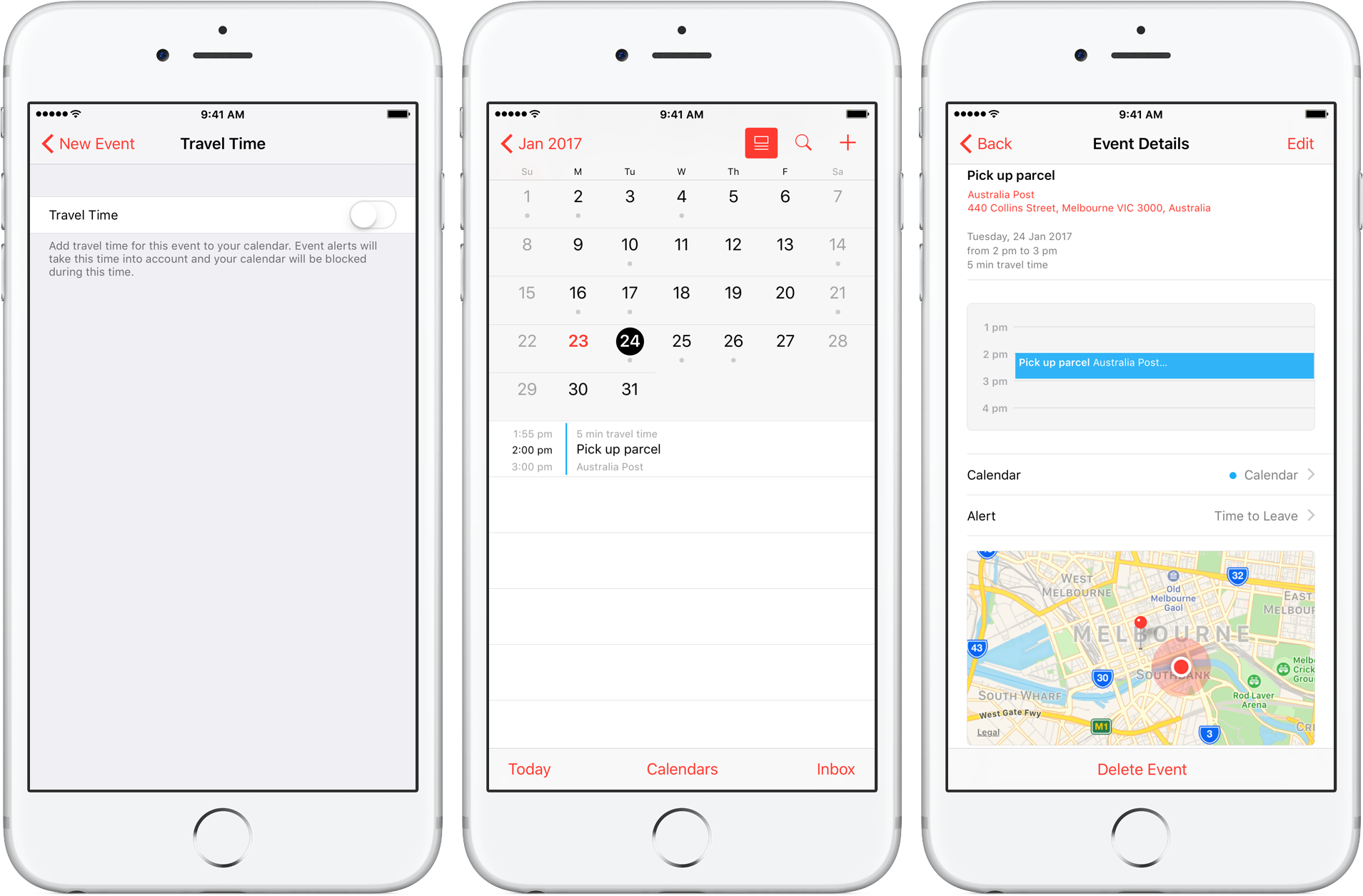
Travel Time is a nifty addition to Apple’s Calendar app, capable of precisely estimating the duration of your upcoming trip based on parameters such as milage and traffic. Used properly, it can notably ease some of your daily scheduling woes, but paradoxically, a large contingent of regular Calendar users still routinely overlook the feature.
Formerly introduced as frequent locations and traffic conditions widgets, the service has only slowly gained traction amongst users. Travel Time today however has come of age and is now neatly integrated into one of the most popular productivity applications both on iOS and macOS. So if you didn’t get the memo on the virtues of Travel Time in Calendar, here’s what you need to know.

In this tutorial, we'll show you how you can remove your credit card or other payment method information from Safari, Apple ID, and Apple Pay on your iPhone or iPad.

Enable Guided Access to limit what someone else can do on your iOS device by keeping them locked to a single app on the screen. You can also use Guided Access to block touch access to selected parts of the iPhone or iPad screen.
In this comprehensive troubleshooting guide, we list 24 solutions to fix all or specific websites not loading in Safari on your iPhone, iPad, and Mac.
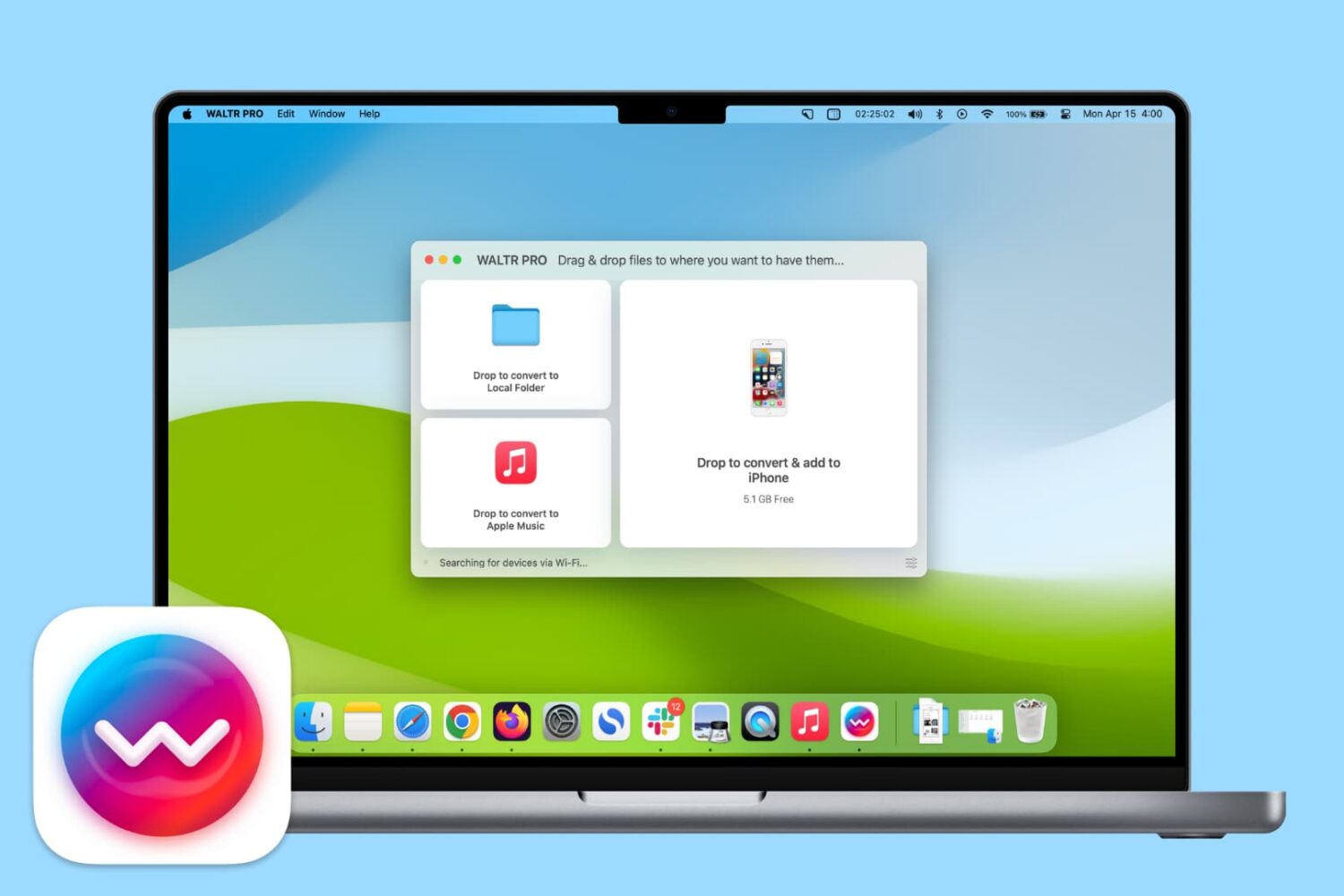
Learn how you can use the WALTR PRO app on your Mac or Windows PC to convert and add songs to the Music app on your iPhone or iPad with ease.

Learn how to set up and use multilingual typing on your iPhone to write in up to three different languages on one keyboard without switching locales.

In this brief tutorial, you'll learn how to quickly share your Activity Rings, workouts, or awards as standalone images from your iPhone or Apple Watch.

Find out how to use Activity Sharing on your iPhone and Apple Watch to share your daily Activity rings with your family, friends, trainer, or coach. You can use this to compete with them for motivation, or let them track your daily activity progress.

Learn how to have the Camera app on your iPhone or iPad remember your last set of preferences and not reset the options to the default when you exit and reopen it later.