iPhone

Stay up-to-date on the latest iPhone news and learn new tips and tricks with our comprehensive tutorials. From software updates to new features, we’ve got you covered.

How to quickly fix mispronounced Siri queries

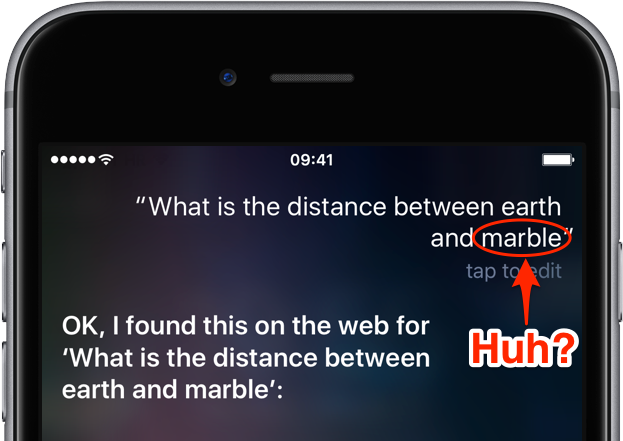
You may be aware that there is already a feature in iOS that sort of lets you type in your questions to Siri instead of using voice commands. It's quite handy for those situations when talking aloud isn't an option or Siri fails to recognize repeatedly what you said. Starting with iOS 10, Siri includes a “Maybe You Said” feature.

Taking advantage of machine learning and artificial intelligence, it suggests corrections for mispronunciations or incorrectly recognized queries. In this post, you'll learn how to leverage this feature to avoid having to manually correct any mispronounced words.
How to markup and annotate your photos on iPhone or iPad

Markup tools for Photos on iPhone

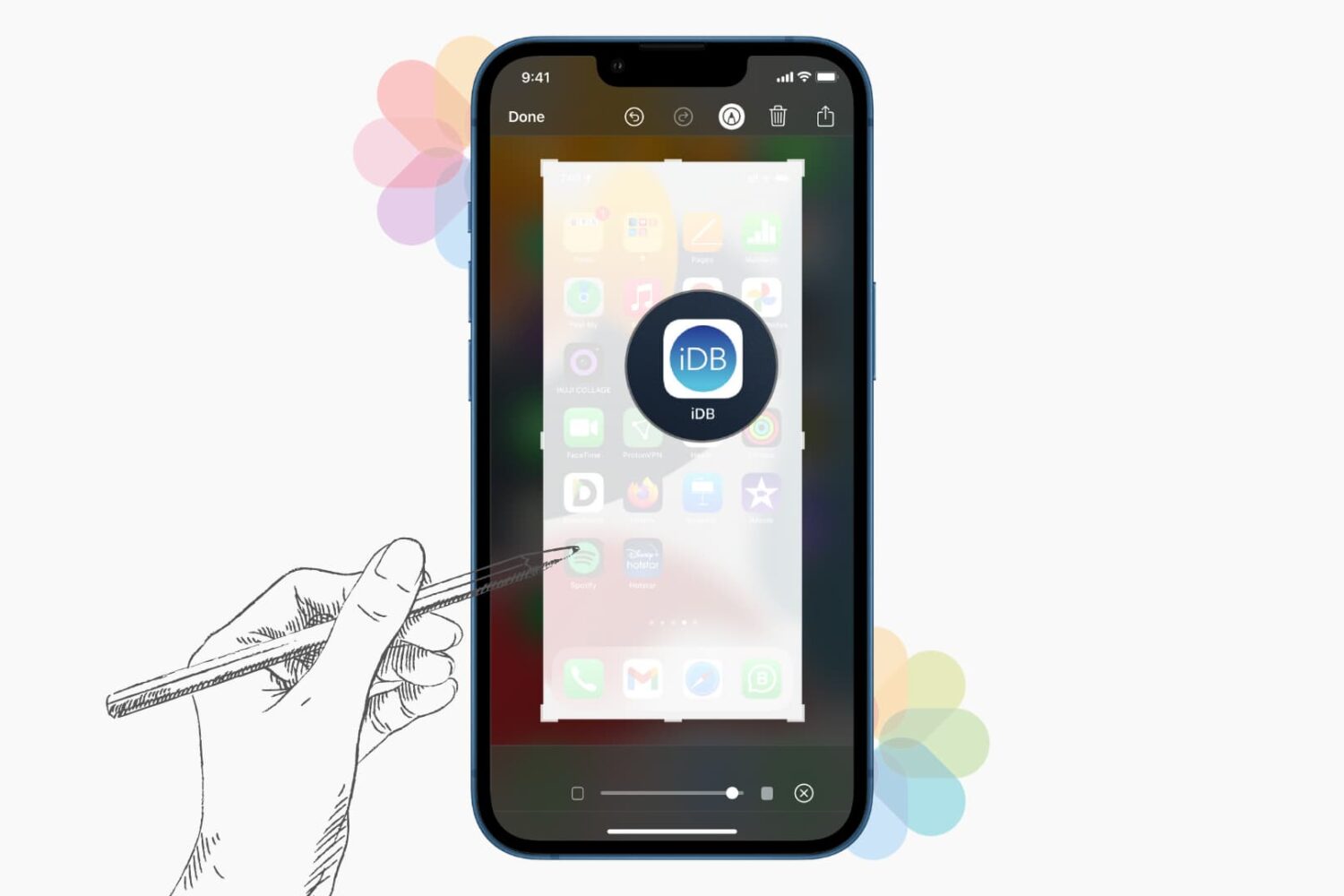
The built-in Photos, Mail, Notes, Messages, Books, and Files app let you annotate and doodle on pictures using Markup tools.

You can use a pen, highlighter, and pencil tools to draw or write on them. You can also add shapes, arrows, text, lines, signature, speech bubbles, magnify a part, and more.

This comprehensive tutorial shows you how to use the built-in drawing tools to Markup photos on your iPhone and iPad.

How to mute progress updates from your friends and hide your own data in Activity sharing

Apple Watch Activity teaser

Activity sharing is a tried and tested way to boost your app engagement by pitting your own fitness data against others that are willing to share theirs. Fitbit and Nike knew for a while of the extra motivation released when someone else monitors your activity, Apple knows full well since iOS 10 and watchOS 3. Agreeing to share and relay your activity on Apple Watch can hence be an inspirational thing, but it also results in a considerable increase of wrist-buzzing every day.

If you have committed to sharing your activity and your patience with the daily activity updates from your friend is starting to wear thin, remember that there is an option to mute those notifications. The tutorial also demonstrates how to hide your own activity from that friend, in case you don’t want them to know about your newest calories crushing workout just yet.

Reminisce more efficiently with ‘Show Photos from this Day’ in iOS

The holidays are a natural time to sit down with friends or loved ones and flip through all of your photos ad nauseam. iDB features help and guides aplenty for confident navigation of the Camera and Photos app, however one little trick has managed to fly under the radar for many, albeit its capability to save you valuable time when browsing your compendium of years and years of photos.

The tutorial below will teach you how to ask your iPhone or iPad to show you all remaining photos captured on the same day the footage you were initially looking at has been taken. In simpler words, say you are laughing at a vacation video taken at the pool and want to reminisce what else went on that day - here is what you should do instead of going back to your collection and painstakingly scanning your catalogue for that day.

How to log out of all active Facebook sessions from your iPhone

If you have a Facebook account, then chances are you access it on more than one device. You might forget from time to time to sign out of sessions on other machines you don't intend to use again, such as those in schools or at the workplace, potentially handing over access to your Facebook account to the next person(s) who uses the machine.

Facebook fortunately comes with a feature that lets you sign out of all active sessions on your account with just a few taps. We'll show you how you can do this in this tutorial.

Error messages popping up from failed automatic iOS updates? Here’s the fix

Your iPhone and/or iPad can perform over the air (OTA) software updates automatically during the night while you're sleeping, so long as it’s connected to a power source and you've given it permission first. While this feature is incredibly convenient for anyone who doesn’t have the time to wait for software updates during the day, it can sometimes be problematic.

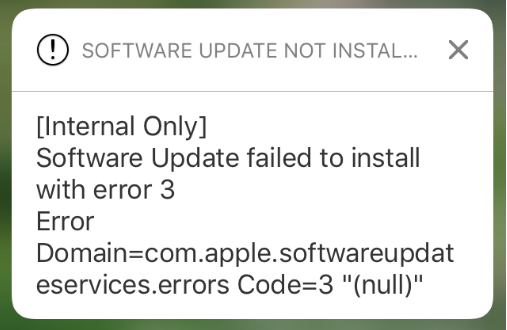
There are all kinds of error messages that might pop up, but one of the more common messages you may come across, especially on iOS 10 devices, will look a lot like the one you see above. In this piece, we’ll talk about troubleshooting steps you can take to fix various types of similar error messages once and for all and get your device up to date.

How to use the on-demand VPN feature on your iPhone or iPad

Depending on the VPN you’re using, your iPhone or iPad might be able to take advantage of a feature called VPN on demand (VPoD).

Essentially what this does is it connects you to your VPN automatically when it’s needed so you don’t have to toggle it on manually before accessing the internet from your device. As a result, you can have peace of mind because your information is protected once you begin using the internet.