Find out how to strengthen your privacy by hiding the caller's name from the Missed Call banner, and preventing other people from returning the missed call shown on your iPhone Lock Screen.
How to protect missed calls on your iPhone Lock Screen

Stay up-to-date on the latest iPhone news and learn new tips and tricks with our comprehensive tutorials. From software updates to new features, we’ve got you covered.
Find out how to strengthen your privacy by hiding the caller's name from the Missed Call banner, and preventing other people from returning the missed call shown on your iPhone Lock Screen.

Learn what to do if your Text Replacement phrases and shortcuts are not syncing across all your iPhone, iPad, and Mac.
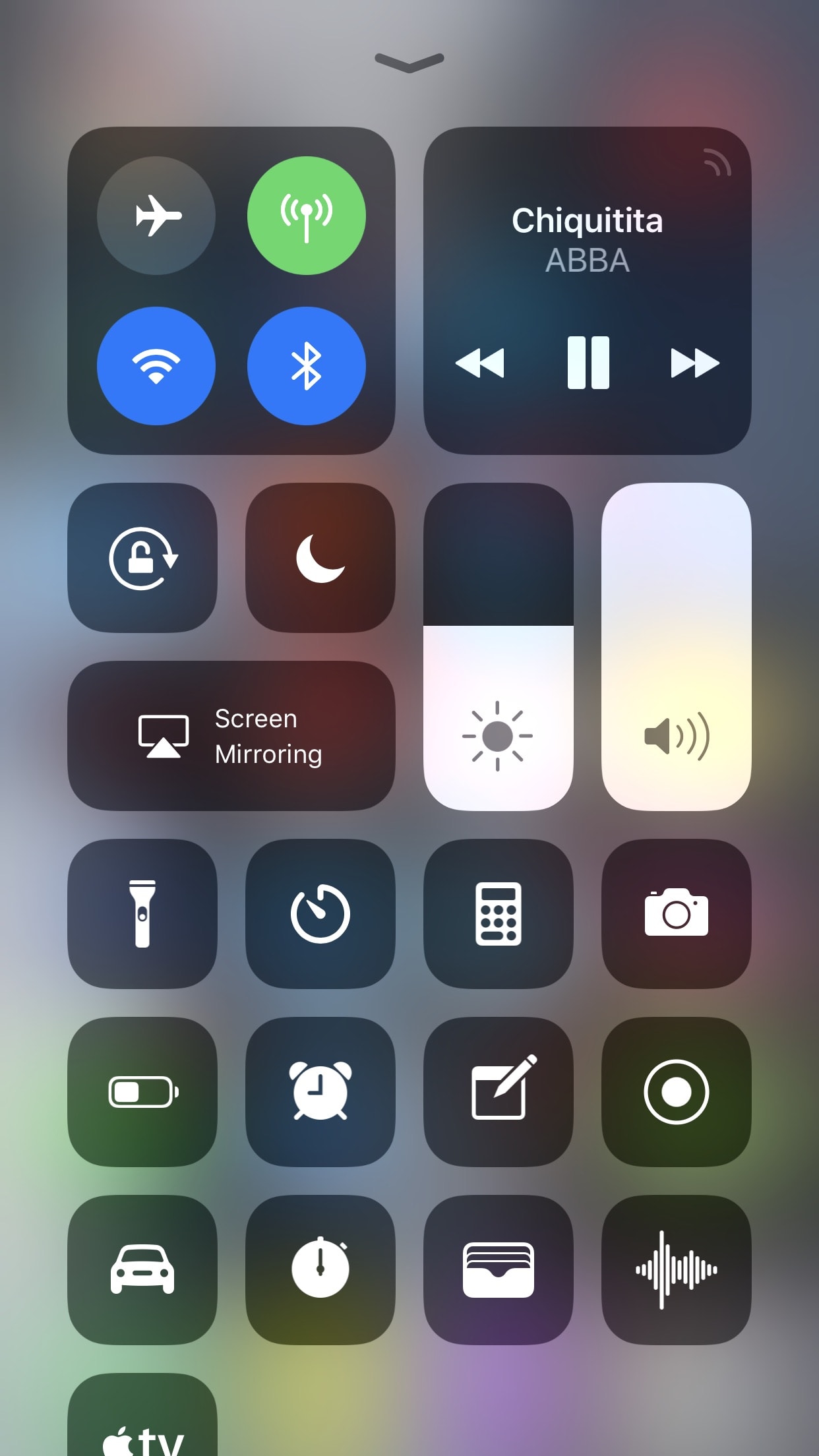
With the release of iOS 11, Apple fulfilled the longtime wishes of many users by adding a redesigned customizable Control Center. While the new design language is not universally beloved, customizability is rarely ever frowned upon when included. What follows is a short tutorial to assist you in learning the ropes of customizing Control Center in iOS 11.
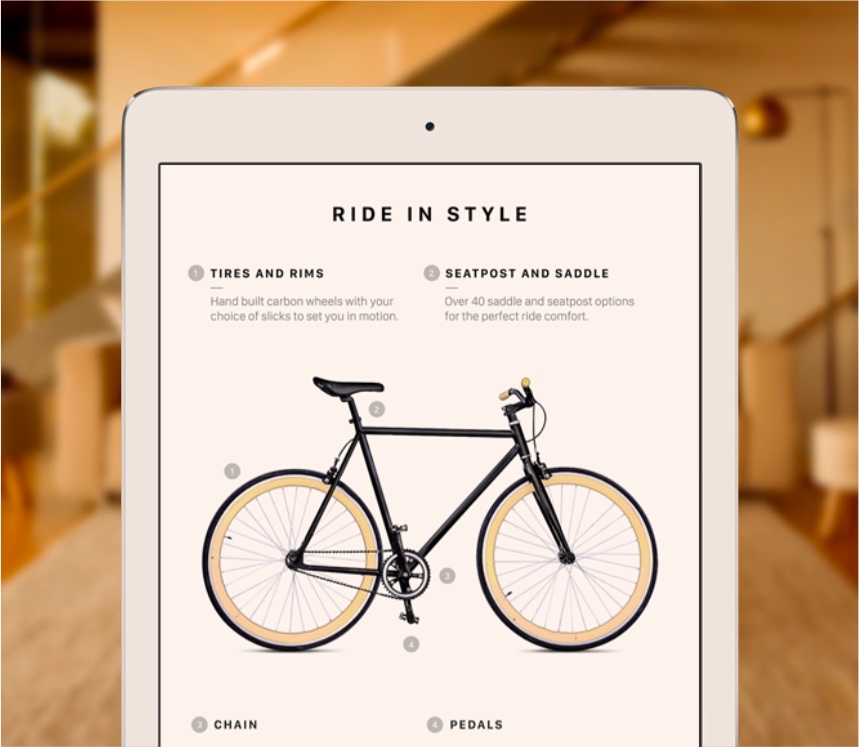
If your iPhone or iPad features Apple's white balance-compensating True Tone technology, you can quickly toggle it at any time right from iOS 11's customizable Control Center.

Refresh the App Store Updates page on your iPhone or iPad to force it to show all the new app updates that are not already showing.
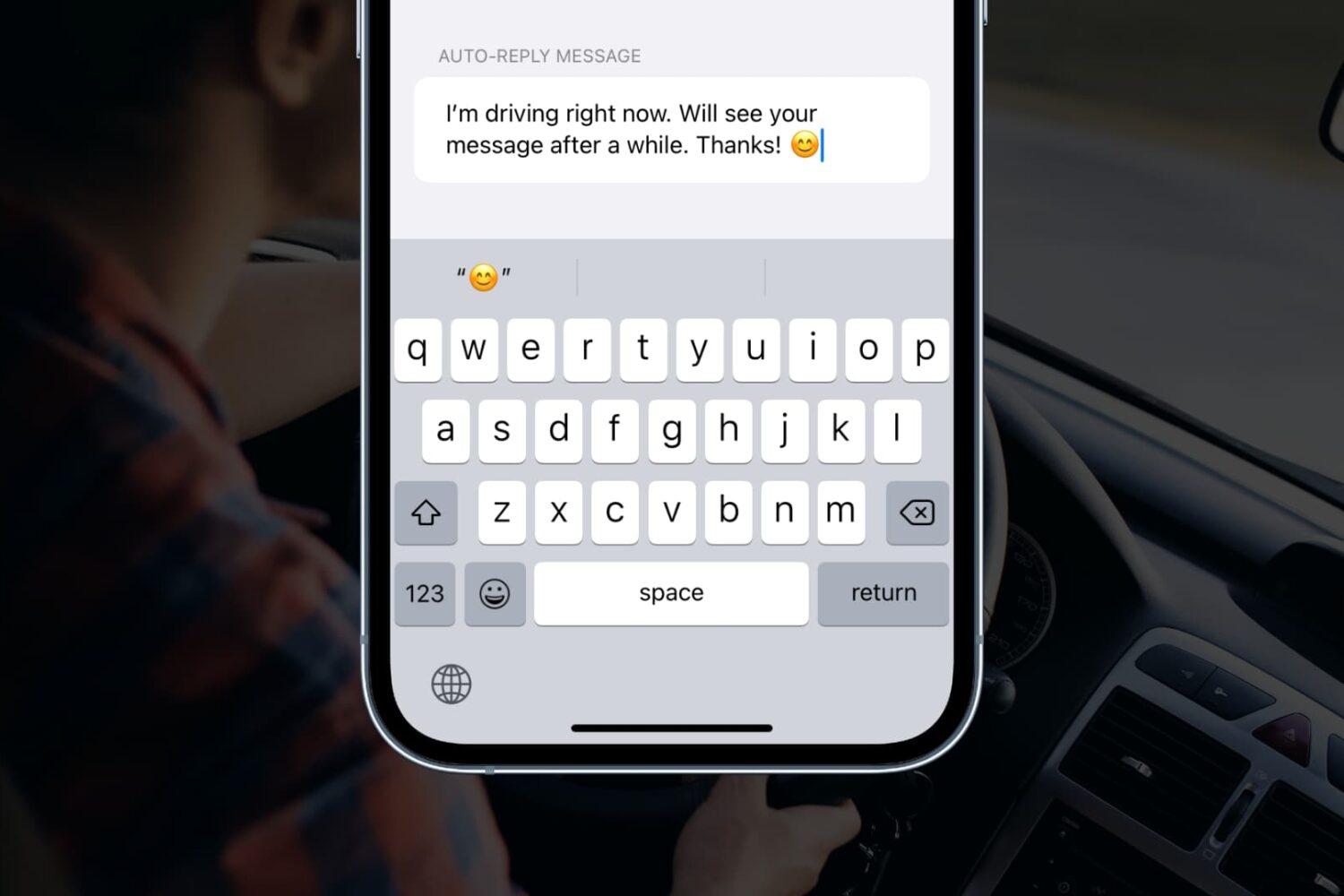
Learn how to customize the automatic replies that can be sent when the Driving Focus mode is enabled on your iPhone.
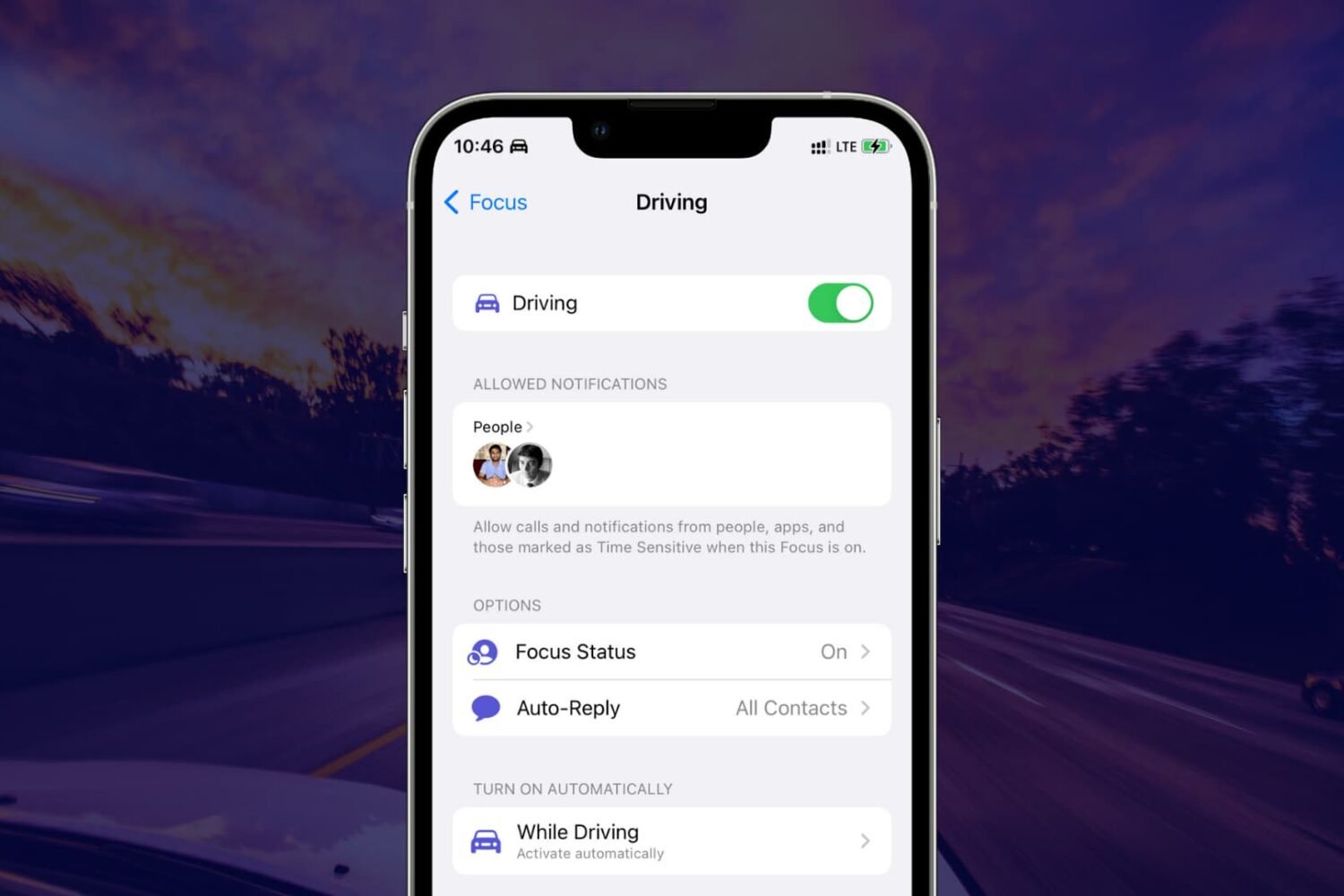
Learn what Driving Focus or Do Not Disturb While Driving is, why you should use it, and how to enable it on your iPhone.
Have you purchased ringtones in the past, but they aren’t showing up on your iPhone or iPad? In this tutorial, we’ll help you re-download your purchased ringtones without paying for them again.

Learn how to use the built-in document scanner feature of your iPhone or iPad Notes app to scan and save receipts, invoices, business cards, photographs, documents, etc.

Learn how to make the speaker on your iPhone sound a bit louder than usual, even with the volume cranked all the way up to the maximum.
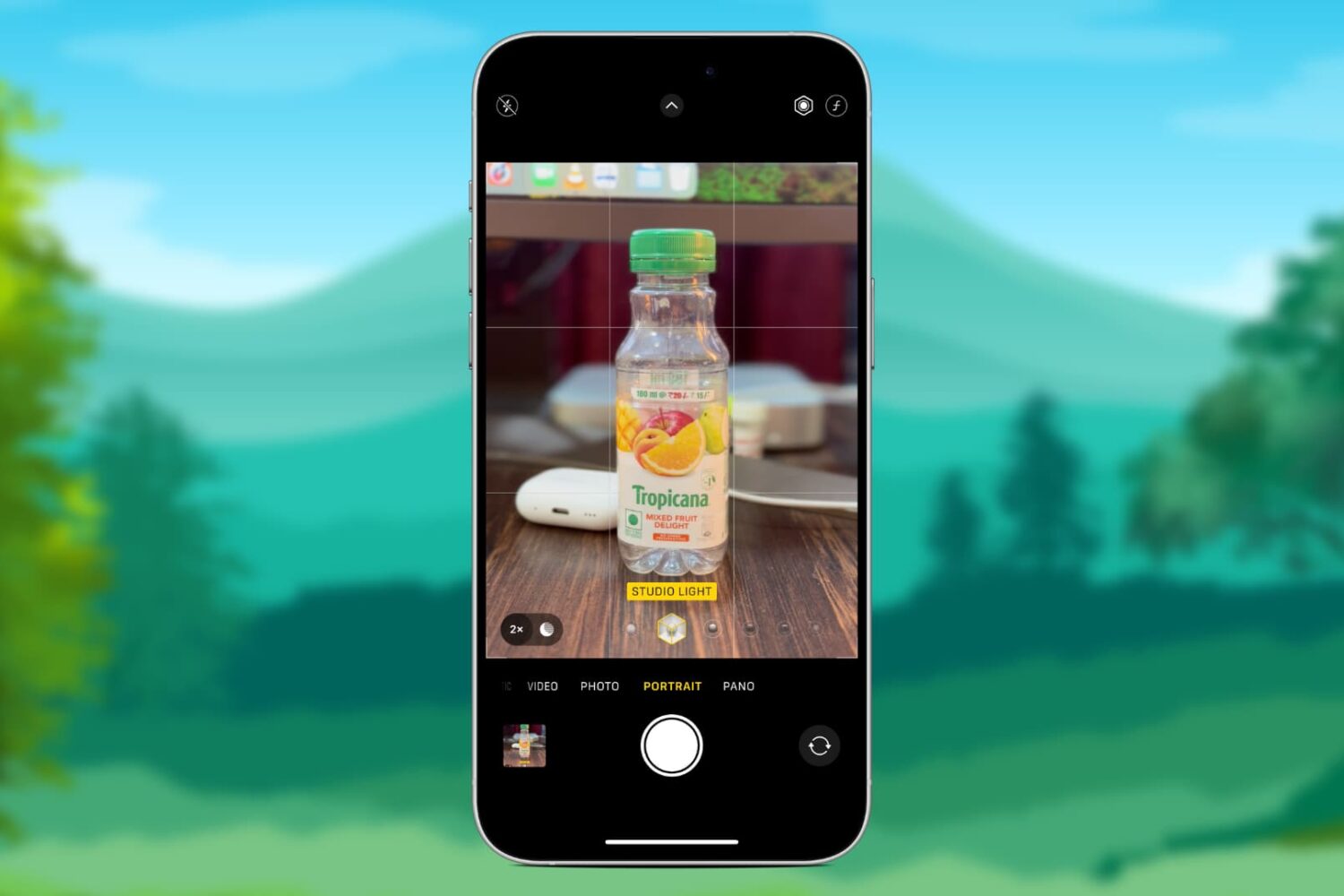
Learn how to remove the depth-of-field and background blur effects from portrait mode photos or adjust their intensity on iPhone or iPad.

You can turn off Background App Refresh on your iPhone or iPad to save cellular data and extend the battery life.
In this tutorial, we'll tell you what Background App Refresh is and how to disable it for all apps or only selected apps. Plus, we'll show you how to turn it off only for cellular data or for both cellular data and Wi-Fi.