Would using an Apple Watch without its paired iPhone get you through the day? Watch our video to see how useful Apple's warble device is on its own.
Video: Using Apple Watch without iPhone for 24 hours
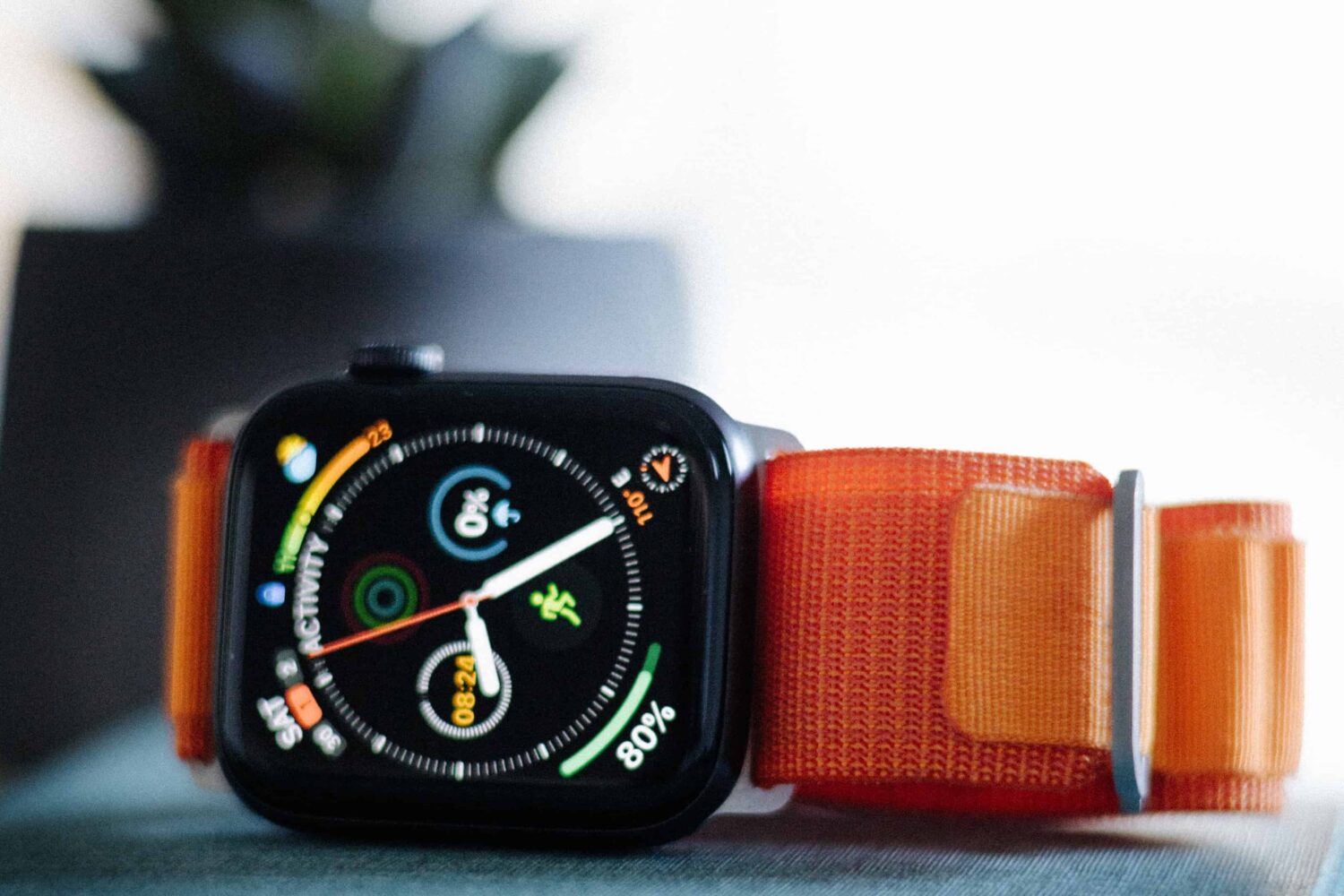
Stay up-to-date on the latest Apple Watch news, and learn how to get the most out of your device with our comprehensive tutorials. From updates to features to troubleshooting tips, we’ve got you covered.
Would using an Apple Watch without its paired iPhone get you through the day? Watch our video to see how useful Apple's warble device is on its own.
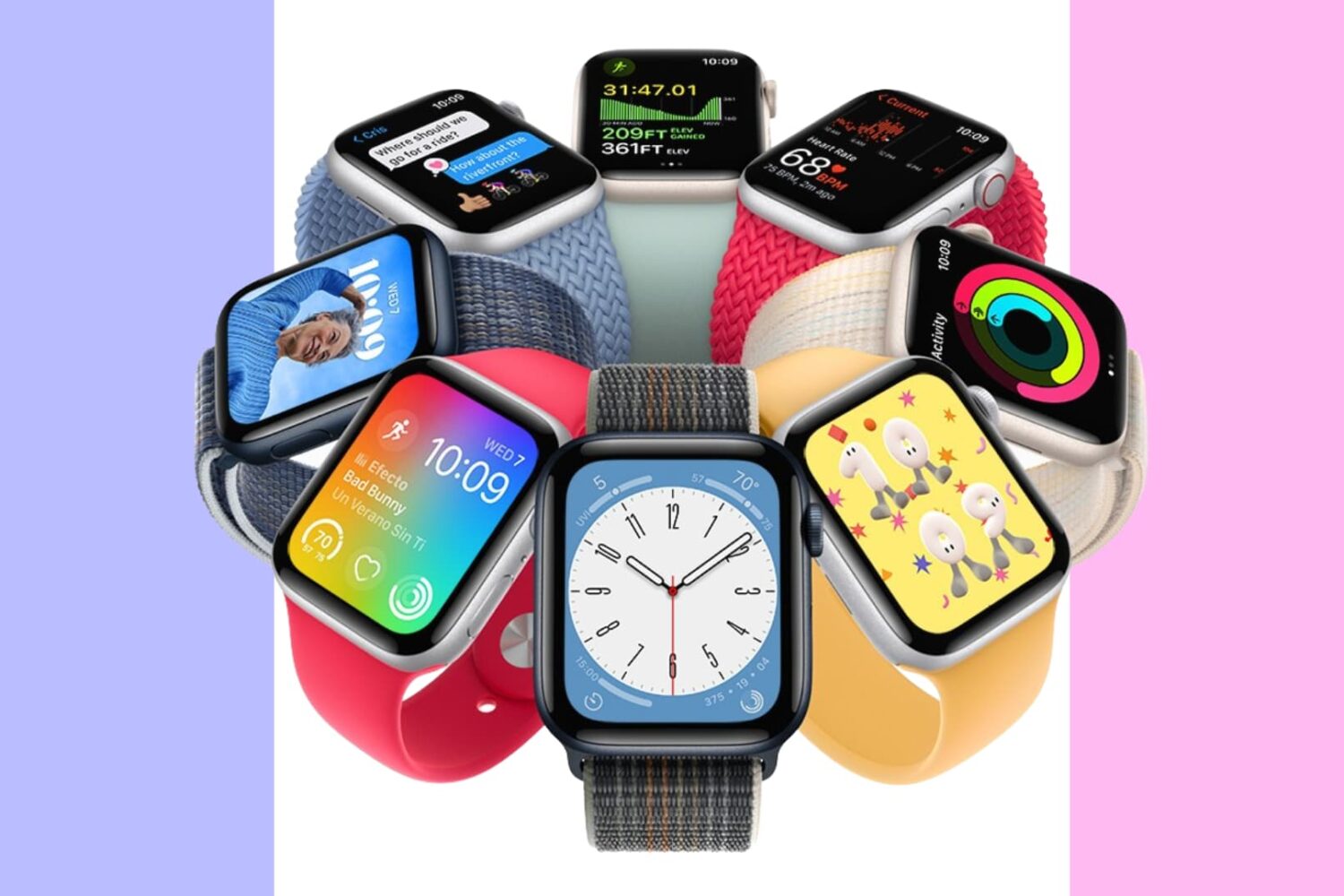
Is your Apple Watch band dirty, smelly, or stained? Follow these tips to clean your watch bands safely and effectively.
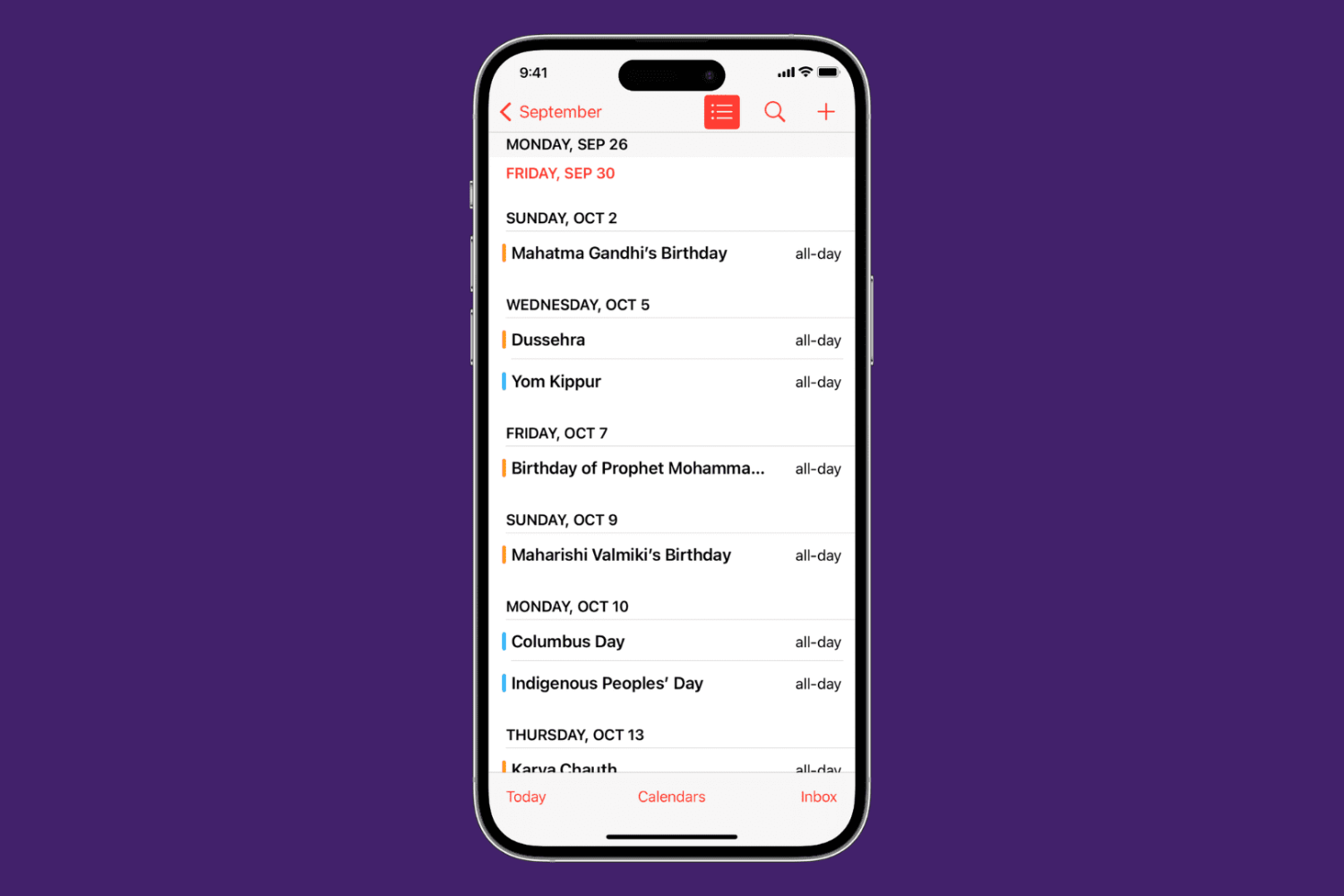
Learn how to view calendar events as a list in the Calendars app, as well as on the Home Screen and Lock Screen of your iPhone, iPad, and Apple Watch.
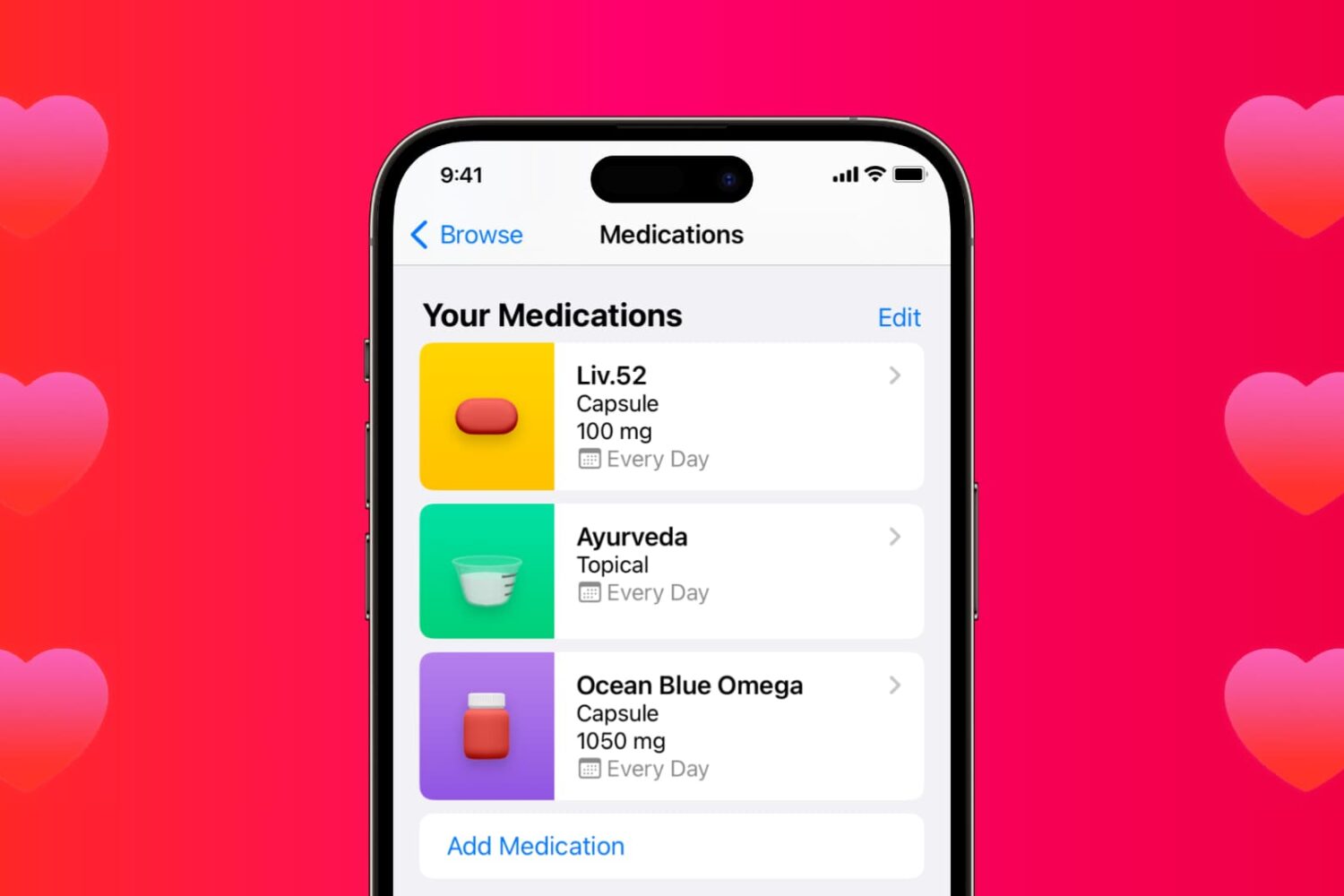
Learn how to use the Medications feature in the iPhone and iPad Health app to keep track of your medications and be reminded to take them on time.
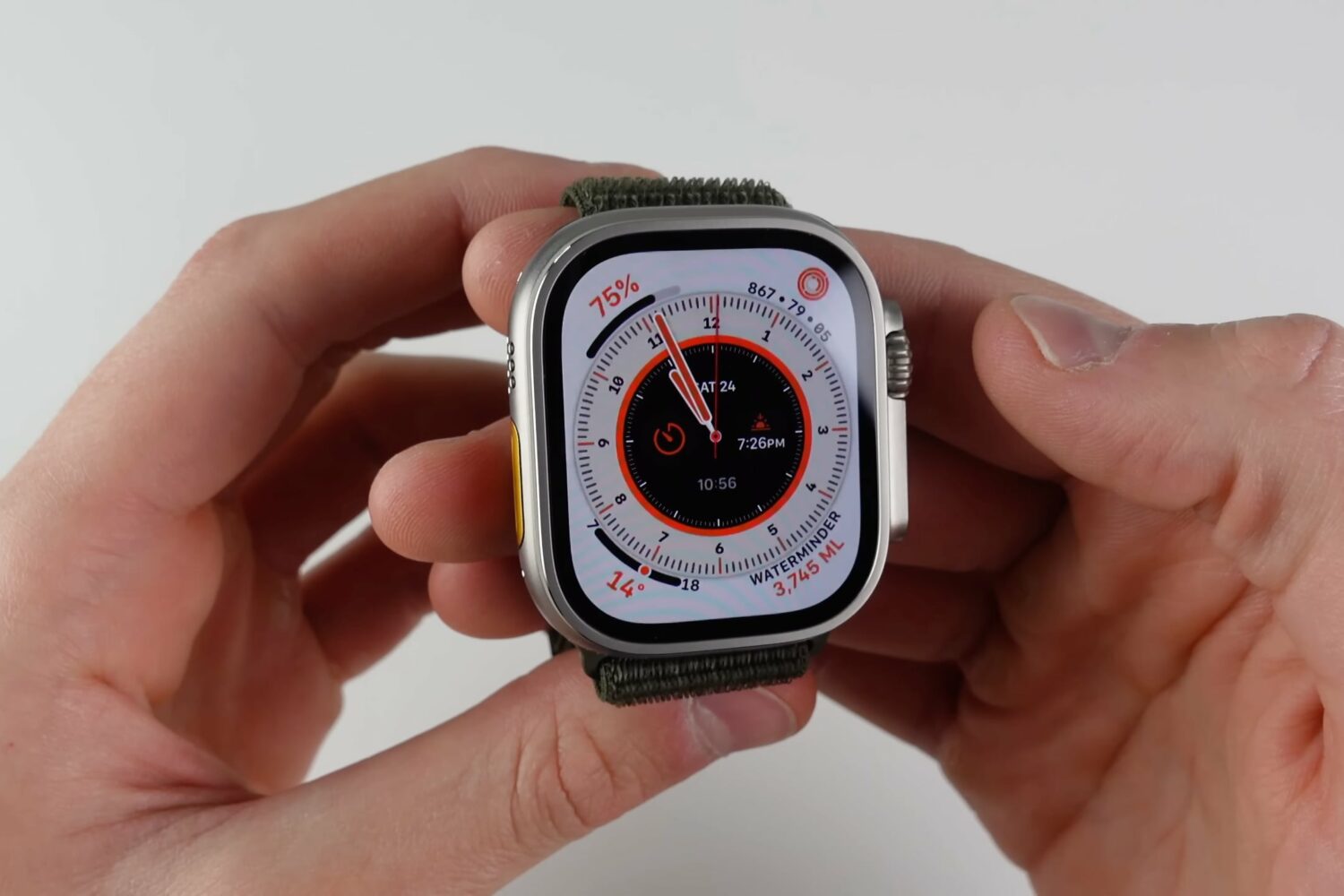
Watch our video tips and tricks to learn how to use the 10 best features of Apple Watch Ultra in watchOS 9, including hidden and secret ones.
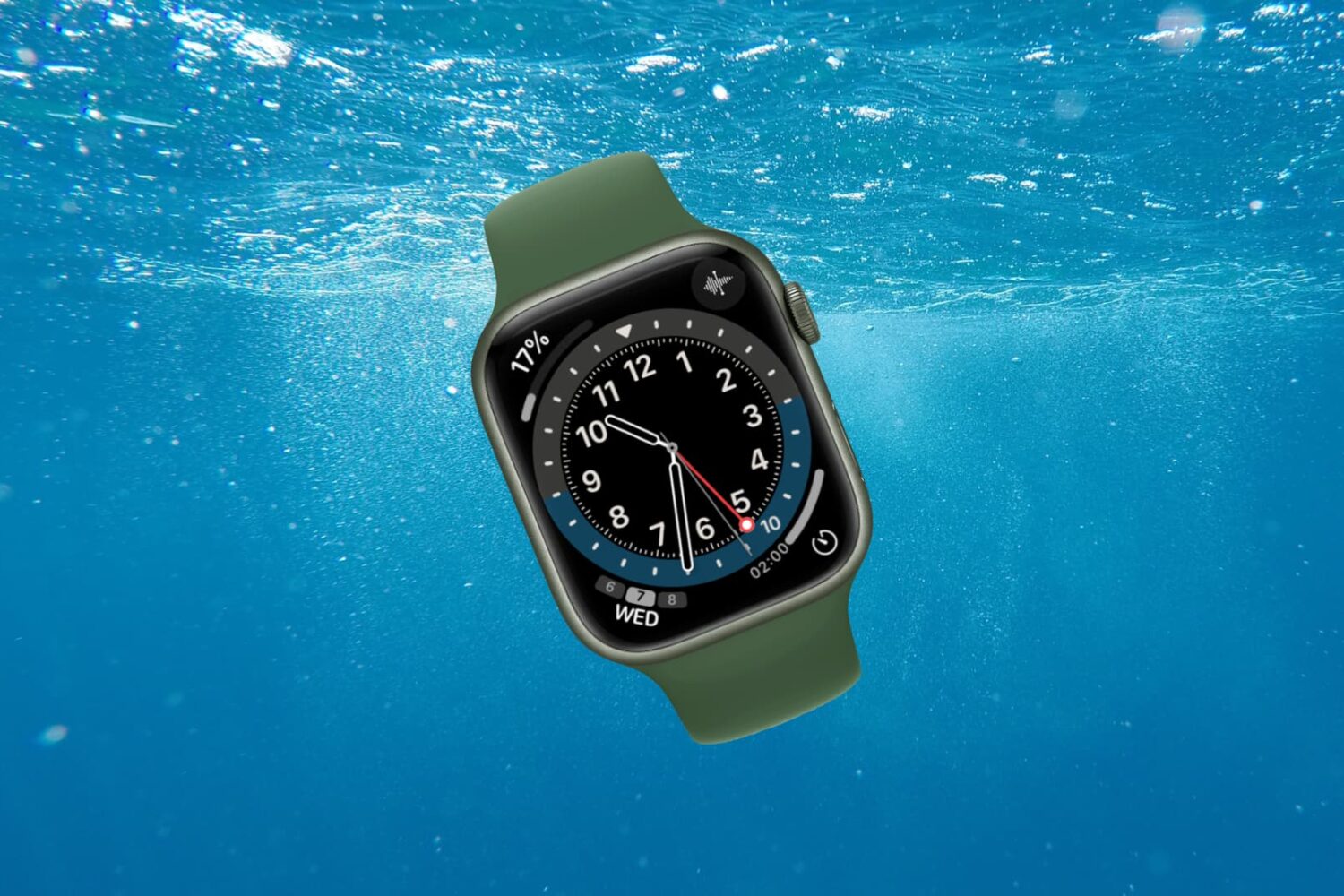
Go through these tips to ensure your Apple Watch stays safe from liquid damage after you have submerged it in water or showered with it.
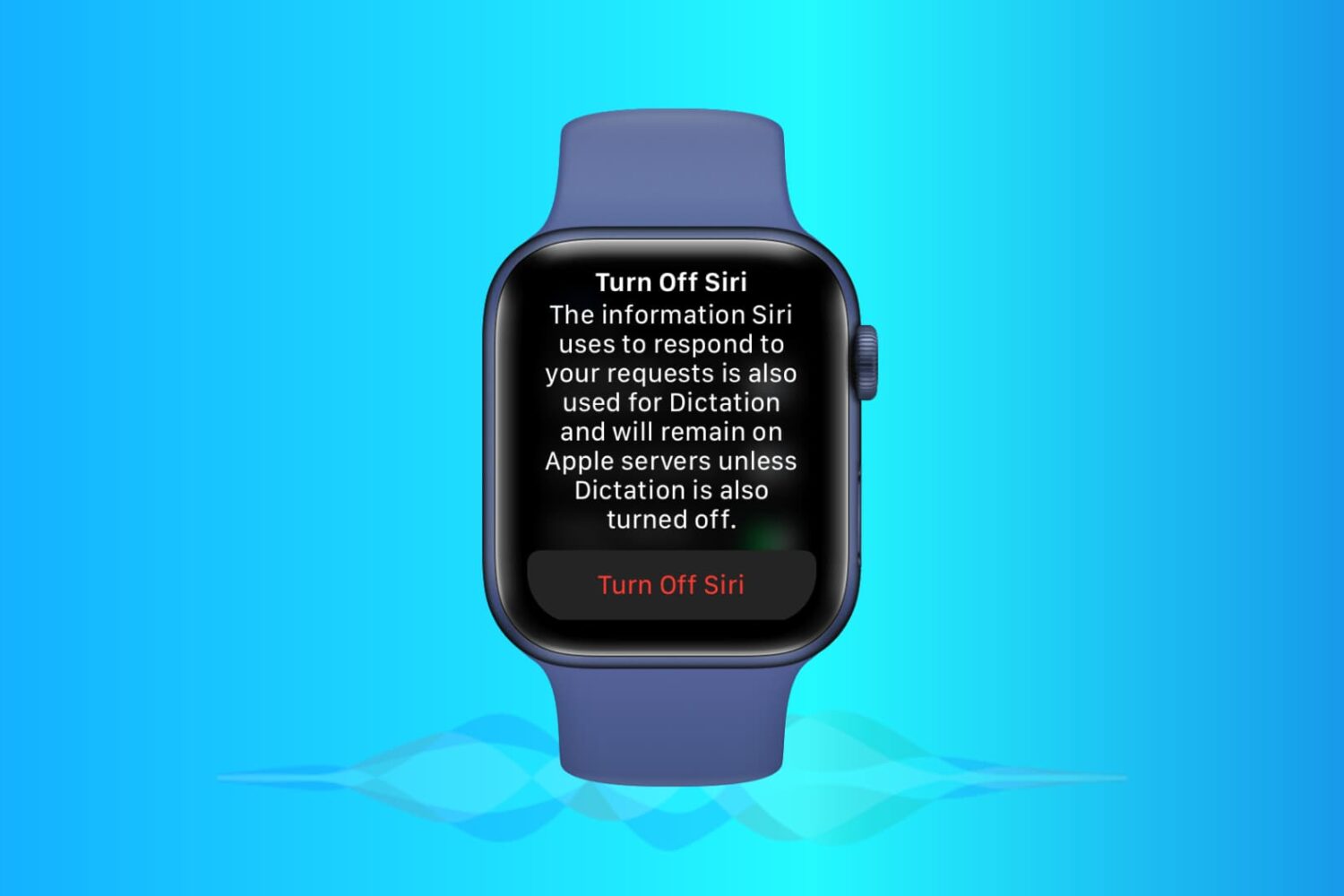
Learn how to disable Siri on your Apple Watch if you don’t use it or find yourself activating it accidentally during workouts and other situations.
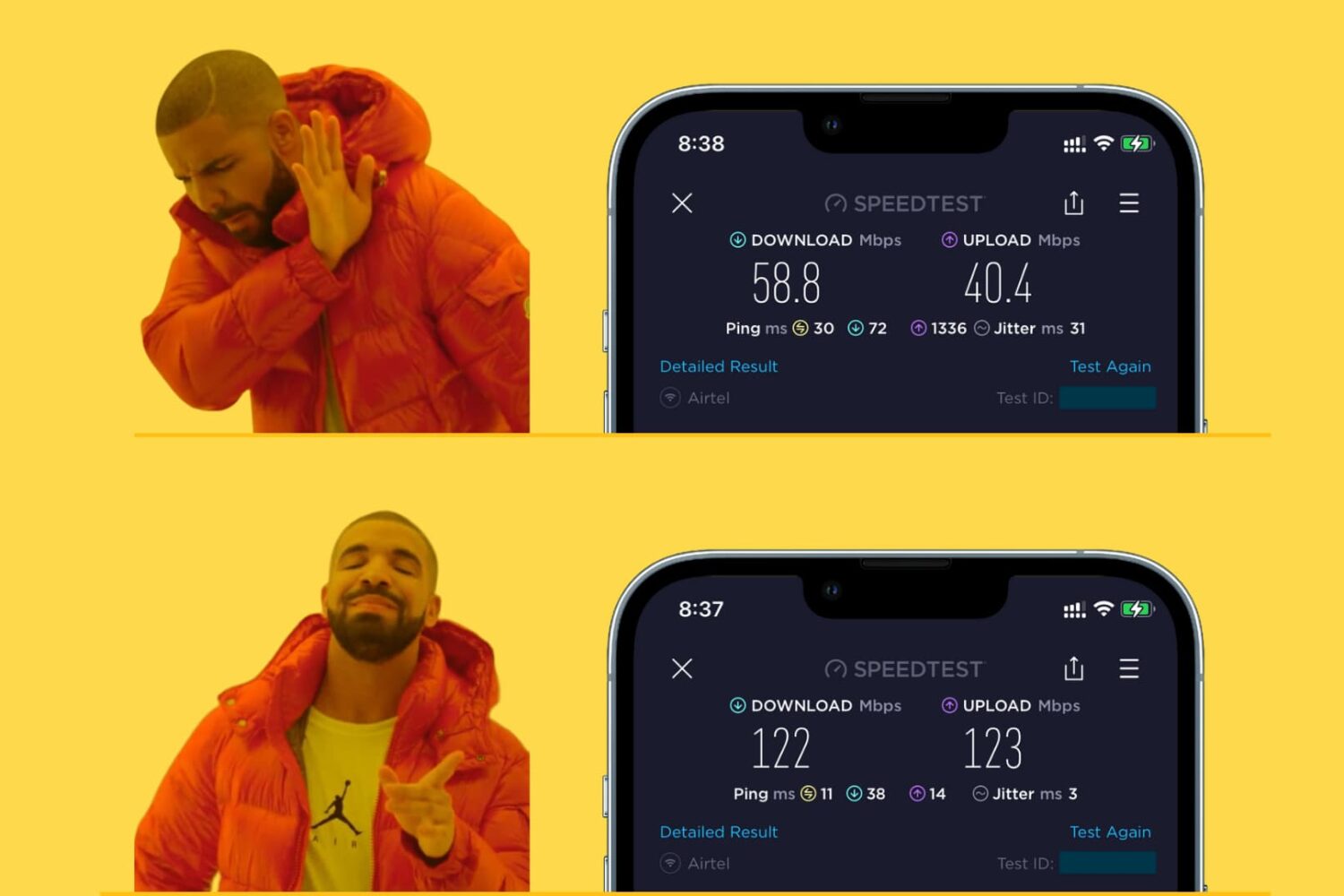
Learn how to make your iPhone, iPad, Mac, or Apple Watch join the faster Wi-Fi network and ignore the slower ones, so you get the best internet speeds.
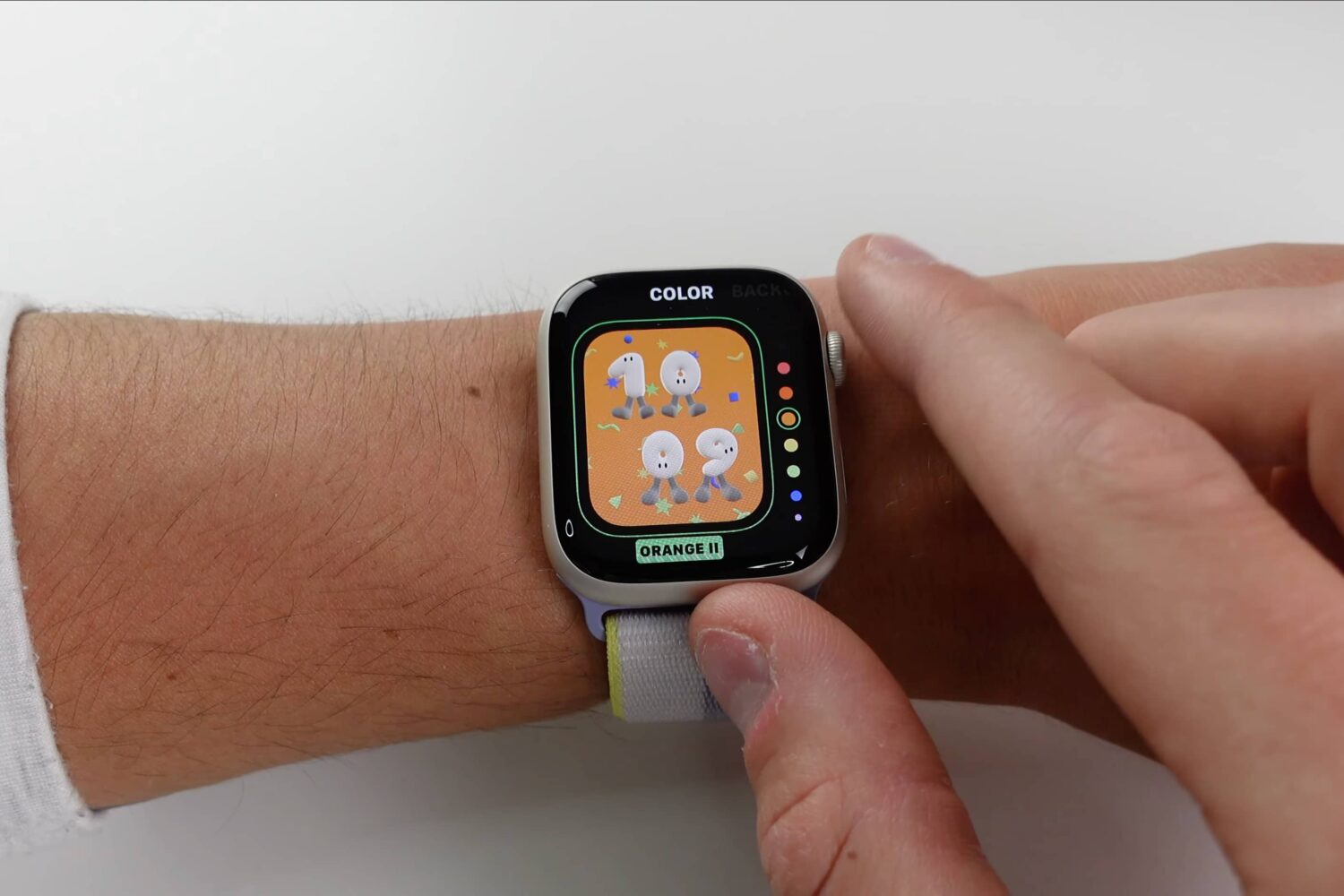
Watch this video if you'd like to see every new Apple Watch face and watchOS 9 feature in action, including updates to sleep, health and fitness tracking.
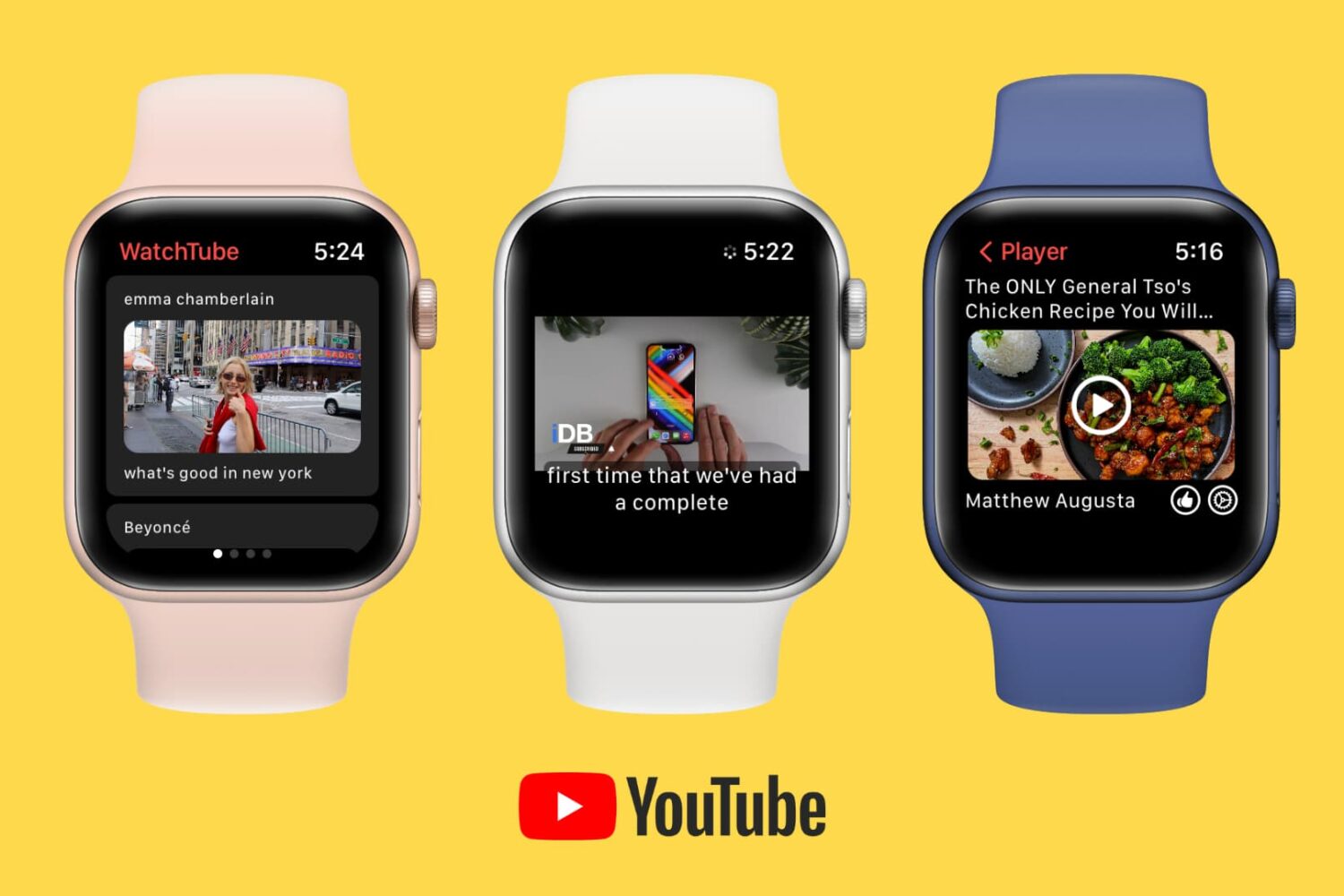
Want to watch YouTube on your wrist? Learn about this free app that lets you play YouTube videos on your Apple Watch.
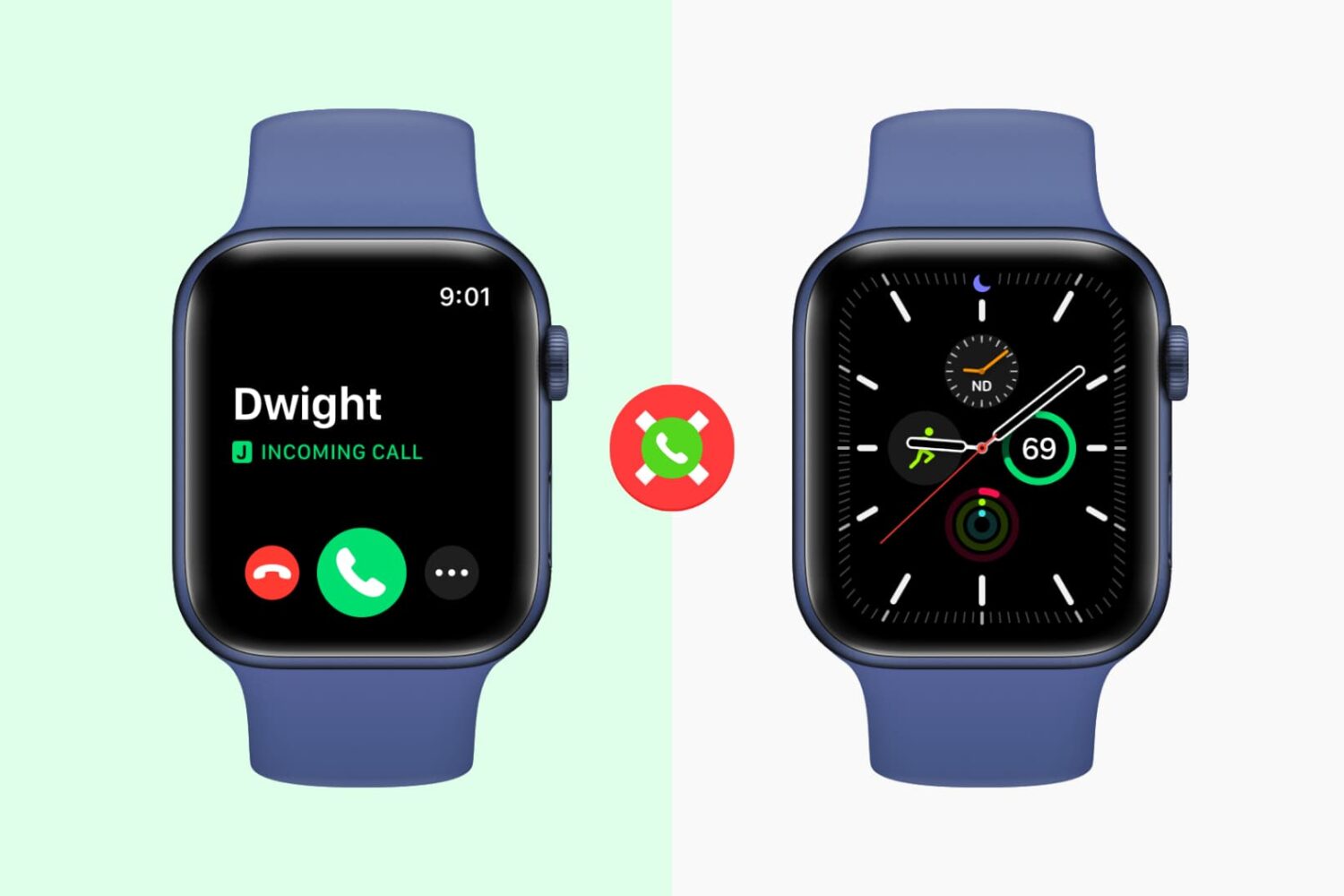
When you get a call on your iPhone, you also hear the tone, feel the vibration, and see the call screen on your Apple Watch. However, if you don’t like getting calls on your Apple Watch, you have a few options to take care of this. Make sure you go through all of them carefully.
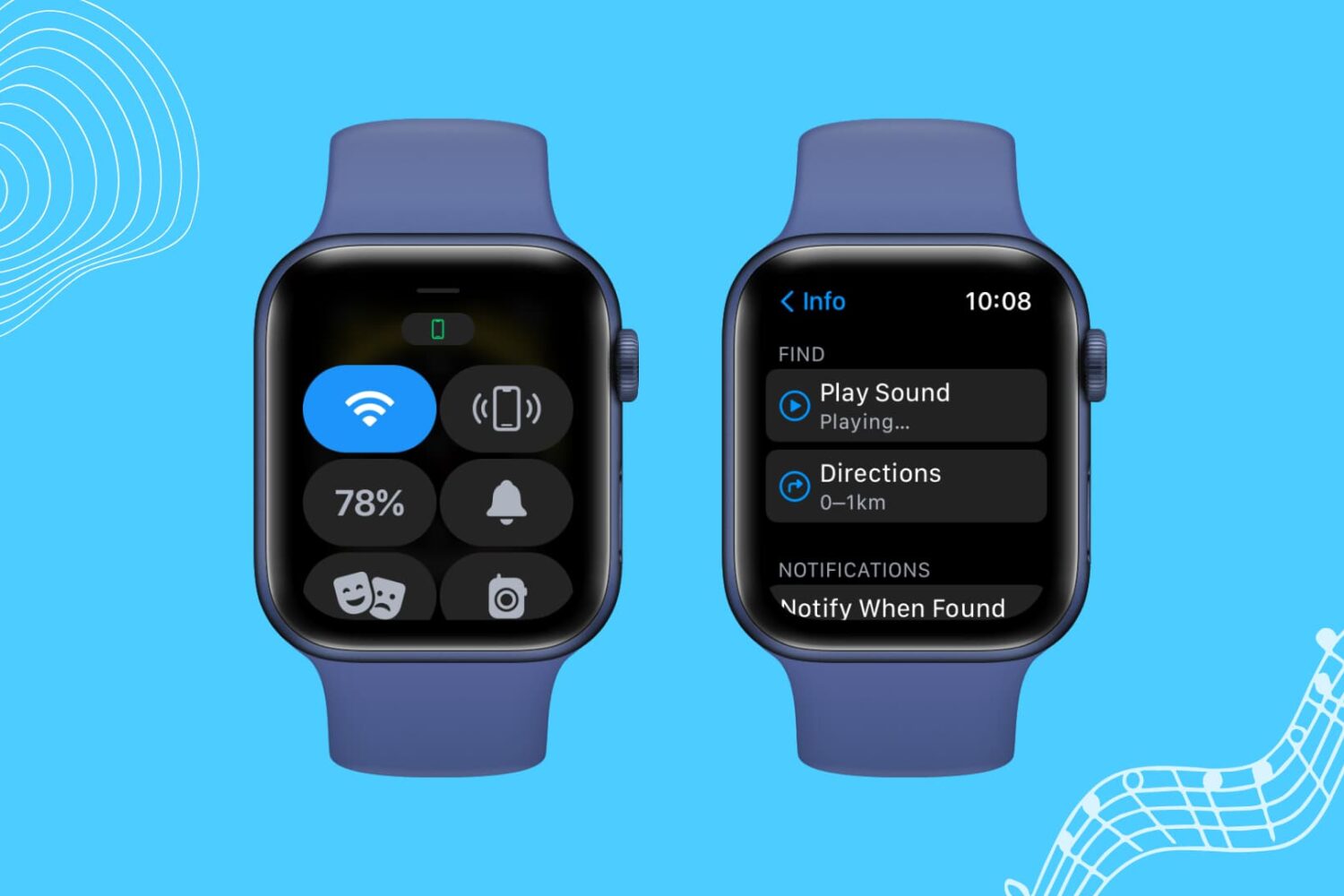
If your Apple Watch is not pinging your iPhone, here are a few solutions to fix this issue. Once that's done, your misplaced iPhone will play a sound when you command it from your Apple Watch, and you can find it easily.