Want to avoid toll roads in Apple Maps on your iPhone, iPad, or Mac? In this tutorial, we’ll share two different methods to do that.
How to avoid toll roads in Apple Maps for one or all journeys
Want to avoid toll roads in Apple Maps on your iPhone, iPad, or Mac? In this tutorial, we’ll share two different methods to do that.
While lots of people aspire to have a Bluetooth keyboard to use to type on their iPhone or iPad, not everyone has a pocket deep enough to go out and purchase another peripheral.
Fortunately, an app called Typeeto lets you use the keyboard built into your MacBook, MacBook Air, or MacBook Pro to type on your iOS devices.
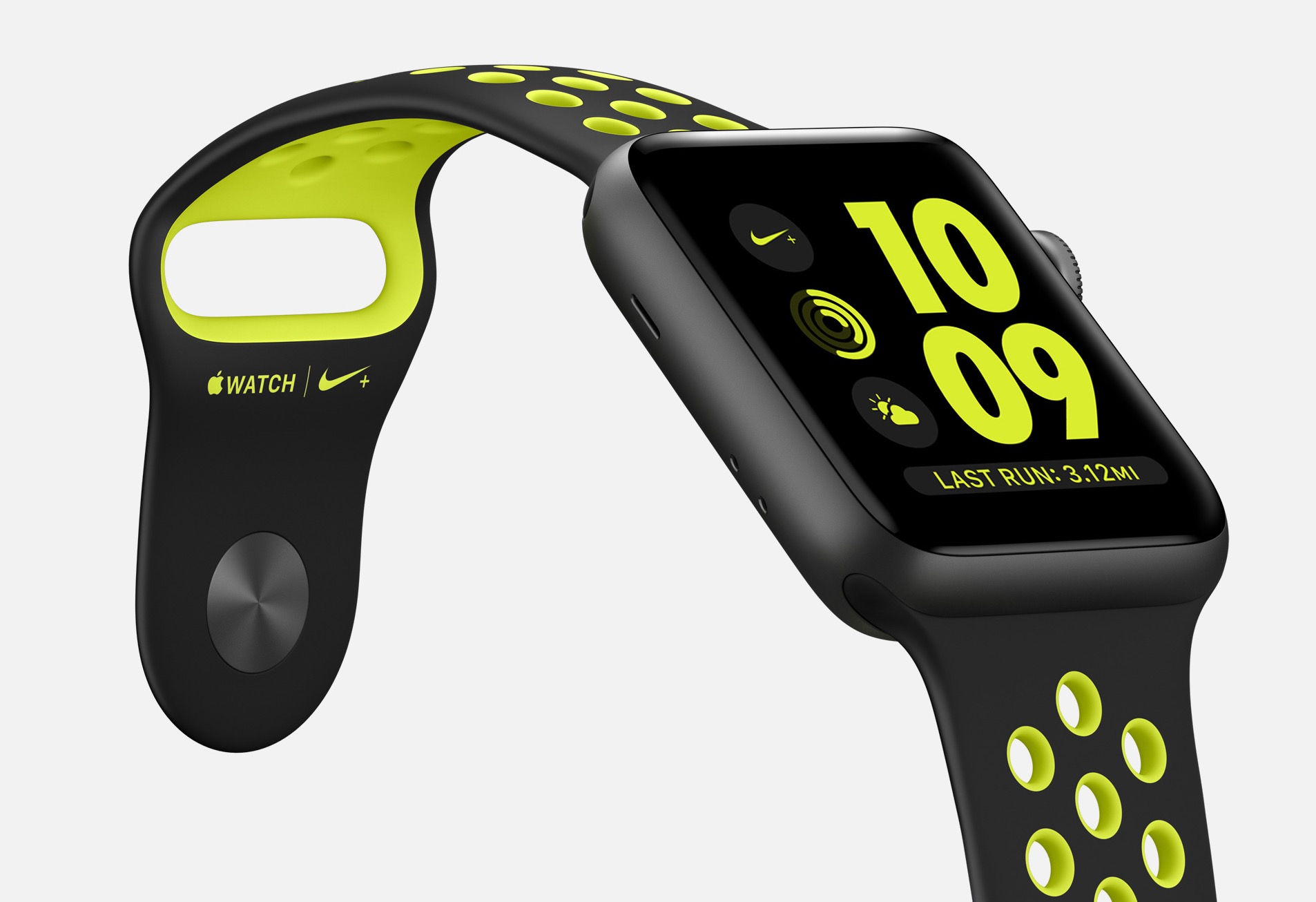
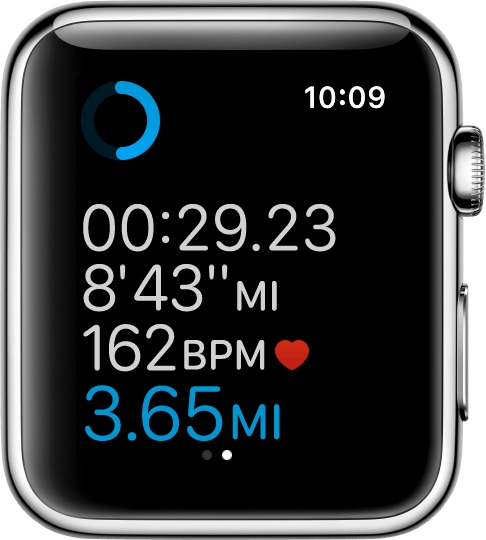
If you'll be using your Apple Watch's fitness features, you'll want to become acquainted with the Workout app, which helps you to keep track of your progress.
Starting with watchOS 3, you can customize your workout metrics, and in this tutorial, we'll talk about all the ways you can do that.
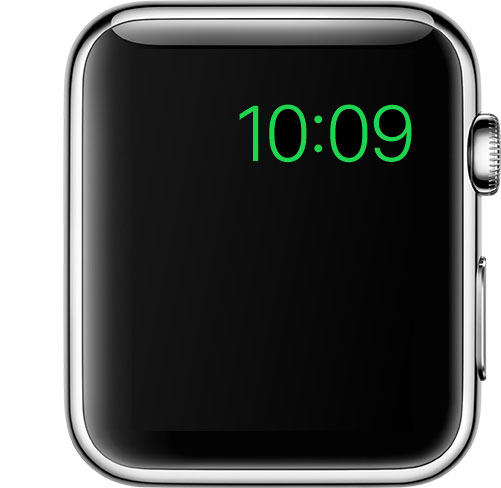
Power Reserve mode is a feature of watchOS that let's you conserve what's left of your battery when you get low on juice by limiting your Apple Watch's functionality to nothing more than a time piece.
Starting with watchOS 3, the steps to enable it has changed, so we'll show you how it's done.
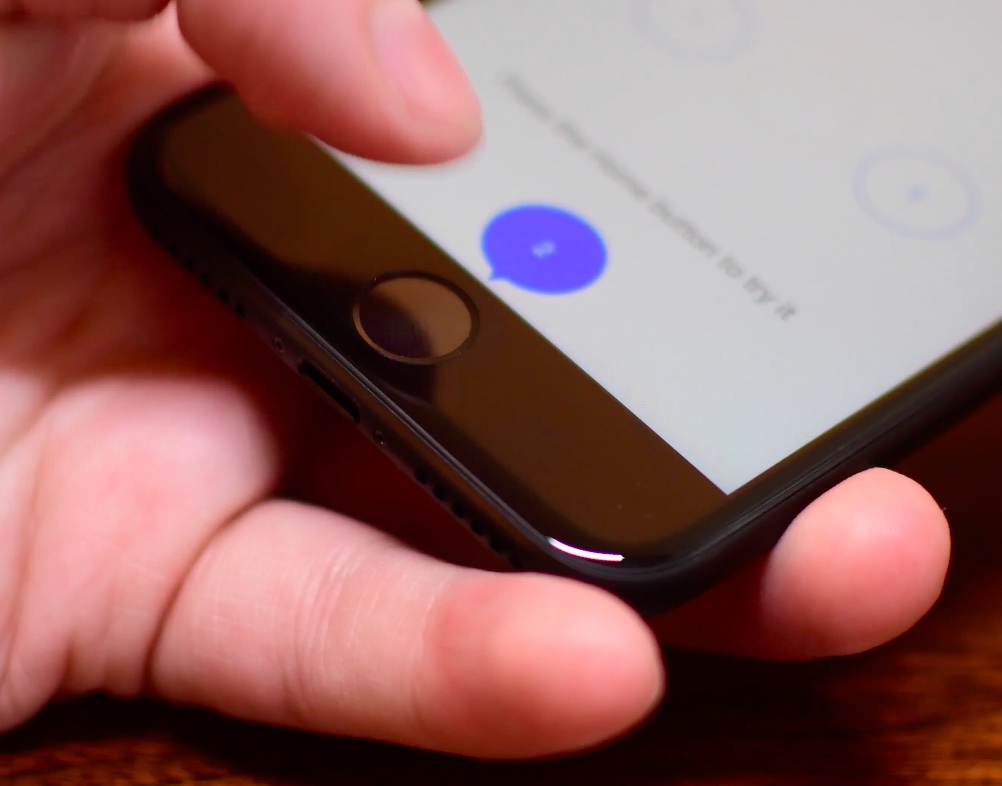
The iPhone 7 came with a shiny new Home button to take advantage of built-in pressure sensors and an enhanced Taptic Engine to detect and simulate clicks. Because the button no longer uses any moving parts, you’re less likely to break it. A new “Meet the new Home button” section in the iOS installer allows you to “make your iPhone experience even more personal by choosing the click that’s right for you”.
Of course, you can select between three degrees of haptic feedback that simulate clicks at any time using the stock Settings app, here's how.
Two-Factor Authentication strengthens the security of your Apple ID by preventing anyone from accessing or using it, even if they know your password. With Two-Factor Authentication, one of your trusted devices generates a one-time code when you make a purchase or sign in to your Apple ID, iCloud, iCloud.com, iMessage, FaceTime or Game Center account on a new device. Two-Factor Authentication is also required for Auto Unlock so you can unlock your Mac by wearing an Apple Watch.
In this tutorial we'll show you how to protect your Apple ID with Two-Factor Authentication or, if you're still using the older and less secure Two-Step Verification, upgrade to Two-Factor Authentication.
With Instagram drafts, you can save any half-finished photo edits and work on them later, which is handy for those times you get too busy to post right away. And if you run an Instagram account for your business, letting your social media manager save a post as a draft makes it easy for you to review it in advance of publishing.
One of the more useful features for iPhones that comes packed inside of Apple’s new iOS 10 release is voicemail transcription, which transcribes your voicemails into text so you can read them rather than listen to them.
The feature is available to users in the United States and it’s very much still in its beta stages despite the fact that iOS 10 is now a public firmware, but if you want to know how to use it, or to see if you can use it yet, then you’ll be happy to know it’s quite easy to follow.
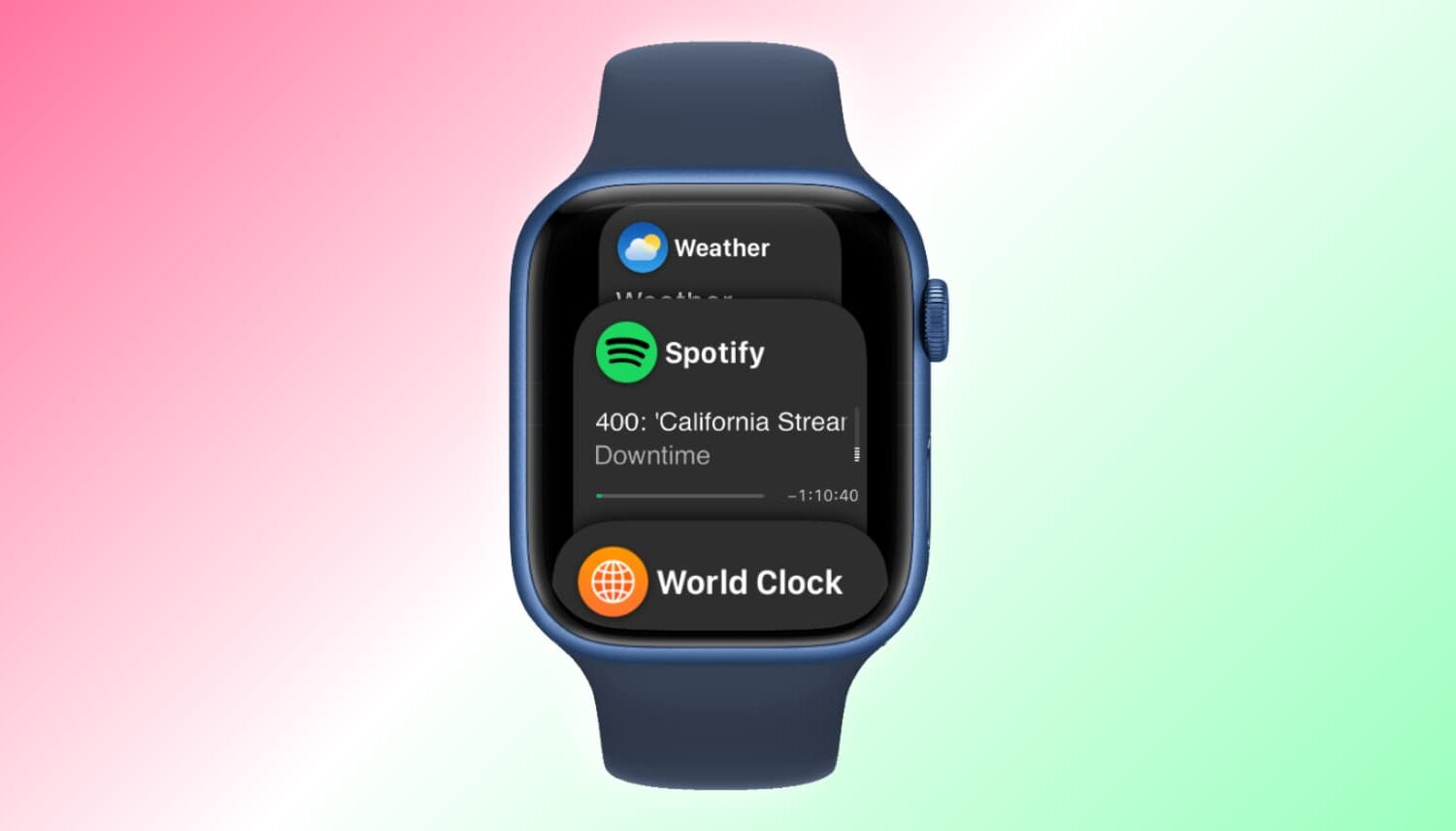
watchOS 3 released alongside iOS 10 with a bunch of new features, core technologies and user interface enhancements. With watchOS 3, navigating your watch is now intuitive, as it should have been from the onset. A new Dock feature lets you access your frequently used apps with a press of the Side button and they load way faster, even on the original watch.
Apps can also take advantage of Background App Refresh technology to stay up to date, Messages now supports stickers, enhanced Digital Touch features and even fullscreen and bubble effects, like in iOS 10, plus tons more.
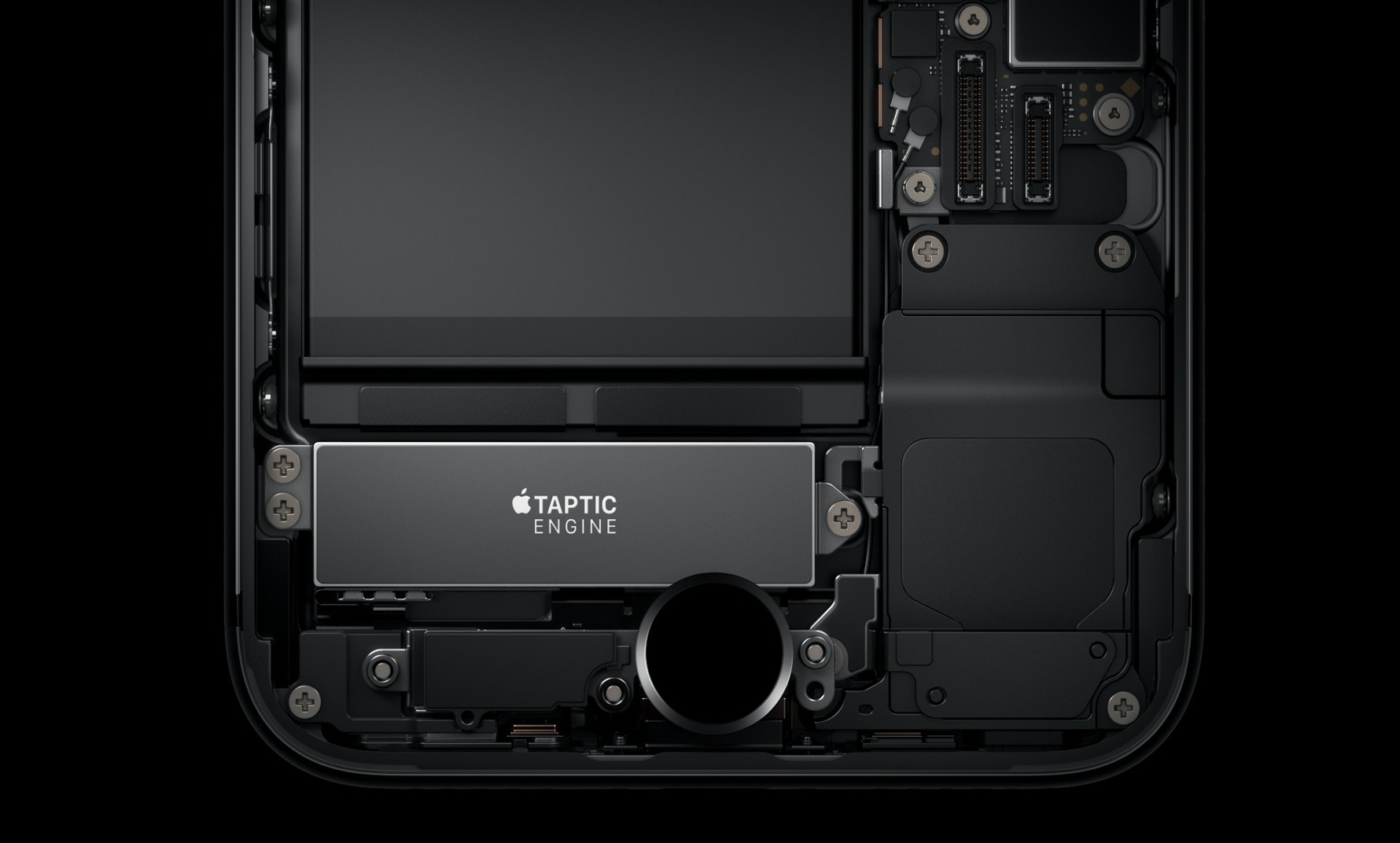
The iPhone 7 packs in a bigger, more sophisticated Taptic Engine that one in the iPhone 6s. Taptic Engine, of course, is Apple's fancy marketing moniker for force feedback. The iPhone 7's enhanced Taptic Engine is capable of reproducing a range of subtle vibrations.
In fact, it's so good that Apple has decided to provide a new API to developers to add custom vibratory feedback to their apps. If you dislike this feature, you can turn off iPhone 7 haptics for things like system controls and other interactions.
Among a myriad of varied health and fitness focused features, watchOS makes pausing and resuming your runs in the stock Workout app a frictionless experience, based on the inclusion of a new feature which taps into built-in sensors to determine when you start and stop moving. This new feature doesn't require a dedicated GPS so it'll work on every Apple Watch model.
Even better, you can enable it with just one tap, here's how.