Learn how to change the double-tap skip forward and rewind duration from the default 10 seconds to something else in the YouTube mobile app on your iPhone or Android phone.
How to change YouTube’s 10s double-tap skip duration
Learn how to change the double-tap skip forward and rewind duration from the default 10 seconds to something else in the YouTube mobile app on your iPhone or Android phone.
Use a simple Terminal command to find out when macOS was last reinstalled on your Mac.
If you have Beats-branded audio devices, then they might have a firmware installed on it that sometimes need to be updated.
In this tutorial, we’ll show you how to check for updates for any of your supported Beats devices. Keep in mind that some Beats audio devices do not need to be updated.
In this tutorial, we share eight useful tips for getting the most out of Mac’s built-in controls for resizing, minimizing, maximizing, and moving app windows around.
Our account deletion series has provided detailed tutorials about deleting various service accounts with major companies like Facebook, Google, Apple, Yahoo, PayPal, Netflix, Twitter and many more. In today's step-by-step guide, you'll learn how to close your account with eBay, remove your payment information and ensure that your private data stored on eBay's servers is permanently and safely deleted.
In this tutorial, we'll show you how you can remove your credit card or other payment method information from Safari, Apple ID, and Apple Pay on your iPhone or iPad.
Enable Guided Access to limit what someone else can do on your iOS device by keeping them locked to a single app on the screen. You can also use Guided Access to block touch access to selected parts of the iPhone or iPad screen.
Learn how to turn on the Mouse Keys feature on your Mac to control the mouse pointer with the keyboard or numeric keypad.
Visually impaired users who own Apple's MacBook Pro with Touch Bar may be pleased to learn that macOS provides a set of specialized Accessibility features that help people who are blind or have low vision enjoy the compelling features of Touch Bar. If you have difficulty seeing items in your Touch Bar, turning this feature on renders a larger Touch Bar on the main display. Other users should check out Touch Bar zoom, too.
In this tutorial, you'll learn how to turn Touch Bar zoom on, increase or decrease the zoom level, select or split-tap an item on Touch Bar and use other specialized gestures.
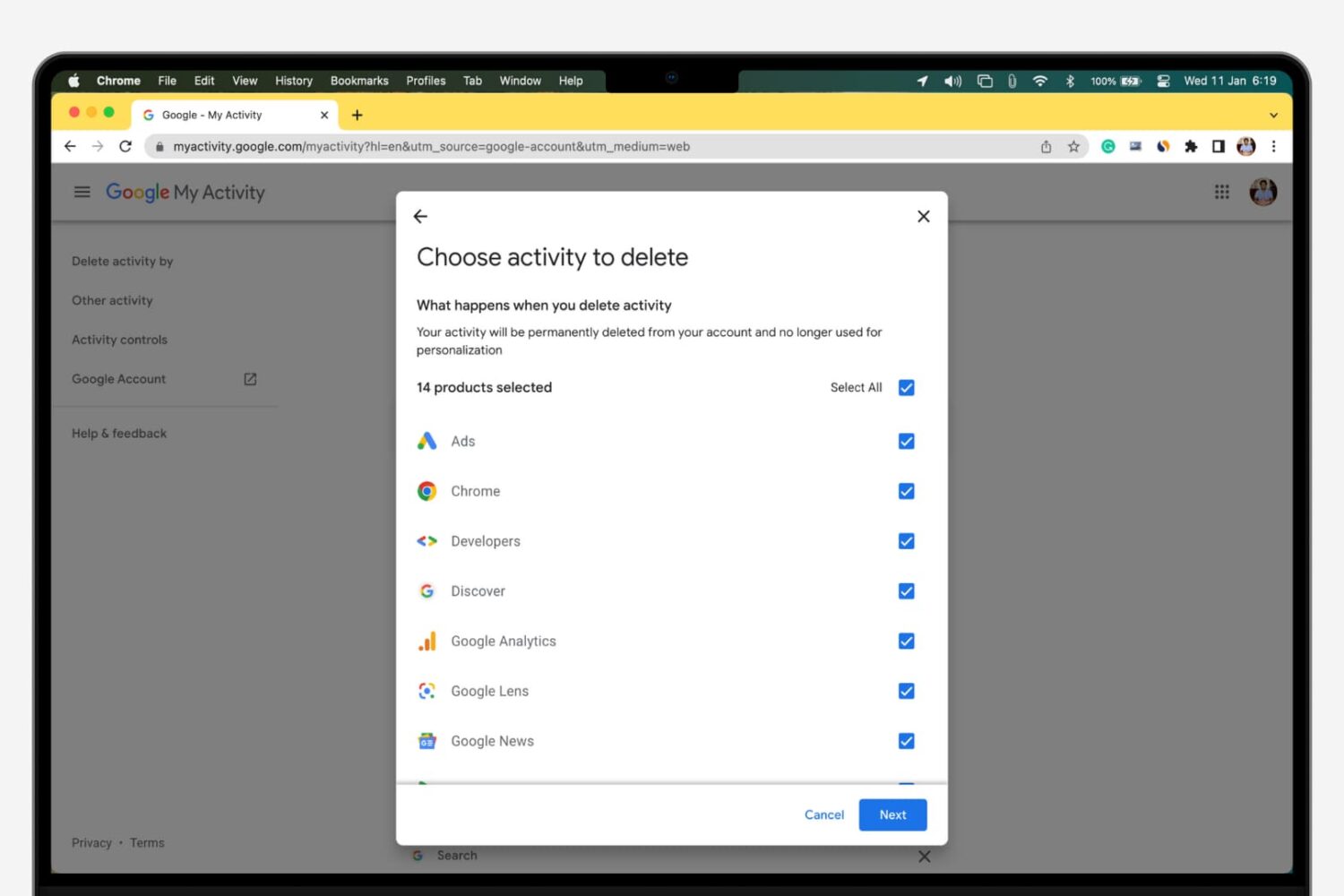
Whenever you make a Google search while being logged in to any service from the company, your search is saved to your Google account’s activity. This is designed to help improve your search experience by increasing the amount of relevant results you'll see.
In this tutorial, we’ll show you how to view and delete your Google search query history, a step you can take to increase your privacy by preventing others from seeing what you’ve searched for.
Learn how to turn off inertial scrolling in macOS so that your Mac stops scrolling immediately when you lift your finger instead of gradually.
Learn how to set up and use multilingual typing on your iPhone to write in up to three different languages on one keyboard without switching locales.