Learn all the ways you can select stuff on your Mac, including contiguous groups of Finder files, multiple non-adjacent items, and more.
How to select one, several, or all files on your Mac

Learn all the ways you can select stuff on your Mac, including contiguous groups of Finder files, multiple non-adjacent items, and more.
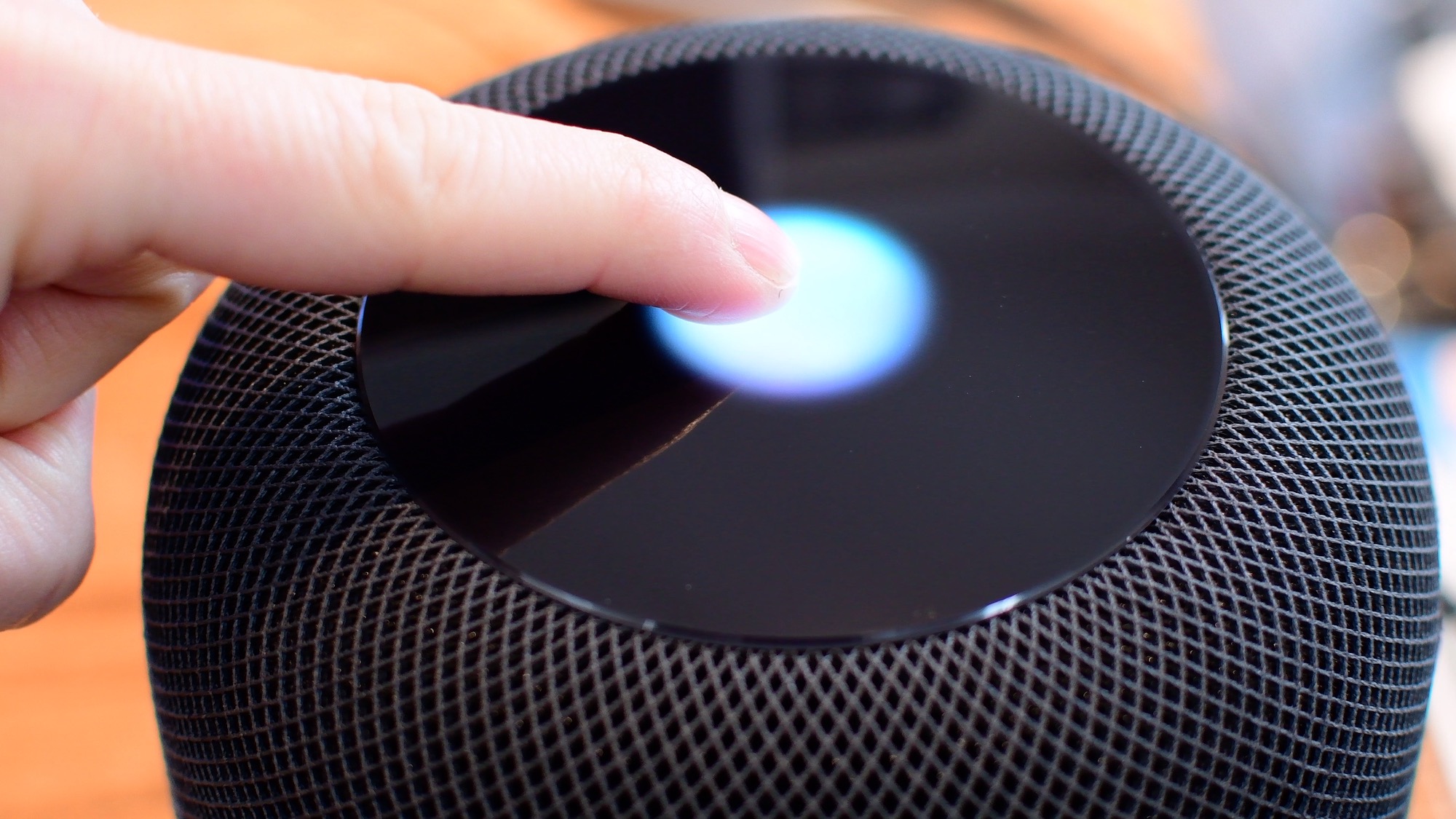
Knowing what the various status lights on the top of your HomePod convey is an important feedback mechanism when using the speaker's touch controls and other interactions.
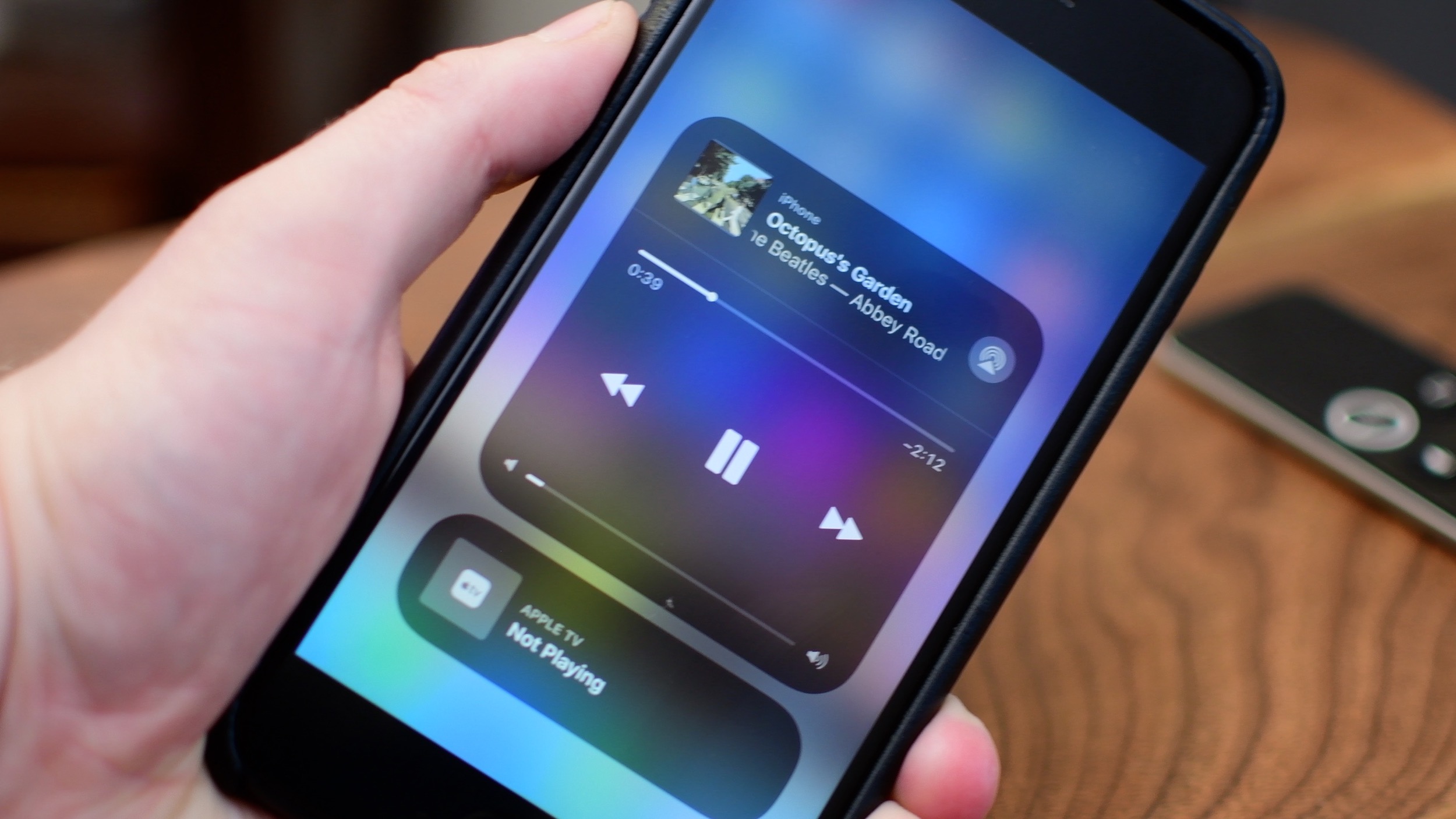
iOS 11 brought a customizable Control Center and also moved AirPlay options around.
Siri is clearly going to be the best way to control your HomePod or HomePod mini. Everything that you do with touch, you can also do with Siri. However, there are times when it is easier/more convenient to use the touch interface instead. Take a look at this video or scroll down for our written tutorial.

In case you didn't get the memo, macOS High Sierra is the last release of Apple's desktop operating system that supports 32-bit apps out of the box without any compromise.

One of the ways of keeping your smartphone addiction under control entails checking out how much time you're actually spending in apps on your iPhone, iPad, or iPod touch. iOS includes a feature that allows you to see the time spent on apps, but it's buried counterintuitively in an unlikely place where most people won't bother looking.
Here's how to use it.
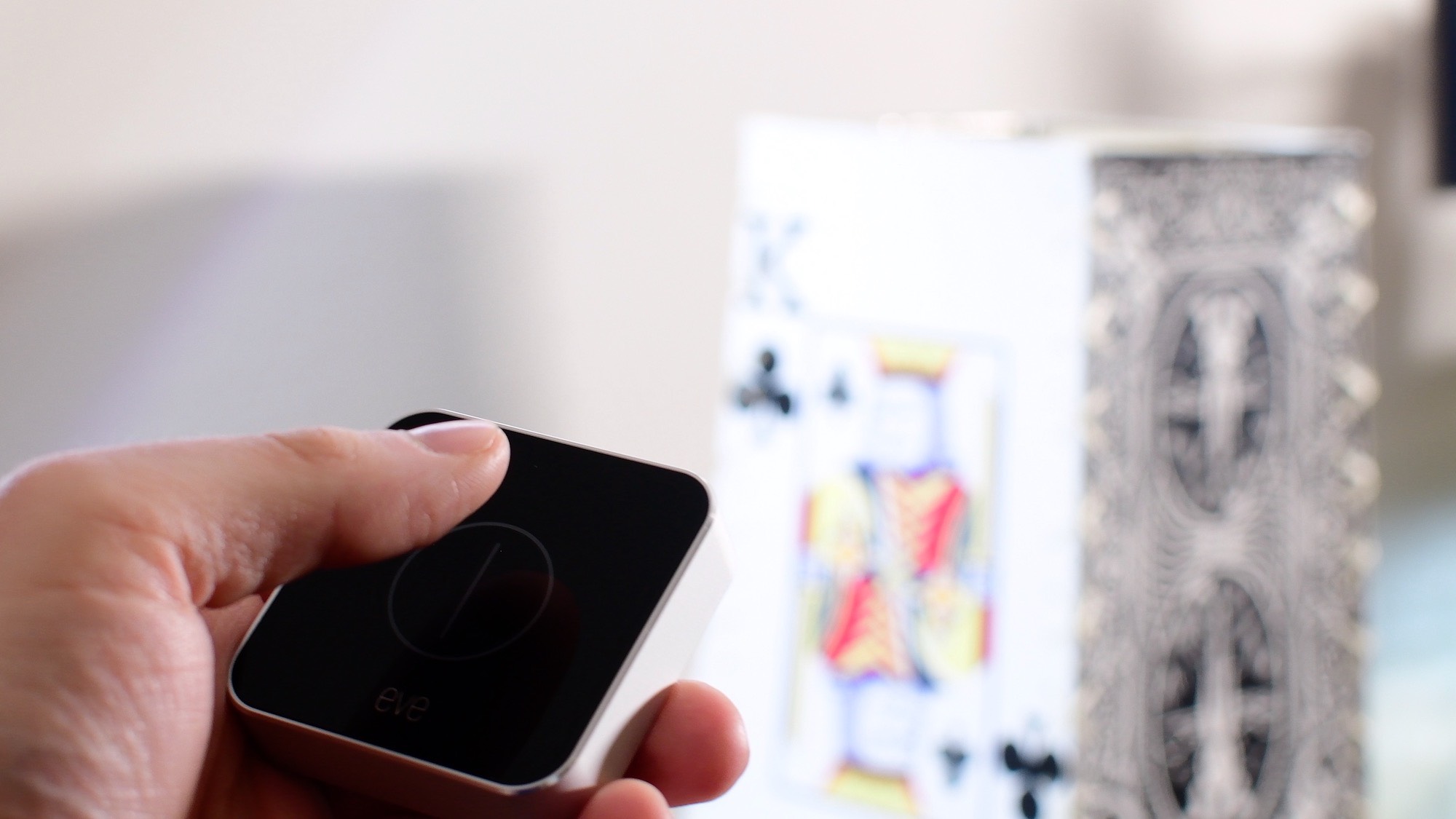
In this first entry into our new HomeKit Automation series, we walk you through fixing one of HomeKit's biggest shortcomings: creating a true toggle button to enable and disable a scene.

Find out how to remove the Finish Setting Up Your iPhone or iPad alert that’s added to the top of the Settings app if you skip a step during device setup.
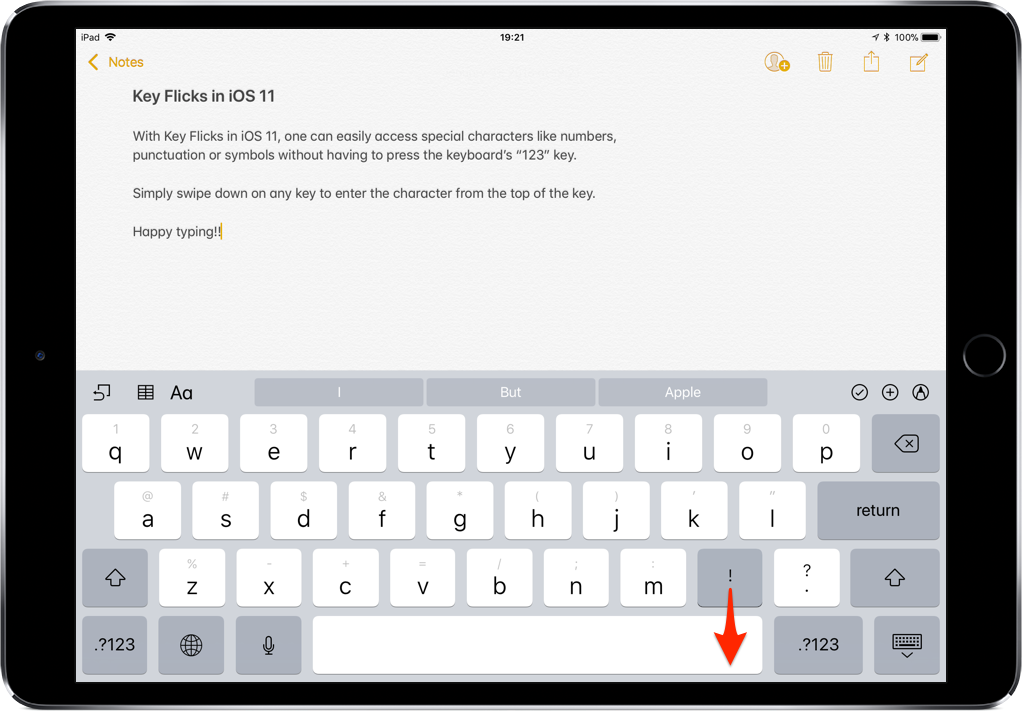
iOS provides a flickable keyboard that makes it easier to type faster on your iPad.
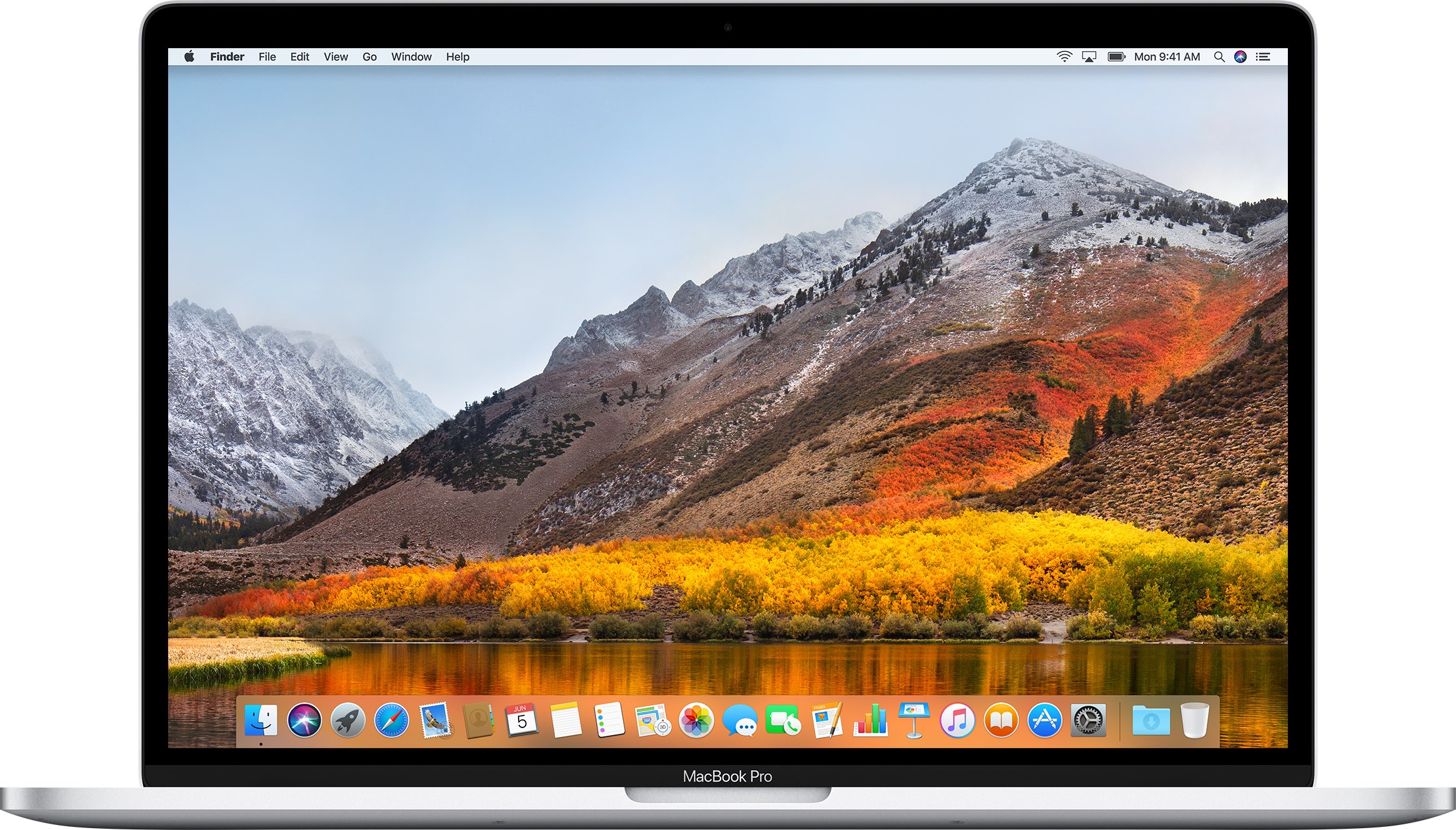
If you don't plan on installing macOS High Sierra for whatever reason, your Mac will still inform you of the software update every now and then via persisting system notifications.
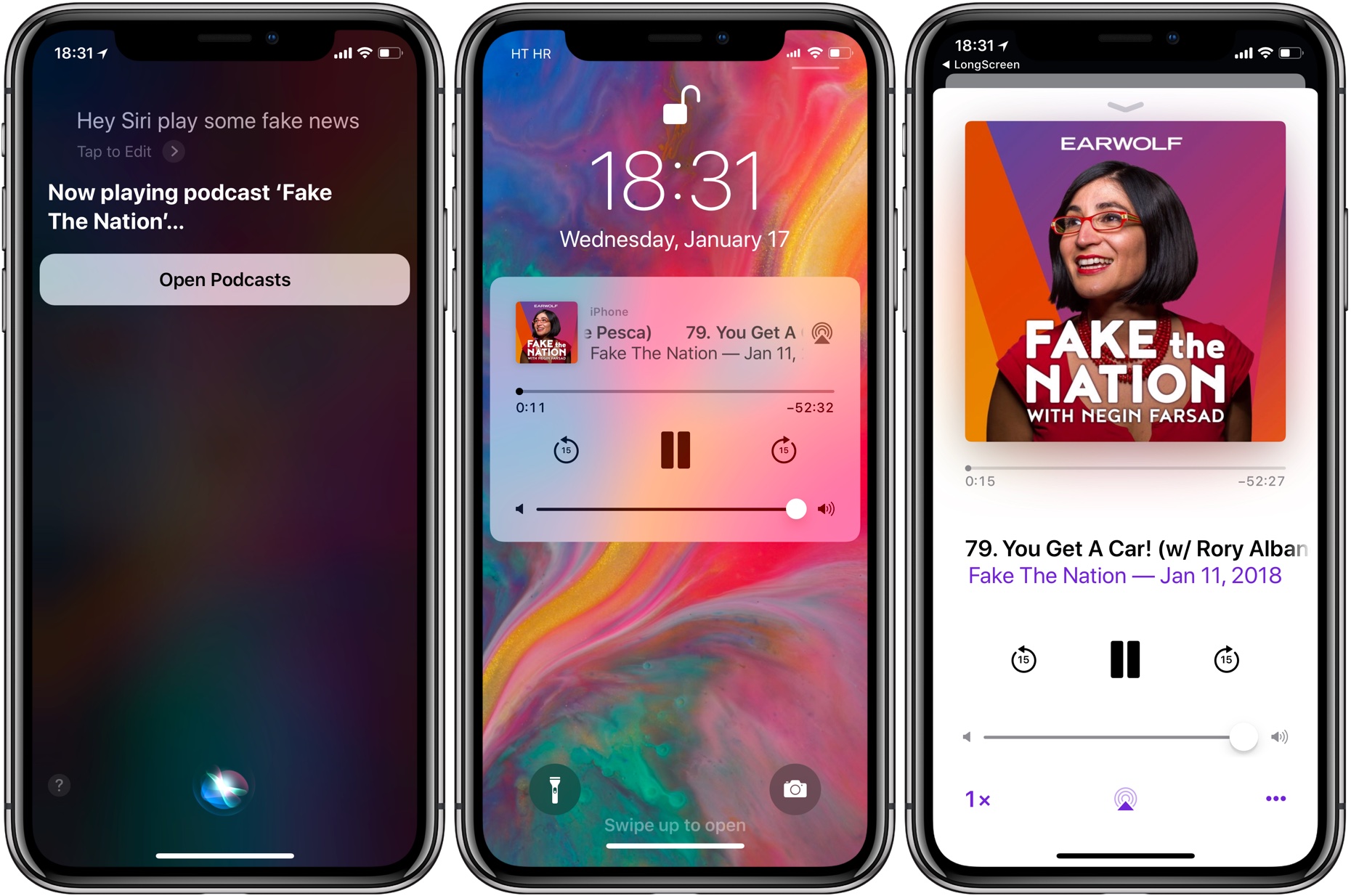
If your iPhone, iPad or iPod touch runs iOS 11.2.5 or later, Siri in hands-free mode can read out the news to you. You can even ask your smart digital assistant to read aloud news stories limited to specific domains, such as sports, business or music, here's how.