Apple’s Calculator app is one of those stock offerings largely flying under the radar for its soberness. It is somewhat overlooked, but then again can be a lifesaver at times. For those who need to crunch numbers on a more regular basis it is presumably nothing but an emergency fill-in, when for the rest of us it definitely more than cuts the mustard for everyday computations.
On the back of such a broad user base with varying skill sets, it goes without saying that there is a large discrepancy in expertise and knowledge about the calculator app itself.
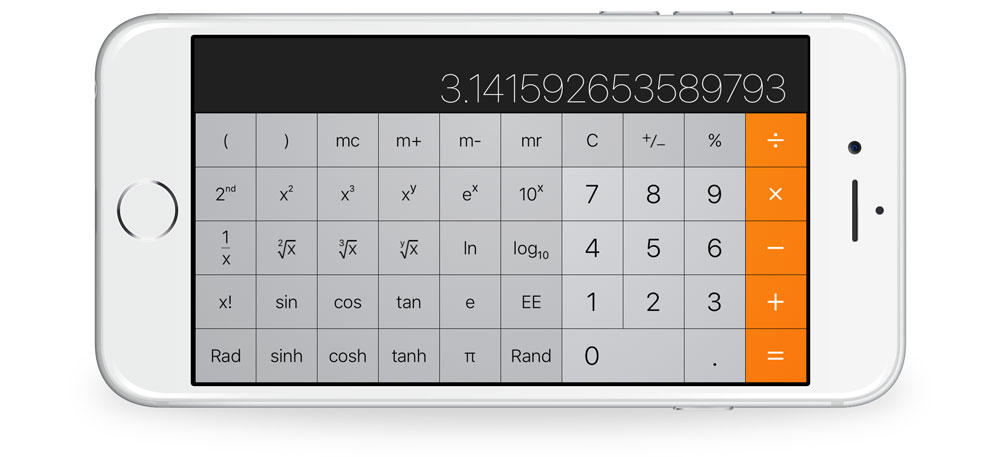
The fact you can still elicit the occasional gasp from an unknowing iPhone user, just by rotating the interface to landscape mode says a lot about the relevance of calculator to many. Yes, it is mostly a plain calculator representation, but Apple did implement more knacks than first meet the eye. Novice or professional, if you are keen to boost your productivity in calculator, continue reading to find out if you are up to speed on the following tricks: