Apple on Friday published a Guided Tour video through its official YouTube channel, highlighting the biggest iPhone X changes in terms of navigation, Face ID, Apple Pay and more.
Apple posts iPhone X tutorial video

Apple on Friday published a Guided Tour video through its official YouTube channel, highlighting the biggest iPhone X changes in terms of navigation, Face ID, Apple Pay and more.

Instagram users can add a short bio to their profile to tell the world a little bit about themselves, but all text entered into the bio field is left-aligned in the Instagram app by default. If you’re like many others frantically attempting to find a way to center your Instagram bio, then we have you covered.

Pretty much everyone is familiar with the iOS app switcher, Apple's multitasking view on iPhone, iPad and iPod touch traditionally invoked by double-pressing the Home button.
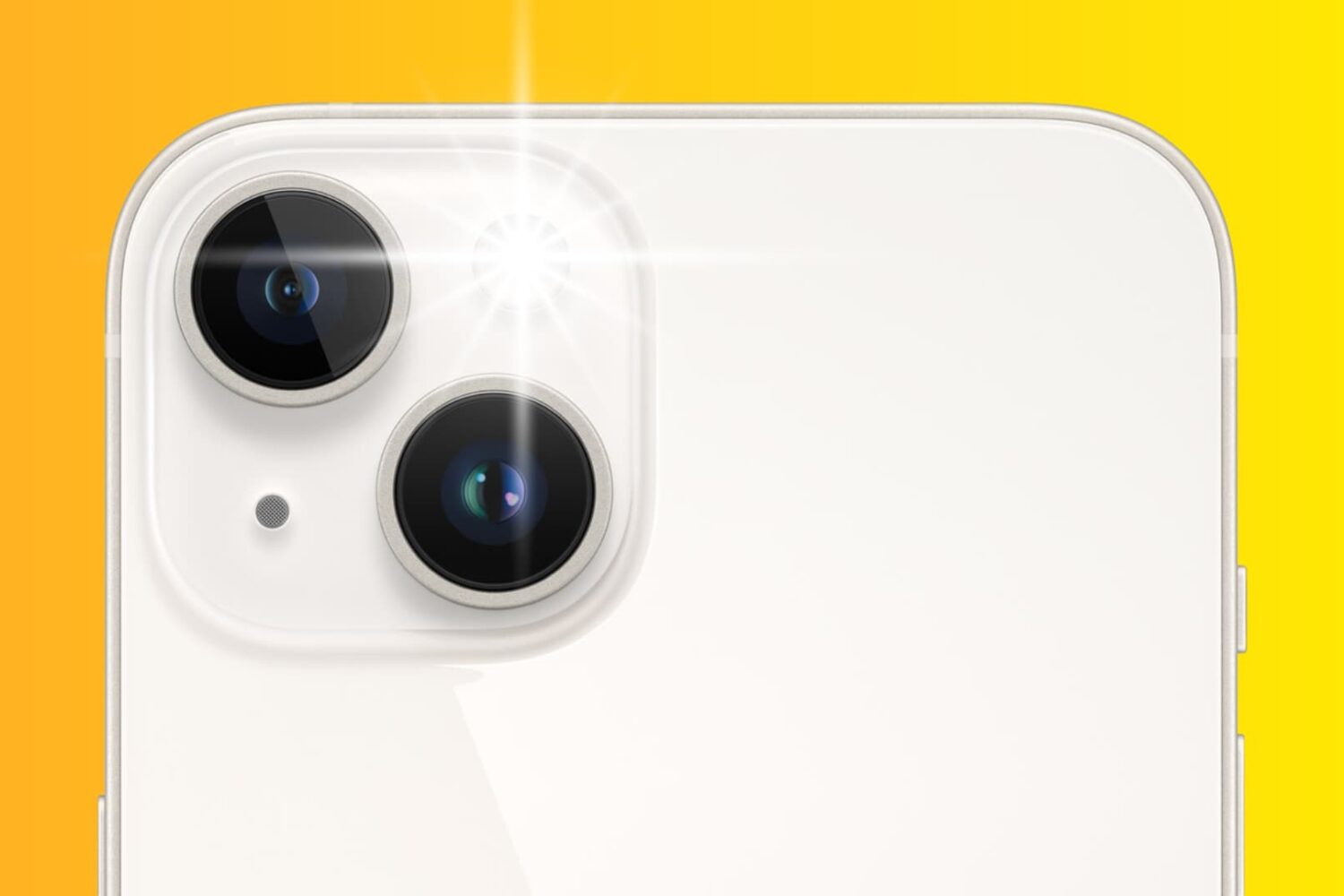
Learn how using the flash during the day can bring vibrancy to your iPhone photography in this insightful guide.
In this brief tutorial, we'll show you how simple it is to go live with a friend on Instagram for a cool hangout session.

The big day is coming soon! On October 27th, Apple will open up pre-orders for iPhone X, and on November 3rd, the device will be available for sale in no less than 56 countries around the world. Facing high demand and apparently low supply, the chances to score an iPhone X on launch day are slimmer than ever.

While the notion of perspective in photography might appear obvious, some of us may not have contemplated how it can profoundly alter a photograph. In this post, we offer a few brief examples to ponder when selecting the optimal angle for capturing your photos.

Google's Calendar app on the web just got its first major redesign since 2011.
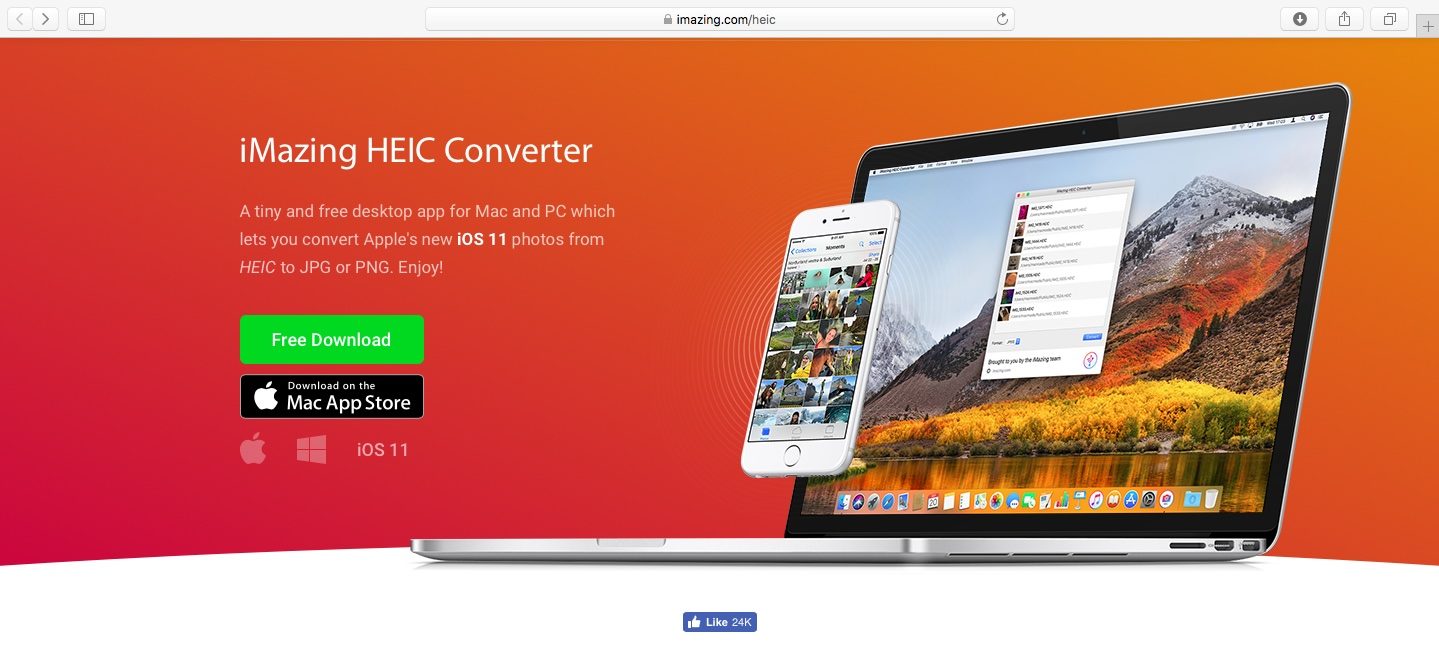
As you might know, Apple with iOS 11 and macOS High Sierra introduced a new space-saving image file format, called High Efficiency Image File Format (HEIF).
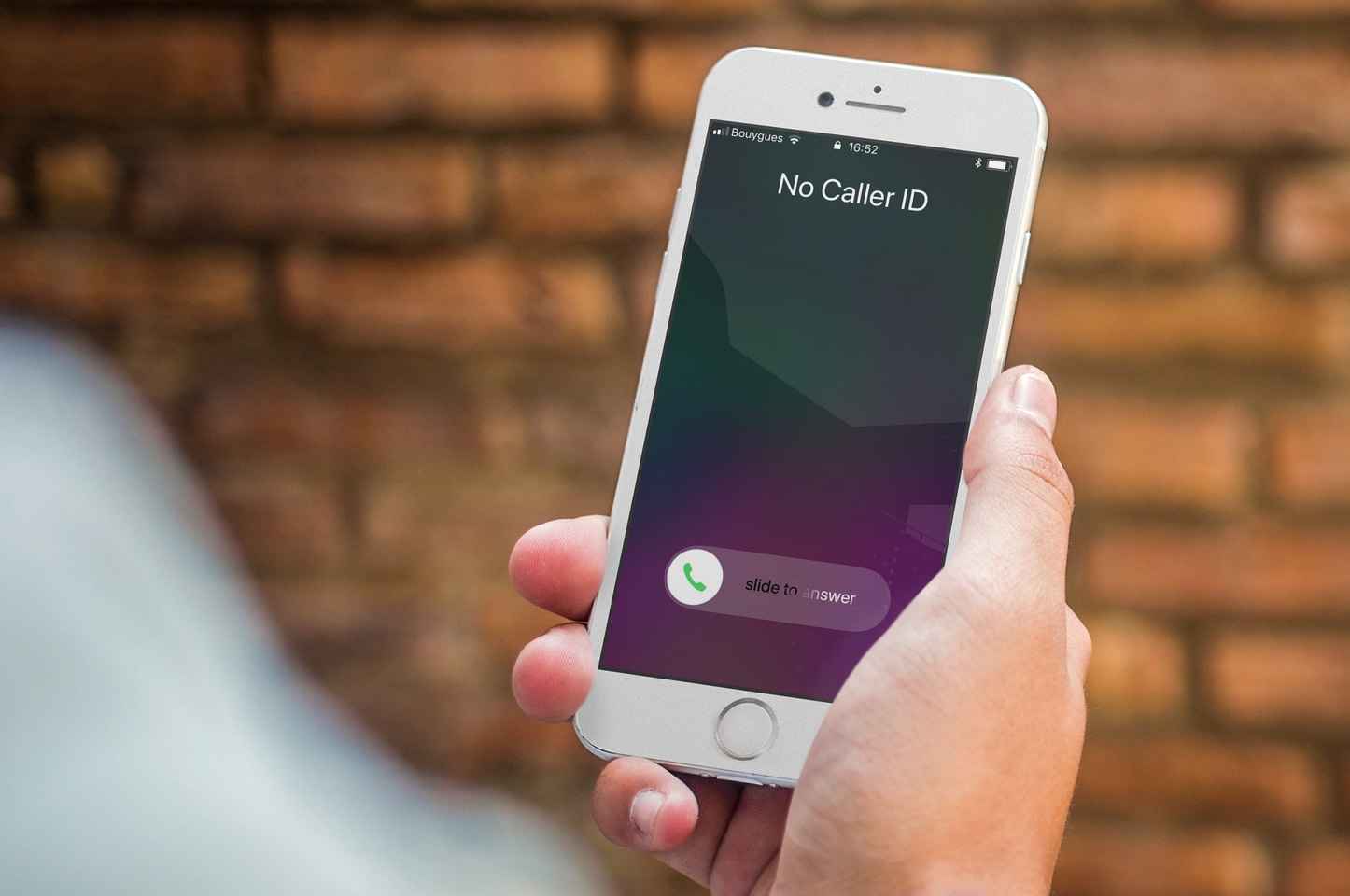
If you want to hide your phone number when calling someone on your iPhone, you have a handful of options available to you. In this post, we'll go over these options and show you how to hide your caller ID and call someone without showing your number.

Learn how to elevate your iPhone or iPad videography game by shooting stunning 4K footage at 120 or 60 frames per second.

Don’t like it when your iPhone vibrates every time you receive a new email? Me neither! So, in this post, we’ll show you how to turn off vibrations for incoming emails on your iPhone.