In this tutorial, we'll show you how to quickly find and insert emojis when you're using a hardware keyboard with your iPad.
How to insert emojis when using a physical keyboard with iPad

In this tutorial, we'll show you how to quickly find and insert emojis when you're using a hardware keyboard with your iPad.
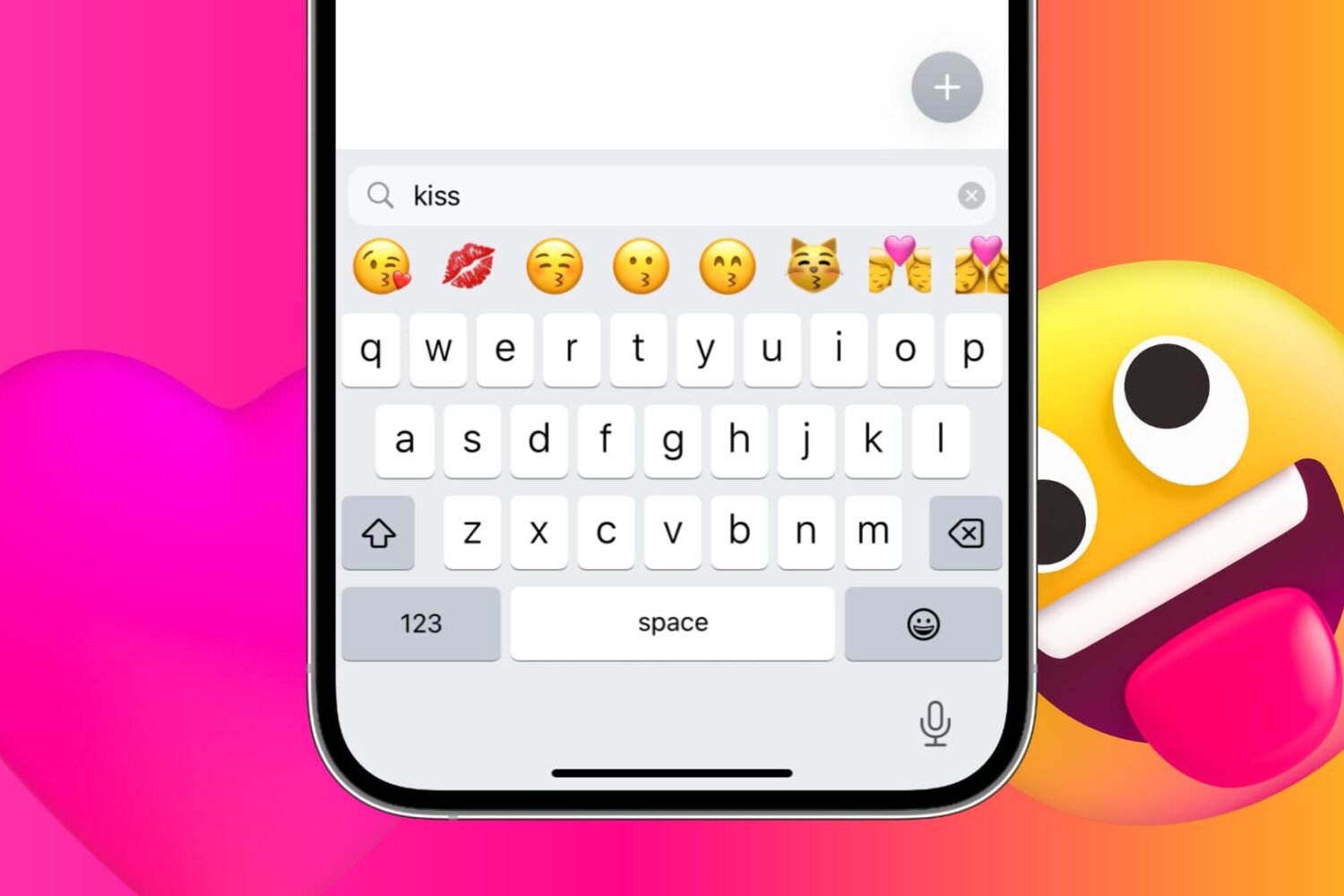
iPhone and iPad provide a handy search field above the emoji keyboard. With it, you can find and filter appropriate emojis by entering keywords. Follow along with us as we show you how to take advantage of the iPhone emoji search option.

Check out this quick tip to improve your iPhone camera’s performance by enabling faster shooting when you tap the shutter button quickly.
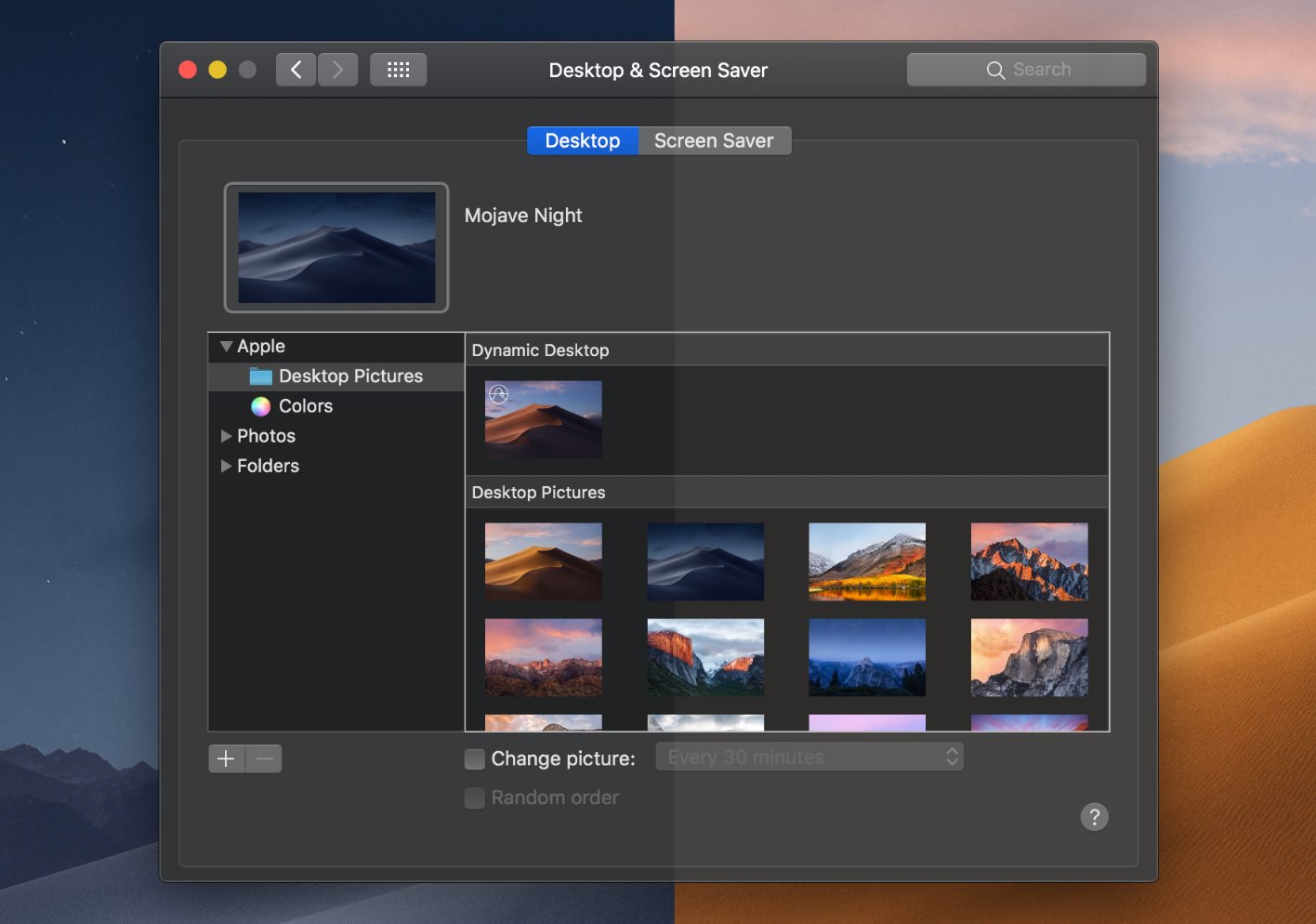
The dramatic Dark Mode look arrived to the Mac with the October 2017 release of the macOS 10.14 Yosemite software update. Fast forward three years and users can now force Dark Mode to become a bit darker thanks to a new setting in macOS 11.0 Big Sur. Follow along with our tutorial for step-by-step instructions for how to to make Dark Mode even darker on your Mac.

Learn how to save time and effort by searching inside apps on your iPhone or iPad directly using Spotlight Search from your Home Screen.

Wouldn't it be great if you could see upcoming games that will launch soon on Apple Arcade, the iPhone maker's game-subscription service? With the new App Store features available on iOS 14, iPadOS 14 and macOS 11 Big Sur, you can do just that. Follow along with our quick tutorial as we show you how to get a sneak peek at upcoming Apple Arcade games.

If anything, the US elections and the coronavirus crisis have reminded us yet again how rapidly misinformation can spread through social media and messaging platforms. To help with that, you now have the ability to fact-check forwarded WhatsApp messages, and we show you how.
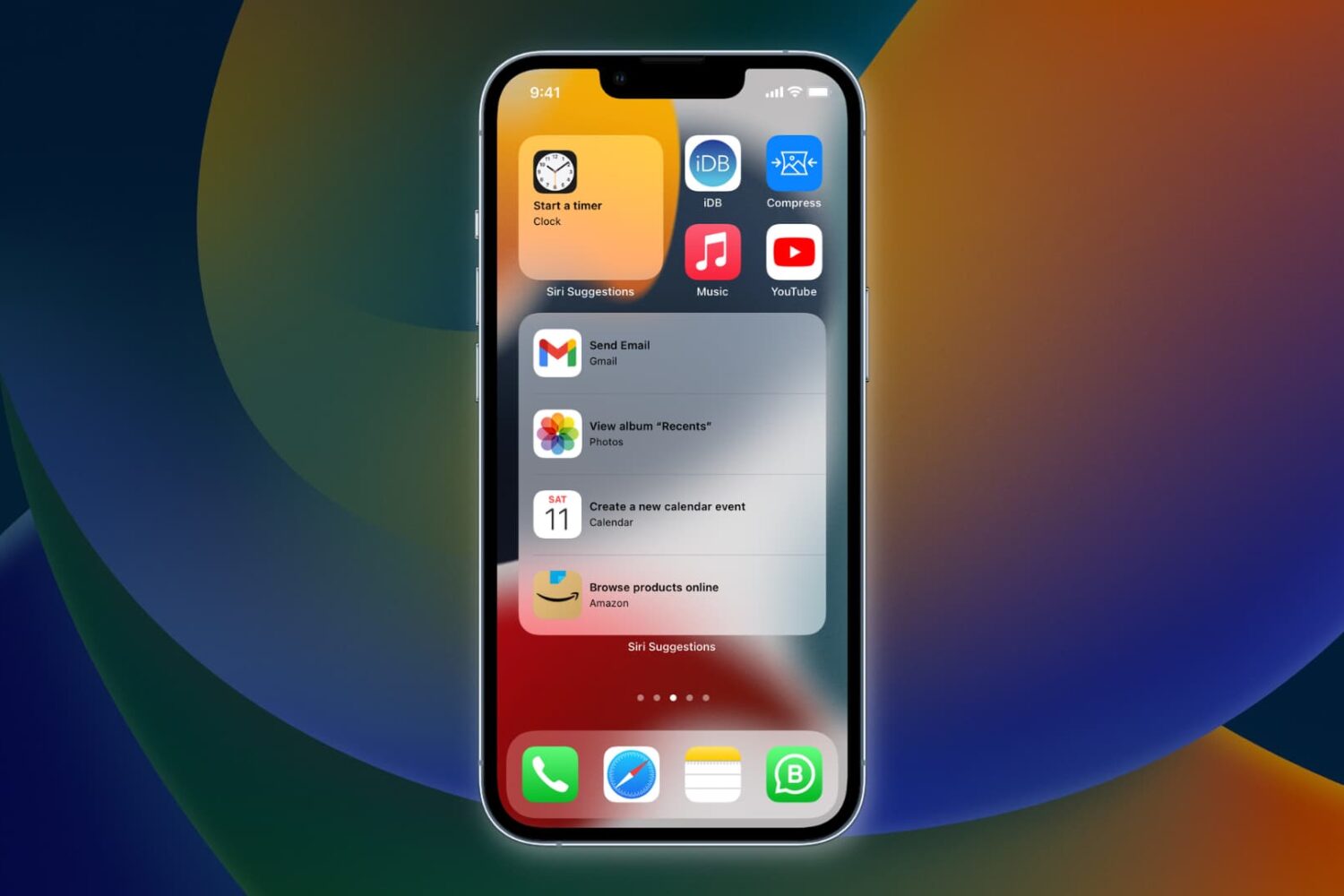
Learn how to have Siri intelligence dynamically curate your apps and show suggested actions right on your iPhone Home Screen in the Siri Suggestions widget.
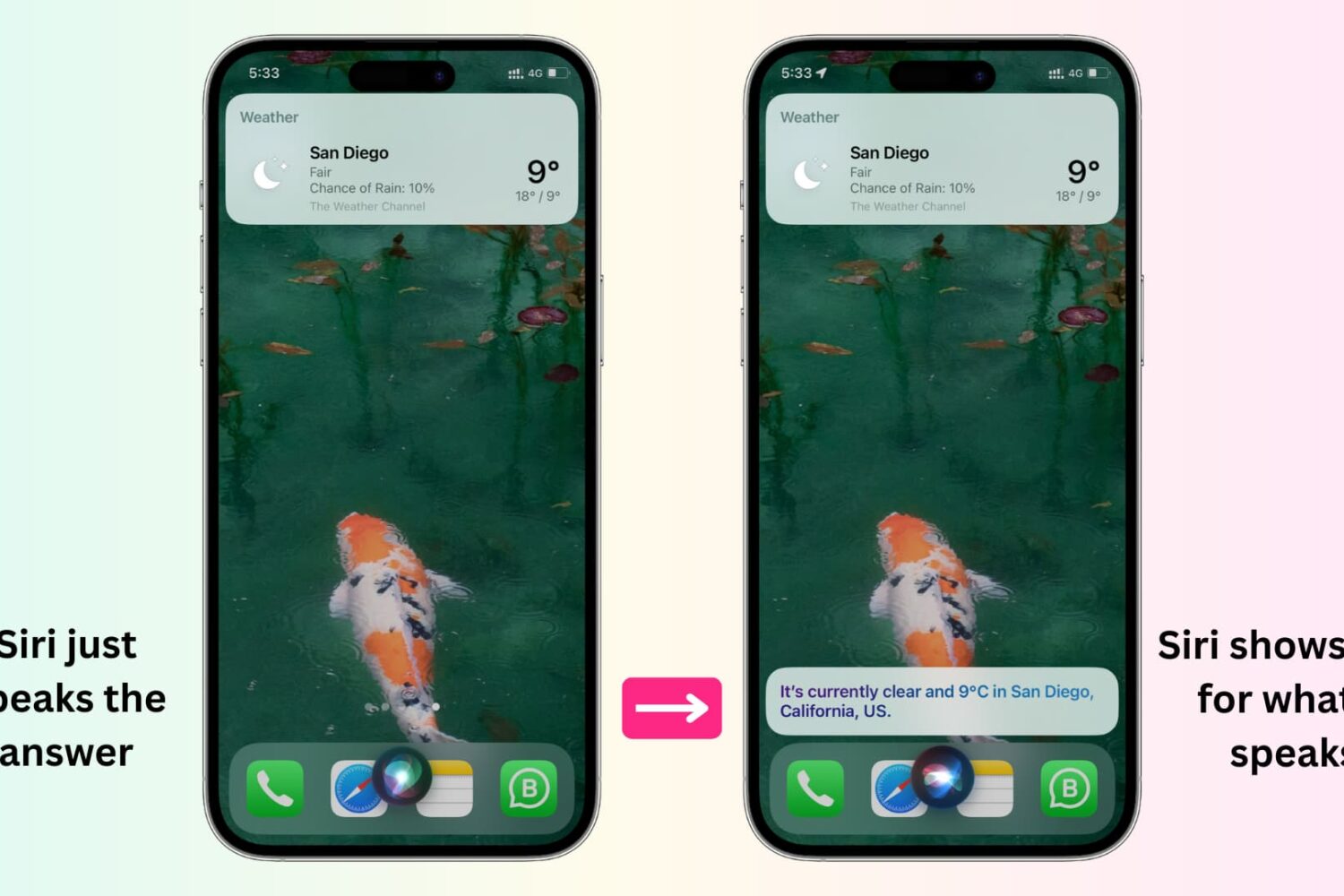
In this tutorial, we'll show you how to display anything Siri says to you on the screen of your iPhone, iPad, Apple Watch, and Mac.

Check out this pro tip to navigate Settings and System Settings on your iPhone, iPad, and Mac faster using the hidden navigation menu.

Learn how to view a transcription of the voice commands you give Siri on your iPhone, iPad, Mac, Apple Watch, and Vision Pro so you can verify that the device is interpreting spoken commands accurately.

Learn how to improve your online privacy by sharing only your approximate location with apps that request it.