In this tutorial, we will show you how to change the resolution, frame rate, and dynamic range settings for video playback on your Apple TV to achieve the perfect viewing experience.
How to change the video resolution on your Apple TV
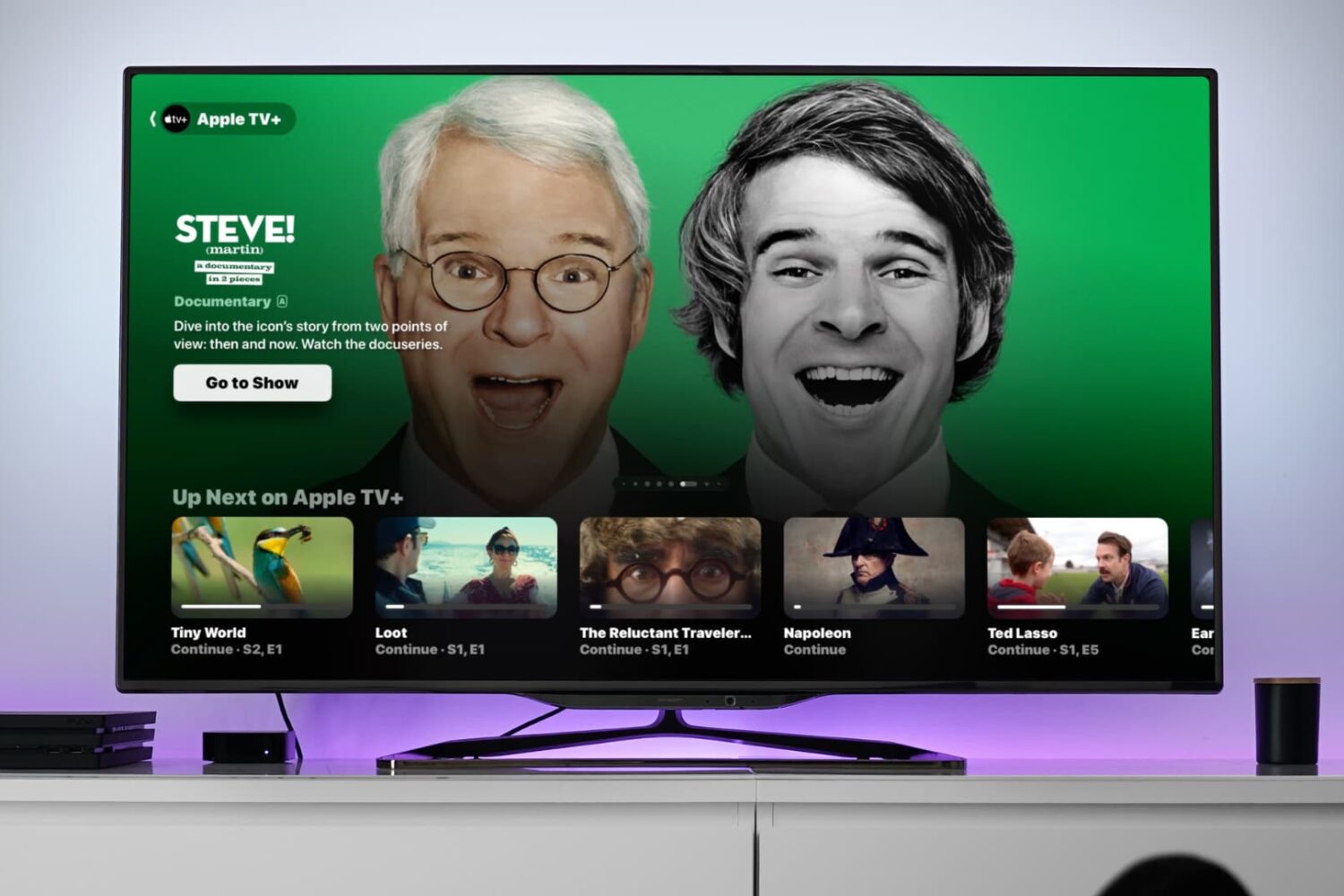
In this tutorial, we will show you how to change the resolution, frame rate, and dynamic range settings for video playback on your Apple TV to achieve the perfect viewing experience.

In October 2015, Apple began rolling out support for carrier billing on iTunes in select markets, starting with Germany. This feature joins the existing payment methods accepted on the App Store, iTunes Store and iBooks Store and permits customers to have apps and media bought through these content stores charged to their monthly mobile phone bill or deducted from their prepaid amount.
If your carrier supports it, you too can opt-in to pay for your iTunes Store, App Store, and iBooks Store purchases—and your Apple Music membership—through mobile phone billing.
In this tutorial, we're going to cover setting up mobile phone billing as your payment method in the iTunes Store, App Store or iBooks Store.

In this tutorial, we’ll show you how to check the battery percentage of your Apple TV Siri Remote or other Bluetooth devices connected to your Apple TV, such as game controllers or gamepads.
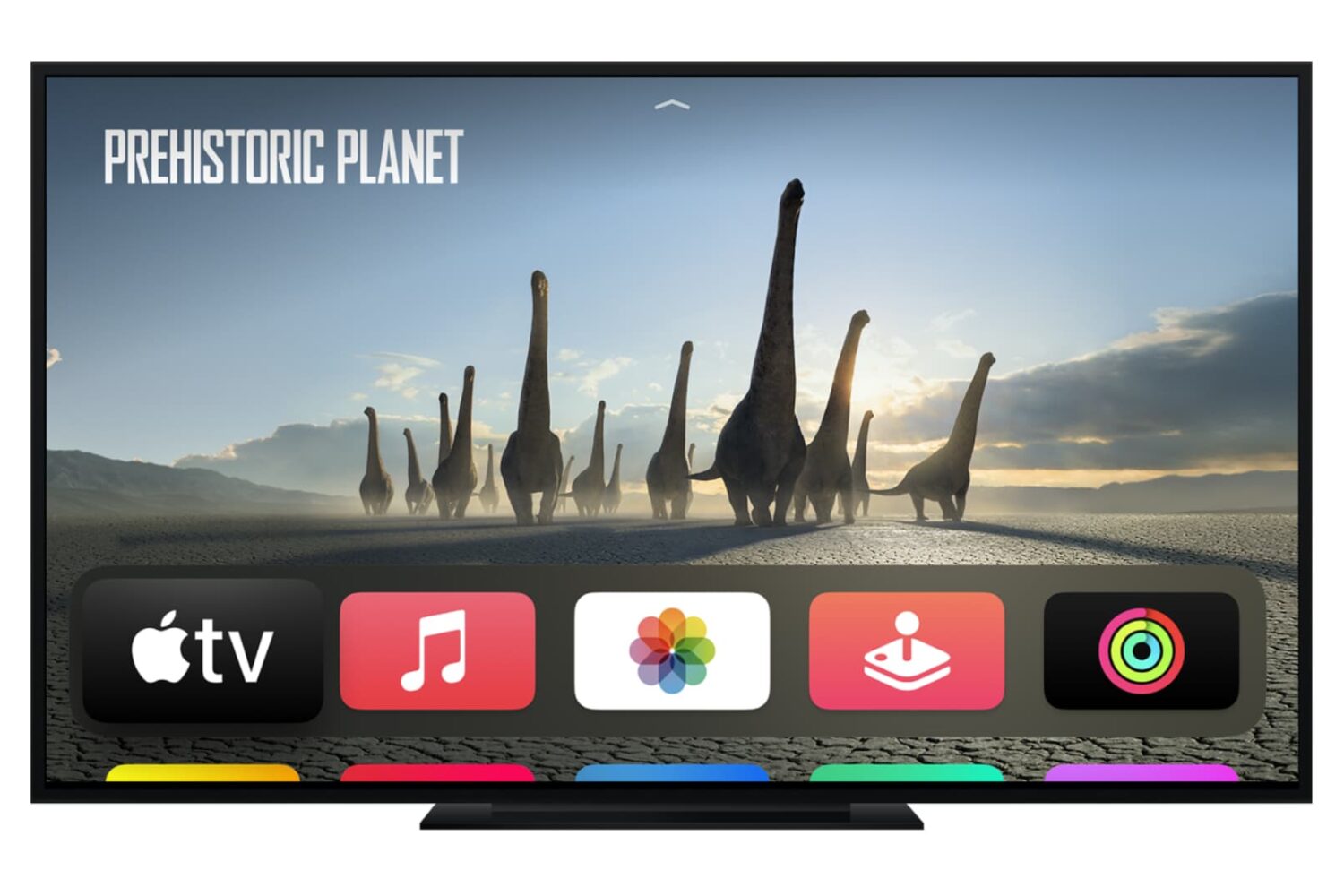
Check out the quick steps to see the Wi-Fi signal strength on your Apple TV if you’re experiencing network issues while watching videos.
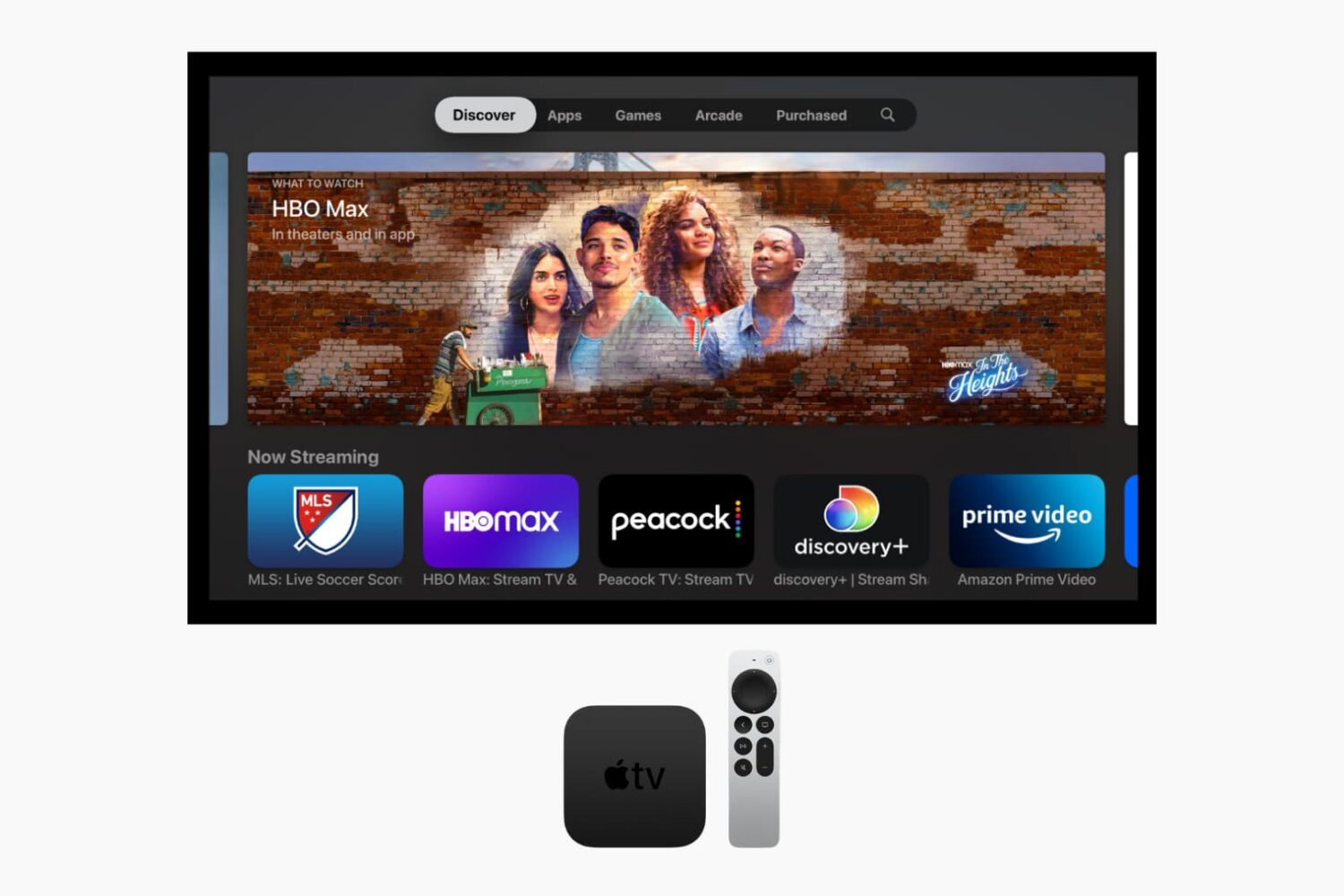
Learn how to forcefully close apps on your Apple TV if they are stuck and not working properly, or to free up system resources.
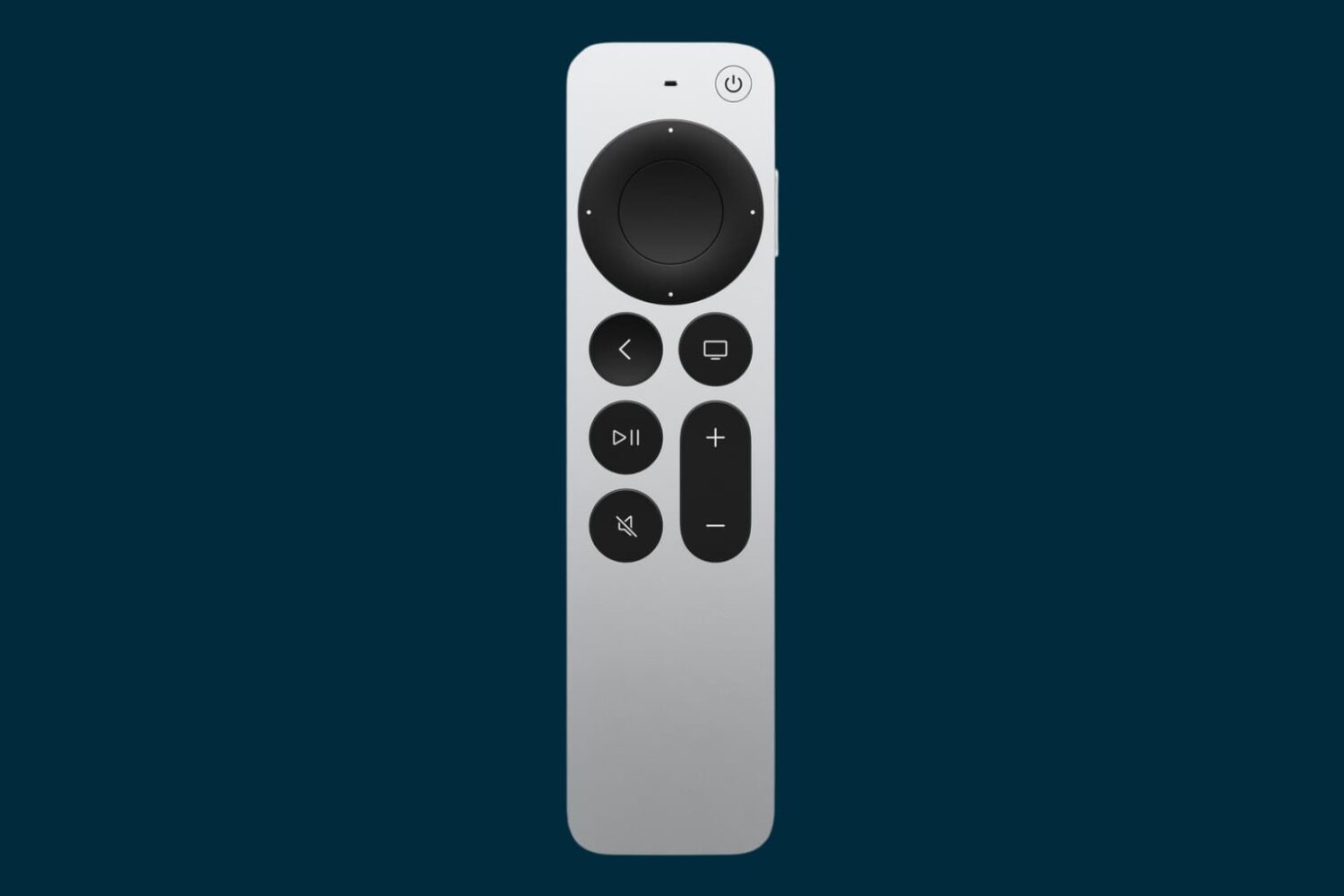
In this tutorial, we'll show you how to customize the Apple TV Siri Remote to your liking by adjusting the sensitivity of its Touch Surface or turning it off altogether.
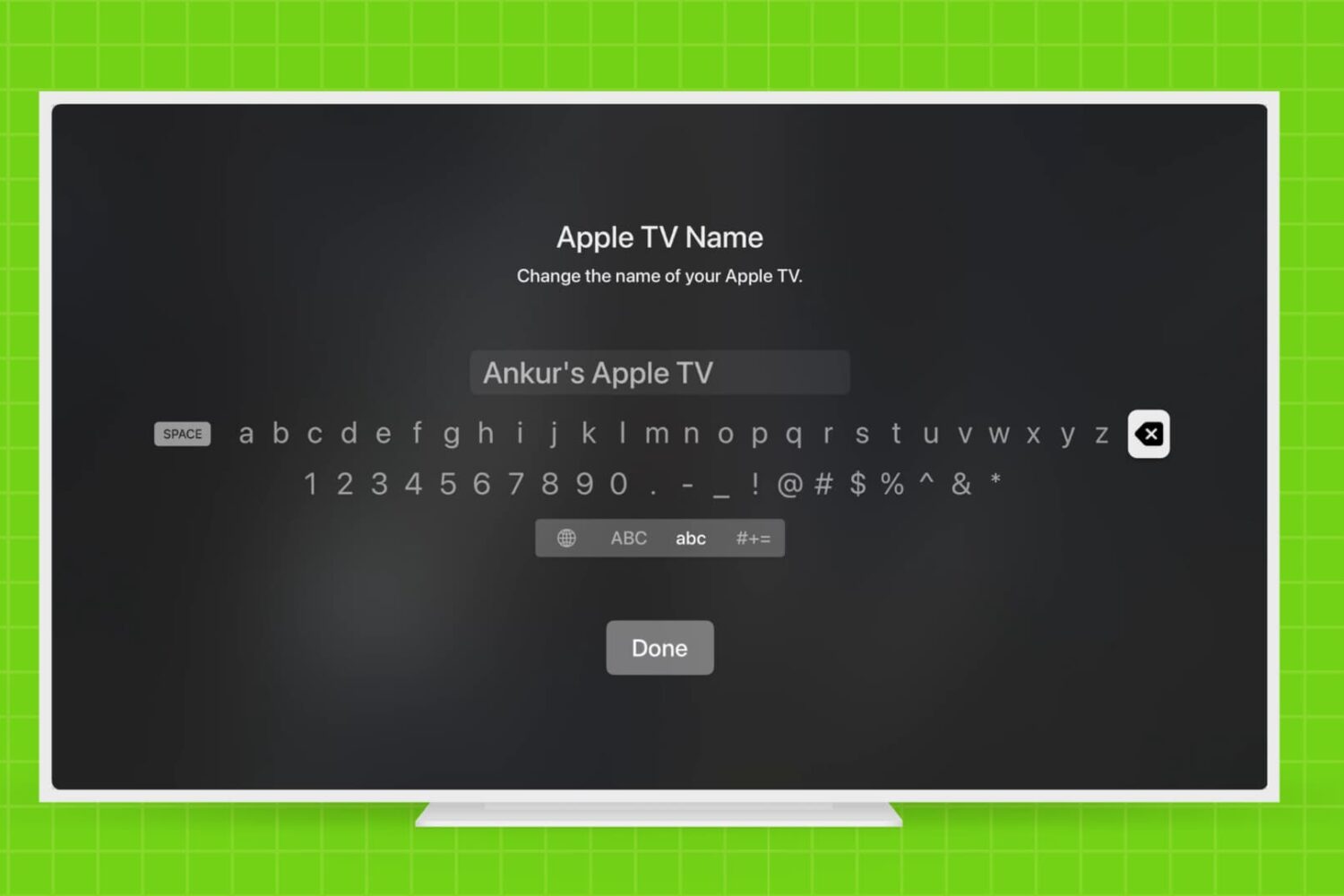
Learn how to rename your Apple TV and make it easier to identify, especially if you have multiple Apple TVs in your household.
By now, you have learned how to use the new Apple TV's task switcher, rearrange and delete apps on the set-top box, take screenshots, disable password prompts for free and paid downloads and more.
Our coverage of the device continues with this tutorial which will teach you how to restart your Apple TV or put it into sleep or standby mode using either its remote or by selecting an option in the Settings menu.
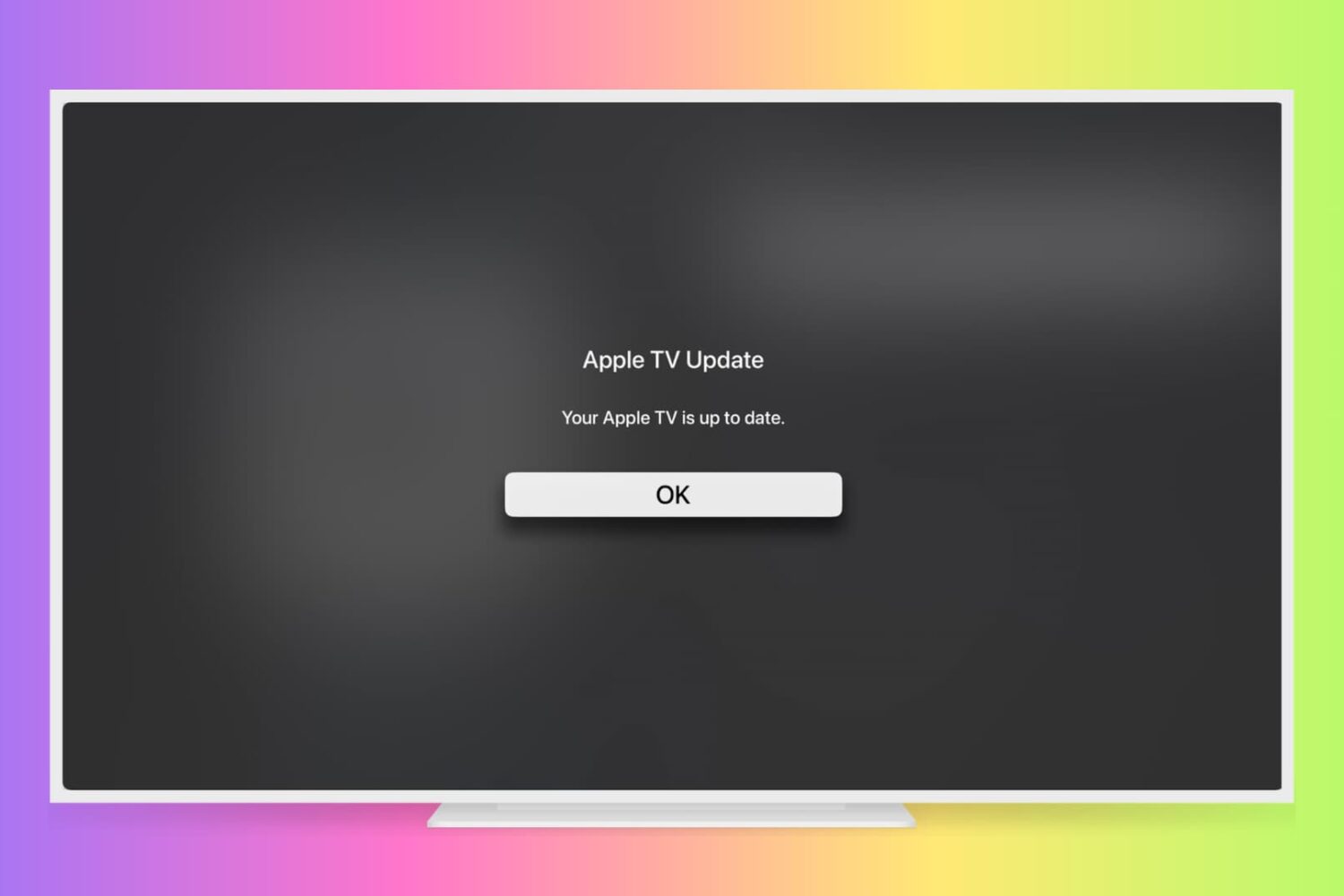
Learn how to manually check for Apple TV software updates and install the latest version of tvOS so it has all the latest available features and can run without hiccups.
You are probably aware that you can disable password prompts altogether for free downloads made on your iPhone, iPod touch, iPad and Mac. As an added layer of protection, iOS and macOS will either require your Apple ID password for each paid download or after fifteen minutes of making your last purchases in the iTunes Store, App Store, Books Store or Mac App Store, depending on your preference.
What you cannot do on iOS and macOS is disable password prompts for both free and paid downloads. On the Apple TV, however, it's possible to turn off password protection for both free and paid items and this tutorial will help you do just that.

Picture in Picture mode is a cool new feature for the iPad on iOS 9. As we showed you earlier today, you can even take advantage of Picture in Picture mode on the iPhone, if you're willing to jailbreak.
But what about the Mac?
Fortunately there's a Mac app called Helium that does a pretty good job of emulating the Picture in Picture effect on the desktop. It's especially handy for watching YouTube videos. Watch our hands-on video to see what I mean.
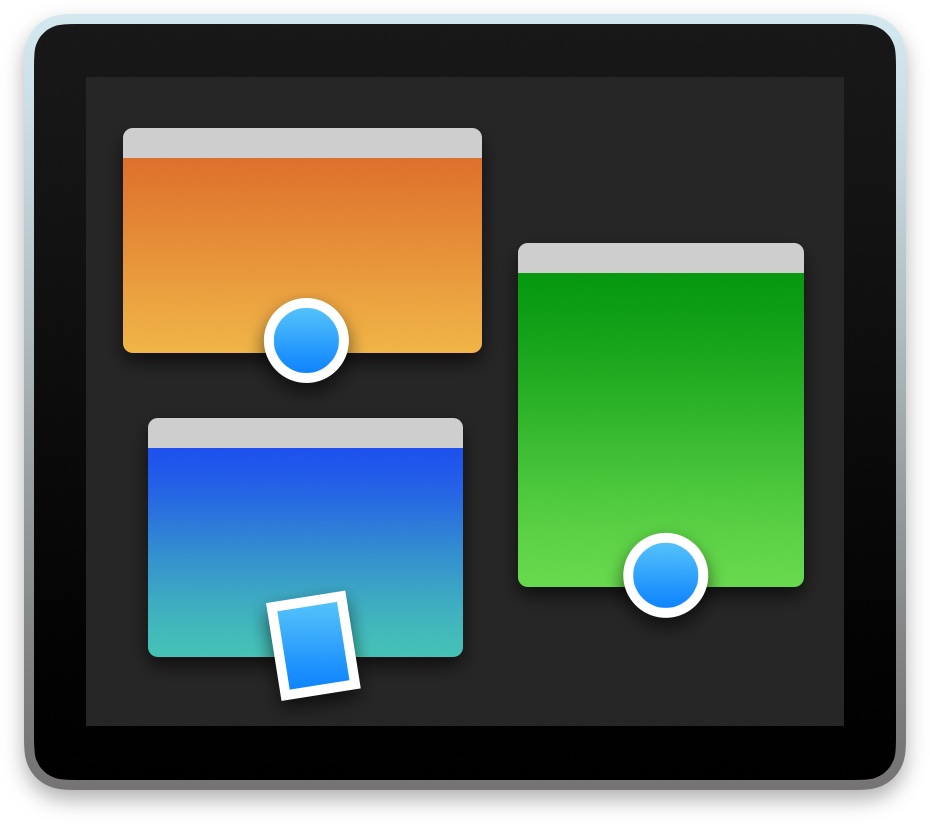
macOS has a nifty little productivity boost that makes it both easy and fun to run two apps side-by-side in your Mac's native full-screen mode.
This can be indispensable when focusing on specific tasks at hand while disregarding everything else, like online research and taking notes, or blogging and writing, or reading news while keeping tabs on your Twitter feed and so forth.
This mode, called Split View, is normally activated by dragging an app to either side of the screen by its window's upper left green button, and then choosing another app to fit the other half of the screen.
But the multi-step process is often a tad confusing for novice users, especially those accustomed to Windows 7's effortless window snapping. Thankfully, your Mac supports creating Split Views right within Mission Control, which in macOS has been tidied up and made clearer and more obvious.
In this tutorial, you'll learn how to go, and exit, Split View just by dragging app windows inside your Mac's Mission Control.