In this tutorial, we’ll show you how you can upgrade a Mac user account’s privileges to administrator level, and we’ll also go through the steps to strip an account of its admin rights.
How to give and take admin rights from user accounts on Mac
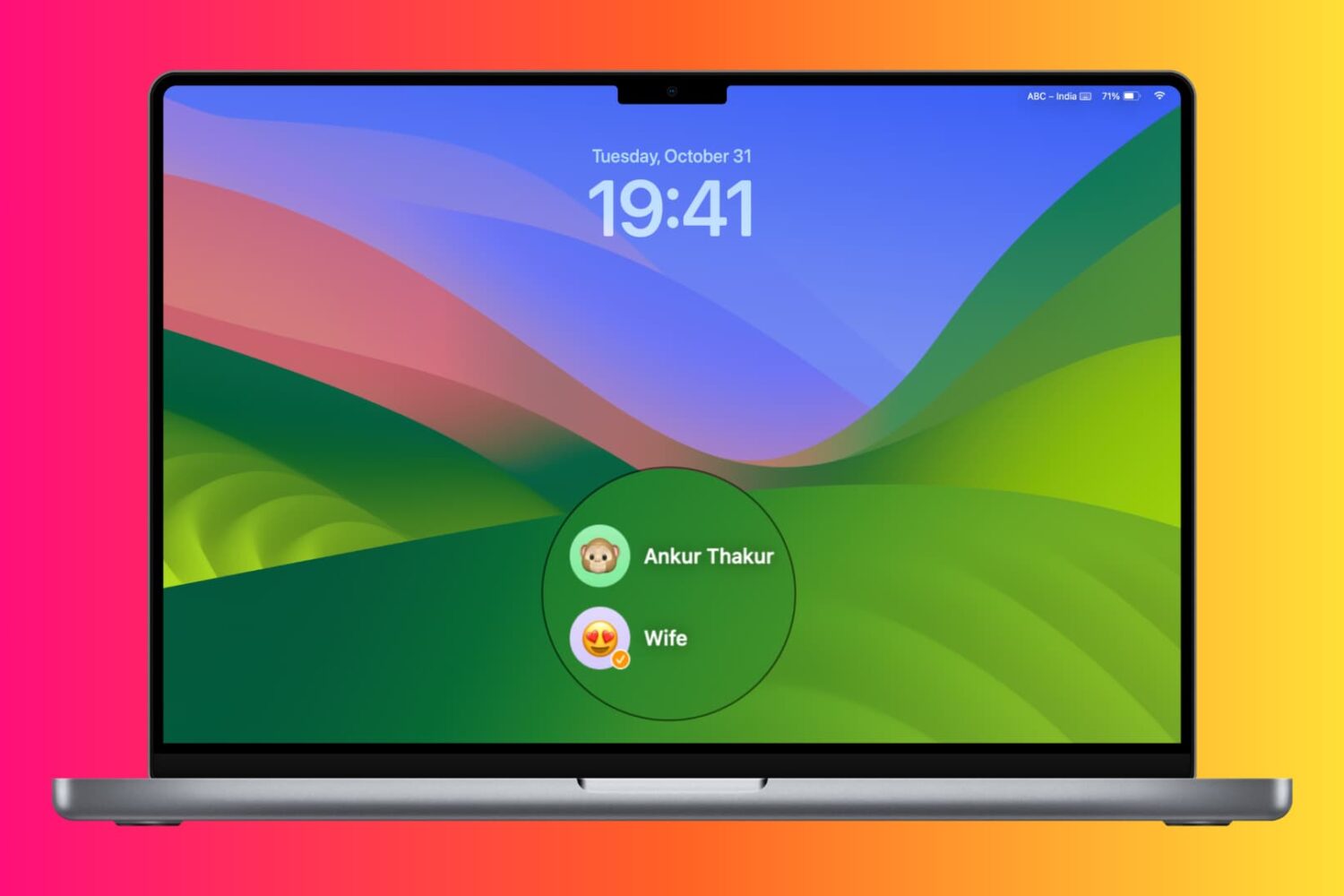
In this tutorial, we’ll show you how you can upgrade a Mac user account’s privileges to administrator level, and we’ll also go through the steps to strip an account of its admin rights.
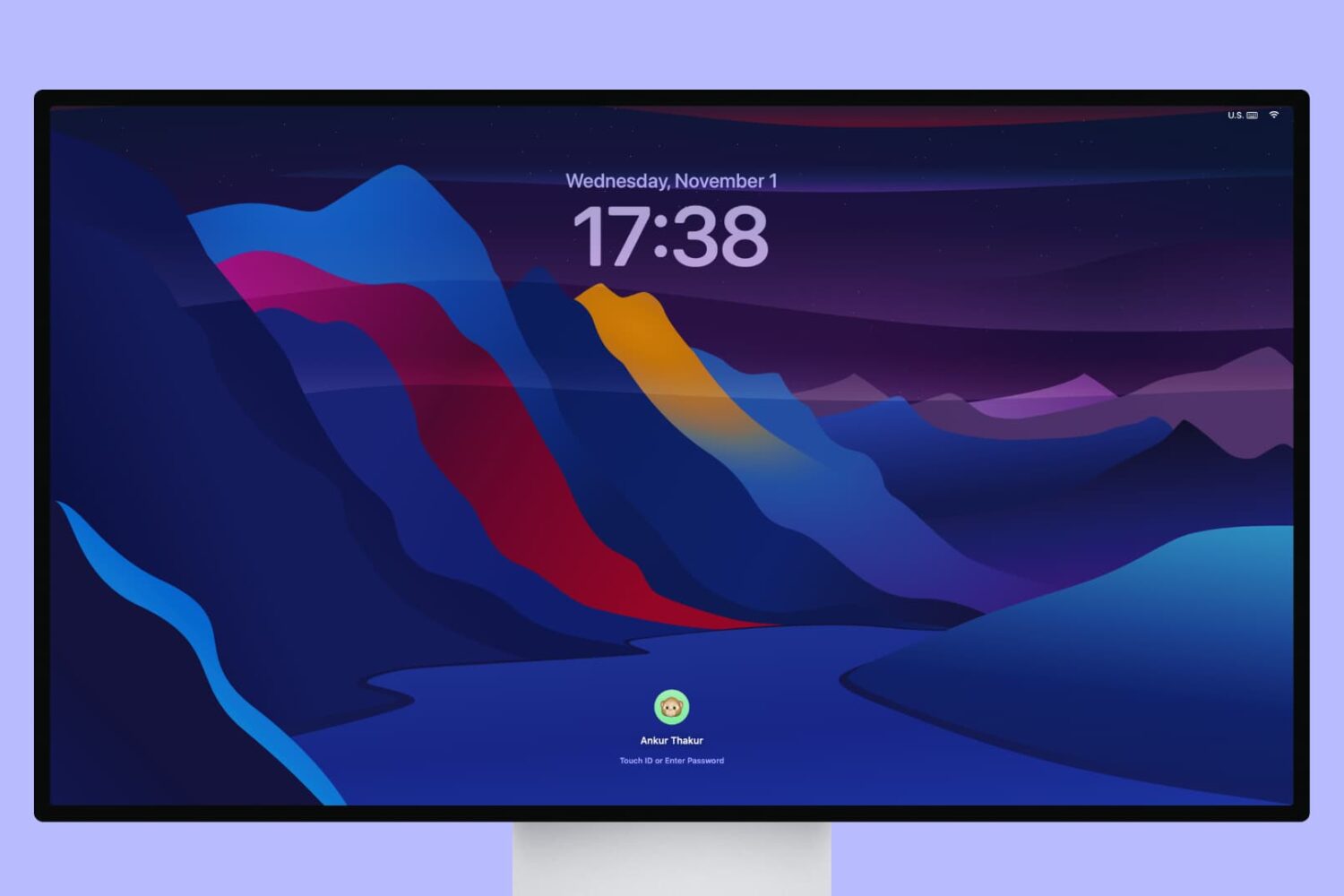
Wondering how to grab a screenshot or do a screen recording of your Mac Lock Screen or user-switching window? In this quick tutorial, we’ll show you the right steps to do so.

Instagram users who search for things frequently leave a trail behind that shows everything they've searched for, and to some who are used to hiding their tracks, this could be considered a privacy concern.
If you want to clear your search history from the Instagram app on your iPhone or iPod touch, then follow along as we take you through the simple steps to do so in this tutorial.
Learn how to export your iPhone contacts as an Excel, CSV, or vCard file to use as a backup or to share them with someone else.

Every Mac has the Preview app installed on it from the factory, and it's the default app for opening many kinds of image file types, including PDF files.
Of course, the app has much more to offer than meets the eyes, and today we'll talk about how you can customize the app's toolbar to give yourself a little more functionality at a glance.

Mac’s Safari web browser is loaded with features that aren’t enabled out of the box. One of them is the hidden Develop menu in the top macOS menu bar, which packs a number of features that even regular Safari users could benefit from.
In this tutorial, we’ll show you how to change your FaceTime ringtone on your Mac so that it sounds the same as your iPhone or iPad.
In this tutorial, we'll walk you through exporting calendar events from your Apple Calendar app to Google Calendar on Mac, iPad, and iPhone.
In this tutorial, we will share how to set up and configure parental controls on your child's Mac so you can keep them protected from inappropriate content and fine-tune what your kid is allowed to access.
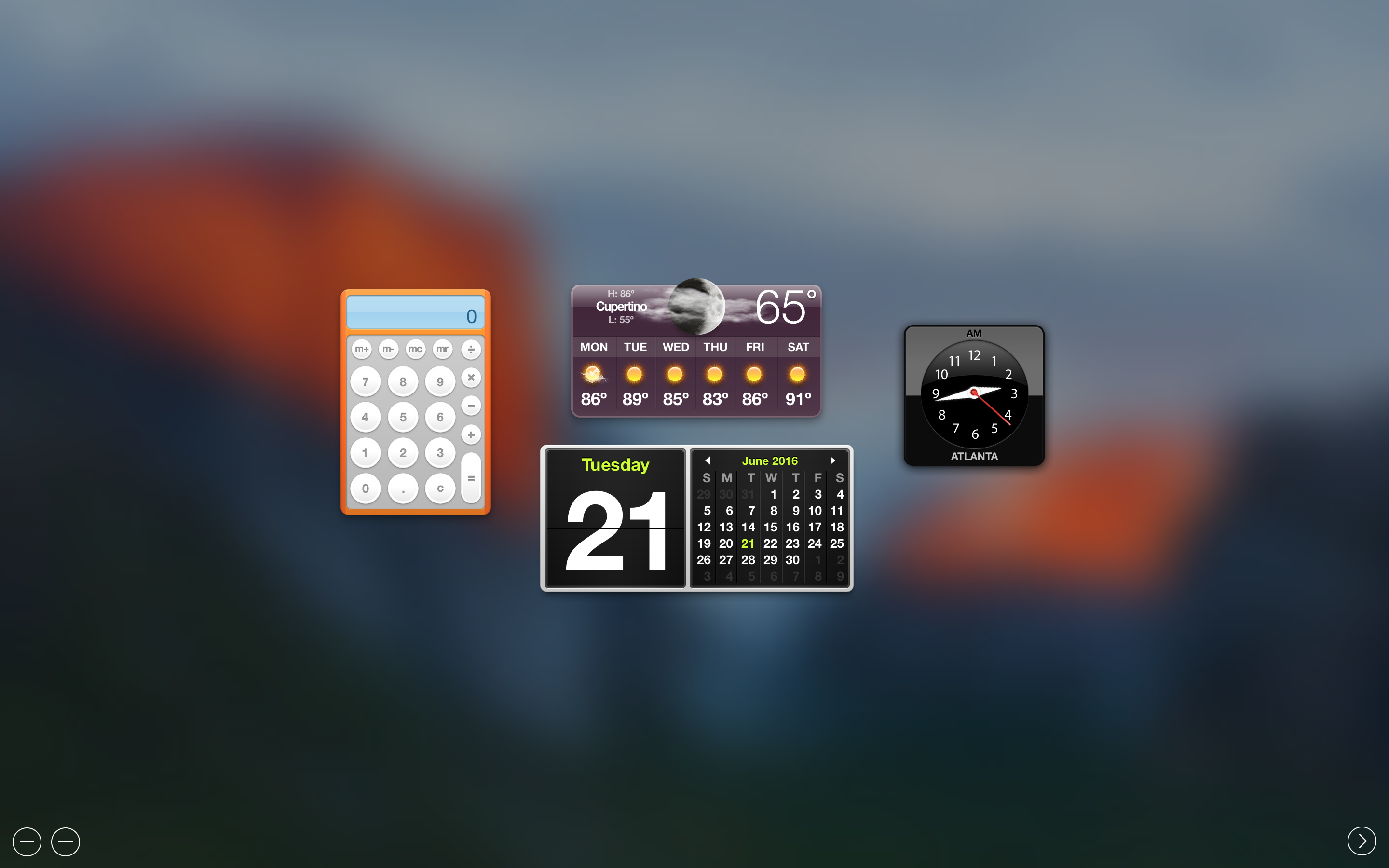
In this tutorial, we'll walk you through the process of disabling Dashboard on Mac using Mission Control and applying it system-wide.

Those of you with Macs know that you can't just click on the Close button to exit out of most apps. Instead, you have to physically quit those apps after you're done using them.
On the other hand, if you just can't be asked to take the time to do that, we're going to show you a really easy way to make an applet that can be used to quit all of your Mac's running apps at once.

Many of you probably already heard the news that Unicode 9.0 became official this week and that there were going to be 72 new emojis coming soon.
Although Apple is likely to add support for these new emojis in iOS 10 in a future beta or release update, they're not yet available in iOS whatsoever, but in this tutorial, we'll show you how you can still use them without a jailbreak on a completely stock device.