In this tutorial, we'll show you how you can launch apps on your Retina display Mac in normal resolution rather than in its higher Retina display resolution form.
How to launch apps in low resolution mode on Retina display Macs
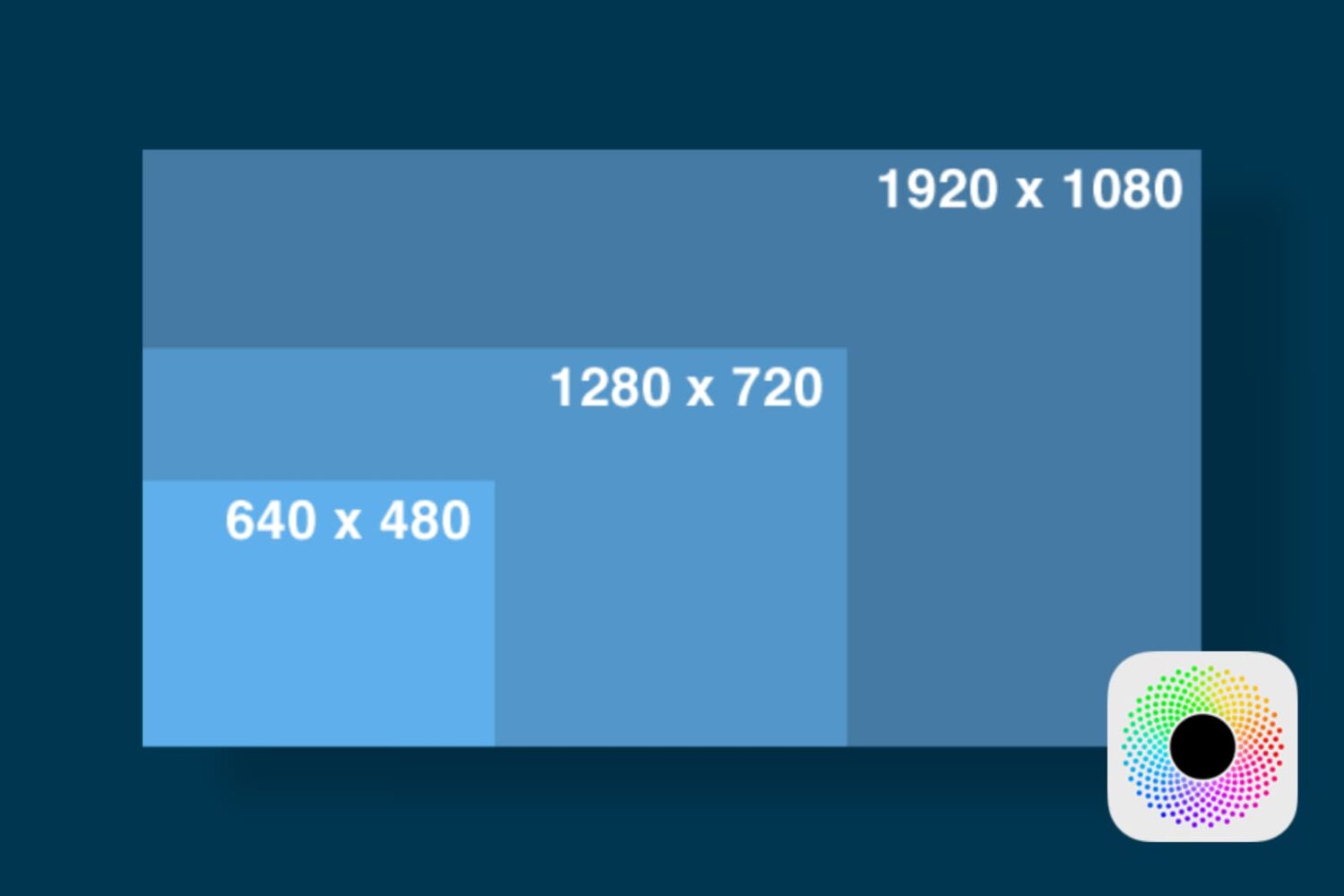
In this tutorial, we'll show you how you can launch apps on your Retina display Mac in normal resolution rather than in its higher Retina display resolution form.
Your Mac's Mail app is a powerful email client, and for many, the default app configuration in plenty for getting day-to-day email tasks done.
But for those who demand more power and functionality, it's a great idea to customize the toolbar at the top of the Mail app so you have quick and easy access to the functions you use the most.
In this tutorial, we'll show you how to customize the toolbar at the top of your Mac's Mail app so you can get more out of it.
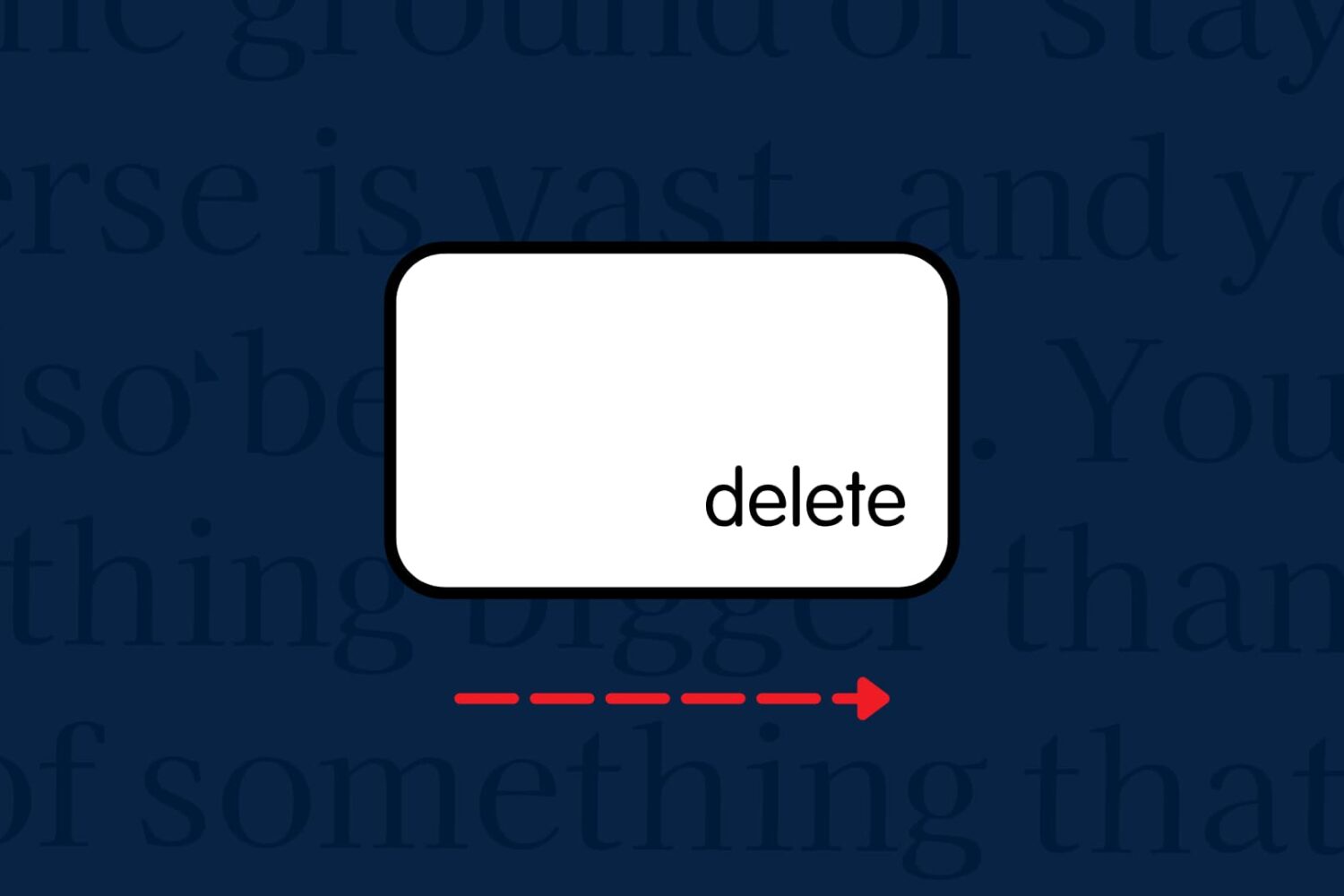
Want to forward delete on Mac rather than delete the text backward? In this tutorial, we’ll show you how to delete text from left to right (instead of the usual right to left) with a couple of simple keyboard shortcuts.
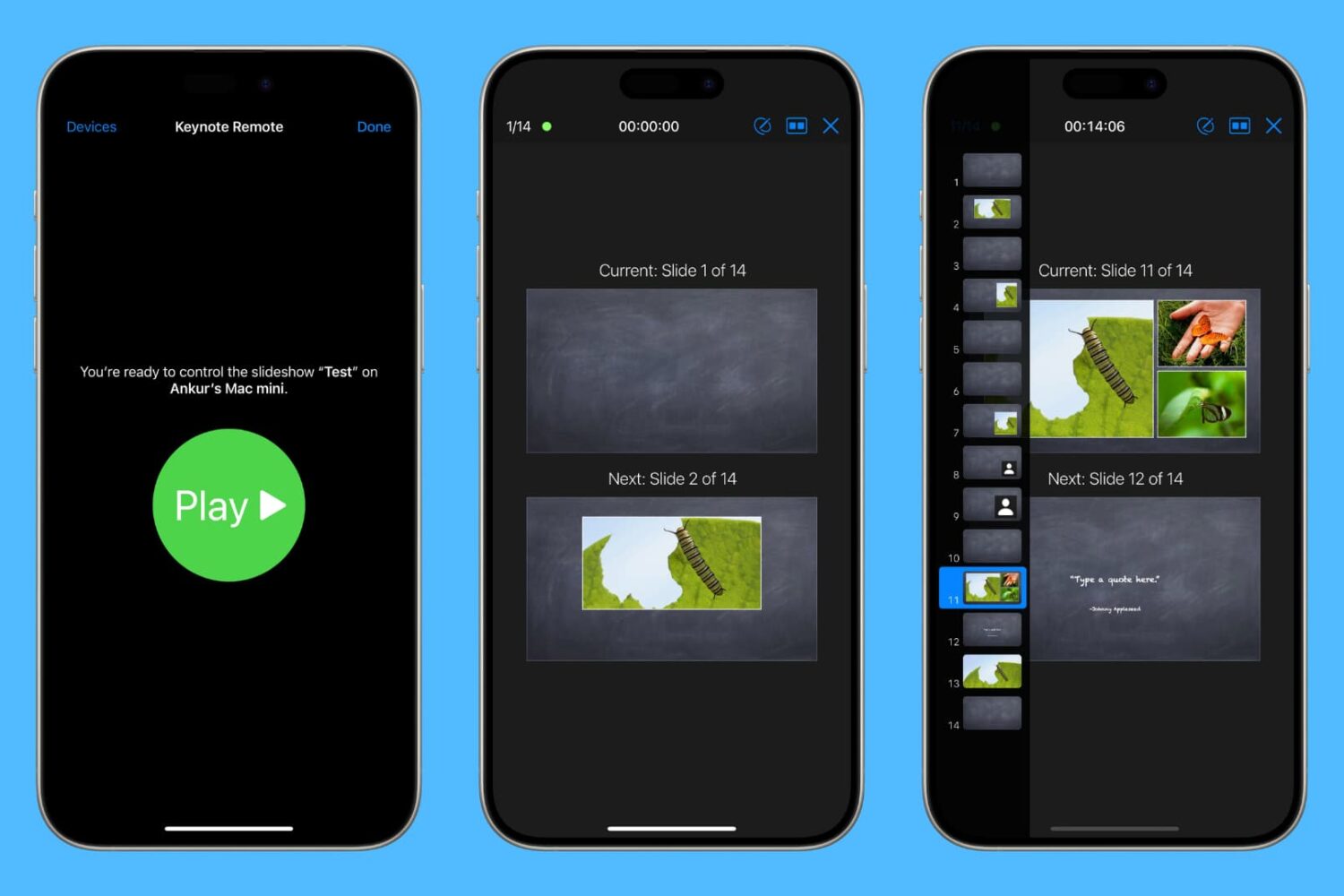
Learn how to use your iPhone or iPad as a wireless remote for controlling a Keynote presentation on your Mac.
Apple's newly-announced macOS Sierra is set to release to the public this Fall as the company revealed at WWDC 2016 this week, and it includes a variety of improvements that will make using your Mac even better than ever.
One of those improvements is Universal Clipboard, which is a Continuity feature that lets you share your clipboard between your iOS device(s) and your Mac.
But what if we told you that you didn't have to wait until the public release of macOS Sierra to enjoy a similar feature on your Mac?
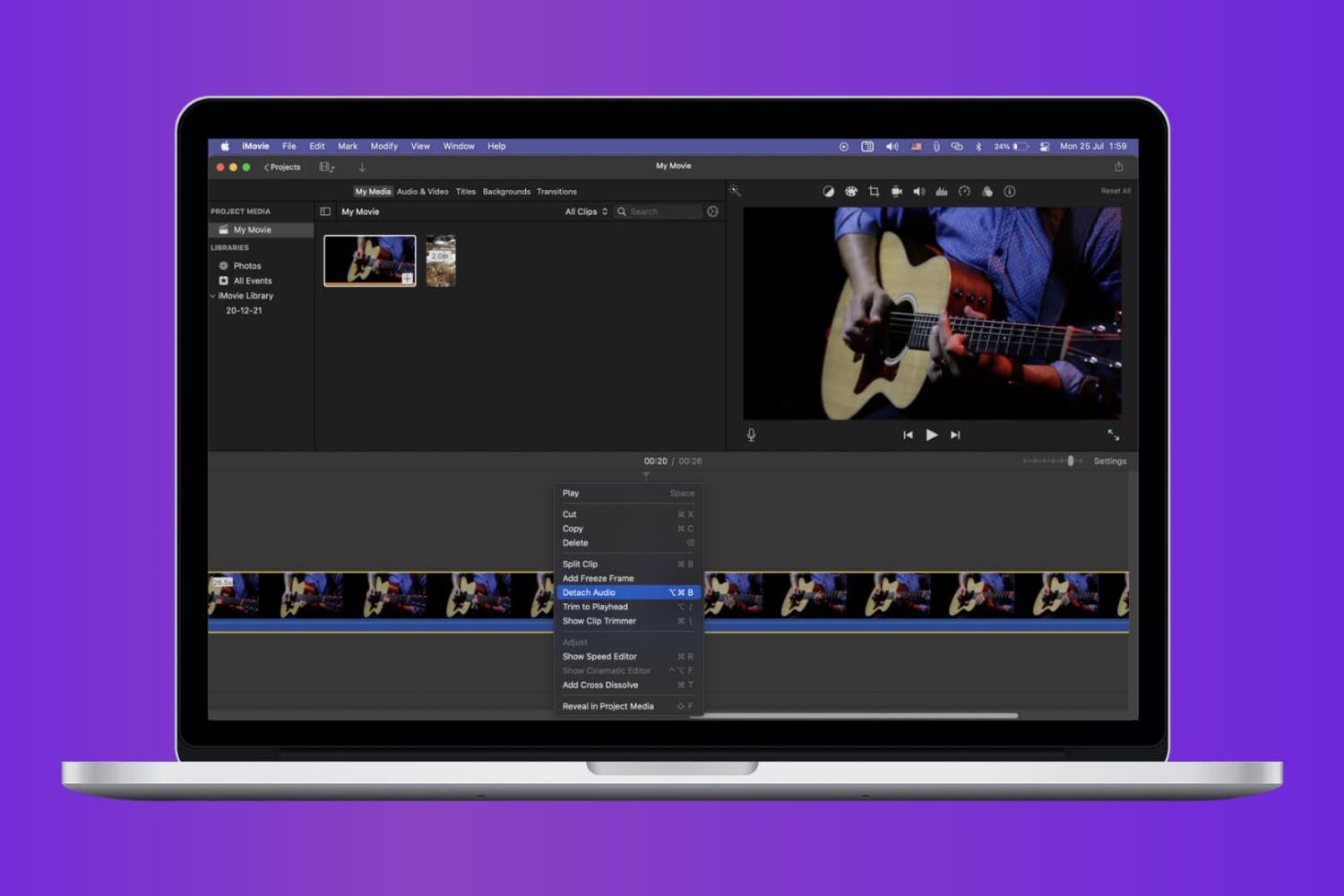
Check out the quick steps to remove audio from a video using iMovie and save that soundless clip locally to your Mac.

When it comes to using your Mac for day-to-day activities, you may want to set up a printer with it so you can print documents, shipping labels, photos, and other important pieces of information.

Learn how to fix iPhone apps stuck on “Installing…” so you can get your downloads working again quickly.
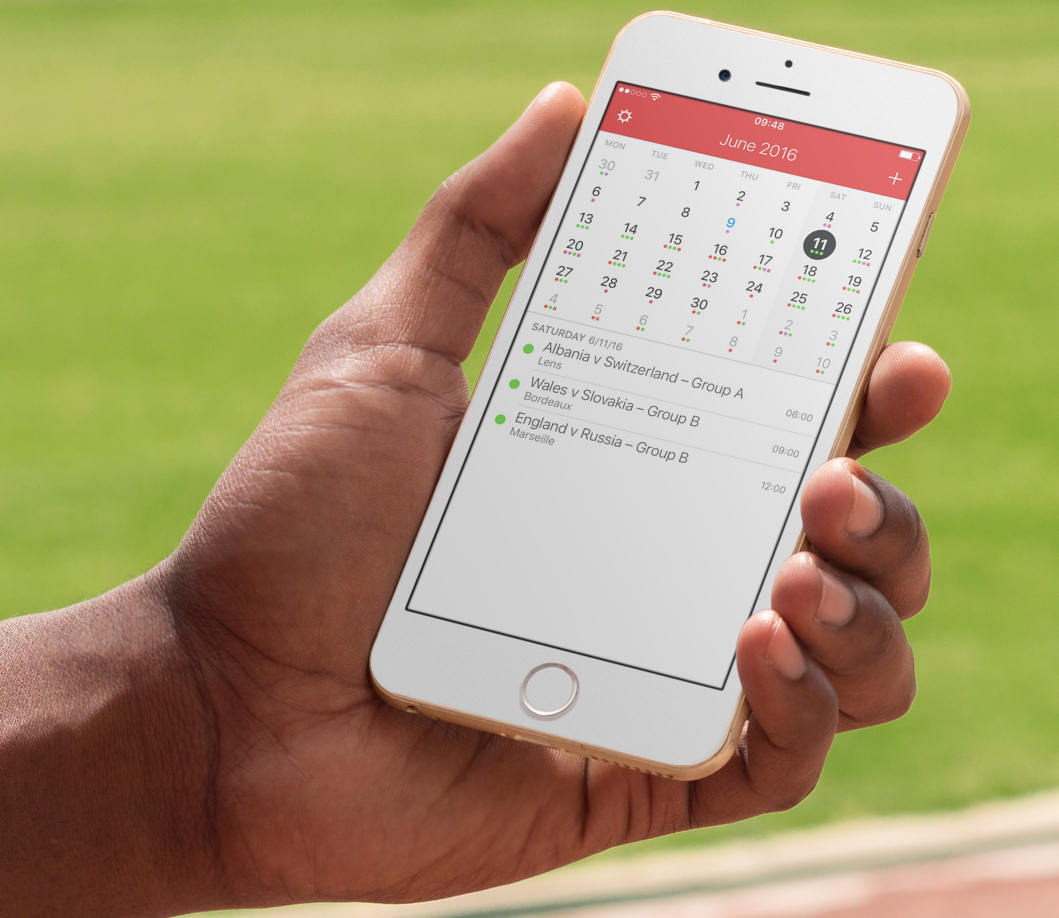
The UEFA Euro 2016 will kick off tomorrow with France taking on Romania in the first game of the competition. If you're a casual football fan (sorry, I can't call it soccer!), and want to keep up with the competition schedule and fixtures without necessarily downloading a bunch of apps, your best bet is to subscribe to a calendar that will push all games dates, times, and places to your iPhone or iPad calendar app of choice.
What happens when a jailbreak tweak bugs out on your device and ends up in a boot loop? Do you try to reboot the device to no avail? Do you take to the internet to ask how to fix it?
How about this: try booting into a form of booting up that Saurik calls 'No Substrate Mode,' then uninstall the faulty tweak.
In this piece, we'll talk about how you can use No Substrate Mode, an under-used feature of jailbroken iPhone or iPad that can truly save you from losing your precious jailbreak when you're unable to turn on your device.
Lots of times you may want to print something, only to find that you have no printer ink or that you aren't near a printer. Your Mac comes with a useful function in the macOS printing menu that lets you save anything you want to print as a PDF file to print or share later. We'll show you how you can make a PDF out of anything you intend to print in this tutorial.
