Theme

Make Your iPhone’s iPod Look Just Like Windows Phone 7 with Muzik

Awhile back, we showed you a jailbreak theme called "OS7" that replicated Windows Phone 7's interface on the iPhone. Some of you installed the theme and played around with it. The theme's attention to detail and resemblance to Windows Phone 7 was striking.

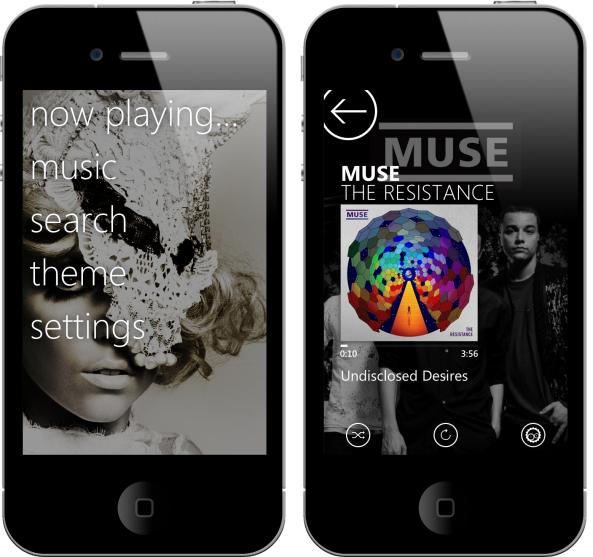
An app called Muzik, by Dr. Wilson Gaming, allows you to play your iPod music in the style of Windows Phone 7 and the Zune. Muzik recently received some major updates to make it a more formidable clone of the Zune experience.

If, for some reason, you want the ability to replicate the Zune interface on your iPhone, Muzik is about as good as it gets.
iPhone Theming Made Easy with Masks

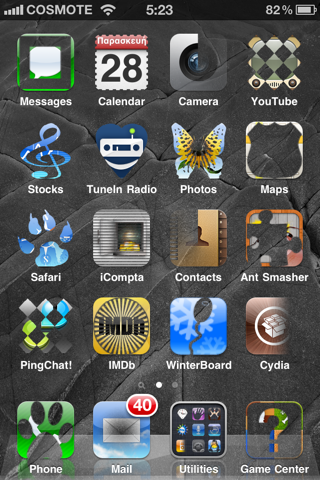
Here is a jailbreak app that will sure make iPhone themers happy. Masks, a new application that lets you quickly and easily customize the look of your wallpaper and icons.

Up until now, the best way to customize your springboard was by using WinterBoard. While a great application, WinterBoard can be a bit cumbersome: you have to search for a theme, download it, activate it in WinterBoard, and respring. Masks takes all that away by bringing to the table a new way to tweak your iPhone springboard...

How to Make Your iPhone Look Like Windows Phone 7

Microsoft's Windows Phone 7 platform is a step in the right direction for the industry titan. The announcement of the Windows Phone 7 OS was like a breath of fresh air after the antiquated and sluggish years of the Windows Mobile reign.

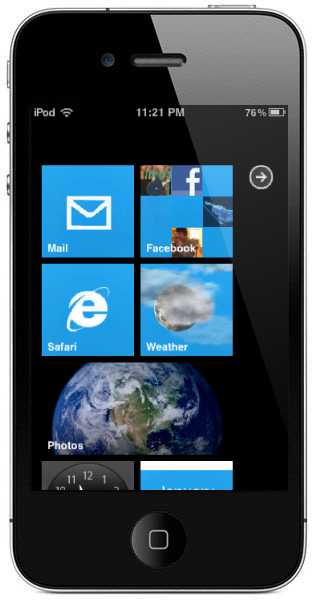
The Windows Phone 7 interface is quite unique. Microsoft had some very creative ideas when they designed the vertical, tile-like navigation in the OS. Windows Phone 7 live tiles display realtime information from apps for things like social networks and weather services.

Wyndwarrior, a jailbreak theme creator, has created a Windows Phone 7 theme for iOS. While there are other Winterboard themes that try and mimic the interface and features of Microsoft's mobile OS, Wyndwarrior's "OS7" bears a striking resemblance to the look and feel of Windows Phone 7...

“Theme It” Store Released in Cydia, Direct Competition for Cydia’s Own Theme Center

Finding good themes for a jailbroken iPhone has never been that easy. Themes are usually posted by designers on forums and portfolio websites, and it can be difficult for the average jailbreaker to discover all of the great themes that are out there.

Cydia recently added the "Theme Center," which aims to help users find the plethora of Winterboard themes for jailbroken iDevices. The Theme Center is a great addition to Cydia, but there is plenty of room for improvement.

"Theme It" is a new jailbreak app that aims to be the "Theme Store you've been waiting for." It does look very promising...

Cydia Adds the “Theme Center,” A Curated Gallery of Jailbreak Themes

Jay Freeman, a.k.a. saurik, has added a new feature to the king of jailbreak apps, Cydia. The "Manage Account" option was added to the Cydia home page not that long ago. This new feature allowed users to view their purchase history of jailbreak downloads through their Cydia account.

Saurik recently tweeted the news that his second new "Whole Package Index" feature for Cydia had gone live. The "Theme Center" is saurik's latest attempt at making the Cydia experience richer and easier, and we commend him.

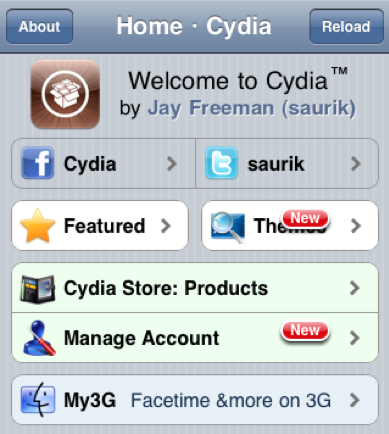
The Theme Center can be accessed through the new "Themes" addition to the Cydia home page. In the Theme Center, users can browse retina and non-retina display themes for their jailbroken iOS device...

How to Fix WinterBoard’s Text Shadow Issues

I admit, I'm not a big fan of custom themes and all that jazz. In my opinion most of the themes that come out look a little on the generic side, but I can understand why some users would be fond of the custom element that it adds to the iPhone.

WinterBoard is the de-facto standard when it comes to adding custom themes to your iPhone, and it's a prerequisite for quite a few of the tweaks that are available on Cydia as well.

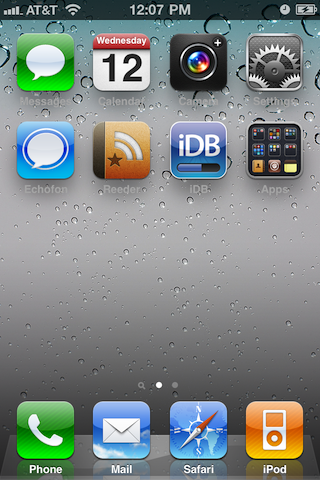
One of my main gripes with WinterBoard is the fact that it can interfere with the text on your Home screen. The text for the app names turns into a grey, shadowless, illegible mess as seen in the screenshot above.

To try to remedy this issue, WinterBoard comes with a "White Text Labels" option in its 'Select Themes' section. This helps alleviate the issues surrounding the color of the text, but unfortunately still lacks the shadows that the stock look is known for...

IconHarvester: The Easiest And Prettiest Way To Change Your iPhone App Icons

In the jailbreak community, there are plenty of ways to change the way that your iPhone interface looks. Icons especially are a large part of the iOS interface that people like to tweak to their liking.

Once jailbroken, you can do all kinds of things to your iPhone's icons. You can convert old app icons to retina display icons, arrange the way they look on your home screen in any way you want, and the list goes on and on.

Themes via apps like WinterBoard also allow you to change your icons to suit different looks. IconHarvester, by NanoTech, is a relatively unknown jailbreak app that focuses specifically on icon-theming. It's elegant and simple interface make it well worth the price for any icon lover...

Bring the Awesome Look of TRON to Your iPhone

The recent movie release of "TRON: Legacy" has lots of geeks salivating over the amazing universe  of "The Grid." I went and saw the movie this past weekend, and I was blown away by the special effects used to create the world of the film.

Luckily, I've found some nice TRON iPhone wallpapers and an awesome theme for jailbreakers. After using these wallpapers and theme, your iPhone will look like it was designed by Kevin Flynn himself...

Glasklart HD Theme for iPhone 4: Simple and Elegant

Since the release of the iPhone 4 and its brilliant Retina Display, the amount of available themes for jailbreakers has been greatly diminished. First, the jailbreak for iOS 4 took some time, and once it happened it seemed no one was quick to convert their existing themes to match the stunning Retina Display quality. A few have started to crop up, now that the jailbreak for iPhone 4 seems permanent.

Themes seemed like a lot of fun when I first jailbroke my iPhone, but they quickly lost their novelty as they were often battery hogs and well, just plain tacky. But sometimes I like to change it up, and now I know the simpler the theme, the better. (Hey, kind of like Apple's design... imagine that!) Enter the Glasklart HD theme, designed especially for iPhone 4.

5 of the Best SBSettings Themes

If you have jailbroken your iOS device, chances are you've heard of SBSettings. For years, it has remained one of the staple applications of the BigBoss repo in the Cydia store. If you aren't familiar with SBSettings, go read our original review of the app.

In my opinion, SBSettings is enough reason to jailbreak. The app is that useful. I'm not sure why Apple hasn't implemented the idea into iOS yet. I love being able to quickly toggle my iPhone's resources and settings on and off.

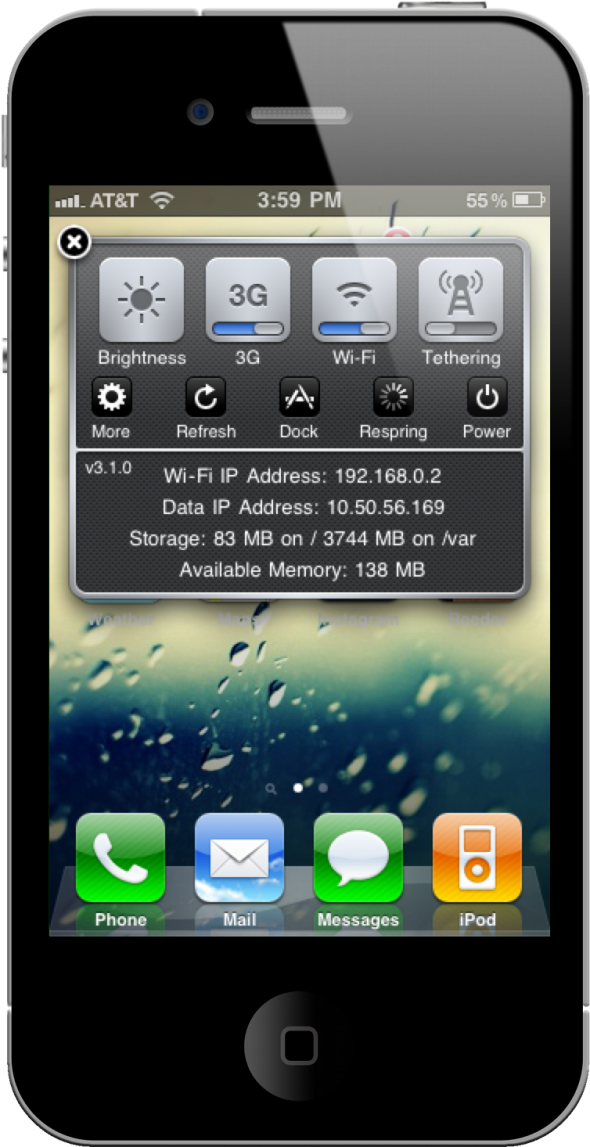
The two things I love in an app are functionality and aesthetics. And in most cases, I won't use an app if it doesn't have both. The functionality of SBSettings is undeniable, but I've found that finding an aesthetically pleasing theme for the app is somewhat tedious. So, I have done my best to comb the far reaches of Cydia to bring you five of the best SBSettings themes...

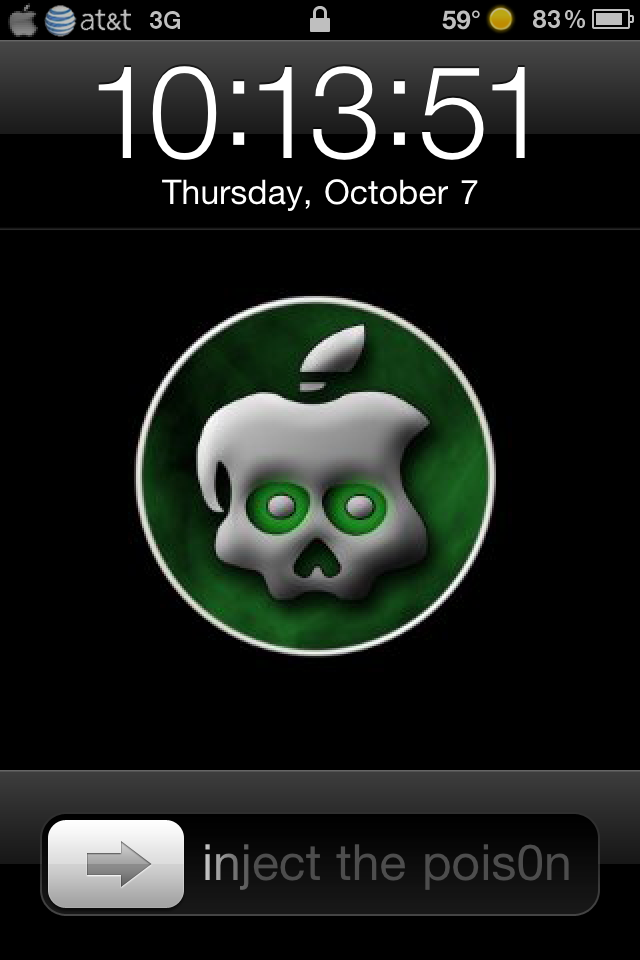
GreenPois0n Lockscreen Makes Waiting for iPhone 4.1 Jailbreak (un)Bearable

I need it.  You need it.  We all need the 4.1 GreenPois0n jailbreak!  To help us wait out these final days, a guy who appropriately goes by the name of “Sadist” has a GreenPois0n battery, lockscreen and slider theme available in Cydia.

Except after installing it I realized it just makes me more impatient for the new jailbreak, especially when the slider taunts “Inject the Pois0n.”  So he’s not just a sadist, he’s a tease...

The Art Of iPhone Customization

Customization is probably one of the biggest reasons people jailbreak their iDevices, I know personally I love the ability to make my iPhone mine. There are endless possibilities for customizing you device starting from the smallest things such as battery themes to full blown all out UI custom themes. There is a plethora of themes to choose from on Cydia and all of them are beautiful in there own right. Some of them are free and some you have to pay for. In my experience the paid themes are usually worth the money because they are 100% original and are normally a work of art.

I have recently got into building themes which started of as just graphical but I soon realized that it went a lot deeper. I started learning a little HTML and .css (style sheets that simplify HTML) and springboard strings, just to name a few non graphical modifications that can be made. I soon had created my own complete theme, Carbon OS which has a lot of extras (and is available in Cydia).

I thought I would share some easy and effective methods for learning to build these themes in case you guys want to get into doing it too. I have compiled a small list of things you will need to do so and some pointers to help you get started. First things first though lets make sure we have a jailbroken device with Winterboard installed and have the ability to SSH into your device. If you need help with any of this check out our forums or our jailbreak section on this blog. Now on to what you need.