Theme

Give your jailbroken handset the custom aesthetics it deserves with Cyanea

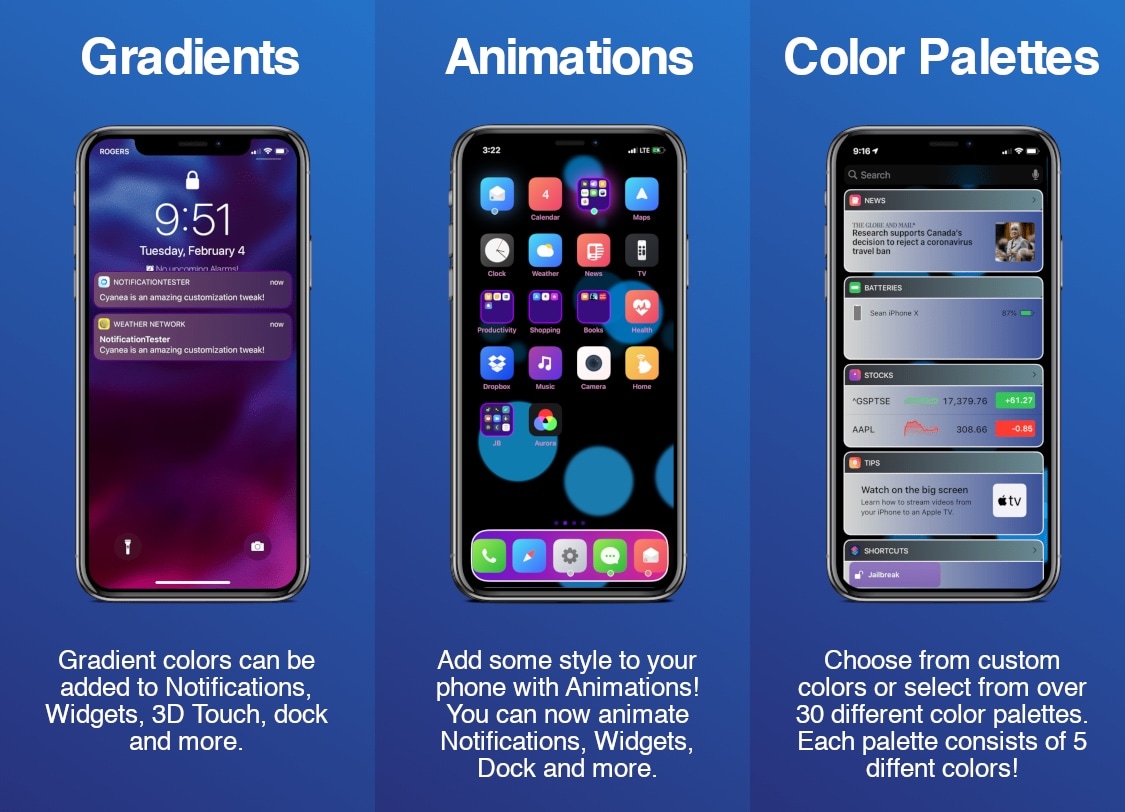
Cyanea is a newly released jailbreak tweak by iOS developer Sirius24 that incorporates a surfeit of fun new ways to customize your jailbroken handset’s system-wide aesthetics and behavior.

Cyanea is the highly-evolved successor of an older tweak called Chameleon that we showed you last year. It permits those users to personalize their device with custom color gradients, color palettes, animations, and more.
ColorMeCC lets you colorize iOS’ Control Center for free

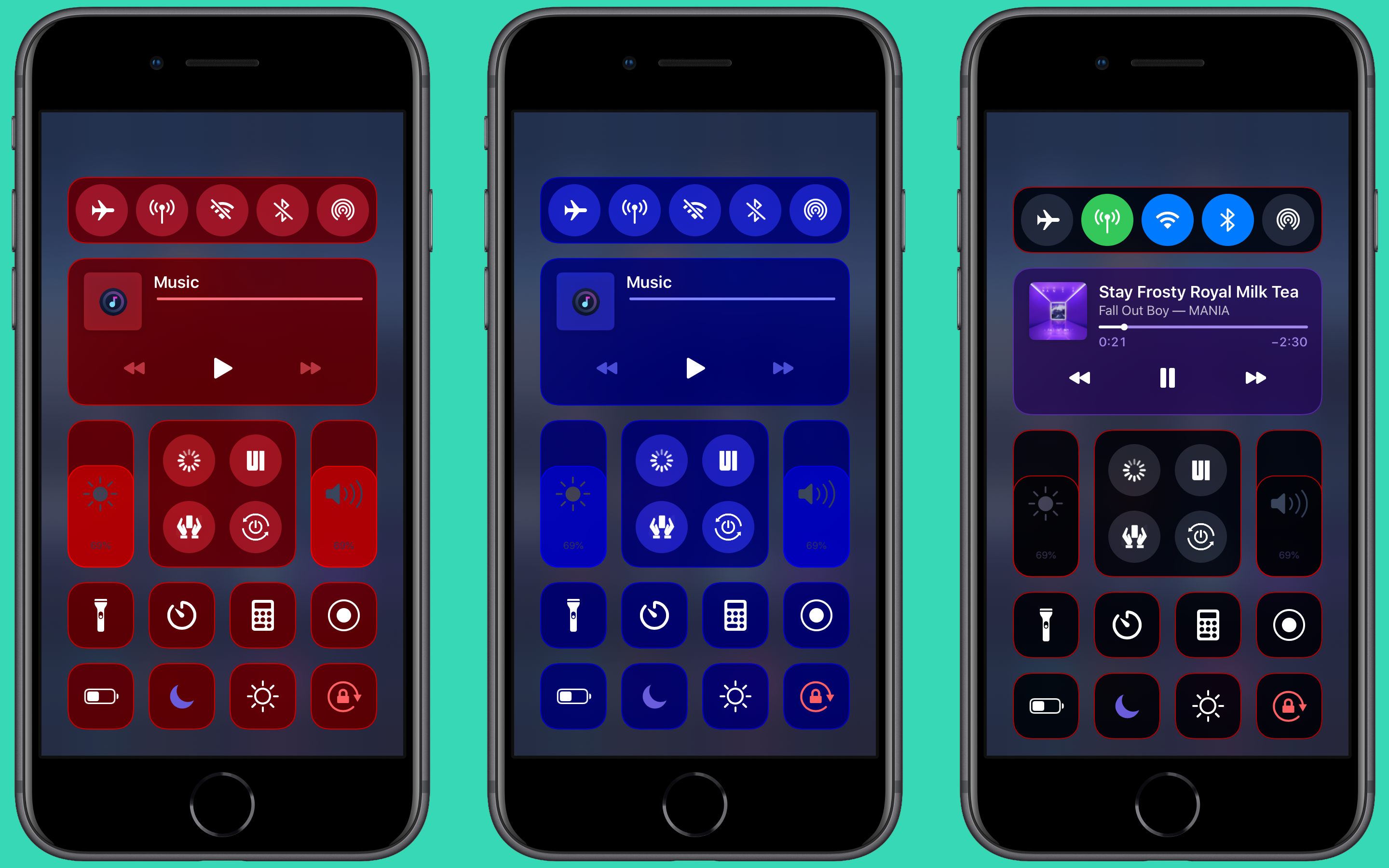
Jailbreakers who enjoy theming and adding their own personal splash of color to the native iOS user interface to make it distinguishable from the crowd won’t want to pass up on a newly released and free jailbreak tweak called ColorMeCC by iOS developer MrGcGamer.

As you might’ve inferred from the tweak’s name and the aforementioned context, ColorMeCC lets you colorize the Control Center interface in ways that aren’t possible on a stock device. The tweak incorporates a plethora of options for personalizing the Control Center interface, as you’re about to see.

Colorize your iPhone’s Status Bar icons with Aerial 2

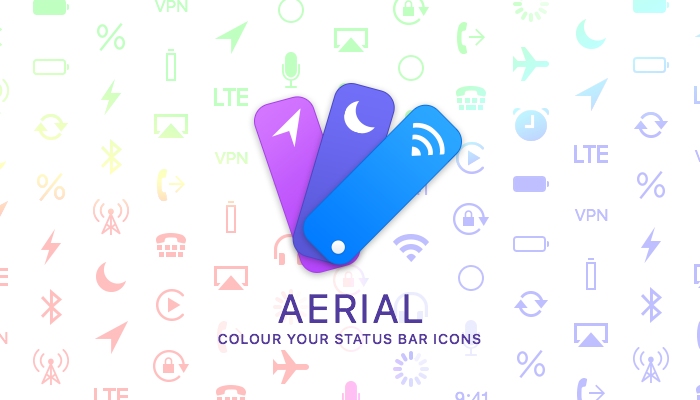
The Status Bar is something that iPhone and iPad users will interact with on a daily basis, and that’s why those looking to add a touch of personalization to their pwned handsets should consider checking out a newly released jailbreak tweak called Aerial 2 by iOS developer PolyTweaks.

As you might’ve ascertained already from the name, Aerial 2 is the reincarnation of a tweak that was initially released three years ago. Just like the original, the newer tweak lets users colorize their Status Bar’s icons however they want with individualized color pickers.

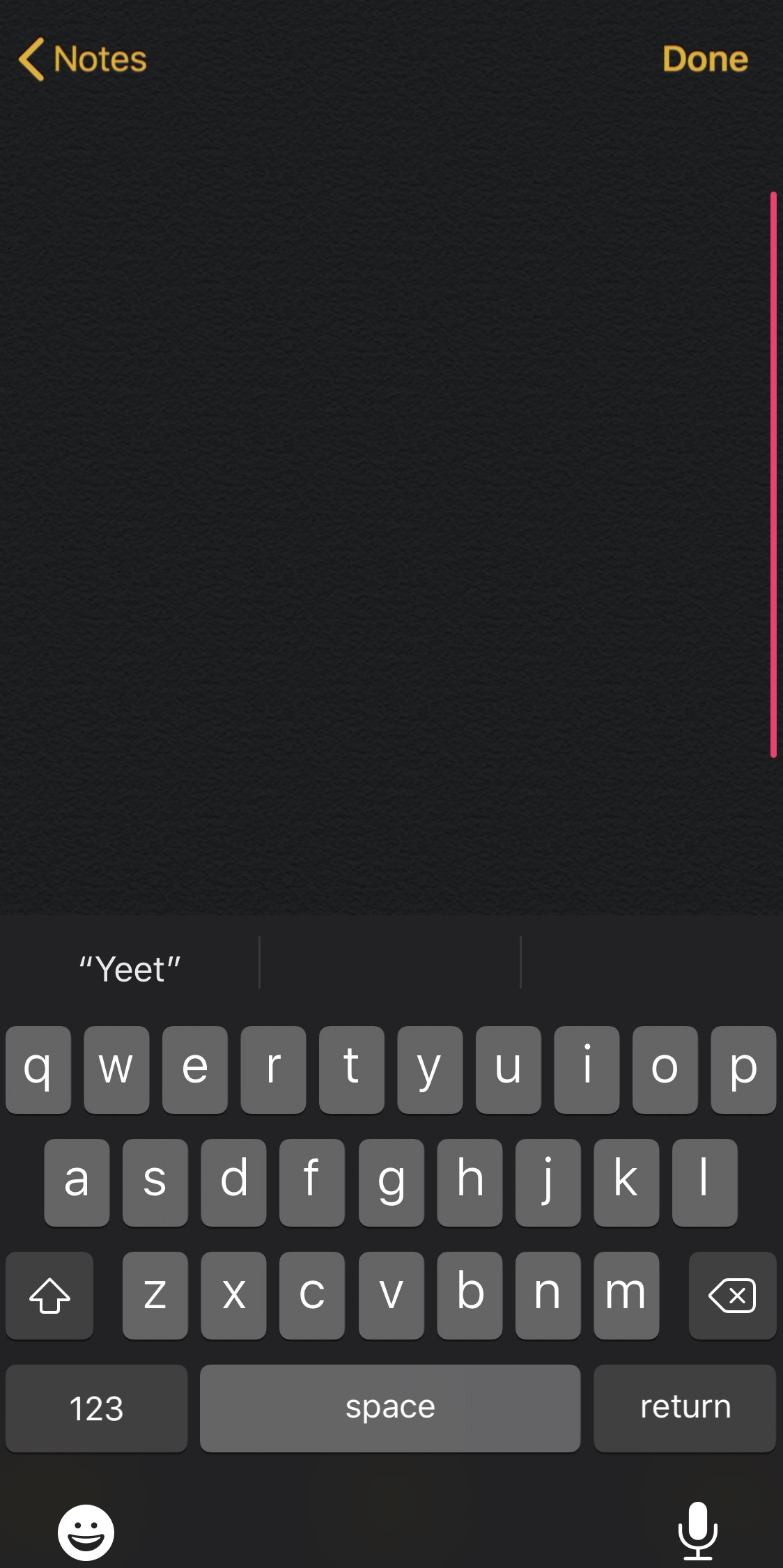
This tweak lets you colorize your iPhone’s selected text highlights

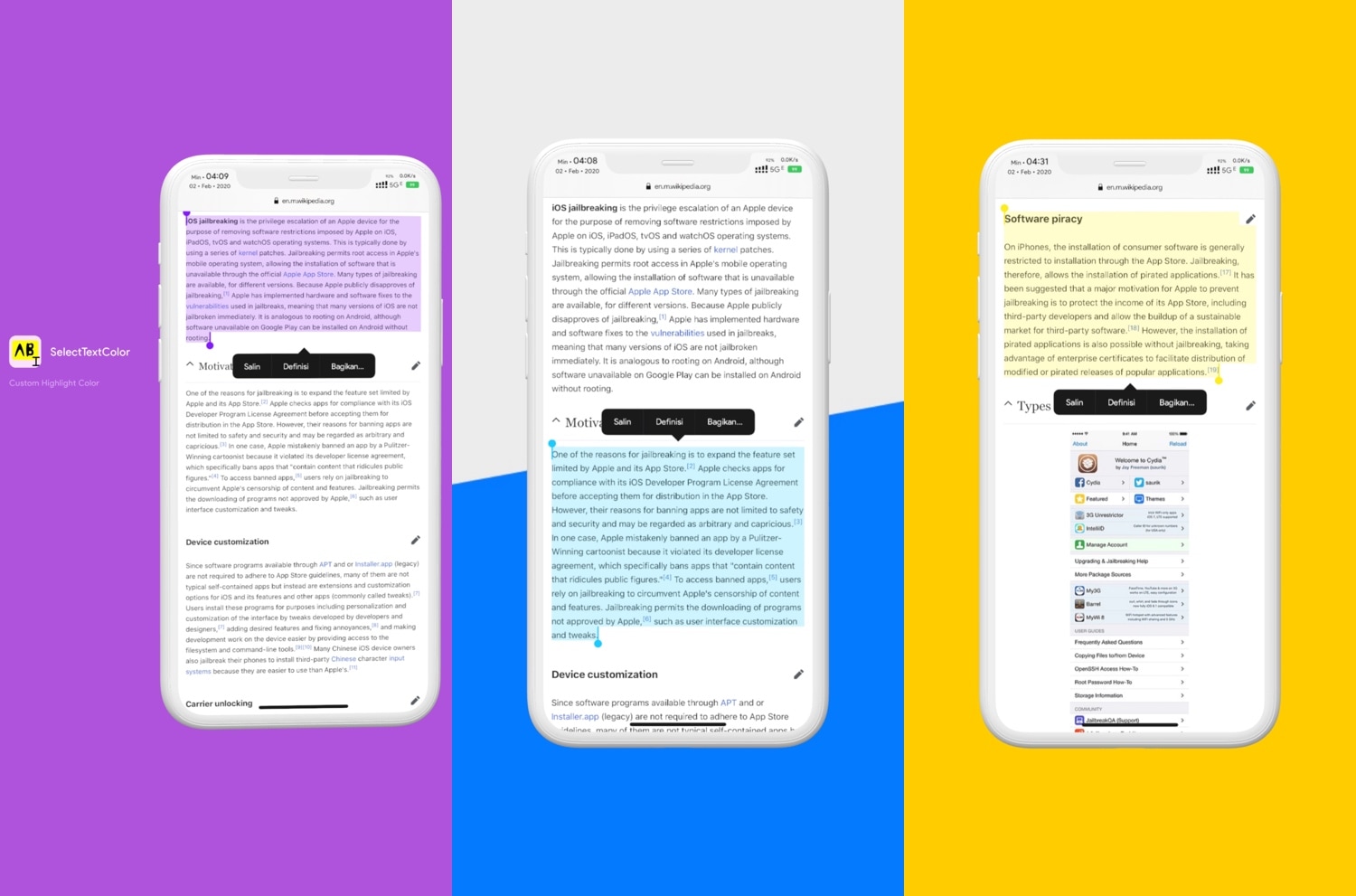
As you select bodies of text in iOS, whether that’s from a website, a text-editing app, or somewhere else, you’ve probably gotten accustomed to seeing a light blue highlight designating the text you’ve selected. I love that I can select text to copy and paste elsewhere in iOS, but I generally wish Apple provided more aesthetic customization in this department.

Enter SelectTextColors, a newly released jailbreak tweak by iOS developer pxcex that responds to this longstanding request by letting users customize their selected text highlighting colors.

Give iMessage bubbles a custom color gradient with this tweak

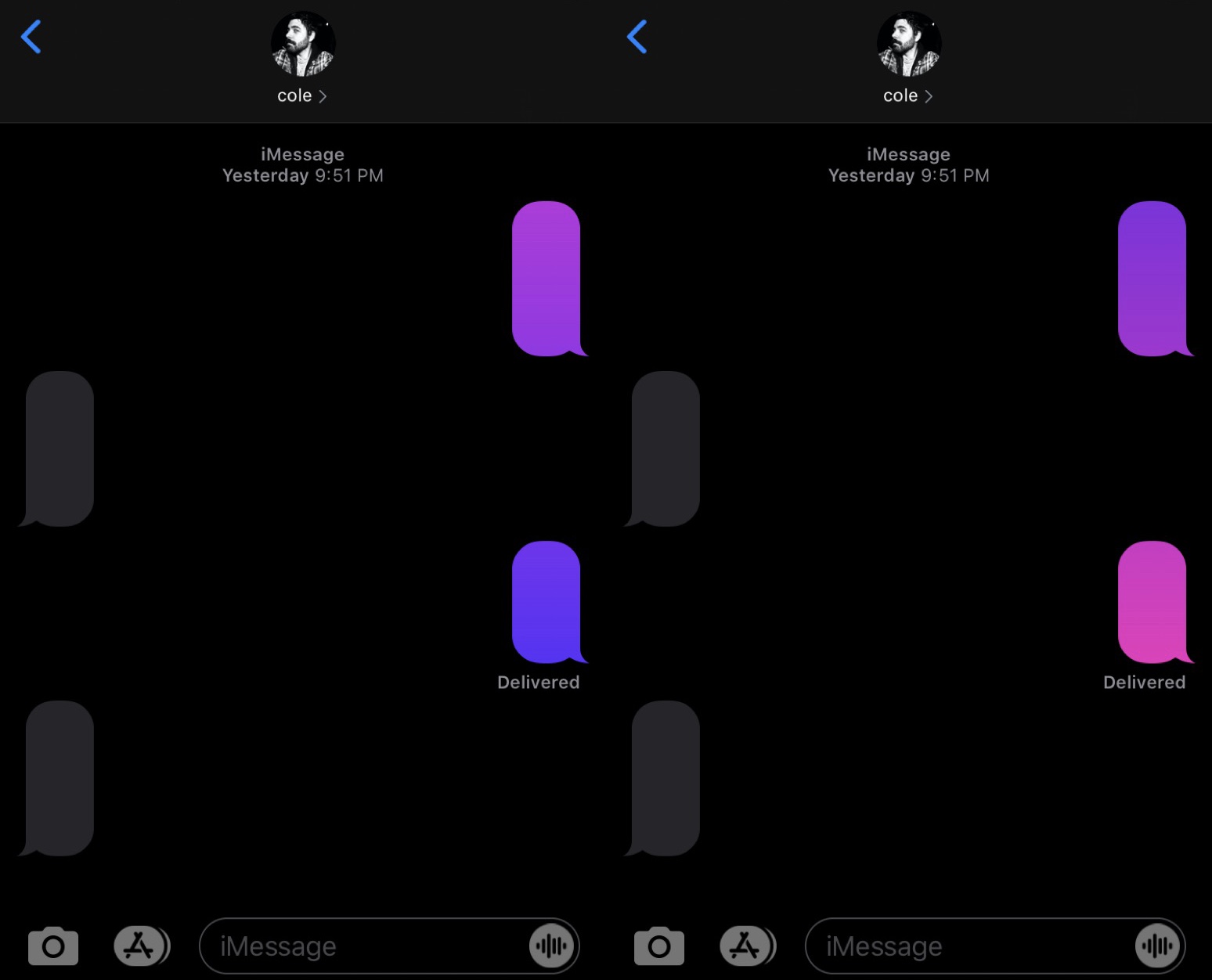
One of the best parts of owning a pwned iPhone is having the ability to colorize the native iOS interface however you want, as doing so can help make your handset stand out from the crowd of monotony.

That said, if you’re interested in adding a fresh coat of paint to the native Messages app, then you might take a liking to a new and free jailbreak tweak called iMessageGradients by iOS developer Cole Cabral.

LiveRings updated for iOS 13, animates the Activity app icon’s rings

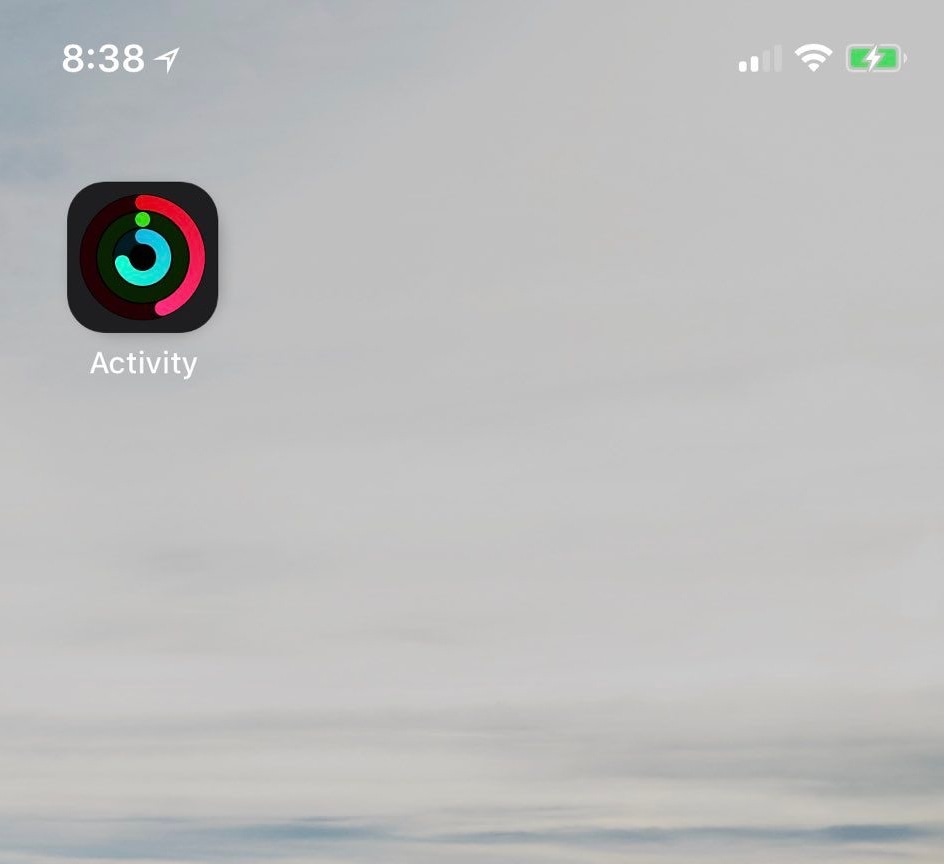
If you take advantage of the standard fitness features that ship with your iPhone and Apple Watch, then you might use the native Activity app to view daily progress. As you proceed, the rings inside the app slowly complete a 360–degree circle, an achievement commonly known as ‘closing rings.’ My only gripe with this is that you have to open the app to see any details.

Thankfully, a jailbreak tweak called LiveRings by iOS developer CPDigitalDarkroom lets you view a summary of your activity directly from the Home screen without even launching the Activity app. That’s because the tweak animates the Activity app icon itself to depict ring-closing progress.

CustomPlayer lets you colorize iOS’ Now Playing widget

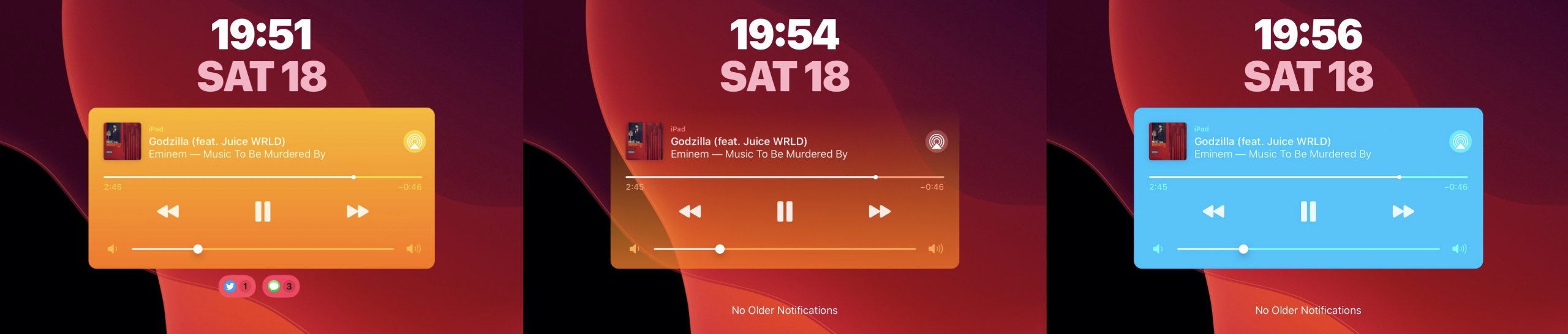
Whenever you listen to a song, iOS puts a widget on your handset’s Lock screen so that you can see what’s playing and interact with the playback as you see fit. As useful as this is, it’s particularly unfortunate that Apple doesn’t let you customize the widget’s aesthetics in any way.

Thankfully, it doesn’t have to be that way if you’re jailbroken. A newly released and free jailbreak tweak dubbed CustomPlayer by iOS developer iCraze enables users to colorize the Now Playing widget however they like.

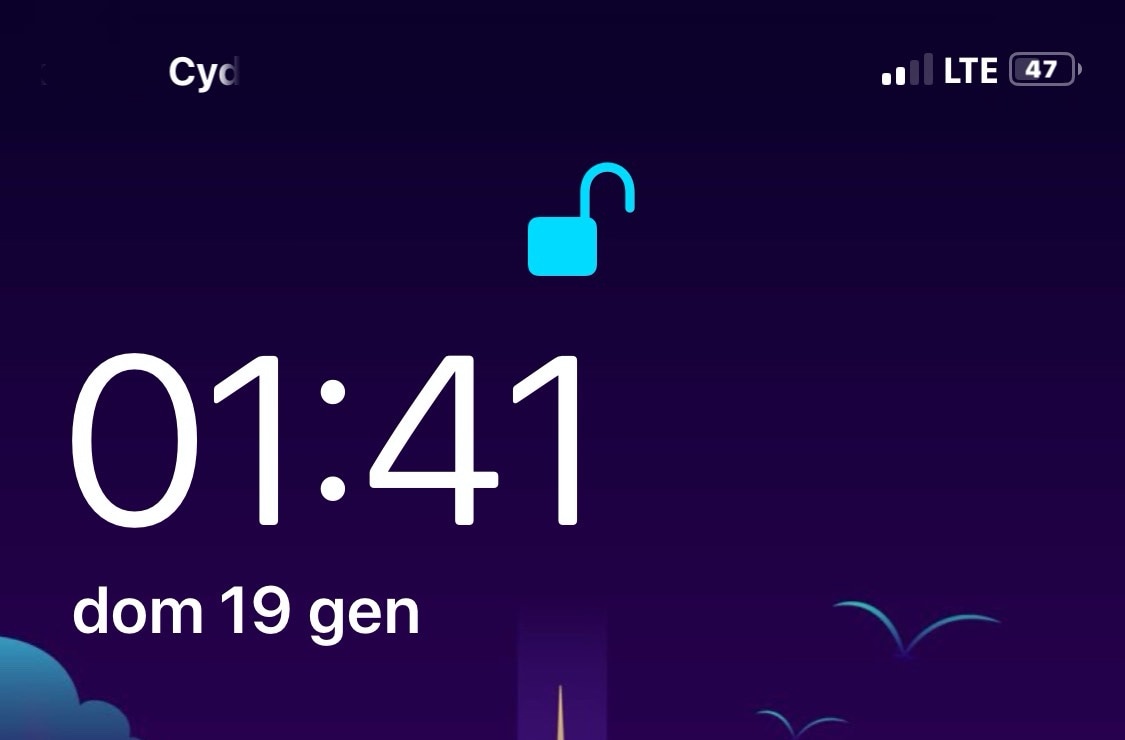
Proudify adds special effects to the Lock screen’s Face ID padlock glyph

If you have a pwned Face ID-equipped iOS device in your possession and you’re looking for a new way to customize its aesthetics, then your search may land you at a new and free jailbreak tweak called Proudify by iOS developer CydiaGeek.

As depicted in the screenshot examples above, Proudify can both colorize and add special effects to the Lock screen’s Face ID padlock glyph, and it can make using Face ID that much more exciting day in and day out.

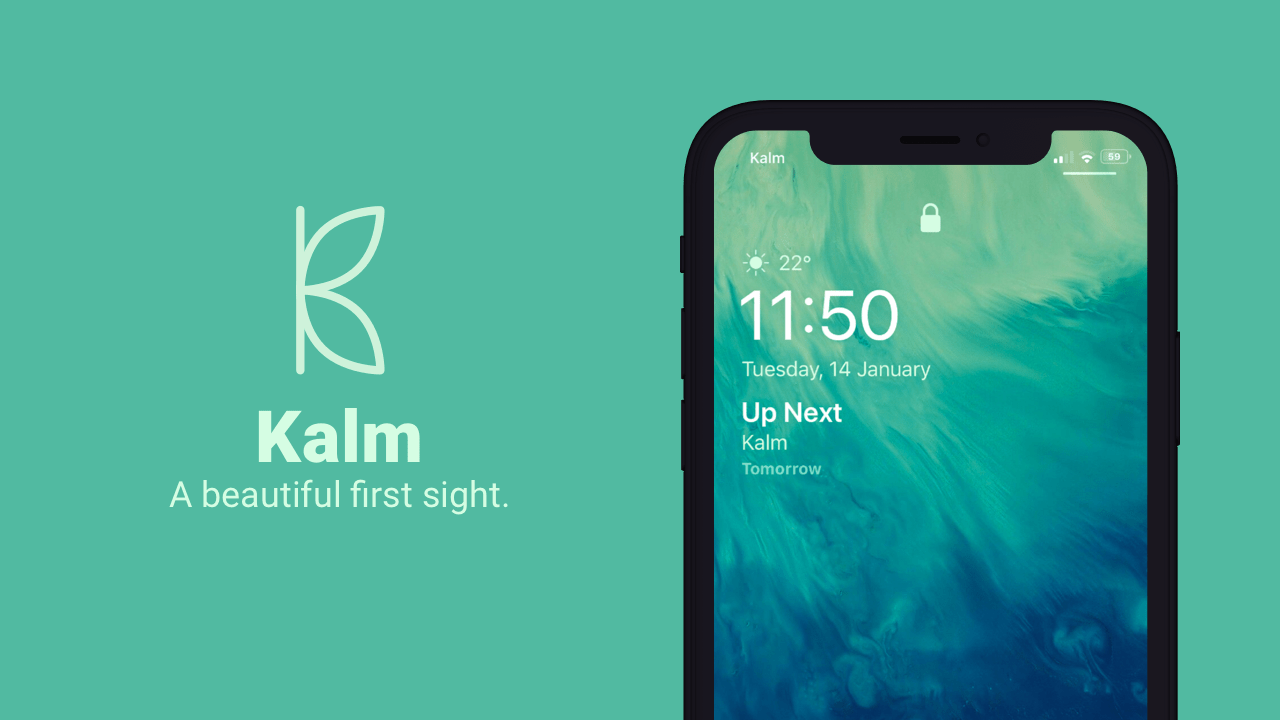
Kalm is a more informative Lock screen for pwned iPhones

The iOS Lock screen has received a plethora of subtle design changes over the years, but they haven’t been quite as audacious as some users would like to see, and personally, I’d like to see more of my most pertinent information directly on my Lock screen every morning without having to swipe anywhere.

If you’re onboard with this train of thought, then I think you’ll enjoy a newly released jailbreak tweak called Kalm by iOS developer ubik. Kalm brings a beautiful new information-oriented display to your iOS device’s Lock screen, permitting you to see more of what’s going on at a glance with substantially less interaction on your part.

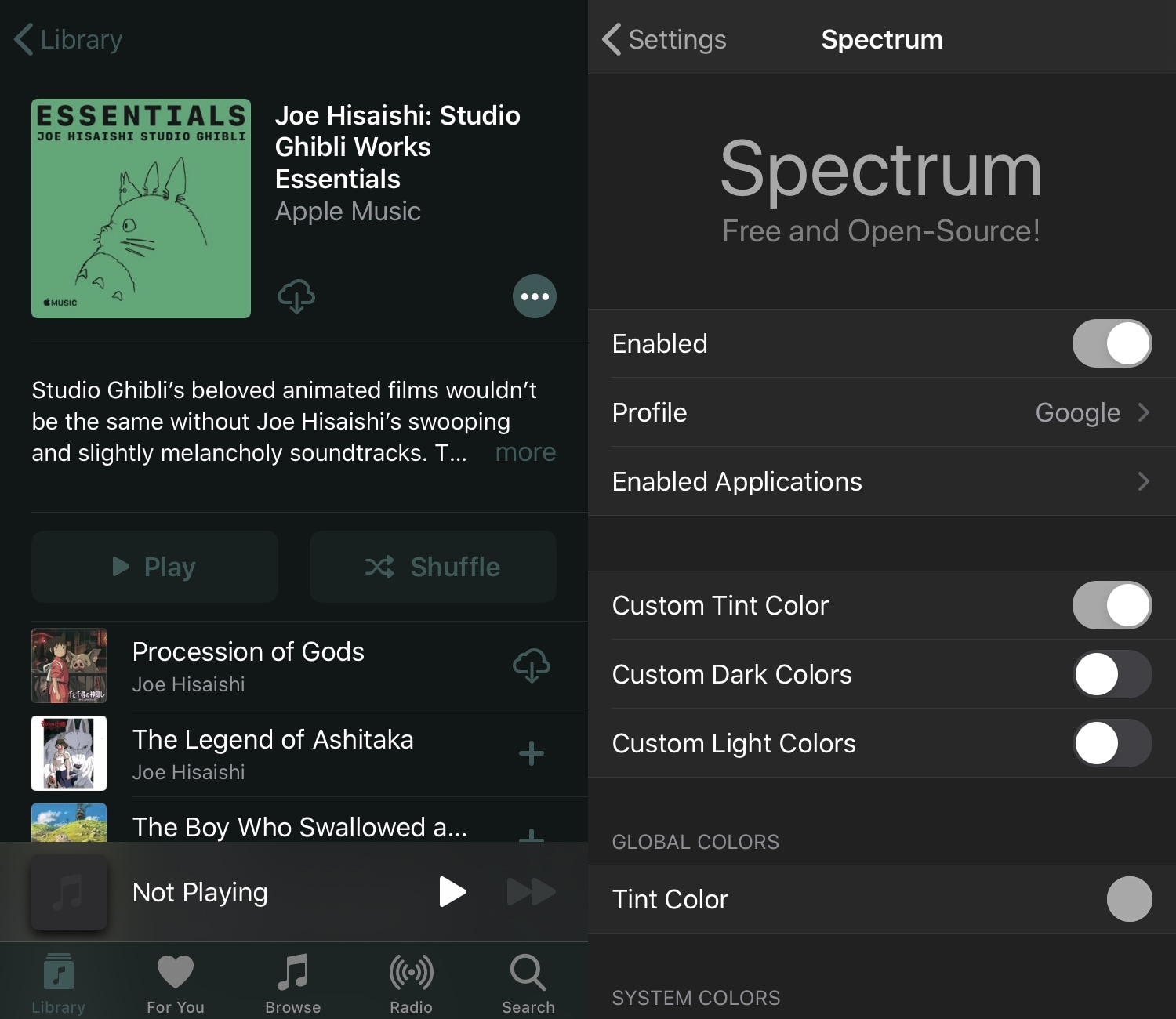
Spectrum lets jailbreakers colorize iOS’ user interface for free

Those looking to change up the traditional aesthetics of their pwned iOS device will be excited to hear about the new release of a free jailbreak tweak called Spectrum by iOS developers Skitty and EvenDev.

Spectrum brings a multitude of ways to colorize your iPhone or iPad’s user interface, be it with predefined color profiles or with totally custom color schemes.

ColorScroll lets jailbreakers colorize their iPhone’s scroll bar

Jailbreakers who enjoy theming and colorizing their iOS device’s native user interface may want to turn their attention to a newly released and free jailbreak tweak named ColorScroll by iOS developer shepgoba.

Just as the name implies, ColorScroll permits users to configure custom colors for their handset’s scroll bars, which appear an disappear dynamically when you begin scrolling up or down an app’s interface with your finger.

This tweak gives your iPhone a snazzy new Status Bar battery indicator

The battery level indicator is perhaps one of the most important items in your iPhone’s Status Bar. Not only does it tell you how far along your handset’s battery percentage is, but it also gives you a rough idea of about how much longer you can expect to use your device before it’s time to plug it in to a power source.

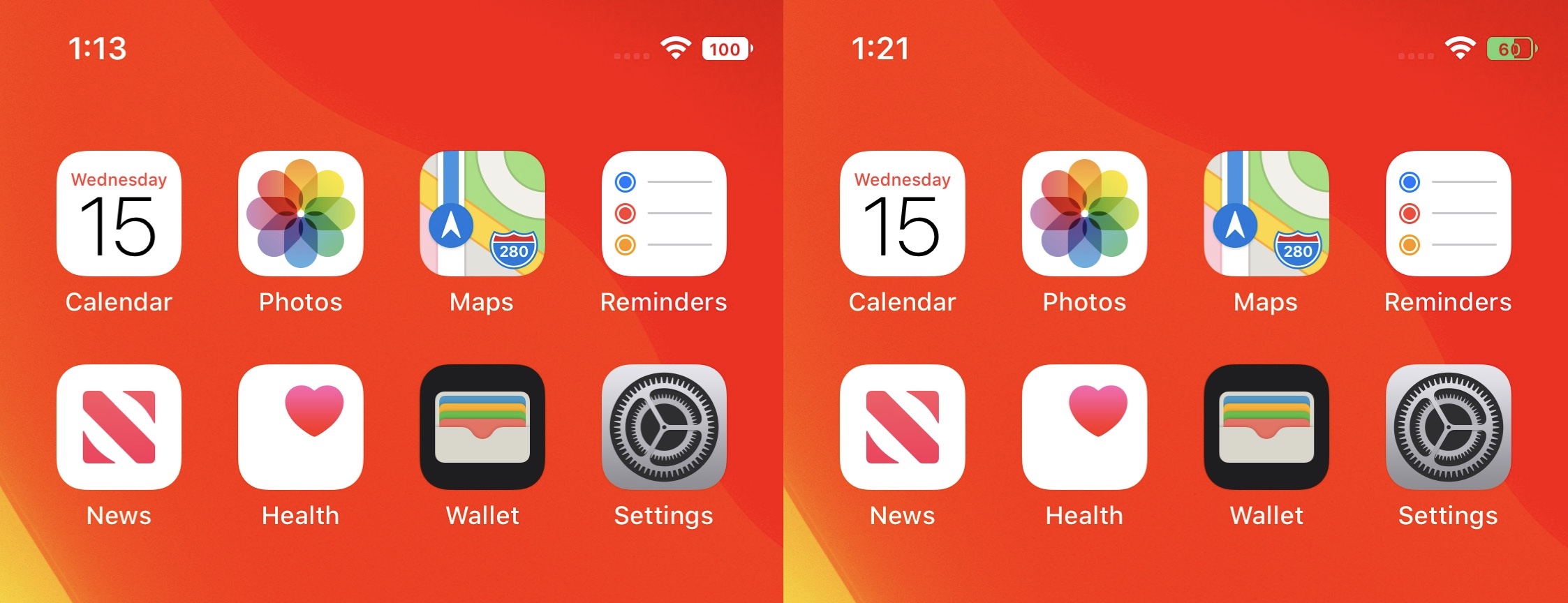
There’s nothing particularly wrong with iOS’ native battery level indicator, but starting with Apple’s trendy notched handsets, the icon itself doesn’t display a numeric battery percentage anymore. Fortunately for those looking to change that, you can now download a new, free jailbreak tweak called half by iOS developers Soongyu Kwon and Ayden Leppert.